Every hotel has a compendium somewhere. It is the thick folder on the desk, the binder with coffee rings on the cover page, or the laminated sheet nobody reads. Guests ask for the Wi-Fi password anyway, and your front desk answers the same ten questions all day. A well built compendium fixes that. This free hotel compendium template gives you the sections, the wording ideas, the page layouts and the steps to publish a digital version with Flipbooks AI, so guests can read it on their own phone before they even reach the lobby.
Below you will find a full page plan you can copy, a table of content ideas by section, layout rules that keep pages easy to scan, and a short tutorial for turning your PDF into a page-turning flipbook with no watermark.
What a Hotel Compendium Is
A hotel compendium (also called an in-room directory, guest information book or hotel services guide) is a single document that holds everything a guest needs during a stay. Think of it as the operating manual for the guest experience. It answers questions before they reach your staff and it sells your services quietly, page after page.
What Belongs Inside
A good compendium mixes practical facts with light selling. Most properties include:
- Welcome message from the general manager
- Wi-Fi details, check-out time and emergency contacts
- Room services: housekeeping, laundry, room service, in-room dining
- Dining and bar opening hours with sample menus
- Spa, pool and fitness information
- Local area picks: walks, sights, transport, pharmacies
- Policies: smoking, pets, quiet hours, cancellation
- Sustainability notes and how guests can take part
💡 Pro tip: Write the compendium for the guest who is tired, jet-lagged and holding a suitcase. Short answers beat long welcome speeches.
Printed vs Digital Use
Most hotels keep a printed copy in the room and add a digital version. Each format does a different job.
| Format | Best For | Weak Spot | Update Speed |
|---|
| Printed book | Older guests, luxury feel, in-room display | Costly to reprint, goes out of date | Slow |
| PDF file | Email attachments, simple downloads | Plain scrolling, no page feel | Medium |
| Digital flipbook | QR codes, mobile reading, links and video | Needs a one-time setup | Fast |
A flipbook keeps the feel of a bound book but adds clickable links, embedded video and instant updates. When your spa hours change on Monday, the guest sees the new hours on Monday.
Content Ideas for Every Section
The hardest part of a compendium is deciding what to write. The table below gives you ideas for each section, plus a note on tone.
| Section | Content Ideas | Suggested Length |
|---|
| Welcome | Manager's note, hotel story, a photo of the team | 1 page |
| Essentials | Wi-Fi, check-in and check-out, phone extensions, safe use | 1 page |
| Rooms | Climate control, TV and casting, minibar, pillow menu | 2 pages |
| Dining | Breakfast hours, in-room dining menu, allergy notes | 2 to 4 pages |
| Wellness | Spa treatments, gym hours, pool rules, yoga schedule | 2 pages |
| Local Area | Top 10 walks, cafes, transport, emergency services | 2 to 3 pages |
| Events | Meeting rooms, weddings, celebration packages | 1 to 2 pages |
| Policies | Pets, smoking, noise, accessibility, sustainability | 1 page |
Welcome and Property Basics
Open with a short, human welcome. Three or four sentences from the general manager, with a real photo, will do more than a page of brand slogans. Then give the essentials page: the Wi-Fi network name, check-out time, reception extension and the number to call for urgent maintenance.
Guests flip to this page more than any other, so place it right after the welcome, never at the back.
Rooms and Services
Describe what guests can actually do. Instead of "premium bedding experience," write "Ask the front desk for a firmer or softer pillow. Delivery takes about ten minutes." Include:
- How to adjust heating and cooling
- How to order housekeeping or turn-down service
- Laundry pick-up times and price list
- Minibar and in-room coffee details
- Extension numbers for each department
Dining, Spa and Local Tips
This is where the compendium earns revenue. A clear menu page with a photo of your signature dish lifts in-house orders. A spa page with three treatment bundles gets more bookings than a long list of 20 options. If you want to see how a menu layout can work, try the Restaurant Menu Creator or the Spa & Wellness Menu tool and reuse the idea inside your compendium.
For local tips, give personal picks rather than a generic list. "Marta at the front desk recommends the bakery on Calle Luna before 9 a.m." feels real and builds trust.
Page Layouts That Work
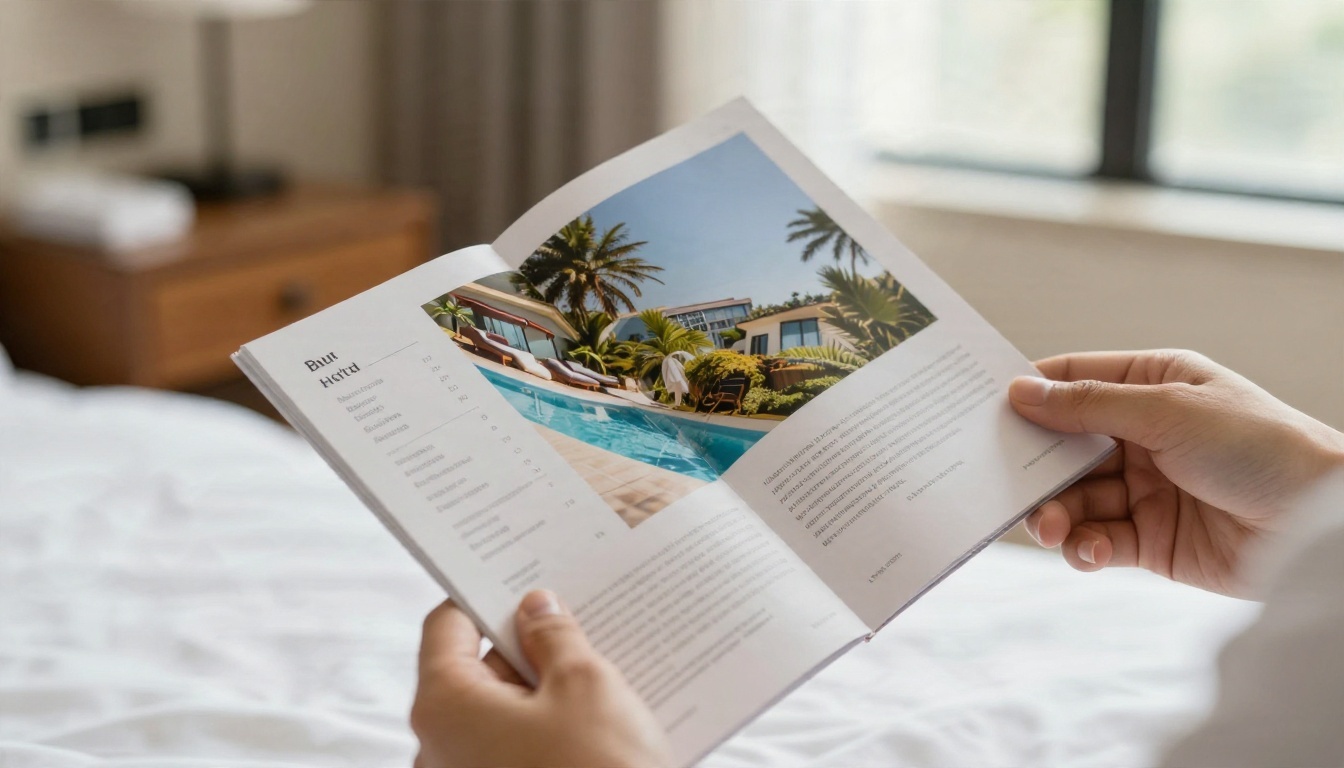
Layout is where many hotel compendiums fail. Dense text, tiny type and clashing fonts push guests back to the phone at the front desk. Keep the structure simple and repeat it.
Page by Page Template
Here is a 16-page template you can copy straight into Canva, InDesign, Word or Google Slides. Use A5 portrait or a 16:9 landscape format if the main reading will happen on screens.
| Page | Content | Layout Style |
|---|
| 1 | Front page with hotel name and one hero photo | Full-bleed image, small logo |
| 2 | Welcome note from the manager | Photo left, text right |
| 3 | Essentials: Wi-Fi, times, phone numbers | Icon list, large type |
| 4 to 5 | Your room: controls and services | Two columns, small photos |
| 6 to 7 | Dining and bar | Menu grid with one large dish photo |
| 8 | Breakfast and in-room dining | Timetable table |
| 9 to 10 | Spa, pool and fitness | Full-bleed photo plus short list |
| 11 to 12 | Local area picks and map | Map with numbered pins |
| 13 | Events and meetings | Three-card layout |
| 14 | Policies and accessibility | Plain text, short bullets |
| 15 | Sustainability and feedback | Photo plus QR code |
| 16 | Back page with contact details | Centered text, logo |
Layout Rules for Readability
Follow these rules and your pages will feel calm and professional:
- One idea per page. If a page holds three topics, split it.
- Body text at 10 to 12 pt for print, and at least 16 px equivalent for screens.
- Two fonts maximum: one serif or display font for headings, one clean sans-serif for body.
- Photos with purpose. Show the real room, the real pool, the real breakfast. Stock photos of smiling strangers lose trust.
- Generous margins. White space makes a page feel luxurious.
- Consistent color. Pick two brand colors and one neutral, then stop.
⚠️ Watch out: Light grey text on a white background looks elegant on your monitor and unreadable on a phone in sunlight. Test every page on a real device.
The Free Template Outline
Copy the outline below into your document editor and fill in your own details. Replace each square bracket with real information.
Page 2: Welcome
- "Welcome to [Hotel Name]. We are glad you are here."
- Two sentences about the property's story
- Manager name, signature and photo
Page 3: Essentials
- Wi-Fi network: [Name] / Password: [Code]
- Check-in: [Time] / Check-out: [Time]
- Reception: dial [Extension] (24 hours)
- Emergency: dial [Extension] or [Local Number]
Page 4: Your Room
- Heating and cooling: how to use the control panel
- Room safe: how to set a code
- Minibar: what is free, what is charged
- Housekeeping: "Hang the door tag for later service"
Page 6: Dining
- Restaurant name, hours and location
- Three signature dishes with a short description
- Allergy and dietary note: "Tell your server and we will adapt"
Page 9: Wellness
- Spa opening hours and booking extension
- Pool rules in five short bullets
- Gym access and towel service
Page 11: Around the Hotel
- Five places within 10 minutes on foot
- Three places within 30 minutes by taxi
- Nearest pharmacy, hospital and supermarket
Page 15: Feedback
- "Tell us how your stay is going" with a QR code that links to your short survey
✅ Best practice: Write all text in plain, friendly language. If your guests come from several countries, produce a second language version and link both from the same QR code page.
How to Create a Digital Version With Flipbooks AI
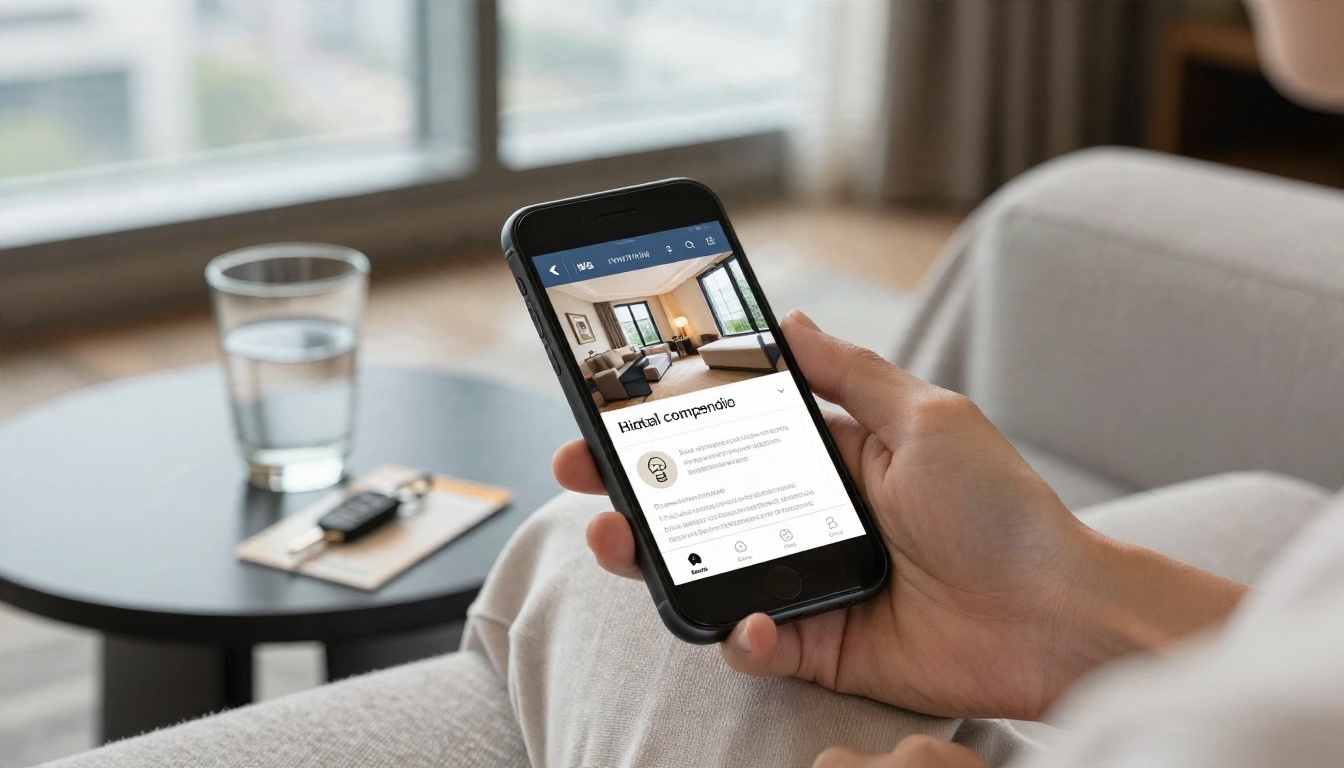
Once your PDF is ready, turning it into a digital compendium takes about ten minutes. The platform works especially well for hotels because it handles photo-heavy files, adds no watermark and keeps your branding front and center. You can also look at the dedicated Hotel Brochure tool for related layouts.
Upload and Convert
- Go to Flipbooks AI and create an account.
- Click to create a new flipbook and upload your PDF. The PDF to Flipbook Converter turns each page into a turnable page in seconds.
- Check the page order and preview on desktop and mobile. The design is mobile-responsive, so text and photos adjust to the guest's screen.
💡 Tip: Export your PDF at 150 to 200 DPI. That keeps photos sharp without making the file heavy for guests on hotel Wi-Fi.
Brand and Customize
Open the customization panel and set the details that make the compendium feel like yours:
- Add your logo and set a background color that matches your lobby palette
- Choose a page-turn effect and sound (or turn the sound off for a quiet feel)
- Add clickable links over phone numbers, the spa booking page and the restaurant reservation form
- Embed videos and audio, for example a 30-second room tour or a welcome message from the chef
Share and Protect
Publishing is the part that makes a digital compendium useful. You have several options:
| Sharing Option | How Hotels Use It |
|---|
| Direct link | Put it in the pre-arrival email and booking confirmation |
| QR code | Print on the key card sleeve, bedside card and lift lobby sign |
| Embed code | Place the compendium on your website's "Guest Info" page (see Embed Flipbook on Website) |
| Password protection | Keep staff manuals or group event packs private |
| Offline download | Let guests save a copy before traveling in low-signal areas |
Track Guest Use
On the Professional plan you get analytics and lead generation. You can see which pages guests open most, how long they stay on each page and whether the spa page leads to bookings. Review the numbers after a month: if nobody reads page 14, shorten it. If the dining page is a favorite, expand it. See the pricing plans to compare what each tier includes. Standard and above give you unlimited flipbooks, handy if you manage several properties or run seasonal editions.
Real Hotel Examples
Here are three scenarios that show how the template adapts to different properties.
A 30-Room Boutique Hotel
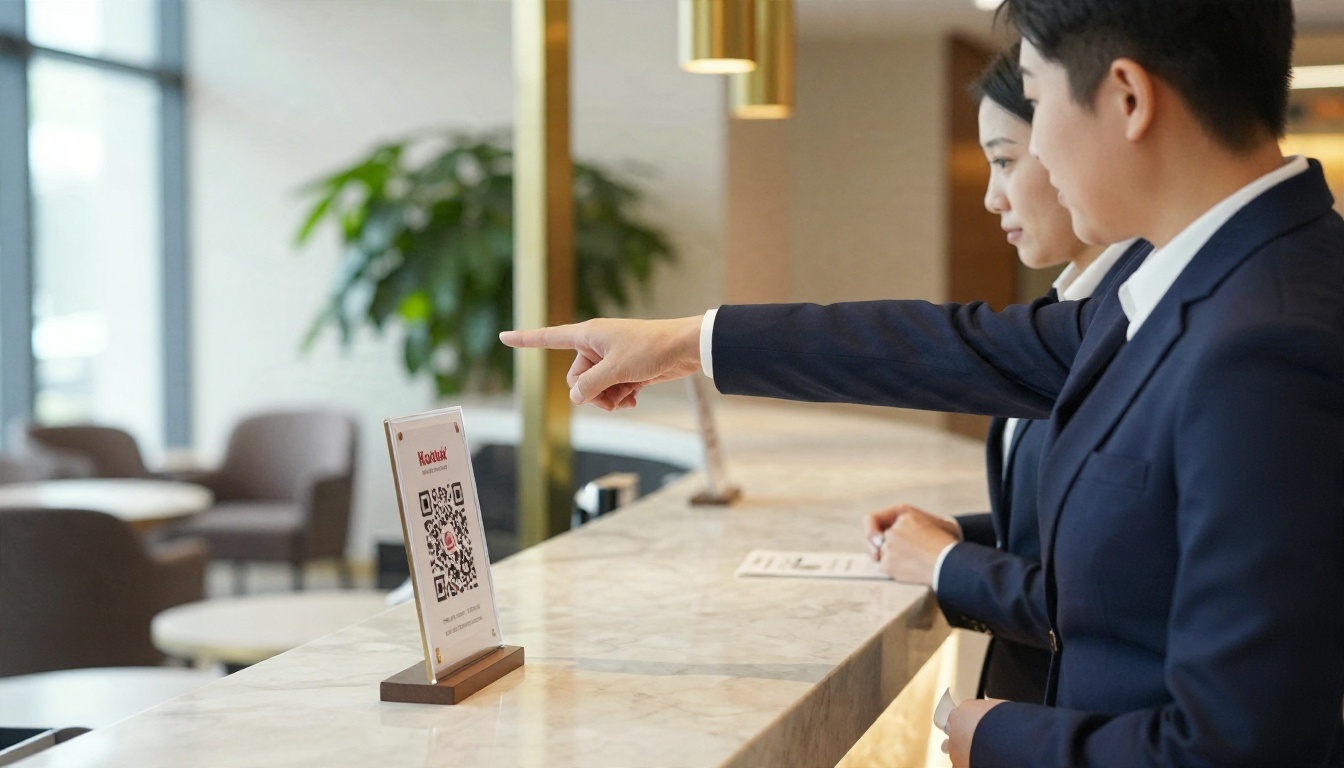
A small coastal hotel with a three-person front desk team put the Wi-Fi code, breakfast hours and beach tips on pages 2 and 3. They printed a QR code on the bedside card and added a link in the confirmation email. Within a month, the evening desk calls about basic questions dropped noticeably, and the team had time to talk with guests in person instead.
A Resort With Several Venues
A resort with three restaurants, a spa and a kids club created one master compendium and three short flipbooks, one for each venue. The master document links to each venue's flipbook. Because flipbooks update instantly, a seasonal menu change takes one upload, not a full reprint run.
A Business Hotel With Meeting Rooms
A city hotel built a separate meetings pack with room dimensions, catering options and technical notes. It is protected with a password and sent only to event planners. The public guest compendium stays light and friendly, while the event version is detailed. For similar work, the Event Program Maker is a good starting point.
Comparing the Three Setups
| Property Type | Pages | Main Goal | Best Sharing Method |
|---|
| Boutique hotel | 12 to 16 | Fewer repeat questions | QR code in room |
| Resort | 20 to 40 across several flipbooks | Sell dining and spa | Link in app and email |
| Business hotel | 10 for guests, 20 for events | Win group bookings | Password link to planners |
Mistakes to Avoid
Even a nicely designed compendium can fall flat. Watch for these common slips:
- Writing in brand language. "Elevated moments of repose" tells a guest nothing. "Quiet hours start at 10 p.m." does.
- Hiding the Wi-Fi code. It must sit on page 3 at the latest.
- Forgetting to update. A compendium with last year's restaurant hours damages trust. Set a monthly reminder.
- Using huge image files. Slow loading on hotel Wi-Fi means guests give up.
- No call to action. Every page should point somewhere: a phone extension, a booking link or a QR code.
- Ignoring accessibility. Use high contrast, readable type and describe step-free access clearly.
⚠️ Reminder: If your hotel serves guests in several languages, create a separate flipbook per language rather than stacking translations on one page. Pages stay clean and links stay simple.
Publish Your Compendium Today
You now have the page plan, the content ideas, the layout rules and a clear route from PDF to digital flipbook. The best next step is to open your template, fill in the first four pages, and test them on your phone.
- Ready to build? Get started for free on Flipbooks AI and upload your first PDF.
- Looking for more formats? Browse all flipbook tools for brochures, menus, price lists and event programs.
- Need analytics and lead capture? Compare pricing plans and pick the one that fits your property.
A guest who finds answers quickly feels looked after. Give them a compendium that does exactly that.



