You have a collection ready, a folder full of strong photos, and a buyer, stylist or follower base waiting to see it. What you don't have is a layout. A good lookbook template solves that problem in an afternoon instead of a week, and once the PDF is done, a tool like Flipbooks AI turns it into an online page-turning experience that opens on any phone.
This article hands you a free, page-by-page template blueprint you can rebuild in Canva, InDesign, Figma or Google Slides. You'll get layout ideas that actually sell clothes, the PDF export settings that keep fabric texture crisp, and a straight comparison of the ways you can share the finished file.
Why a Lookbook Template Saves Time
Most fashion brands don't struggle with photography. They struggle with consistency. Page 3 has a different margin than page 9, the font changes halfway through, and the file weighs 180 MB. A template fixes all of that before you place a single image.
What a Lookbook Actually Does
A lookbook is not a catalog. A catalog lists products, prices and sizes. A lookbook sells a feeling: how the pieces move, how they layer, what kind of person wears them. Think of it as a short visual story with a beginning, a middle and a clear ending.
That difference shapes every layout choice below. Photos carry the page. Text stays short. Product details live in small captions, not in paragraphs.
Who Needs One
- Independent designers pitching a new season to boutiques
- Stylists and creative directors presenting looks to a client
- Boutique owners announcing arrivals to a mailing list
- Photographers packaging a shoot for a brand
- Fashion students building a portfolio piece for applications
💡 Pro tip: If you also need prices, sizes and order codes, build a separate document with the Fashion Catalog Creator. Keep the lookbook purely visual.
Fashion Layout Ideas That Work
You don't need fifty layouts. Five or six, repeated with discipline, make a lookbook feel designed. Here are the ones that appear again and again in strong collections.
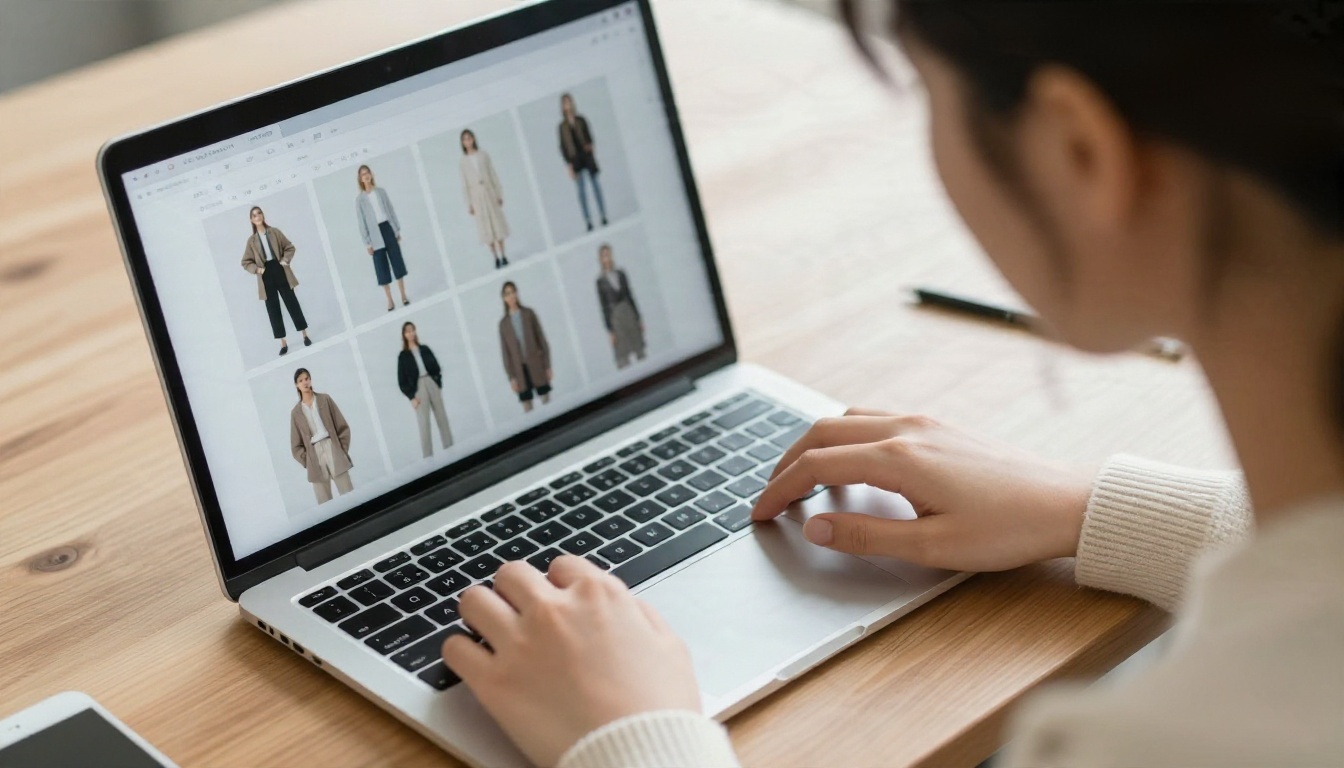
The Full Bleed Opener
One photo, edge to edge, no text except a small season label. It sets the tone in two seconds. Pick the shot with the strongest silhouette and the most breathing room around the model, because the page crop will be tight on phones.
The Grid and Whitespace Mix
Three or four photos of different sizes on a clean white or off-white page. Leave generous margins, at least 8 to 10 percent of the page width. Whitespace tells the reader the clothes are worth looking at slowly.
Outfit Breakdown Pages
One large look on the left page, three close-ups of fabric, buttons or stitching on the right. This is where you earn trust. Buyers want to see the weave, not just the outline.
Color Story Spreads
Group looks by palette instead of by item. A page of camel, oat and cream followed by a page of sage and charcoal reads as an intentional edit. It also makes your collection feel larger than it is.
Here is how the main layouts compare:
| Layout | Best For | Photos Per Page | Text Needed | Difficulty |
|---|
| Full bleed | Opener, closer, hero looks | 1 | Almost none | Easy |
| Grid with whitespace | Mid-collection browsing | 3 to 4 | Short captions | Easy |
| Outfit breakdown | Detail and quality proof | 3 to 5 | Fabric and fit notes | Medium |
| Color story spread | Seasonal edits | 2 to 6 | Palette name | Medium |
| Single look plus quote | Brand voice moments | 1 | One short line | Easy |
✅ Best practice: Alternate dense pages with calm ones. A grid page followed by a full bleed page gives the reader a place to rest.
Build Your Template Structure
Here is the free blueprint. It works for 16 to 28 pages and fits most small collections. Rebuild it once in your design tool, save it as a master file, and reuse it every season.
Page Count and Order
| Page | Content | Layout |
|---|
| 1 | Title page: brand name, season, year | Full bleed |
| 2 | Short note: three sentences on the collection idea | Text on whitespace |
| 3 to 4 | First color story, opening looks | Grid or spread |
| 5 | Hero look with one pull quote | Full bleed |
| 6 to 9 | Core looks with product captions | Grid with whitespace |
| 10 to 11 | Detail pages: fabric, hardware, stitching | Outfit breakdown |
| 12 to 15 | Second color story | Color story spread |
| 16 | Behind the scenes or sketch page | Mixed |
| 17 | Contact, stockists and links | Simple text page |
Keep page counts even if you plan to print. For screen only, odd numbers are fine because flipbook readers show single pages on mobile.
Fonts, Colors and Margins
Stick to two fonts: one serif or display face for headings, one clean sans serif for captions. Pull two or three colors straight from your photos using an eyedropper tool. Set the same outer margin on every page, and place captions on the same baseline each time.
A few starting values you can copy:
- Page size: 8.5 x 11 in portrait, or 11 x 8.5 in landscape for a runway feel
- Outer margin: 0.5 to 0.75 in
- Caption size: 8 to 9 pt
- Heading size: 28 to 40 pt
- Gutter between photos: 0.15 to 0.25 in
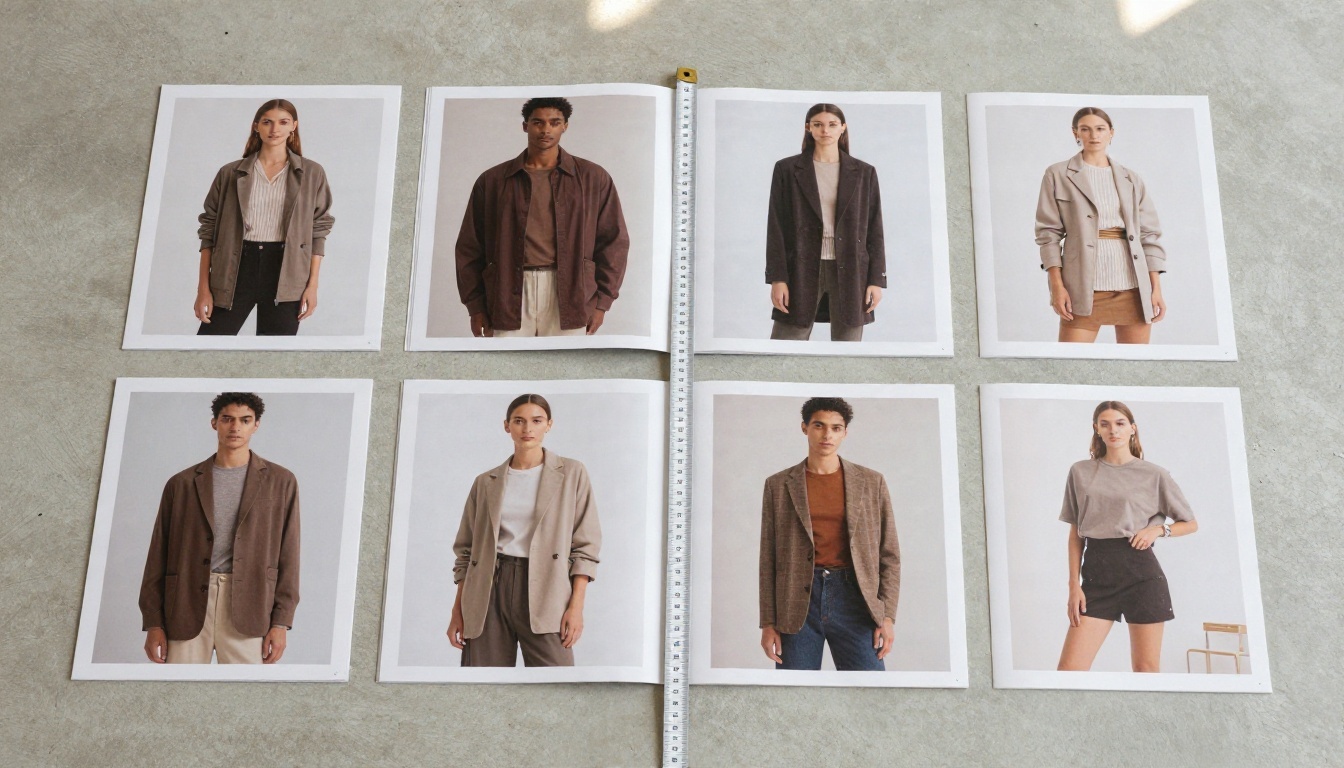
💡 Lay your pages out on a floor or wall as thumbnails before you finalize. If the rhythm of light and dark pages looks off in miniature, it will feel off when someone flips through it.
The PDF is the bridge between your design tool and the online version. Get it right once and every platform that follows looks good. Get it wrong and your best jacket photo turns into a blurry rectangle.
Resolution and File Size
Photos at 150 to 200 DPI at final size look sharp on screens and keep files manageable. Anything over 300 DPI is only worth it if you plan to print. Compress images before you place them, not after export, so you control the quality loss.
A lookbook of 20 pages should land between 15 and 40 MB. If yours is above 80 MB, the photos are probably oversized. Resize them to roughly twice the pixel width they will occupy on the page.
Print vs Screen Settings
| Setting | Screen and Online PDF | Print PDF |
|---|
| Color mode | RGB (sRGB) | CMYK |
| Image resolution | 150 to 200 DPI | 300 DPI |
| Bleed | None needed | 0.125 in |
| Crop marks | Off | On |
| Fonts | Embedded | Embedded |
| Typical file size (20 pages) | 15 to 40 MB | 60 to 150 MB |
| Best used for | Email, flipbook, website | Showroom copies, press |
Export two versions if you need both. Name them clearly, such as lookbook-fw26-screen.pdf and lookbook-fw26-print.pdf, so you never send the wrong one to a buyer.
⚠️ Warning: Always embed fonts. A PDF that swaps your elegant serif for a default system font looks like a different brand.
How to Create a Lookbook with Flipbooks AI
A PDF attachment works, but it sits in an inbox and opens in whatever viewer the reader happens to have. A flipbook opens in a browser, turns pages with a natural motion, and works on mobile without pinching and zooming. Here is the process, start to finish.
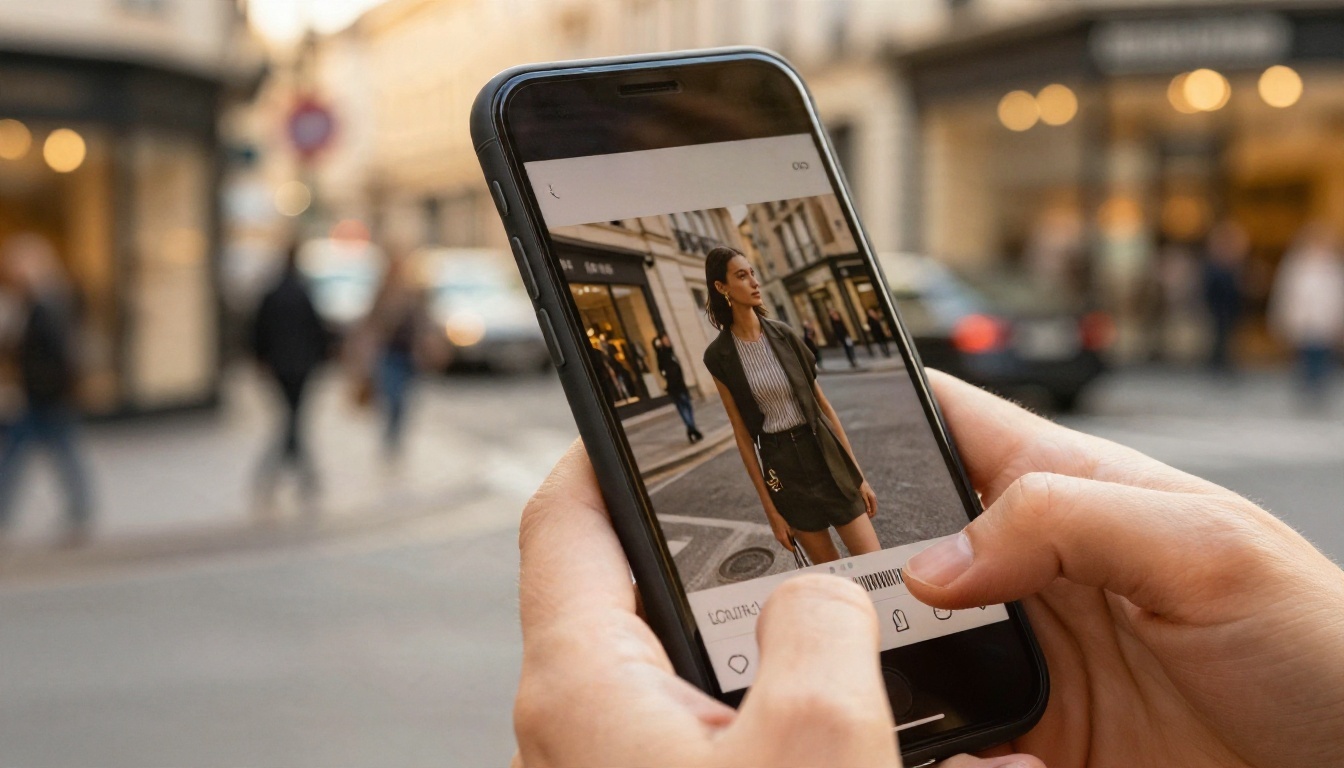
Upload Your PDF
- Go to Flipbooks AI and create an account.
- Choose the Lookbook Flipbook Builder or the Interactive Lookbook Designer.
- Drag your screen PDF into the upload area. The PDF to Flipbook Converter splits it into pages automatically.
- Wait a few seconds for conversion. You'll see a live preview with page turning.
On screen, you'll see a clean upload panel on the left and your flipbook preview on the right. Each page appears as a thumbnail strip underneath, so you can spot a missing or misordered page quickly.
Customize the Look
Open the design settings and adjust:
- Branding: upload your logo, set your brand color for the toolbar and buttons
- Background: pick a soft neutral behind the book so your photos stand out
- Page effects: choose the page-flip style and speed
- Multimedia: drop in a short runway clip or a soundtrack on a hero page, since the platform supports embedded video and audio
- Mobile layout: check the single-page view on a phone preview
Everything is mobile-responsive by default, and there are no watermarks, ever, so your brand stays front and center.
Share It Your Way
Once the flipbook looks right, you can publish it in several ways:
- Direct link: paste it into Instagram bio, WhatsApp or email
- Embed code: place it on your own site with the Embed Flipbook on Website option
- Password protection: lock pre-season previews so only invited buyers can open them
- Offline download: let trusted contacts save a copy for showroom visits
Pro Features Worth Using
On the Professional plan you also get analytics and lead generation. You can see which pages people spend time on, and ask for an email address before the lookbook opens. If you want unlimited flipbooks for every season and capsule drop, the Standard plan and above covers that. Compare the options on the pricing page.
💡 Pro tip: If page 7 gets twice the attention of every other page, put that look on your next campaign image, your homepage banner and your first email.
Online Sharing Options Compared
Not every delivery method fits every situation. A press editor on deadline wants something different from a boutique buyer browsing on a train.
| Method | Reader Experience | Tracking | Privacy Control | Mobile Friendly |
|---|
| PDF email attachment | Opens in a PDF viewer, needs zoom | No | None once sent | Poor |
| Cloud storage link | Download or basic preview | Limited | Link based | Average |
| Social media carousel | Quick, but limited to 10 slides | Platform stats | None | Good |
| Flipbook link | Page-turning view in browser | Yes (Professional) | Password option | Excellent |
| Embedded flipbook on site | Part of your own pages | Yes (Professional) | Site controlled | Excellent |
The flipbook link and the embed give you the strongest mix of polish and control. A social carousel still has a place as a teaser that points to the full online version.
Real Examples
- A small denim label sends a password-protected flipbook link to 30 boutique buyers before market week. Analytics show which washes get the most views, and the label adjusts its first production run.
- A freelance stylist embeds a lookbook on her portfolio page, so potential clients can flip through a whole shoot without leaving the site.
- A boutique owner shares a monthly "new in" lookbook through a newsletter link. Customers open it on their phones and reply to the shop with the pieces they want held.
- A fashion student attaches a link instead of a heavy PDF to internship applications, and the file opens instantly on any device.
If you present to retail partners, the Sales Presentation tool pairs well with a lookbook. And if your work leans toward editorial shoots, a Photography Portfolio keeps your best sets in one place.
Common Mistakes to Avoid
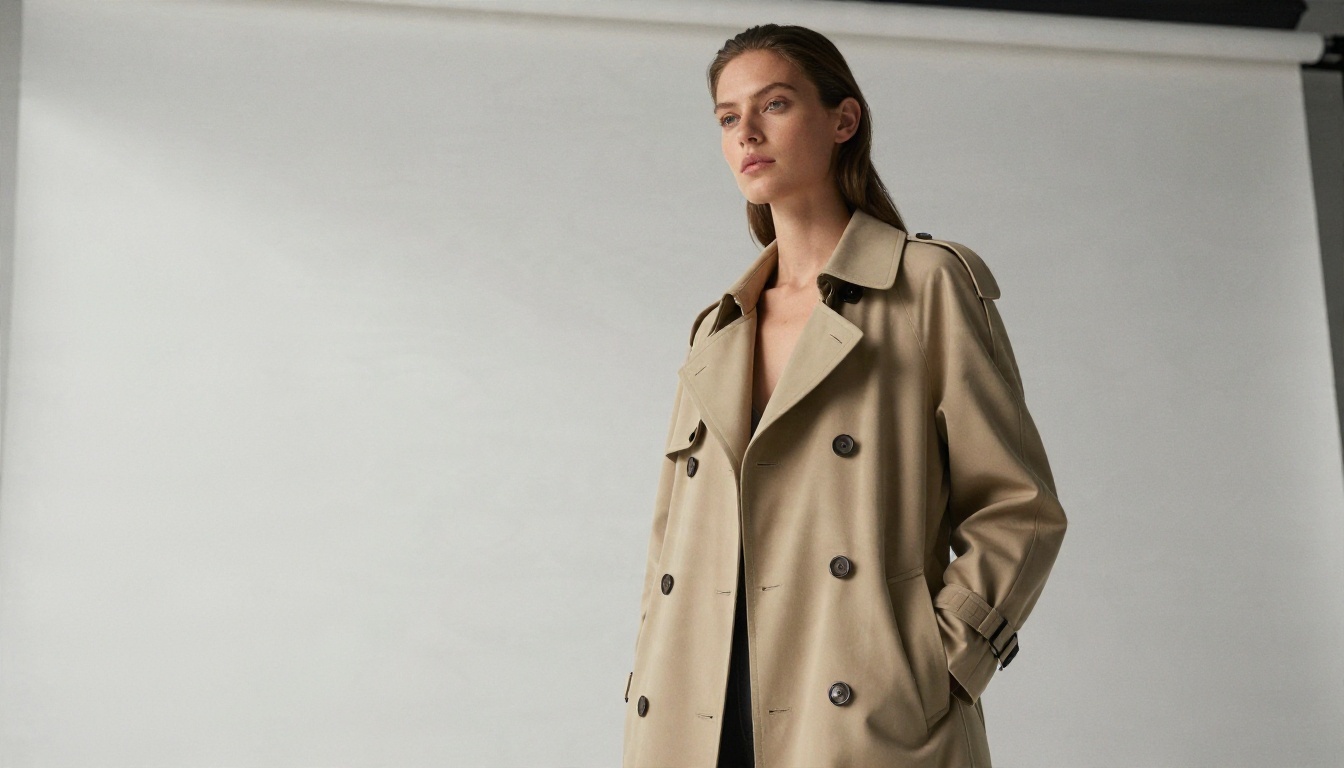
Even good photography gets undermined by a few avoidable errors. Here are the ones that show up most.
- Too many fonts. Two is enough. Three starts to look like a ransom note.
- Low-resolution hero shots. The opener is the page everyone sees first. Use your sharpest image there.
- Text on busy areas. If a caption sits on top of fabric pattern, nobody can read it. Put text on whitespace or a calm part of the photo.
- Inconsistent edits. If half the looks are warm and half are cool, the collection loses its identity. Apply the same color grade to every photo.
- Huge file sizes. A 120 MB PDF will fail to send, load slowly and frustrate buyers. Compress before export.
- No contact page. The last page should tell people exactly how to reach you, with links that work.
- Forgetting the phone. Most people will open the link on a mobile device. Preview every page on a small screen before you publish.
⚠️ Warning: Check usage rights for every image. Model releases, stock licenses and photographer credits matter, especially when the lookbook is public.
A quick checklist before you hit publish:
- ✅ All pages in the correct order
- ✅ Fonts embedded, no placeholder text left
- ✅ Image quality checked at 100 percent zoom
- ✅ Contact details and links tested
- ✅ Screen PDF under 40 MB
- ✅ Previewed on phone and desktop
Publish Your First Lookbook Today
You now have the full recipe: a page structure you can rebuild in any design tool, six layouts that make clothes look good, PDF settings that protect image quality, and a way to publish the result as a flipbook people actually enjoy opening.
Here is the fastest path:
- Build the 17 page template from this article in your preferred design software.
- Drop in your photos, keeping captions short and margins consistent.
- Export a screen PDF at 150 to 200 DPI with fonts embedded.
- Get started for free on Flipbooks AI and upload it.
- Add your branding, set a password if the collection is still private, and share the link.
Ready to go further? Browse all flipbook tools and templates to find the right format for lookbooks, catalogs and portfolios, or compare pricing plans to pick the one that fits how often you launch new collections.



