When someone you love dies, the photos, stories and voicemails are scattered across phones, shoeboxes and group chats. A free memorial page pulls them into one calm place that relatives across the world can visit at any hour. You do not need a designer or a big budget. With a tool like Flipbooks AI, you can turn a PDF of photos and words into a page-turning online tribute in an afternoon.
This article shows what a good memorial page contains, walks through real online tribute examples, compares memorial templates, and explains every sharing option so you can decide who sees it and who does not.
What a Free Memorial Page Really Is
A memorial page is a dedicated web page or digital book that celebrates one person's life. Think of it as a living obituary: part biography, part photo album, part guest book. Unlike a newspaper notice, it stays online, it can grow, and anyone you invite can revisit it on their own time.

Who Uses Them
Memorial pages are not only for funerals. Families use them in several situations:
- Before the service: relatives who cannot travel can see the order of service and the photo slideshow.
- After the service: friends add stories and the page becomes a lasting record.
- On anniversaries: a yearly update keeps the memory active.
- For pets and public figures: a beloved dog, a teacher, a coach or a local volunteer deserve a tribute too.
What to Include
A page that feels personal beats a page that feels polished. These are the building blocks most families choose:
- A portrait and the full name, with birth and passing dates.
- A short life story of 200 to 400 words.
- A photo gallery with captions that name people, places and years.
- Favorite things: songs, recipes, sayings, hobbies.
- Service details: time, place, livestream link, dress notes.
- A memory section where guests can contribute.
- Optional: charity donation details in lieu of flowers.
💡 Pro tip: Caption every photo. In twenty years nobody will remember who stood next to Grandpa at the lake in 1987, but a one-line caption keeps that fact alive.
Online Tribute Examples That Work
Seeing real structures helps more than abstract advice. Here are three formats families return to again and again.

The Life Story Page
This format reads like a short illustrated biography. It opens with a portrait and one sentence that captures the person, such as "Margaret taught three generations of our town to swim." Next come chapters: childhood, work, family, passions. Each chapter gets one or two photos.
Best for: adult children writing about a parent, or a spouse who wants a narrative rather than a gallery.
The Photo Gallery Tribute
Here images lead and text supports. Pages are arranged by decade, or by theme: holidays, travels, ordinary Tuesdays. A flipbook layout suits this well because the page-turn motion mimics paging through a physical album, which many older relatives find familiar and comforting.
Best for: people with large photo archives, and families who want a slideshow feel without video editing.
The Shared Memory Wall
This version collects short notes from friends, coworkers and neighbors. You gather messages by email or chat, paste them into a document, add names and dates, and publish it. The result reads like a very long, very warm guest book.
Best for: workplaces, sports clubs, congregations and friend groups.
| Example type | Main content | Effort level | Ideal audience |
|---|
| Life Story Page | Narrative plus 10 to 20 photos | Medium | Close family |
| Photo Gallery Tribute | 40 to 100 photos with captions | Medium to high | Extended family |
| Shared Memory Wall | Short written notes | Low | Friends and colleagues |
| Service Program Page | Order of service, readings, map | Low | Funeral attendees |
Free Memorial Page Templates
You can build from a blank page, but a template saves energy when you are tired and grieving. Templates give you spacing, type sizes and order so you only fill in the content.

Layout Options Compared
Most free templates fall into one of four layouts. Pick the one that matches how much material you have.
| Layout | Pages | Text amount | Photos | Best use |
|---|
| Single portrait page | 1 to 2 | Short | 1 to 3 | Quick announcement |
| Classic tribute booklet | 6 to 12 | Medium | 10 to 25 | Funeral handout |
| Photo album flipbook | 12 to 40 | Light captions | 30 to 100 | Long retrospective |
| Memory book with messages | 10 to 30 | Heavy | Mixed | Community tributes |
If you already have a document in Word, Canva or Google Docs, export it as a PDF and convert it. The PDF to Flipbook Converter keeps your layout and adds the page-turning effect. For image-heavy tributes, the Digital Portfolio Creator and Photography Portfolio tools suit gallery-style pages. If the tribute is a long story, the Interactive E-Book Publisher works well for chapters.
Writing the Words
Many people stall at the blank text box. Try this simple structure for the life story:
- Opening line: who they were in one sentence.
- Where they came from: birthplace, family, early years.
- What they loved: work, hobbies, causes.
- How they made people feel: the small habits everyone remembers.
- Closing line: a favorite saying, or a thank-you to those who supported the family.

✅ Best practice: Write the way the person spoke. If they were funny, let the page be a little funny. Readers can feel when a tribute sounds like a form letter.
How to Create One with Flipbooks AI
A flipbook gives your tribute the feel of a keepsake book, and it works on phones without any app. Here is the full process.
Step by Step
- Open your account. Go to Flipbooks AI and sign up. Check the pricing page to see what each plan includes before you publish.
- Prepare your PDF. Place portrait, story, photos and service details into a document. Export to PDF. A4 or letter size works, and landscape pages suit photo albums.
- Upload the file. Drag the PDF into the dashboard. The platform converts each page into a flipbook page within moments.
- Preview the page turns. Flip through on desktop and on your phone. Check that captions are readable and no photo is cut off.
- Customize the look. Pick a background color, adjust page effects, and add your own branding or a simple title.
- Add multimedia. You can embed video and audio, for example the person's favorite song or a recorded toast.
- Choose your sharing settings. Decide between a public link, a private link or a password-protected version.
- Publish and send. Copy the link or embed code and share it by message, email or on a family website.
💡 Pro tip: Preview the flipbook on a phone before sending. Most relatives will open it from a text message, so mobile layout matters more than desktop.
Branding and Style
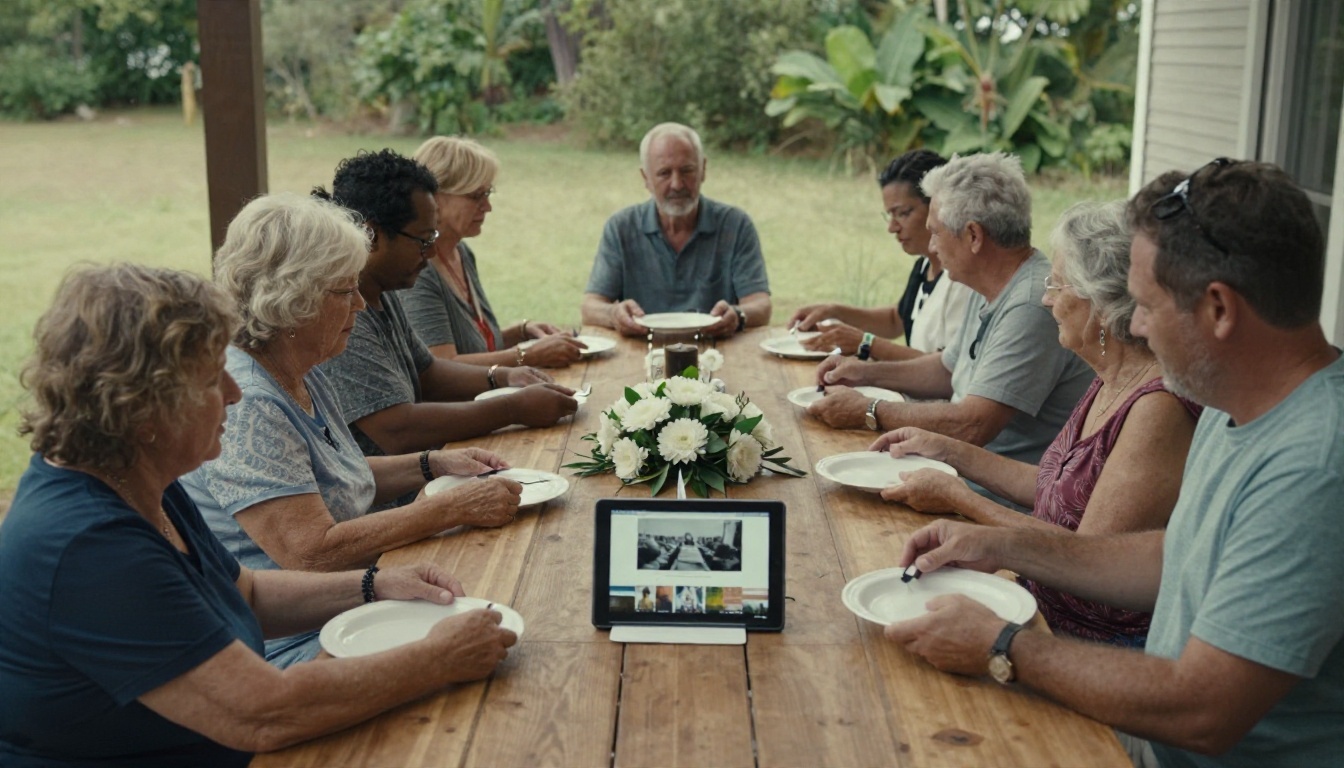
Branding sounds corporate, but here it just means choosing colors and a title that feel right. A muted sage and cream palette feels gentle. Deep navy with gold suits a formal service. Keep fonts simple and large for older readers. Flipbooks AI publishes without watermarks, so the page looks like your tribute and nothing else.
Related tools can also help with extra pieces of the day:
Sharing Options and Privacy
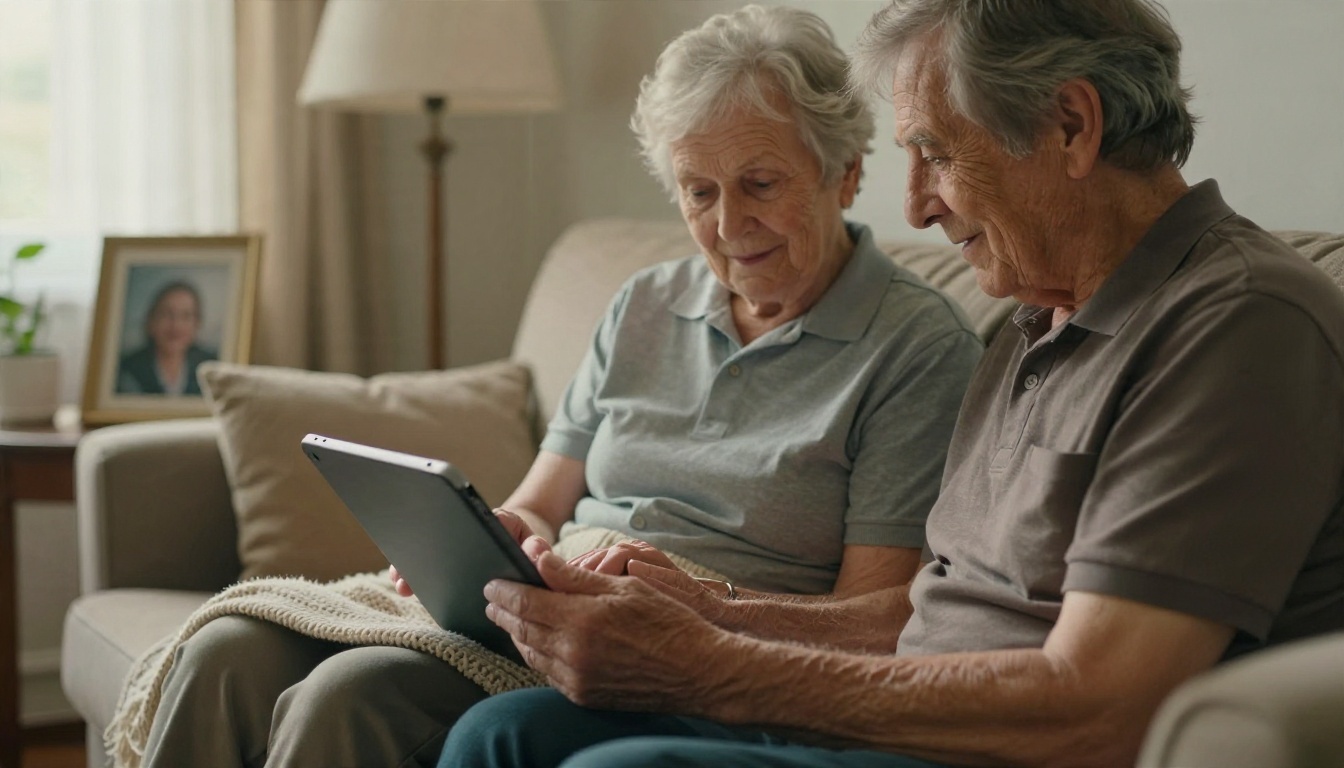
Who sees the page is the most personal decision of all. Some families want the world to read it. Others want a closed circle. Both are valid.
Links, Embeds and QR Codes
| Sharing option | How it works | Privacy level | Good for |
|---|
| Direct link | Send a URL by text or email | Medium | Family and friends |
| Embed code | Place the flipbook inside a website | Depends on the site | Family blog, church page |
| QR code | Print on the program or a card | Medium | Funeral attendees |
| Social post | Paste link into a post | Low | Wide community |
| Password protected | Visitors enter a code | High | Close family only |
The Embed Flipbook on Website tool explains how to place the tribute on an existing page. A QR code on the funeral program lets guests open the page right at the service, which saves you from repeating the web address to every relative.

Password Protection
If the page contains private family photos, medical details or children's faces, add a password. Send the password in a separate message from the link. Relatives get access, and strangers who find the link do not.
⚠️ Warning: Never publish addresses of the family home, dates when the house will be empty, or financial details on a public memorial page. Scammers do read obituaries.
Extra Features on Paid Plans
If you want to see how many people opened the tribute, the Professional plan includes analytics. Some families like knowing the page reached distant cousins. You can also allow offline downloads, so relatives can keep a copy on a device. Compare options on the pricing page.
Several kinds of tools can host a tribute. None is universally best, so match the tool to your situation.
| Tool type | Cost | Design control | Page-turn feel | Privacy options |
|---|
| Dedicated memorial websites | Free tier, paid extras | Low to medium | No | Varies |
| Social media memorial posts | Free | Low | No | Limited |
| Blog or website builder | Free tier | High | No | Varies |
| Flipbook platform | Check plans | High | Yes | Links and passwords |
| Shared photo folder | Free | None | No | Link based |
A flipbook is strongest when you want a designed keepsake rather than a feed. It is also easy to print the original PDF afterward for relatives who prefer paper.
Mistakes to Avoid
Grief makes everything harder, so small errors are common. Watch for these:
- Rushing the publish button. Wait a day, then reread the page with fresh eyes.
- Low-resolution photos. Scan old prints at 300 DPI or higher so they stay sharp on large screens.
- Too much text per page. Short paragraphs read better on phones.
- Forgetting permissions. Ask before posting a photo that shows other people, especially children.
- Misspelled names. Have a second relative check every name and date.
- No backup. Keep the original files in two places.
✅ Best practice: Ask one trusted person to proofread. Spelling mistakes in a tribute feel heavier than anywhere else.
Start Your Tribute Today
Start small. One portrait, ten photos and a few honest paragraphs already make a meaningful page, and you can add more later. When you are ready, create your account on Flipbooks AI, upload your PDF and preview the page turns. You can browse all flipbook tools to find a layout that fits, and compare pricing plans to see which sharing and privacy features suit your family.
A memorial page will not take the loss away. What it does is give the people who loved someone a shared place to gather, remember and return to, wherever they live.



