A printed menu costs money every time a price changes, a dish sells out or a supplier lets you down. That is why so many owners search for a free menu app for restaurants and end up scanning QR codes on other people's tables. The idea is simple: put your menu on a phone, update it in minutes, and stop paying the print shop. The catch is that "free" hides a few traps. This article walks through how QR menus work, how to share your menu online, where free plans quietly limit you, and which alternatives are worth a look, including a PDF-to-flipbook route you can build today with Flipbooks AI.
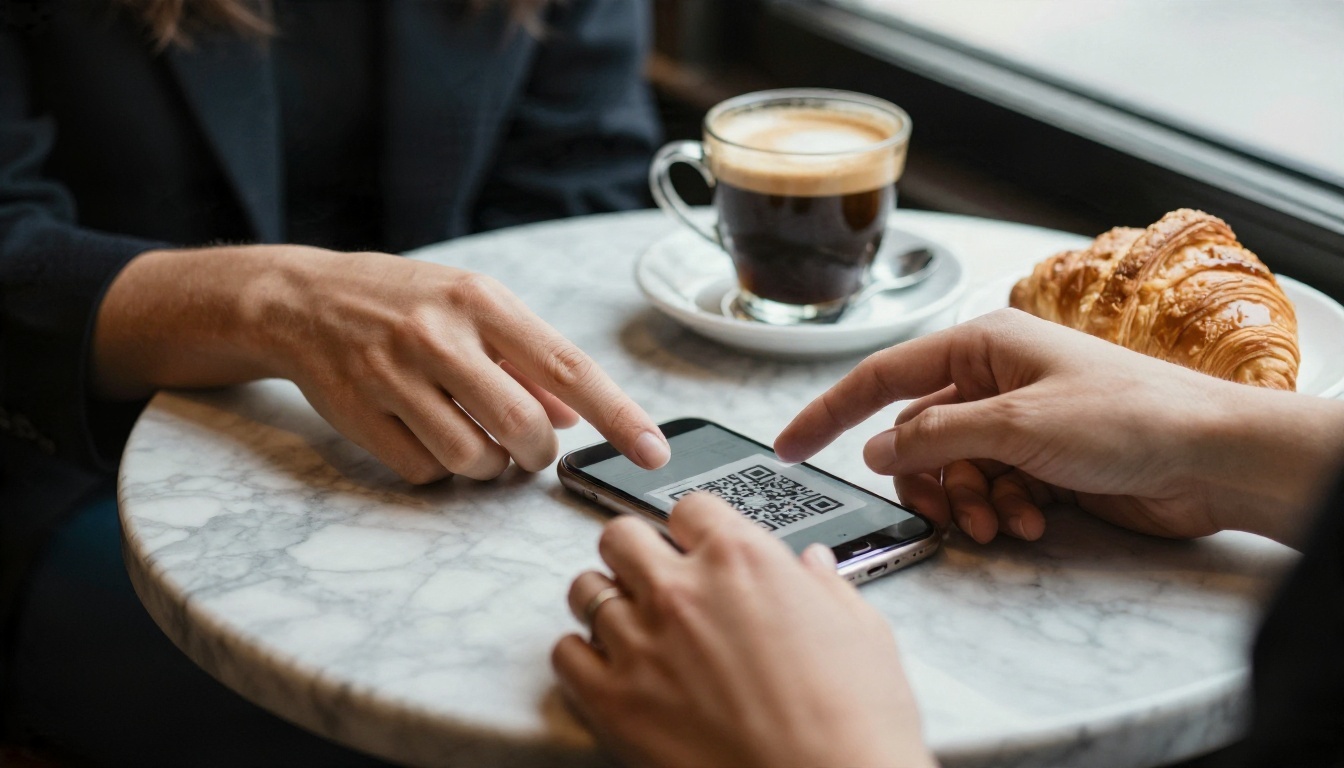
Margins in food service are thin. Reprinting 50 laminated menus because the lamb dish went up by two dollars is a small insult, but it happens every season. A digital menu app fixes three problems at once:
- Speed: change a price or mark an item as sold out in under a minute.
- Cost: no reprints, no leftover stock of outdated menus.
- Reach: the same menu works on tables, websites, Instagram bios and Google listings.
Search intent here is mostly practical. People typing this keyword want a tool that works tonight, costs nothing to test, and does not embarrass the restaurant in front of guests.
What "Free" Usually Means
Most free menu apps fall into one of four buckets:
- Free forever, with branding. The app puts its own logo or banner on your menu.
- Free trial. Full features for 7 to 30 days, then the QR code stops working unless you pay.
- Freemium. A small menu is free, but extra items, languages or photos are paid.
- Free tool, no hosting. It generates a QR code but sends guests to a file you host yourself.
Knowing which bucket you are in before you print anything saves a lot of regret.
Who Benefits Most
A cafe with a short menu can run on almost any free tool. A multi-location group with seasonal specials, allergen notes and three languages will outgrow a free plan in a week. A food truck cares most about loading speed on weak mobile signal. Match the tool to your situation, not to the loudest ad.
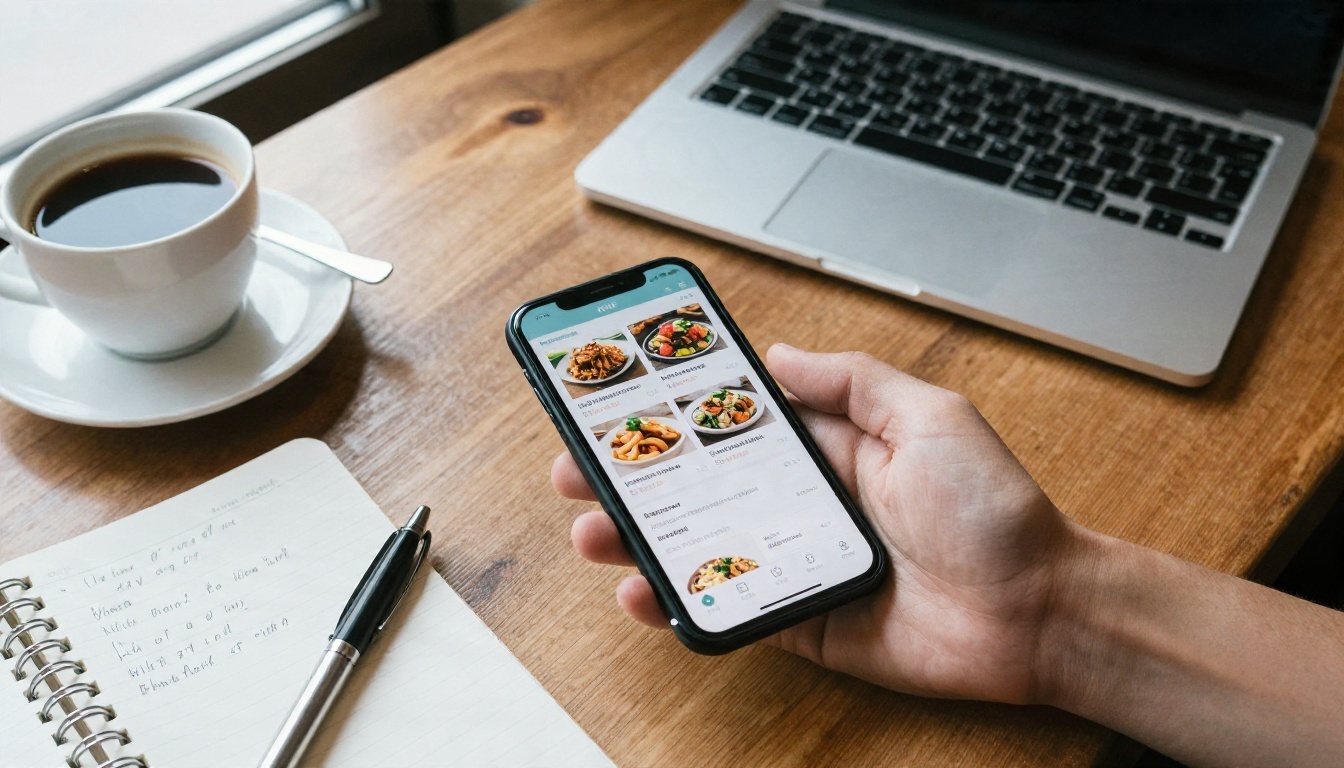
A QR code is just a picture that stores a web address. When a guest points a phone camera at it, the phone opens that address. The menu app's job is to host a mobile-friendly page at that address. Everything else, including colors, photos and categories, is decoration on top of that one link.
Static vs Dynamic QR Codes
This distinction matters more than any design choice.
| Feature | Static QR Code | Dynamic QR Code |
|---|
| Destination can change | No | Yes |
| Scan tracking | Usually none | Often included |
| Typical cost | Free | Free tier or paid |
| Risk if provider shuts down | Code still works if the link does | Code may break when the plan ends |
| Best for | Menus hosted on your own domain | Menus managed inside an app |
⚠️ Warning: Some free apps use dynamic codes that route through their servers. If you stop paying or the free tier ends, every printed table card goes dead. Always ask what happens to the code if you cancel.
A safer pattern is to point a static QR code at a link you control, then change what sits behind that link whenever the menu changes.
Placement That Gets Scans
Scans depend on placement more than on app quality. A few rules from real dining rooms:
- Put the code at eye level or on the table surface, never tucked behind the salt shaker.
- Print it at least 3 cm wide (about 1.2 inches) with a quiet white border.
- Add a short human instruction: "Scan for menu".
- Keep two printed menus behind the bar for guests whose phones are dead.
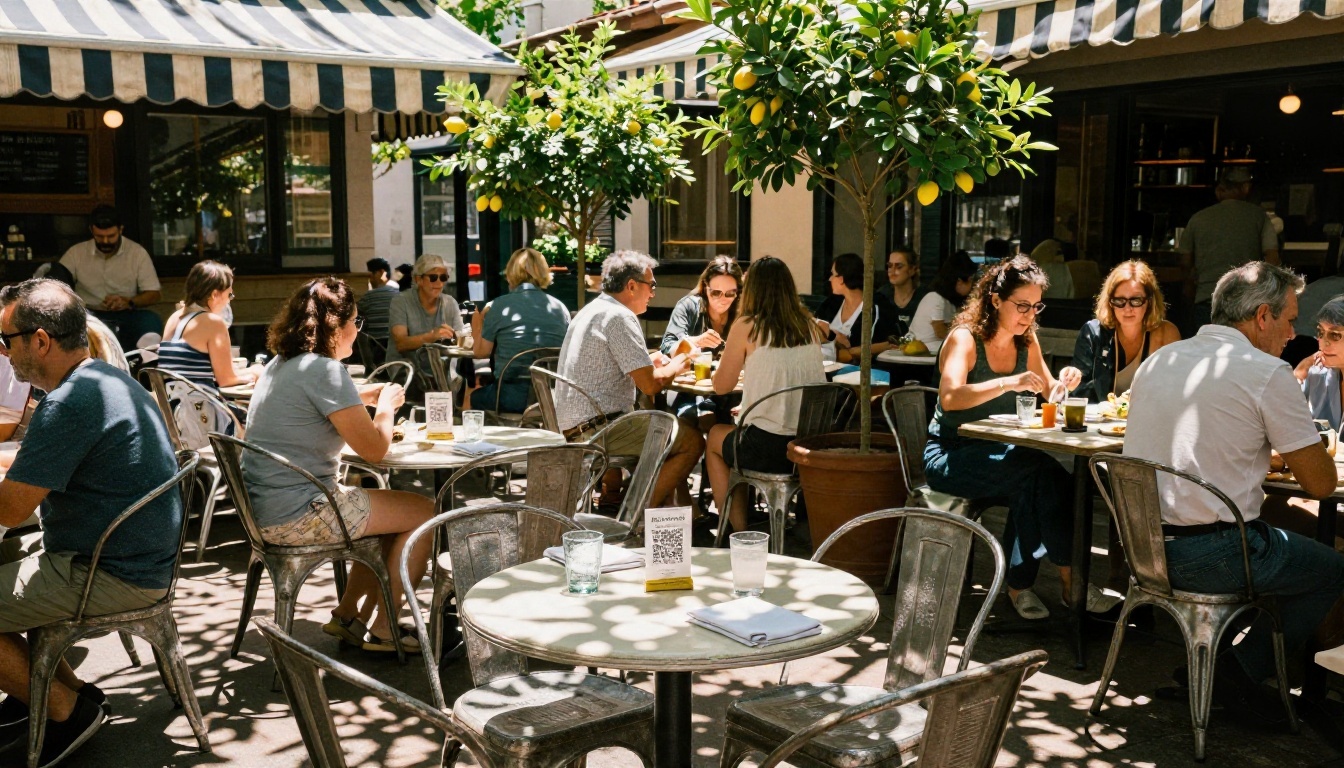
💡 Pro tip: Test the code on three different phones and in the dimmest corner of your dining room before printing 40 copies. Low light and glossy lamination cause most failed scans.
Online Sharing Beyond the Table
The table is only one place your menu lives. A good menu app also works where hungry people are already looking.
Links, Embeds and Social Bios
Think of your menu as one URL. That URL can go in:
- Your Instagram and TikTok bio
- Your Google Business Profile menu field
- A WhatsApp auto-reply for "what time do you open?"
- An embedded block on your website
- An email signature or booking confirmation
The embed option deserves attention. A menu that opens inside your own website keeps visitors on your domain, which helps with local search and makes the restaurant feel established. If your site builder accepts an iframe, a tool like the Embed Flipbook on Website option takes about a minute to set up.
Delivery and Booking Pages
Delivery platforms and reservation widgets often ask for a menu link or PDF. If your menu already lives at a stable URL, you paste it once and you are done. If it lives inside an app that expires, you will be chasing broken links across five platforms.
The Real Limits of Free Plans
Here is where honest comparison matters. Free plans are rarely free of conditions.
Watermarks and Branding
Many free menu apps stamp a small logo at the bottom of your menu or add a banner at the top. For a casual taqueria this is fine. For a fine dining room charging 90 dollars a head, it looks cheap. Check the preview on a real phone, not just the dashboard.
Item Caps and Page Limits
Free tiers often cap the number of dishes, categories or photos. A pizzeria with 60 items, a wine list and a kids menu can hit those limits fast. Typical caps look like this:
| Limit Type | What You Might See | Why It Hurts |
|---|
| Item count | 20 to 50 dishes | Wine and cocktail lists eat the quota |
| Photos | A handful per menu | Dishes without photos sell less |
| Languages | One language only | Tourists bounce |
| Menus | One menu per account | Lunch, dinner and brunch need separate pages |
| Branding | Watermark or banner | Weakens trust |
| Support | Email only, slow replies | Problem on Saturday night, answer on Tuesday |
Expiring Links and Dead QR Codes
This is the limit nobody reads in the fine print. Trial periods end, accounts get downgraded, and a dynamic QR code that routes through the provider can stop working overnight. Set a calendar reminder for the end of any trial, and keep a printed fallback until you trust the setup.
✅ Best practice: Keep an original PDF of your menu on your own computer and cloud drive. If any app fails, you can republish the same file somewhere else in ten minutes.
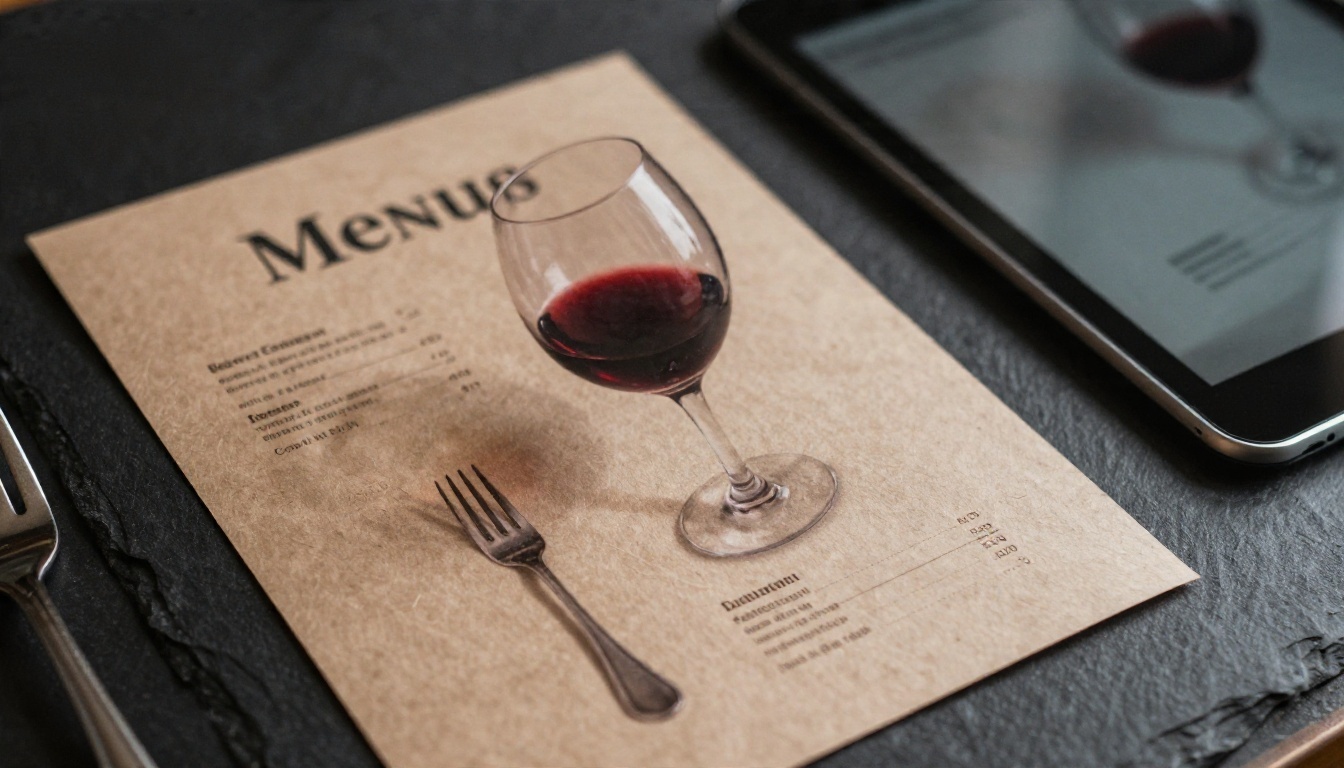
You do not have to pick a dedicated menu app at all. Several routes can get a menu onto a phone for little or no money.
| Option | Setup Time | Cost Profile | Branding Control | Best For |
|---|
| Dedicated QR menu app (free tier) | 30 to 60 minutes | Free, then paid upgrades | Limited on free plans | Small, simple menus |
| Plain PDF on your website | 10 minutes | Free if you have hosting | Full | Owners who already have a design |
| Google Docs or Sheets link | 15 minutes | Free | Low | Pop-ups and tests |
| Website builder menu block | 1 to 2 hours | Included with site plan | Medium | Restaurants with a site |
| PDF to flipbook | 10 to 20 minutes | Free to start | High | Restaurants with a designed menu |
Why a PDF Alone Falls Short
A raw PDF works, but on a phone it forces pinching and zooming, loads slowly on weak signal and looks like a document rather than a menu. Guests do not complain, they just order less.
Why Flipbooks Feel Better
A flipbook menu keeps your design exactly as you made it, turns pages with a swipe and adjusts to the screen size. It feels closer to holding a real menu, which is why wine bars and hotel restaurants like it. The Menu Flipbook Designer is built around this idea, and the PDF to Flipbook Converter handles the core conversion.
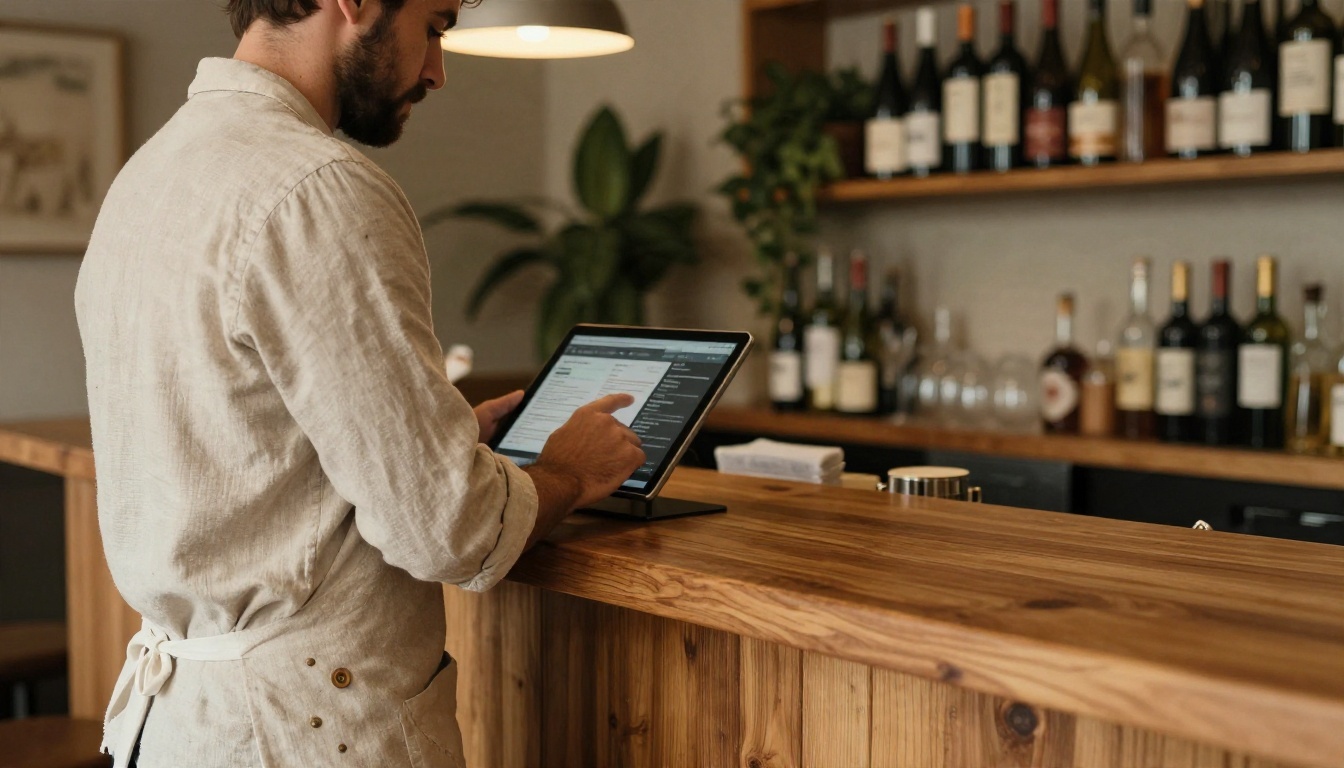
If you already have a menu designed in Canva, Word, InDesign or a template, the fastest route to a shareable digital menu is turning that file into a flipbook. Use the Restaurant Menu Creator or follow the steps below. Flipbooks AI never adds watermarks, so your menu looks like yours.
Step 1: Upload the PDF
- Export your menu as a PDF. Keep each page at a readable size, ideally with text larger than 10 points.
- Open Flipbooks AI and create an account.
- Click the upload button and choose your PDF.
- Wait a few seconds while the pages convert into a flipping book.
💡 Screenshot description: After upload you see a preview of your menu with page thumbnails along the bottom and a toolbar on the right for settings.
Step 2: Brand and Customize
- Set a background color that matches your dining room, such as warm cream or deep charcoal.
- Add your logo and restaurant name.
- Pick a page effect, either a soft curl or a simple slide.
- Add links on dishes, for example to a reservation page or a wine pairing.
- Embed a short video or audio clip, like a chef's welcome or background jazz for the wine list.
Step 3: Share and Print the QR
- Copy the direct link to your flipbook.
- Paste it into any free QR code generator and download the image.
- Print the code on table cards or stickers.
- Use the embed code to place the menu on your website.
- Turn on password protection if you want a private tasting menu or staff-only training version.
Because the QR code points at a flipbook link and the flipbook can be updated, you can change prices and dishes without reprinting every card. Test this once before service: edit a price, republish, and rescan.
Step 4: Pro Features Worth Using
On the Professional plan you get analytics to see how many people open the menu and which pages they read, plus lead generation to collect emails before a guest sees a promotion menu. Offline downloads let guests save the menu for later, which helps in basements and resort areas with poor signal. Standard plans and above include unlimited flipbooks, so you can build separate lunch, dinner, brunch, kids and drinks menus. See the pricing plans for the current breakdown.
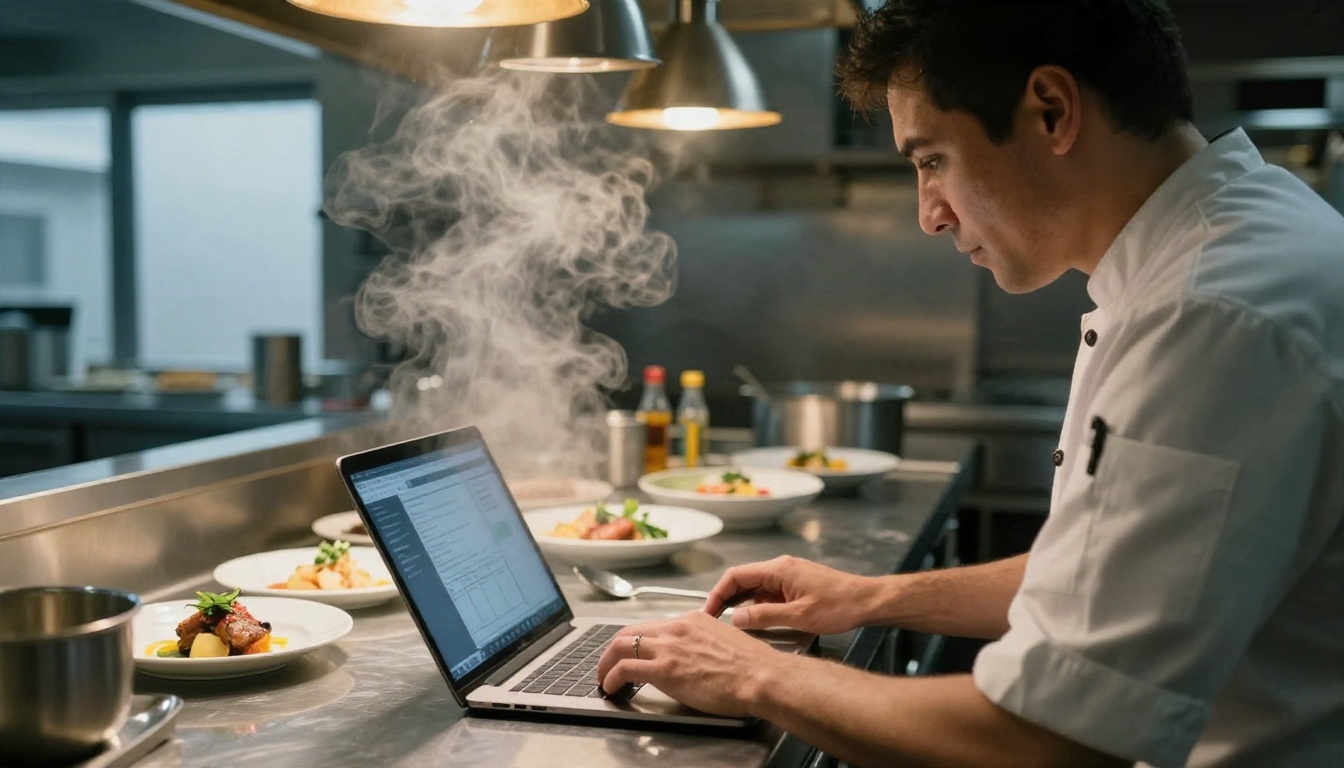
Real Restaurant Examples
Theory is nice. Here is how different venues use this kind of setup.
The Neighborhood Cafe
A cafe with a one-page breakfast and lunch menu sticks a QR code on each table and posts the same link in its Instagram bio. It edits the pastry list each morning in the same PDF, re-uploads, and the card on the table stays exactly the same. Total cost: a few cents of ink.
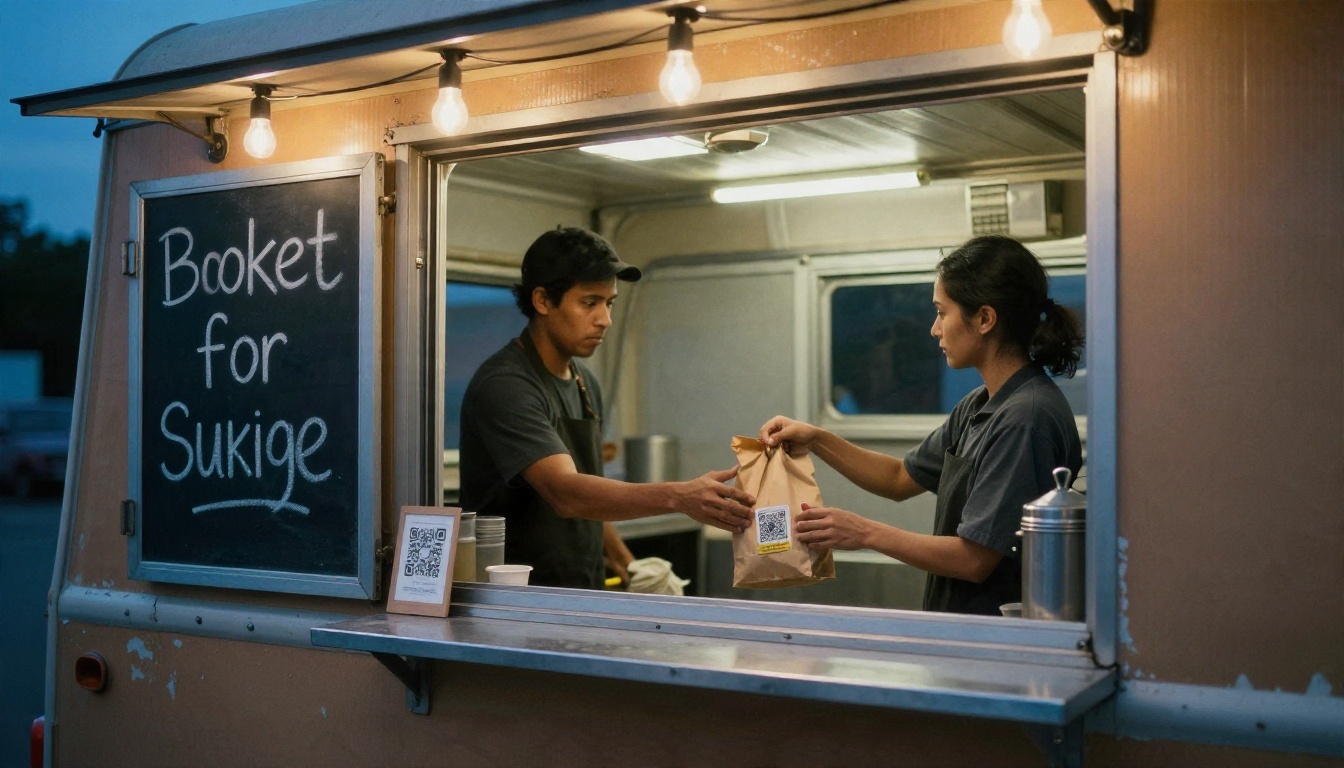
The Food Truck
A food truck owner puts the menu link on a chalkboard and a sticker on the order window. Customers in line scan, decide, and order faster. Lines move quicker because nobody is squinting at handwriting. Fast loading matters here, so use compressed images and a short menu.
The Hotel Restaurant
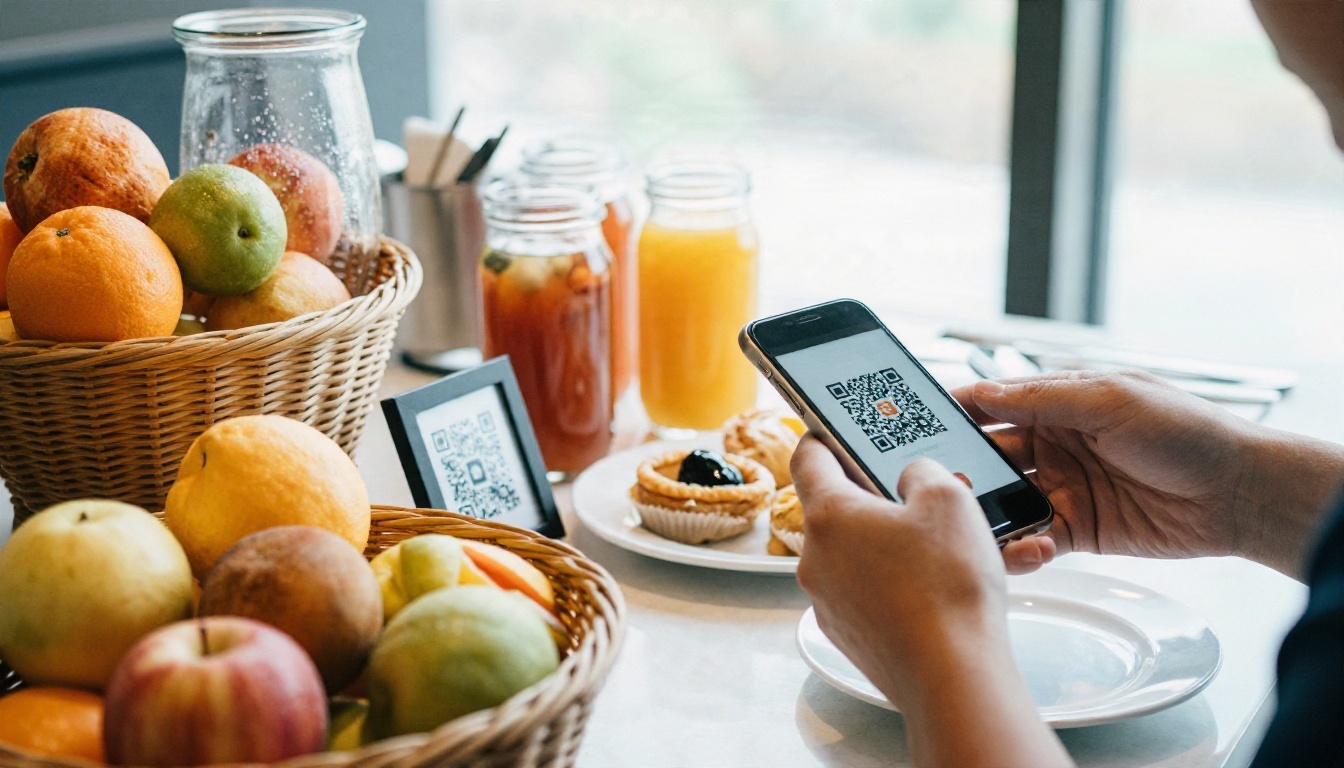
A hotel restaurant runs breakfast, lunch and dinner menus plus a room service version. One QR code per room opens a flipbook that includes all four, with a password for in-house guests only. Staff can also use the Hotel Brochure tool for the property overview that sits beside the dining menu. Breakfast tables carry a small framed code that opens the morning menu.
Quick Decision Checklist
Before you commit to any free menu app, answer these seven questions:
- Is there a watermark or banner on the live menu?
- What happens to the QR code if I stop paying?
- Can I export my data or at least keep the original file?
- Does the menu load in under three seconds on mobile data?
- Can I add photos, allergens and multiple languages?
- Is there a cap on items, pages or menus?
- Can I embed the menu on my own website?
If an app fails more than two, keep looking.
A free menu app can be a genuinely good deal, as long as you read the limits before you print. Keep your own PDF, use QR codes that point at links you control, and test on real phones in your real dining room.
If you already have a designed menu, turning it into a swipeable, watermark-free flipbook takes minutes. Create your account on Flipbooks AI, try the Restaurant Menu Creator, and browse all flipbook tools for price lists, wine lists and event programs. When you are ready for analytics, lead generation and unlimited flipbooks, compare the plans and pick the one that fits your restaurant.



