You shot the collection, picked the best frames, and now you need a lookbook that people can open on a phone, flip through like a magazine, and forward to a buyer in one tap. A free online flip book can do that in an afternoon, as long as you know where the free ride ends. Flipbooks AI turns a simple PDF into a page-turning lookbook, and this article shows what that looks like for fashion: real examples, template layouts that work, and the honest limits you will meet along the way.
What a Free Flip Book Really Gives You
Most people search this topic with one of two goals. Some want a quick, no-cost way to show a seasonal collection to customers. Others are comparing tools before they commit to a paid plan. Both groups need the same thing: a clear picture of what "free" includes.
The Short Answer
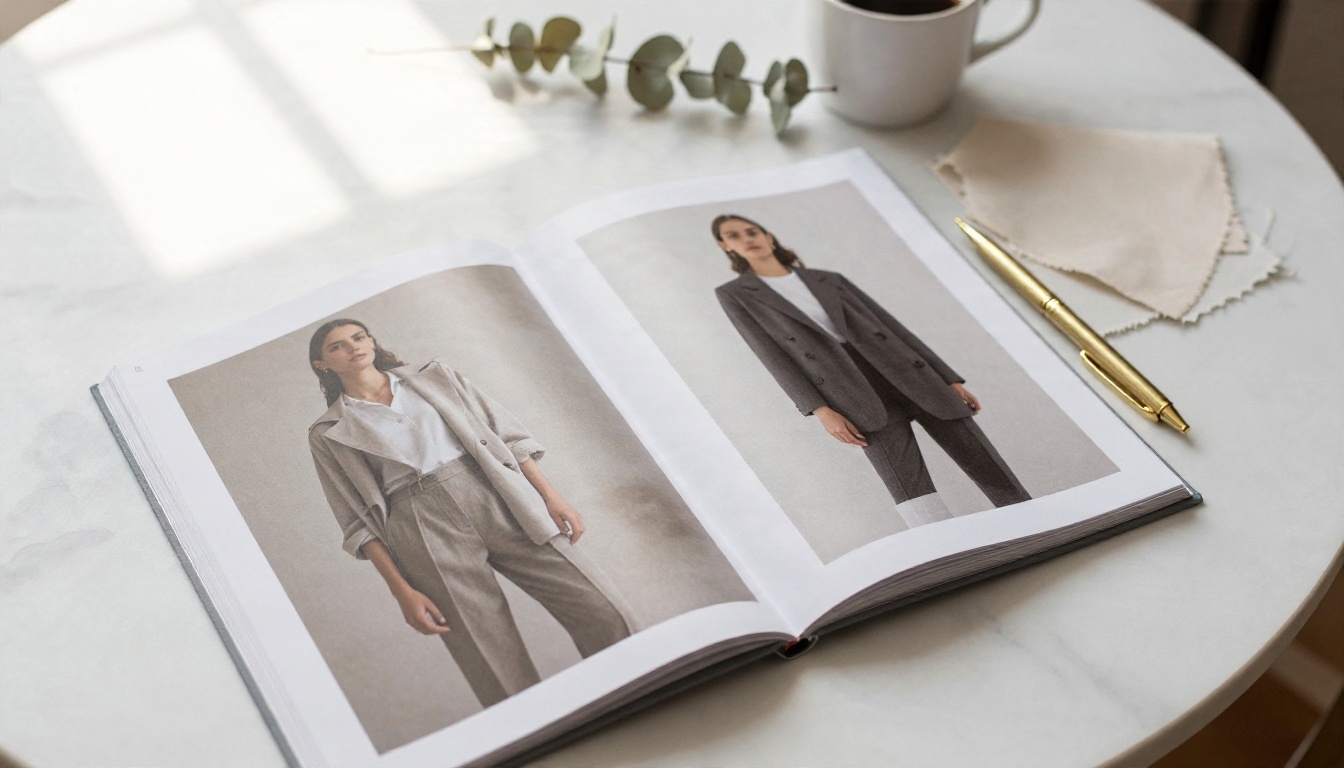
A free online flip book converts a PDF into an interactive publication with page-turning animation, zoom, and a shareable link. For a fashion lookbook, that means your photography stays large and sharp, the pages feel like a printed magazine, and the whole thing opens in any browser without a download.
What you typically get at no cost:
- Page-turn animation that mimics a real book
- A public link you can drop into Instagram bios, emails, and WhatsApp
- Mobile-responsive viewing so buyers can browse on a phone
- Basic sharing through a link or embed code
💡 Pro tip: Export your PDF at the final page size you want readers to see. Lookbooks with full-bleed photography look best in a portrait or square format, because the pages fill the screen on a phone.
Where Free Tools Usually Stop
The catch is rarely the flipping itself. It is what sits around it. Free tiers across the industry tend to add a visible brand badge, cap the number of pages or publications, or delete your flipbook after a set period. Those restrictions matter more for fashion than for most categories, because a lookbook is a brand asset. A third-party logo on your pages weakens the premium feel you spent a whole shoot building.
Fashion Lookbook Examples That Work
Abstract advice is easy to ignore, so here are four lookbook formats that fashion businesses publish as flip books, with the choices that make each one effective.

Seasonal Collection Lookbook
The classic. A brand opens with a full-page hero image, follows with look-by-look spreads, and closes with a palette and fabric page. Usually 16 to 32 pages. The strongest versions keep text to a single line per look: the garment name and a short fabric note.
Best for: independent designers launching spring/summer or autumn/winter drops.
Swimwear and Resort Edit
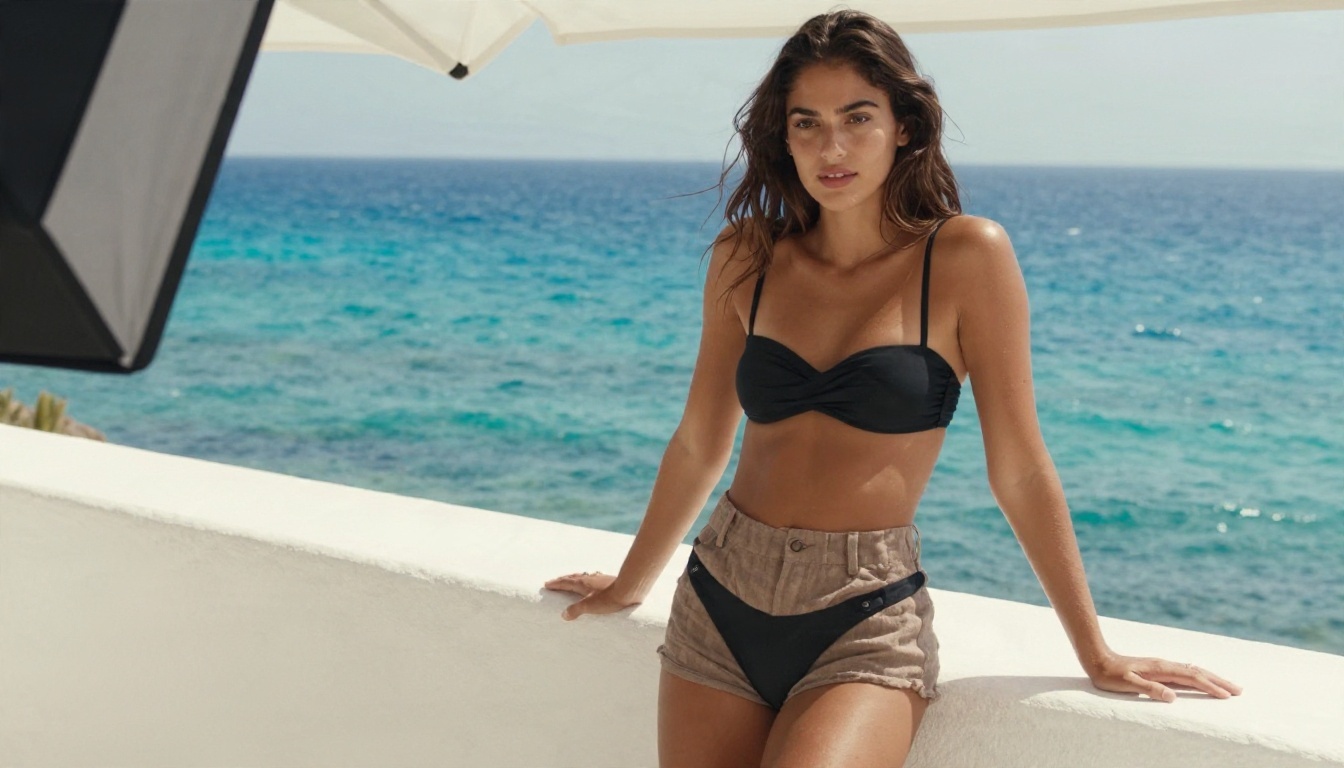
Swimwear lookbooks lean on light, skin tones, and location. Think whitewashed terraces, turquoise water, and warm sun. A tasteful, editorial approach works best: wide shots for mood, tight shots for fit and fabric detail. Because the images carry the story, a flip book with large, uncluttered pages is ideal.
Best for: resort labels, swimwear brands, and boutiques planning a summer capsule.
Street Style Series
Less polished, more personality. Street style lookbooks use candid movement, urban backdrops, and quick captions with sizing or price. They are shorter, often 8 to 12 pages, and updated frequently, which makes the speed of a free tool valuable.
Best for: streetwear labels, vintage resellers, and creators who drop new looks monthly.
Boutique Wholesale Lookbook
This one speaks to buyers, not shoppers. Each look gets a style number, a size range, and a wholesale price band. It often pairs with a line sheet. A flip book works well here because buyers can open it on a tablet during a call and zoom in on stitching.
Best for: brands pitching to stores and showrooms.
| Lookbook Type | Typical Pages | Text Density | Main Goal | Best Image Style |
|---|
| Seasonal collection | 16 to 32 | Low | Brand storytelling | Editorial, full-bleed |
| Swimwear and resort | 12 to 24 | Very low | Mood and aspiration | Location, natural light |
| Street style series | 8 to 12 | Low | Quick drops | Candid, in motion |
| Wholesale lookbook | 20 to 40 | Medium | Win buyer orders | Clean product plus detail |
Free Lookbook Templates Worth Using
You do not need a design agency to get a polished layout. You need a handful of repeatable page patterns and the discipline to stick to them.
Layout Patterns That Sell
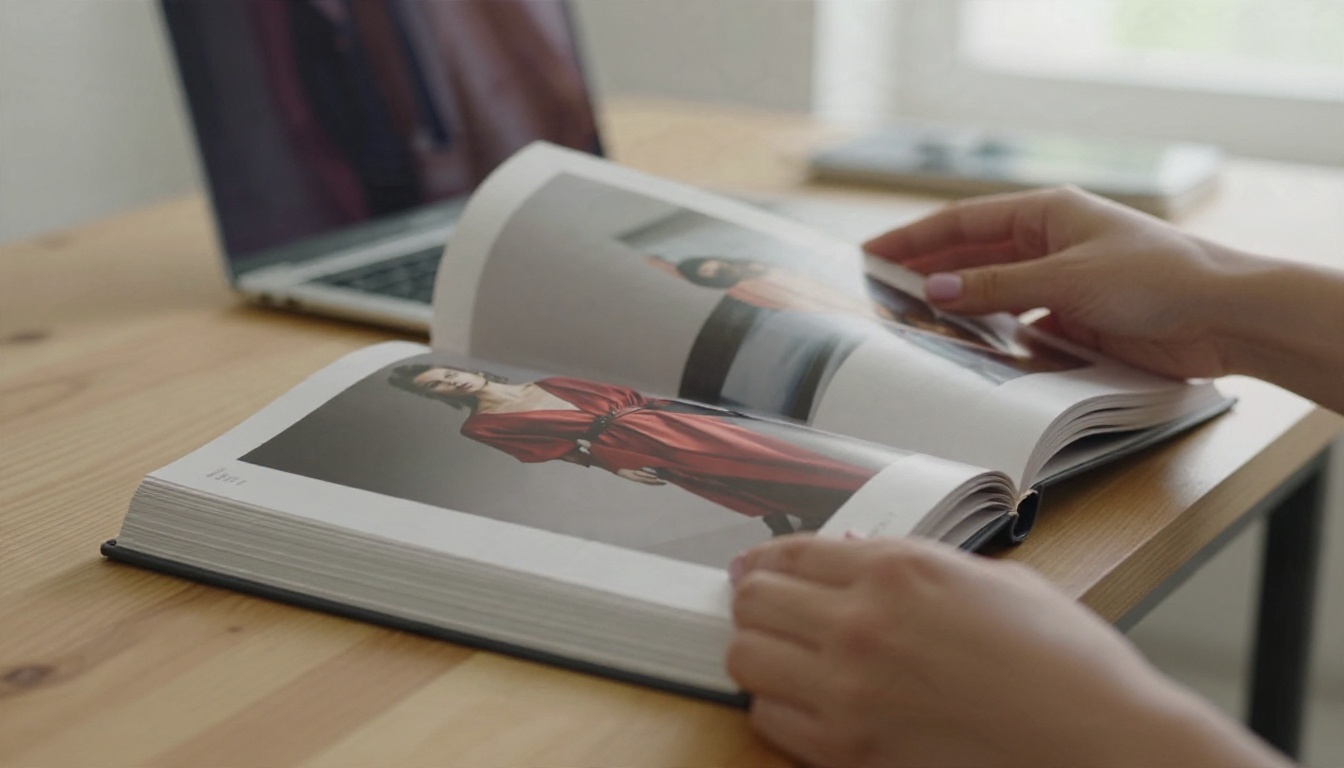
These five patterns cover almost every lookbook page you will ever need:
- Full-bleed hero: one image fills the page edge to edge. Use it for the opening and for your strongest look.
- Split spread: one image on the left, a detail crop on the right. Great for showing fabric texture.
- Grid of four: four smaller images for a capsule or colourway comparison.
- Single look with caption: a centred image with a short name, price, and size line.
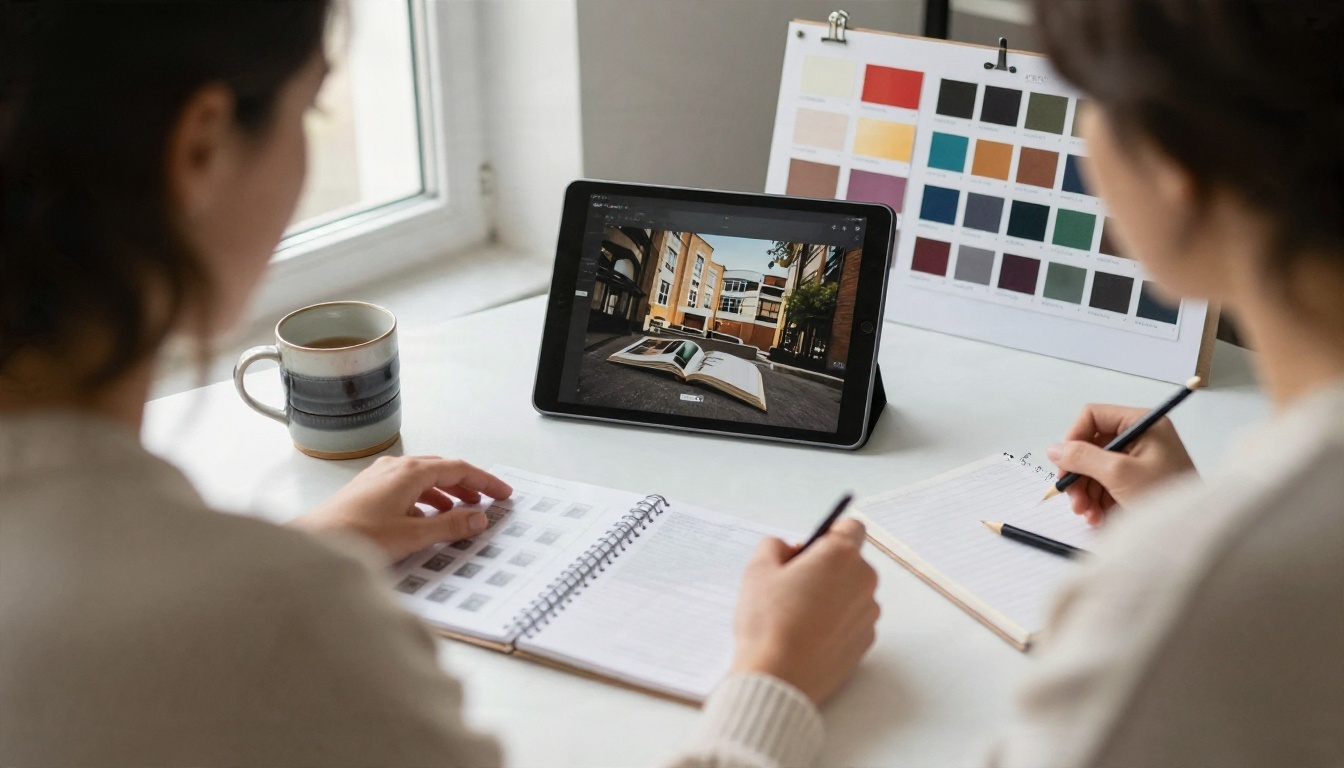
- Palette page: colour chips and fabric swatches that set the mood for the collection.
✅ Best practice: Alternate dense pages with quiet ones. A full-bleed image after a grid of four gives readers a visual breath, and it makes the page flip feel rewarding.
Where to Find Starting Templates
You can build your pages in Canva, Adobe InDesign, Affinity Publisher, or even Google Slides, then export to PDF. If you want a head start designed for this exact job, the Interactive Lookbook Designer and the Lookbook Flipbook Builder are made for fashion imagery. For brands that sell directly from the pages, the Fashion Catalog Creator adds a product-first structure.
| Template Source | Cost | Fashion Fit | Output | Best For |
|---|
| Canva lookbook layouts | Free tier available | Good | PDF | Quick social-first lookbooks |
| InDesign or Affinity | Paid software | Excellent | PDF | Custom editorial control |
| Google Slides | Free | Basic | PDF | Fast internal line reviews |
| Flipbooks AI lookbook tools | See pricing | Built for fashion | Flipbook | Publishing and sharing |
The Limits You Will Hit
Free is a fair price for testing an idea. It is a poor price for a brand you plan to grow. Here are the limits worth checking before you publish.
Watermarks and Branding
A watermark on every page is the most visible limit. On a product catalogue that might be tolerable. On a luxury or boutique lookbook it undermines the whole look. Check whether the tool adds a badge, a splash screen, or a branded link domain.
Page Counts and Storage
Many free tiers cap pages per flipbook, total flipbooks, or storage. A 32-page lookbook with high-resolution photos can hit those caps quickly. Compress images sensibly, but do not squeeze them so hard that fabric texture turns to mush.
Expiry and Offline Access
Some free flipbooks disappear after a few weeks, which breaks every link you shared. Others allow no offline download, so a buyer with weak signal at a trade show cannot open your collection. Confirm both before you send the link to anyone important.
⚠️ Warning: Never print a QR code on packaging or a hangtag that points to a free flipbook with an expiry date. When the link dies, every printed code dies with it.
| Limit | Typical Free Tier | Why It Hurts Fashion Brands | What To Look For |
|---|
| Watermark | Visible badge on pages | Weakens premium image | No watermarks, ever |
| Page cap | Low page or file count | Cuts long collections short | Generous page allowance |
| Number of flipbooks | One or a handful | Each season needs a new one | Unlimited flipbooks |
| Expiry | Links may expire | Breaks shared links and QR codes | Permanent hosting |
| Analytics | None or minimal | You cannot see which looks perform | Per-page views and leads |
| Privacy | Always public | Wholesale pricing exposed | Password protection |
How to Create a Lookbook with Flipbooks AI
Here is the full process from PDF to shareable lookbook. Plan on about 15 minutes once your pages are ready. Plan details and current limits are listed on the pricing page, so check them against your collection size first.
Step 1: Upload and Convert
- Export your lookbook as a PDF from Canva, InDesign, or any design tool.
- Open Flipbooks AI and create an account.
- Drop your file into the PDF to Flipbook Converter.
- Wait a few seconds while the pages convert into a flipping book. Image quality and page order stay as you exported them.
💡 Pro tip: Name your PDF with the season and year before uploading, such as "Spring 2027". It keeps your library tidy when you have several collections live.
Step 2: Customize the Look
Once the flipbook opens in the editor, you can shape it around your brand:
- Custom branding: add your logo and pick a background colour that suits your photography. A warm cream or soft charcoal frames fashion images well.
- Page effects: choose the page-turn style and speed.
- Multimedia: embed a short runway or behind-the-scenes clip, or add background audio.
- Links: add clickable hotspots on a look that send shoppers to the product page.
Step 3: Share and Protect

Sharing is where a lookbook earns its keep. You can:
- Send a direct link by email, DM, or WhatsApp
- Use the embed code to place the lookbook on your shop, following the Embed Flipbook on Website option
- Turn on password protection for wholesale or press-only versions
Because the viewer is mobile-responsive, a shopper on a phone gets the same smooth experience as a buyer on a desktop.
Step 4: Use Pro Features
If you sell wholesale or run paid campaigns, the Professional plan adds the tools that tell you what is working:
- Analytics to see which pages get the most views and time
- Lead generation forms that capture a buyer's email before they open the lookbook
- Offline downloads so buyers can browse at a trade show without a signal
Compare plans on the pricing page to see which tier matches your collection size. The Standard plan and above include unlimited flipbooks, which suits brands that publish every season.
Design Tips That Sell Clothes
A good flip book still needs good pages. These habits separate lookbooks that get shared from those that get skipped.

- Lead with your strongest image. The first page decides whether people keep flipping.
- Use one typeface family. Two weights of a clean sans-serif or serif look more expensive than five fonts.
- Show fabric up close. A detail crop of wool, linen, or knit sells quality in a way a full-length shot cannot.
- Keep captions short. Name, price, sizes. Nothing more.
- Match palette to season. Earth tones for autumn, soft pastels for spring, saturated brights for resort.
- Build for thumbs. Most readers will hold a phone, so avoid tiny text and crowded grids.
- End with a clear action. A final page with your shop link, your email, and a QR code gives every reader a next step.
A Quick Real-World Scenario
Picture an independent label with a six-person team. They shoot twelve looks, assemble a 20-page PDF in a design tool, and publish it as a flip book. They send the public version to customers and a password-protected wholesale version to stockists. After two weeks they check which pages got the most views, then reorder the top three looks for the next drop. No printing cost, no courier, no delay.
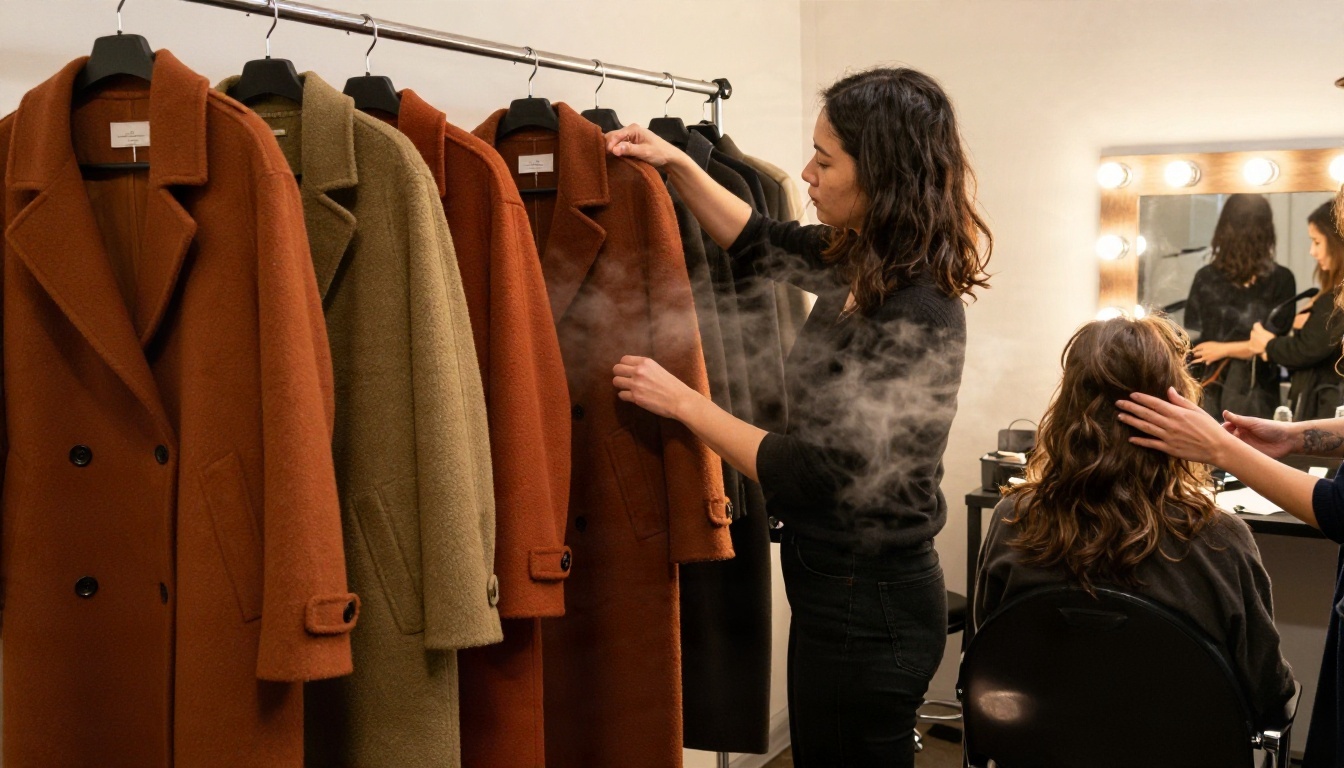
✅ Best practice: Create two exports from the same design: a public version with prices hidden, and a private version with wholesale details. Publish both from the same account.
Free vs Paid: Which Fits You
The right choice depends on how often you publish and how much the brand look matters.
| Situation | Free Tool Is Enough | Paid Plan Is Worth It |
|---|
| Testing a first lookbook | Yes | Not yet |
| One-off internal line review | Yes | No |
| Public brand lookbook | Only if no watermark | Yes |
| Wholesale and press kits | No | Yes, for passwords and leads |
| Seasonal launches every year | Rarely | Yes, for unlimited flipbooks |
| QR codes on packaging | No | Yes, for permanent links |
A sensible path: build your first lookbook, check how the free output looks with your own images, and move up when you hit a limit that costs you credibility or sales. Plenty of designers only need the paid tier during launch season.
If your needs stretch beyond lookbooks, the same workflow powers other fashion assets. A Digital Catalog Maker suits full product ranges, a Digital Portfolio Creator suits stylists and photographers, and a Digital Price List Generator keeps wholesale prices tidy.
Publish Your Lookbook Today
A free online flip book is the fastest route from photo shoot to shareable collection, and the limits are manageable when you know them upfront. Check for watermarks, page caps, expiry, and privacy, and match the tool to how seriously you take the brand.
Ready to publish? Create your account on Flipbooks AI and upload your first PDF. Browse all flipbook tools to find the right template for your collection, or compare pricing plans when you are ready for unlimited flipbooks, password protection, and analytics.



