You exported a clean PDF, uploaded it to Scribd, and then realized your readers hit a wall of sign-ups and subscription prompts before they could read a single page. If that sounds familiar, you are not alone. A growing number of creators, small businesses, and teachers are searching for a free Scribd alternative that lets them publish a PDF online, send it with a simple link, and embed it right on their own website. Flipbooks AI was built for exactly that: turn any PDF into a smooth, page-turning flipbook that opens instantly on any device, with no watermarks and no forced accounts for your readers.
This article walks through why people leave Scribd, what to look for in a replacement, and how to publish, share, and embed your first PDF in a few minutes. You will also find comparison tables, real examples, and a short checklist you can use before you hit publish.
Why People Look Beyond Scribd
Scribd is a large document library, and it works well if your goal is to be found inside that library. The trouble starts when your goal is different. Most people who search for an alternative want to control where their document lives, who sees it, and how it looks.

The Paywall Problem
Reading on Scribd is built around a subscription library. Depending on the document and the visitor, readers can run into sign-up prompts or limited previews. That is fine for a bookstore. It is a poor fit if you are sending a price list to a customer, a report to a client, or a lesson pack to students.
⚠️ Watch out: if your reader has to create an account just to open your file, a share of them will simply close the tab. Every extra step costs you attention.
The Control Problem
When a document sits inside a third-party library, you have limited say over the page around it. Recommended documents from other publishers can appear beside yours. Branding is minimal. And the file lives on someone else's domain, which does little for your own site.
Here are the most common reasons people switch:
- Readers face sign-up walls instead of opening a document instantly
- No custom branding on the reading experience
- Limited embedding options that blend poorly with a website
- Unclear control over who can view a private document
- Little insight into how readers actually use the file
What a Good Alternative Needs
Before picking any tool, decide what you actually need the PDF to do. A downloadable file and a browsable online publication are two different things. A flat PDF viewer shows pages one after another. A flipbook feels like holding a brochure, with page-turn effects, zoom, and fast loading on phones.

A Simple Checklist
Use this table to score any platform you are considering.
| Requirement | Why It Matters | Flipbooks AI |
|---|
| Free to start | Test with a real document before paying | ✅ Start free |
| No watermarks | Your brand stays clean | ✅ Never |
| Share by link | Send in email, chat, or social | ✅ Direct link |
| Embed on a website | Keep visitors on your own pages | ✅ Embed code |
| Password protection | Keep private files private | ✅ Supported |
| Mobile responsive | Most readers are on phones | ✅ Built in |
| Custom branding | Colors and logo that match you | ✅ Supported |
| Analytics | See what readers actually open | ✅ Professional plan |
Free Does Not Mean Limited Quality
A free tier should still produce a professional result. Look for sharp text rendering, quick page loads, and a layout that adapts from a large monitor to a small phone. If a tool puts its own logo across your pages on the free plan, it is not really a free alternative. It is an advertisement for itself.
How to Publish a PDF in Minutes
Publishing on Flipbooks AI takes a few clear steps. If you want to see the converter in action, the PDF to Flipbook Converter is the fastest place to begin.

Upload and Convert
- Go to Flipbooks AI and create a free account.
- Click the option to create a new flipbook.
- Drag your PDF into the upload area, or pick it from your computer.
- Wait a few moments while the pages are converted into a flipbook.
- Preview the result and flip through each page to confirm everything looks right.
💡 Pro tip: export your PDF at a sensible resolution before uploading. Images at around 150 to 200 DPI usually look sharp on screen while keeping load times short.
Customize the Look
Once your flipbook is ready, make it feel like yours. In the editor you can adjust:
- Branding: add your logo and choose a background that suits your identity
- Colors: match the viewer to your website or print materials
- Page effects: choose how pages turn and how the book opens
- Layout: pick single page or double page spreads depending on your design
Small touches matter. A restaurant might choose warm tones, while a law firm might go for a clean white and navy palette.
Add Video and Audio
A flat PDF cannot play a clip. A flipbook can. You can embed videos and audio directly into pages, so a product catalog can include a short demo and a travel brochure can include ambient sound. If you work with printed layouts, the Interactive E-Book Publisher is built around this kind of multimedia reading.
Share Your PDF by Link
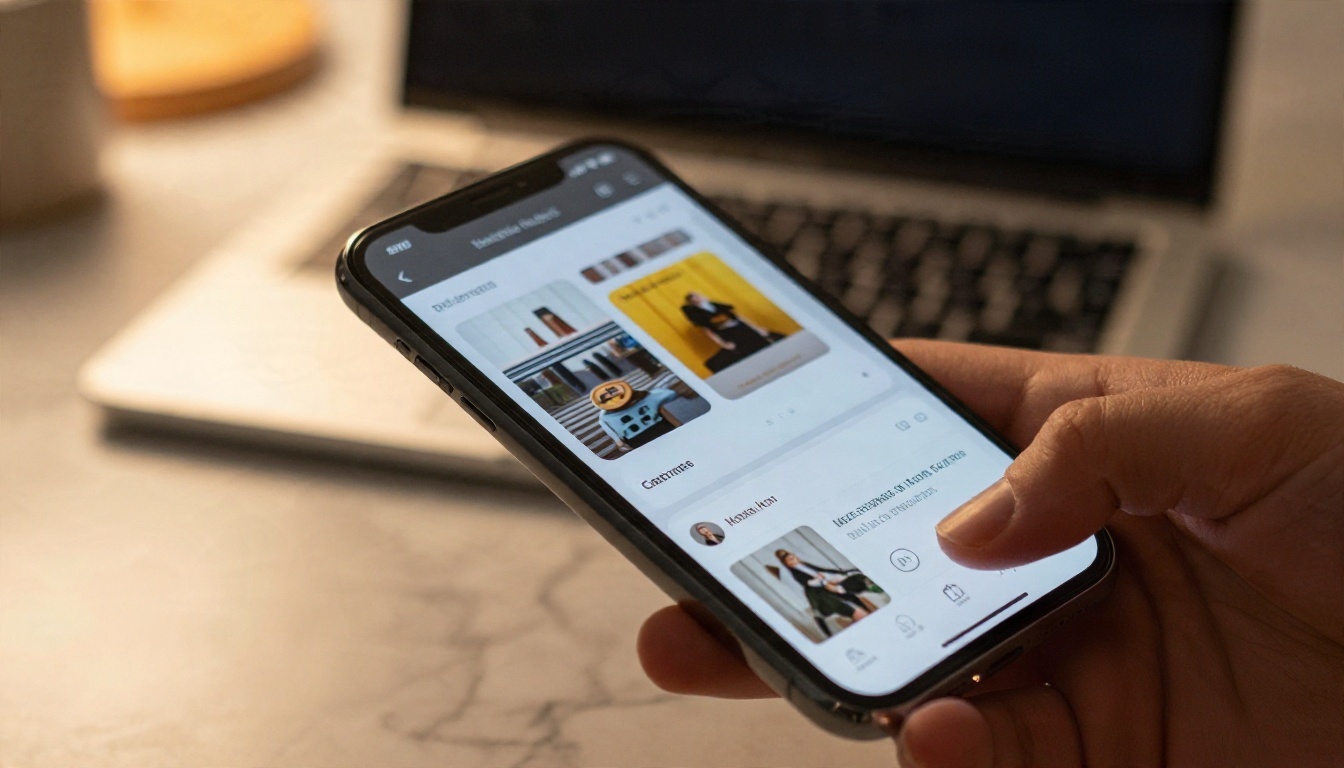
Once your flipbook is published, you get a direct link. Paste it into an email, a WhatsApp message, an Instagram bio, a QR code, or a LinkedIn post. Your reader taps it and starts reading immediately.
Direct Links That Just Open
A good share link does three things: it loads fast, it works on every phone, and it does not ask for a login. That last point is the big difference from library-style platforms. Your reader does not need an account, a subscription, or an app.
Here are quick ways to use a link:
- Add it to your email signature so every message carries your latest brochure
- Print it as a QR code on packaging, posters, or business cards
- Pin it in your social media bio
- Send it to a client in a proposal email
Password Protection for Private Files
Not every document should be public. For contracts, internal reports, or paid course material, switch on password protection. Only people who have the password can open the flipbook, even if the link gets forwarded.
✅ Best practice: share the link and the password through different channels. For example, send the link by email and the password by text message.
| Sharing Method | Best For | Reader Needs an Account? |
|---|
| Public link | Brochures, menus, catalogs | No |
| Password protected link | Contracts, internal reports | No, only the password |
| QR code | Print materials, events | No |
| Embedded on a website | Landing pages, blogs, portfolios | No |
Embed It on Your Own Site
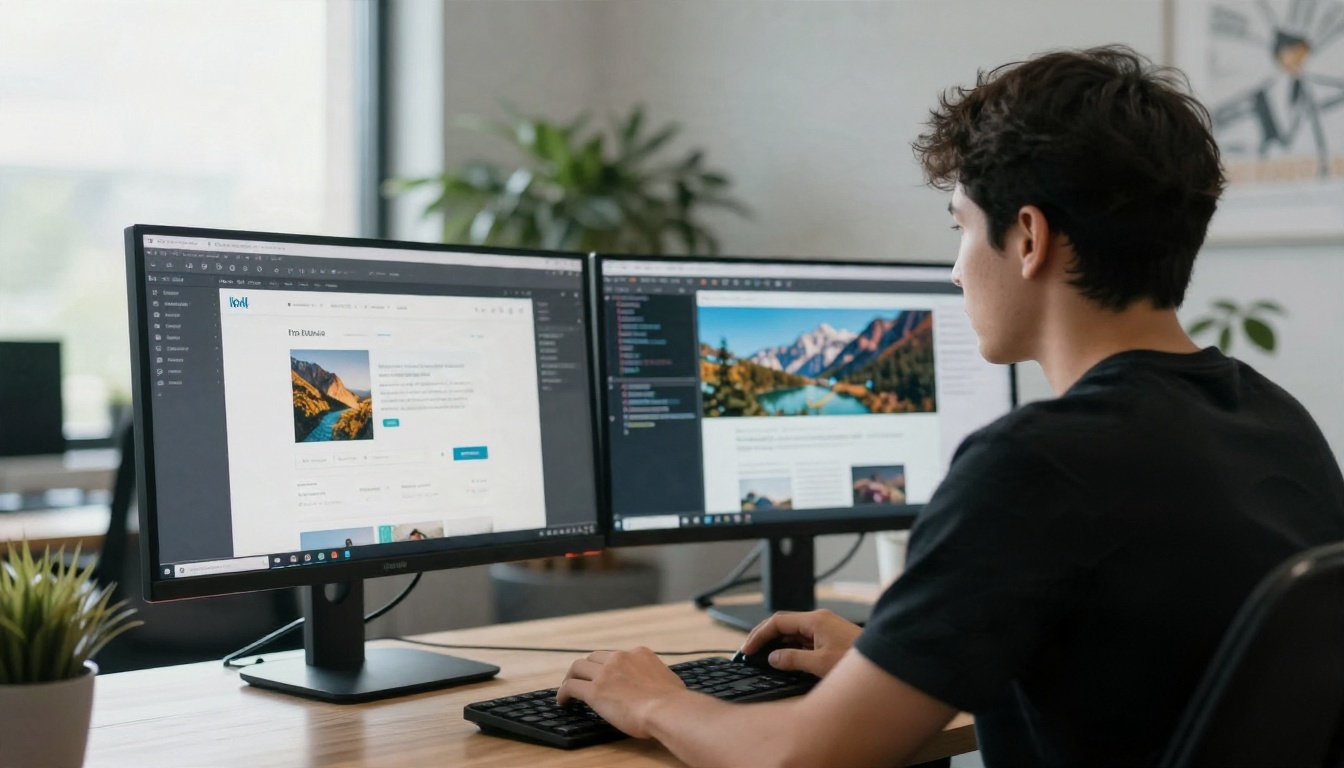
Sharing a link is great. Embedding is better when you want people to stay on your site. An embedded flipbook sits inside your page like a video would, so a visitor can read your catalog without ever leaving your domain.
Copy the Embed Code
- Open your published flipbook in the dashboard.
- Open the share options and choose Embed.
- Copy the embed code that is generated for you.
- Paste it into the HTML block of your website, whether that is WordPress, Wix, Squarespace, Webflow, or a custom page.
- Save and publish your page.
That is all. For a visual walkthrough of the same process, see the Embed Flipbook on Website tool page.
Keep It Responsive
Most traffic arrives on phones, so check how your embed behaves on a small screen. A mobile-responsive flipbook adjusts its size to the container. Give the embed a wide section of the page, and avoid squeezing it into a narrow sidebar.
💡 Pro tip: place the embed below a short introduction paragraph and add a clear heading above it. Search engines and readers both like context around a document.
Scribd vs Flipbooks AI vs Other Options
Different tools suit different goals. This table gives an honest side-by-side view. Features change over time, so always check each platform's current terms and pricing before deciding.

Side by Side
| Feature | Scribd | Flipbooks AI | Basic PDF Hosting |
|---|
| Main purpose | Document and ebook library | Branded flipbook publishing | Simple file storage |
| Page-turn flipbook effect | No | ✅ Yes | No |
| Custom branding | Limited | ✅ Yes | Rarely |
| Embed on your site | Limited | ✅ Yes | Sometimes |
| Password protection | Varies | ✅ Yes | Sometimes |
| Video and audio inside pages | No | ✅ Yes | No |
| Reader analytics | Basic | ✅ Professional plan | Rarely |
| Watermarks | Platform branding | ✅ None | Varies |
When Scribd Still Makes Sense
Scribd can be a good choice if you want to be found by strangers browsing a large library of documents. If your goal is discovery inside a marketplace, that audience is real. But if your goal is to present a polished document to your own audience, a dedicated flipbook platform gives you much more control.
When a Flipbook Wins
Choose a flipbook when you care about:
- Your own brand and a clean reading experience
- Your own website traffic, not someone else's
- Mobile readers who want smooth page turns
- Private sharing with passwords
- Insights into how people read
Real Examples That Work
Theory is nice, but here is how people actually use a free PDF publishing tool day to day.
A Cafe Menu That Updates Itself
A cafe owner designs a menu in a layout tool, exports a PDF, and publishes it as a flipbook. The link goes onto a QR code at every table. When prices change, they re-upload the file and the QR code keeps working. No reprinting, no stale menus. The Restaurant Menu Creator is made for exactly this workflow.

Lesson Packs for Students
A teacher bundles reading material into one PDF and publishes it with a password. Students open it on phones or laptops, with no account needed. For longer programs, the Training Manual Flipbook and Course Material Publisher tools keep everything tidy.
A Freelancer's Portfolio
A designer exports a portfolio PDF, publishes it as a flipbook, and embeds it on their homepage. Prospective clients flip through the work without downloading anything. The Digital Portfolio Creator and Photography Portfolio pages show how this looks in practice.
More Ideas by Use Case
You can browse every template and tool in the flipbook tools directory.
Pro Features Worth Knowing
The free route is enough for many people, but a few features matter once you publish regularly.
- Unlimited flipbooks: available from the Standard plan and above, so you are never forced to delete old issues
- Offline downloads: let readers save the document when they have a poor connection
- Analytics: see views and reading behavior to learn which pages hold attention
- Lead generation: collect contact details before a reader opens a gated document
- No watermarks, ever: your brand stays front and center on every plan
Analytics and lead capture are part of the Professional plan. You can compare every tier on the pricing page.
💡 Pro tip: if you send a proposal or a price list, check the analytics a few days later. If readers drop off at page four, move your strongest section earlier.
Quick Pre-Publish Checklist
Run through this before you share your first flipbook:
- Proofread the PDF for typos and broken layouts
- Compress large images so pages load quickly
- Add your logo and brand colors in the editor
- Test the link on a phone and a desktop
- Turn on password protection if the file is private
- Test the embed on a draft page before going live
Ready to Publish Your First PDF?
A free Scribd alternative should give you three things: a clean way to publish, an easy way to share, and full freedom to place your document wherever your readers are. That is the whole idea behind flipbooks. Your PDF stays yours, looks professional, and opens in one tap.

Here is your next move:
Upload a PDF today, copy the link, and see how it feels to share a document that opens instantly, looks sharp, and carries only your brand.



