When someone you love dies, the practical questions arrive faster than the grief can settle. Who needs to be told? Where do the photos go? How can relatives overseas say goodbye? A funeral memorial website answers many of those questions at once, and you can build one without paying a cent. This article walks through the free options, shows what good tributes look like, and introduces a quieter alternative: a page-turning memorial flipbook made with Flipbooks AI.
Take your time with it. Nothing here has to be finished today.
What a Memorial Website Does
A funeral memorial website is a single online place that holds a person's story. It usually carries an obituary, service details, photographs, a few written memories, and a way for visitors to leave condolences. Think of it as a guest book, a photo album and an announcement board, all reachable from one link.

Who Actually Uses One
Families rarely build these alone. The people who benefit most are:
- Relatives abroad who cannot attend the service but want to follow along.
- Older friends who prefer reading a calm page to scrolling a social feed.
- Colleagues and neighbors who want to leave a note without calling the family.
- Future generations, who will look for a grandparent's story years from now.
What Belongs on the Page
You do not need everything. A good memorial page usually includes:
- A full name, dates, and one portrait that feels like them.
- A short life story, written the way you would tell it aloud.
- Service time, place, and livestream details if there are any.
- Ten to thirty photographs, ordered roughly by decade.
- A space for shared memories and condolences.
- Donation or flower preferences, if the family has them.
💡 Tip: Write the life story last. Collect photos and service details first, because those are concrete tasks and they often unlock the right words.
Free Funeral Memorial Website Options
"Free" comes in several shapes. Some options cost nothing but come with ads. Others are free to start and nudge you toward paid upgrades. Here are the main routes people take.
Funeral Home Tribute Pages
Many funeral homes include an online obituary page with a guest book as part of their service. It is the easiest route because the staff often post it for you. The tradeoff is that the page lives on the funeral home's site, follows their template, and may disappear after a set period.
Free Memorial Platforms
Dedicated memorial platforms offer free tribute pages with photo galleries, timelines and condolence walls. They are built for exactly this job. Check three things before committing: whether the page stays online permanently, whether ads appear next to the tribute, and whether you can set the page to private.
Website Builders With Free Tiers
General site builders let you design a page from a template. You get full control over the look, but you also take on the work of layout, mobile testing and a domain name. Free tiers typically show the builder's branding and use a long, awkward web address.
Social Media Memorial Pages
A group or page on a social network takes five minutes to start and reaches people where they already are. It also exposes the tribute to algorithms, unrelated ads, and the occasional unkind comment. Many families use social media for the announcement and a quieter place for the tribute itself.
Option Comparison Table
| Option | Cost to Start | Privacy Control | Design Freedom | Lasts How Long |
|---|
| Funeral home page | Usually included | Low | Low | Often limited |
| Memorial platform | Free tier available | Medium | Medium | Varies by provider |
| Website builder | Free tier available | Medium | High | While account stays active |
| Social media page | Free | Low | Low | Tied to the platform |
| Flipbook tribute | See pricing | High (password option) | High | Yours to keep and download |
Memorial Website Examples That Work
Abstract advice only goes so far. These four scenarios show how real families tend to shape a tribute. Each is a pattern you can borrow.

The Photo-First Tribute
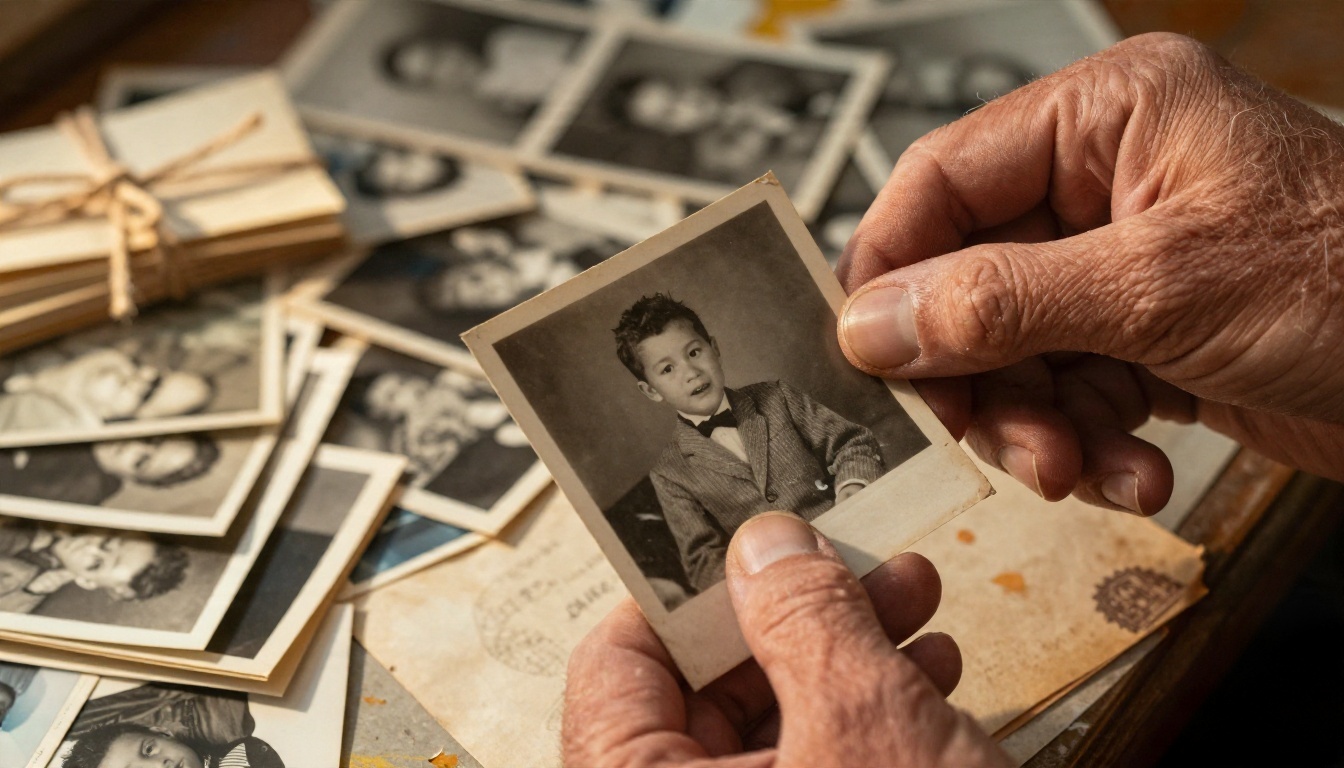
A daughter builds a page around forty photographs of her father, from his army years to fishing trips with his grandchildren. Each photo has a single sentence beneath it. There is almost no other text. Visitors scroll slowly and message the family afterwards, usually with a memory the photo triggered.
Why it works: the images do the emotional work, so nobody has to find perfect words.
The Service Hub
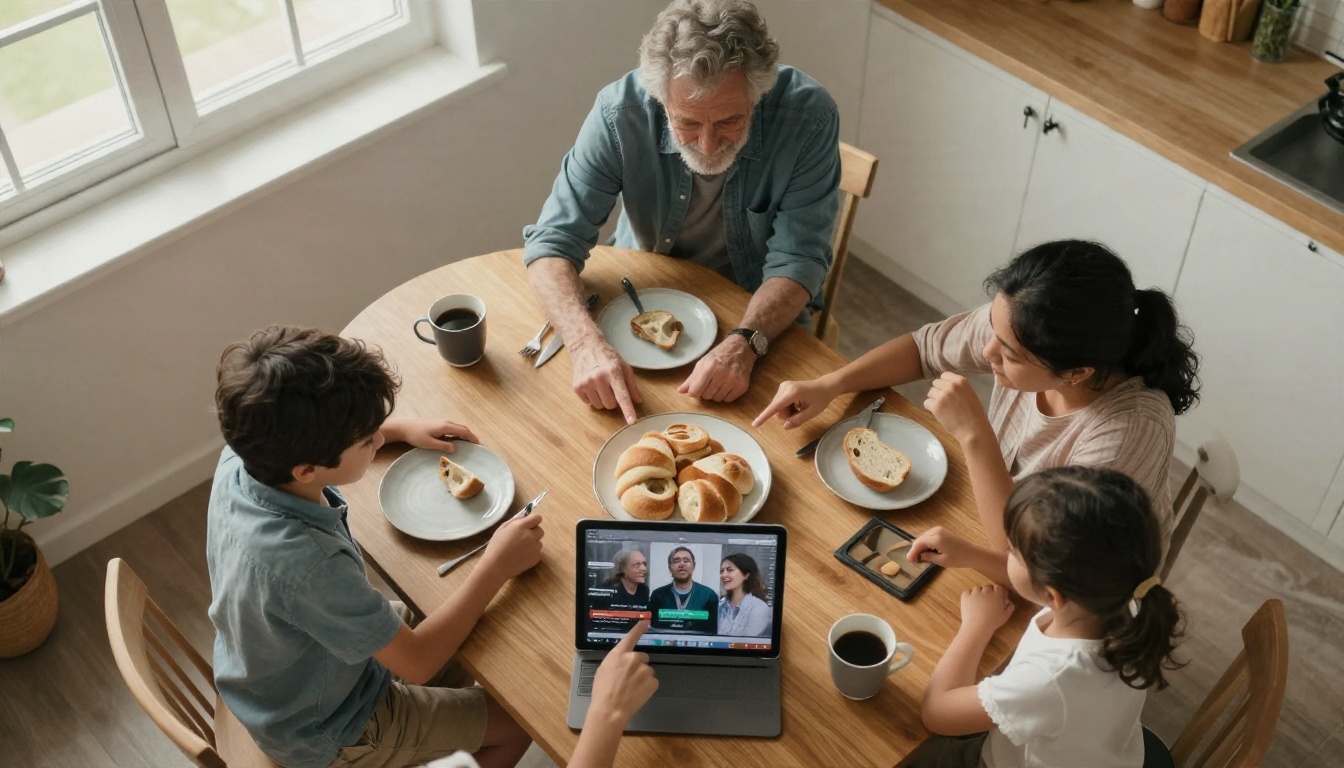
A family expecting guests from three countries puts everything practical on one page: the address, the parking notes, the livestream link, and a short dress note ("wear something bright, she hated black"). The obituary sits at the bottom.
Why it works: it cuts down on the dozens of individual messages the family would otherwise answer.
The Collected Memories Page
A workplace creates a tribute for a colleague of twenty years. Instead of one author, thirty coworkers each contribute a paragraph. The page reads like a quilt of voices.
Why it works: the family sees how widely their person was loved, which is a gift they could not have gathered alone.
The Living Archive
A son adds to his mother's page for a year after she passes. He uploads her recipes, a voicemail he saved, and scans of her handwritten letters. The page becomes a family record, not just a farewell.
Why it works: grief continues long after the service, and the page grows with it.
✅ Best practice: Decide early whether the page is a one-time announcement or a long-term archive. That choice shapes which platform makes sense.
The Hidden Cost of "Free"
Free tools are valuable in a hard week. Still, a few trade-offs deserve a look before you upload someone's whole life to a page.
Ads Beside a Tribute
Ad-supported pages can place car insurance banners next to an obituary. Families notice, and it stings.
Public by Default
Many memorial pages are searchable. That means anyone, including strangers, can read the obituary, see the photos, and sometimes leave comments. Public details can also be used by scammers who read obituaries to target grieving families, so consider what personal information you really need to share.
Pages That Quietly Disappear
Accounts get closed, companies shut down, and free tiers change. If the tribute lives only on someone else's server, you may lose it. Always keep a copy of the photos and text on your own device.
Warning Table
| Risk | What It Looks Like | How to Reduce It |
|---|
| Ads | Unrelated banners near the tribute | Choose an ad-free tool |
| Public exposure | Page found through search | Use a password or private link |
| Platform loss | Account or site shuts down | Keep downloadable copies |
| Fragmented photos | Images scattered across apps | Collect everything in one folder first |
⚠️ Warning: Avoid listing the home address of the deceased or a family member. Burglars have been known to target homes during funerals.
The Flipbook Alternative
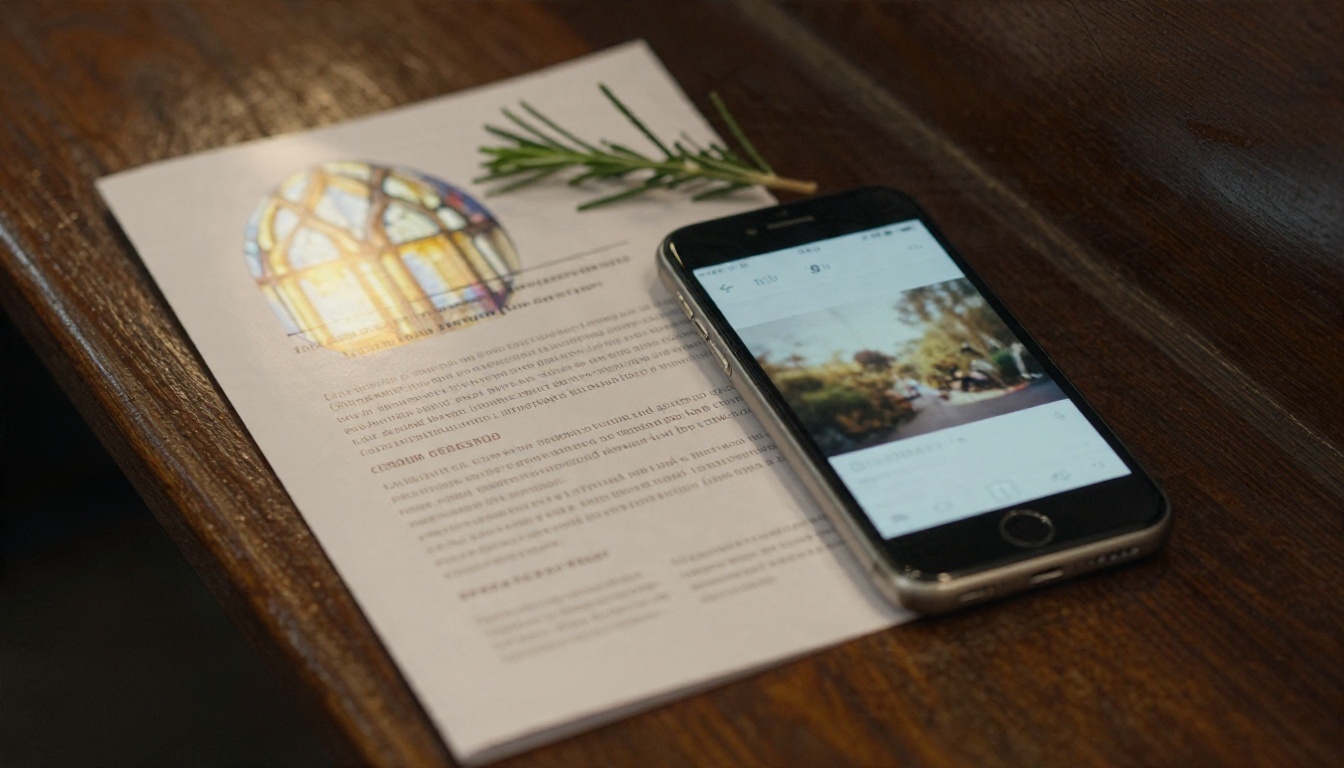
A flipbook turns a PDF into a digital publication you read by turning pages, just like a printed memorial book. For a funeral tribute, that format has a particular gentleness. There is no feed, no sidebar and no comment thread. A visitor opens the link and reads from the first page to the last, at their own pace.
Why Families Choose It
- It feels like a keepsake. The pages turn, the layout stays fixed, and the order of photos is yours.
- It is private by design. You can protect the flipbook with a password and share it only with people you choose.
- No watermarks, no ads. Nothing competes with the tribute.
- It works on every screen. Relatives can read it on a phone in a waiting room or on a laptop at home.
- You can download it. An offline copy means the tribute survives even if you change plans later.
- Audio and video fit inside. Add a recorded eulogy or a short family video on the right page.
Website Versus Flipbook
| Feature | Typical Memorial Website | Memorial Flipbook |
|---|
| Reading experience | Scrolling page | Page-turning book |
| Comments from strangers | Often open | None unless you add them |
| Privacy | Frequently public | Password or private link |
| Ads | Common on free tiers | None |
| Printable companion | Rarely | Same PDF can be printed |
| Design control | Template-bound | Full control through your PDF |
| Offline copy | Uncommon | Available |
When a Website Still Wins
A flipbook is not a guest book. If you want hundreds of people to type condolences directly on the page, a memorial platform or social page serves that need better. Many families combine the two: a flipbook for the tribute itself, and a simple form or email address for messages.
How to Build a Memorial Flipbook
You do not need design skills. If you can make a document and save it as a PDF, you can make this. Here is the process with Flipbooks AI, step by step.

Step 1: Gather Your Material
Create one folder with the photos, the obituary text, the order of service, and any favorite poems or quotes. Scan old prints at a reasonable resolution, around 300 dpi, so they stay sharp on screen.
Step 2: Lay Out the Pages
Use any tool you already know, such as a word processor or a free design app. A simple structure works well:
- Cover page with a portrait, a name and dates.
- A welcome page with a short message from the family.
- The life story across two or three pages.
- A photo section, one to four photos per page.
- A page of favorite sayings, songs or recipes.
- Service details and where to send flowers or donations.
- A final page of thanks.
If you would rather start from a template, the Interactive E-Book Publisher and the Wedding Album Flipbook tools suit photo-heavy layouts, and the Event Program Maker is a natural match for a service program.
Step 3: Upload and Convert
Export your layout as a PDF. Then create an account and upload the file. The PDF to Flipbook Converter turns it into a page-turning flipbook in moments, with no watermark added.
Step 4: Customize the Look
Choose a background color that matches the mood. Soft cream, sage or slate blue feel calmer than bright tones. Adjust the page-turn effect, add a favorite song as background audio, and place a short video message on the page where it belongs.
Step 5: Protect and Share
This is the step most people care about. Switch on password protection so only invited guests can open the tribute. Then pick how to share:
- Direct link in an email or family group chat.
- Embed code to place the flipbook on a family website. The Embed Flipbook on Website page shows how.
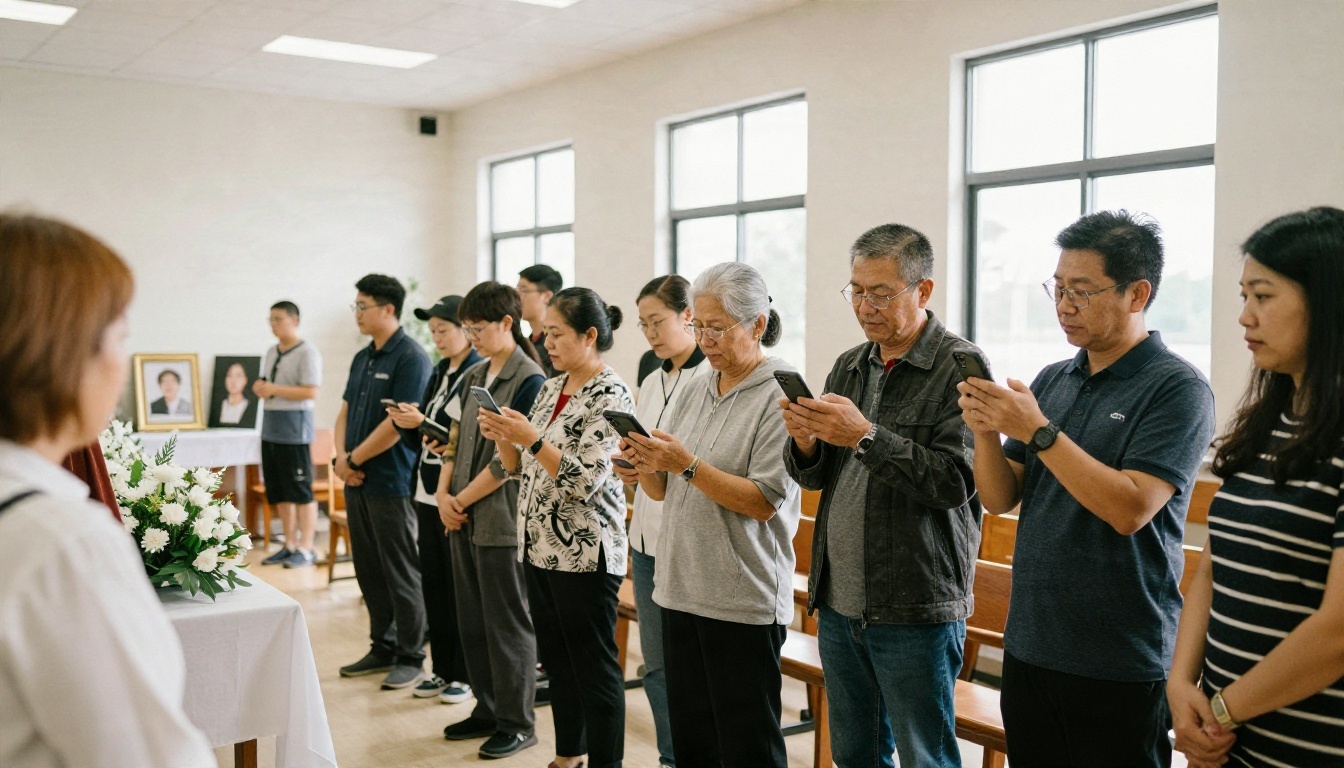
- QR code printed on the service program so guests can open the tribute at the church or the reception.
- Offline download for relatives with poor internet.
Step 6: Use Professional Features if You Need Them
On the Professional plan, analytics show how many people opened the tribute and which pages they read most, and lead capture can collect the names and emails of visitors, which some families use as a thank-you list. Compare the options on the pricing page before you decide.
💡 Tip: Send the link to one trusted relative first. A second pair of eyes catches typos in names and dates, which matter more here than anywhere.
Time and Effort Table
| Task | Typical Time | Who Can Help |
|---|
| Collecting photos | 1 to 3 hours | Siblings, cousins |
| Writing the life story | 1 to 2 hours | A close friend |
| Laying out pages | 2 to 3 hours | Any family member who likes design |
| Upload and share | Under 30 minutes | Anyone |
Sharing With Care
How you share matters as much as what you share. A tribute is meant to comfort, and the wrong audience can turn it into something else.
Choose Your Audience
Decide in advance whether the tribute is for close family, for everyone who knew the person, or for the public. A password-protected flipbook fits the first two. If you do want a public version, consider a shorter flipbook with fewer personal details.
Write the Message That Goes With the Link
Keep the accompanying note short and warm. For example: "Here is a small book of photos and stories about Mum. Please read it when you are ready, and add your own memory by replying to this email." Giving people permission to read in their own time removes pressure.
Plan for the Long Term
A tribute can matter most on anniversaries. Mark the date, then update the flipbook with new photos or stories each year. Because you control the PDF, a revised edition takes minutes rather than a full rebuild.
✅ Best practice: Save the original PDF in two places, such as your computer and a cloud drive. Then the tribute never depends on a single account.
Your Next Step
You do not have to choose between a website and a flipbook forever. Start with the option that feels lightest this week, and add the others when you have the energy. If you want a private, ad-free, keepsake-quality tribute, a flipbook is hard to beat.

Here is where to go from here:
Whatever you build, a few honest photos and a few true sentences are enough. The person you are remembering would likely have wanted it simple.
Frequently Asked Questions
Is a free memorial website safe?
It can be, as long as you check the privacy settings, avoid posting a home address, and understand how long the provider keeps the page online.
How many photos should a tribute have?
Between twenty and forty is a comfortable range. Enough to tell a story, few enough that visitors reach the last page.
Can I make a memorial flipbook from my phone?
Yes. You can prepare the PDF in any mobile document app and upload it through the browser, then share the link from your phone.
Can I print the tribute too?
Yes. Because the flipbook starts as a PDF, the same file can be printed as a booklet for the service or as a gift for close relatives.



