Planning a service leaves very little room for design decisions, yet the printed program is the one item every guest will hold in their hands. This article walks through paper size, fold style, page count, paper weight and printing costs in plain terms, then shows how to turn the same file into an online version with Flipbooks AI so relatives who cannot travel can still follow the service and keep a copy.
If you only have a minute, here is the short answer: a bi-fold booklet made from a letter-size sheet (8.5 x 11 in) folded to 5.5 x 8.5 in, with four or eight pages, is the format most families choose. It is easy to print, easy to hold, and gives you enough space for a photo, an order of service and a few words of remembrance. The rest of this article explains when a different format makes more sense.
A program is more than a schedule. Guests read it while waiting for the service to begin, follow it during hymns and readings, and often tuck it away afterward as a keepsake. Choosing the wrong format can mean cramped text, a booklet that will not stay open in a pew, or a pile of leftover copies you paid for and did not need.
What the Program Does
A good program does four jobs at once:
- Guides the order of service so guests know when to stand, sing or speak.
- Names the people involved, including pallbearers, readers, musicians and officiants.
- Shares a life story through a photo, an obituary or a short tribute.
- Gives practical details such as the burial location, reception address and donation information.
Every one of these jobs needs space. Count what you plan to include before you pick a size, not after.
Print, Online, or Both
Most families now do both. Printed copies are for guests in the room. A digital version is for everyone else: relatives overseas, friends who are unwell, colleagues who want to pay respects from afar. Because the online edition is built from the same PDF you send to the printer, it adds almost no extra work.
| Format | Best for | Main limit |
|---|
| Printed only | Small, local services | Cannot reach absent family |
| Online only | Livestreamed or remote services | Guests in the room have nothing to hold |
| Printed plus online | Most services | Needs one extra upload step |
Paper Size Options
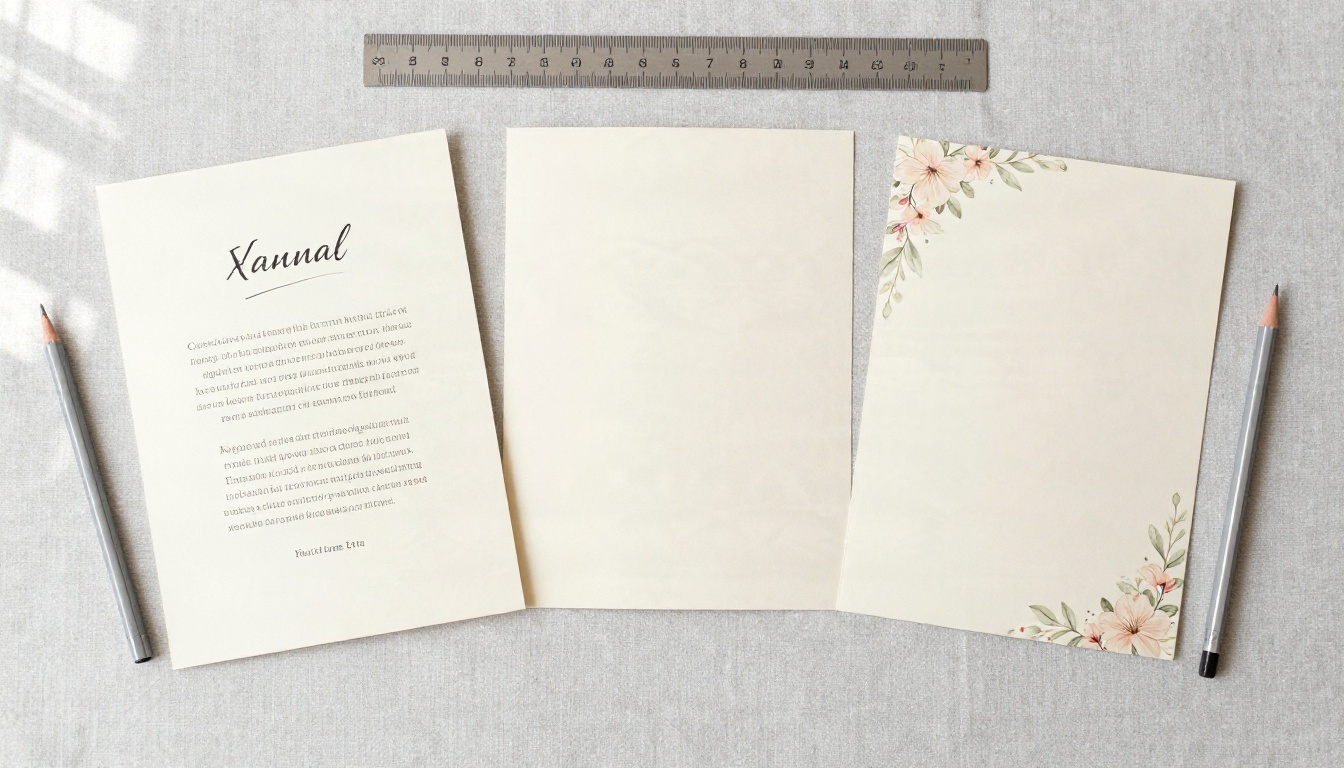
Size drives everything else: how many pieces of paper you need, which printers can handle the job, and how the finished program feels in the hand.
Standard Sizes Compared
The table below lists the sizes you will see most often. Dimensions are for the finished, folded program.
| Finished size | Starting sheet | Typical use | Notes |
|---|
| 5.5 x 8.5 in | Letter (8.5 x 11 in), folded once | Standard bi-fold booklet | Fits any home or office printer |
| 8.5 x 11 in | Tabloid (11 x 17 in), folded once | Larger booklet with big photos | Needs a print shop or wide-format printer |
| 4.25 x 11 in | Letter, folded once the long way | Slim program | Good for short orders of service |
| 3.67 x 8.5 in | Letter, folded in thirds | Tri-fold | Compact, pocket friendly |
| 5.8 x 8.3 in (A5) | A4, folded once | Standard in the UK and Europe | Same logic as letter bi-fold |
| 4 x 9 in | Single card | Prayer card or memorial card | Often used alongside a booklet |
💡 Pro tip: If you live outside North America, start with A4 folded to A5. Printers in most other countries are set up for it, which keeps costs low and avoids awkward trimming.
Picking a Size for Your Service
Use these quick rules:
- Under 50 guests, short service: a single folded letter sheet (four pages) is plenty.
- 50 to 150 guests, full service with readings and music: a bi-fold with eight pages gives breathing room.
- Large gathering or many photos: consider the tabloid-based booklet, which prints at 8.5 x 11 in.
- Graveside or outdoor service: a tri-fold or a single card is easier to hold in wind and fits in a pocket.
Fold Styles That Work
The fold changes how the program reads. It also changes how much you can fit on each panel, and whether the booklet stays open on a lap.
Bi-Fold: The Safe Choice
One fold, four panels. The front panel carries a photo and the name, the inside left and right panels carry the order of service, and the back panel holds a short poem or thank-you note. It is the easiest layout to design and the cheapest to print.
Tri-Fold and Gate Fold
A tri-fold has six panels and reads like a small brochure. A gate fold has two outer flaps that open toward the center, which creates a quiet, ceremonial reveal. Both look elegant, but both need careful panel widths, because the inner flap must be slightly narrower than the others or the paper will buckle.
Single Sheet and Prayer Cards
A single flat sheet works for a graveside gathering or a short memorial. A prayer card is a small keepsake printed on thick stock, often with a portrait on one side and a verse on the other. Many families hand these out in addition to a booklet.
| Fold style | Panels | Ease of design | Cost | Feels like |
|---|
| Single sheet | 2 sides | Very easy | Lowest | Simple, informal |
| Bi-fold | 4 | Easy | Low | Traditional |
| Tri-fold | 6 | Moderate | Low to medium | Compact brochure |
| Gate fold | 6 | Harder | Medium | Formal, ceremonial |
| Saddle-stitched booklet | 8 or more | Moderate | Medium | Polished, substantial |
Page Count and Content Layout
Page count is where many first-time designers get stuck. The rule is simple once you see it.
Why Pages Come in Fours
Every sheet of paper folded in half gives you four pages: front, inside left, inside right and back. Two sheets nested together give eight. That is why booklets are almost always 4, 8, 12 or 16 pages. If your content fills five pages, you will pay for eight, so it is worth trimming a paragraph or adding a photo to use the space well.
⚠️ Watch out: A 6-page booklet is not possible with standard folding. If your layout ends up at six pages, either cut down to four or add two pages of photos or favorite quotes.
What Goes on Each Page
Here is a layout that works for an eight-page booklet and can be shortened for four pages by combining pages 2 and 3, and 6 and 7.
| Page | Content |
|---|
| 1 | Portrait, full name, dates, service date and place |
| 2 | Obituary or short biography |
| 3 | Order of service |
| 4 | Hymns, readings or song lyrics |
| 5 | Photo collage |
| 6 | Pallbearers, honorary bearers, musicians |
| 7 | Thank-you note and reception details |
| 8 | Poem, prayer or favorite saying |
A few design habits make a big difference:
- Use 11 to 12 pt type for body text. Older relatives will thank you.
- Keep 0.5 in margins away from every fold and trimmed edge.
- Add 0.125 in bleed if a photo or background color runs to the edge.
- Export at 300 dpi and check that photos are not stretched.
- Limit yourself to two typefaces: one serif for body text and one for headings.
Printing Options and Costs
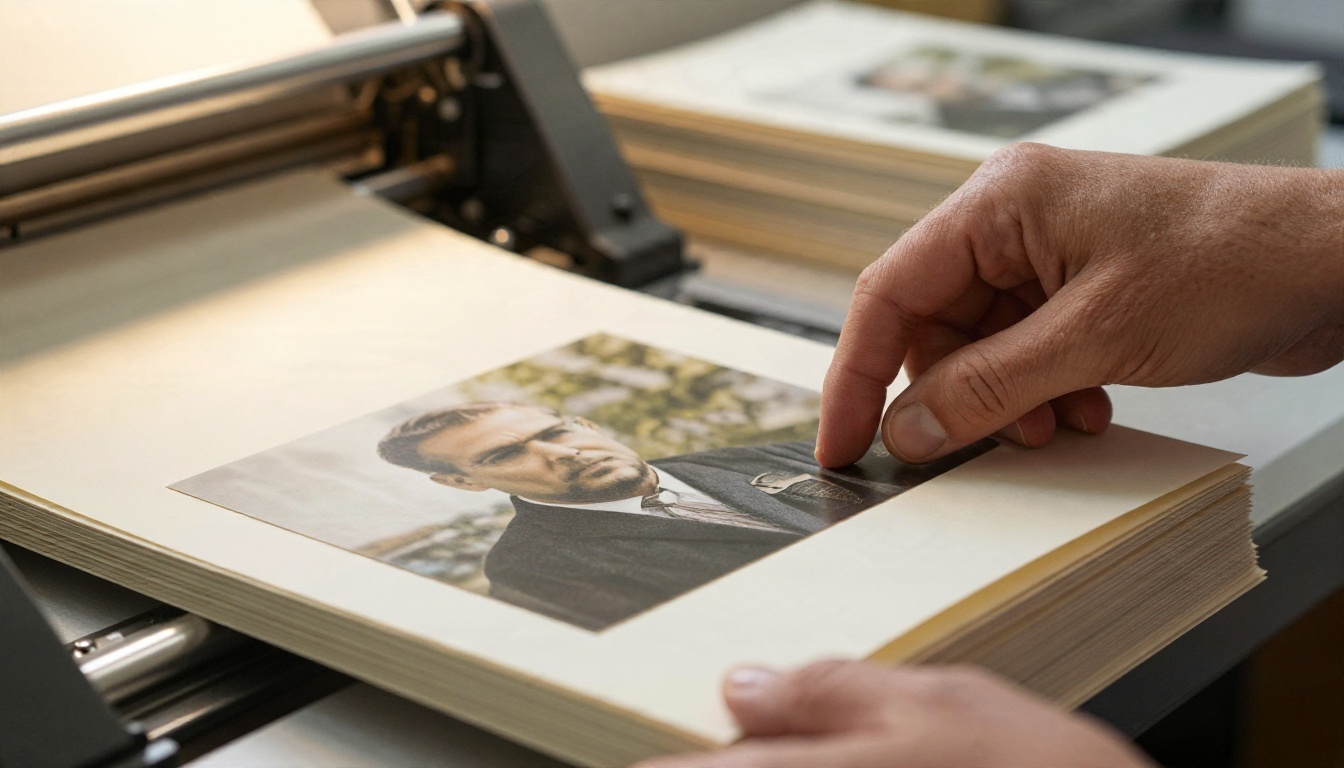
Once the file is ready, you have three paths: print at home, use a local print shop, or order from an online printer.
Home Printer vs Print Shop
| Factor | Home printer | Local print shop | Online printer |
|---|
| Cost per program (typical) | Low, but ink adds up | Moderate | Low at higher quantities |
| Turnaround | Immediate | Same day to 2 days | 2 to 5 business days plus shipping |
| Folding and trimming | By hand | Done for you | Done for you |
| Paper choice | Limited | Wide | Wide |
| Best for | Under 30 copies | Last-minute orders | Planned orders of 50 or more |
These are typical patterns rather than fixed prices, and quotes vary by region, so ask for two or three before you commit.
✅ Best practice: Print one proof copy before the full run. Read every name aloud with another family member. Spelling errors on a funeral program are painful and cannot be fixed once 150 copies are folded.
How Many Copies to Order
A simple formula keeps you from over-ordering:
- Estimate the number of guests.
- Add 10 to 20 percent for latecomers, children and people who want a second copy.
- Set aside 10 to 15 extra for family members who will frame or keep them.
For a service with 80 expected guests, that means about 100 to 110 programs.
Paper Weight and Finish
Paper choice affects both look and cost. Lighter stock is fine for a single sheet, but a folded booklet looks better on heavier paper.
| Paper type | Feel | Best for |
|---|
| 24 to 28 lb bond | Thin, office style | Simple home printing |
| 65 lb cardstock | Firm, folds cleanly | Bi-fold programs from home |
| 80 to 100 lb gloss or silk text | Smooth, photos look rich | Booklets with many images |
| Uncoated cream stock | Soft, tactile | Quiet, traditional services |
| Heavy card for prayer cards | Stiff, durable | Keepsake cards |
Matte or uncoated finishes reduce glare under chapel lighting and are easier to write on. Glossy paper makes photos pop but can show fingerprints.
How to Create an Online Version with Flipbooks AI
A PDF attached to an email works, but it is clumsy on a phone. A flipbook opens in a browser, turns pages like a real booklet, and can be shared with a single link. You can build one in a few minutes using the PDF to Flipbook Converter or the Event Program Maker.

Step by Step
- Open your account. Go to Flipbooks AI and sign in or create an account.
- Upload the PDF. Use the same file you sent to the printer, but export a single-page-per-view version if your layout was made for printing in spreads. The platform converts each page automatically.
- Choose a calm look. Pick a neutral background in cream, soft grey or deep green. Turn on the gentle page-turn effect and leave out anything flashy.
- Add your own touches. Upload a small logo or a family name for custom branding, or leave it plain. You can also embed audio such as a favorite hymn, or a short video tribute, on the page where it belongs.
- Protect the link. Turn on password protection so that only invited guests can open the program. Share the password with the family directly.
- Share it. Copy the direct link into a message or an email, or use the embed option to place it on a memorial page.
- Allow offline downloads. Older relatives sometimes want a copy they can save and print. Enable the download option and everyone gets the same file.
💡 Pro tip: Send the link at least a day before the service. Guests can read the order of service in advance, which means fewer questions on the day.
Privacy and Sharing Choices
| Setting | What it does | When to use it |
|---|
| Public link | Anyone with the address can open it | Open services, public memorials |
| Password protection | Visitors need a code | Family and close friends only |
| Embed on a page | Shows the booklet inside a memorial site | Tribute pages and livestream pages |
| Offline download | Saves a copy to a device | Relatives with poor internet |
| Analytics (Professional plan) | Shows how many people opened it | Funeral homes and event coordinators |
Funeral homes and celebrants who handle many services may want the Professional plan for analytics and lead tools. You can compare options on the pricing page. There are no watermarks on any plan, which matters when the document is as personal as this one.
A related option for families who want a photo-first remembrance is the Wedding Album Flipbook layout, which also works well for a life-in-pictures memorial album.
Common Mistakes to Avoid
Even careful planners trip over the same few things:
- Ordering before proofreading. Have two people read every name, date and location.
- Ignoring the fold. Text that crosses the center line of a bi-fold gets lost in the crease.
- Using low-resolution photos. A photo that looks fine on a phone often prints blurry. Ask relatives for the original file, not a message screenshot.
- Forgetting the back panel. Leave the final page for a thank-you or a short verse, so the program ends gently.
- Skipping the online copy. Distant relatives often ask for a copy days later. It is simpler to share a link at the start.
- Choosing the wrong paper for the printer. Check your home printer's maximum paper weight before you buy cardstock.
A Realistic Example
A family expecting 90 guests chose an eight-page bi-fold on 80 lb silk text, printed 110 copies at a local shop the day before the service, and uploaded the same PDF as a flipbook. They shared the password-protected link with 25 relatives living abroad. On the day, guests in the church used the paper copies, and cousins watching the livestream followed along on their phones. Two weeks later, the family used the download option to send the final program to people who had asked for a keepsake.
Ready to Share the Program?
You now have the practical choices in front of you: a letter-size bi-fold for most services, four or eight pages, a sturdy paper stock, a proof copy before the full print run, and an online version for everyone who cannot be there in person.
When the layout is final, create your account on Flipbooks AI, upload your PDF and share the link in minutes. Browse the full list of flipbook tools if you also want a memorial photo album or a thank-you booklet, and review the pricing plans to see which one fits your needs.



