Every June, thousands of classrooms ask the same question at the same moment: "Wait, did anyone get a photo of everyone?" A graduation memory mates book is the answer. It is a small, personal collection of signatures, inside jokes, favorite moments and photos that your classmates fill in before the gowns go back in the closet. With a free online maker like Flipbooks AI, you can turn that pile of scribbles and snapshots into a page-turning digital book that every classmate can open on a phone, laptop or tablet.
This article walks through what memory mates are, 12 page ideas that actually get filled in, free templates you can copy today, real classroom examples, and a full tutorial for building the finished flipbook.
What Memory Mates Really Are
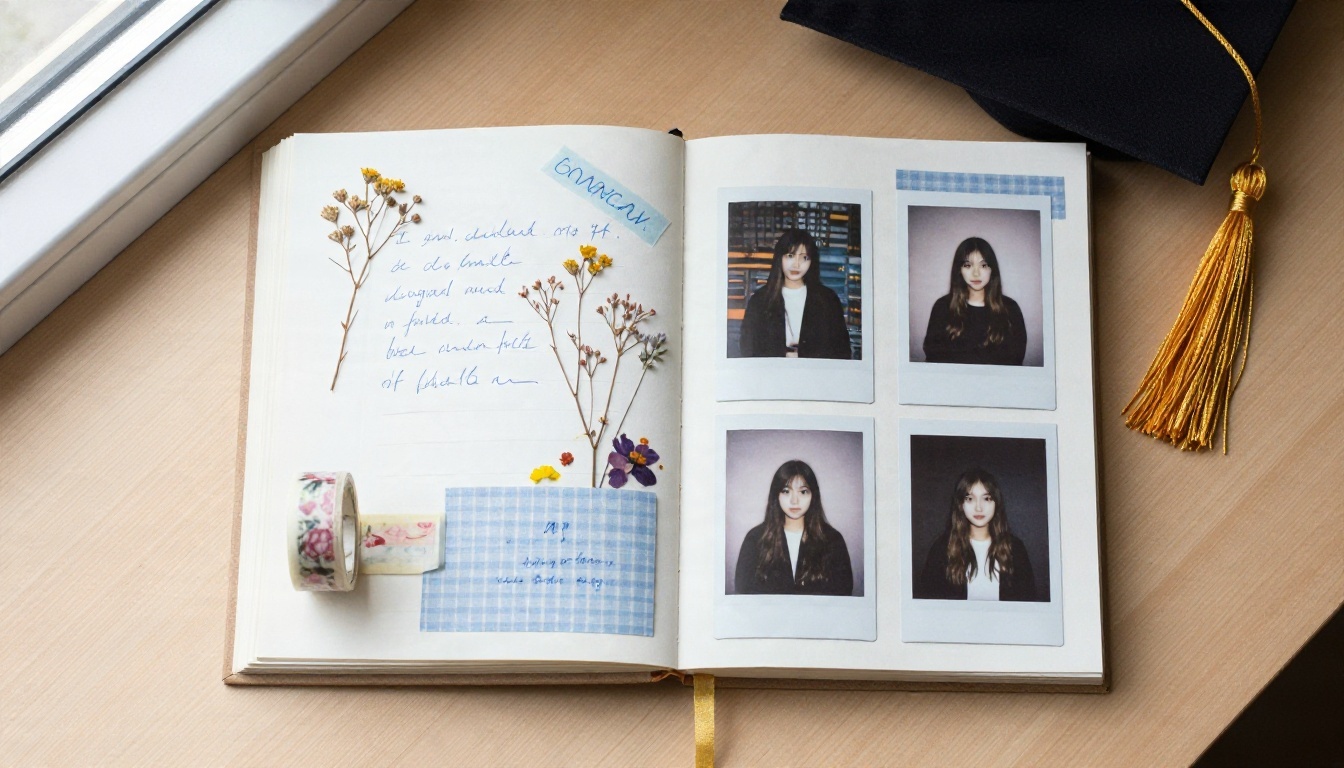
A memory mates book (some schools call it a class memory book, a friendship book or an autograph book) is a collaborative keepsake. Each student gets a page, or a few lines, to describe themselves, say goodbye and leave a message for everyone else. The best ones feel less like a form and more like a conversation that happened on paper.
Memory Mates vs Yearbooks
People mix these up all the time, but they serve different jobs. A yearbook is produced by the school, covers every student, and is printed once. A memory mates book is built by the class, for the class, and it can be as chaotic and funny as you like.
| Feature | Memory Mates Book | School Yearbook | Autograph Book |
|---|
| Who creates it | Students and teacher | Yearbook staff | Individual student |
| Tone | Personal, funny, sentimental | Formal, official | Short signatures |
| Typical length | 20 to 60 pages | 100+ pages | 5 to 15 pages |
| Photos | Candid and shared | Professional portraits | Rarely |
| Cost to make | Low | High | Very low |
| Best format | Flipbook or print | Print plus digital | Paper |
If your school already has a yearbook, a memory mates book is the casual companion to it. If your school does not, the Yearbook Flipbook Maker can handle a full-size edition too.
Who Uses Them
- Kindergarten and primary teachers who want a farewell gift for each child
- High school seniors collecting messages before they scatter to different cities
- University cohorts who spent four years in the same lecture halls
- Sports teams, clubs and choirs that want a season record
- Parent committees who organize a surprise book for a teacher
12 Class Memory Book Ideas
Blank pages scare people. Prompts do not. Here are page types that consistently get students writing.

Pages Students Actually Fill In
- All About Me. Name, nickname, birthday, favorite song, and one fact nobody knows.
- Best Memory of This Class. One paragraph, plus a photo if possible.
- Three Words for You. Classmates describe the page owner in three words.
- Most Likely To. Fun superlatives, from "most likely to be late to their own wedding" to "most likely to run a company."
- Advice to My Younger Self. Short, honest and surprisingly moving.
- Where I Will Be in Ten Years. A prediction that makes a great time capsule.
Pages Teachers Love
- Classroom Rules We Broke. A lighthearted list of the inside jokes your teacher pretended not to hear.
- Teacher's Letter. A personal note to the whole class, or a short line for each student.
- Timeline of the Year. Field trips, exams, snow days, the day the fire alarm went off twice.
Pages Families Keep
- Autograph Wall. One full page of signatures in different colors.
- Class Photo Collage. Group portraits next to candid shots.
- Letter From a Parent. Optional, but it is always the page people reread.
💡 Pro tip: Give every page a tight prompt and a deadline. "Write one memory in two sentences by Friday" gets a far better response rate than "send me something whenever."
Free Templates You Can Copy
You do not need a design degree. A simple grid, generous margins and one readable font will carry the whole book. Build the pages in any slide deck or document editor, export to PDF, and you are ready to publish.

A Page by Page Template
This running order works for a class of 25 to 35 students.
| Page Range | Content | Who Supplies It | Time Needed |
|---|
| 1 | Title page with class name and year | Teacher or editor | 10 minutes |
| 2 | Dedication and short welcome | Editor | 15 minutes |
| 3 to 4 | Teacher's letter and class photo | Teacher | 20 minutes |
| 5 to 30 | One page per student | Each student | 10 minutes each |
| 31 to 34 | Timeline, superlatives, inside jokes | Volunteers | 1 hour |
| 35 to 38 | Photo collage spreads | Photo committee | 1 to 2 hours |
| 39 | Autograph wall | Everyone | 5 minutes each |
| 40 | Back page with contact details (optional) | Editor | 10 minutes |
Student Page Layout
Use the same layout for every student so the book feels consistent:
- Top left: a square photo (portrait or candid)
- Top right: name, nickname, favorite quote
- Middle: "My best memory" in 3 to 4 lines
- Bottom: "Message to the class" in 2 to 3 lines
- Margin strip: space for friends to write short notes in the digital version
✅ Best practice: Set one font for headings and one for body text. Two fonts, two colors, and plenty of white space make a student-made book look professional.
If you would rather skip the layout step, the Interactive E-Book Publisher turns any PDF into a polished reading experience, and the Course Material Publisher is handy if your memory book doubles as a course keepsake.
Real Examples From Real Classrooms
Ideas are easier to borrow when you see them in action. These are three common scenarios, each with a different approach.
Kindergarten Farewell Book
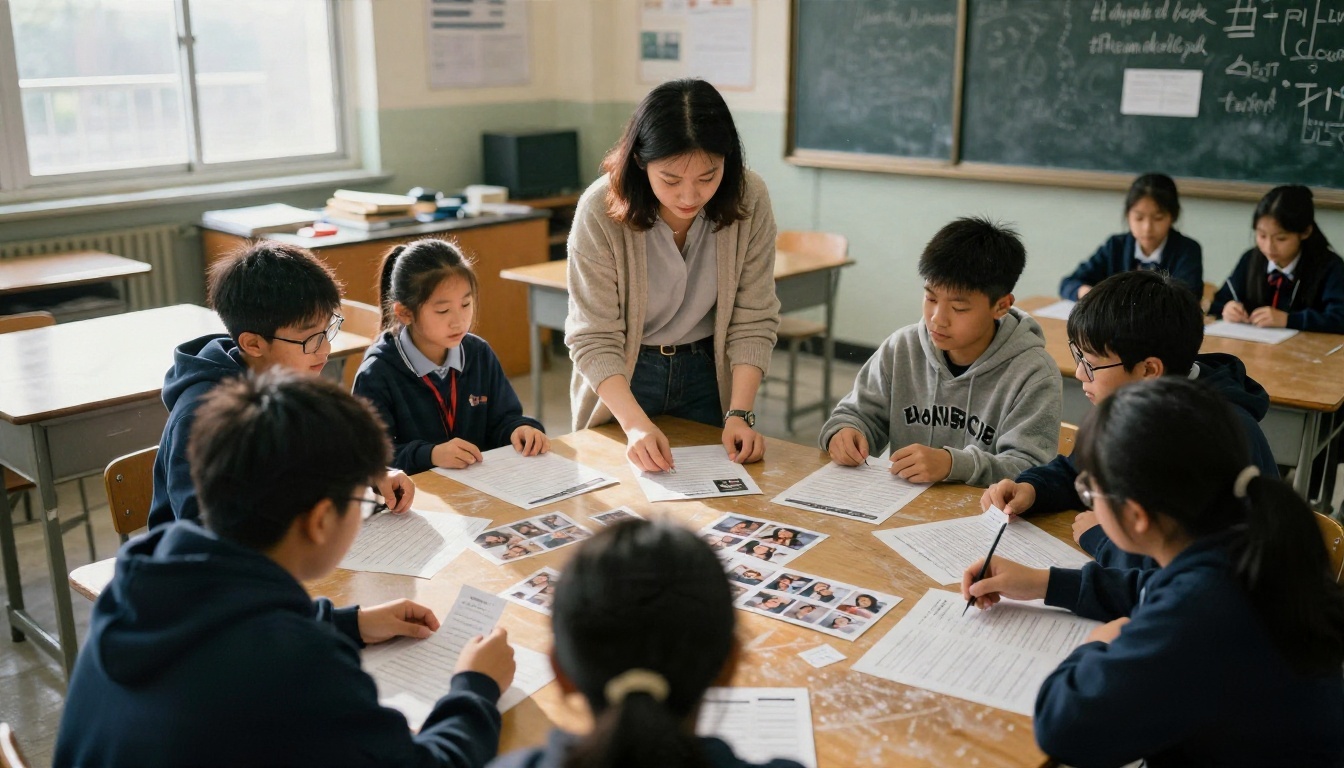
A kindergarten teacher with 22 children asks each child to draw a self-portrait and dictate one sentence about their favorite thing at school. Parents photograph the drawings and email them in. The teacher drops them into a 24-page PDF, converts it to a flipbook, and shares the link with every family. The result is a book that parents open again at the end of every school year.
Senior Class Digital Edition
A group of 60 seniors splits into three committees: photos, writing and design. The photo team collects images through a shared folder. The writing team gathers messages with a simple online form. The design team merges everything into a single 48-page PDF. Because the book is digital, the class adds a short audio message from the principal on the final page.
University Cohort Memory Book
A master's program cohort of 40 students scattered across six countries cannot meet in person. They gather messages online, then publish a flipbook protected by a password. Alumni coordinators send the link to graduates on graduation day, and everyone can open it from their own timezone.
| Scenario | Pages | Contributors | Special Feature Used |
|---|
| Kindergarten | 24 | Teacher and parents | Photos of drawings |
| High school seniors | 48 | Student committees | Embedded audio |
| University cohort | 36 | Remote classmates | Password protection |
| Sports team | 30 | Players and coach | Video highlights |
How to Create One with Flipbooks AI
Here is the full workflow for turning a stack of pages into a shareable memory mates flipbook. Start by creating your free account at Flipbooks AI.

Design the Pages First
- Collect all student contributions in one shared folder.
- Place each student's photo and text into your template.
- Export the finished layout as a PDF at standard page size.
- Check that every name is spelled correctly. It matters more than you think.
Upload and Convert
- Sign in at flipbooksai.com/account.
- Click to create a new flipbook and upload your PDF.
- The platform converts each page into a flip-style spread automatically. If you need a refresher on the process, the PDF to Flipbook Converter page explains what happens to your file.
- Preview the book on desktop and mobile. Pages are mobile-responsive, so classmates can read on any screen.
Customize and Share
- Branding: add your school colors and logo as a subtle accent.
- Page effects: choose the realistic page-turn animation that makes it feel like a physical book.
- Multimedia: embed videos, short audio messages or a class song on specific pages.
- Sharing: copy the direct link, or use the embed code to place it on a class website. The Embed Flipbook on Website page shows how.
- Privacy: turn on password protection so only your classmates and their families can open it.

Features Worth Using
| Feature | How It Helps a Memory Book |
|---|
| No watermarks, ever | The book looks like yours, not an advertisement |
| Password protection | Keeps messages private to your class |
| Embed video and audio | Adds voices, laughter and graduation day clips |
| Offline downloads | Classmates can save the book on a long flight home |
| Custom branding | Matches school colors and mascot |
| Mobile-responsive design | Reads well on phones, where most students will open it |
| Unlimited flipbooks (Standard plan and above) | Build a separate book for every class or team |
| Analytics and lead generation (Professional plan) | See how many people opened the book, useful for alumni offices |
Compare each tier on the pricing page to see which plan suits a single class and which suits a whole school.
💡 Pro tip: Teachers who run many classes can pair the memory book with a School Newsletter Creator issue, so parents get the link directly in the end-of-year newsletter.
Print or Digital: Which Wins?
Honestly, the best answer for most classes is both. A digital flipbook is fast, cheap and easy to share. A printed copy is a physical object that sits on a shelf. Here is how they compare.
| Factor | Printed Book | Digital Flipbook |
|---|
| Cost per copy | Moderate to high | Free to share once built |
| Delivery time | Days to weeks | Instant |
| Reach | One copy per person | Unlimited viewers |
| Photos and video | Photos only | Photos, video, audio |
| Edits after publishing | Impossible | Easy to update |
| Emotional weight | High, tactile | Medium to high |
| Long distance classmates | Needs shipping | Open from anywhere |
A smart plan: publish the digital version first, collect feedback and corrections, then send the final PDF to a print shop for a handful of copies for the teacher and class officers.
🎓 Real-world example: A class of 30 that prints only five hardcover copies (teacher, principal, and three class officers) and shares a flipbook link with everyone else spends a fraction of the money and still hits every emotional beat.
Mistakes to Avoid

Even good projects stumble. These are the three most common problems and how to fix them.
⚠️ Starting too late. The week before graduation is chaos. Begin collecting content at least 4 to 6 weeks out.
- Skipping the quiet students. Assign a classmate buddy to each student who may not volunteer a page, so nobody is left out.
- Low resolution photos. Ask contributors to send original files, not screenshots or messaging app copies.
- No proofreading. Have two people read every page. A misspelled name stings.
- No clear owner. One editor, one deadline, one shared folder. Committees help, but someone has to hit publish.
- Forgetting privacy. Never publish student photos publicly without permission. Use a password and share only through trusted channels.
| Problem | Quick Fix |
|---|
| Missing pages from some students | Send two reminders, then use a candid photo with a classmate's note |
| Blurry images | Ask for originals or use group photos from the school's official shoot |
| Inconsistent layouts | Lock one template and reuse it for every page |
| Too many pages | Cap student pages at one each and move extras to a "bonus" section |
Ready to Make Yours?
A memory mates book does not need a big budget or a design team. It needs a template, a deadline and a few enthusiastic classmates. Once the pages are done, publishing takes minutes.
Graduation lasts an afternoon. A well-made memory book lasts decades. Start collecting those pages today on Flipbooks AI and give your class something they will still open in thirty years.



