A hiring manager will give your portfolio about a minute. Maybe less. In that minute they decide whether you are a designer worth an interview or just another link in a crowded inbox. The good news: you do not need to pay for a fancy website to make that minute count. Free graphic design portfolio sites, a few smart templates, and tools like Flipbooks AI can get a professional presentation online in a single afternoon.
This article compares the best free platforms, shows what strong portfolios have in common, points you to template sources, and walks through a PDF flipbook option for designers who want full control over layout.
💡 Quick answer: For a free, fast start, use Behance or Carrd for a web presence, and a PDF flipbook for pitches and job applications. Use both, not just one.
What Recruiters Actually Look For
Before picking a platform, get clear on what the person on the other side of the screen wants. Platforms matter far less than the work and how you frame it.

Work Over Words
Art directors and creative leads scan for visual judgment: hierarchy, typography, color, and restraint. They want to see finished, real-world projects, not a pile of experiments. Eight strong pieces beat twenty uneven ones every time.
Process and Problem Solving
A logo on a white background says little. A logo with the brief, two rejected sketches, the final system, and a mockup says a lot. Even a short case study shows how you think, and that is what gets you hired for team roles.
Speed and Clarity
Your portfolio should load fast, work on a phone, and make your best project visible without a single click. If a recruiter has to hunt, they leave.
Here is a quick checklist of what every graphic design portfolio needs:
- A short, direct introduction (who you are, what you design, who you design for)
- 6 to 10 of your strongest projects, newest or best first
- At least 2 or 3 projects with a written process
- Clear contact details and a resume link
- A layout that works on mobile
- Zero broken links or dead images
Best Free Portfolio Sites Compared
Every platform below offers a free way to publish work. Limits change often, so always confirm current terms on each site before committing.

| Platform | Free Option | Best For | Main Limit |
|---|
| Behance | Free profile and unlimited project uploads | Visibility inside a creative community | Little control over layout beyond project pages |
| Dribbble | Free basic profile | Showing shots, UI and branding snippets | Hiring features and extra uploads sit behind paid plans |
| Carrd | Free one-page sites | Simple single-page portfolios | One page only, subdomain on free plan |
| Canva | Free website builder | Beginners who already design in Canva | Templates look similar if you do not customize |
| Notion | Free pages with public sharing | Case study heavy portfolios | Design flexibility is limited |
| Google Sites | Free with a Google account | Zero-cost basic sites | Dated templates, limited polish |
| Adobe Portfolio | Included with a Creative Cloud plan | Designers already paying for Adobe | Not free without a subscription |
| Flipbooks AI | Convert a PDF into a flipbook | Page-by-page presentation of print and layout work | Not a full website, best paired with one |
Behance for Reach
Behance is the default home for many designers because recruiters search it directly. You upload each project as a mini case study, tag it well, and let the platform's audience do some of the discovery for you. The trade-off: you live inside someone else's layout, and your project sits next to thousands of others.
Carrd for Speed
If you want a clean personal page with a gallery, a short bio, and an email button, Carrd gets you there in under an hour. It suits early-career designers and freelancers who need a link for their Instagram bio. Think of it as a business card with a gallery attached.
Canva and Notion for Beginners
Both are familiar, flexible, and free to start. Canva helps if you want a template-driven look. Notion works well if your strength is writing case studies. The risk with both is sameness. Change the fonts, colors, and spacing, or your portfolio will look like everyone else's.
Google Sites as a Fallback
It is not glamorous, but it is free, stable, and easy to share. Use it when you need something live today and plan to upgrade later.
⚠️ Watch the URL. A free subdomain is fine to start, but buy a custom domain with your name as soon as you can. It costs little and signals you are serious.
Real Portfolio Examples Worth Studying
Rather than copying specific designers, look at the structures that keep working. Three patterns show up again and again in portfolios that win interviews.

The Case Study Style
Each project opens with a hero image, followed by the brief, your role, the process, and the final results. This format suits brand identity, packaging, and editorial work. It is the strongest option for in-house and agency roles.
The Visual Grid
A clean grid of thumbnails, each opening a larger image. Little text, lots of impact. This approach fits illustrators, poster designers, and anyone whose work speaks instantly.
The One-Page Pitch
A single scrolling page with a bold intro, five or six projects, and a contact button. Freelancers love it because it converts: the visitor sees proof, then an easy way to hire.
| Portfolio Style | Best For | Strength | Risk |
|---|
| Case study | Branding, UX, packaging | Shows thinking and process | Takes longer to write |
| Visual grid | Illustration, posters, photography | Instant impact | Little context for the work |
| One-page pitch | Freelancers, new designers | Quick to build, easy to share | Limited space for depth |
| PDF or flipbook | Job applications, client pitches | Full control over layout and order | Needs a hosting link to share |
A Real-World Scenario
Imagine a junior designer applying to five agencies. She keeps a Behance profile for discovery, a Carrd page as her personal link, and a tailored PDF flipbook for each application, with the most relevant projects first. When an agency specializing in food packaging emails back, she has already sent them a flipbook that opens on her own packaging work. That kind of targeting is hard to do with a single website.
Free Templates and Where to Find Them
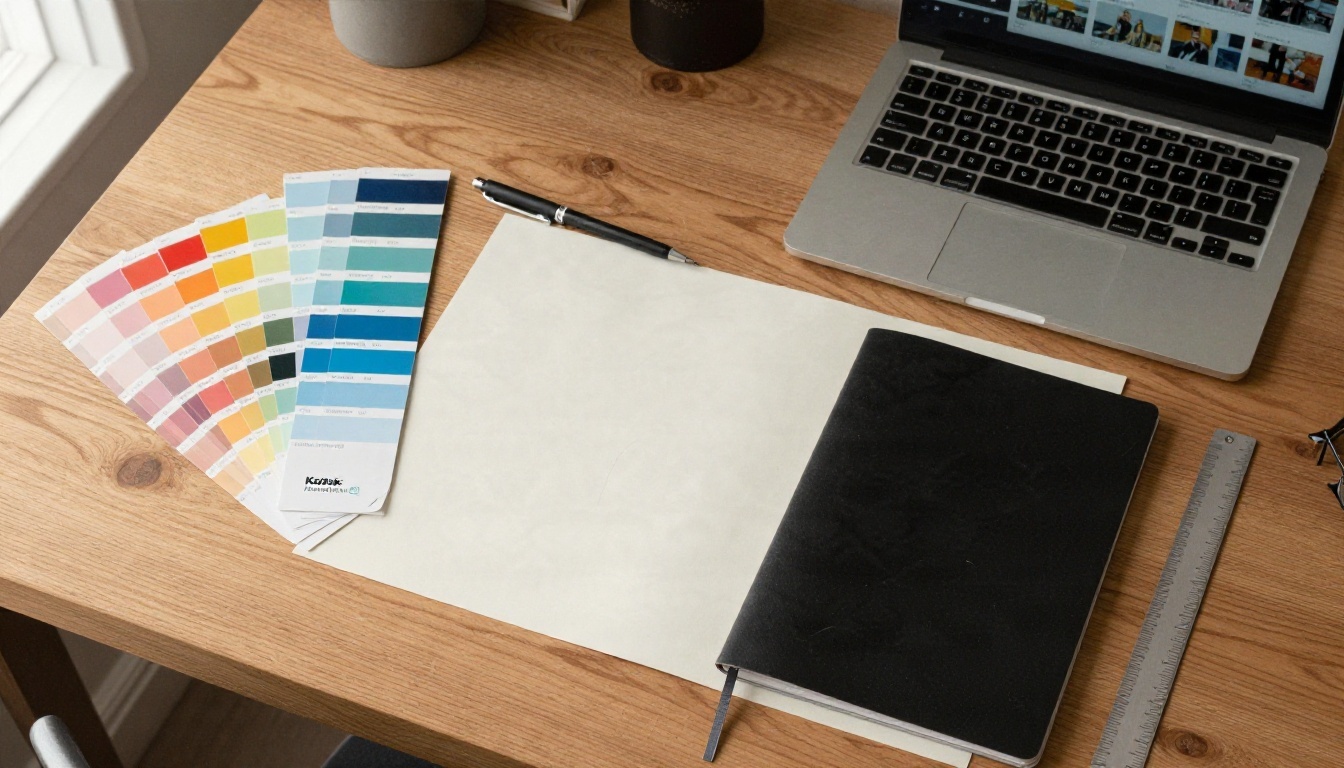
Templates save hours, but only if you treat them as a starting point. Pick one with a layout you can bend, then swap the type, palette, and image crops until it feels like yours.
| Template Source | Format | Cost | Good Fit For |
|---|
| Figma Community | Editable Figma files | Many free | Digital and web based portfolios |
| Canva templates | Editable Canva pages and decks | Free tier available | Quick PDF portfolios |
| Adobe InDesign templates | Print ready layouts | Free and paid options | Editorial and print designers |
| Behance project templates | Case study layouts | Free and paid | Structured case studies |
| Google Slides templates | Presentation decks | Free | Simple PDF exports |
Figma for Custom Layouts
Figma's community library has plenty of free portfolio files. Duplicate one, rebuild the grid, and export pages as a PDF. You keep full control over type and spacing.
Canva for Fast Results
If deadlines are tight, a Canva portfolio template can be ready in an hour. Replace the placeholder fonts and photos, and delete any layout that does not suit your work.
InDesign for Print Designers
If your craft is editorial, books, or packaging, build your portfolio in InDesign. Its page-based layout mirrors how your work will be seen, and the PDF export is crisp.
✅ Best practice: Whatever template you pick, limit yourself to two typefaces and a tight palette. Consistency reads as professionalism.
How to Create a Flipbook Portfolio with Flipbooks AI
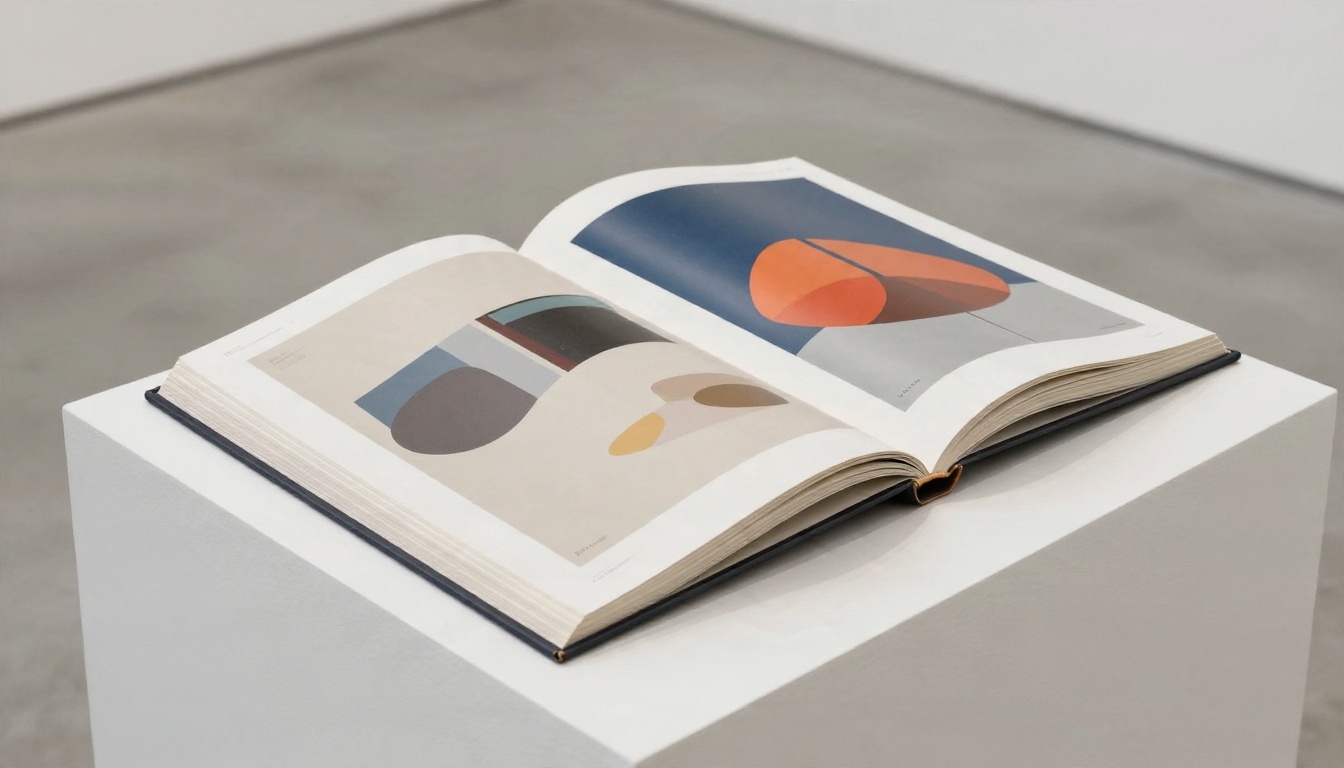
A PDF portfolio gives you total layout control, but a plain PDF can feel flat and clumsy to open, especially on a phone. Turning it into a flipbook adds page-turning motion, a shareable link, and a polished look. You can do this with Flipbooks AI, and the finished flipbook carries no watermark.
If you want a head start, try the Digital Portfolio Creator or the Portfolio Flipbook Builder. Photographers and visual artists may also like the Photography Portfolio tool.
Step 1: Build Your PDF
Design your portfolio in Figma, InDesign, Canva, or Illustrator. Use one page per project opener, then follow with process and result pages. Export at high quality, but keep the file size sensible so it loads quickly.
Step 2: Sign Up and Upload
- Go to Flipbooks AI and create an account.
- Choose to create a new flipbook.
- Upload your PDF. The PDF to Flipbook Converter turns each page into a flipbook spread automatically.
- Wait for the conversion to finish, then preview how the pages turn.
Step 3: Customize the Look
Once your pages are in, adjust the details so the flipbook feels like part of your brand:
- Custom branding: add your logo and choose colors that match your portfolio
- Page effects: pick the page-turn style and background that suit your work
- Multimedia: embed video or audio, such as a motion reel or a short voice-over about your process
- Mobile layout: check the preview on a phone, since the design is responsive by default
Step 4: Share It
You have several ways to send your portfolio out:
- Direct link: paste it into emails, resumes, and LinkedIn
- Embed code: place the flipbook inside your own site with the Embed Flipbook on Website tool
- Password protection: protect client work or unreleased projects so only the right people can open it
- Offline download: let reviewers keep a copy for later
Step 5: Use the Pro Features
If you pitch clients often, the Professional plan adds analytics and lead generation. You can see when a prospect opens your flipbook and which pages hold their attention. Standard plans and above also allow unlimited flipbooks, which is handy when you build one version per application. Compare options on the pricing page.
| Feature | What It Does for Designers | Plan |
|---|
| No watermark | Keeps the presentation clean and professional | All plans |
| Password protection | Shields confidential client work | See pricing |
| Embed video and audio | Adds motion reels and narration | See pricing |
| Unlimited flipbooks | One tailored portfolio per employer | Standard and above |
| Analytics and lead capture | Shows who viewed your work and for how long | Professional |
💡 Pro tip: Make a separate flipbook for each target industry. A packaging studio and a music label care about very different projects.
Website, PDF or Flipbook?
Many designers waste weeks trying to pick one format. The better answer is to use each where it fits best.

| Format | Strengths | Weaknesses | Use It When |
|---|
| Portfolio website | Always online, searchable, easy to update | Less control over page flow | You want steady inbound inquiries |
| Plain PDF | Simple, works offline | Heavy files, awkward on phones | A job form demands an attachment |
| Flipbook | Polished, trackable, mobile friendly | Needs a link to share | You are pitching a specific client or role |
For Students and Beginners
Start with Behance or Carrd, then add a flipbook of your three best projects. Keep it short and clean. A tight, well-edited portfolio beats a long, uneven one.
For Freelancers
Use a one-page site as your public face and a flipbook for each proposal. If you create branding work, a lookbook flipbook is also a strong way to present a brand system to a prospect.
For Job Seekers
Send a tailored flipbook with the cover letter, and link your Behance for extra depth. Tailoring tells the recruiter you did your homework.
Mistakes That Sink Portfolios
After reviewing how most weak portfolios fail, the same problems keep showing up.

Showing Too Much
Including every project you have ever done signals poor editing. Cut anything you would not take on again today.
Flat Presentation
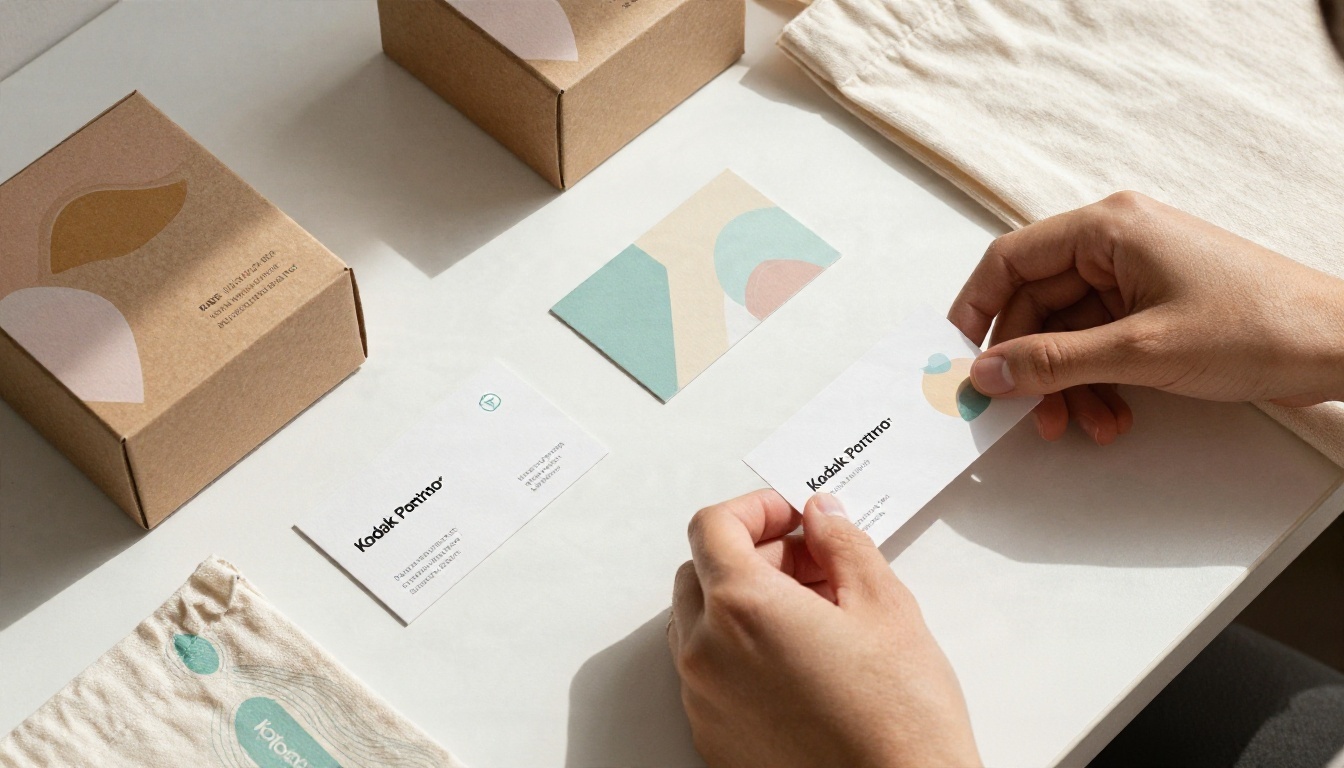
Dropping a logo onto a white page makes strong work look cheap. Use mockups, real context, and consistent framing.
Ignoring Mobile
Many recruiters open links on their phones between meetings. Test every page on a small screen before you send it.
Skipping the Contact Path
Make it effortless to reach you. Put an email address on the first screen and the last page.
Quick fixes you can make today:
- Delete your two weakest projects
- Rewrite each project intro in two sentences
- Add one mockup to every logo or packaging piece
- Check all links on your phone
- Add a short bio with a clear, friendly photo
⚠️ Avoid placeholder text. Lorem ipsum left in a template is an instant red flag for any creative director.
Build Yours Today
Free tools have closed the gap between a student portfolio and a studio presentation. You can publish on Behance in an evening, set up a Carrd page the same night, and turn your best PDF into a shareable flipbook the next morning.
Here is a simple plan for this week:
- Day 1: pick your best 6 to 8 projects and write short process notes
- Day 2: set up a free web presence on Behance or Carrd
- Day 3: lay out a PDF in your template of choice
- Day 4: upload it to Flipbooks AI and customize the branding
- Day 5: share the link, track opens, and refine
Ready to present your work properly? Create your first flipbook on Flipbooks AI, browse the full list of flipbook tools, or compare pricing plans to choose what works for you. If you also need a media pack for clients and press, the Press Kit Designer is a natural next step.



