You have a story, a stack of sketches, and no idea which graphic novel creator deserves your time. Some tools are free but clumsy. Others look slick and then ask for a monthly fee before you can export a single page. This article sorts through the free online options, the templates worth downloading, real project examples and the actual cost of making a book, and then shows how to publish the result as a page-turning flipbook with Flipbooks AI.
The short version: draw or lay out your pages in any tool you like, export a PDF, and let a flipbook platform handle the reading experience. That split keeps your costs low and your options open.
What a Graphic Novel Creator Does
A graphic novel creator is any software that helps you build sequential art: panels, speech balloons, captions, character art and page flow. Some tools draw for you. Others only arrange what you bring. Knowing the difference saves you from buying the wrong thing.
Three Types of Tools
Most options fall into one of three groups:
- Drawing apps: Built for painting and inking. They give you brushes, layers and sometimes panel tools. Think Krita, MediBang Paint or Clip Studio Paint.
- Layout builders: Browser tools with drag-and-drop panels, stock characters, balloons and backgrounds. Good for fast results, weaker for original art.
- Publishing tools: They take finished pages and turn them into something people can read, share and sell. A PDF to flipbook converter lives here.
Many creators combine one from each group. You might sketch in a drawing app, assemble pages in a layout builder and publish through a flipbook platform.
Who Uses Them
The audience is wider than professional cartoonists. Teachers build comic assignments. Marketing teams produce illustrated case studies. Hobbyists serialize webcomics. Small publishers test a story before paying for print.
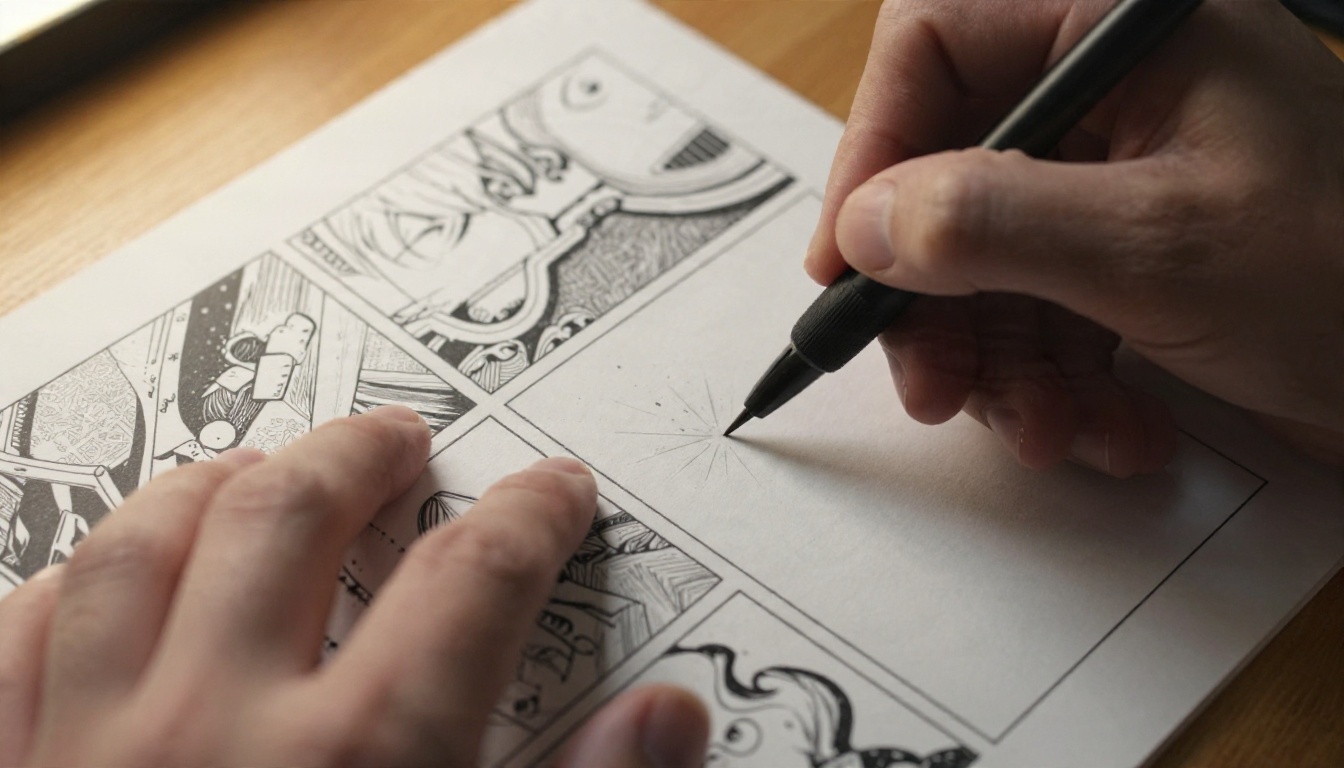
💡 Pro tip: Decide your final format before you draw page one. A book meant for screens can use wide landscape panels. A print run needs bleed margins and a fixed trim size.
Free Online Options Worth Trying
Free does not have to mean limited, but every free tool trades something. Usually it is export quality, number of projects or the number of assets you can use.
Browser-Based Builders
These run in a tab and need no install. They suit short stories, classroom work and quick prototypes.
- Canva: Offers comic strip and storyboard templates on its free plan. Premium assets and some export options need a paid plan.
- Pixton: Character-driven comic maker popular in schools. Free access is limited, with classroom plans available.
- Make Beliefs Comix: A simple, free strip maker for kids and beginners.
- Storyboard That: Great for planning a script visually, with a restricted free tier.
Free Desktop Apps
If you want real drawing control, a free desktop app beats any browser builder.
- Krita: Fully free and open source, with excellent brushes and panel assist tools.
- MediBang Paint: Free with cloud saves and ready-made comic panel tools.
- GIMP and Inkscape: Free, flexible, and slower for comic work, but fine for lettering and vector balloons.
| Tool | Cost Model | Best For | Main Limit |
|---|
| Krita | Free | Original painted or inked pages | Learning curve for panels |
| MediBang Paint | Free with optional upgrade | Webcomic creators | Ads and cloud limits |
| Canva | Free tier plus paid plan | Quick strips and storyboards | Premium assets locked |
| Pixton | Free tier plus paid plans | Classroom comics | Few free exports |
| Make Beliefs Comix | Free | Beginners and kids | Basic styling |
| Clip Studio Paint | Paid (one-time or subscription) | Professional manga and comics | Not free after trial |
⚠️ Watch out: Always read the licence for stock characters and backgrounds. Many free builders forbid commercial sale of work made with their built-in assets.
Templates That Save Weeks
Templates remove the blank-page panic. A good grid gives you rhythm, and a good character sheet keeps your hero from changing nose shape between chapters.
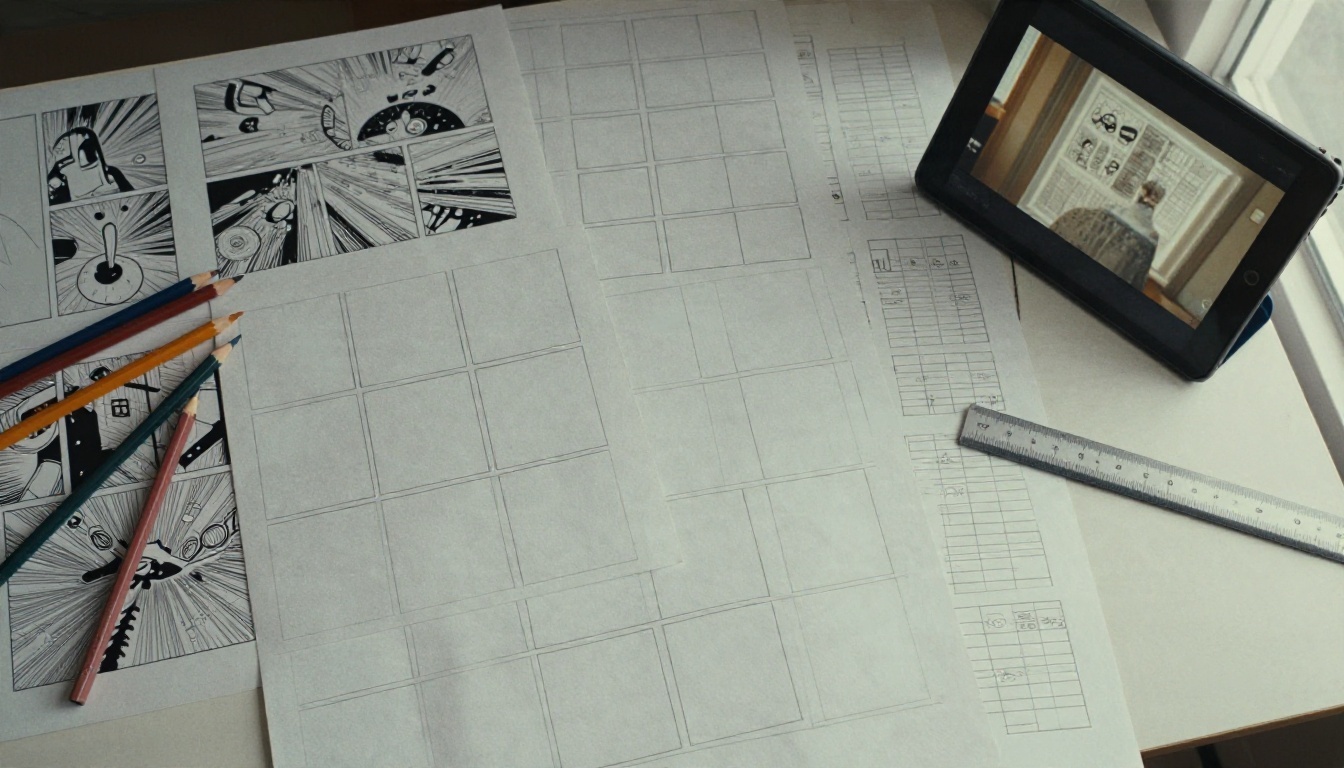
Page Layout Grids
Start with standard grids and bend them as the story demands:
- Six-panel grid: Two columns by three rows. The classic pacing workhorse.
- Nine-panel grid: Three by three. Ideal for slow, tense scenes.
- Splash page: One image fills the page. Save it for a big reveal.
- Inset layout: A large panel with two or three small ones on top for reaction shots.
Most drawing apps ship with these as built-in presets, and Canva and Krita communities share many more.
Character and Script Sheets
Beyond page grids, two documents earn their place in every project:
- Character sheet: Front, side and back view, a colour palette and three facial expressions.
- Script template: Page number, panel number, action description, dialogue and caption in separate columns.
| Template Type | What It Solves | Format | Where to Find It |
|---|
| Panel grid | Page pacing | PNG, PSD, KRA | Drawing app presets |
| Thumbnail sheet | Planning a full chapter on one page | PDF | Free art communities |
| Character sheet | Visual consistency | PDF, PSD | Creator blogs |
| Script layout | Dialogue and timing | Docs, Sheets | Writing forums |
| Print-ready page | Bleed and trim margins | PDF | Print-on-demand sites |
Real Examples That Work
Seeing how other people ship a project is more useful than any feature list. Here are three realistic paths.
Webcomic Serial to Print
A creator posts one page per week on a social platform. After 60 pages, they combine the chapter into a single PDF, publish it as a flipbook for backers and sell a limited print run. The flipbook version works as both a free preview and a reading copy, and the email list grows with each release.
Classroom Project
A teacher asks students to adapt a short story into 8 pages using a free browser builder. Students export PDFs. The teacher uses a course material publisher to gather all work in one flipbook for parents. A school newsletter flipbook can feature the best entries.
Portfolio Pitch Book
An illustrator wants an agent to see sample pages without email attachments that bounce. They assemble 12 pages in a portfolio flipbook builder, add a password and send one clean link.

✅ Best practice: Keep a reading copy and a print copy. The reading copy is optimised for screens with lower-resolution images. The print copy keeps full 300 DPI pages.
What Graphic Novels Cost
Software is rarely the biggest expense. Time, art assets and printing add up faster. Here is a realistic breakdown of the money side.
Software Costs
You can finish a full book at zero software cost with Krita and a free flipbook plan. If you want polish, expect to spend on one of these:
- A one-time drawing app licence, often a modest single payment.
- A monthly subscription for professional comic software with 3D reference models.
- A design plan for layout assets and lettering fonts.
Prices change often, so check each vendor's page before you commit.
Printing vs Digital
Print is a fixed cost per copy. Digital is nearly free after the first publish. Many creators go digital first and print only after readers ask for it.
| Path | Upfront Cost | Per-Copy Cost | Speed | Best For |
|---|
| Offset print run | High | Low at volume | Slow | Established audiences |
| Print on demand | None | Moderate | Medium | Testing a market |
| PDF download | Very low | Zero | Instant | Direct sales |
| Online flipbook | Low (monthly plan) | Zero | Instant | Previews, portfolios, serials |
On the publishing side, Flipbooks AI pricing is simple: no watermarks on any plan, unlimited flipbooks from the Standard plan up, and analytics plus lead generation on the Professional plan.
How to Publish with Flipbooks AI
Once your pages are drawn and lettered, publishing takes minutes. Here is the full workflow.
Upload the PDF
- Export your pages from your drawing app as a single PDF, in reading order.
- Open Flipbooks AI and create a free account.
- Upload the PDF. It converts to a flipping book automatically, with each page kept sharp.
- For longer works, the interactive e-book publisher suits chapters, and the E-Book Flipbook Generator handles single-volume releases.
Brand and Customize
- Pick a background colour that matches your story's mood. Dark navy suits noir. Warm cream suits slice-of-life.
- Add your logo or series mark for custom branding.
- Choose a page-turn effect and sound.
- Embed an audio soundtrack or a short video sketch between chapters.
The result is mobile-responsive, so it reads well on a phone.
Share and Protect
You have three main sharing options:
- Direct link: Paste it in a social bio, newsletter or message.
- Embed code: Place the flipbook on your site using the embed flipbook tool.
- Password protection: Keep early chapters private for backers or beta readers.
You can also allow offline downloads so fans can read without a connection.
Track Readers
On the Professional plan you get analytics and lead generation. See which pages readers reach, where they stop and which emails join your list. If chapter two loses half your audience on page 4, you know what to rework. Compare plans to see what fits your project.
💡 Pro tip: Add a lead form after the final free page. Readers who reach it are already hooked, which makes it the best moment to ask for an email address.
Common Mistakes to Avoid
Most failed graphic novel projects die from the same few problems:
- Starting too big. A 200-page epic as a first project often stalls at page 30. Try a 24-page short story first.
- Skipping thumbnails. Rough layouts catch pacing issues before you spend hours on inks.
- Ignoring file size. A 400 MB PDF loads slowly and frustrates readers. Compress images for the web version.
- Tiny lettering. Text that is readable on a desktop becomes a blur on a phone. Test at phone size.
- Forgetting licences. Check every font and stock asset for commercial use.
Pick Your Setup Today
Here is a simple starter stack that costs nothing until you are ready to grow: Krita or MediBang for drawing, a free panel grid for pacing, a script template for dialogue and a flipbook for publishing.
Ready to see your pages turn on screen? Create a free account on Flipbooks AI, browse all flipbook tools for portfolios, e-books and more, or compare pricing plans when your audience starts to grow.



