A graphic novel used to mean months of pencils, ink, and a very patient family. Now you can type a scene description, get a dozen panel options in under a minute, and have a rough first chapter by Sunday night. A graphic novel generator is the shortcut, but only if you pick the right tool and write prompts that don't produce heroes with six fingers. This article compares the AI tools, gives you prompts you can paste today, lists the free options and their limits, and shows how to publish the finished book as a page-turning flipbook with Flipbooks AI.
What a Graphic Novel Generator Does
The phrase covers a lot of ground, and that's why search results feel messy. Some tools make a single illustration. Others build a whole page with speech bubbles. A few promise an entire book from one paragraph. Knowing which kind you're looking at saves hours.
Three Types of Tools
| Tool type | What it produces | Best for | Weak spot |
|---|
| Image generators | Single panels or splash art | Concept art, covers, key scenes | No page layout, characters drift |
| Comic builders | Panels, bubbles, lettering on a page | Short stories, webcomics | Limited art styles |
| Story to book tools | Script plus images in one flow | Fast drafts, pitches | Generic pacing, little control |
| Layout apps | Page grids, bubbles, exports | Final assembly | You supply the art |
Most working creators mix two or three of these. An image generator makes the art, a layout app arranges it, and a publishing tool delivers it to readers.
What They Still Cannot Do
Be honest with yourself before you start. AI is fast at atmosphere and slow at continuity. Expect trouble with:
- Consistent faces from panel to panel, especially at new angles
- Hands, props, and text inside the image (letter the bubbles yourself)
- Pacing, because a generator doesn't know when a page turn should hurt
- Backgrounds that match from one scene to the next
💡 Pro tip: Write the script first, on paper or in a doc. Generators are good at drawing a scene. They are poor at deciding which scenes matter.
You don't need twenty subscriptions. You need one tool for art, one for layout, and a way to publish. Here is how the common categories stack up for a 40 to 120 page book.
Image Generators for Panels
General image models such as Midjourney, Stable Diffusion based apps, Leonardo, and the image modes inside popular chat assistants give you the most visual range. You can push them toward ink wash, manga screentone, painted noir, or European ligne claire. The tradeoff is manual work: you generate, pick, crop, and fix.
Strengths to look for:
- Reference image input, so a character sheet can steer later panels
- Seed control, which lets you repeat a look
- Inpainting, so you can repair a hand without redrawing the scene
- Aspect ratio options, because panels are rarely square
Dedicated Comic Builders
Apps built for comics handle panels, gutters, and speech bubbles in one canvas. They're faster for beginners and often include character memory features. Style choices are narrower, and exports vary, so check that you can download high resolution pages or a PDF before you commit to a project.
Story to Book Tools
Paste a synopsis, get a draft. These are useful for pitching an idea or testing whether a premise works. They are rarely the final product. Treat the output as an animatic: a moving sketch you'll rebuild properly.
| Workflow | Speed | Control | Typical cost | Good fit |
|---|
| One-click story tool | Very fast | Low | Free to low monthly fee | Pitches, brainstorming |
| Comic builder | Fast | Medium | Free tier plus subscription | Webcomics, short books |
| Image generator plus layout app | Moderate | High | Varies by tool | Full graphic novels |
| Hand drawn with AI references | Slow | Highest | Your time | Personal style projects |
Prompts That Actually Work
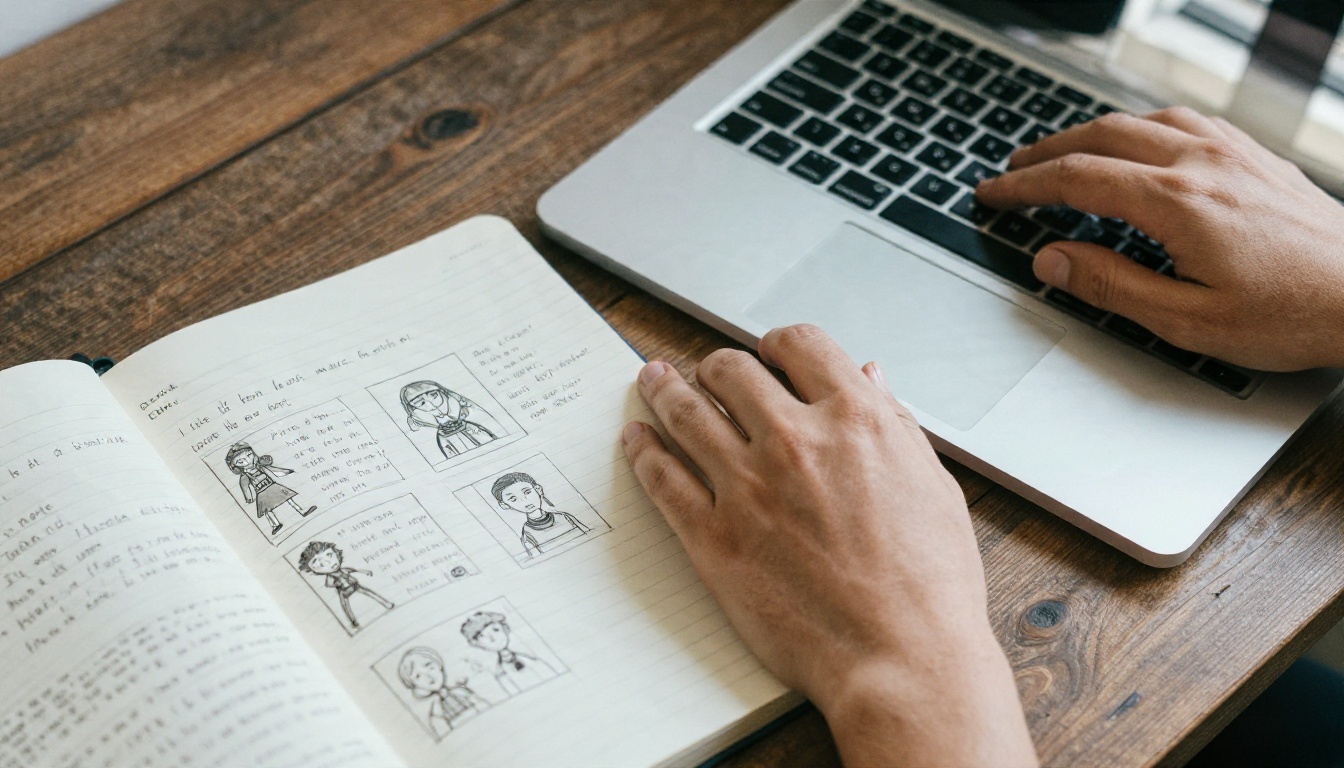
A vague prompt gets a vague panel. The best results come from short, specific language that describes one frame at a time.
The Prompt Formula
Use this order and you'll cut your rerolls in half:
| Part | Example |
|---|
| Shot type | Wide establishing shot, low angle close up |
| Subject | A lighthouse keeper in a yellow raincoat |
| Action | Climbing a spiral staircase, lantern in hand |
| Setting | Stormy coast at dusk, wet stone walls |
| Style | Black ink, heavy shadows, limited teal palette |
| Constraint | Single panel, no text, no border |
Three Ready Prompts
Copy these and swap the nouns for your own story.
- Opening panel: Wide establishing shot of a rain-soaked harbor town at dawn, fishing boats tied to a wooden pier, a lone figure in a long coat walking toward the camera, black ink with watercolor wash, muted blue and grey palette, single panel, no text.
- Character close up: Close up portrait of a tired detective in her forties, short grey hair, scar above left eyebrow, green wool coat, warm lamp light from the right, European comic style, clean linework, no text.
- Action beat: Low angle shot of a courier leaping between two rooftops, city skyline behind, motion lines, bold shadows, manga inspired, high contrast black and white with one red scarf, single panel.
⚠️ Warning: Never ask the model to render dialogue inside the image. Letter every bubble in your layout app, where you can edit spelling in seconds.
Keeping Characters Consistent
This is the hardest part of any generator. These habits help:
- Build a character sheet first. Front, side, and three quarter views on a plain background.
- Repeat the same description block word for word in every prompt: hair, clothes, age, one distinctive mark.
- Limit costume changes. A yellow raincoat is easier to keep than a layered outfit.
- Reuse the reference image whenever the tool allows it.
- Fix drift in editing, not by rerolling forever.
Free Options and Their Limits
Free is real, but it comes with trade-offs. Plans change often, so check current limits before you plan a long project around them.

What Free Plans Usually Include
| Limit | Typical free tier | Why it matters |
|---|
| Daily or monthly credits | A small allowance of images | A 60 page book can need hundreds of attempts |
| Resolution | Reduced size output | Print and full screen reading need more pixels |
| Watermarks | Often added to exports | Look unprofessional in a finished book |
| Commercial use | Sometimes restricted | Check terms before you sell anything |
| Queue speed | Slower generation | Adds up across many panels |
Pairing Free Tools Smartly
You can build a polished book without paying for anything if you split the job:
- Use a free image tier for the art, spread across several days to refresh credits.
- Use a free layout app such as Krita, Canva's free plan, or Inkscape for panels and lettering.
- Use a free script editor like Google Docs for story structure.
- Publish through a platform that doesn't stamp a watermark on your pages. Flipbooks AI never adds one.
✅ Best practice: Read the license for every free tool. If you plan to sell the book, you need to know who owns the images before you export a single page.
Online Apps for Layout and Lettering
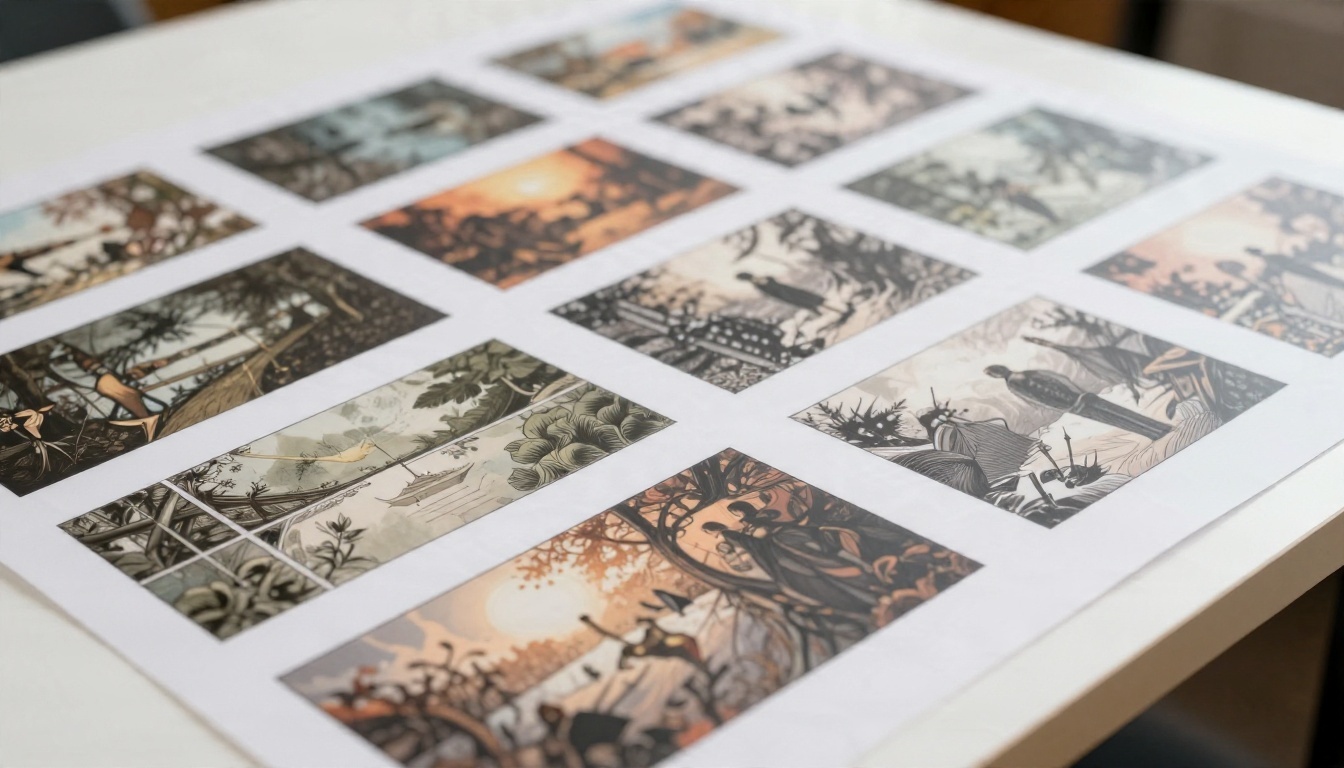
Generated art is raw material. The book is made in the layout stage.
Panel Layout
Good page design follows a few rules that no generator applies for you:
- Vary panel size. A big panel signals importance, a narrow strip signals speed.
- Keep gutters consistent, usually the same width on every page.
- Guide the eye left to right, top to bottom, with clear reading order.
- End pages on a hook so readers want to turn.
Lettering Basics
Readable lettering separates amateur books from professional ones. Pick one comic style font, keep it the same size across the book, and place bubbles so they don't hide faces. Tails should point to the speaker's mouth, not the speaker's general direction.
| App type | Examples | Strength | Export |
|---|
| Raster painting | Krita, Photoshop | Fix art, add effects | PNG, PDF |
| Vector layout | Inkscape, Affinity | Crisp bubbles and text | PDF, SVG |
| Browser design | Canva, Figma | Fast templates, easy sharing | PDF, PNG |
| Comic specific | Clip Studio style apps | Panel tools, screentones | PDF, image sets |
How to Publish a Graphic Novel Flipbook
A PDF is fine for printing. For readers on phones, a PDF is awkward: pinch, zoom, scroll, repeat. A flipbook gives people a real page turn, fast loading, and a link they can open anywhere. For a book that people read panel by panel, that matters.
You can build one with the Interactive E-Book Publisher or the E-Book Flipbook Generator. Here is the process from start to finish.
Upload Your PDF
- Export your finished pages from your layout app as a single PDF. Use RGB color and a resolution of about 150 to 200 DPI for screen reading.
- Open Flipbooks AI and create an account.
- Choose the PDF to Flipbook Converter and upload the file.
- Wait for conversion. Each PDF page becomes a flipbook page, in order.
- Preview the result and check that two page spreads line up the way you drew them.
💡 Pro tip: Design spreads on purpose. If your big reveal sits on the right page and the following panel is on the next left page, the page turn does the dramatic work for you.
Customize the Look
Your book should feel like yours, not like a template.
- Branding: Add your logo or pen name and pick a background color that suits the art. Dark backgrounds make ink heavy pages pop.
- Page effects: Choose a page turn style and speed that feels natural.
- Multimedia: Embed an audio soundtrack for a mood piece or a short video trailer on the first page.
- Mobile layout: The viewer is mobile responsive, so pages scale on small screens without extra work.
Share and Protect
Once you're happy, pick how readers get in:
| Sharing option | Use it when |
|---|
| Direct link | Posting on social media or a newsletter |
| Embed code | Placing the book on your site, following the Embed Flipbook on Website steps |
| Password protection | Sending a draft to beta readers or a publisher |
| Offline download | Readers want the book on a train or a plane |
Track Readers
On the Professional plan, you get analytics and lead generation tools. You can see which pages people reach and where they leave, and you can collect emails before a reader opens chapter two. Check the pricing plans to see what's included at each level. The Standard plan and above gives you unlimited flipbooks, which is handy if you publish each chapter as its own issue.
Real Workflows to Copy
Theory is nice. Here are three setups that real creators use.
The weekend webcomic. A writer drafts an 8 page script on Friday, generates panels on Saturday with a free image tier, letters in a browser design app on Sunday morning, and publishes a flipbook link by dinner. Each new chapter reuses the same character sheet.
The pitch package. An author preparing a submission uses a story to book tool for a rough draft, then rebuilds six key pages by hand. The finished sample goes into a password protected flipbook that is sent to an agent. See the Press Kit Designer if you want to bundle the pitch with bios and cover art.
The classroom project. A teacher runs a unit where students write short stories, generate art, and publish a class anthology. The Course Material Publisher turns the finished PDF into a single shareable book for parents.
| Project | Tools used | Time | Output |
|---|
| Weekend webcomic | Free image tier, browser layout, flipbook | 2 days | 8 page chapter |
| Pitch package | Story tool, manual rebuild, password flipbook | 1 week | 20 page sample |
| Class anthology | Image tier, slide layout, flipbook | 3 weeks | 40 page book |
Mistakes That Cost Time
- Generating art before locking the script
- Changing art style halfway through the book
- Letting AI render text inside images
- Exporting low resolution pages and then trying to fix them
- Skipping a mobile test before sharing the link
Start Your First Graphic Novel Today
You don't need to be an illustrator to tell a story in panels. You need a script, a handful of good prompts, a layout app, and a place to publish. Pick one idea, write eight pages, and ship it.
Ready to put your pages in front of readers? Create a free account on Flipbooks AI, upload your PDF, and send your first flipbook link in minutes. Browse all flipbook tools to find the one that fits your project, or compare plans when you're ready for analytics, lead capture, and unlimited books.



