You spent months on thumbnails, inks, colors and lettering. Now your graphic novel sits in a PDF on your hard drive, and a PDF is a terrible way to read a comic. Readers scroll sideways, spreads split in half, and nobody feels the thrill of turning a page. A graphic novel maker free of watermarks fixes that: you upload the file to Flipbooks AI, and it becomes a page-turning online book that opens in any browser, on any phone, with a link you can send to anyone.
This article walks through the whole process, from preparing your PDF to picking a layout, sharing the result and tracking who actually reads it. No design degree needed, and no print budget either.
Why a PDF Beats a Print Run
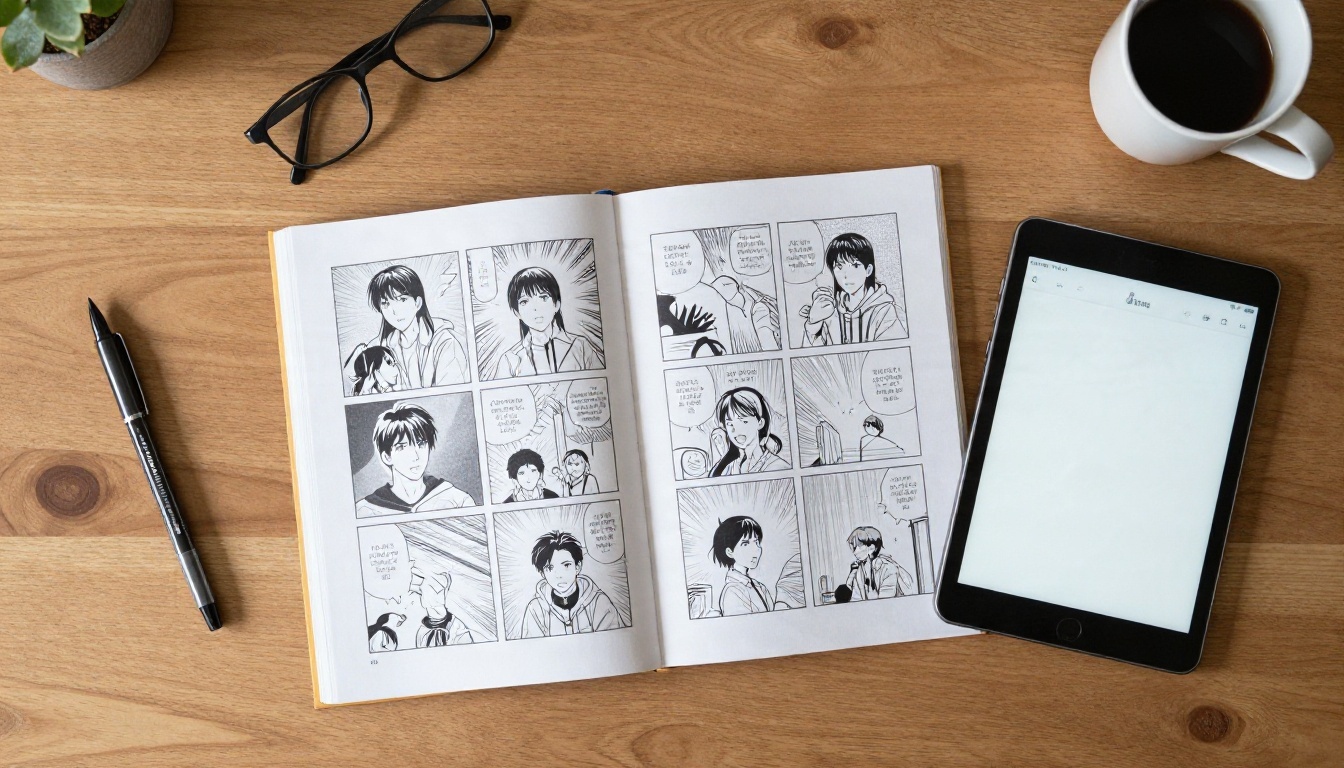
Printing 500 copies of a debut graphic novel is a gamble. Digital publishing lets you test the story with real readers first, and a flipbook gives that test a proper reading experience instead of a clunky download.
What Readers Expect Now
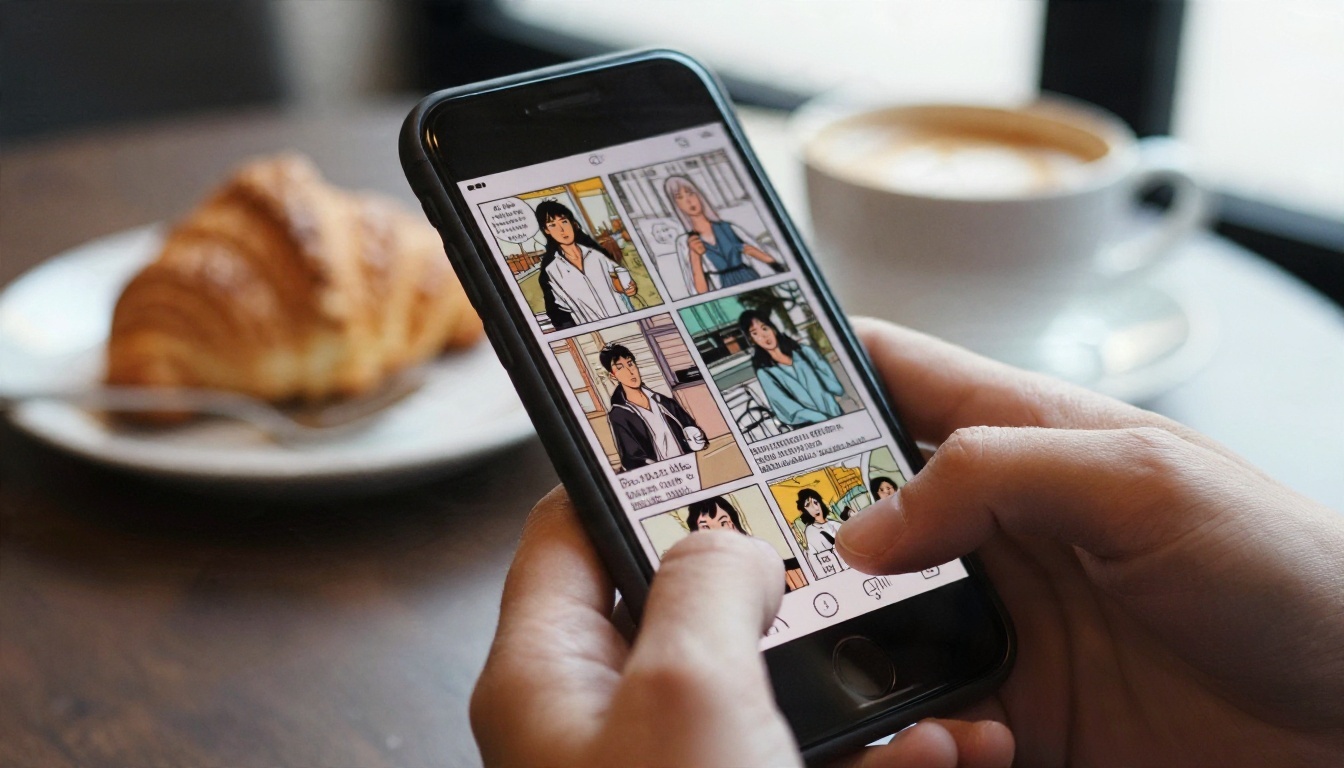
Comic fans read on phones, tablets and laptops, often in short bursts on a commute or in a cafe. They expect pages that load fast, zoom cleanly and turn with a gentle swipe. A raw PDF forces them to pinch, drag and hunt for the next panel. A flipbook mimics the paper book they already love.
Free Does Not Mean Watermarked
Many free converters stamp their logo across your artwork or cap you at a handful of pages. That ruins a visual story. Flipbooks AI is built around no watermarks, ever, so your art stays your art. You can start free and see your own pages in flipbook form before deciding whether you need more.
💡 Pro tip: Test with a single chapter first. A 20-page sample tells you everything about layout, loading speed and reader reaction before you convert a 200-page volume.
Prepare Your PDF First
The converter can only work with what you hand it. Ten minutes of preparation saves hours of frustration later.
Page Size and Spreads
Decide early whether your book is single pages or spreads. Most graphic novels are designed as facing pages, with a splash image running across the gutter. Export your PDF with every page as its own page, in reading order, and keep the front page as page one. If you worked in a layout program with spreads, choose the "pages, not spreads" export option so the flipbook can pair them correctly.
Resolution and File Weight
Comics are image-heavy, and a huge file loads slowly on mobile data. Aim for crisp but sensible output.
| Setting | Recommended value | Why it matters |
|---|
| Image resolution | 150 to 200 dpi for screen | Sharp linework without a bloated file |
| Color mode | RGB | Colors match what readers see on screens |
| Page order | Cover first, then story pages | Spreads pair up correctly |
| Fonts | Embedded or outlined | Lettering never swaps to a default font |
| File size | Under 100 MB where possible | Faster upload and faster first load |
| Bleed and crop marks | Removed | Clean edges inside the viewer |

⚠️ Watch out: Do not flatten your lettering into low-quality JPEGs. Speech bubbles are the first thing readers squint at, and blurry text makes a story feel amateur.
How to Create a Graphic Novel Flipbook with Flipbooks AI
Here is the full workflow. Plan on about five minutes for a short comic.
Step 1: Create Your Account
Go to Flipbooks AI and create an account. The dashboard is where every flipbook you make will live.
Step 2: Upload the PDF
- Click the button to create a new flipbook.
- Drag your PDF into the upload area, or browse to it.
- Wait while each page is converted into a flipbook page. The PDF to Flipbook Converter handles the heavy lifting automatically.
- Check the preview and flip through a few pages to confirm the order.
What you should see: a clean reader window with your front page on the right, a soft page curl as you drag, and arrows or swipe gestures to move forward.
Step 3: Customize the Look
This is where a flipbook stops feeling like a file and starts feeling like a book.
- Branding: add your logo, series title or author name.
- Colors: set the background behind the book. Dark gray suits noir comics, warm cream suits slice-of-life stories.
- Page effects: choose how the page turns, with a realistic curl or a simple slide.
- Sound: a quiet page-turn sound adds a tactile touch.
- Multimedia: embed a trailer, an artist commentary clip or a soundtrack for specific pages.
Step 4: Publish and Copy the Link
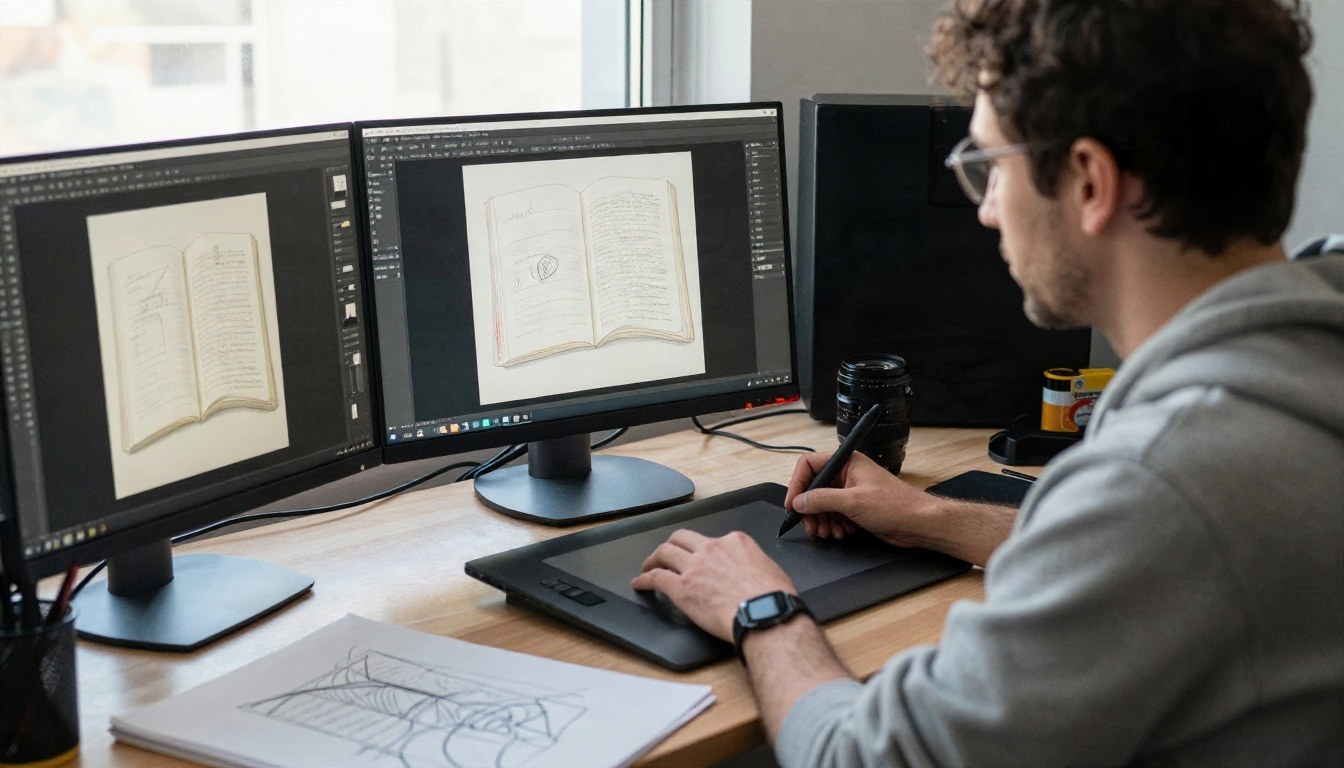
Hit publish and your book gets a public URL. Paste it into a message and a friend can read the first page within seconds. Nothing to install, nothing to download.
Step 5: Use the Pro Features
Once you have readers, the Professional plan adds analytics, lead generation and offline downloads. Analytics show which pages hold attention. Lead capture lets you collect email addresses before a reader reaches chapter two, which is gold for a launch list.
✅ Best practice: Put a lead form after the free first chapter. Readers who loved the opening are the most likely to join your mailing list.
Templates and Layout Ideas
A graphic novel is not one format. A weekly webcomic, a photocopied zine and a polished portfolio all want different presentations. Flipbooks AI offers purpose-built tools you can adapt to each.
Webcomic Episodes
Release each chapter as its own flipbook and link them together with a "next chapter" page at the end. The E-Book Flipbook Generator suits long-form story reading.
Zines and Anthologies
Short, scrappy and personal. The Magazine Flipbook Creator works well for multi-artist anthologies where every contributor gets a few pages.
Artist Portfolios
Agents and editors want a fast look at your style. The Digital Portfolio Creator lets you present sample pages, character sheets and sketches in one polished book.
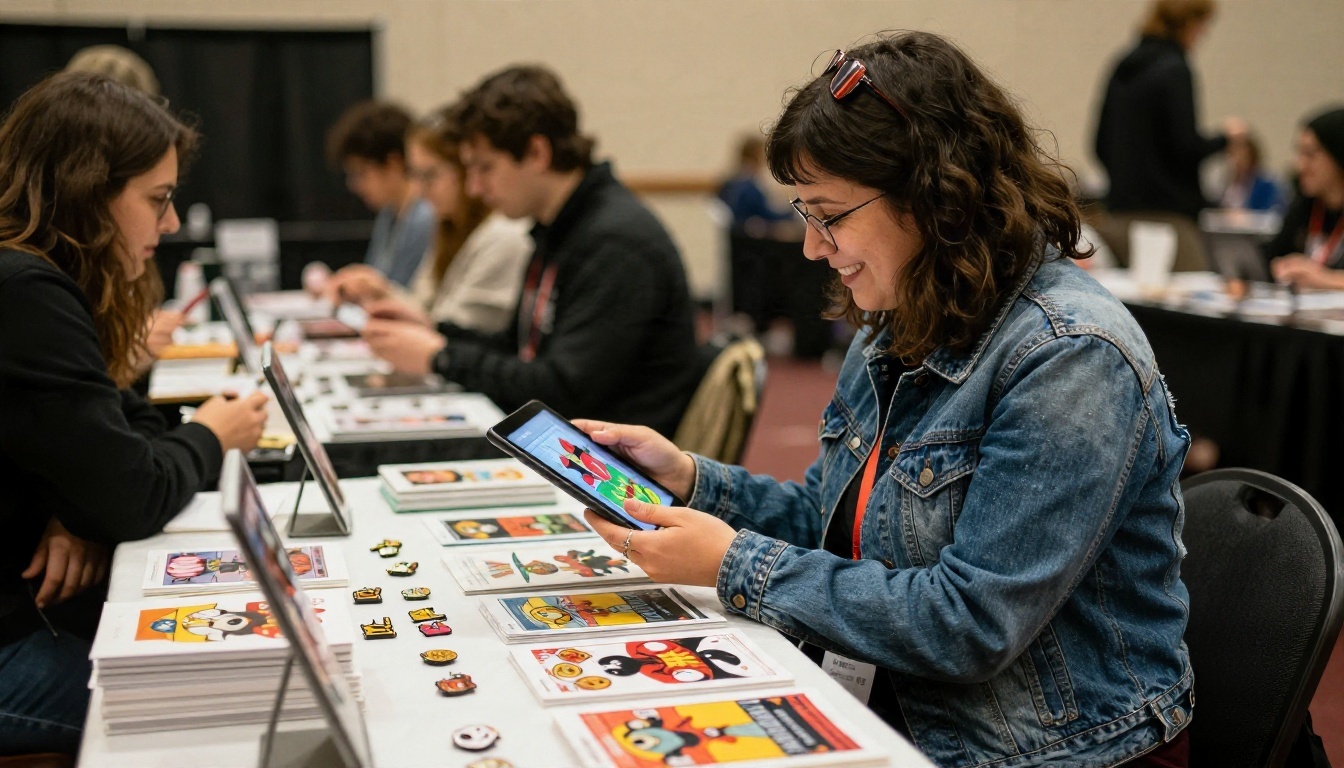
Browse every option in the tools directory to find the closest match to your project.
Share Your Comic Everywhere
A beautiful book nobody sees is just a hobby. Sharing is where flipbooks beat PDFs by a wide margin.
Direct Links
The simplest route. One short URL works in social bios, newsletters, Discord servers and email signatures. Because the book opens in the browser, readers never hit a download wall.
Embed on Your Website
If you run a comic site, a portfolio or a Patreon landing page, you can place the reader right inside your own page with an embed code. The Embed Flipbook on Website tool shows how it works. Paste the snippet into your site builder and the book appears in place, responsive on every screen size.
Password Protection
Not every draft is ready for the world. Add a password to share a work in progress with beta readers, a publisher or paying supporters only. You control who gets in, and you can change access whenever you like.
| Sharing method | Setup effort | Best use | Audience control |
|---|
| Public link | Seconds | Social posts, newsletters | Open to everyone |
| Embed code | A few minutes | Your own site or blog | Depends on your page |
| Password protected | Seconds | Drafts, supporter-only chapters | Only people with the password |
| Offline download | One setting | Readers on slow connections | Controlled by you |
💡 Pro tip: Share a password-protected link with your editor and beta readers weeks before launch. Fixing a typo in the PDF and re-uploading takes minutes, not a reprint.
Real Examples That Work
Theory is nice. Here is how different creators put a flipbook to use.
The Solo Webcomic Artist
A creator releases a new chapter every Friday. She uploads the chapter PDF, publishes the flipbook and posts the link on social media with a single teaser panel. Readers click, read in the browser and share it. Since every chapter lives at its own link, her back catalogue stays tidy and easy to find.
The Teacher Using Comics in Class
Graphic novels pull reluctant readers into literature. A teacher can convert a classroom set of excerpts into a flipbook, then project it on a wall display or send the link to students for homework. The Course Material Publisher is a handy starting point for lessons built around visual stories.

The Writer and Artist Team
When a writer and an artist live in different cities, a private flipbook becomes the shared proof. The artist uploads the latest pages, the writer flips through on a phone and sends notes. No emailing 300 MB attachments back and forth.
The Self-Publisher Pitching a Press
Editors skim. A tidy flipbook with a strong front page, a short synopsis page and the first chapter gives them a reason to keep reading. Pair it with a one-page press kit and your pitch looks professional before anyone reads a word.
Track Readers and Grow
Once the book is out, the real work begins: finding out what resonates.
What Analytics Reveal
With the Professional plan, you can see how far readers get, which pages they linger on and where they drop off. If half your audience leaves at page 12, that page might be a slow talky scene, or the file might load heavily there. Either way, you now know where to look.

Turning Readers into Subscribers
Lead generation lets you place a short email form at a natural pause, such as the end of chapter one. Readers who opt in are your launch audience for a Kickstarter, a print run or a sequel.
| Feature | Free start | Professional plan |
|---|
| No watermark | ✅ | ✅ |
| PDF to flipbook conversion | ✅ | ✅ |
| Custom branding | ✅ | ✅ |
| Password protection | Check plan details | ✅ |
| Reader analytics | Not included | ✅ |
| Lead generation | Not included | ✅ |
| Offline downloads | Check plan details | ✅ |
Compare every plan on the pricing page to see the current limits before you commit.
Mistakes to Avoid
Most flipbook problems are avoidable. Here are the ones that trip up comic creators most often.
- Uploading spreads as single pages. Your splash art gets sliced down the middle. Export pages individually.
- Ignoring file size. A 500 MB PDF loads slowly on mobile. Compress images sensibly.
- Skipping the preview. Always flip through the finished book on your phone before sharing.
- No page one plan. Your first page is your storefront. Make the title and art count.
- Forgetting a call to action. End each chapter with a link to the next one, your shop or your mailing list.
⚠️ Reminder: Only upload artwork you own or have permission to share. Fan art and licensed characters can bring takedown notices.
Publish Your First Issue Today
You already did the hard part: you made the comic. Turning it into a smooth, shareable, watermark-free reading experience takes a few minutes.
Your readers are waiting. Give them a book they can actually turn the pages of.



