A grocery flyer has roughly seven days to earn back its print bill, and most of that week is spent in a shopper's kitchen, not in your store. Somebody circles the chicken deal, texts a photo of the produce page to a partner, and then forgets the whole thing by Thursday. If you run an independent market or a small regional chain, the way you build, print, and distribute that flyer decides whether it works as a sales tool or ends up as expensive recycling. This article breaks down how weekly grocery catalogs are really produced, what they cost, which templates save time, and where a digital flipbook built with Flipbooks AI fits next to paper.
Why Weekly Flyers Still Pay Off
Grocery is a habit business. Shoppers pick a store based on price perception, and a flyer is the cheapest way to shape that perception before they leave the house. A well built flyer sets the shopping list, not just the sale list: people plan meals around the featured protein, the produce special, and the dairy deal.
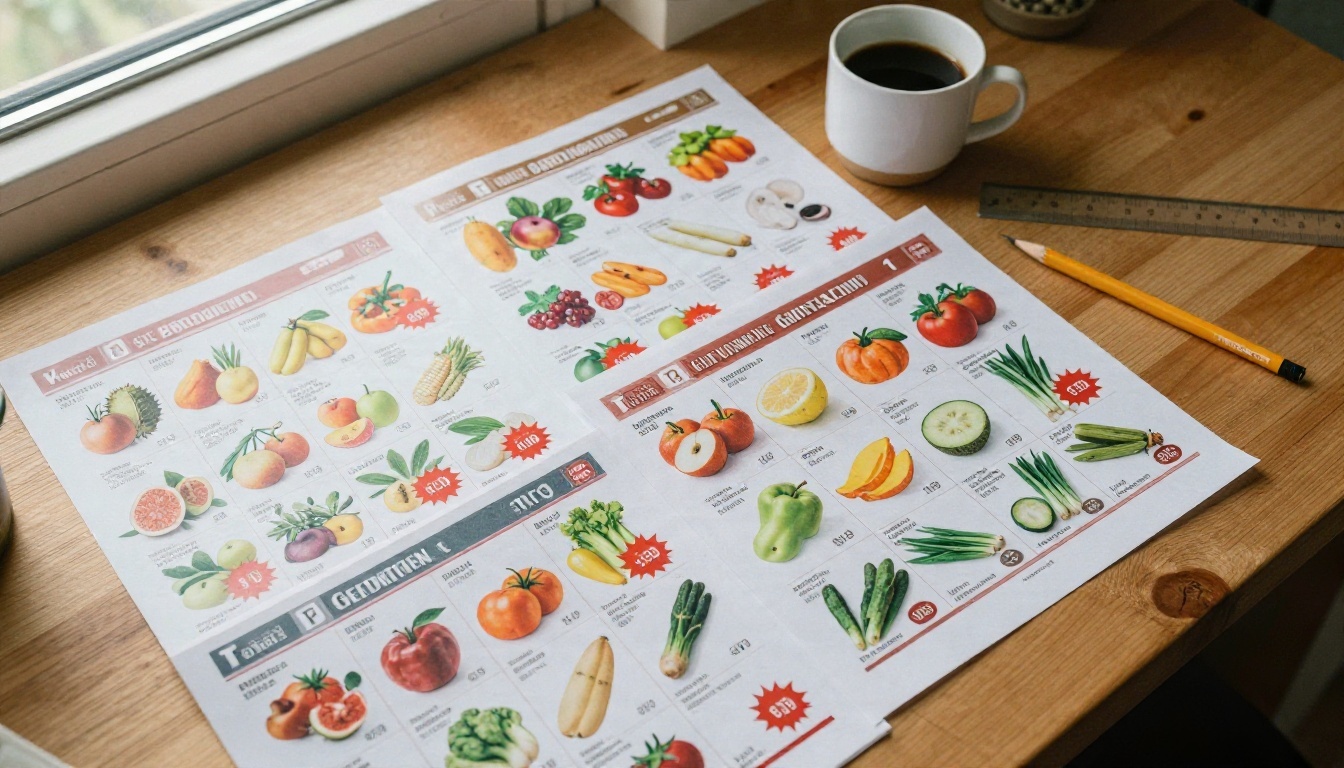
What Shoppers Actually Do With Them
Think about the path a flyer takes. It arrives by mailbox, in the store entrance, or as a link in a text or email. Shoppers scan the front page, flip to the departments they care about, and make a mental or written list. The flyer works when that list is built in under two minutes.
That behavior is why page order, price clarity, and photo quality matter more than clever copy. A blurry chicken photo with a tiny price loses to a sharp photo and a bold number every time.
Print, Digital, or Both
Most grocers land on a hybrid. Paper reaches households that never open promotional email, and digital reaches everyone else faster and for less money. The honest answer is that your customer mix decides the split, not a trend article.
| Audience | Best Channel | Why |
|---|
| Older, loyal neighborhood shoppers | Printed flyer plus in-store stacks | Habit and no app required |
| Families planning weekly meals | Mailbox flyer plus digital link | Paper on the fridge, phone in the aisle |
| Younger urban shoppers | Digital flipbook via text or social | Phone first, rarely check the mailbox |
| Rural customers far from the store | Digital flipbook and email | Mail routes are expensive and slow |
💡 Pro tip: Ask at the register for two weeks, "Did you see our flyer this week, and where?" A tally sheet by the till will tell you more than any industry average.
The Anatomy of a Weekly Flyer
Every successful grocery flyer follows a predictable skeleton. Shoppers are trained by years of reading them, so breaking the pattern costs you attention.
Front Page Hooks
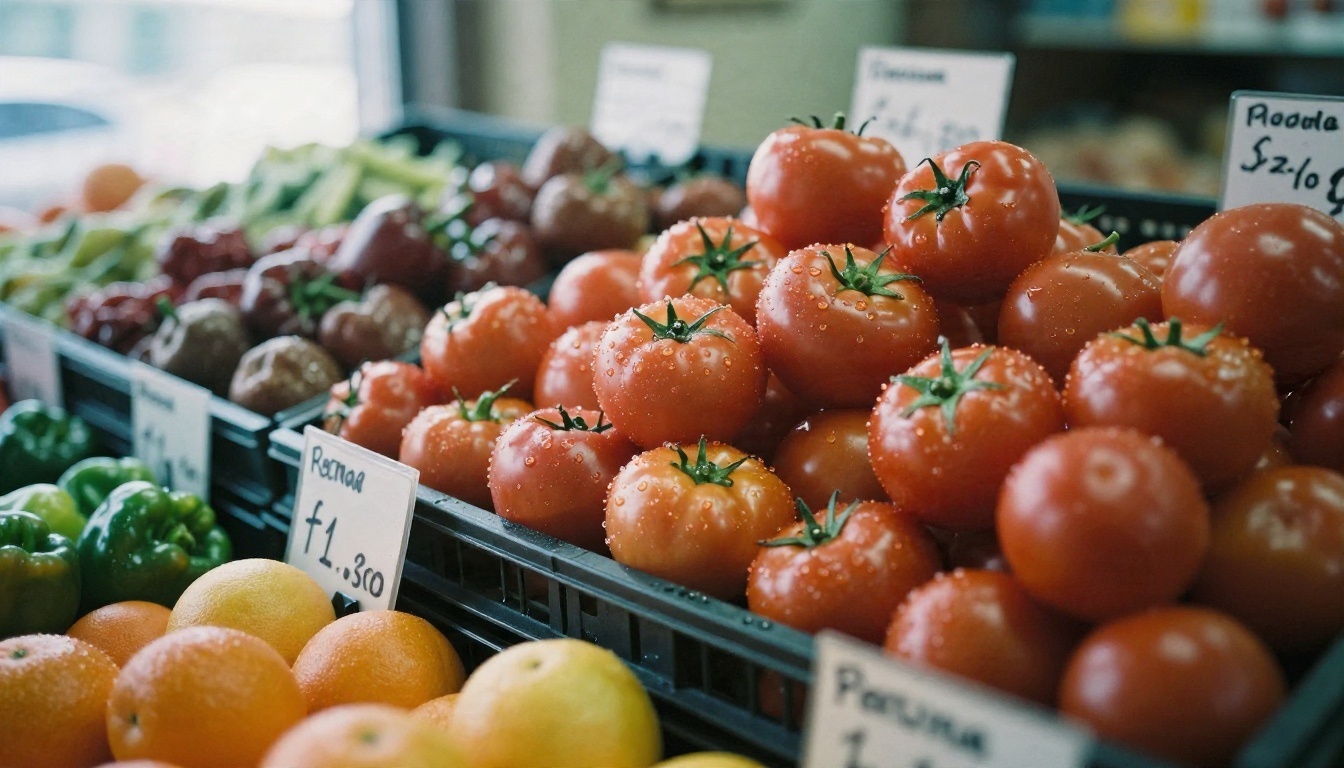
The front page carries your traffic drivers: three to six items priced aggressively enough to bring people through the door. Usually that is a protein (chicken, ground beef), a produce staple (bananas, tomatoes), a dairy or bread item, and one seasonal feature. Use the largest photos and the biggest price numbers here.
Department Pages
Inside pages group items by department: produce, meat and seafood, dairy, bakery, frozen, pantry, household. Keep the same order every week. Shoppers learn where to look, and your team learns where to place new items without re-thinking the layout.
Back Page and Offers
The back page is the second most read spot. Put loyalty program offers, digital coupons, store hours, and any local events here. It is also the best place for a QR code that links to a mobile version of the flyer.
Here is a typical structure for a 12 page weekly flyer:
| Page | Content | Share of Space |
|---|
| 1 | Front page traffic drivers | 100% hero items |
| 2 to 3 | Produce and fresh | 2 pages, 20 to 24 items |
| 4 to 5 | Meat and seafood | 2 pages, 16 to 20 items |
| 6 to 7 | Dairy, deli, bakery | 2 pages, 20 to 24 items |
| 8 to 9 | Pantry and frozen | 2 pages, 28 to 36 items |
| 10 to 11 | Household and seasonal | 2 pages, mixed |
| 12 | Loyalty, coupons, hours, QR | Offers and store info |
Templates That Save Hours
The biggest production cost in grocery flyers is not printing. It is the hours of staff or freelancer time spent nudging price boxes around a page. A solid template removes most of that.
Build a Reusable Grid
Create one master grid per page type. A common approach is a 4 column grid with a hero slot that spans two columns by two rows, plus smaller single slots. Lock the margins, the font sizes, and the position of the price burst. Then each week you only swap photos, names, and prices.
Set up these template files once:
- Front page master with one large hero slot and four to six medium slots
- Department page master with a 4 by 4 grid and a header band color per department
- Back page master with a coupon area, hours block, and QR slot
- Seasonal overlay for holidays, back to school, and summer grilling
Price Burst and Label Rules
Consistency makes prices readable at a glance. Pick one price burst shape, one color for regular sales, and a second color for member-only prices. Always show the unit (per pound, per kg, each), the limit if there is one, and the savings in plain numbers.
⚠️ Warning: Check local advertising rules for "was" prices, limits, and "while supplies last" wording. A single compliance mistake can cost more than a month of printing.
| Template Type | Setup Time | Weekly Edit Time | Best For |
|---|
| Canva or similar online design tool | 3 to 5 hours | 2 to 3 hours | One store, small team |
| Desktop publishing master files | 8 to 12 hours | 3 to 5 hours | Strong design control |
| Data merge from a product spreadsheet | 15 to 25 hours | 1 to 2 hours | Regional chains, many SKUs |
| Agency built system | Included in retainer | Handled by agency | No in-house designer |
What Production Really Costs
Here is where owners often get surprised. The print bill is visible, but design time, photography, proofing, and distribution are quieter costs that add up.
Print Cost Breakdown
Prices vary by country, paper, and volume, so treat these numbers as planning ranges, not quotes. Request three local quotes before you budget.
- Printing: a 12 page, saddle stitched flyer on lightweight gloss paper often runs from roughly 8 to 20 cents per copy at 10,000 copies, and rises sharply on smaller runs
- Newsprint inserts: cheaper per copy, but with duller color and a limited slot in local newspapers
- Design labor: 6 to 15 hours per week if you build from scratch, fewer with templates
- Distribution: mail or door-to-door delivery commonly costs more than the printing itself
- Proofing and corrections: one reprint after a wrong price can wipe out a week of margin
Digital Cost Breakdown
Digital removes printing and distribution, but not design. You still need good photos and a clean layout. What changes is the marginal cost: a new week costs you design time plus a flat subscription, not a new print run.
- Flipbook platform: a flat monthly or annual fee, see pricing plans
- Email or SMS sending: depends on your list size and provider
- Design labor: the same as print, unless you reuse the PDF you already made for the printer
- Paid social boosts: optional, but the flipbook link gives the ad something worth clicking
Here is a side by side for a store sending 10,000 flyers a week, using mid-range assumptions:
| Cost Item | Print Only | Digital Flipbook Only | Hybrid (2,000 print + digital) |
|---|
| Printing per week | $800 to $2,000 | $0 | $250 to $500 |
| Distribution per week | $600 to $1,500 | $0 | $150 to $350 |
| Design per week | $150 to $400 | $150 to $400 | $150 to $400 |
| Platform and sending | $0 | $30 to $100 | $30 to $100 |
| Weekly total (rough) | $1,550 to $3,900 | $180 to $500 | $580 to $1,350 |
💡 Pro tip: Don't cut print to zero in the first month. Reduce the run by 20 percent, track register coupon redemptions, and keep cutting only while redemptions hold steady.
A Five Day Weekly Workflow
Chaos is the real enemy. Flyers that go out late or with errors usually suffer from a vague schedule, not from bad design. This is a rhythm that works for many small teams.
The Production Calendar
- Monday: Merchandising confirms the ad items and prices from suppliers
- Tuesday: Photos are pulled or shot, and the spreadsheet is locked
- Wednesday: Design fills the templates, and the first proof is exported as PDF
- Thursday: Store managers and the owner proof every price against the system
- Friday: Final PDF goes to print and is converted to a digital flipbook the same day
Common Mistakes
- Late price changes after proofing, with no one updating the digital version
- Too many items per page, so nothing stands out
- Low resolution photos pulled from supplier sites
- No QR code or link bridging paper to the mobile version
- Skipping a second reader for price checks
✅ Best practice: Always have someone who did not build the flyer read every price aloud against the system. Fresh eyes catch the "$1.99 versus $19.9" typos.
Build a Grocery Flipbook in Flipbooks AI
Your printer already needs a PDF. That same PDF can become a page-turning, mobile friendly flipbook in a few minutes, with no watermarks. The PDF to Flipbook Converter handles the conversion, and the Digital Catalog Maker suits grocery product pages well. For a deal-sheet format, the Digital Price List Generator is also worth a look.
Upload and Convert
- Go to Flipbooks AI and create an account
- Click to create a new flipbook and upload your final print-ready PDF
- Wait a moment while pages are converted into a flipping layout
- Check the preview on both a desktop and a phone screen
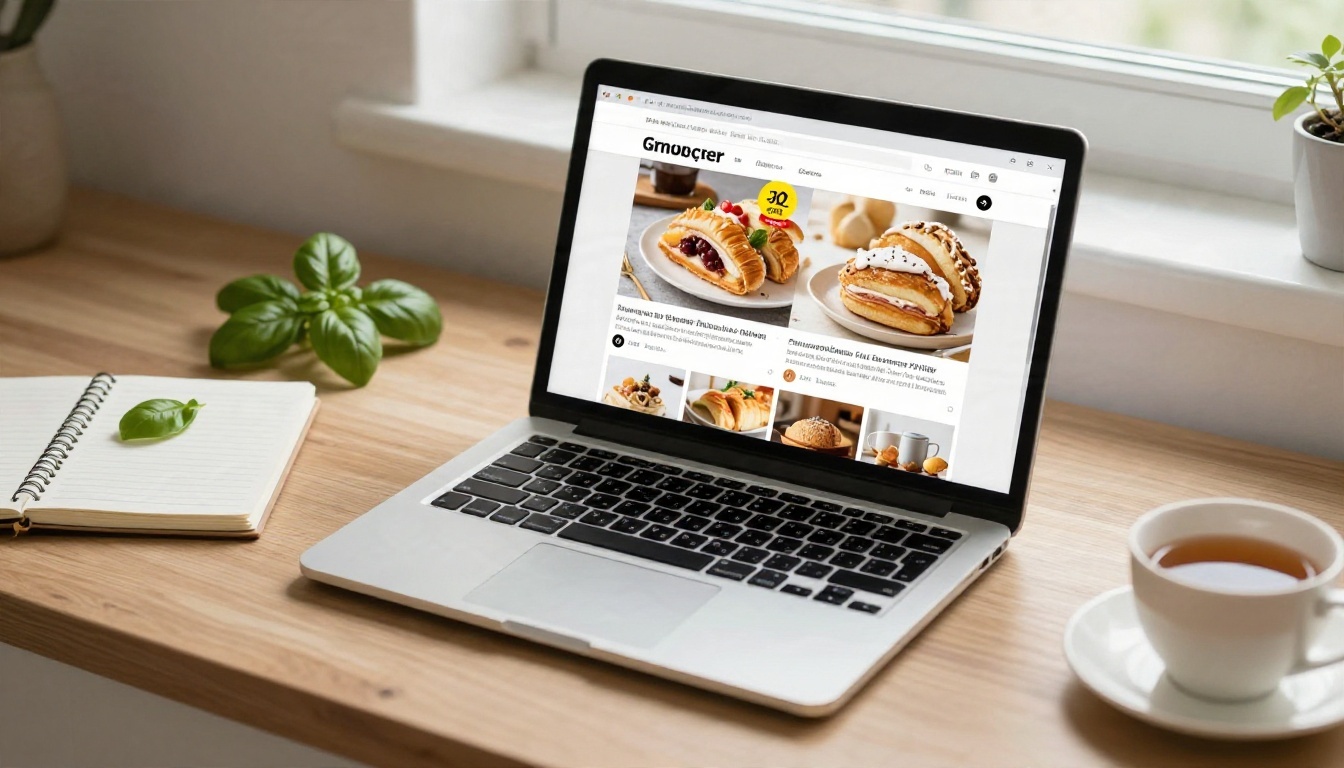
Screenshot description: the editor shows your pages in a thumbnail strip on the left, a live flipbook preview in the center, and settings for branding and sharing on the right.
Brand and Interactivity
- Add your logo and set the background to your store's primary color
- Choose a page flip effect that feels natural, and keep the sound subtle or off
- Link products to online ordering pages, or add a clickable store locator on the back page
- Embed a short video of the weekly recipe feature, or an audio note from the butcher counter
- Turn on the mobile responsive view so pages are readable on small screens
Share and Measure
- Copy the direct link for text messages, email, and social posts
- Use the Embed Flipbook on Website option to place the weekly flyer on your homepage
- Add password protection for employee-only or wholesale price sheets
- Allow offline downloads so shoppers can save the flyer before they walk into a store with poor signal
- On the Professional plan, use analytics and lead generation to see which pages get read and to collect emails for next week's list. See plans for details
Print or Digital: Which Wins?
Neither wins everywhere. The right call comes from comparing what each does well and where your customers actually are.
| Factor | Printed Flyer | Digital Flipbook |
|---|
| Cost per additional reader | Rises with each copy | Close to zero |
| Speed to fix an error | Slow, reprint needed | Minutes, update and republish |
| Reach among non-digital shoppers | Strong | Weak |
| Trackable behavior | Limited, coupon codes only | Page views, clicks, leads |
| Shareable | Hard | Easy, one link |
| Environmental footprint | Paper, ink, transport | Minimal |
| Interactivity | None | Video, links, audio |
A practical rule: print for habit, digital for speed and data. If a price is wrong, only the digital version can be fixed on Tuesday morning. If a shopper wants a paper page for the fridge, offer a download they can print at home.
A Real-World Scenario
Picture a three-store market with 6,000 weekly flyers. They cut print to 3,500, add a QR code to the front page and the checkout receipt, and send the flipbook link by text on Thursday evening. After eight weeks, the print savings cover the platform fee several times over, and the analytics show that the produce page gets more views than the meat page, so they move the produce deal to the front.
For smaller shops, the Catalog Flipbook Creator and the Product Catalog tool are good starting points for building a full online product range alongside the weekly sale pages.
Ready to Publish Your Next Flyer?
Weekly grocery flyers do not have to be a costly scramble. Build a template once, follow a five day calendar, check every price twice, and send the final PDF to both the printer and a flipbook. Start by turning this week's PDF into a shareable digital version: create your first flipbook on Flipbooks AI, browse all flipbook tools, or compare pricing plans to pick what fits your store.



