It is 9:40 pm. Your guest has just dragged a suitcase up two flights of stairs, the room is lovely, and now they cannot find the Wi-Fi password, the breakfast time or the way to switch on the hot water. They could call you, but most will not. They will quietly decide the stay was a little less smooth than it should have been, and that shows up in the review. A well made guest house information booklet prevents that moment, and a digital version built with Flipbooks AI makes sure it is never lost, never out of date and never stained with coffee.
This article shows real folder examples, four hotel info sheet samples you can copy line by line, and a practical route from paper to a digital guest booklet that opens from a QR code.
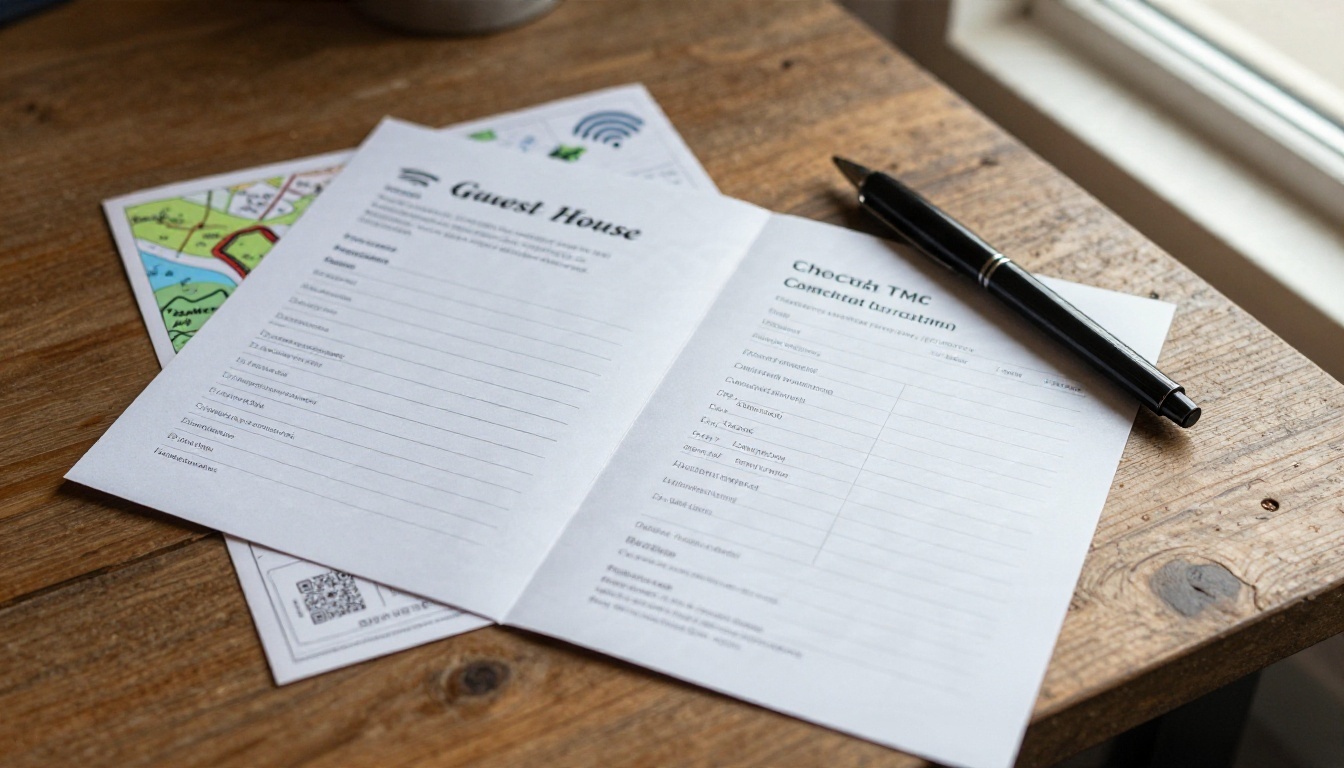
What a Guest House Booklet Holds
A guest information booklet is the written version of the welcome you give at the door. It answers questions before they are asked, so you are not interrupted at midnight and the guest does not feel like a nuisance for asking.
The Core Pages Every Booklet Needs
Hosts often write too much about the building's history and too little about the things guests actually look for. Start with the practical pages, then add personality.
| Section | What guests look for | Ideal length |
|---|
| Welcome note | A friendly name, a face, a phone number | 3 to 5 lines |
| Wi-Fi and TV | Network name, password, remote tips | 1 short block |
| Arrival and checkout | Times, late checkout options, luggage storage | Half a page |
| Breakfast and dining | Hours, dietary options, nearby restaurants | One page |
| House rules | Quiet hours, smoking, pets, parking | Half a page |
| Emergency contacts | Host, doctor, pharmacy, taxi, fire exits | Half a page |
| Local area | Walks, shops, transport, hidden favorites | 2 to 3 pages |
💡 Pro tip: Put the Wi-Fi password on the very first page after the welcome note. It is the single most requested piece of information in any short stay property, and guests will flip straight to it.
Folder, Booklet or Single Sheet?
These words get mixed up, but each format suits a different property.
| Format | Best for | Update effort | Typical cost per unit |
|---|
| Ring binder or leather folder | Rooms with many details, long stays | Replace single sheets | Medium |
| Stapled A5 booklet | Small guest houses, B&Bs | Reprint everything | Low to medium |
| Laminated single sheet | Hotel rooms, quick reference | Reprint one sheet | Low |
| Digital flipbook | Any property, any size | Edit and republish | Very low after setup |
Most owners end up combining two of these: a short printed sheet in the room and a fuller digital booklet one scan away.
Seeing what other properties do is the fastest way to decide what suits yours. Here are three formats that work in practice.
The Leather Welcome Folder
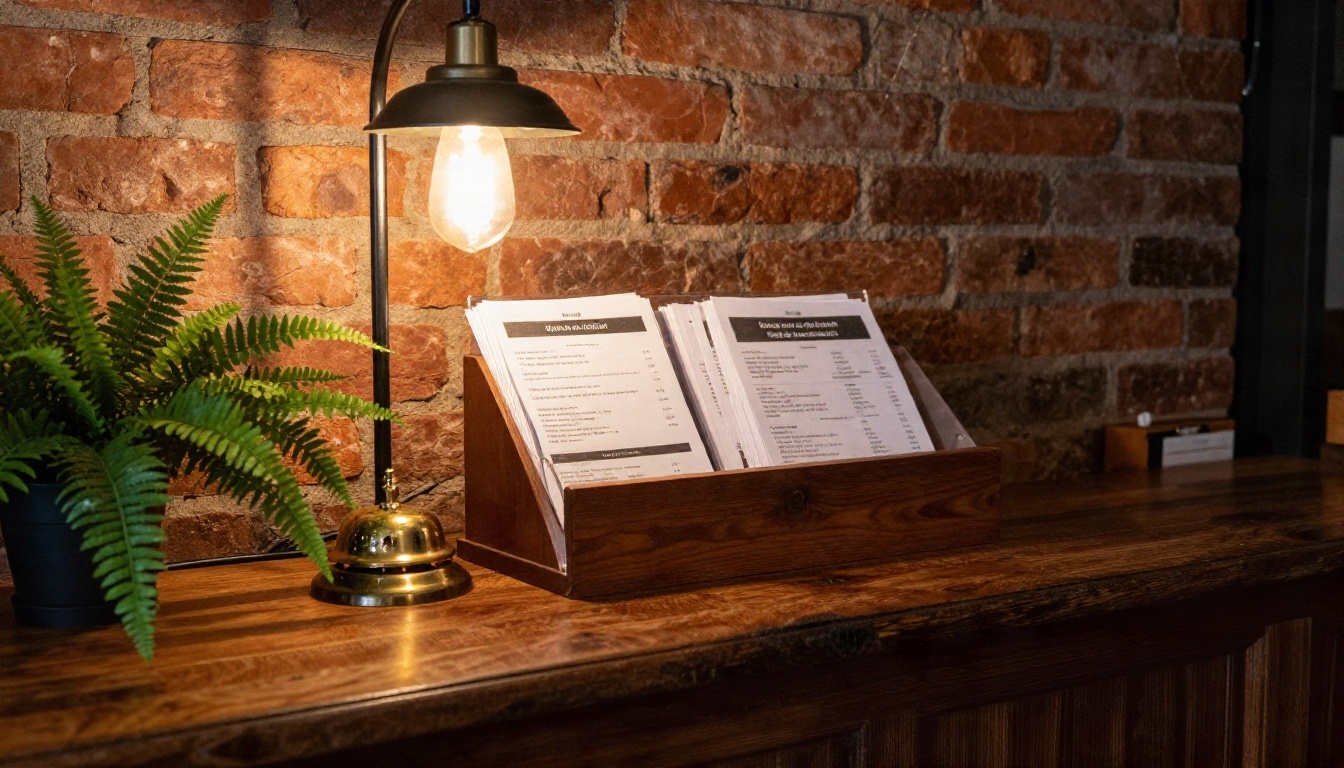
Found in country houses and upscale bed and breakfasts. A tan or dark green leather folder with brass corners sits on the writing desk, holding six to ten printed sheets on heavy cream paper. Each sheet carries one topic with a small line icon at the top: a wifi symbol, a coffee cup, a map pin. The folder signals care before the guest reads a single word.
Strength: feels like a gift. Weakness: every sheet change means a reprint and a trip to the room.
The Laminated Room Sheet
Common in city hotels and apartment style stays. One A4 sheet, laminated, placed on the bedside table or pinned beside the door. It holds only what cannot wait: Wi-Fi, breakfast hours, checkout time, reception number. It is cheap, hygienic and easy to wipe clean between guests.
Strength: nobody can miss it. Weakness: no space for local recommendations or house details.
The Stapled A5 Booklet
Often designed in Canva or Word and printed at a local shop. Twelve to sixteen pages, a photo of the house on the front, and a short welcome from the owner. This is the format most small guest houses begin with, and also the one that benefits most from going digital, because a single typo or a changed bus timetable means reprinting the whole run.
⚠️ Warning: Printed booklets age faster than owners expect. Bus times, restaurant openings and even phone numbers change every season. An outdated booklet is worse than none, because guests act on what it says.
Hotel Info Sheet Samples to Copy
Below are four sample sheets. Replace the details in brackets with your own. Keep sentences short and warm, as if you were speaking.
Sample 1: Wi-Fi and Arrival Sheet
Welcome to [House Name]!
Wi-Fi network: [NetworkName]
Password: [Password]
Check in: from [3:00 pm]. Check out: by [11:00 am].
Arriving late? Your door code is in your confirmation message. Call [phone number] any time before [10 pm] if anything is unclear.
Need to leave luggage after checkout? Ask us, we are happy to store it.
Sample 2: Breakfast and Dining Sheet
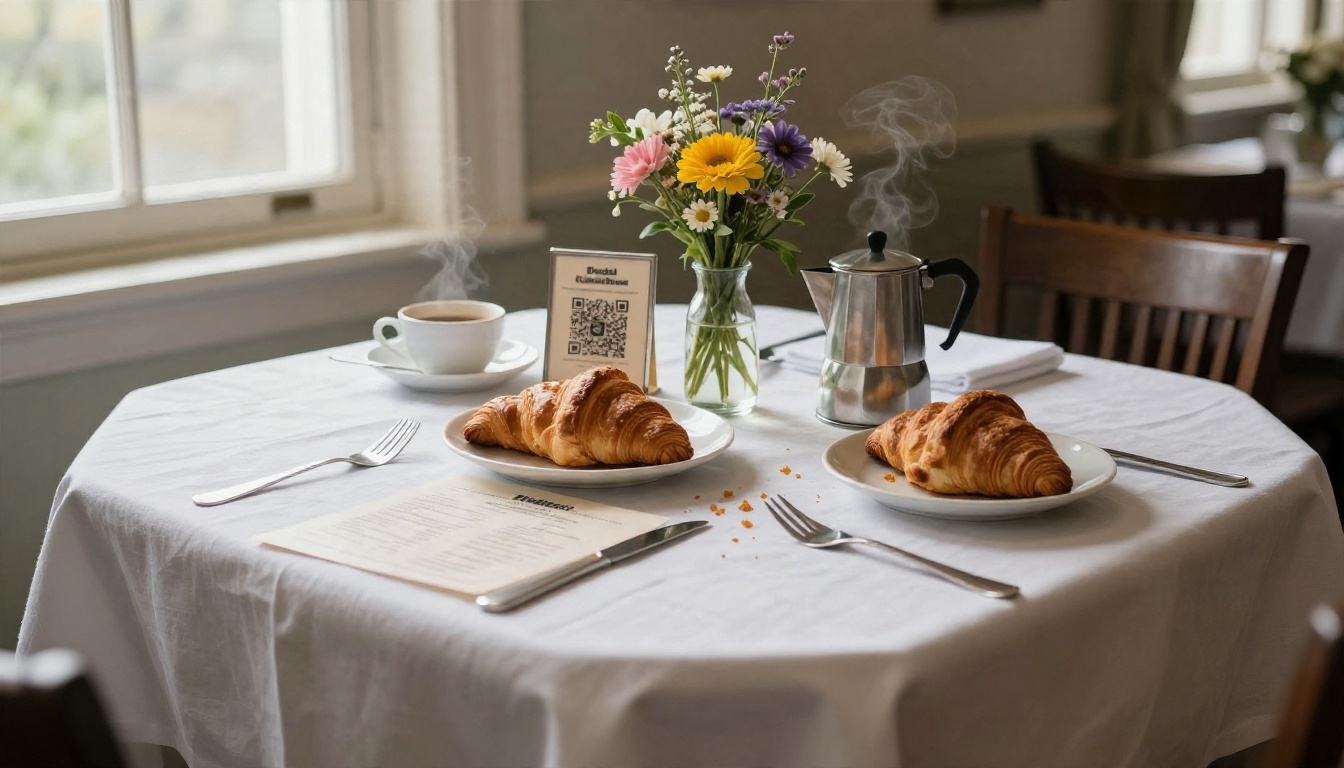
Breakfast is served from [7:30 to 9:30] in the garden room.
Choose between the full cooked plate, a continental board or a vegetarian plate. Please tell us about allergies the evening before.
Dinner nearby: [Restaurant A] (6 minutes on foot, relaxed, good for families), [Restaurant B] (10 minutes, book ahead, local seafood).
If you want the menu itself to look polished, the Restaurant Menu Creator turns a simple PDF into a page turning menu.
Sample 3: House Rules and Checkout Sheet
Quiet hours: [10 pm to 7 am]. Please keep the garden calm after dark.
Smoking: outside only, ashtray by the back gate.
Heating and hot water: the dial beside the bathroom door, turn it right for warmer. Allow ten minutes.
Recycling: bins are beside the garage, labeled by color.
At checkout: leave the room card on the desk, strip nothing, and take your time. We will do the rest.
✅ Best practice: Write rules as favors, not orders. "Please keep the garden calm after dark" feels welcoming. "NO NOISE AFTER 10 PM" feels like a warning sign.
Sample 4: Local Area Sheet
Group places by how guests think, not alphabetically.
| Need | Place | Distance | Host note |
|---|
| Coffee at 8 am | [Bakery name] | 4 min walk | Ask for the almond pastry |
| Easy walk | [Riverside loop] | Starts at our gate | 45 minutes, flat |
| Rainy afternoon | [Local museum] | 12 min by car | Free on Wednesdays |
| Groceries | [Supermarket] | 7 min walk | Open until 9 pm |
| Taxi | [Company, number] | Call 15 min ahead | Cash or card |
A map with three or four pinned favorites is more useful than a list of thirty links. Hosts who want a richer area page can build it with a travel flipbook builder from the tools directory.
Why Go Digital Instead
Printed folders are lovely, and there is no reason to throw them away. But a digital version solves problems paper cannot.
Printing Costs Add Up
A single leather folder with printed sheets costs money to produce, and every room needs one. When prices, rules or menus change, you reprint. A flipbook is built once and changed in minutes.
| Cost factor | Printed folder | Digital flipbook |
|---|
| Initial production | Paper, binders, printing per room | One PDF, one upload |
| Updating a price or time | Reprint sheets, replace in every room | Replace the PDF, same link |
| Lost or damaged copies | Replace by hand | Nothing to lose |
| Languages | A separate stack per language | One flipbook per language, same QR layout |
| Seeing what guests read | Impossible | Available with analytics |
| Photos and video | Expensive color printing | Included at no extra cost |
Updates in Minutes
Imagine the bakery closes for renovation. With paper you cross it out by hand or reprint. With a flipbook you edit the PDF, upload it, and every QR code already placed in the rooms shows the new version. No one visits a room, no one swaps a binder.
Guests Already Use Phones
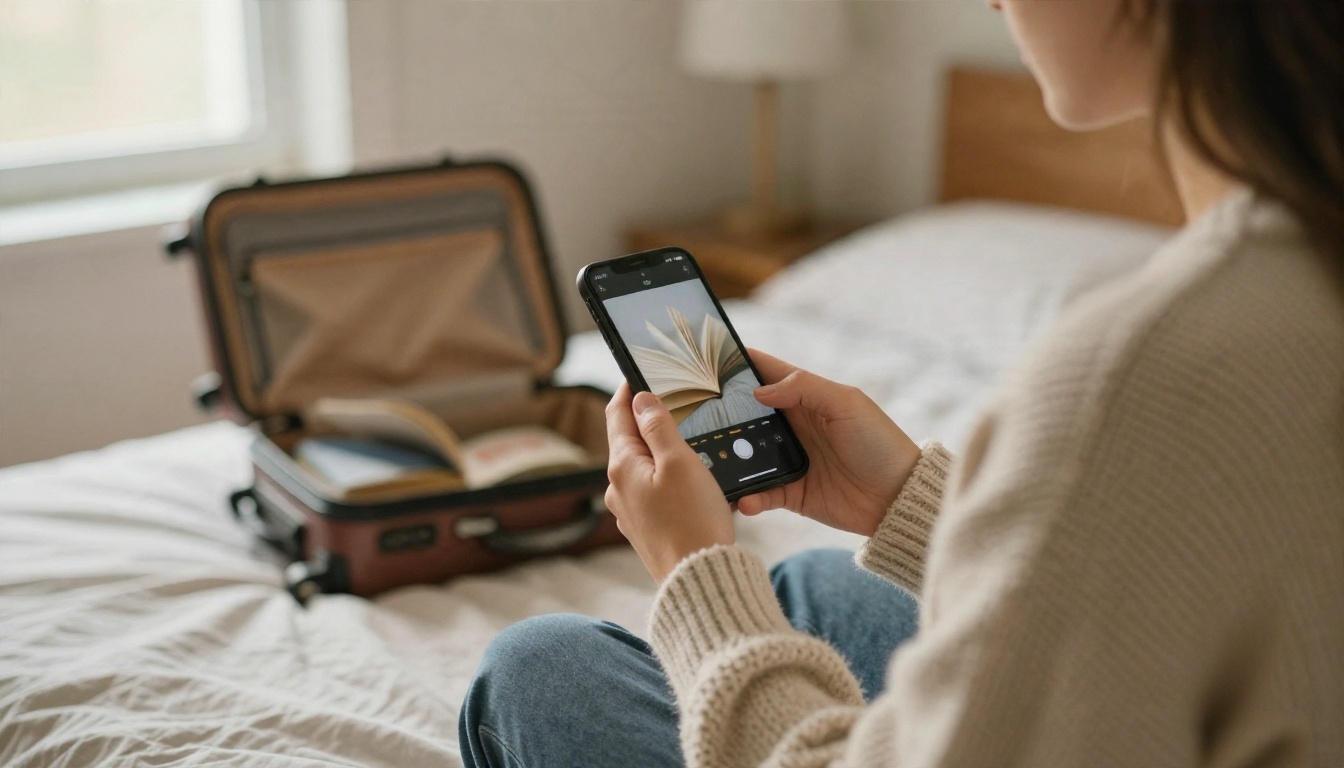
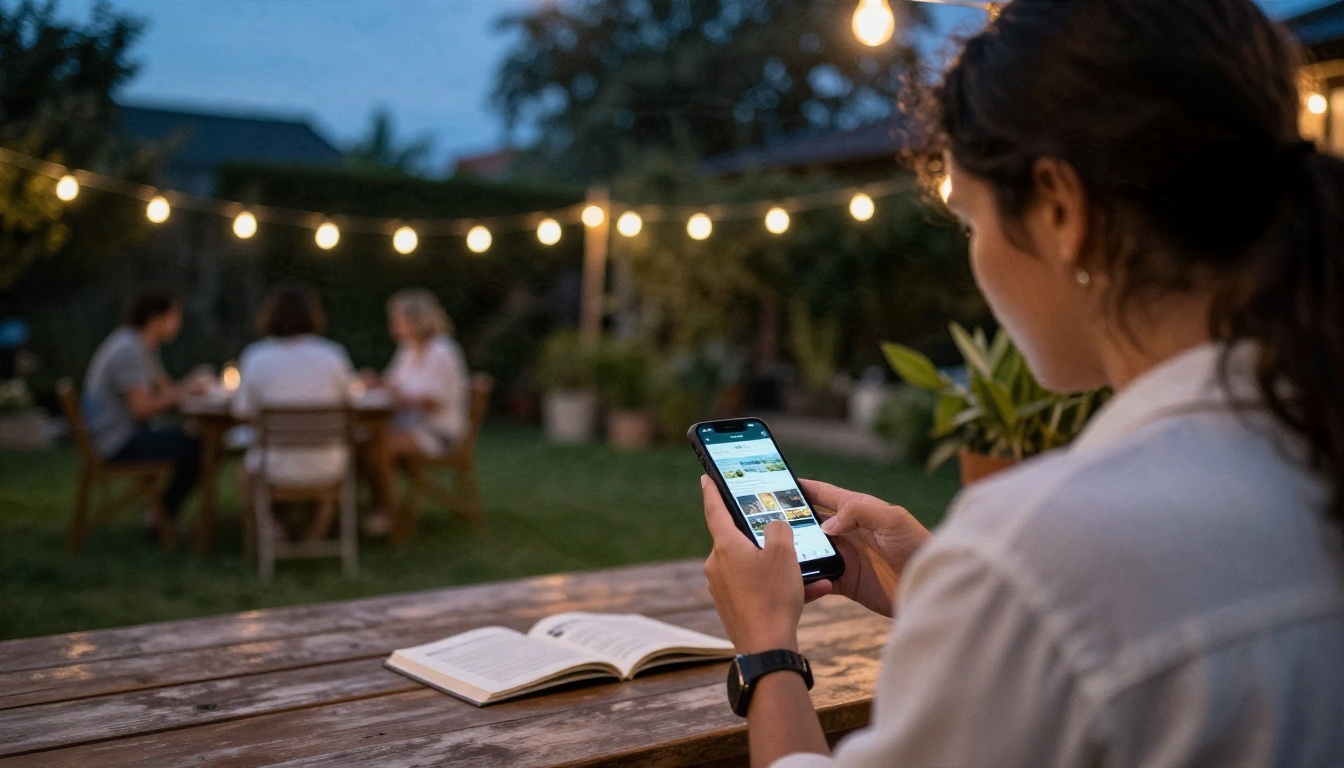
Guests photograph the Wi-Fi sheet anyway. Give them something better: a page turning booklet on their own screen, with links that open maps, phone numbers that dial on tap and photos of the breakfast room. It also works for guests who read in another language, since they can use their phone's translator on the page.
How to Build One with Flipbooks AI
You do not need design software or a developer. If you already have a PDF of your booklet, you are most of the way there. If you do not, write it in Word or Canva and export it as a PDF. For hotel style layouts, the Hotel Brochure Designer is a good match, and vacation rental owners often use the Real Estate Brochure Creator for the same job.
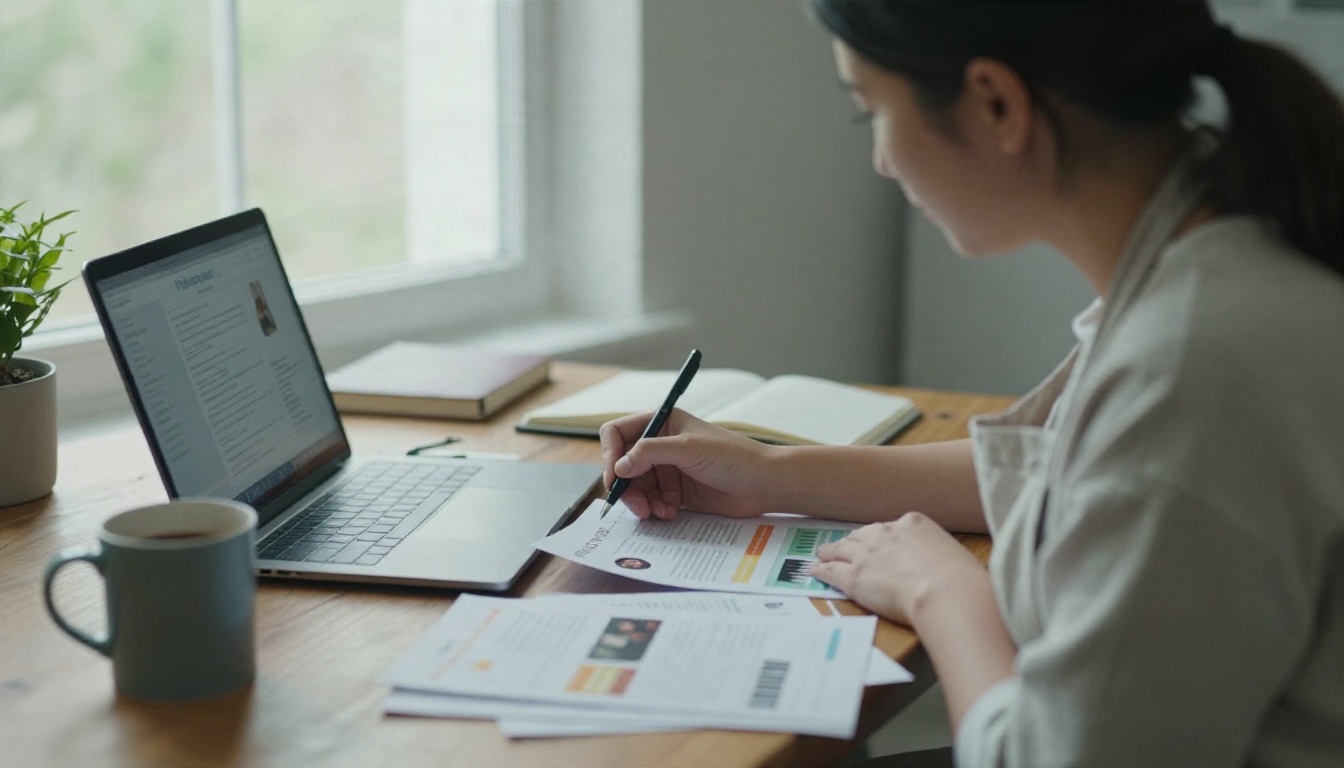
Step by step:
- Open your account. Go to Flipbooks AI and create an account. You can begin with a single booklet to see how it feels.
- Upload the PDF. Drag your file into the PDF to Flipbook Converter. Conversion takes a short moment, and the pages become a flipbook with realistic page turning.
- Add your branding. Pick your house colors, add your logo and choose a background. Flipbooks AI never adds a watermark, so the booklet looks like it belongs to you.
- Add multimedia. Embed a short video tour of the breakfast room, an audio welcome in your own voice, or a map link on the local area page. These are small touches that paper cannot match.
- Check it on your phone. The flipbook is mobile responsive, so pages adapt to the screen. Read it as a guest would, standing in the hallway with one hand free.
- Choose how to share it. Copy the direct link, or use the embed code to place the booklet on your website's guest page. If part of it is private, such as a door code, turn on password protection.
- Make the QR code. Create a QR code from the link and print it for each room, the reception and the breakfast table.
💡 Pro tip: Keep one master PDF in a folder named with the year. When something changes, edit it, replace the flipbook content and keep the same link. Every printed QR code keeps working.
Pro Features Worth Considering
On the Professional plan you get extras that are especially useful for hosts with several rooms or properties:
- Analytics: see which pages guests open most. If nobody reads the history page but the Wi-Fi page is opened every day, you know how to organize the next edition.
- Offline downloads: guests in a valley with weak signal can save the booklet to their phone while on your Wi-Fi.
- Lead generation: ask for an email address before the booklet opens on your website, handy for building a returning guest list.
| Need | Standard plan | Professional plan |
|---|
| Unlimited flipbooks | Yes | Yes |
| No watermarks | Yes | Yes |
| Password protection | Yes | Yes |
| Analytics | No | Yes |
| Lead generation | No | Yes |
Check the pricing page for current plan details before you choose.
Placing the Digital Version Where Guests Look
A flipbook nobody opens is just a file. Put the link where guests already look.
QR Codes in the Right Places
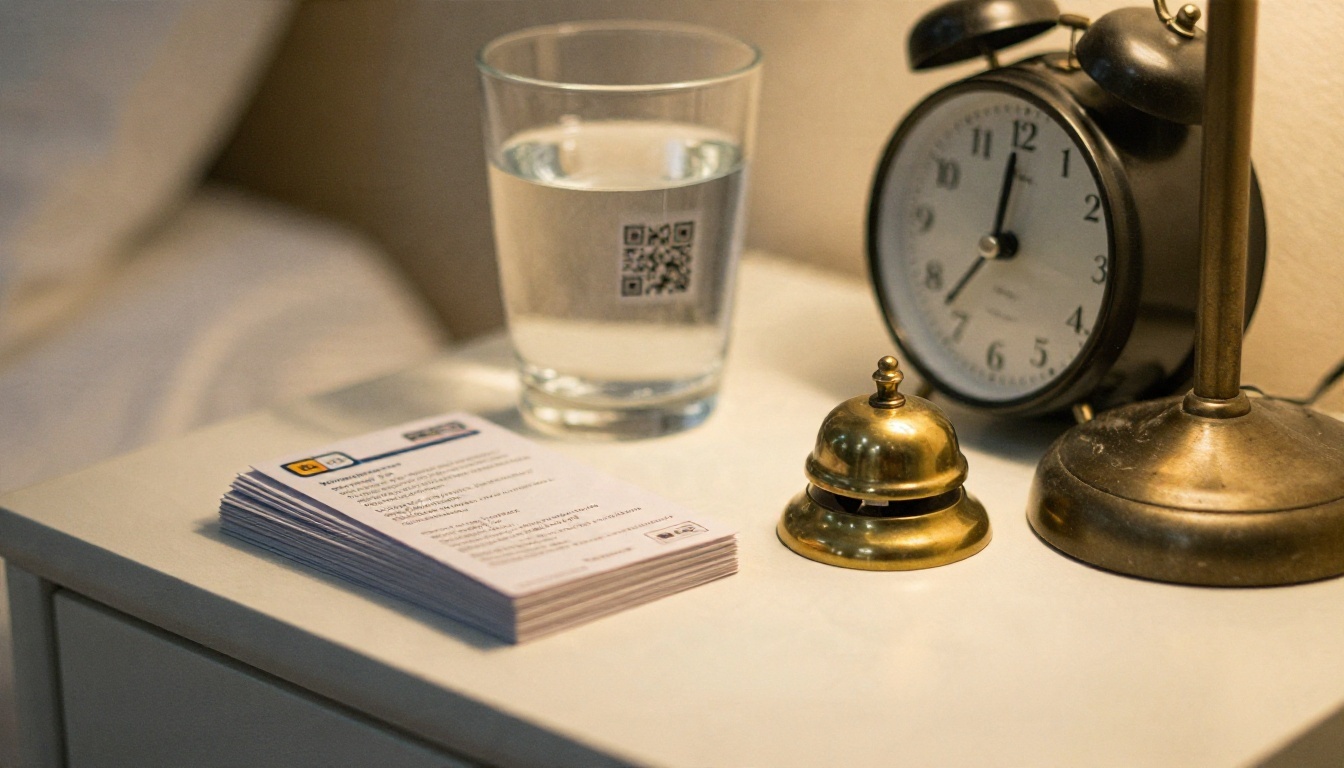
Place a small framed QR code on the bedside table, beside the kettle, at the breakfast table and on the back of the door. Add a short line such as "Wi-Fi, breakfast and local tips: scan me". Keep the text short and in English, plus the language of your main visitors.
The Pre-Arrival Email
Send the link two days before check in, along with arrival instructions. Guests then read the practical details in advance, arrive calmer and ask fewer questions at the door. This also helps with self check in, when nobody is there to greet them.
Keep a Printed Backup
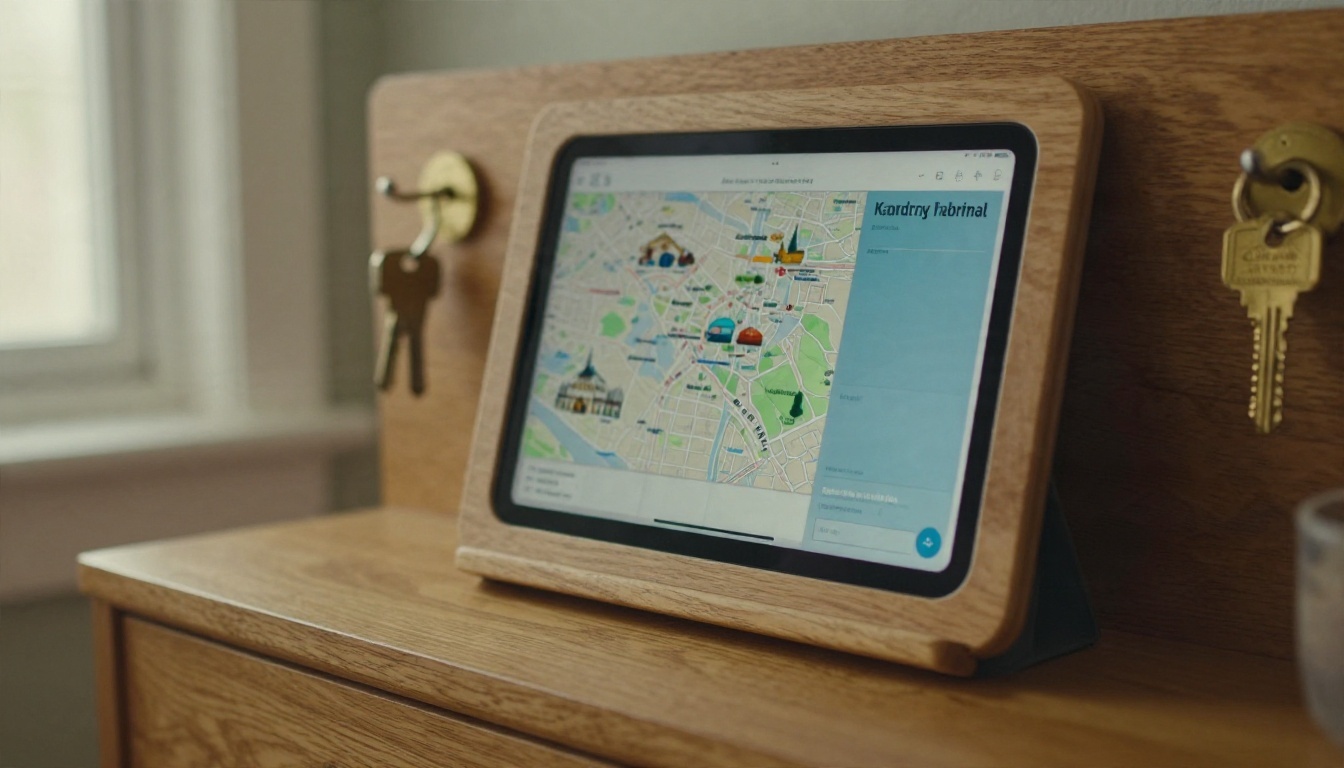
Some guests simply prefer paper, and some phones run out of battery. Keep a short laminated sheet in each room with the essentials and the QR code, then let the flipbook hold everything else. A tablet on the hallway console, opened to the flipbook, also works well for guests without a data plan.
Mistakes That Cost You Reviews
After looking at many guest booklets, the same problems appear again and again.
- Burying the Wi-Fi password. If it is on page nine, guests will message you instead.
- Writing a wall of text. Use short blocks, bold labels and icons. People read these pages standing up.
- Leaving old information in. A closed restaurant listed as a favorite damages trust in the entire booklet.
- Forgetting emergency details. Include the nearest pharmacy, the doctor and the local emergency number.
- Using a tiny font. Anything under 11 points is hard to read on a printed sheet, and tiny text is even harder on a phone.
- Skipping a test. Ask a friend who has never visited to find the Wi-Fi password in under ten seconds.
- Linking nowhere. In a digital version, every phone number, address and website should be tappable.
⚠️ Watch out: Never put door codes or personal data in a public link. Use password protection, or send those details separately in the confirmation message.
Hosts who also rent out apartments or holiday homes can reuse the same booklet structure across properties, swapping only the local area pages. The Digital Price List Generator is handy for listing extras such as bike hire, laundry or late breakfast, and the Spa and Wellness Menu tool suits properties with a sauna or massage service.
Ready to Replace the Old Folder?
The best guest house information booklet is not the most beautiful one. It is the one a tired guest can use in ten seconds. Start with the sample sheets above, write your own details, and keep the leather folder if you love it. Then give guests a digital version that never goes out of date.



