It is 11:40 p.m. A guest has just arrived, the Wi-Fi password is nowhere to be found, the thermostat looks like a spaceship panel, and your phone is about to ring. A well built guest information book stops that call before it happens. With Flipbooks AI, you can turn that same book into a digital version that opens on any phone, so the answers travel with the guest instead of sitting in a drawer.
This article gives you a working template, real layouts used by hotels and short-term rentals, a setup plan for Airbnb hosts, and a step by step method to publish the digital edition.
Why Every Property Needs One
A guest information book (also called a guest directory, welcome book, compendium or house manual) is a single reference that explains your property and your area. Hotels have used printed compendiums for decades. Short-term rental hosts adopted the idea because it cuts repeated messages and protects reviews.
What Guests Actually Ask
Look at your last twenty guest messages. Most hosts find the same questions repeating:
- What is the Wi-Fi name and password?
- How do I get in, and where do I park?
- How do the heating, air conditioning and TV work?
- What time is check-out, and what happens with late departures?
- Where can I eat tonight, and what is open on Sunday?
- Who do I call if something breaks?
Every one of those belongs in the book. When the answer is written down, the question disappears, and the guest feels looked after instead of left to figure things out.
💡 Pro tip: Paste your last 30 guest messages into a document and sort them by topic. The five biggest groups become the first five pages of your book.
Print, PDF or Flipbook
You have three realistic formats. Each one has a place, and many properties use two at once.
| Format | Best For | Strengths | Weak Points |
|---|
| Printed binder | In-room presence, older guests | Feels premium, works without battery | Gets outdated, pages go missing |
| Plain PDF | Emailing before arrival | Easy to produce | Tiny text on phones, no page feel |
| Digital flipbook | Every guest, every device | Instant updates, QR access, links, video, analytics | Needs a one-time setup |
A flipbook keeps the page-turning feel of a printed book but behaves like a web page: links are tappable, maps open directly, and you fix a typo once for every guest. You can convert your PDF into a flipbook in a few minutes without redoing the design.
The Template: Sections to Include
Think of the book as a short story with a clear order: arrival, stay, local area, departure. Guests read in that sequence, so build it the same way.
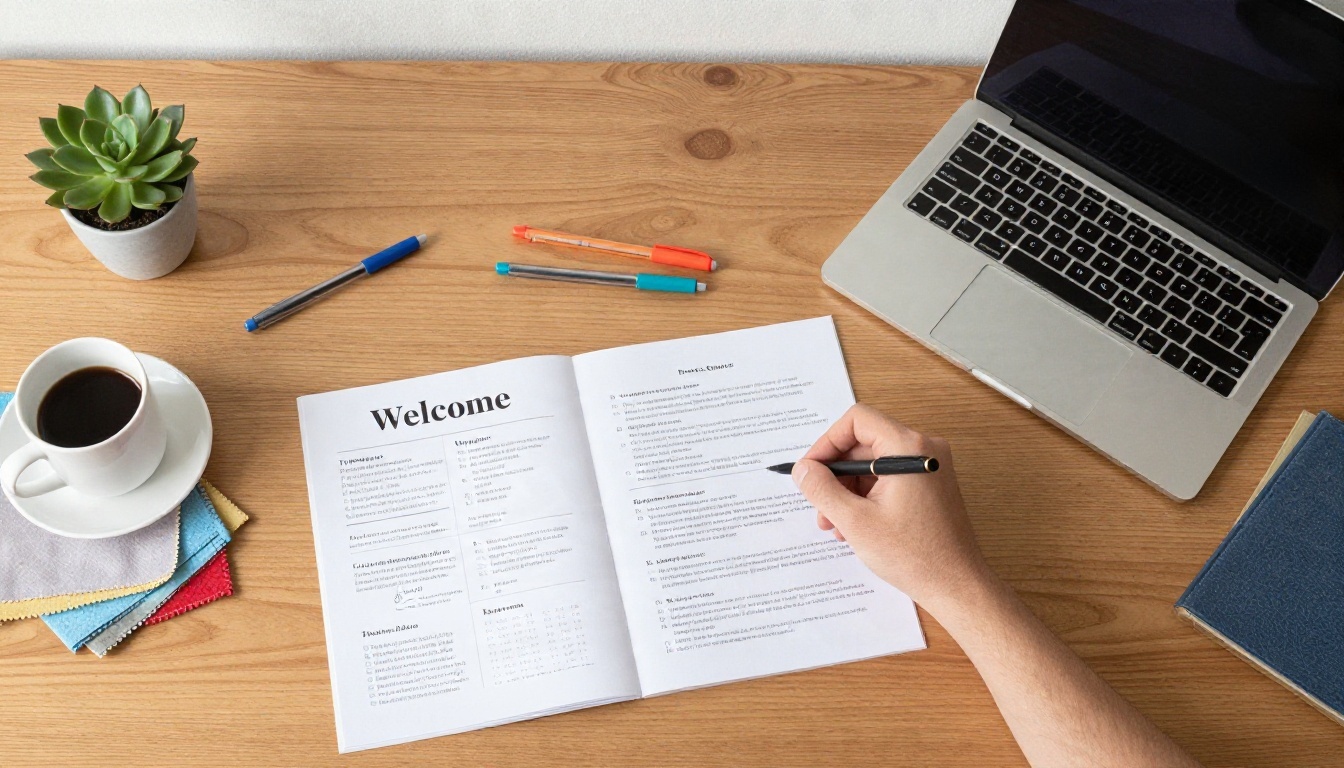
Arrival and Check-In
Open with a warm, short welcome (three or four lines, signed by a real name), then give the practical details:
- Address and a map pin guests can tap.
- Check-in window and what to do if they are early or late.
- Door access: lockbox code, smart lock steps or reception location.
- Parking: where, how long, and what it costs.
- Host or front desk contact with a note on response times.
Wi-Fi, Appliances and House Rules
This is the page guests open most often, so give it its own spread. Put the network name and password in large type, and use short photo-led instructions for anything that confuses people.
- Wi-Fi: network name, password, router location.
- Heating and cooling: which remote or dial, and a recommended setting.
- Kitchen: coffee machine, dishwasher, oven, hob.
- Entertainment: TV inputs, streaming logins, speaker pairing.
- Laundry and waste: bin days, recycling rules, washer settings.
- House rules: quiet hours, smoking, pets, visitors. Keep the tone friendly, not stern.
Local Tips and Emergency Details
Your local knowledge is what a booking platform cannot offer. Add a short list, not a directory of fifty places.
| Section | How Many Items | What to Write |
|---|
| Breakfast and coffee | 3 | Name, distance on foot, one dish to order |
| Dinner | 4 | Mix of budget, local favorite and special night |
| Groceries and pharmacy | 2 | Opening hours, including Sundays |
| Sights and walks | 5 | Time needed, best hour to go |
| Transport | 3 | Nearest stop, taxi number, airport route |
| Emergency | All | Local emergency number, nearest hospital, host phone |
⚠️ Warning: Never list a place you have not visited. One closed restaurant or a bad tip makes the whole book feel untrustworthy.
Hotel Examples Worth Copying
Hotels operate at a different scale from a one-apartment host, but the best layouts share the same logic: clear order, plenty of white space, and one idea per page.
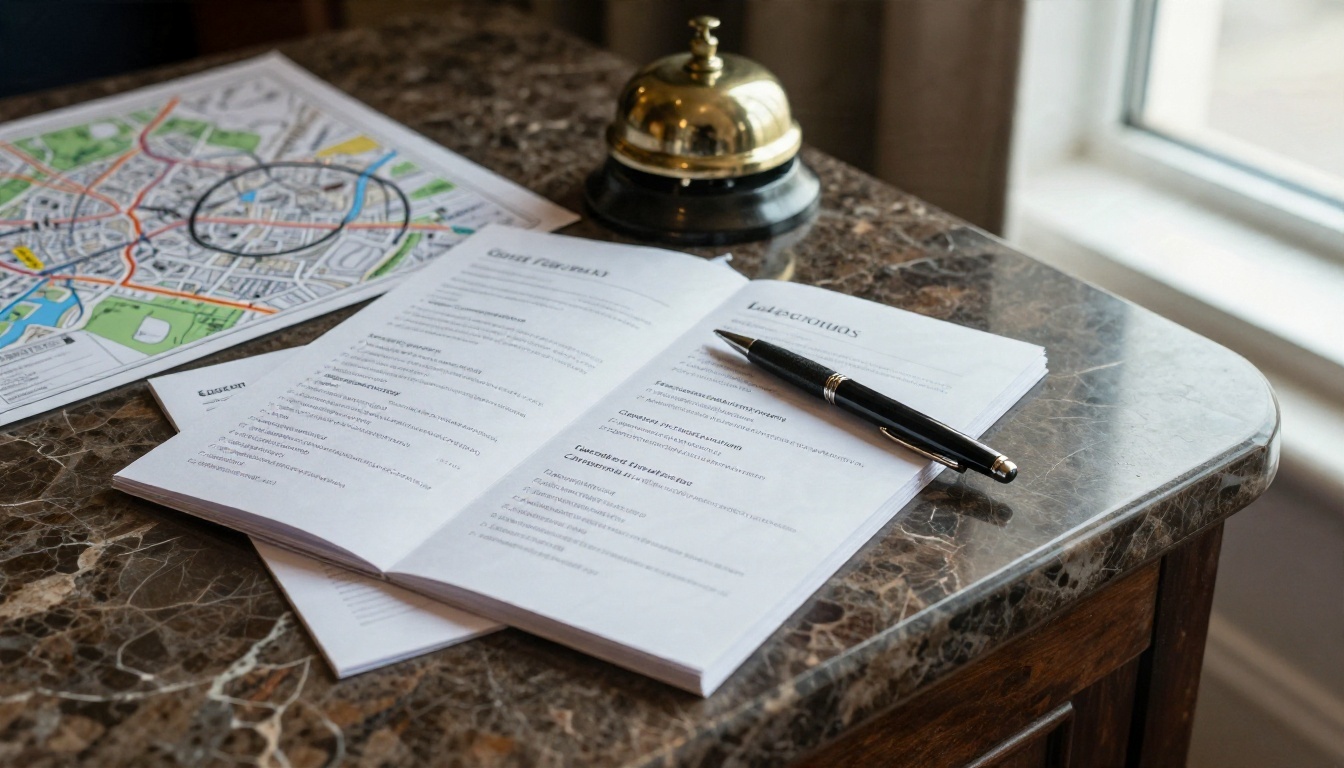
Boutique Hotel Layout
A 20 room boutique hotel does not need a thick binder. A tight 16 to 24 page book works well:
- Page 1: welcome from the owner, with a photo of the team.
- Pages 2 to 3: hotel services, breakfast times, spa and bar hours.
- Pages 4 to 6: room features, in-room dining, laundry service.
- Pages 7 to 14: the neighborhood, split into eat, drink, walk and shop.
- Pages 15 to 16: check-out, luggage storage, transfer booking and contact numbers.
Boutique properties lean on personality. A "what our front desk does on a day off" section, with five honest recommendations from named staff, gets read far more than a generic list of attractions.
Resort and Spa Layout
Larger resorts handle more variety: restaurants, pools, kids' clubs, excursions and treatments. The trick is modular design. Build one core book, then add separate chapters that guests can jump to from a clickable contents page.
| Resort Chapter | Typical Pages | Best Format |
|---|
| Welcome and map | 2 | Large illustrated map, tappable zones |
| Dining | 4 to 6 | Embedded menus, opening hours |
| Spa and wellness | 3 to 4 | Price list, booking link |
| Activities and kids | 3 to 5 | Daily schedule, photo gallery |
| Excursions | 3 | Partner links, pickup times |
| Practical and safety | 2 | Emergency steps, contacts |
If you run a spa or restaurant inside the property, you can build those sections separately with the Spa & Wellness Menu and Restaurant Menu Creator tools, then link them from the main book. A larger property can also start from the Hotel Brochure designer layout and adapt it for in-stay use.
✅ Best practice: Put the most requested service, usually breakfast or the pool, on a page guests can reach in one tap from the contents.
Airbnb Setup Step by Step
Short-term rentals face a different challenge. You are usually not on site, guests arrive at all hours, and your reviews depend on small details such as how easy the check-in felt. A house manual solves much of that.
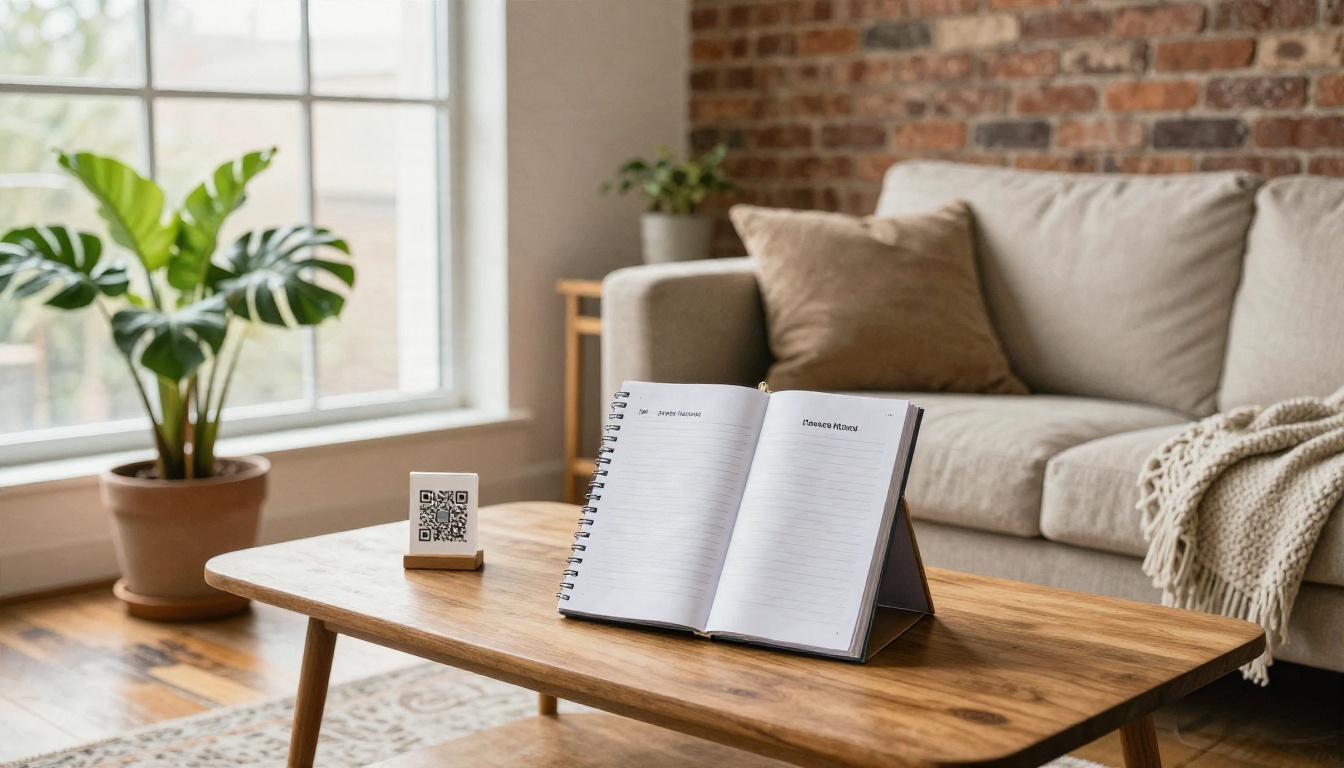
The House Manual Structure
Keep it shorter than a hotel book. Ten to fourteen pages is plenty for an apartment or house.
- Welcome and quick start: three things to do in the first ten minutes (get in, connect to Wi-Fi, find the main bedroom).
- Access instructions: photos of the door, lockbox or smart lock, with each step numbered.
- House systems: heating, hot water, appliances, with a photo for each.
- Rules and neighbors: quiet hours, shared spaces, trash days.
- Neighborhood picks: ten places at most, with walking time.
- Check-out routine: a short list, such as "start the dishwasher, leave towels in the tub, close the windows."
- Support: how to reach you, and who handles urgent problems when you are away.
Where to Place It
A book nobody finds does not help. Combine physical and digital presence:
- Printed QR stand on the entry table or kitchen counter.
- A link in your booking confirmation and the automated message sent the day before arrival.
- A sticker on the inside of the front door reading "Everything you need" with the QR code.
- One printed copy in the living room for guests who prefer paper.
| Placement | Time Needed | Guests Reached |
|---|
| Pre-arrival message | 5 minutes, once | Nearly everyone |
| QR stand at entrance | 10 minutes, once | Guests who arrive late |
| Fridge magnet | 5 minutes, once | Guests who need fast answers |
| Printed copy | 30 minutes, then updates | Guests who prefer paper |
💡 Pro tip: Mention one hidden detail in the book, such as "the best coffee is two doors down, tell them we sent you." Guests who find it remember it in their review.
How to Create a Digital Version with Flipbooks AI
A digital version gives you updates in seconds, tracking of what guests actually read, and one link that works across email, QR codes and messaging apps. Here is the full process using Flipbooks AI.
Step by Step Setup
- Design the pages. Use Canva, Word, InDesign or Google Docs. Export a PDF in portrait or landscape. Keep fonts above 12 pt so phone readers do not squint.
- Create your account. Create a free account to open your workspace.
- Upload the PDF. Drag the file into the uploader. The PDF to Flipbook Converter splits it into pages and builds the page-turn effect automatically.
- Add your branding. Choose your logo, background color and page effects so the book matches your property. There are no watermarks, ever.
- Add rich media. Embed a short video of the check-in process, a welcome message from the owner or an audio note about the neighborhood.
- Link everything. Turn phone numbers into tap-to-call, addresses into map links and restaurants into booking pages.
- Test on two phones. Open it on one iPhone and one Android before you share it.
- Publish and share. Copy the link, or generate an embed code for your website.
For related layouts, the Travel Guide Flipbook tool is a handy base for the neighborhood chapters, and the Embed Flipbook on Website option lets you place the book on your booking page.
Sharing and Protecting Your Book
Your book includes door codes and Wi-Fi details, so access control matters.
| Sharing Option | Use It When | Notes |
|---|
| Direct link | Sending by message or email | Fast, works everywhere |
| QR code | Printed stand, door sticker | Place at eye level |
| Embed on website | Hotel or rental site | Matches your brand |
| Password protection | Private access codes | Send the password separately |
| Offline download | Rural or low signal areas | Guests can read without data |
Use password protection for any version that contains door codes, and change the password between guests if your setup allows it. A public version for marketing and a private version for in-stay details is a smart split.
Analytics for Hosts
On the Professional plan, analytics show which pages guests open and how long they stay. If the Wi-Fi page gets thousands of views and the house rules get none, you know where to put your attention. Lead generation tools also let you collect an email address for a newsletter or a direct booking offer. Compare the plans on the pricing page to see which one fits.
Writing Tips That Work
Good content decides whether guests read the book or ignore it. A few habits make a big difference.
Tone and Length
Write like you speak to a friend who is staying with you. Short sentences, concrete advice, and a clear answer to "what should I do first?" Avoid long histories of the building unless the building is the attraction.
- Hotels: 16 to 30 pages, polished tone, strong photography.
- Airbnb: 10 to 14 pages, casual tone, step photos.
- Guesthouse or B&B: 12 to 18 pages, personal stories, breakfast details.
- Vacation home with several guests: add a family page with games, beach gear and kids' ideas.
Common Mistakes
- Putting the Wi-Fi on page 12. It belongs on page 2 at the latest.
- Using stock photos. Guests notice. Photograph your real kitchen, your real door, your real street.
- Forgetting updates. A closed restaurant or a changed bin day erodes trust quickly. Set a calendar reminder every quarter.
- Overloading the book. If a section needs more than two pages, link out to a separate flipbook.
- Ignoring accessibility. Use large text, strong contrast and plain language. If your property has steps or a lift, say so clearly.
⚠️ Warning: Do not publish your lockbox code in an unprotected public book. Use password protection or send the code only in your pre-arrival message.
Feature Comparison for Hosts
| Need | Printed Book | PDF | Flipbooks AI Version |
|---|
| Update a phone number | Reprint | Re-send file | Edit once, live instantly |
| Add video | Not possible | Not possible | Embed in the page |
| Track reading | No | No | Page analytics (Professional) |
| Password protection | No | Limited | Built in |
| Works on mobile | Not applicable | Awkward | Mobile-responsive |
| Branding | Limited by print cost | Yes | Logo, colors, effects |
Ready to Publish Yours?
You already know the questions your guests ask. Write the answers once, give them a clean layout, and let the book do the repetitive work while you focus on the stay itself.
Here is a simple plan for this week:
- Draft the first five pages: welcome, access, Wi-Fi, appliances, check-out.
- Add your ten best local picks with photos you took yourself.
- Export to PDF and create your free account.
- Upload, brand and test the flipbook on two phones.
- Print a QR stand, add the link to your confirmation message, and watch the repeated questions fade.
Ready to build yours? Get started for free on Flipbooks AI, browse all flipbook tools for more layouts, or compare pricing plans when you want analytics and lead generation. Your next guest will thank you, probably in the review.



