You tap a link on your phone and a flipbook opens. The pages curl, the text is readable, and nothing needs installing. That is exactly what people hope for when they search for a Heyzine flipbook reader app, and it pays to know what you actually get before you build your next catalog, magazine or brochure around it. This article looks at how mobile viewing really works, which free online options are realistic, and how to share flipbooks so readers open them instead of ignoring them. Along the way, you will see where Flipbooks AI fits in as a watermark-free alternative.
What a Flipbook Reader App Does
A flipbook reader turns a flat PDF into something that behaves like a printed publication. Pages turn with a gesture, zoom works with a pinch, and the whole thing loads from a single link. The word "app" confuses many searchers, so it helps to separate two very different things.
Browser Reader vs Native App
Most modern flipbook platforms, Heyzine included, are web based. You upload a PDF, the service converts it, and readers open it in Safari, Chrome or any other mobile browser. There is nothing to download on the reader's side.
A native app, by contrast, lives in the App Store or Google Play and is something you install. For flipbooks, native apps are rare because the browser already does the job well.
| Feature | Browser Reader | Native App |
|---|
| Installation needed | No | Yes |
| Works from a shared link | Yes | Only if the app is installed |
| Updates for the reader | Automatic | Manual or store based |
| Works on any phone | Yes | Depends on the platform |
| Storage used on device | None | Several MB or more |
| Best for | Public sharing, marketing | Frequent personal reading |
💡 Pro tip: If someone tells you a flipbook "needs an app," check whether a plain link works first. In most cases it does, and a link is far easier to share.
What Heyzine Actually Offers
Heyzine is an online flipbook maker. You upload a document, customize the look, and get a link or embed code. Its flipbooks are viewed through the browser on desktop, phone and tablet. Features, limits and pricing change from time to time, so check the official site for the current free plan terms before you rely on any specific number.
If you are comparing tools, the questions that matter are simple:
- Does the free plan add a visible brand mark to your pages?
- How many flipbooks can you keep at once?
- Can you protect a flipbook with a password?
- Can readers download it for offline use?
Mobile Viewing That Works
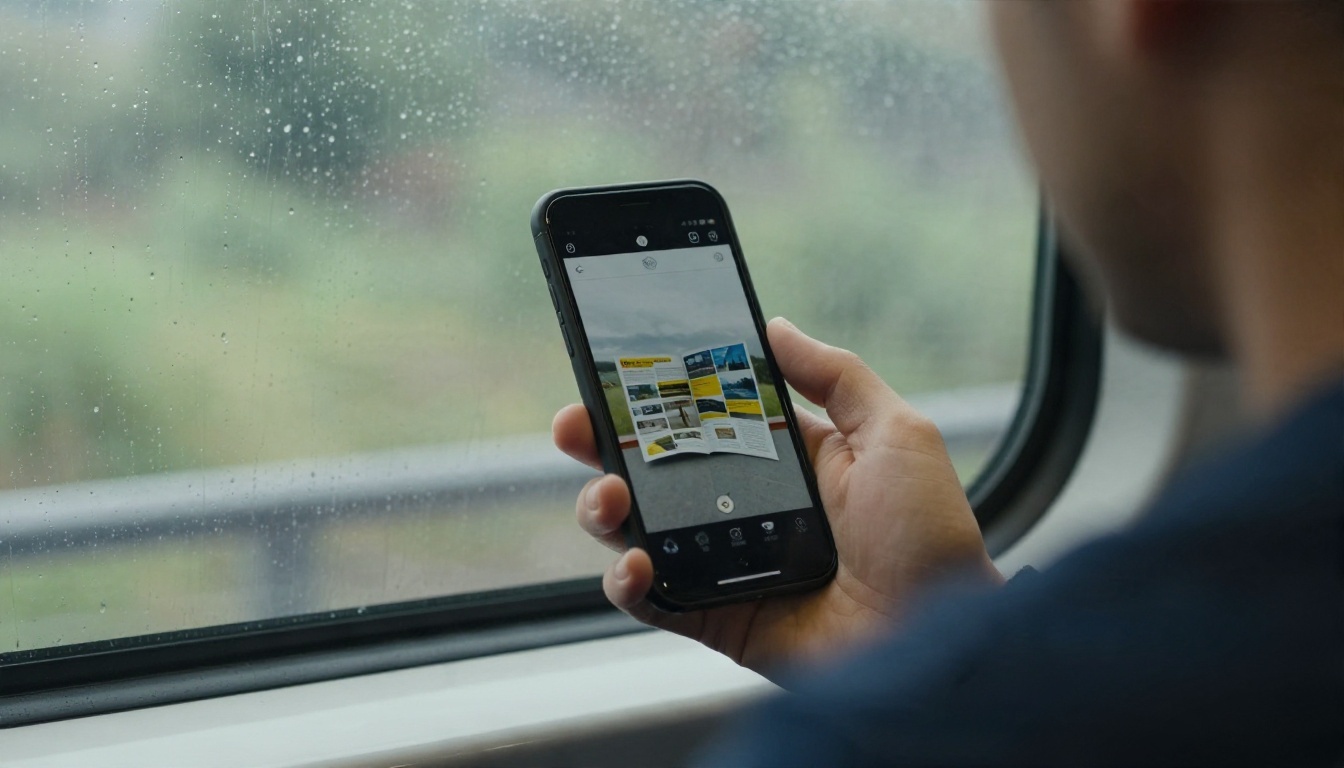
More than half of web traffic now comes from phones, which means the mobile experience is not a bonus feature. It is the main event. A flipbook that looks great on a 27-inch monitor but stutters on a mid-range Android phone will lose readers in seconds.
Touch Gestures Readers Expect
Good mobile flipbooks follow habits people already have:
- Swipe left or right to turn pages.
- Double tap to zoom into a paragraph or image.
- Pinch to adjust zoom smoothly.
- Tap the edge of the screen for a quick page turn.
- Rotate the phone to switch from single page to a wider spread.
When a platform ignores any of these, readers notice immediately. Test your flipbook with your thumb, not a mouse.
Load Speed and File Size
Speed is where many flipbooks fail on mobile. A 120 MB PDF full of uncompressed photos will crawl on a 4G connection no matter how clever the viewer is.
| File Type | Typical Size | Mobile Load Experience |
|---|
| Text only brochure, 12 pages | 1 to 3 MB | Near instant |
| Photo heavy catalog, 40 pages | 15 to 40 MB | Fine on Wi-Fi, slow on weak signal |
| Print ready magazine, 80 pages | 60 to 150 MB | Slow unless the platform streams pages |
| Optimized magazine, 80 pages | 10 to 25 MB | Smooth on most connections |
⚠️ Warning: Always export a web-sized version of your PDF before upload. Print-resolution files are the number one cause of slow mobile flipbooks.
Offline Reading
Offline access matters for travelers, field teams and anyone with patchy coverage. Some platforms let readers download the publication as a PDF. Flipbooks AI includes offline downloads, so a customer on a flight can still read your catalog. Always check whether a platform offers this before you promise it to your audience.
Free Online Options Compared

Everyone likes free. The trick is knowing what "free" means for each tool, because limits show up the moment you try to publish something serious.
What Free Plans Usually Limit
Across the flipbook market, free tiers tend to restrict the same handful of things:
- A brand mark or watermark on pages or in the viewer
- A small cap on the number of flipbooks or pages
- No password protection, so anyone with the link can read
- No analytics, so you never see who opened what
- Limited customization, such as fixed colors and no logo
None of this is unreasonable. Free plans exist to let you test the product. Problems start when a business publishes a client-facing catalog with someone else's logo sitting on every page.
Side by Side Comparison
The table below describes general categories rather than exact plan limits, which change often. Verify details on each vendor's pricing page.
| Option | Typical Free Experience | Best For |
|---|
| Heyzine free tier | Basic flipbooks with limits and branding on the free plan | Quick personal tests |
| Browser PDF viewer | No page curl, simple scroll | Internal documents |
| Social document sharing sites | Public by default, little control | Visibility over privacy |
| Flipbooks AI | No watermarks, mobile responsive output | Client facing catalogs and brochures |
✅ Best practice: Before you pick a free tool, publish one test flipbook and open it on your own phone. If you see anything you would not want a client to see, move on.
Sharing Flipbooks the Smart Way

A flipbook nobody opens is just a PDF with extra steps. How you share it decides whether it gets read.
Direct Links and QR Codes
The simplest method is a direct link. Paste it into a message, an email signature or a social post. For printed material, add a QR code that points to the same link. A restaurant table card or a trade show poster can send a reader to your digital catalog in two seconds.
Short links are friendlier than long ones, and they look better in text messages.
Embedding on Your Website
An embed places the flipbook directly inside a page on your site, so visitors read without leaving. This is ideal for product catalogs, annual reports and portfolios. The Embed Flipbook on Website tool explains how to paste the code into a page builder or a plain HTML file.
Password Protection
Not every publication should be public. Price lists, internal training material and investor updates call for a password. With Flipbooks AI, you can protect a flipbook with a password and share the link and the password separately.
| Sharing Method | Setup Effort | Privacy Level | Best Use |
|---|
| Direct link | Very low | Low | Email, chat, social posts |
| QR code | Low | Low | Print, packaging, signage |
| Website embed | Medium | Low to medium | Product pages, blogs |
| Password protected link | Low | High | Price lists, client proposals |
| Offline download | Low | Depends on file | Travel, poor connectivity |
💡 Pro tip: Send the link in one message and the password in another channel. It takes ten seconds and keeps private flipbooks private.
Build a Mobile Flipbook with Flipbooks AI
If your main concern is a clean mobile experience without a vendor logo on every page, this walkthrough takes about ten minutes. The same steps apply whether you are building a catalog, a menu or a magazine.
Step 1: Create Your Account
Head to Flipbooks AI and create an account. You can compare pricing plans at any point, and the Standard plan and above include unlimited flipbooks.
Step 2: Upload Your PDF
Use the PDF to Flipbook Converter. Drag your file onto the upload area. The platform converts each page into a flippable spread and preserves links inside the PDF. A progress bar shows the conversion, and the preview appears as soon as it finishes.
Step 3: Customize the Look
In the editor, you can set:
- Branding: upload your logo and choose a background color
- Page effects: adjust the flip animation, shadow depth and sound
- Multimedia: embed videos and audio clips directly on a page
- Layout: choose single page or double page display
Open the mobile preview and swipe through the pages to check that text is readable at phone size.
Step 4: Share and Protect
Copy the direct link, grab the embed code, or generate a QR code. Turn on password protection if the content is private. Because the output is mobile responsive, the same link works on phones, tablets and desktops.
Step 5: Track Results on the Professional Plan
On the Professional plan, you get analytics and lead generation. You can see how many people opened your flipbook, which pages held attention, and collect contact details before a reader gets access. For a sales team, that turns a static PDF into a measurable channel.
| Feature | Standard Plan | Professional Plan |
|---|
| Unlimited flipbooks | Yes | Yes |
| No watermarks | Yes | Yes |
| Password protection | Yes | Yes |
| Embed videos and audio | Yes | Yes |
| Analytics | No | Yes |
| Lead generation forms | No | Yes |
Real-World Use Cases

Mobile flipbooks earn their keep when they solve a specific problem. Here are scenarios where phone-first viewing makes a clear difference.
- Fashion boutiques can show a seasonal lookbook on a tablet at the counter, then send the same link to customers by text. The Interactive Lookbook Designer suits this well.
- Restaurants place a QR code on each table that opens a menu. The Restaurant Menu Creator updates the menu without reprinting.
- Real estate agents send a property brochure to buyers who are browsing on their phones during a commute. See the Real Estate Brochure tool.
- Photographers share a portfolio link in an Instagram bio. The Photography Portfolio option is built for that.
- Training teams distribute manuals that field staff read on a phone at the job site.
| Use Case | Main Device | Recommended Sharing Method |
|---|
| Restaurant menu | Phone | QR code |
| Product catalog | Phone and tablet | Embed plus direct link |
| Investor report | Laptop | Password protected link |
| Photography portfolio | Phone | Link in social bio |
| Staff manual | Phone | Password protected link |
Common Mistakes to Avoid
Even a great platform will not rescue a flipbook that ignores how people read on phones. Watch for these problems.
- Uploading a print-size PDF. Compress images and aim for a file under 25 MB.
- Tiny body text. If you have to zoom to read a paragraph, increase the font size in the source file.
- Sharing one giant link in every channel. Use a different link or QR code for each campaign so you can tell which one works.
- Forgetting to test on a real phone. Emulators are helpful, but your own device shows the truth.
- Leaving sensitive files public. Turn on a password whenever the content is not meant for everyone.
- Ignoring watermarks on free plans. A third-party logo on a client proposal looks careless.
⚠️ Warning: If you publish a flipbook from a free plan, check every page on mobile for visible branding. Your readers will see it even if you do not.
Pick Your Reader Setup
For a quick personal test, a free tier of any flipbook tool is fine. For anything that represents your business, pick a setup that gives you clean branding, fast mobile loading and sharing control. That means a browser-based reader with responsive design, password protection, embed support and, when you need numbers, analytics.
Ready to build one? Create your free account on Flipbooks AI and publish your first mobile flipbook today. Browse all flipbook tools and templates to find the one that matches your project, or compare pricing plans to choose what works for you.



