Most HOA newsletters die the same way: a volunteer writes a long PDF, emails it to 300 households, and maybe 20 people open it. The problem is rarely the neighbors. It is the format, the topics and the way the issue reaches them. With Flipbooks AI, you can turn a plain PDF into a page-turning online newsletter that opens on any phone, and this article gives you the ideas, templates, examples and free tools to fill it.
Whether you sit on a five-person board or manage twelve communities, you will find a content calendar, layout structures, sample issues and a clear sharing plan below. Pick what fits your neighborhood and ignore the rest.

Why HOA Newsletters Still Work
A newsletter is the one channel an association fully controls. Social groups get noisy, notice boards get ignored, and meeting minutes put people to sleep. A well-made issue gives every homeowner the same facts at the same time, and it leaves a written record when a dispute comes up later.
The Problem With Email Blasts
Long emails get skimmed and archived. Attachments get ignored on phones. Many residents never open a file that needs downloading, so important notices about assessments, pool closures or road work slip past them.
A web-based flipbook solves that. It opens in the browser with one tap, looks like a real magazine, and needs no download. That alone can lift open rates noticeably, because residents see something worth flipping through.
What Residents Actually Read
Neighbors skip legal language and read anything that touches their daily life. Photos of the community, dates they can use, and names they recognize get the most attention. Compliance notices and budget tables matter, but they work better when sandwiched between friendlier content.
💡 Pro tip: Put one useful date on the front page of every issue, such as trash schedule changes or the next meeting. People learn to open the newsletter because they know something practical is inside.
25 HOA Newsletter Ideas
Stuck on topics? Use this bank of ideas and rotate them month by month. A good issue mixes three practical items, two friendly items and one surprise.
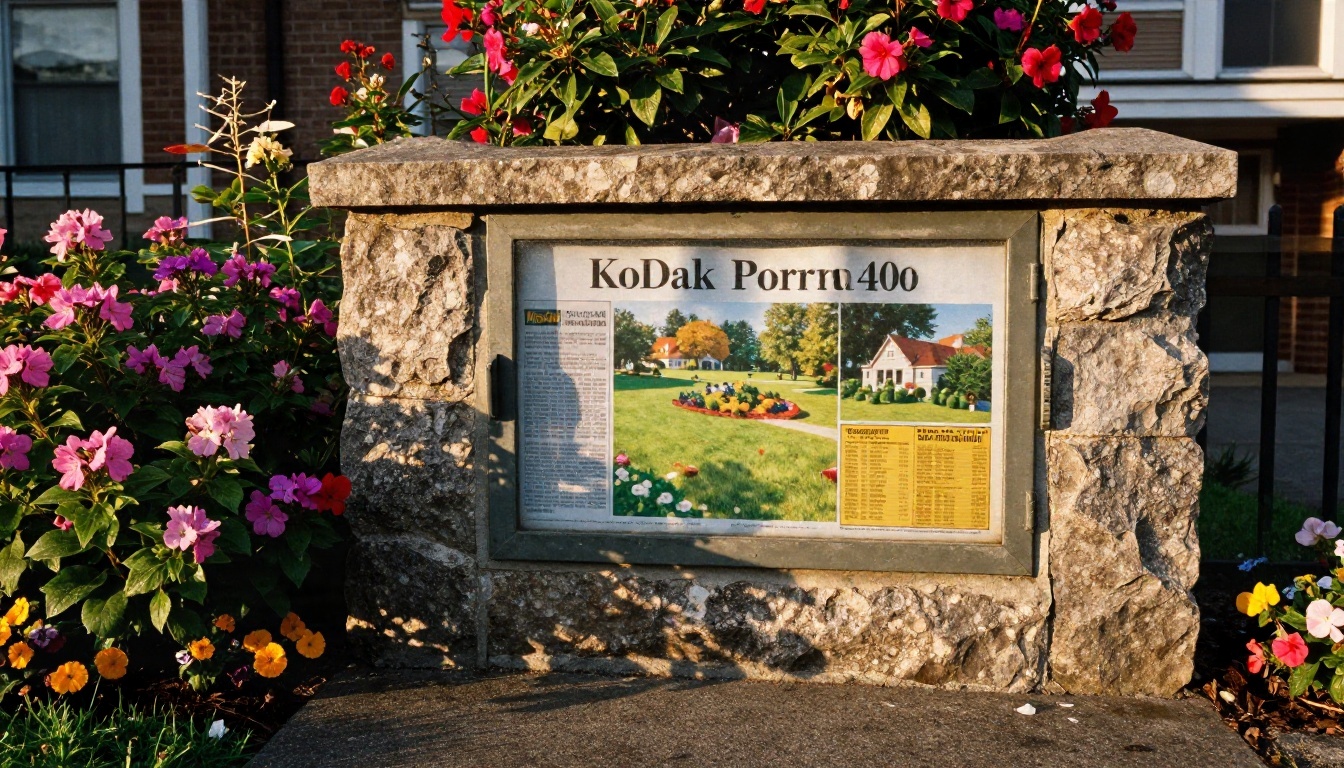
Community Updates and Board News
These are the backbone of any issue. Keep each item short, with a date and a name attached.
- Board message: a 150-word note from the president on what the board decided and why.
- Meeting recap: three bullet points per meeting, with a link to the full minutes.
- Budget snapshot: a simple bar chart showing where dues went this quarter.
- Reserve fund status: one sentence on health, one on upcoming projects.
- Project tracker: roof repairs, repaving or landscaping with a start and end date.
- Rule reminders: one rule per issue, explained with a photo, not a paragraph.
- Who to call: a contact table for the manager, the board and emergencies.
- Architectural review tips: how to submit a fence, paint or solar request.
Seasonal and Event Content
Seasonal content gives the newsletter a rhythm that neighbors expect.
- Spring: landscaping day, pool opening dates, yard sale weekend.
- Summer: block party schedule, fireworks safety, irrigation reminders.
- Fall: leaf pickup, winterizing checklist, holiday decoration rules.
- Winter: snow removal map, pipe freeze warnings, holiday light contest.
- Year round: photo contest, kids' art corner, neighborhood trivia.

Resident Spotlights and Local Pride
People read about people. A short profile of a long-time resident, a new family or a local teen who started a dog-walking business builds the sense of community that boards often struggle to create.
- Neighbor of the month with a portrait and three questions.
- New arrivals welcome list (with permission).
- Local business corner featuring a resident-owned shop.
- Volunteer thank-you naming the people who pulled weeds or ran the picnic.
- Pet gallery of submitted photos, which is almost always the most opened page.

Idea Priority Table
Not every topic deserves the same space. Use this table to decide how often each idea should appear.
| Content Idea | Effort | Reader Interest | Suggested Frequency |
|---|
| Board message | Low | Medium | Every issue |
| Meeting recap | Low | Medium | Every issue |
| Seasonal checklist | Medium | High | Quarterly |
| Resident spotlight | Medium | Very high | Every issue |
| Budget snapshot | High | Medium | Twice a year |
| Photo contest | Medium | Very high | Twice a year |
| Safety reminders | Low | High | Monthly |
| Local business corner | Medium | High | Every other issue |
HOA Newsletter Templates and Examples
A template saves hours. It means the editor fills in blocks instead of designing from scratch each time. Three layouts cover nearly every association.

Choose a Layout That Fits
| Template | Pages | Best For | Time Per Issue |
|---|
| One-page flyer | 1 | Small communities, urgent notices | 1 hour |
| Four-page monthly | 4 | Mid-size associations with steady news | 3 hours |
| Eight-page quarterly | 8 | Large communities, budget updates | 6 to 8 hours |
The one-page flyer works when you have a single message. The four-page monthly is the sweet spot for most boards: front page headline, board news, community life, and a back page with dates and contacts. The eight-page quarterly adds financial summaries, project photos and a longer spotlight.
Sample Issue Outline
Here is a real-world four-page structure you can copy today:
- Page 1: Masthead, one large community photo, a short president's note and a "mark your calendar" box.
- Page 2: Meeting recap, project tracker and a simple budget chart.
- Page 3: Resident spotlight, photo contest entries and the local business corner.
- Page 4: Seasonal checklist, contact table and a reminder about one rule.
Example in action: A 180-home townhouse community in Arizona used this outline for six months. The editor wrote each issue in a shared document on Sunday afternoon, exported a PDF, and published it online by Monday. Maintenance requests about preventable issues, such as clogged gutters, dropped after the seasonal checklist began running.
✅ Best practice: Keep the masthead, fonts and colors the same every issue. Familiar design tells residents the message is official and worth opening.
You do not need a design budget. Several free tools handle layout and writing, and a few paid features only matter once your newsletter grows.
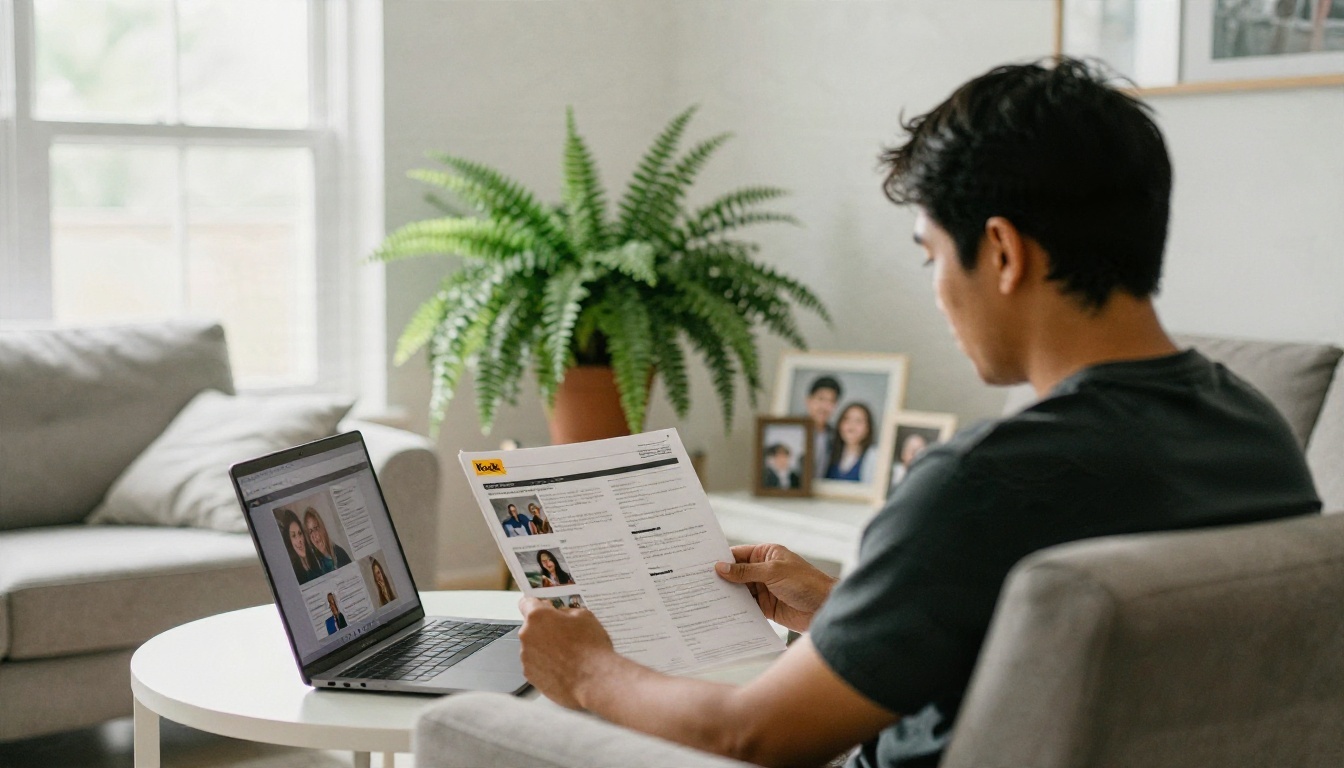
Free Versus Paid Options
| Tool Type | Free Option | Limitation | Best Use |
|---|
| Word processor | Google Docs, Word online | Basic layout control | Drafting copy and exporting a PDF |
| Design canvas | Canva free tier | Some templates locked | Cover pages, graphics, calendars |
| Photo editing | Free browser editors | Fewer filters | Cropping and brightening community photos |
| Chart maker | Spreadsheet charts | Plain styling | Budget snapshots |
| Flipbook publisher | Flipbooks AI | Plan limits apply | Turning the PDF into an online, shareable issue |
A simple workflow is to write in a word processor, design the cover in a canvas tool, export to PDF, and publish as a flipbook. The Newsletter Flipbook Publisher is built for exactly this step.
⚠️ Warning: Always get written permission before publishing photos of residents, and never show house numbers alongside names of minors.
How to Create an HOA Newsletter with Flipbooks AI
The tutorial below takes about ten minutes once your PDF is ready. Compare it to printing and stuffing mailboxes, and the time savings are obvious.
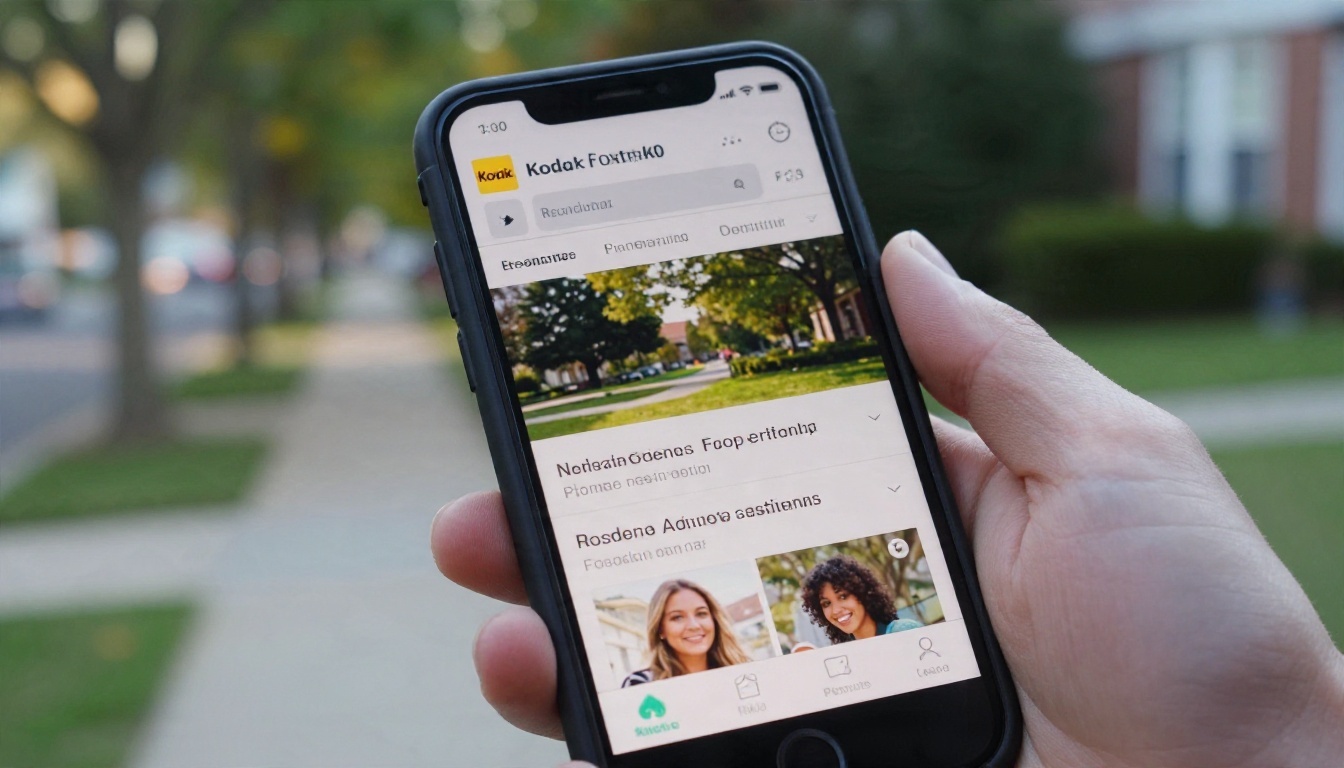
Build and Upload Your Issue
- Go to Flipbooks AI and create an account.
- Click the new flipbook button and select the PDF to Flipbook Converter.
- Drag your exported newsletter PDF into the upload area. Conversion takes a few moments, and each page becomes a turnable spread.
- Preview the result on desktop and mobile. The layout is mobile-responsive, so pages resize on small screens.
Brand and Customize
- Custom branding: add your association logo and pick background colors that match your entrance signs.
- Page effects: choose a soft page-curl, set the flip speed and turn on sound if you like it.
- Multimedia: embed a short video from the pool opening, or an audio message from the board president.
- Links: make email addresses, sign-up forms and maintenance request pages clickable.
The platform adds no watermarks, ever, so the issue looks like your own publication. For a related layout idea, look at the School Newsletter Creator, whose structure also suits clubhouse bulletins.
Pro Features for Boards
Some boards want more than a simple page-turner. On the Professional plan you get:
- Analytics showing how many households opened each issue and which pages got attention.
- Lead generation forms that collect email addresses for residents who want reminders.
- Offline downloads so people with weak signal can save the issue.
- Password protection for private content like financial statements or violation notices.
Unlimited flipbooks come with the Standard plan and above, which suits a board publishing monthly. Compare options on the pricing page.
Online Sharing That Residents Open
A great issue sent the wrong way is still ignored. Match the channel to the habits of your neighbors.
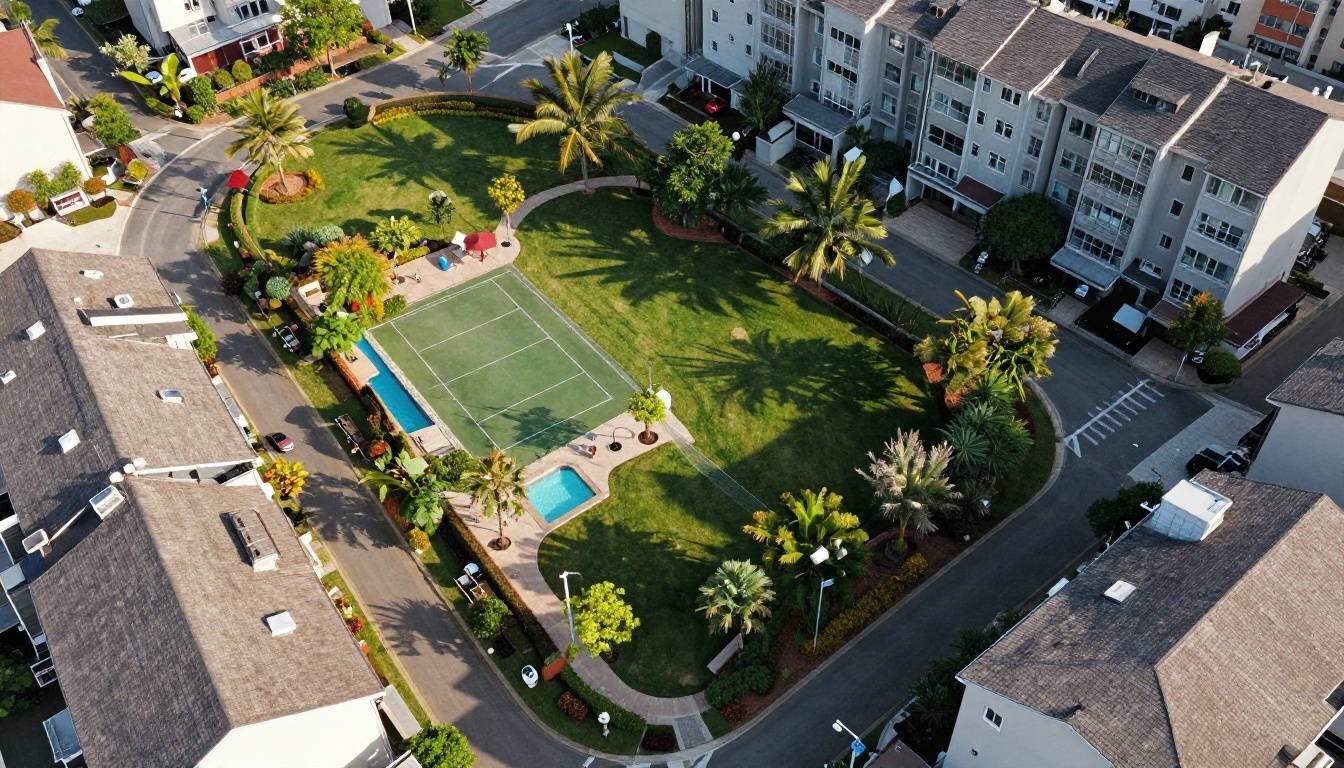
Pick the Right Channel
| Channel | Reach | Setup Effort | Best For |
|---|
| Direct link by email | High | Very low | Monthly issues |
| Text message link | Very high | Low | Urgent notices |
| Website embed | Medium | Medium | Permanent archive |
| QR code on signs | Local | Low | Clubhouse, pool, mailbox area |
| Social group post | Medium | Very low | Reminders |
| Printed copy | Low | High | Residents without internet |
Use the Embed Flipbook on Website option to place every issue on your community website, so new owners can read back issues during the closing process. Real estate agents often link to the archive when showing homes, and the Real Estate Brochure Creator pairs nicely with it for a welcome packet.
Protect Private Content
Not everything belongs on the open web. Financial summaries, legal updates and delinquency notices should sit behind a password. Send the link to homeowners only, and rotate the password each year. Public issues can remain open so prospective buyers see an active, well-run community.
Common Mistakes Boards Make
Even good ideas fail when execution slips. Watch for these three.
3 Common Mistakes
- Irregular timing. A newsletter that appears twice in one month and then vanishes for five trains residents to ignore it. Pick a schedule, such as the first Monday of the month, and keep it.
- Too much text. Boards love detail. Residents love pictures. Cap every item at 150 words and use one photo per page.
- No call to action. Each issue should ask for something: volunteer for the picnic, submit a photo, renew a pool tag. Without a request, there is no reason to respond.
💡 Quick fix: Add a single "Reply to this issue" box on the back page. Even three replies a month tell you what neighbors care about.
Ready to Publish Your Next Issue?
You now have enough ideas for a full year, three templates to copy and a workflow that turns a plain document into something neighbors want to open. The only step left is to publish.
Start with one page, one photo and one useful date. Your neighbors will notice the difference by the next issue.



