Every host eventually gets the same message at 11 p.m.: "What's the Wi-Fi password?" A digital welcome book fixes that, and two names come up again and again: Hostfully and TouchStay. One is a full property management platform with a guidebook feature. The other is a dedicated guidebook app. Before you commit to a monthly fee per listing, it helps to see what you actually get, and whether a simple PDF turned into a flipbook with Flipbooks AI might cover 90% of your needs for far less effort.
This article compares Hostfully vs TouchStay on pricing, features and day-to-day usability. It also shows a lightweight third option for hosts who just want a clean, branded welcome book without another subscription stack.
💡 Quick note on numbers: both vendors change plans often. Treat the pricing models below as a framework, and confirm current rates on each vendor's own pricing page before you buy.
The two products sit in different categories, and that explains most of their differences.
Hostfully in Plain Terms
Hostfully is a property management system (PMS) built for vacation rental hosts and managers. It handles calendar sync, a unified inbox, automated messages, task management, direct booking tools and payments. The digital guidebook is one module inside that larger toolbox.
That matters. If you already run your rentals through Hostfully, the guidebook is a natural extension. You write it once, attach it to a property, and it can be sent automatically through your guest messaging flow.
TouchStay in Plain Terms
TouchStay is a dedicated digital guidebook platform. It does one thing: build interactive welcome books that guests open on their phones. You get a structured editor, sections for check-in, house rules and local recommendations, maps, multiple languages, and QR codes you can print and leave in the property.
It plugs into many booking and channel tools, but it does not try to replace your calendar or inbox.
| Area | Hostfully | TouchStay |
|---|
| Product type | Full property management platform | Dedicated digital guidebook app |
| Guidebook role | One feature among many | The entire product |
| Calendar and messaging | Built in | Not the focus |
| Best for | Hosts who want one system | Hosts who already have a PMS |
| Setup effort | Moderate to high | Low to moderate |
Pricing Side by Side

Pricing is where hosts get surprised, so it pays to look at how each plan is built, not only the headline number.
How Each Plan Is Built
Hostfully typically prices by the number of properties and by the tier of PMS features you want. The guidebook is usually bundled into the platform plans, and a lighter guidebook-only entry point has been offered at times. The bigger your portfolio, the more the per-property math matters.
TouchStay typically charges per property, per month or year, with discounts as the number of listings grows. A single cabin is easy to budget. Twenty apartments become a real line item.
| Pricing factor | Hostfully | TouchStay | PDF flipbook |
|---|
| Billing unit | Per property, tiered by features | Per property | Per account |
| Guidebook included | Inside PMS plans | Yes, core product | Yes |
| Extra features cost | Higher tiers | Higher tiers | Plan-based |
| Cost grows with listings | Yes | Yes | Not with unlimited flipbooks on Standard and above |
| Contract feel | Platform commitment | Light subscription | Light subscription |
The Hidden Cost of Per-Property Fees
Per-property pricing looks cheap at three listings. At fifteen, it is a recurring tax on growth. Add the time spent re-entering house rules, parking notes and appliance instructions in a web editor for each property, and the real cost climbs again.
Here is a quick way to sanity-check it:
- Count your active properties.
- Multiply the per-property fee by 12 months.
- Add the hours you will spend building and updating each guidebook, valued at your own hourly rate.
- Compare the total with a flat-plan alternative.
⚠️ Watch out: a tool that is cheap per listing can still be expensive overall if every update means logging in and editing a dozen separate guidebooks.
Feature Comparison
Guest Experience
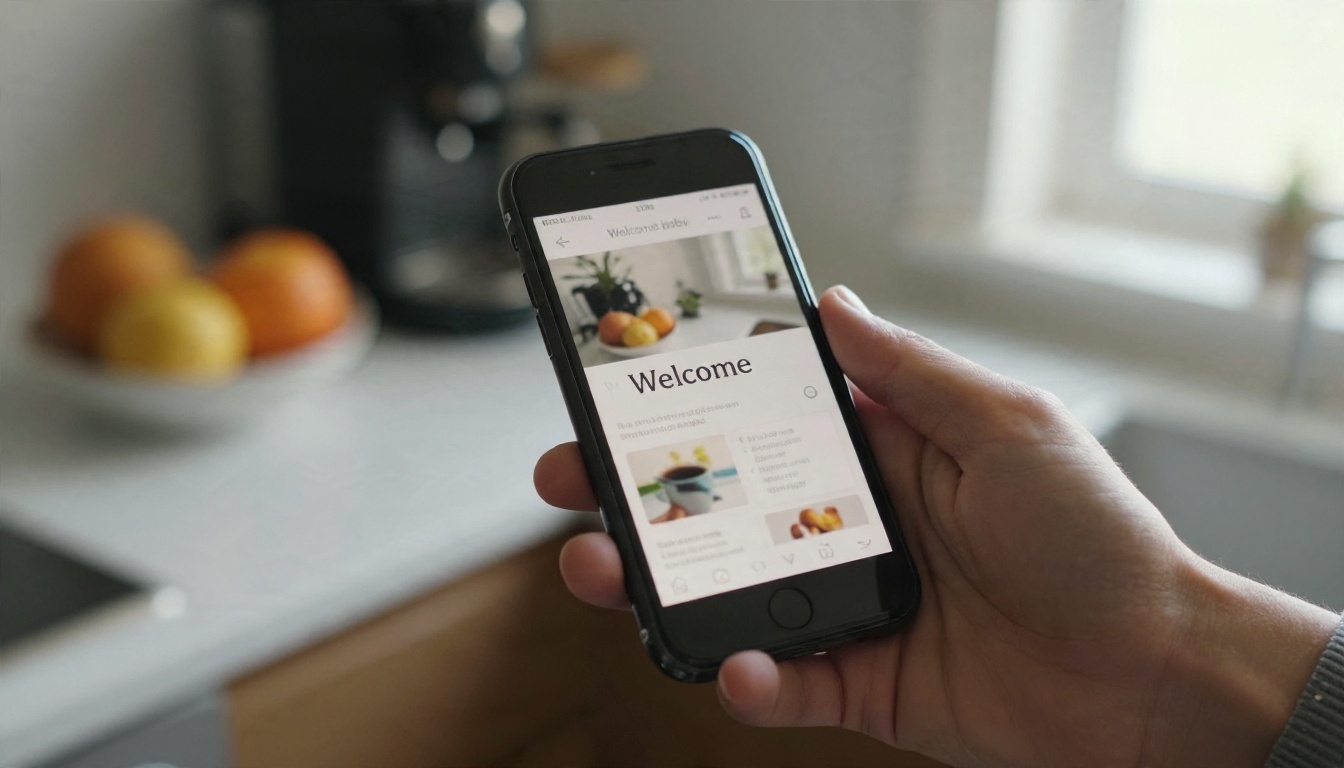
Both tools aim for a mobile-first experience. Guests open a link or scan a QR code, and a structured welcome book appears on the phone. Typical elements include:
- Check-in and check-out instructions, often with photos
- Wi-Fi details with one-tap copy
- House rules and safety notes
- Local recommendations with map pins
- Appliance how-tos for the coffee machine, heating and TV
- Language options for international guests
TouchStay leans harder into the polished app-like feel, with a lot of attention on layout and recommendations. Hostfully's strength is that the guidebook sits next to automated messages, so it reaches the guest at the right moment without extra work.
Host Workflow
For hosts, the question is less "what can it do" and more "how often will I need to edit it?"
- Hostfully: one login for messaging, tasks and the guidebook. Powerful, but there is a learning curve in setting everything up.
- TouchStay: a focused editor, quick to learn. Content lives in its own system, so you manage it alongside your other tools.
- PDF flipbook: you edit a document you already know how to use, re-upload, and the link stays the same.
| Feature | Hostfully | TouchStay | PDF flipbook |
|---|
| Mobile-friendly view | Yes | Yes | Yes |
| QR code access | Yes | Yes | Yes, via direct link |
| Interactive map pins | Yes | Yes | Link out to maps |
| Multi-language | Yes | Yes | One PDF per language |
| Automated sending | Yes, via PMS | Via integrations | Paste the link in your messages |
| Embedded video | Limited | Yes | Yes |
| Password protection | Varies | Varies | Yes |
| Page-turn reading feel | No | No | Yes |
| Offline copy | Limited | Limited | Yes, downloads |

When Hostfully Is Too Much
If you only want a welcome book, buying into a whole PMS is overkill. You pay for calendar tools, task automation and payment features you may never touch. Migration also takes time: connecting channels, importing reservations and training any cleaners or co-hosts.
When TouchStay Is Too Limited
TouchStay is excellent at its job, but it is only that job. You still need a separate system for bookings and messages. And if you manage many properties, the per-listing fees stack up while the content stays 80% identical across units.
There is also a quieter issue. Both tools keep your content inside their editors. Exporting, repurposing or printing it as a branded booklet is rarely smooth.
💡 Pro tip: whichever tool you pick, keep your master text in a plain document. Switching platforms later becomes a copy and paste job instead of a rewrite.
The Simple PDF Alternative

Why a PDF Still Works
A PDF welcome book is not glamorous, and that is its strength. You can build it in Canva, Word, Google Docs or any design tool. It looks the same on every device. You own the file, and you can print it for the coffee table, email it before arrival, or attach it to a booking message.
The classic weakness of a plain PDF is the reading experience. Pinch-zoom on a phone is clumsy, and a flat download feels dated.
That is where converting it to a flipbook helps. With the PDF to Flipbook Converter, the same file becomes a responsive, page-turning reader that opens fast on a phone and can be shared with one link. There is no watermark, and you can add branding, embedded video and audio.
Who Benefits Most
- Single-property hosts who want a polished welcome book without a monthly per-listing fee
- Small portfolios where properties share most house rules
- Boutique hotels and B&Bs that already produce a brochure, similar to what the Hotel Brochure Designer supports
- Hosts who print welcome books and want the digital version to match exactly
| Scenario | Best fit |
|---|
| One or two cabins, simple rules | PDF flipbook |
| Ten apartments, shared PMS needs | Hostfully |
| Existing PMS, want a slick app-like guidebook | TouchStay |
| Mixed portfolio, strong branding, printed copies | PDF flipbook |
| Heavy interactivity with live recommendations | TouchStay |
How to Create a Welcome Flipbook with Flipbooks AI
Here is the full process, start to finish. You can create an account and have your first welcome flipbook live in a single afternoon.
Prepare Your Content
Write your welcome book in any tool you like and export it as a PDF. A solid structure looks like this:
- Welcome page with a short greeting and your photo
- Arrival details: address, parking, entry instructions
- Wi-Fi and house essentials
- House rules and quiet hours
- Appliance instructions with photos
- Local picks: restaurants, groceries, beaches, pharmacies
- Emergency contacts and check-out steps
Keep pages visual. One short paragraph and one photo per page reads well on a phone.
Upload and Convert
- Sign in at Flipbooks AI.
- Choose to create a new flipbook and upload your PDF.
- Wait a few seconds while the page-turn version is generated.
- Preview it on both desktop and phone.
If you want something closer to a hotel-style layout, the Brochure Flipbook Maker is a handy starting point.
Customize the Look
- Branding: add your logo and choose colors that match your listing photos
- Page effects: keep the realistic page-turn for a tactile feel
- Multimedia: embed a short video that shows how to use the door lock, or an audio greeting
- Mobile-responsive layout: it adapts automatically to phones and tablets
✅ Best practice: a 30-second video of the door lock or heater controls prevents more messages than three paragraphs of text.
Share and Protect
Once the flipbook looks right, choose how guests get it:
- Direct link to paste into booking confirmations and automated messages
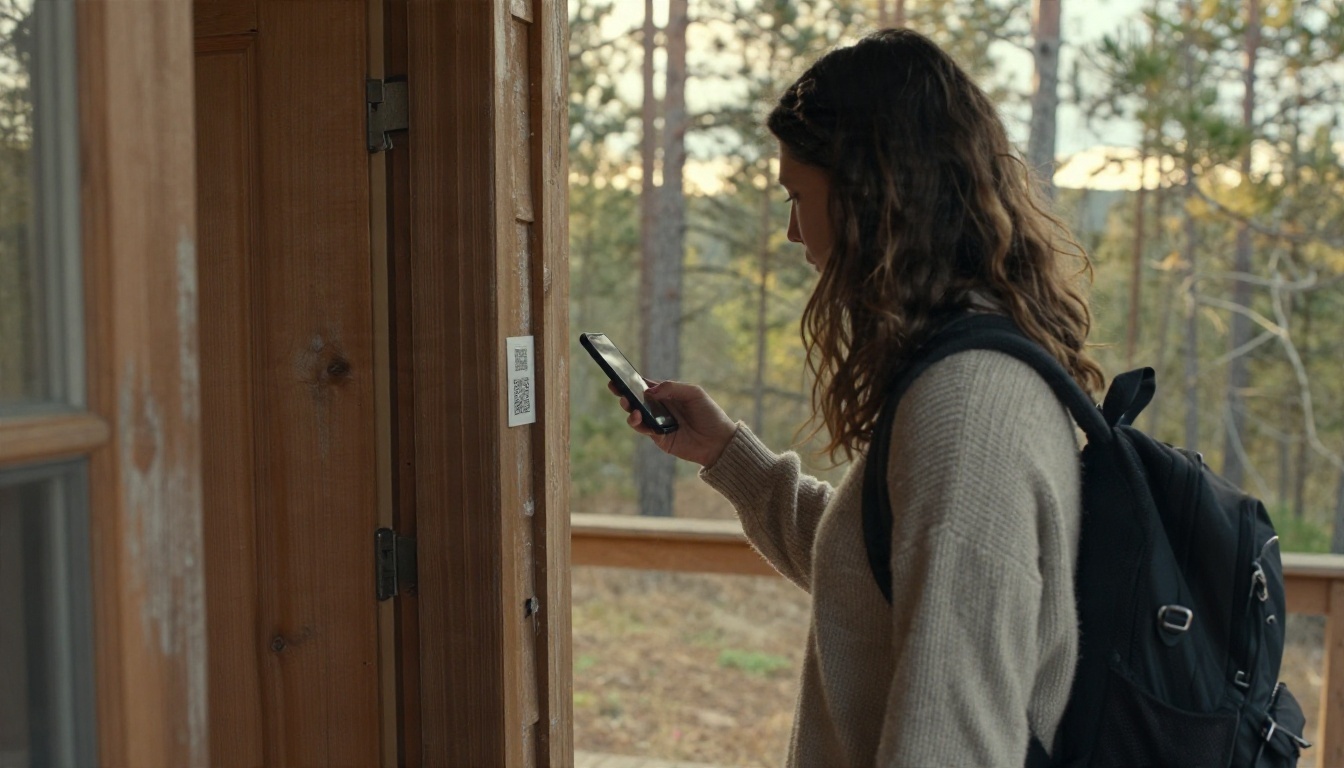
- QR code to print on a card near the entrance
- Embed code to place on your direct-booking site, as described in the Embed Flipbook on Website tool
- Password protection so Wi-Fi codes and door instructions stay private
- Offline download so guests can open it with no signal, which is handy in remote cabins
Going further: on the Professional plan, you get analytics and lead generation. You can see how often each flipbook is opened, which helps you find out whether guests actually read it. You can also capture emails from past guests for direct rebooking offers.

Which One Should You Pick?

A Quick Decision Table
| If you... | Choose |
|---|
| Want one platform for bookings, messages and guidebooks | Hostfully |
| Already have a PMS and want a dedicated app-style guidebook | TouchStay |
| Want low cost, full design control and printable copies | PDF flipbook |
| Run a growing portfolio with identical rules | PDF flipbook or Hostfully |
| Need live, frequently updated local recommendations | TouchStay |
Three Real Scenarios
The lakeside cabin owner. Two cabins, same rules, a handful of nearby restaurants. A PDF flipbook with a QR code on the fridge is plenty. Updating it takes five minutes, and there is no per-listing fee.
The city apartment manager. Twelve units, a shared cleaning team and a busy inbox. Hostfully's all-in-one workflow saves real hours, and the guidebook arrives automatically with the booking messages.
The boutique B&B. A strong brand, printed welcome binders and guests who love a keepsake. A branded flipbook matches the printed version exactly, and the owner can reuse the layout for a seasonal menu using the Restaurant Menu Creator.
💡 Mix and match: nothing stops you from using a PMS for operations and a flipbook for the welcome book. Paste the flipbook link into your Hostfully message templates and you get the best of both setups.
Next Steps for Your Rentals

Hostfully is the right call if you want a single system for your whole operation. TouchStay suits hosts who want a dedicated, app-style guidebook and already have their booking stack in place. A PDF flipbook wins on cost, control and simplicity, especially for small portfolios and branded properties.
Not sure yet? Start small:
- Turn your existing PDF into a flipbook with Flipbooks AI and test it with your next three guests.
- Check pricing plans to see which tier adds analytics and lead capture.
- Browse all flipbook tools for brochures, menus and price lists that match your property.
- When you are ready to publish, pick a plan and share your first welcome book today.
Your guests want answers before they ask. Give them a welcome book that opens in one tap, looks like your brand, and never charges you per listing for the privilege.



