A guest decides whether to book your hotel in about eight seconds, and the brochure is often what they are holding (or scrolling) when they decide. Whether it sits in a lobby rack, lands in an inbox or gets passed around a wedding planner's WhatsApp group, it has to sell the stay before anyone reads a single paragraph. This article walks through real hotel brochure examples, the resort layouts that keep working year after year, the print sizes your printer will actually ask about, the free tools worth your time, and how to turn a PDF into an online flipbook with Flipbooks AI so the same design works on paper and on screen.
💡 Quick answer: For print, a tri-fold A4 (folding down to DL, 99 x 210 mm) is the most common hotel format. For online, convert the same PDF into a flipbook and share one link everywhere.
What Great Hotel Brochures Have in Common
Before looking at specific formats, it helps to see the pattern. Brochures that fill rooms are rarely the most expensive ones. They are the ones that answer three questions fast: Where is it? What does it feel like? How do I book?
Lead With One Hero Image
The strongest brochures open with a single, full-bleed photograph: the pool at sunrise, the terrace at dusk, the suite with the window open. One confident image beats a collage of twelve small ones. Save the grids for the inside spread, where guests are already interested.
Keep the Story Short
Hotel copy tends to drift into adjectives. "Nestled," "luxurious," "unforgettable." Guests skim past all of it. Replace adjectives with facts:
- Distance to the airport (22 minutes, not "conveniently located")
- Room count (48 suites, not "an intimate escape")
- Real inclusions (breakfast served 7:00 to 10:30, free airport transfer)
- One memorable detail (the rooftop bar built around a 100-year-old fig tree)
Make the Next Step Obvious
Every panel should point somewhere. Print a QR code and a short URL on the back panel. On a digital version, add clickable buttons for "Book direct" and "Call reception." A brochure with no next step is just a nice piece of paper.
Hotel Brochure Examples That Work
Different properties need different brochures. These patterns come up again and again in well-performing hospitality print and digital pieces.
Boutique City Hotel
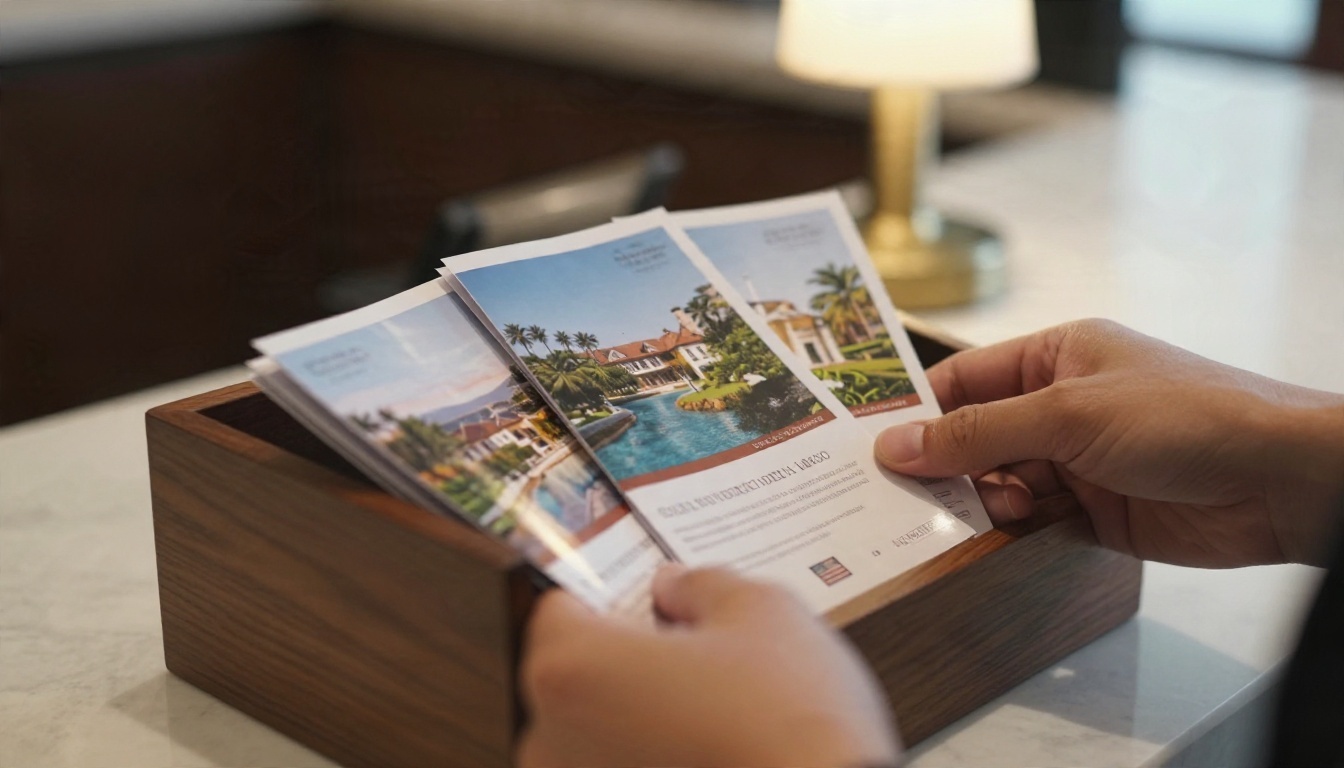
A boutique hotel sells personality. The usual layout is a bi-fold A5 (148 x 210 mm folded) with a bold cover photograph of the lobby or a signature room, a short story about the building, and a neighbourhood map on the back. Typography does a lot of work here: one elegant serif for headings, one clean sans for details, and generous white space.
Beach and Island Resort
Resorts sell a whole day, so they need more room. A tri-fold or eight-page booklet lets you walk the guest from arrival to sunset: rooms, dining, spa, activities, then a resort map. Full-bleed water and sky photography carries the mood, while small icon rows (pool, kids club, water sports) keep practical details scannable.
Business and Conference Hotel
Event planners do not want mood. They want capacity numbers. The best conference hotel brochures use a table-first layout: room names, square metres, theatre and banquet capacities, AV equipment. Pair it with a floor plan and a photograph of each room set up for an event.
Wedding and Event Venue
For weddings, the brochure is a visual proposal. Use a square format (210 x 210 mm) with a photograph on every spread, a short list of packages, and a sample day timeline. Because couples forward these files to family, the digital version matters as much as the printed one.
| Property Type | Best Format | Page Count | Main Goal | Must-Have Content |
|---|
| Boutique city hotel | Bi-fold A5 | 4 | Show personality | Signature room, location map |
| Beach resort | Tri-fold A4 or booklet | 6 to 12 | Sell the full stay | Resort map, dining, activities |
| Business hotel | Booklet or flipbook | 8 to 16 | Win group bookings | Capacity table, floor plans |
| Wedding venue | Square booklet | 12 to 20 | Inspire and quote | Packages, gallery, timeline |
| Budget or hostel | Single card (DL) | 2 | Drive direct bookings | Price, QR code, distance to sights |
Resort Layouts Worth Copying
Layout is where most hotel brochures quietly fail. Text is packed into the wrong panel, the booking info is buried, or the map is too small to read. These structures solve that.
The Tri-Fold Story Flow
A tri-fold is read in a specific order, and your layout should respect it:
- Outer front panel: hero image, property name, one-line promise.
- Inside left panel (seen first when opened): welcome message and the best three reasons to stay.
- Inside center and right: rooms, dining and spa, each with one photograph.
- Back panel: contact details, address, QR code and booking link.
- Middle back panel: map or location summary.
⚠️ Common mistake: Putting the address on the outer front panel. The front is for emotion. Practical details belong on the back.
The Resort Map Spread
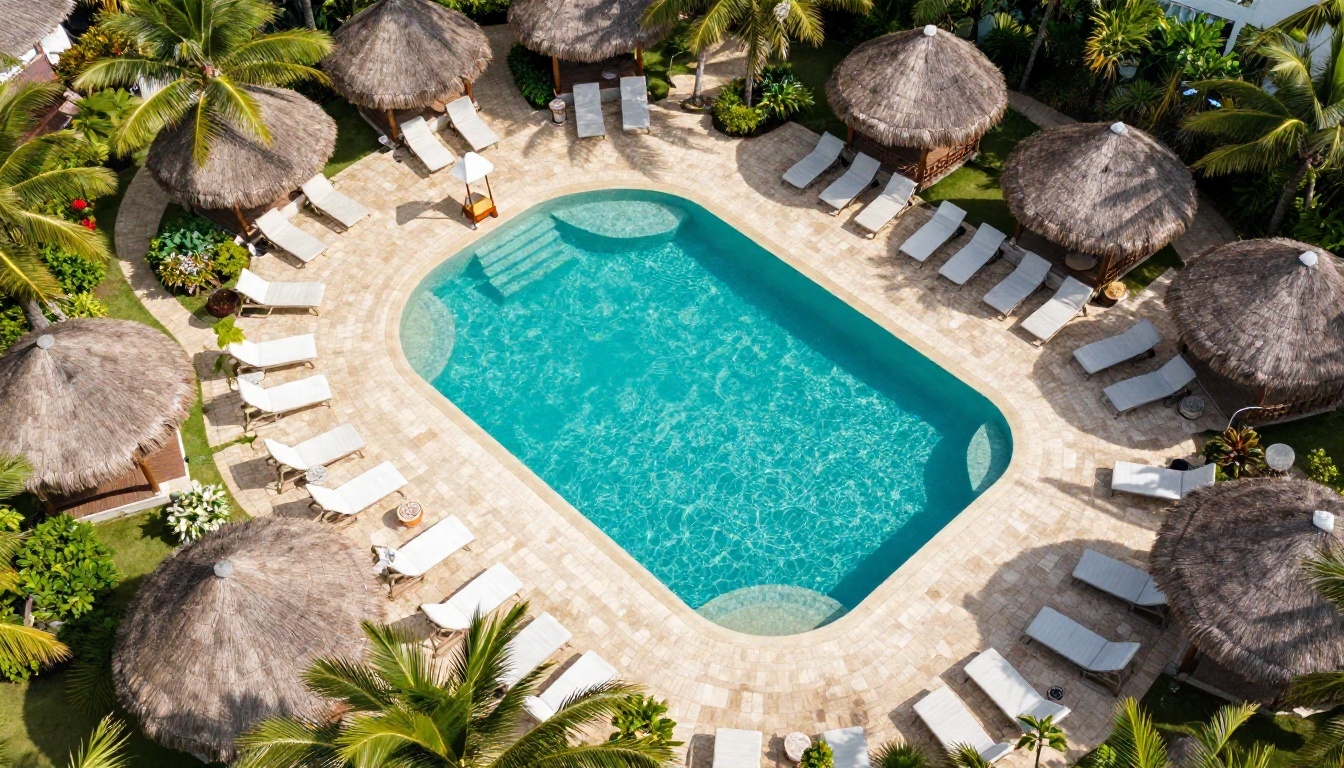
A resort map deserves a full spread in a booklet or a half-page in a tri-fold. Aerial photography works beautifully as a base because it shows the real scale of the property, the distance from rooms to the beach, and how pools and gardens connect. Overlay numbered markers (1 for reception, 2 for the main pool, 3 for the spa) and list them in a simple legend.
The Room Comparison Grid
Guests booking a stay want to compare room types fast. A clean grid does that better than three paragraphs.
| Room Type | Size | Sleeps | View | Starting Rate |
|---|
| Garden Room | 28 m² | 2 | Courtyard | $140 |
| Ocean Suite | 45 m² | 3 | Sea | $260 |
| Family Villa | 80 m² | 5 | Pool and garden | $390 |
You can print this exact structure on the inside panel of a tri-fold, or make it the interactive page of an online brochure.
Print Sizes and Paper Choices
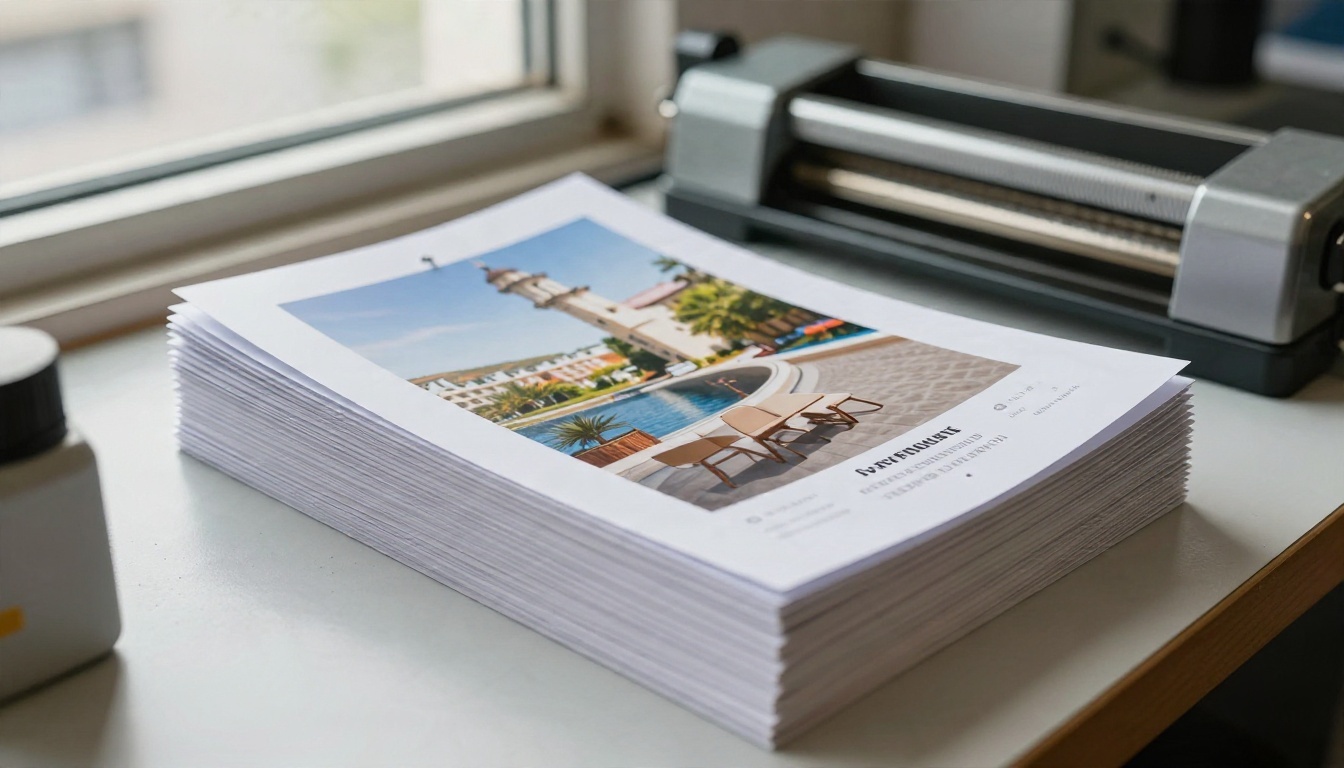
Nothing delays a print run like a file built at the wrong size. Confirm these numbers with your printer, then build the design to match.
Common Brochure Formats
| Format | Flat Size | Folded Size | Typical Use |
|---|
| Tri-fold A4 | 210 x 297 mm | 99 x 210 mm (DL) | Lobby racks, travel fairs |
| Tri-fold US Letter | 8.5 x 11 in | 3.67 x 8.5 in | North American hotels |
| Bi-fold A5 | 296 x 210 mm | 148 x 210 mm | Boutique hotels, spa menus |
| Rack card (DL) | 99 x 210 mm | Flat | Tourist offices, front desk |
| Square bi-fold | 420 x 210 mm | 210 x 210 mm | Weddings, luxury resorts |
| Saddle-stitched booklet | A4 or A5 pages | Same | Resorts, conference hotels |
Bleed, Margins and Resolution
Three numbers prevent most printing problems:
- Bleed: add 3 mm (0.125 in) of extra image beyond the trim edge so no white slivers appear after cutting.
- Safe margin: keep text and logos at least 5 mm (0.25 in) inside the trim line.
- Resolution: export images at 300 dpi at final size. Anything below 200 dpi looks soft on a glossy sheet.
Also set the document to CMYK. Bright turquoise pool water on a screen can look muddy in print if the file was built in RGB.
💡 Fold tip: On a standard tri-fold, make the panel that folds inward about 1 to 2 mm narrower than the other two. Otherwise it buckles at the crease.
Paper and Finish
| Paper Choice | Weight | Feel | Best For |
|---|
| Gloss | 130 to 170 gsm | Shiny, vivid colour | Beach and pool photography |
| Silk or satin | 150 to 200 gsm | Smooth, soft sheen | Most resort brochures |
| Uncoated | 170 to 250 gsm | Natural, tactile | Boutique and eco hotels |
| Heavy outer sheet | 250 to 300 gsm | Firm and premium | Booklets with a stiffer outer page |
Matte lamination on the outer front panel adds a soft-touch feel that makes people pick the brochure up, and that is half the battle in a crowded rack.
You do not need a design agency to make a good brochure. You do need a sensible workflow: design, export a clean PDF, then print it and publish it online.
Free Design Options
- Template editors in the browser: fast, with drag and drop layouts and free stock photos. Great for first drafts and small hotels.
- Desktop publishing software: more control over bleed, CMYK and typography, but with a steeper learning curve.
- Presentation software: surprisingly capable if you set a custom page size and export as PDF.
- Dedicated brochure tools: the Hotel Brochure Designer and Online Brochure Designer on Flipbooks AI are built around hospitality layouts and online publishing.
| Option | Cost | Print Ready (CMYK, Bleed) | Online Sharing | Best For |
|---|
| Browser template editor | Free tier | Partial | Static link or PDF | Quick drafts |
| Desktop publishing software | Free or paid | Yes | PDF only | Experienced designers |
| Presentation software | Free tier | Limited | PDF only | Simple booklets |
| Flipbook platform | Free to start | PDF import | Interactive flipbook, embed, QR | Sharing and tracking |
Free Photography That Does Not Look Free
Weak photography ruins strong layouts. If you have no budget for a shoot, use your own phone in the golden hour (the first hour after sunrise or last before sunset), shoot rooms with every light on and curtains open, and keep the horizon level. A tripod and one afternoon of work will beat most stock libraries.
How to Create a Hotel Brochure with Flipbooks AI
Print reaches guests in the lobby. A flipbook reaches everyone else: travel agents, wedding planners, corporate bookers and anyone who finds you on search. Here is how to convert your finished design into an interactive brochure.
Step 1: Upload Your PDF
- Go to Flipbooks AI and create an account.
- Click to start a new flipbook and upload your brochure PDF.
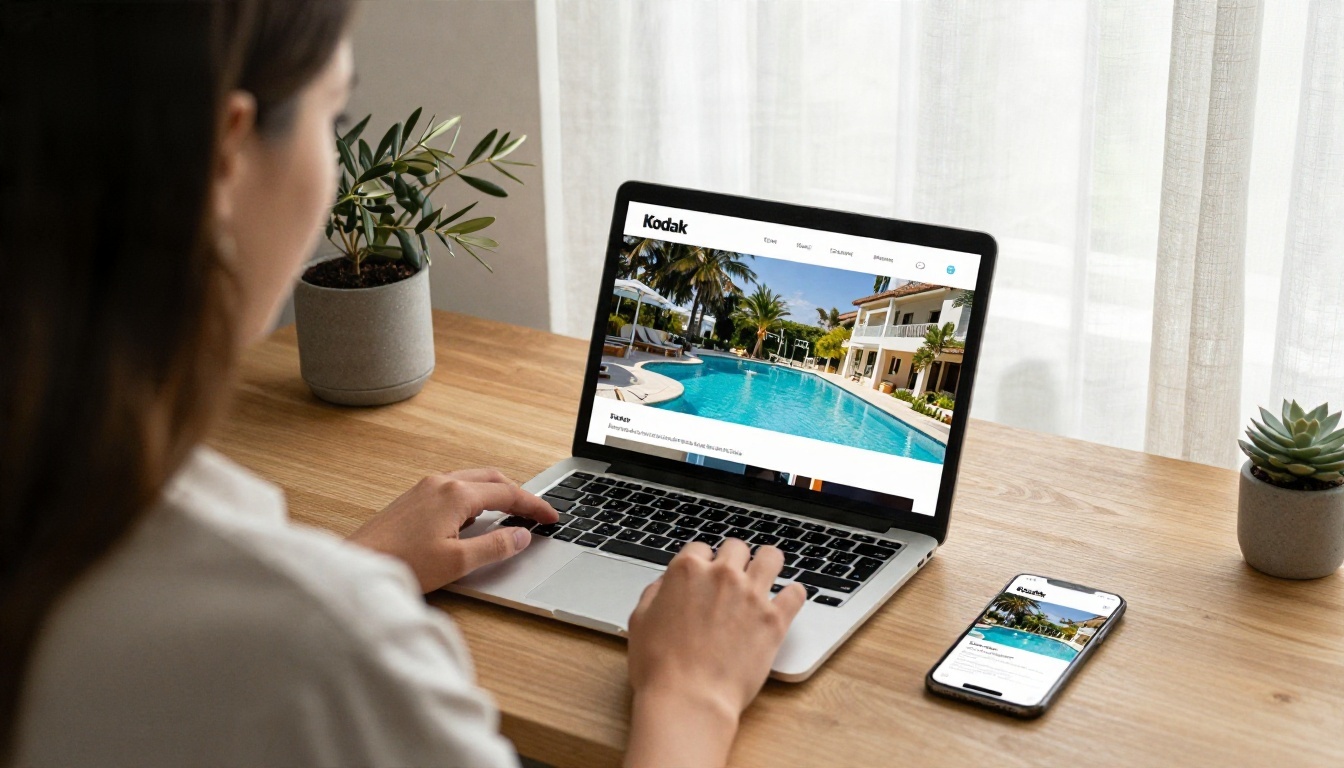
- The platform converts every page into a smooth page-turning flipbook in seconds.
If you do not have a PDF yet, the Hotel Brochure Designer gives you a starting layout, and the PDF to Flipbook Converter handles files you built elsewhere.
Step 2: Customize the Look
- Custom branding: add your logo and choose colours that match your hotel identity.
- Page effects: pick a realistic page curl, sound and background.
- Multimedia: embed a 30-second video tour of the pool, or ambient audio of waves on the spa page.
- Clickable links: turn "Book now" and your phone number into tap-ready buttons.
Everything is mobile-responsive, so the flipbook looks right on a phone screen. There are no watermarks, ever.
Step 3: Share It Everywhere
| Sharing Method | How It Works | Best Use |
|---|
| Direct link | One short URL for any channel | Email, WhatsApp, social bios |
| Embed code | Paste into your site with the Embed Flipbook on Website tool | Booking page, "Weddings" page |
| QR code | Print on lobby cards and key packs | Guests already on site |
| Password protection | Limits access to approved viewers | Corporate rate sheets, group offers |
Step 4: Use the Pro Features
On the Professional plan, you also get:
- Analytics: see which pages get read the most, so you know whether guests care more about the spa or the restaurant.
- Lead generation: ask for an email address before a visitor opens a wedding or conference brochure.
- Offline downloads: let travel agents save the brochure and present it without a connection.
✅ Best practice: Keep one master PDF. Print from it, then upload the same file as a flipbook. When prices change, update the PDF, replace the file, and the link stays the same.
Online Sharing That Fills Rooms
A flipbook sitting in your account helps nobody. Put it where bookers actually look.
Place the Link Where Guests Decide
- Your booking page: embed the brochure right above the room list.
- Email confirmations: add a "Plan your stay" link with the brochure.
- Google Business Profile and Instagram bio: one short link to the current brochure.
- Replies to enquiries: instead of attaching a heavy PDF, send a link that opens instantly.
Bring Print and Digital Together
Add a QR code on every printed piece that opens the flipbook, and a "Download the print version" button inside the flipbook. A guest who picks up the brochure in the lobby can send the digital copy to friends in two taps. A guest who finds the flipbook online can book without ever seeing the printed version.
Match the Brochure to the Audience
| Audience | What to Send | Why It Works |
|---|
| Leisure travellers | Resort flipbook with video | Sells the mood quickly |
| Wedding planners | Password-protected package flipbook | Keeps rates private |
| Corporate bookers | Capacity table and floor plans | Answers logistics instantly |
| Travel agents | Offline-download version | Easy to present to clients |
For related formats, the Spa & Wellness Menu and Restaurant Menu Creator tools let you publish your treatment list and dining menu in the same style, so the whole guest journey feels consistent.
Start Your Hotel Brochure Today
A strong hotel brochure is one hero photograph, a layout that follows the reader's eye, honest facts and a clear way to book. Build it at the right print size, send it to the printer with 3 mm bleed and 300 dpi images, then publish the same PDF as a flipbook so it works in the lobby and online.
Ready to publish yours? Create your free account on Flipbooks AI, browse all flipbook tools for more hospitality layouts, or compare pricing plans to find the one that fits your property.



