Every hotel room has one: the folder on the desk or the bedside table that nobody opens. Most of the time the reason is simple. The pages are crowded, the information is outdated, and the guest can find the same answer faster on a phone. A well-built hotel compendium folder fixes all three problems, and when you pair it with a digital copy made on Flipbooks AI, it works for guests before they arrive, during the stay and after they leave.
This article walks through what belongs inside the folder, how to lay out each page, which sample pages to copy, how to publish an online version, and how to print everything without wasting budget.
What a Hotel Compendium Folder Holds
A compendium is a single, organized collection of everything a guest might ask the front desk. Think of it as the hotel's answer to "What do I need to know?" in one place. Related terms you will see in the trade include in-room directory, guest services directory, hotel information binder, room service menu folder and guest information book.
Folder, Booklet or Tablet?
The format you pick shapes every layout decision that follows. Here is how the three most common options compare.
| Format | Best For | Update Cost | Guest Feel | Typical Weak Spot |
|---|
| Leather or faux-leather folder with loose pages | Boutique and luxury hotels | Low (reprint single pages) | Premium, tactile | Pages go missing |
| Bound booklet | Mid-scale and resort properties | High (full reprint) | Tidy, uniform | Outdated fast |
| Tablet or QR flipbook | Urban, business and modern lifestyle hotels | Near zero | Quick, practical | Needs Wi-Fi or data |
| Folder plus QR flipbook | Almost every property | Low | Best of both | Needs consistent branding |
The last row is the one most hotels should aim for. The folder gives a physical welcome, and the online version carries the details that change often, such as restaurant hours and event schedules.
Who Reads It and When
Guests use the compendium at three moments. Right after check-in, they scan for Wi-Fi, breakfast hours and checkout time. In the evening, they look for dining and room service. Just before leaving, they check for spa, shuttle and late checkout details. Design the first two pages for the first moment, the middle for the second, and the back pocket for the third.
💡 Pro tip: Ask your front desk team to log the ten questions they hear most often for one week. Those ten answers should sit on the first two pages of the folder.
Layout Ideas That Work
Good compendium layout is mostly about restraint. A guest holding a coffee in one hand will not study a dense page. Aim for a clear hierarchy that can be understood in about five seconds.
Grid and Spacing Rules
Use a simple two-column or single-column grid and keep generous margins, at least 15 mm on printed A5 and Letter half-pages. Leave roughly 30 percent of every page empty. White space signals quality, and it makes your hotel look calm rather than busy.
Practical layout rules:
- Place one idea per page, with one main heading and no more than three short blocks of text.
- Keep contact numbers in a consistent corner of every page, such as the bottom right.
- Use icons sparingly, one per section, in a single line weight.
- Align every image to the same grid so pages feel like a set.
- Reserve the last page of each section for a short "Need anything else?" line with the extension number.
Typography and Color
Pair one serif heading font with one clean sans-serif body font. A serif such as Playfair or Cormorant feels hospitable, and a sans-serif such as Lato or Source Sans stays readable at 10 to 11 pt. Avoid more than two typefaces and three weights.
For color, pull two or three shades from your logo or lobby. A deep navy with warm cream and a single brass or terracotta accent works for nearly any brand. Check contrast: dark text on cream or white paper should always be easy to read in low lamp light, since many guests open the folder in the evening.
Photography Choices
Use real photographs of your own rooms, restaurant and spa. Stock images of unknown pools will make guests wonder what the hotel is hiding. Shoot in natural light, crop tightly on textures such as linen, stone and wood, and keep image style consistent across pages.
Sample Pages to Copy
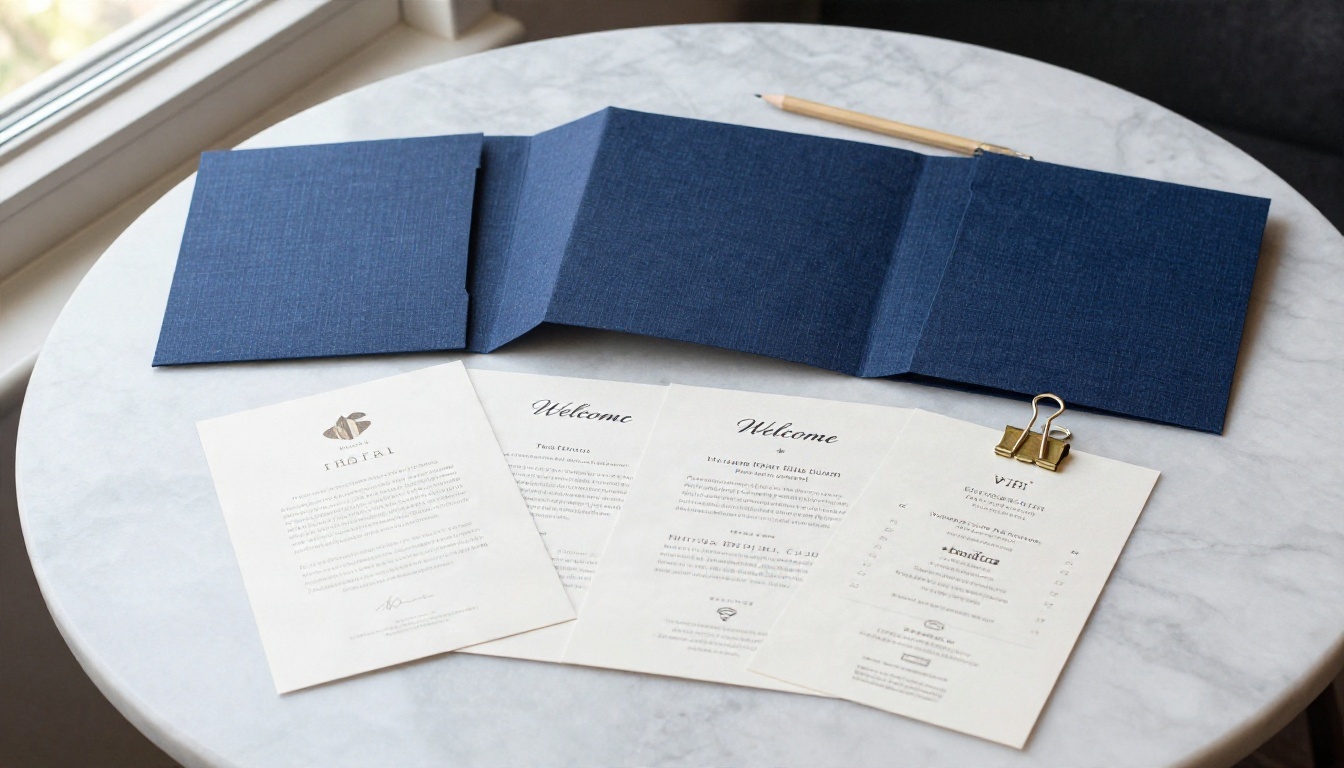
You do not need to invent the structure from scratch. Most strong compendiums follow a similar order. Use the table below as a skeleton and adjust to your property.
| Page | Content | Suggested Layout |
|---|
| 1. Welcome | Short letter from the general manager, signature, photo of the lobby | Single column, large photo at top |
| 2. Essentials | Wi-Fi, breakfast, checkout, front desk extension | Four icon blocks in a grid |
| 3. Your Room | TV, thermostat, minibar, safe, lighting | Annotated room photo |
| 4. Dining | Restaurant, bar, room service, hours | Two columns with a menu highlight |
| 5. Spa and Pool | Treatments, hours, booking steps | Large image, short list |
| 6. Services | Laundry, housekeeping, concierge, transport | List with prices |
| 7. Safety | Fire exits, emergency numbers, medical | Plain, high contrast, one page |
| 8. Around Town | Five favorite local spots, map | Map on the left, short notes on the right |
Welcome Letter
Keep it under 90 words. Name the property, thank the guest, and give one sentence about what makes your hotel different. Add a handwritten-style signature image, not a long paragraph about company history.
Dining and Room Service
This is the page guests read most after the Wi-Fi password. Show three to five signature dishes rather than the full menu and point to the QR code for the live version. Include delivery time, tray fee and ordering extension in a small box at the bottom.
Spa and Wellness
Spas love photos but guests care about three details: price, duration and how to book. Use one image, a short treatment list, and a booking line. For a ready-made look, the Spa and Wellness Menu tool gives you a clean structure to start from.
Safety and Local Info
Keep the safety page plain. No decorative fonts, no photos, and exits clearly described. For local recommendations, five places beat twenty. Give each a distance, a one-line reason and the best time to go.
⚠️ Warning: Safety and emergency information may be subject to local regulations. Check the rules for your area before printing and reprint immediately if numbers or exits change.
Build the Online Version
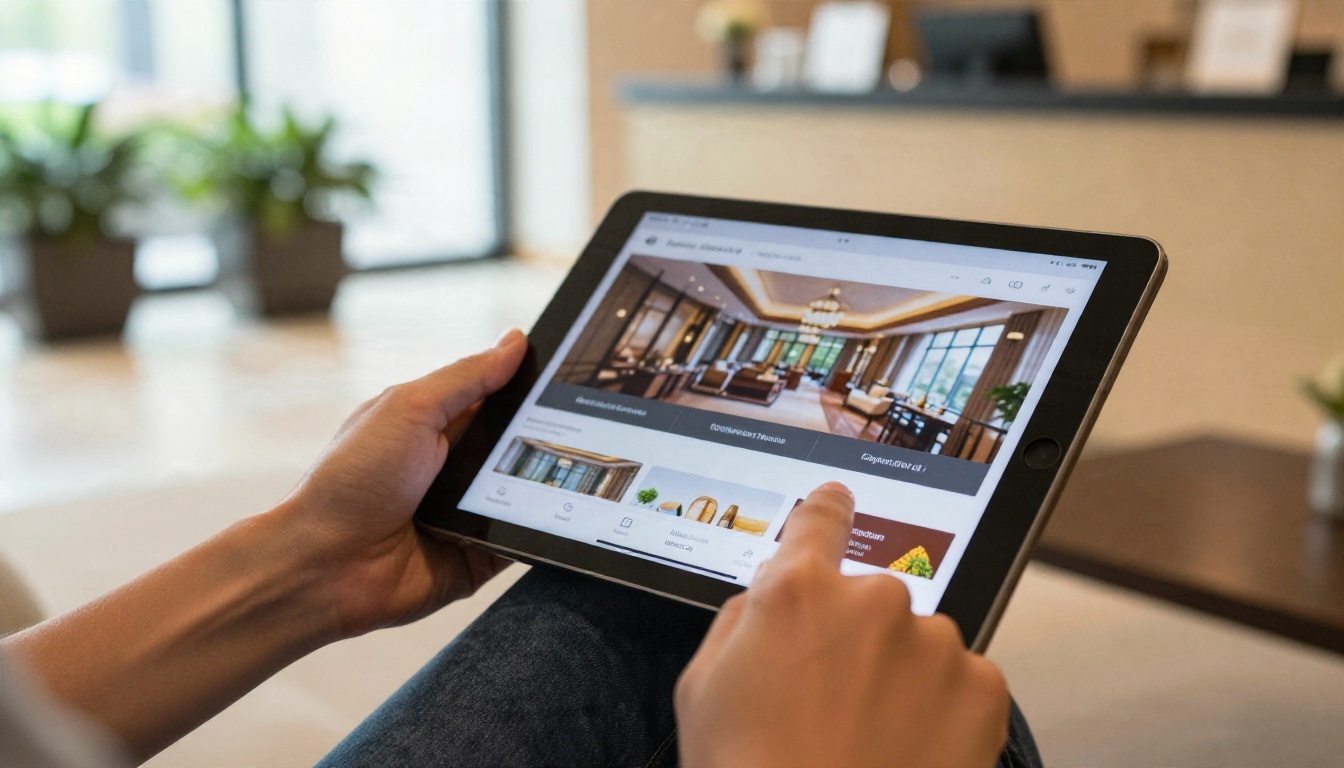
A printed folder cannot change on Tuesday when the chef changes the menu. An online version can. Turning your compendium into a page-turning flipbook means guests can open it on their own phone with a QR code, zoom into text, and always see the latest content.
Why a Digital Copy Pays Off
- Pre-arrival: Send the link in the confirmation email so guests can plan dinner and spa visits before they land.
- In stay: A QR code on the room card, the elevator and the bedside folder opens the same book.
- Fewer calls: Front desk teams report fewer repetitive questions when answers are easy to find.
- Lower print cost: You can print a slim folder with the basics and move seasonal pages online.
- Multilingual: Publish one flipbook per language and link them from a single QR landing page.
| Feature | Printed Folder | Online Flipbook |
|---|
| Update speed | Days to weeks | Minutes |
| Cost per change | Print and shipping | None |
| Languages | Limited by space | Unlimited |
| Embeds video and audio | No | Yes |
| Works before arrival | No | Yes |
| Usage data | None | Views and clicks (Professional plan) |
How to Create a Hotel Compendium with Flipbooks AI
If you already have a PDF of your folder, the online version takes only a few minutes. If you are starting from zero, the Hotel Brochure Designer is a good starting point for the layout, and you can export the result as a PDF.
Step by Step
- Open the platform. Go to Flipbooks AI and create an account.
- Upload your PDF. Drag the file into the dashboard. The PDF to Flipbook Converter turns each page into a turnable spread in seconds. Export your PDF at 150 to 200 dpi for sharp text on phones.
- Add your branding. Upload your logo, choose a background color that matches the folder, and select the page-turn effect. A soft paper-curl effect suits hospitality better than a flashy slide.
- Add multimedia. Embed a short lobby video on the welcome page, a spa ambience track on the wellness page, and clickable phone numbers on the services pages. Everything stays mobile-responsive.
- Set privacy. For guest-only content such as in-room extensions or minibar prices, turn on password protection and print the password on the room key sleeve. Public pages, like the restaurant menu, can stay open.
- Share it. Copy the direct link for emails and generate a QR code for table cards and room signs. To place the book on your website, use the Embed Flipbook on Website option and paste the embed code into your page.
- Review the data. On the Professional plan, analytics show which pages guests open most and where they stop reading. Use that to shorten or move pages. Lead generation forms can capture email addresses for newsletters or special offers.
There are no watermarks on any plan, and you can allow offline downloads so guests with weak roaming signal can still read the folder. Compare options on the pricing page to see which plan fits the number of properties you manage.
✅ Best practice: Keep the same page order online as in print. Guests who switch between both versions will feel at home, and your staff can say "page four" on the phone and mean the same thing for everyone.
Plan Comparison for Hotels
| Need | Standard Plan | Professional Plan |
|---|
| Unlimited flipbooks | Yes | Yes |
| No watermarks | Yes | Yes |
| Custom branding | Yes | Yes |
| Password protection | Yes | Yes |
| Analytics | Basic | Detailed |
| Lead generation forms | No | Yes |
| Best for | Single hotels | Groups and chains |
Printing Tips That Save Money
A beautiful layout can still look cheap if the paper feels thin or the pages curl. Printing is where you protect the premium feeling.
Paper and Finish
- Weight: Use 170 to 250 gsm for inner pages. Anything lighter feels like a flyer.
- Texture: Uncoated or silk-coated stock reads better in warm lamp light than high-gloss paper, which reflects glare.
- Finish: Matt lamination on high-traffic pages like the room service menu resists fingerprints and coffee marks.
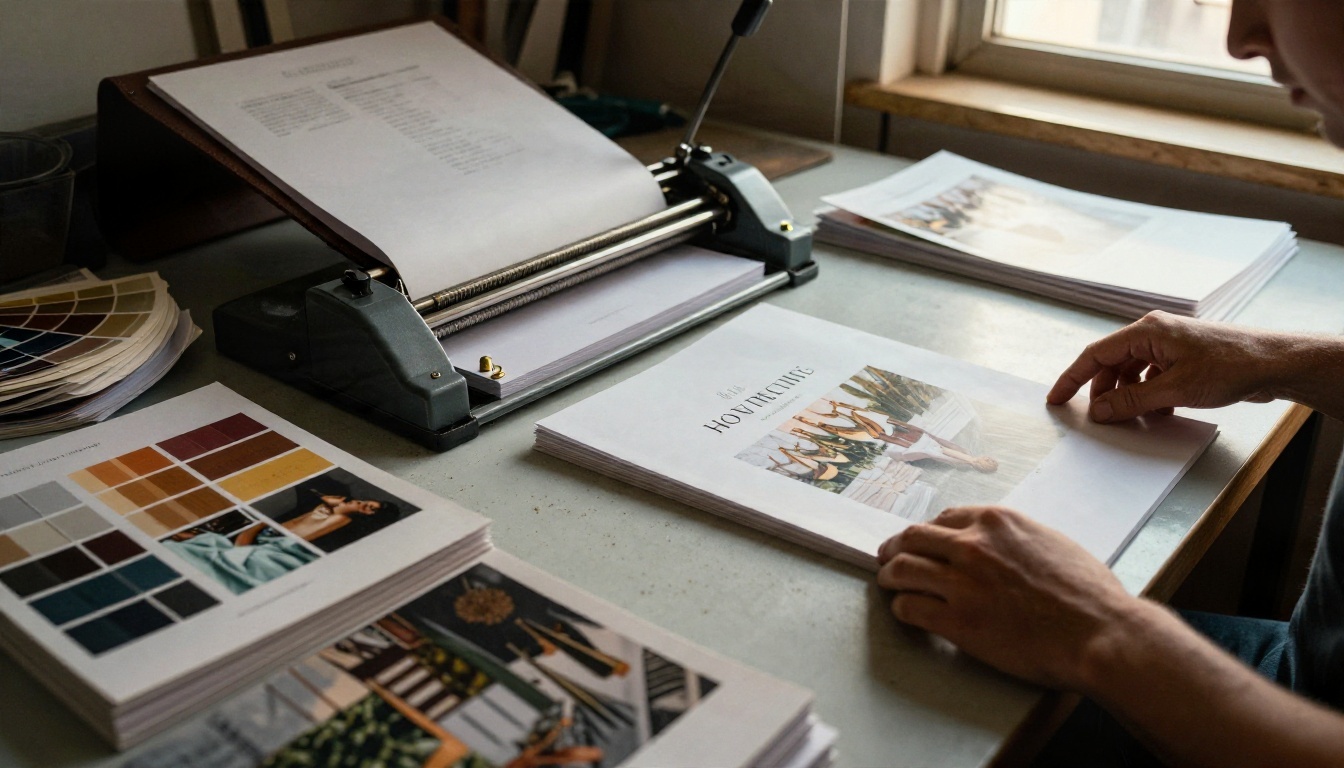
- Color: Ask for a printed proof on the actual paper. Screen colors and printed colors will differ.
Folder and Binding Options
| Option | Look | Page Replacement | Approximate Cost Level |
|---|
| Leather-look folder with inside pocket | Premium | Easy | Medium to high |
| Ring binder with printed spine | Practical | Very easy | Low to medium |
| Wiro or spiral booklet | Casual, modern | Hard | Low |
| Saddle-stitched booklet | Simple | Not possible | Lowest |
| Hardcover with sewn binding | Luxury | Not possible | Highest |
For most hotels, a leather-look folder with sleeves strikes the best balance. You can replace a single menu sheet without touching the rest, and the folder lasts for years.
Print Specifications Checklist
- Set up files with 3 mm bleed on all sides and keep text at least 6 mm inside the trim.
- Convert images to CMYK and export at 300 dpi for print. Use a separate lower-resolution PDF for the flipbook.
- Embed or outline all fonts so nothing changes at the printer.
- Order one proof, check every phone number, then approve the run.
- Print 20 percent more than the number of rooms to cover replacements and staff areas.
- Mark each page with a small version date in the footer, such as "05/26", so housekeeping knows which sheets to swap.
💡 Pro tip: Print the seasonal pages in small batches and leave the evergreen pages for a larger run. That alone can cut yearly print costs significantly.
Common Mistakes to Avoid
Even well-meaning teams repeat the same errors. Here are the most frequent ones and what to do instead.
| Mistake | Why It Hurts | Better Approach |
|---|
| Too much text on every page | Guests stop reading | One idea per page, max three blocks |
| Outdated prices or hours | Front desk gets complaints | Put changing content online with a QR code |
| Stock photos only | Feels generic | Use real photos of your property |
| No emergency page | Safety risk | Dedicate one plain page |
| Print and online do not match | Confuses guests | Keep the same page order |
| Small fonts under 9 pt | Hard to read in dim light | 10 to 11 pt body text minimum |
A few more habits that make a difference:
- Review the folder every quarter, not once a year.
- Ask guests in your feedback survey whether they found what they needed.
- Check that every QR code works on both iPhone and Android before printing.
- Test the flipbook on slow mobile data to be sure it opens quickly.
Quick Use Cases by Hotel Type
- Boutique hotel: A leather folder with six pages and a flipbook for the full restaurant and wine list.
- Resort: A larger folder split into tabs for activities, kids club, dining and spa, plus a flipbook that updates the weekly event schedule.
- Business hotel: A slim folder with Wi-Fi, meeting rooms, airport transfer and laundry, and a flipbook sent with the booking confirmation.
- Serviced apartments: A house manual with appliance instructions and waste collection days, protected by password.
Ready to Build Yours?
A good compendium is short, honest and easy to update. Start with the ten questions your front desk hears most, lay them out on clean pages, print a premium folder for the room, and publish the same content online so it never goes stale.
Ready to turn your folder into an interactive guest experience? Get started for free on Flipbooks AI, browse all flipbook tools for menus, brochures and catalogs, or compare pricing plans to pick the right setup for your property.



