Every hotel room has the same problem: a heavy binder on the desk that nobody opens, with a Wi-Fi password printed on a page that went out of date two seasons ago. A hotel digital compendium fixes that by moving the whole room directory onto the guest's phone, where it can be searched, updated in seconds and never goes missing. With a tool like Flipbooks AI, you can turn a PDF into a page turning digital compendium in minutes, no designer or developer required.
This article explains what the term means, what to put inside, which free templates to start from, and how to set it up room by room.
What a Hotel Digital Compendium Is
The Meaning in Plain Words
A compendium is a short, organized collection of everything a reader needs on one topic. In hospitality, the hotel compendium (also called a room directory, guest services directory or in room information book) is the document that tells guests how the property works: services, hours, phone extensions, dining, safety rules and local tips.
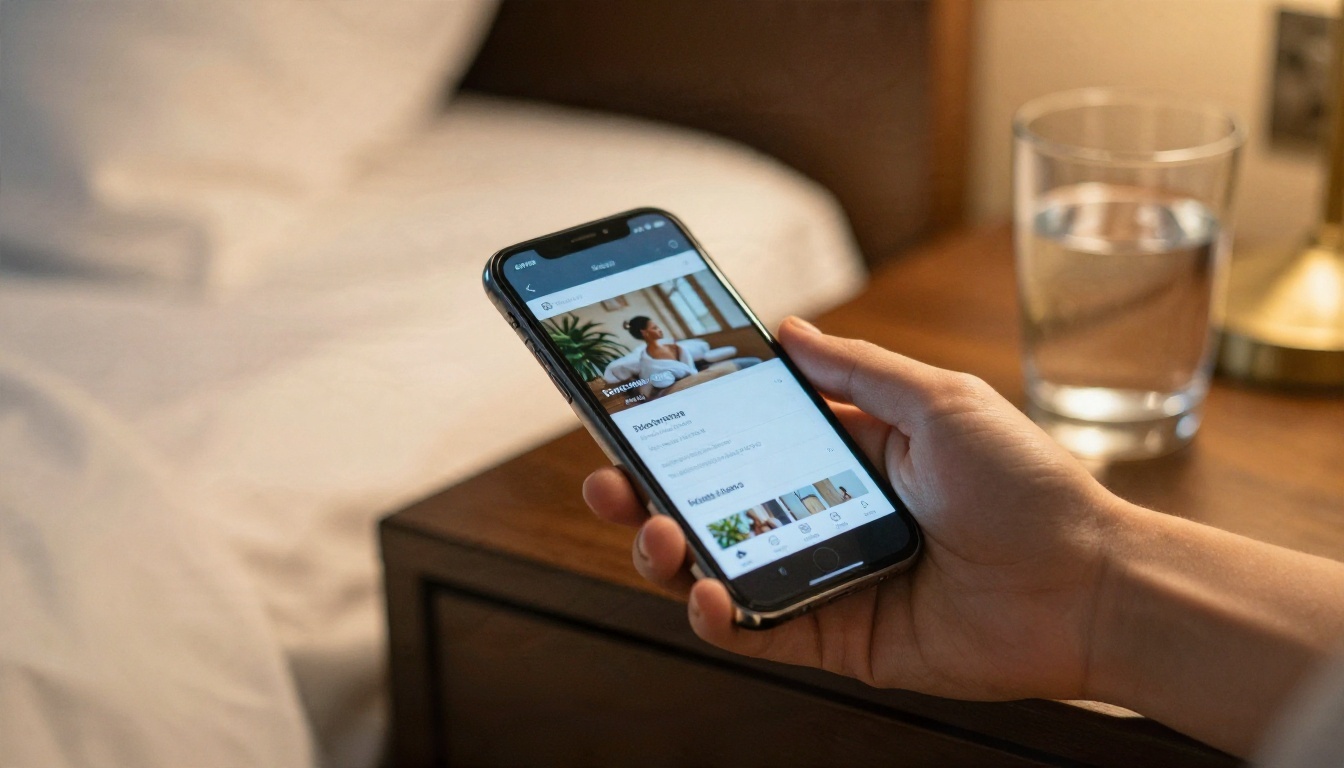
The digital version holds the same content in an interactive format. Guests open it by scanning a QR code or tapping a link, and they flip through pages on their own device. You can add photos, buttons, videos, maps and menus that a paper binder simply cannot hold.
💡 Quick definition: A hotel digital compendium is a mobile friendly, regularly updated version of the in room directory, delivered through a QR code, link or tablet.
How It Differs From a PDF Directory
A plain PDF is a digital file, but it is not the same as a compendium. A PDF is static and often awkward to read on a phone. A flipbook based compendium behaves like a real publication: pages turn, text resizes, and the layout adapts to the screen.
| Feature | Paper binder | Plain PDF | Digital compendium (flipbook) |
|---|
| Update speed | Reprint and replace | Re-export and re-upload | Replace the file, link stays the same |
| Mobile reading | Not applicable | Pinch and zoom | Responsive, page turning |
| Photos and video | Printed photos only | Photos only | Photos, video and audio |
| Tracking views | None | Limited | Analytics available |
| Cost per room | Printing and replacement | Low | Low |
| Languages | One binder per language | Several files | Several versions behind one QR |
Why Hotels Are Replacing Paper Binders
Costs That Add Up
Printing is only the visible expense. Consider what a paper directory really involves:
- Reprinting every time a price, opening hour or phone extension changes
- Replacement of stained, torn or stolen binders
- Housekeeping time spent checking that every room has the current version
- Translation copies that multiply the page count
- Storage and waste from outdated stock
A digital compendium removes most of this. You edit one file, and every room shows the update the next time a guest scans the code.
Guests Expect Phone First Service
Most travelers already book, check in and look up restaurants from a phone. A digital directory matches that habit. It also helps guests who want to find the spa schedule at 11 pm without calling the front desk.
Benefits for the property:
- Fewer routine calls to reception
- Faster promotion of paid services such as the spa, tours and room service
- A cleaner, more modern room look
- Easy multilingual support
- Real data on which pages guests actually read
What Goes Inside Each Room Compendium
Core Sections
Start with the information guests need within the first ten minutes of arriving. Keep each page short and visual.
| Section | What to include | Suggested pages |
|---|
| Welcome | Short greeting, property photo, general manager note | 1 |
| Wi-Fi and devices | Network name, password, TV and casting instructions | 1 |
| Front desk and contacts | Extensions, checkout time, late checkout request | 1 to 2 |
| Dining | Restaurant hours, breakfast details, in room dining menu | 2 to 4 |
| Room features | Air conditioning, safe, minibar, lighting controls | 1 to 2 |
| Housekeeping | Request towels, turndown, do not disturb | 1 |
| Safety | Emergency exits, contacts, medical assistance | 1 |
| Local area | Nearby sights, transport, pharmacy, ATM | 2 to 3 |
Optional Sections That Earn Revenue
Once the basics are in place, use the compendium as a quiet sales channel:
- Spa and wellness menu with treatment photos, a use case for the Spa & Wellness Menu Creator
- Restaurant and bar menus linked from the dining page, built with the Restaurant Menu Creator
- Tours and experiences with booking contacts
- Upgrade offers for suites, late checkout or airport transfers
- Event calendar for weddings, live music or seasonal activities
- Loyalty program details and direct booking benefits
⚠️ Warning: Do not stuff every page with offers. Guests should find the Wi-Fi password in two taps. Put promotions after the essentials.
Free Templates You Can Start From
Template Structure at a Glance
You do not need to design from nothing. Pick a structure that matches your property type, then fill in your own text and photos. The Hotel Brochure Designer is a practical starting point, because hotel layouts already include room photography, amenities and contact pages.
| Template | Best for | Suggested length | Main sections |
|---|
| Boutique hotel | 10 to 50 rooms | 12 to 16 pages | Welcome, services, dining, local tips |
| Resort | Large properties with many outlets | 24 to 40 pages | Resort map, restaurants, spa, kids club, activities |
| Apart hotel | Longer stays | 16 to 24 pages | Kitchen use, laundry, waste and recycling, nearby shops |
| Hostel or guesthouse | Budget stays | 6 to 10 pages | House rules, Wi-Fi, kitchen, city tips |
| Business hotel | Corporate travelers | 10 to 14 pages | Meeting rooms, work desk, airport transfers, express checkout |
A Page by Page Outline You Can Copy
Here is a simple 12 page structure that works for most boutique hotels:
- Title page: logo, property photo, short welcome line
- Welcome note: two or three sentences from the manager
- Wi-Fi and connectivity: network, password, support contact
- Your room: controls, safe, minibar, amenities
- Front desk: extensions, checkout time, luggage storage
- Breakfast and dining: hours, location, dietary options
- Bar and room service: menu thumbnail, ordering instructions
- Spa and fitness: hours, booking, facilities
- Housekeeping and requests: extra pillows, towels, laundry
- Safety: exits, emergency numbers, first aid
- Local area: map, five places to see, transport tips
- Contact and feedback: reviews, social links, return offer
✅ Best practice: Use one idea per page, short sentences, and a large photo on every second page. People read this on a phone, often standing up.
How to Create One with Flipbooks AI
If you already have a directory in Word, Canva, InDesign or PDF form, you can publish it as a digital compendium without redesigning it. The PDF to Flipbook Converter handles the conversion.

Upload and Convert
- Go to Flipbooks AI and create an account.
- Click the button to add a new flipbook.
- Upload your PDF. The platform converts each page into a flippable page, keeping text sharp.
- Wait a few moments for the preview to load, then flip through it on desktop and on your phone.
💡 Screenshot tip: The upload screen shows a drag and drop area. After processing, the editor displays your pages as thumbnails on the left and a live preview in the center.
Customize the Look
Make the compendium feel like your property, not a generic file:
- Custom branding: add your logo and choose colors that match your hotel
- Page effects: keep the page turn animation, or choose a simpler look for older guests
- Multimedia: embed a short video tour of the pool, an audio welcome or a link to your booking engine
- Clickable links: make phone numbers, email addresses and menus tappable
- No watermarks: published flipbooks stay clean, with no third party marks on your pages
Share, Embed and Protect
You have several ways to deliver the compendium to guests:
- Direct link to print as a QR code
- Embed code to place it on your website or booking confirmation page, using the Embed Flipbook on Website tool
- Password protection if you want to restrict it to in house guests only
- Offline download so guests with weak roaming data can still read it
Track What Guests Read
With the Professional plan, you get analytics and lead generation. You can see which pages are opened most, which helps you decide where to put your spa offer or whether the dining section needs clearer photos. Review the options on the pricing page. The Standard plan and above includes unlimited flipbooks, useful when you manage several properties or want separate versions for rooms, suites and conference guests.
Setup for Rooms: QR Codes and Placement
Where to Place the QR Code
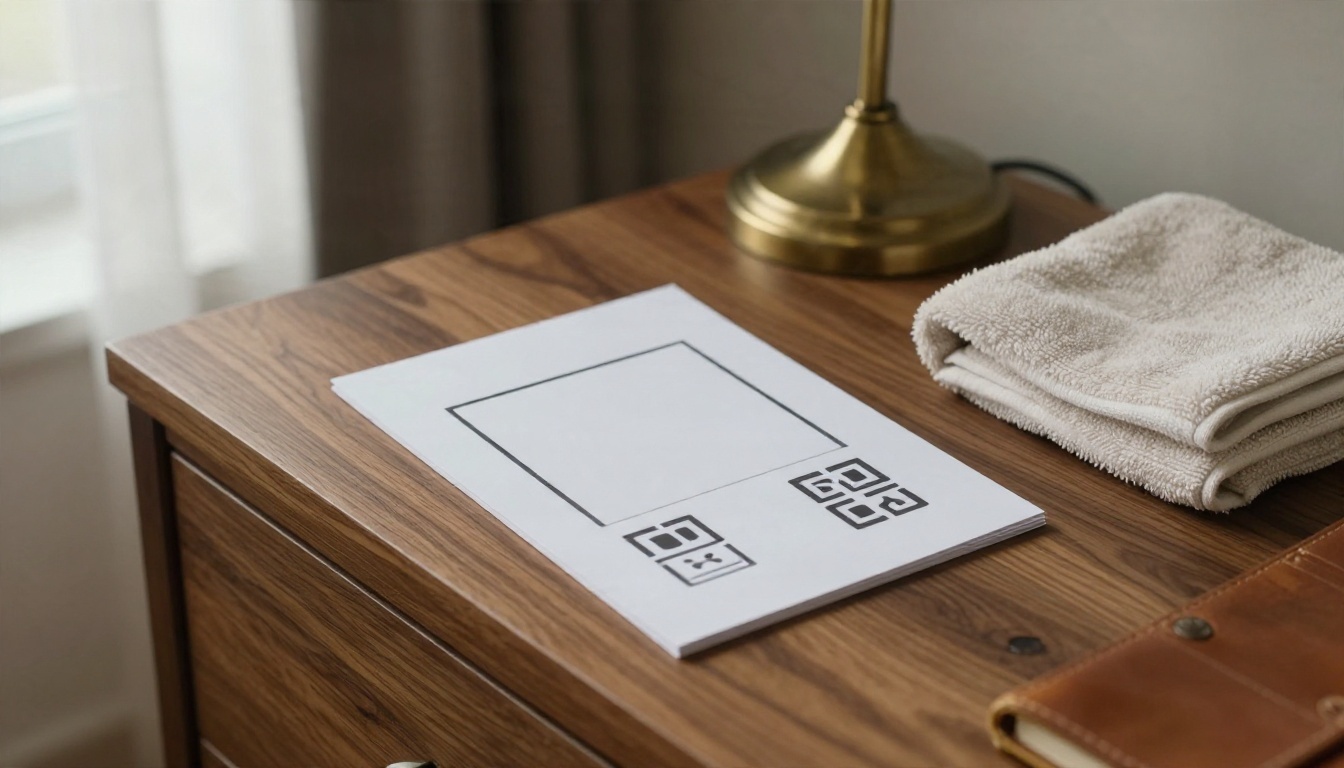
Placement decides whether guests use the compendium. If the code is hidden in a drawer, you are back to paper.
| Location | Guest visibility | Best use |
|---|
| Bedside table stand | High | Main directory link |
| Desk or work area | High | Wi-Fi and business services |
| TV or remote card | Medium | Entertainment and room controls |
| Door hanger or welcome card | High at arrival | First time instructions |
| Bathroom mirror card | Low | Housekeeping requests only |
| Reception counter | High at check in | Pre arrival and check in info |
⚠️ Warning: Print the QR code at least 3 cm wide on a matte surface. Glossy cards reflect lamp light and make scanning harder.
A Simple Room Setup Checklist
Use this list during your rollout:
- Generate one stable link for the compendium, so the QR code never changes
- Print codes on durable, wipeable cards
- Test scanning with both iPhone and Android devices in a dim room
- Add a short line next to the code, for example "Scan for services"
- Train front desk staff to answer questions using the same document
- Keep a few printed copies at reception for guests who prefer paper
Language and Accessibility
Guests from different countries read in different languages. Create one flipbook per language, or one with side by side pages for your main two languages. Use high contrast text, at least 14 point body size in the source PDF, and avoid light gray text on white backgrounds. Add alt descriptions to images in your original document when possible.
Common Mistakes to Avoid
Most failed digital directories break in the same ways:
- Too much content: a 60 page document nobody finishes. Split it into a main compendium and separate menus.
- Outdated information: a digital file that is never updated is worse than paper. Assign an owner and a monthly review date.
- Tiny text: copying a print layout without checking the mobile preview.
- Broken links: test every phone, email and menu link after publishing.
- Missing fallback: some guests will not scan. Offer a printed card with the Wi-Fi password and reception extension.
- No brand feel: use your real photography instead of generic stock images.
Real World Examples
These illustrative scenarios show how different properties can use the same tool.
A 40 room boutique hotel replaces a laminated binder with a 14 page compendium. The manager edits the breakfast hours on a Monday and the change shows in every room by Monday afternoon, with no reprint.
A beach resort builds a separate compendium for rooms, kids club and spa. Each part has its own link, so a family gets the kids club schedule while a couple gets the spa menu. The Digital Catalog Maker works well for the activity and excursion listings.
An apart hotel adds a short video showing how to use the induction hob and washer. Guests stop calling reception at night for the same two questions.
A business hotel embeds the compendium on its confirmation email page. Travelers read about meeting rooms and airport transfers before they arrive.
Comparing Setup Options
| Option | Effort | Update speed | Best for |
|---|
| Printed binder only | High | Slow | Properties with no guest Wi-Fi |
| PDF on website | Low | Medium | Very small guesthouses |
| Flipbook compendium with QR | Low | Fast | Most hotels and apart hotels |
| Flipbook plus in room tablet | Medium | Fast | Luxury properties |
| Hotel app | Very high | Medium | Large chains with a dev team |
Build Yours This Week
A hotel digital compendium does not need a software project. Collect your current directory, choose a template that matches your property, and publish it as a flipbook. Then print the QR codes and put them where guests will see them.
Ready to publish? Get started for free on Flipbooks AI, browse all flipbook tools and templates, or compare pricing plans to see which one fits your property. If you want to go straight to a plan, use this link to sign in and choose one.



