A guest walks into a hotel room at 11 pm, hungry, and finds a sticky laminated menu with a coffee ring on the front page. Two prices are crossed out in pen. The kitchen closed its grill an hour ago, but the menu does not say so. That small moment costs you a sale and a review point. A hotel menu app fixes it, and with a platform like Flipbooks AI you can publish one without writing a line of code.
This article shows what a good digital room service menu looks like, which free options are actually worth testing, and exactly how to set up a QR code that works the first time a guest scans it.
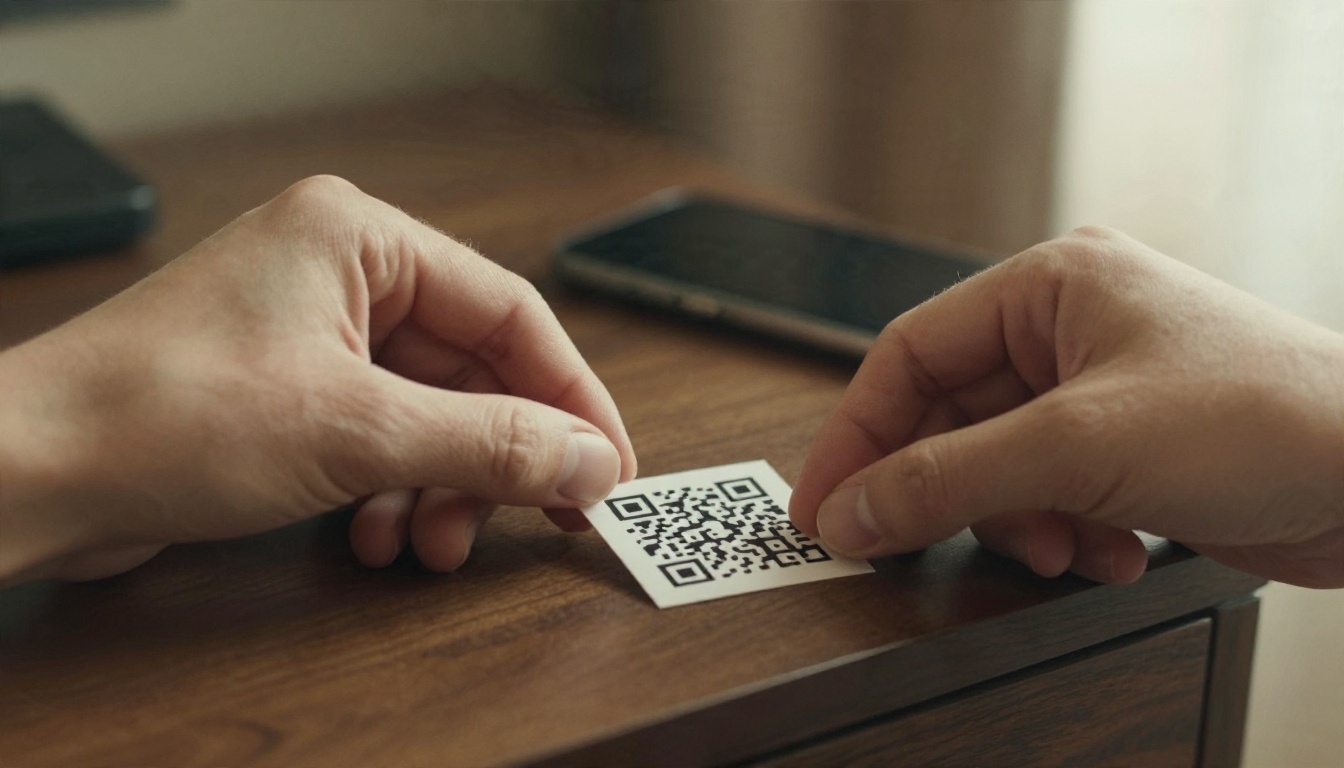
Paper menus were fine when a hotel changed its food offer once a year. Today prices move, suppliers change and allergen rules shift. A printed folder in every room becomes outdated within weeks, and nobody wants to reprint 200 copies because the salmon dish went up by two dollars.
What Guests Expect Now
Guests already order groceries, rides and flights from their phones. A digital room service menu feels normal to them. They want three things:
- Speed: open the menu in under three seconds, with no app download.
- Clarity: photos, prices, allergens and prep time visible at a glance.
- Honesty: a menu that shows what is available right now.
A mobile-responsive flipbook handles all three, because it opens in any browser and scales to the screen in the guest's hand.
The Hidden Cost of Printing
Printing looks cheap until you add it up. Design revisions, print runs, laminating, replacement of damaged copies, and the staff time to swap menus room by room all land on your budget. A single digital file replaces every copy at once.
| Cost Item | Paper Menu | Digital Menu |
|---|
| Price change | Reprint all copies | Edit once, live in minutes |
| Hygiene | Wipe or replace after each stay | Guest's own phone |
| Seasonal updates | 2 to 4 print runs per year | Unlimited updates |
| Translation | One more printed set per language | Add a language page |
| Tracking | None | Views and scans measured |
💡 Pro tip: Count how many menus you reprinted last year and multiply by the print cost. Most small hotels find the number is higher than a year of digital publishing.
Good menus are not just a PDF dropped on a website. They are organized around when a guest eats and how they feel at that moment. Here are three formats that work in real properties.
Breakfast in Bed Menu
Morning guests are slow and relaxed. Give them a visual, tick-box style layout with a photo of each plate, a hanger-style time slot (7:00, 7:30, 8:00) and a short list of add-ons like extra coffee or fresh juice.
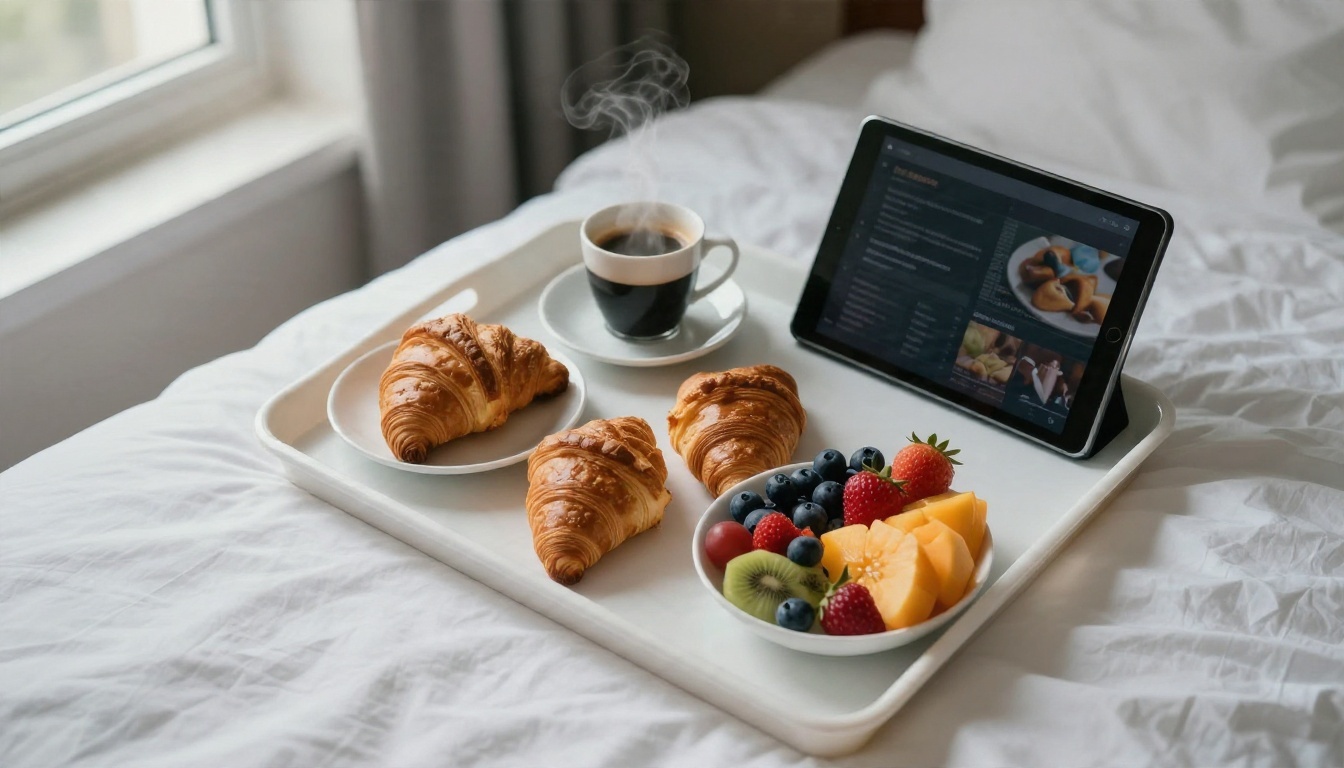
What works:
- Large photos for the three bestsellers
- A clear delivery window per slot
- Dietary icons for vegetarian, vegan and gluten free
Late Night and Minibar Menu
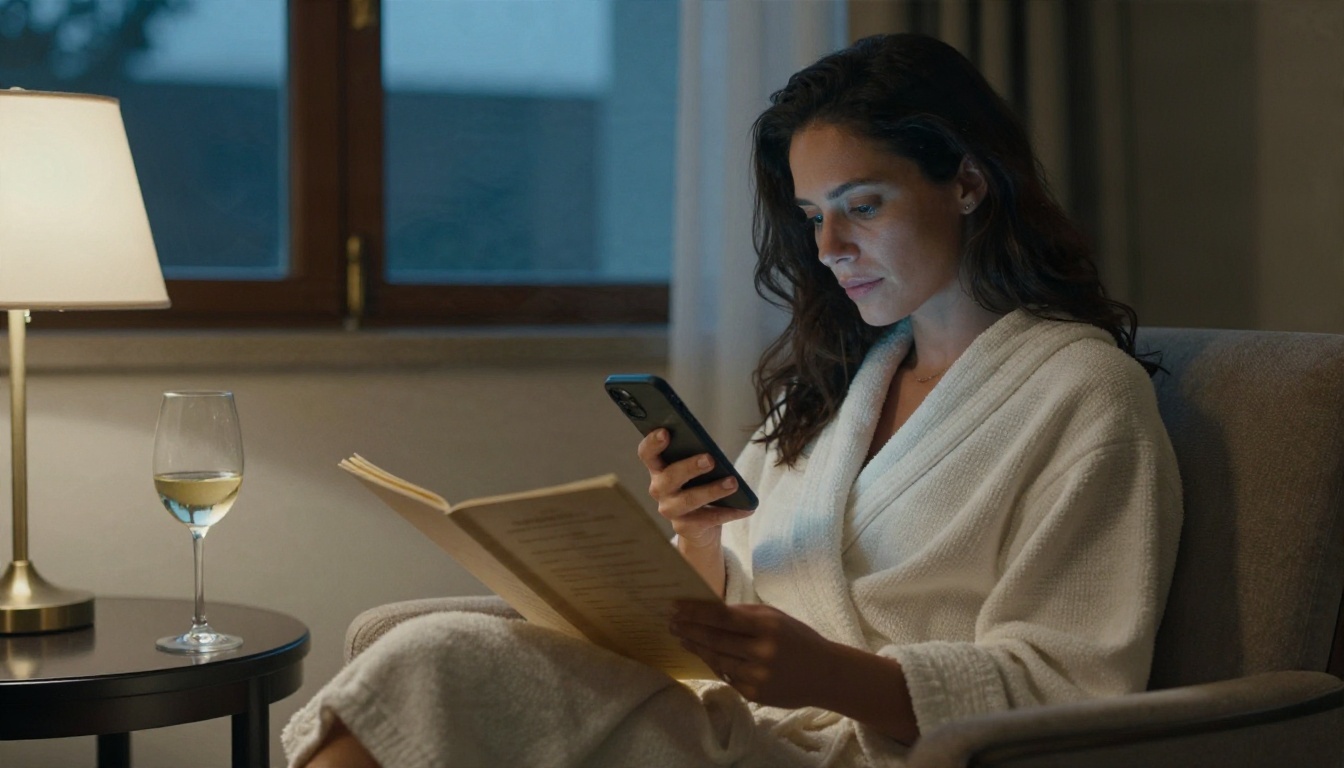
At night guests want fast and simple. A short menu of 8 to 12 items converts better than a 40 item list. Put the fastest dishes first (sandwiches, burgers, pasta) and say "Kitchen closes at 1 am" on the first page.
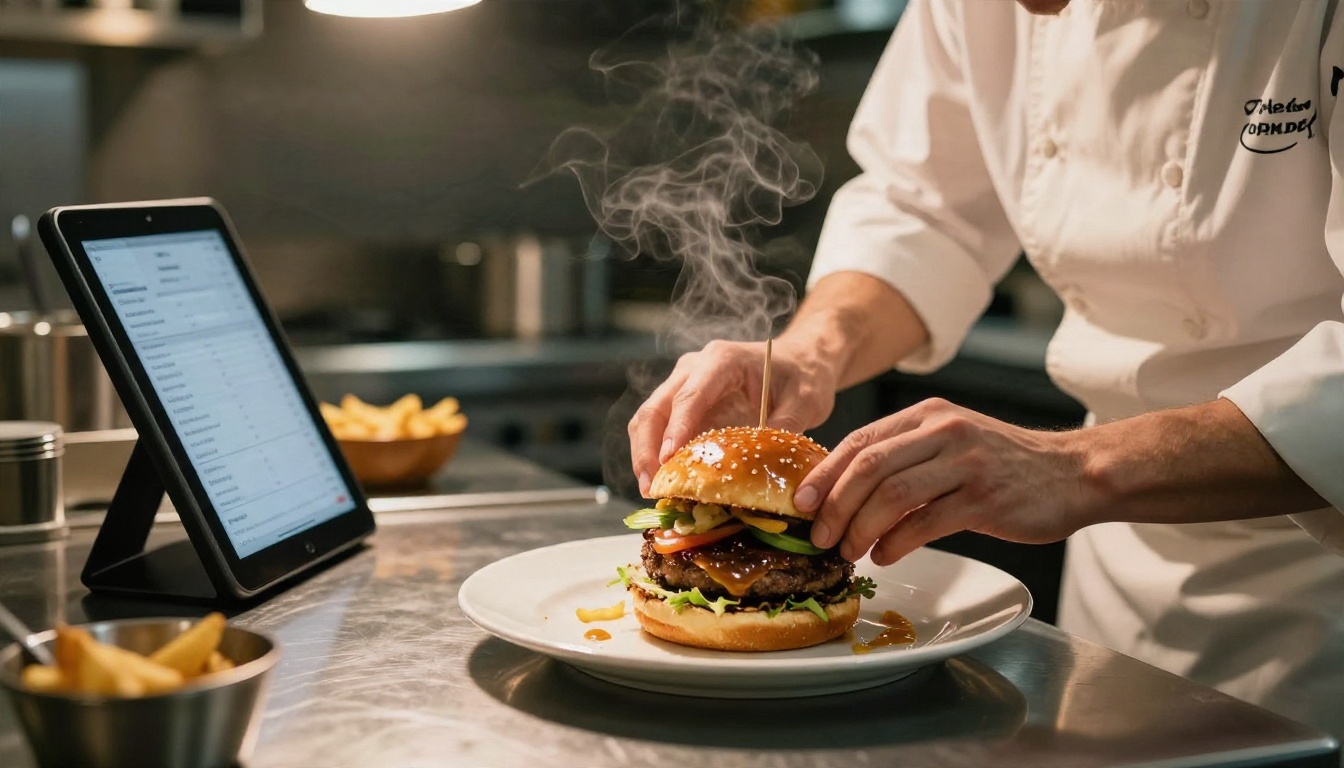
⚠️ Warning: Never leave dishes on a late night menu that the kitchen cannot prepare after 10 pm. A menu that promises more than the kitchen delivers creates complaints.
Poolside and Spa Menus
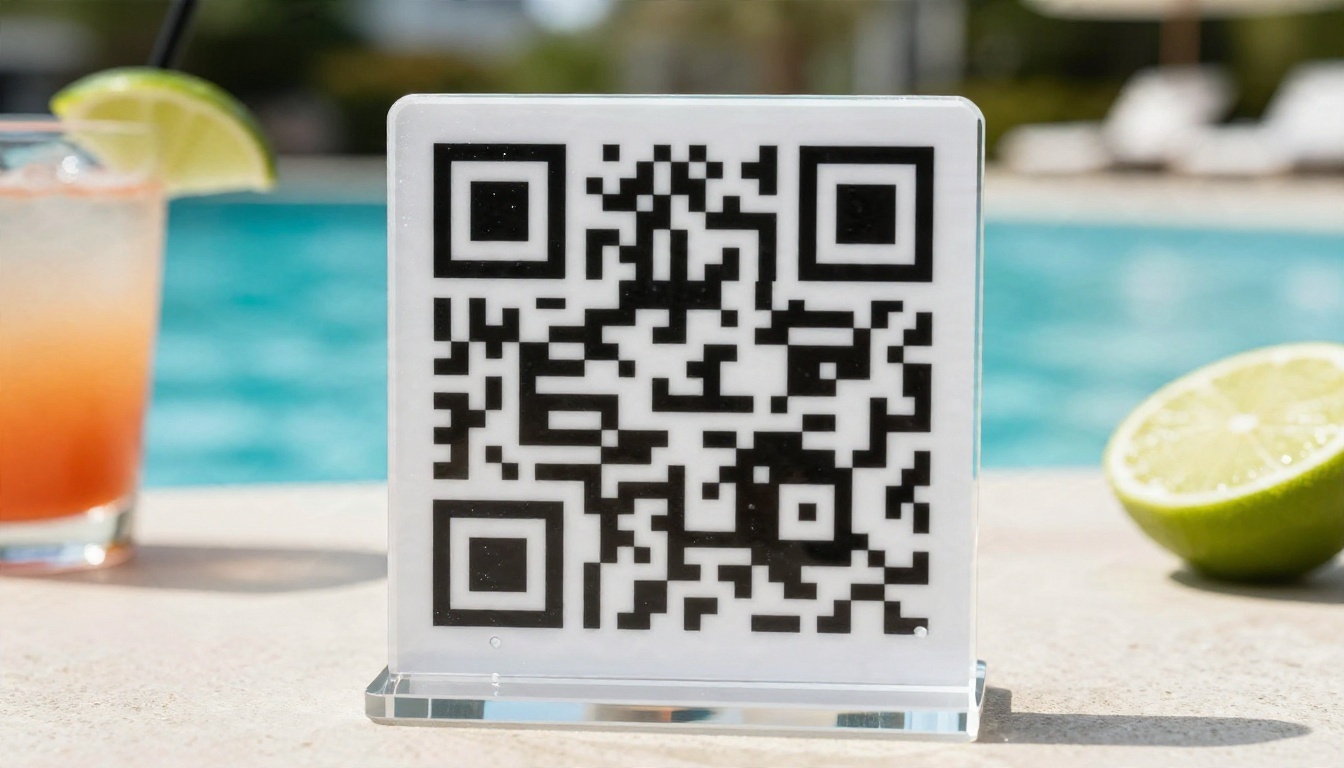
Outdoor menus are read with sunglasses and wet fingers, so large type and high contrast matter. A table-top acrylic stand with a QR code replaces a stack of menus that warp in the sun. For wellness areas, the Spa & Wellness Menu tool works well for treatments, juices and light plates in one scrollable book.
Here is how the three formats compare:
| Menu Type | Best Length | Main Goal | Placement |
|---|
| Breakfast | 6 to 10 pages | Pre-order by time slot | Bedside card, door hanger |
| Late night | 2 to 4 pages | Fast decision | Desk, TV stand |
| Poolside | 3 to 6 pages | Quick drinks and snacks | Table stand, loungers |
| Spa | 4 to 8 pages | Upsell treatments | Spa lobby, treatment room |
You do not need a budget to test the idea. Free tiers exist, and a pilot with one floor or one outlet tells you more than any sales demo.
Free Tools Compared
| Option | Best For | Page Flip Look | Watermark | Limits |
|---|
| Google Docs or Slides link | Very small guesthouses | No | No | Plain look, no branding |
| Canva free design | Quick visual layouts | Limited | Sometimes | Export and embed restrictions |
| Free QR generator plus PDF | One static menu | No | Depends | PDF opens slowly on mobile |
| Flipbooks AI | Branded interactive menus | Yes | None | See plan details |
A shared Google link works on day one, but it looks like a spreadsheet. A flipbook looks like a real printed menu, which fits better with a hotel's brand.
Where Free Options Fall Short
Free tools tend to break down in four places:
- Branding: logos, fonts and colors are locked or watermarked.
- Analytics: you cannot see which pages guests open.
- Updates: a QR code that points to a file often breaks when you replace it.
- Security: nothing stops a competitor from copying your menu and prices.
✅ Best practice: Always use a dynamic link behind your QR code, so the printed code never changes even when the menu does.
A QR menu is only as good as its weakest step. Follow this order and you avoid reprinting cards.
Pick the Right Format
Use a PDF converted to a flipbook. It keeps your design exactly as made, loads fast on 4G and does not require guests to install anything. Avoid menus that open as a raw PDF download, because many phones show a loading bar and then a tiny page.
Place the QR Code
Location decides scan rate. Try these spots first:
- Bedside table: a small acrylic stand with the QR and the words "Menu"
- Desk or TV stand: a card in the room directory
- Door hanger: useful for breakfast pre-orders
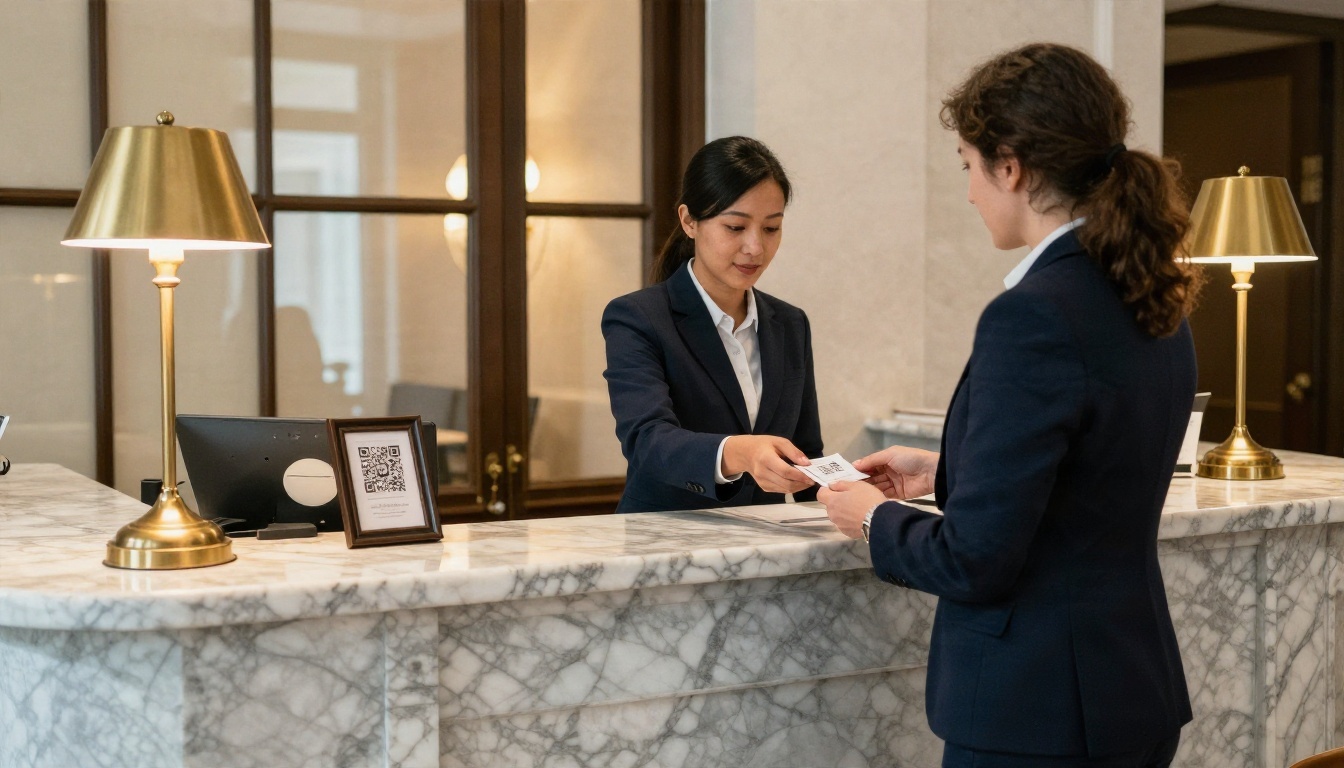
- Front desk and lift lobby: for guests browsing before they go up
- Pool and bar tables: a weatherproof stand
Make the code at least 2.5 cm (1 inch) wide, with a quiet margin of white around it, and keep contrast high: dark code, light background.
Test Before Launch
Scan the code from every room category with an iPhone and an Android phone. Test with Wi-Fi on, then on mobile data. Check that the first page loads in under three seconds. Ask two staff members who did not build the menu to try ordering.
| Test | Pass Condition |
|---|
| iPhone camera scan | Opens menu directly |
| Android camera scan | Opens menu directly |
| Mobile data load | Under 3 seconds |
| Dark room readability | Text clear at low brightness |
| Language switch | Visible on the first page |
If your menu already exists as a PDF, you are minutes away from a live digital version. The Menu Flipbook Designer and the Restaurant Menu Creator are built for exactly this job.
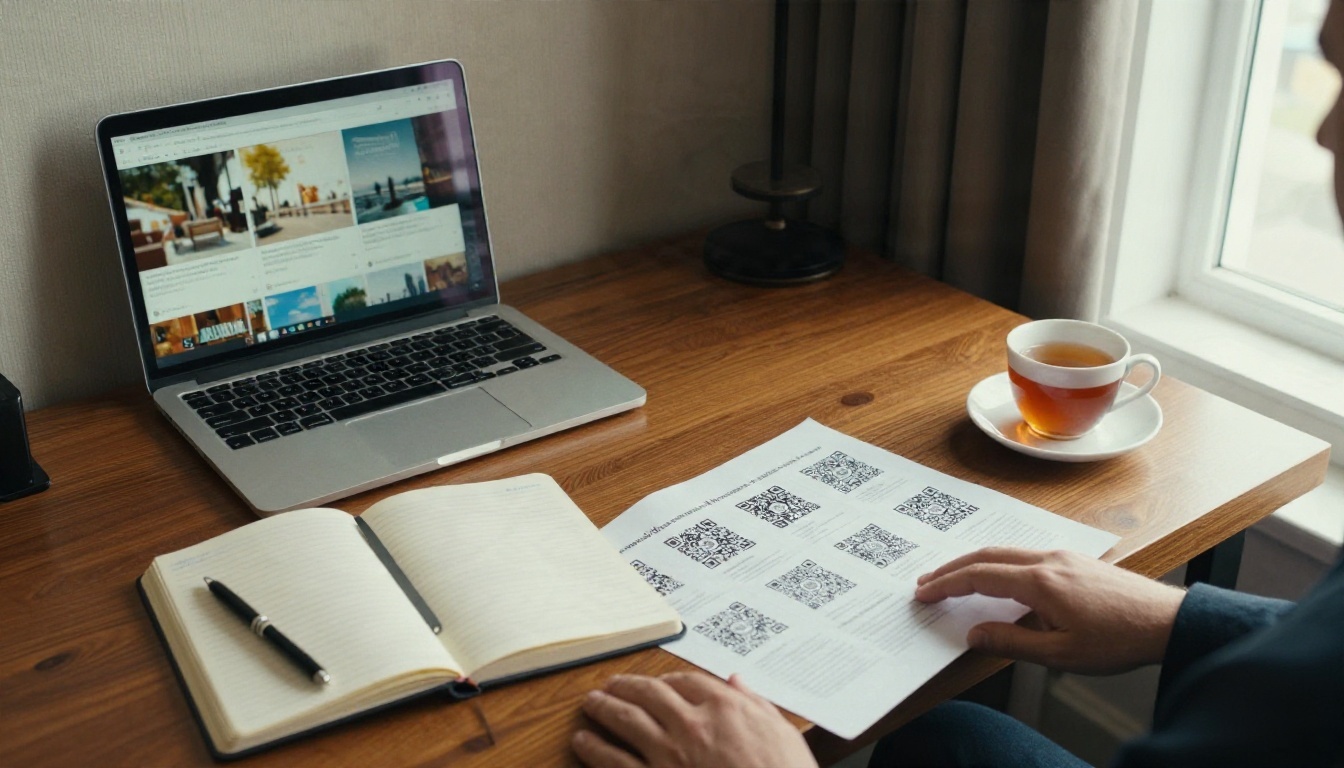
Create Your Account and Upload
- Go to Flipbooks AI and create an account.
- Click to start a new flipbook and drag in your menu PDF.
- Wait a few seconds while the PDF to Flipbook Converter turns each page into a turnable spread.
You should see a preview with page-turn effects. If a page looks cut off, re-export the PDF at A4 or A5 with 3 mm bleed removed.
Brand It and Add Media
Open the customization panel. This is where the menu starts to feel like your hotel:
- Upload your logo and pick brand colors that match your signage.
- Choose the page effect and a soft background that suits your room style.
- Add embedded videos, such as a 10 second clip of the chef plating the signature dish.
- Add audio if you want a short welcome note from the restaurant manager.
- Add clickable buttons for "Call Room Service" or "Request Late Checkout."
The result is mobile-responsive by default, and there is no watermark, ever.
Share and Protect
Once the design is final, open the share panel:
- Copy the direct link and turn it into a QR code in any generator.
- Use the embed code to put the menu on your hotel website through the Embed Flipbook on Website tool.
- Enable password protection for staff-only or VIP menus, such as a private suite dining menu.
- Allow offline downloads so guests with weak signal in basement rooms can still read it.
💡 Pro tip: Keep one master link per menu. When you update the flipbook, the QR code on the printed card keeps working, so you never reprint.
Analytics and Lead Capture
On the Professional plan, you get analytics and lead generation. You see which pages guests open most, how long they stay and which dishes get skipped. A lead form lets you capture email addresses for guests who want a loyalty offer or a breakfast discount on the next stay.
| Feature | Standard Plan | Professional Plan |
|---|
| Unlimited flipbooks | Yes | Yes |
| Custom branding | Yes | Yes |
| No watermark | Yes | Yes |
| Password protection | Yes | Yes |
| Analytics | Basic | Detailed |
| Lead generation | No | Yes |
You can also pair the menu with a Hotel Brochure so guests flip from room service to spa, local tours and checkout times in the same book.
Real Hotel Scenarios That Work
Theory only goes so far. Here are three realistic setups.
A 24 room boutique hotel. The owner converts a two page breakfast menu into a flipbook, prints 24 bedside QR cards and takes orders by phone. Orders for breakfast in bed rise because guests can see photos before they call.
A 140 room business hotel. Management builds a short late night menu and a longer dinner menu. Analytics show that guests open the burger page three times more than the salad page, so the kitchen features the burger on page one.
A resort with pool and spa. Each outlet has its own flipbook and QR stand. All three share one brand color scheme, so guests recognize them as one hotel.
| Property Type | Menus Needed | Suggested Placement | Update Rhythm |
|---|
| Boutique hotel | 1 to 2 | Bedside, front desk | Monthly |
| Business hotel | 2 to 3 | Desk, lift lobby | Weekly |
| Resort | 4 to 6 | Rooms, pool, spa, beach | Seasonal plus daily specials |
Mistakes That Hurt Room Service Sales
Most failed digital menus break the same few rules.
- Tiny text. If a guest has to pinch and zoom, they will call the front desk instead.
- No photos. People order what they can see. Even three good images lift sales.
- Old prices. A mismatch between the digital price and the bill creates arguments at checkout.
- QR on the wrong surface. Glossy cards under bright lights reflect glare. Use matte paper or matte acrylic.
- No fallback. Some guests do not want to use a phone. Keep one printed menu in the desk drawer.
- Slow links. A file that needs 12 seconds to load will be abandoned.
⚠️ Watch out: Allergen information is a legal matter in many countries. Include it on the menu itself, and keep your kitchen team trained to verify it when an order comes in.
A hotel menu app does not need a developer, a large budget or a six month rollout. Start with one menu, one QR card style and one floor. Measure scans for two weeks, then expand.
Here is your quick action plan:
- Export your current menu as a clean PDF.
- Create a free account on Flipbooks AI and upload it.
- Brand the flipbook with your logo, colors and a few photos.
- Generate the QR code from your share link and print it on matte stock.
- Test on two phones, then place the cards in rooms.
- Review analytics after two weeks and adjust the first page.
Ready to try it? Get started for free and publish your first room service menu today. Browse all flipbook tools and templates to find the right layout for your property, or compare pricing plans to pick the one that matches your number of rooms and outlets.



