A guest drops their bag, sits on the bed and looks around for one thing: answers. What is the Wi-Fi password? When does breakfast end? Can I order a late checkout? A well built hotel room compendium puts every one of those answers within arm's reach, and it saves your front desk dozens of calls a day. In this article you will see what to include, how to lay out sample pages, which folders look good and last longer, and how a digital version built with Flipbooks AI can replace costly reprints.
💡 Quick definition: a hotel room compendium (also called a guest directory, room folder or in-room information book) is a single printed or digital collection of everything a guest needs during a stay: services, dining, policies, safety, local tips and contact details.
Why Rooms Still Need a Compendium
Apps, TVs and chatbots have not killed the in-room folder. They have changed what it does. A good compendium is now the calm, visual anchor of the room, the place where your brand voice lives and where every service gets a fair introduction.
What Guests Actually Look For
Most guests scan, they do not read. In practice they hunt for the same handful of facts in the first ten minutes:
- Wi-Fi network and password
- Breakfast, restaurant and bar hours
- Check-out time and late check-out options
- How to call the front desk or room service
- Spa, pool and gym access
- Nearby places worth a visit
If those items sit on the first three pages, your compendium has already done most of its job.
The Cost of Missing Information
Every unanswered question becomes a phone call, a front desk visit or a lukewarm review. It also hides revenue. Guests who never learn about your spa menu, minibar selection or airport transfer will not buy them.
| Gap in the room | What happens | Typical result |
|---|
| No Wi-Fi details visible | Guest calls the desk | Extra call volume, small irritation |
| Dining hours missing | Guest eats elsewhere | Lost food and beverage revenue |
| Spa menu absent | Treatments go unbooked | Empty appointment slots |
| No safety information | Guest unsure in an emergency | Compliance risk |
| Outdated phone numbers | Calls go unanswered | Poor review comments |
What to Include in Every Room
Think of the compendium as a short book with a clear order. Put the most requested information first, the revenue pages in the middle, and the rules and safety notes at the back where they are easy to find but do not dominate.
Essential Pages
These pages belong in every property, from a twenty room guesthouse to a five hundred room resort:
- Welcome note from the general manager or owner, with a name and a short, warm message.
- Quick reference page with Wi-Fi, front desk extension, breakfast hours and check-out time.
- Room features such as air conditioning, lighting scenes, TV casting, safe and minibar.
- Dining and room service with hours, menus and ordering instructions.
- Hotel facilities including pool, gym, business center and parking.
- Housekeeping and laundry with request instructions and price list.
- Safety and emergency with exits, assembly points and emergency numbers.
- Policies covering smoking, pets, quiet hours and damage.
- Check-out information with luggage storage and transfer details.
Optional Pages That Add Value
Once the essentials are in place, add pages that reflect your property and increase spending:
- Local favorites: a curated list of ten places, not fifty. Include walking distance.
- Spa and wellness menu: a visual treatment list with prices and booking steps.
- Sustainability page: towel reuse, refill stations and what you do behind the scenes.
- Loyalty program: one clear benefit and how to sign up.
- Events and seasonal offers: rotating weekly highlights.
- Accessibility information: services available on request.
✅ Best practice: keep the total below 20 pages for a standard room. Resorts with several outlets can use a separate dining section, but the first spread should always stay simple.
Page Order That Works
| Position | Section | Why it goes here |
|---|
| 1 | Welcome note | Sets tone, builds warmth |
| 2 | Quick reference | Answers the top questions fast |
| 3 | Room features | Reduces confusion with controls |
| 4 to 6 | Dining, spa, facilities | Revenue pages, visually rich |
| 7 | Local area | Helps planning, supports tours |
| 8 | Housekeeping and policies | Practical but less urgent |
| 9 | Safety and emergency | Easy to find, clearly marked |
Sample Pages You Can Copy
You do not need a design degree to produce pages that look polished. Consistent margins, one or two typefaces and generous white space will do more than any decorative effect.
Sample 1: The Welcome Page
Keep it under 80 words. Use a large photo of the property on one side and text on the other.
- Headline: "Welcome home, for a few nights."
- Body: two or three sentences, signed by a real person.
- Footer strip: front desk extension and Wi-Fi in a small box.
Example copy: "We are delighted you are here. Everything in this book is meant to make your stay easier. If something is missing, dial 0 and we will find it for you. Warm regards, Elena, General Manager."
Sample 2: The Services and Dining Page
Use a two column layout. Place a photo of your best dish or your spa room on the left and the practical details on the right.
| Element | Example |
|---|
| Outlet name | The Terrace Restaurant |
| Hours | Breakfast 7:00 to 10:30, Dinner 18:30 to 22:00 |
| Ordering | Dial 22 or scan the code on this page |
| Highlight | Chef's tasting menu, Thursday to Saturday |
| Dietary note | Vegetarian, vegan and gluten free on request |
For a polished menu section, the Restaurant Menu Creator and the Spa & Wellness Menu tools can turn your existing PDFs into page-turning menus guests can open from the compendium.
Sample 3: Safety and Policies Page
This page should be clear, not frightening. Use icons, short bullets and a simple floor plan arrow showing the nearest exit.
- Emergency number: large, bold, top of the page.
- Evacuation route: a small map with "You are here."
- Fire safety: two lines of instructions.
- Policies: smoking, pets, quiet hours in a short list.
⚠️ Warning: safety content may be legally required in your region. Check local regulations before finalizing wording, and have a manager sign off each revision.
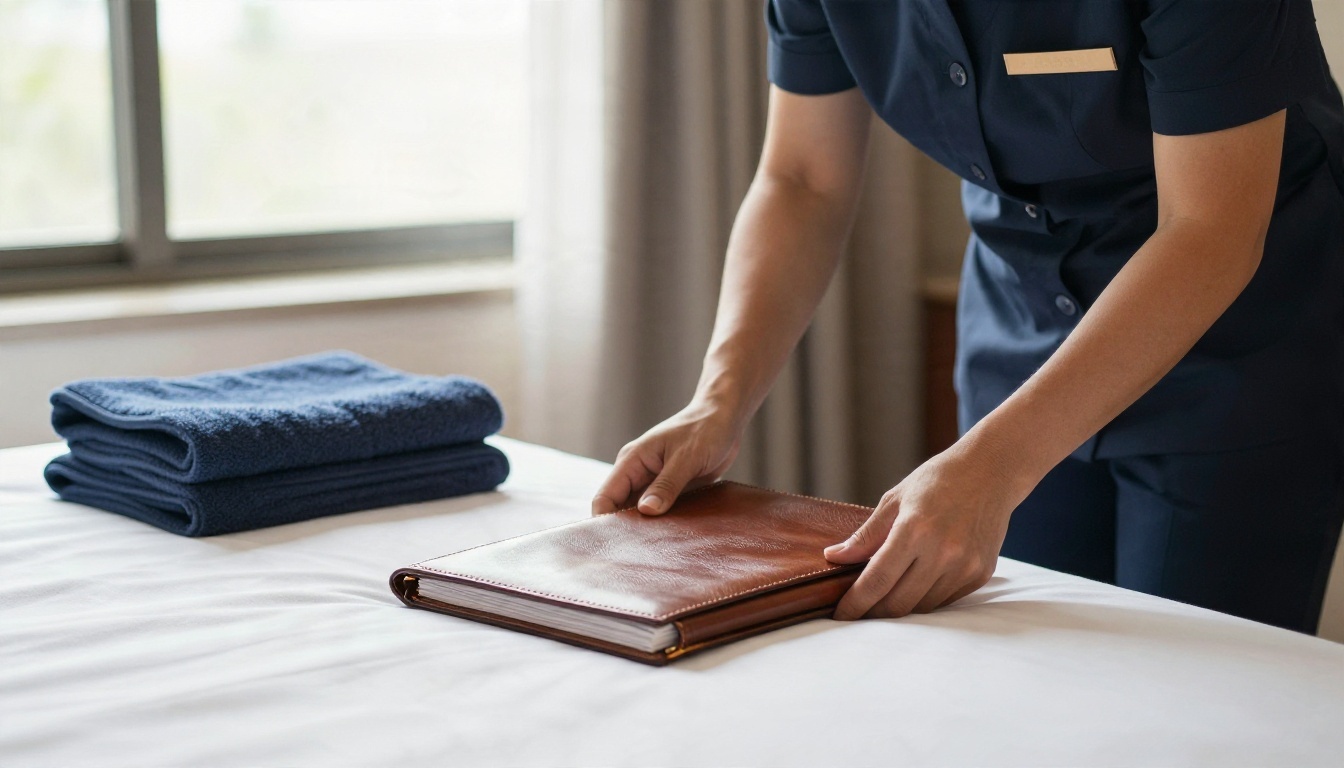
If you print, the folder is the first thing the guest touches. It should feel like part of the room, not an afterthought from a stationery catalog.
Choosing a Material
| Material | Look and feel | Durability | Best for |
|---|
| Genuine leather | Warm, classic, premium | Very high | Luxury and heritage hotels |
| Vegan leather | Smooth, modern, uniform | High | Business and city hotels |
| Linen cloth | Soft, natural, relaxed | Medium | Boutique and resort properties |
| Wood or bamboo cover boards | Organic, tactile | Medium | Eco lodges |
| Laminated card folder | Simple, wipeable | Medium | Budget and extended stay |
Binding and Format Options
- Ring binder with sleeves: easiest to update, because you swap a single page.
- Stitched booklet: cleaner look, but you reprint the entire booklet for any change.
- Pocket folder with inserts: flexible, ideal for seasonal flyers.
- Wire-bound hardcover: lies flat, sturdy for heavy use.
💡 Pro tip: choose A5 or a slim letter format. Larger folders crowd the desk, and smaller ones force tiny type. Use a minimum text size of 10 points for body copy.
Print Cost vs Update Speed
Print looks lovely, but it ages quickly. A price change, a closed restaurant or a new spa menu means pulling folders from every room. For a 150 room hotel, even a modest reprint can reach several thousand dollars once you add design time, paper and labor.
Digital Options Worth Considering
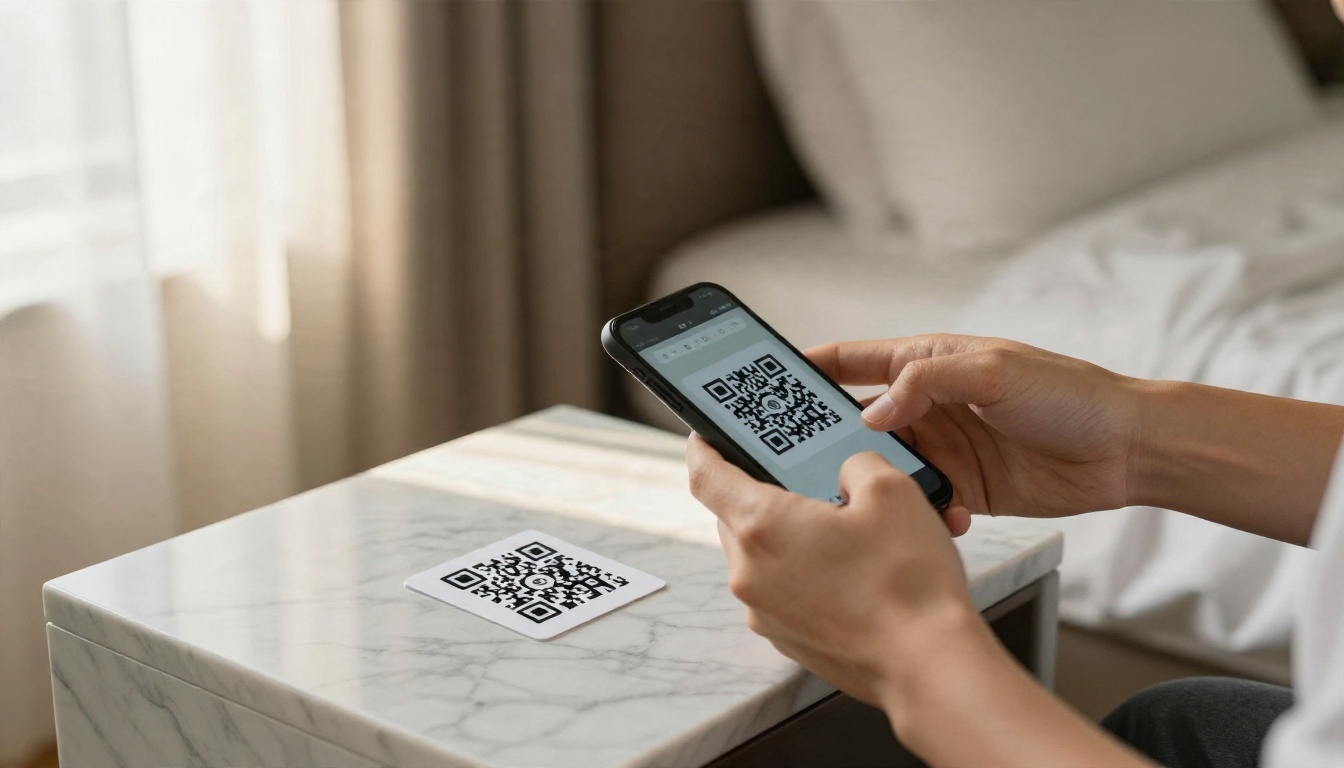
Digital does not have to replace the printed folder. Many hotels use a slim printed card with a QR code and a short welcome note, while the full compendium lives online. That way the room feels premium and the information is always current.
PDF, Web Page or Flipbook?
| Format | Setup effort | Reading experience | Update speed | Guest feel |
|---|
| Emailed PDF | Low | Pinch and zoom on phones | Slow, re-send each time | Plain |
| Web page or app | High, often needs developer | Scroll based | Fast | Functional |
| Digital flipbook | Low, upload and publish | Page turning, familiar | Fast, replace the file | Polished, brand matched |
A flipbook has the strongest middle ground. It keeps the look of your designed pages, loads quickly on a phone, and can include links, videos and an audio welcome. You can also add password protection for staff-only versions, such as an internal service directory.
Where QR Codes Fit
Place a QR code in these locations for the best scan rates:
- Bedside table card with a short call to action: "Scan for hotel info."
- Desk folder spine or cover board as a back-up to the printed pages.
- TV screen welcome message if your system supports it.
- Pre-arrival email so guests can plan before they arrive.
- Lobby and elevator posters for walk-in questions.
How to Create a Hotel Room Compendium with Flipbooks AI
If you already have a designed PDF, you are ten minutes away from a live digital compendium. The PDF to Flipbook Converter handles the heavy lifting, and the Hotel Brochure Designer is a handy starting point if you are building the layout from scratch.
Step by Step
- Create an account. Go to Flipbooks AI and sign up. You can try it before you commit to a plan.
- Prepare your PDF. Export your compendium from your design tool at 150 to 200 dpi, one page per page, in the order you planned above.
- Upload and convert. Drag the PDF into your dashboard. The platform turns each page into a flipbook spread with realistic page turning.
- Add your branding. Pick background colors that match your lobby palette, upload your logo and choose the page effect that feels right for your property.
- Add multimedia. Link the spa booking page, embed a short video tour of the pool, or attach an audio welcome from the general manager.
- Protect where needed. Keep guest-facing versions open and use a password on staff or partner versions.
- Publish and share. Copy the direct link, generate a QR code for the room cards, or use the Embed Flipbook on Website option to place it on your booking site.
- Review analytics. On the Professional plan you can see which pages get opened most, then adjust the order or content.
✅ Why it works: there are no watermarks, the flipbook is mobile responsive, and you can enable offline downloads so guests with weak roaming signal still get the information.
Features That Matter to Hotels
| Feature | Hotel benefit |
|---|
| Unlimited flipbooks (Standard and above) | One for each language, outlet or room category |
| Custom branding | Matches your colors and logo |
| Embedded video and audio | Pool tours, chef welcomes, spa ambience |
| Password protection | Staff manuals and private partner rates |
| Analytics and lead generation (Professional) | See popular pages, collect inquiries |
| Mobile responsive layout | Reads well on any guest device |
Compare the plans on the pricing page to see which one fits a single property or a group.
Keeping It Fresh
The best compendium is the one that is right today. Set a routine and the book stays useful without becoming a chore.
A Simple Quarterly Checklist
- Verify every phone number and extension.
- Check dining hours, seasonal menus and prices.
- Update photos if rooms or outlets were refurbished.
- Test the QR code from three different phones.
- Review the Wi-Fi details with your IT team.
- Collect feedback from the front desk about the questions guests still ask.
Common Mistakes to Avoid
- Too much text. Guests will not read paragraphs. Use bullets and short blocks.
- Stock photos that do not match the hotel. Use your own images.
- One language only. If more than 20 percent of guests are international, add translations.
- Hidden safety content. Make it easy to find without making it loud.
- No owner. Assign one person to maintain the compendium.
A Real-World Scenario
A 60 room boutique hotel used to reprint its folder twice a year. After moving to a digital flipbook with a QR code card in every room, it updated the restaurant hours in two minutes, added a seasonal spa offer the same afternoon and noticed fewer calls about breakfast. The printed folder stayed as a short welcome note with the QR code and a map.
Ready to Build Yours?
A hotel room compendium works when it is short, well ordered and always accurate. Start with the essential pages, choose a folder that suits your property, and add a digital version so changes reach every room instantly.
Your guests are already looking for answers. Put them in the room, in print and on the phone.



