brochuresinteractive contentmarketingsmall business
How Can You Use the Interactive Brochures: Ideas, Examples, Sharing Options and Embed Tips
Interactive brochures turn a flat PDF into a page-turning, clickable experience that works on every phone. See practical ideas for sales, real estate, hotels, events and cafés, real examples by industry, the best ways to share a brochure, and step-by-step embed tips for your website.
A folded paper brochure gets a few seconds of attention before it lands in a drawer. An interactive brochure gets tapped, swiped, shared and bookmarked. If you have been wondering how you can use interactive brochures beyond simply emailing a PDF, the short answer is: almost anywhere your customers already spend time. With Flipbooks AI, a flat PDF becomes a page-turning brochure with video, audio, clickable links and your own branding, and it opens smoothly on any phone, tablet or desktop. Below you will find practical ideas, real examples, every sharing option worth using, and embed tips that keep your website fast.
Why Interactive Beats Static PDFs
An interactive brochure is a digital version of your printed brochure that behaves like a real publication. Pages turn with a realistic flip effect, text can be zoomed, buttons link to your booking page or shop, and videos play right inside the page. Nothing needs to be downloaded, and nobody has to pinch and scroll through a 40 MB file on a small screen.
The difference becomes obvious when you compare the formats side by side.
Feature
Printed Brochure
Plain PDF
Interactive Brochure
Cost per update
High (reprint)
Low
Low (replace the file)
Clickable links
No
Sometimes
Yes, everywhere
Video and audio
No
No
Yes
Mobile friendly
Not applicable
Poor
Excellent
Tracking views
No
Rarely
Yes (Professional plan)
Shareable in seconds
No
Yes
Yes, link, QR or embed
Looks like a real publication
Yes
No
Yes
💡 Pro tip: You do not need to redesign anything. Start with the PDF you already print from. The interactive layer is added after upload.
Six Ways to Put Them to Work
Think of your brochure as a salesperson that never sleeps. Here are the situations where it earns its keep.
Sales and Product Showcases
Send prospects one link instead of five attachments. A manufacturer can add a short demo video to the page that shows the machine in action, then link each product page to a quote form. Sales reps tend to prefer this because they can see what was opened and follow up while interest is warm. If you sell a full range, the Product Catalog Generator is a natural next step.
Real Estate Listings
Agents can build a brochure for each property with a floor plan, a neighbourhood map, a video walkthrough and a button that books a viewing. Buyers swipe through on their phones while standing outside the house.
The Real Estate Brochure Creator is built for exactly this workflow, and listings can be updated in minutes when a price changes.
Hotels, Spas and Travel
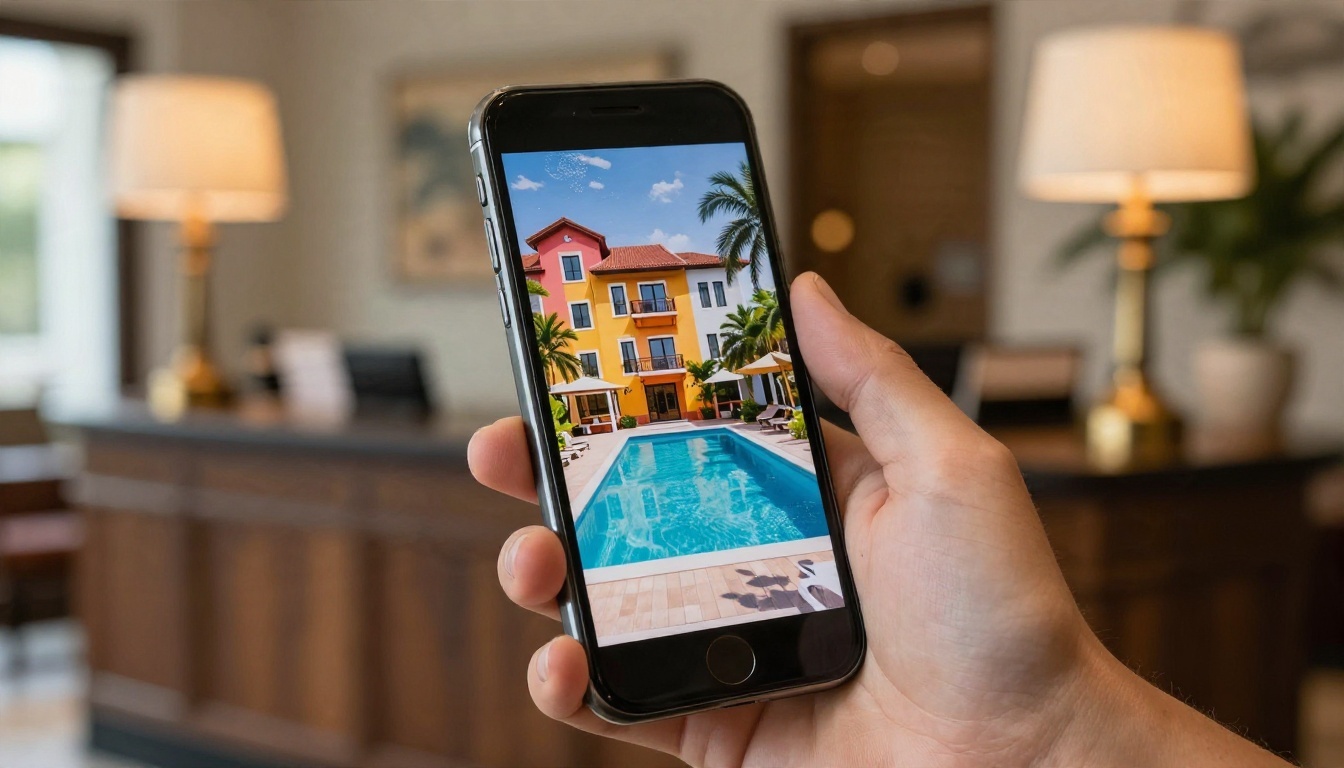
Guests plan trips on their phones, so a brochure that loads fast on mobile matters. A boutique hotel can show rooms, the pool, the spa menu and local tours in a single flipbook, with a button that opens the booking engine.
Print a few hundred brochures for a three-day expo and you will carry half of them home. Instead, put a tablet on a stand at the booth, load your brochure, and let visitors browse. Hand out a small card with a QR code so they can take it with them.
The Event Program Maker works well for schedules, speaker lists and floor maps.
Restaurants and Cafés
A café owner can print a QR code on the counter, on takeaway bags and on table tents. Customers scan, flip through the seasonal menu, and see the catering offer on the last page. When the menu changes, the QR code stays the same, so nothing has to be reprinted. See the Restaurant Menu Creator for a ready workflow.
Onboarding and Internal Use
New hires get a welcome brochure with the team, tools and first-week schedule. Franchise owners get a brand brochure with logos, colours and approved photos. A password keeps it private, and one update reaches everyone.
Real Examples by Industry
Here is how different businesses typically structure their brochures, and what each one gains.
Industry
What Goes Inside
Best Interactive Add-on
Main Goal
Real estate
Photos, floor plan, area map
Video tour, booking button
Book viewings
Hotels
Rooms, spa, dining, tours
Booking link, audio welcome
Direct reservations
Automotive
Models, specs, trims
Walkaround video, finance link
Test drive requests
Restaurants
Menu, specials, catering
QR code, order link
Orders and bookings
Consultants
Services, case studies, pricing
Calendar link, testimonial video
Discovery calls
Nonprofits
Mission, impact, donation tiers
Donate button, story videos
Donations
Schools
Programmes, fees, campus life
Tour video, enquiry form
Applications
✅ Best practice: Limit each brochure to one primary action. Every page can have a link, but the last page should make the next step unmistakable.
How to Create One with Flipbooks AI
If you can export a PDF, you can publish an interactive brochure. The whole process takes about ten minutes for a first attempt.
Click to create a new flipbook and upload your PDF. The PDF to Flipbook Converter turns each page into a crisp, zoomable spread.
Wait a few seconds while pages are processed. Text stays sharp because pages are rendered, not flattened into low-quality images.
💡 Export from your design tool at 150 to 300 DPI. Higher resolution looks sharper when readers zoom in, and the converter handles the file size for you.
Step 2: Customize the Look
This is where the brochure starts to feel like yours.
Branding: Add your logo, choose background colours that match your brand and set a custom toolbar.
Page effects: Pick the flip animation, speed and sound, or choose a smooth slide for a more modern feel.
No watermarks, ever: Your brochure carries your brand and nothing else.
Mobile-responsive layout: Single pages on phones, double-page spreads on larger screens.
Place clickable areas on any page. Link a product photo to its shop page, a phone number to a tap-to-call action, and an email address to a pre-filled message. Drop in a YouTube or hosted video, or add an audio note, such as a founder saying hello on page one.
Multimedia Option
Best Used For
Where to Place It
Video
Demos, tours, testimonials
Product or property pages
Audio
Welcome message, narration
First page or intro
Link button
Booking, shop, donate
Last page and key spreads
Image gallery
Before and after, rooms
Mid-brochure
Offline download
Travellers, field teams
Toolbar option
Once everything looks right, publish. You now have a live link, a QR code and an embed code, which brings us to the next part.
Sharing Options That Work
A great brochure only helps if people open it. Mix several channels so you reach readers wherever they are.
Direct Links and Messaging
The simplest route is a short link. Paste it into WhatsApp, SMS, LinkedIn messages or an email signature. People tap and read instantly, with no attachments clogging inboxes.
💡 Add the link to your email signature. It works quietly in every message you send, and you can swap the brochure seasonally without touching anything else.
QR Codes for Print and Places
Put a QR code on posters, business cards, shop windows, packaging, invoices and name badges. It bridges physical and digital. Because the code points to your flipbook link, you can update the brochure later without reprinting a single sign.
Password Protection and Private Sharing
Not every brochure is for everyone. Wholesale price lists, investor materials and staff handbooks can sit behind a password so only invited readers get in.
Here is how the main sharing methods compare.
Method
Setup Time
Best For
Privacy Level
Public link
1 minute
Social posts, email
Open
QR code
5 minutes
Print, retail, events
Open or protected
Embed on website
10 minutes
Landing pages, blogs
Open
Password protected link
2 minutes
B2B, internal, investors
High
Offline download
1 minute
Travel, low signal areas
Controlled
Embed Tips for Your Website
Embedding keeps visitors on your site while they read, which helps your pages feel richer and keeps people around longer. The Embed Flipbook on Website tool explains the options in detail, but these basics get you most of the way.
Copy the Embed Code
After publishing, copy the embed snippet from your flipbook settings. It looks similar to this:
Paste it into a custom HTML block in WordPress, Wix, Squarespace, Shopify, Webflow or any plain HTML page.
Size It for Every Screen
Use a width of 100% so the brochure adapts to its container. Set a height between 500 and 700 pixels for desktop, and test on your phone. On narrow screens, the brochure switches to single-page mode automatically.
Place It Where It Matters
Embedding the brochure at the bottom of a page rarely works. Better spots include:
Under the hero section of a service or product page
On a dedicated "Brochure" page linked from your main menu
Beside a contact form so interested visitors can read before they write
Inside a blog post about the same topic, as a visual summary
⚠️ Watch out: Avoid embedding more than one large flipbook on the same page. Heavy pages load slowly, and visitors on mobile data will leave.
Track Results and Capture Leads
Publishing is half the job. The other half is knowing what happens next.
On the Professional plan you get analytics showing opens, time spent and the pages people stop on, plus lead generation forms that ask for a name or email before the brochure opens. Compare plans on the pricing page. The Standard plan and above include unlimited flipbooks, so you can make a separate brochure for every service, season or campaign.
A few habits that pay off:
Check the drop-off page. If most readers leave on page 4, shorten or redesign it.
Test two versions. Send one cover layout to half your list and another to the rest, then compare opens.
Match follow-ups to behaviour. A reader who spent three minutes on the pricing page deserves a faster reply.
Update, do not recreate. Replace the PDF and keep the same link and QR code.
Mistakes That Waste a Good Brochure
Uploading a print file with crop marks. Export a clean digital PDF instead.
Forgetting mobile testing. Open it on your phone before sharing.
Too much text per page. Short blocks and strong photos win.
No clear next step. Always end with a button.
Huge video files. Link to hosted video so pages stay light.
Ready to Publish Yours?
Interactive brochures give you the polish of print, the reach of the web and the feedback of analytics, all from a PDF you already own. Start with one brochure, share it three ways, embed it once, and see which channel brings the most readers.