You exported a PDF, you want people to flip through it like a real magazine, and someone told you to "just put it on Issuu." Fair advice, but it skips the questions that matter: what happens after you upload, what you pay once the free plan runs dry, and whether a tool like Flipbooks AI would serve you better. This article answers all three with plain language, honest tables and real scenarios.
💡 Quick answer: Issuu converts your PDF into a page-turning online publication and hosts it on its own platform. You can publish for free with limits and Issuu branding, or pay monthly for more control. Alternatives focus on owning the experience: your branding, your domain, your data.
Prices and caps change often, so treat every number below as a snapshot and confirm on each vendor's pricing page before you commit.
How Issuu Works Step by Step

Issuu is a hosted publishing platform. You do not install anything. You create an account, upload a file, and Issuu gives you a public link plus an embeddable reader. Think of it as YouTube for documents: your publication lives on their servers, inside their ecosystem.
Upload a PDF
The workflow starts with a finished PDF from InDesign, Canva, Word or any layout tool. Issuu accepts the file, reads the pages, and builds a reader around them. Good source files matter here. A PDF with embedded fonts and a sensible resolution (150 to 300 dpi for images) produces a sharper result than a huge, unoptimized export.
What Issuu Does With It
After upload, the platform:
- Converts each page into a web-friendly image layer.
- Extracts text so the publication can be indexed and searched.
- Generates a reader with a page-turn effect on desktop and a swipe view on mobile.
- Creates a public URL on issuu.com, plus an embed option for your own site.
Interactive layers, such as clickable links and some video options, depend on your plan and on how the file was prepared.
Publishing and Sharing
Once live, your publication can appear on your Issuu profile, in Issuu's own browsing sections, and on any page where you paste the embed. Readers can open it without an account. Social sharing buttons are built in.
That last point cuts both ways. A public profile can bring a trickle of organic readers, but your content sits beside other people's, and the page you share is still an Issuu page.
Issuu Pricing in Practice

Issuu sells a ladder of subscriptions. The exact names and numbers shift, so here is the pattern rather than a price list carved in stone.
| Tier | Typical monthly cost (billed annually) | Who it is for | Typical trade-off |
|---|
| Free | $0 | Hobbyists, students, first tests | Caps on uploads, Issuu branding, limited stats |
| Starter / Premium | Roughly $20 to $50 | Solo creators, small brands | Still tied to Issuu pages, some features gated |
| Optimum / Pro tiers | Roughly $50 to $100 and up | Agencies, publishers, teams | Higher cost, features unlock by tier |
What the Free Plan Includes
The free tier lets you upload a PDF, get a public link and share it. It is a perfectly honest way to test the product. You get the reader, the profile page and basic sharing.
Where the Free Plan Stops
Free limits tend to show up in four places:
- Number of publications you can keep live.
- Branding, because your content wears Issuu's frame and promotions.
- Statistics, which are shallow compared with paid analytics.
- Control, such as removing the download option, hiding the publication from public browsing or customizing the look of your embed.
⚠️ If your publication is a sales tool, a branded frame with someone else's recommendations underneath it is a real cost, even at $0.
Paid Tiers
Paid plans widen those limits and add things like better stats, link tracking, custom branding on the reader and more control over who sees what. For a magazine that earns revenue or a catalog that drives orders, the monthly fee is usually small next to the value. The question is whether you are paying for hosting inside Issuu or for tools you could get elsewhere with fewer strings attached.
Who Issuu Suits Best
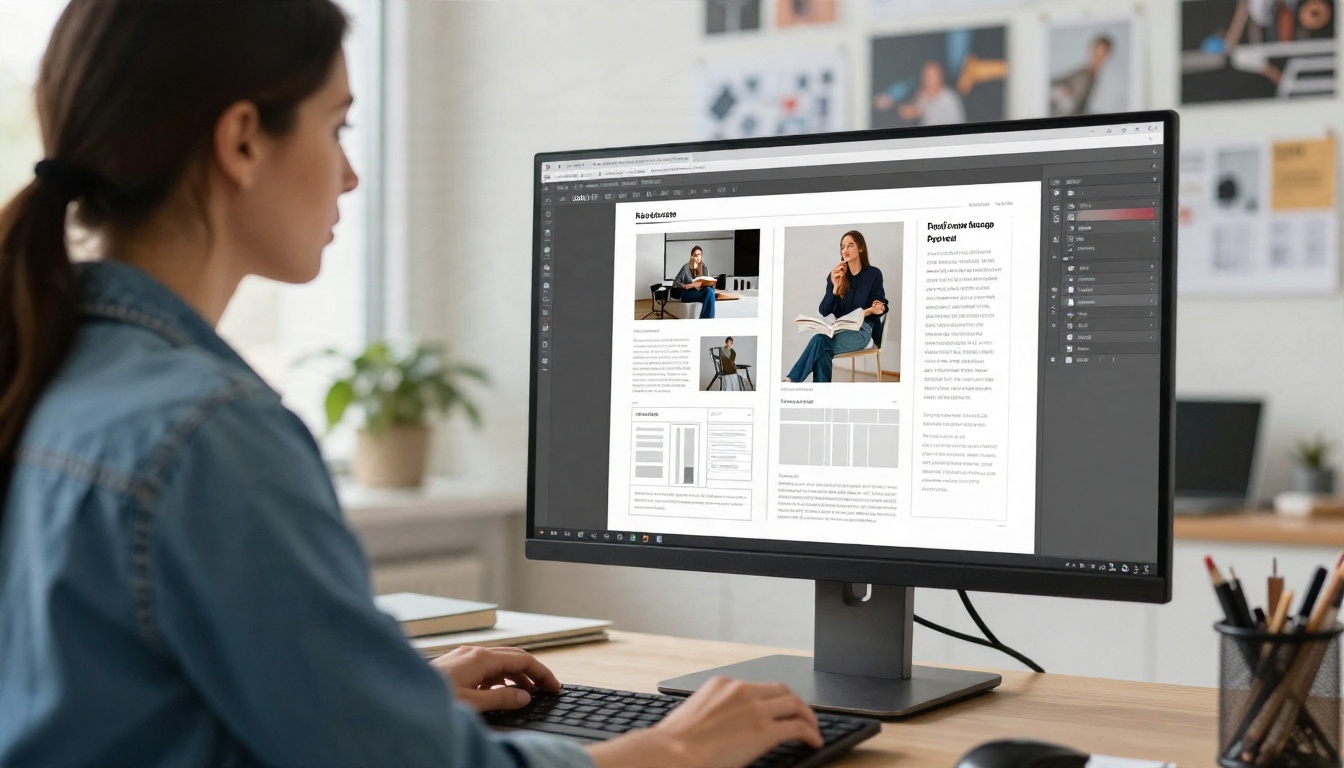
Issuu has real strengths. It has been around for years, readers recognize it, and its reader is fast and clean. Pick it when these points describe you.
Good Fit
- Independent magazine publishers who want a ready-made audience and a familiar reading experience.
- Students and designers who need a quick public portfolio link.
- Creators who value reach inside a marketplace more than owning the page.
Poor Fit
- Businesses that need white-label pages with their own domain and logo.
- Teams that need lead capture or detailed reader-level analytics.
- Anyone sending private material, such as pricing sheets for wholesale buyers, where password protection matters.
- Marketers who do not want competitors' content one click away from their own.
💡 Ask one question before you pick any platform: "Whose page is this?" If the honest answer is "theirs," plan around that.
Issuu Alternatives for Flipbooks

Alternatives fall into two groups. Some copy the hosted marketplace model. Others, like Flipbooks AI, focus on your branded flipbook that you embed or share directly.
What to Compare
Before you shortlist anything, score each option on these points:
- Watermarks and platform branding
- Number of publications allowed
- Password protection and private links
- Analytics and lead generation
- Embed quality on your own site
- Mobile behavior
- Offline download options
- Price at the tier you will actually use
Side by Side
| Feature | Issuu | Flipbooks AI |
|---|
| Model | Hosted platform with public profile | Branded flipbook you share or embed |
| Free tier limits | Caps and Issuu branding | See pricing for current plans |
| Watermarks | On free content | None, ever |
| Unlimited flipbooks | Higher tiers | Standard plan and above |
| Password protection | Gated by plan | Included for private content |
| Analytics and lead generation | Gated by plan | Professional plan |
| Offline downloads | Limited | Supported |
| Video and audio embeds | Plan dependent | Supported |
| Custom branding | Higher tiers | Supported |
| Mobile-responsive | Yes | Yes |
Other Names Worth a Look
Besides Flipbooks AI, people often shortlist Flipsnack, Yumpu, FlippingBook and Publuu. Each has its own free caps and its own watermark policy, so run the same checklist above on each of them. Do not assume that "free" means the same thing across vendors.
How to Create a Flipbook with Flipbooks AI

If you decide Issuu is not the right home for your content, here is the workflow on Flipbooks AI. It takes a few minutes.
Step 1: Start Your Account
Go to Flipbooks AI and create an account. You land in a dashboard where every flipbook you build is listed.
Step 2: Upload and Convert
- Click the option to add a new flipbook.
- Drop in your PDF. The PDF to Flipbook Converter reads each page and builds the page-turn reader.
- Wait for processing. Most files finish in moments, and large catalogs take a little longer.
- Check that every page rendered in the right order.
✅ Best practice: Export your PDF at the final page size, with fonts embedded, before you upload. It keeps text crisp on retina screens.
Step 3: Customize the Look
Open the design settings and adjust:
- Branding: add your logo and name.
- Colors: match the background and toolbar to your brand.
- Page effects: pick the flip style and speed.
- Multimedia: attach videos, audio and clickable links to individual pages.
Step 4: Share or Embed
You have three main routes:
- Direct link for email and social posts.
- Embed code to place the flipbook on your site. The Embed Flipbook on Website page shows how.
- Password protection when the content is for clients or partners only.
Step 5: Use the Pro Features
On the Professional plan you also get analytics, lead generation forms and offline downloads. See the plans to match features to your budget. Standard and above also remove any cap on how many flipbooks you publish.
Real-World Use Cases

Theory is fine. Here is how the choice plays out for real people.
Catalogs and Price Lists
A furniture wholesaler sends a 60-page catalog to buyers. On a free Issuu page, the buyer sees Issuu's frame and other publications. On a branded flipbook, the buyer sees only the catalog, and the sender can see who opened it. The Digital Catalog Maker and Digital Price List Generator suit this case.
Menus
A restaurant owner updates the seasonal menu every quarter. A fixed link that always shows the newest version beats reprinting. The Restaurant Menu Creator fits this workflow well.

Portfolios and Lookbooks
A photographer shares a portfolio with art directors. Private links and a clean, unbranded page look more professional than a public profile. Try the Photography Portfolio or the Interactive Lookbook Designer.
Magazines and Reports
An independent magazine that depends on Issuu's browsing audience may stay there. A company publishing an annual report usually wants its own domain and brand, which is where the Annual Report Creator is the stronger match.
| Use case | Needs reach? | Needs brand control? | Better starting point |
|---|
| Indie magazine | Yes | Medium | Issuu or a branded flipbook |
| Product catalog | No | High | Branded flipbook |
| Restaurant menu | No | High | Branded flipbook |
| Student portfolio | Some | Low | Issuu free plan |
| Corporate report | No | High | Branded flipbook |
| Private client proposal | No | High | Password-protected flipbook |
Mistakes to Avoid

Most regret comes from the same few errors.
- Judging by the free tier alone. A plan that is fine for a test can feel cramped once you publish ten issues.
- Ignoring branding. If your logo shares the screen with someone else's, readers notice.
- Skipping analytics until later. Without data from day one, you cannot tell which page or offer works.
- Uploading a heavy, unoptimized PDF. Slow load times lose readers on mobile before page two.
- Forgetting the exit plan. Keep your source files and know how you would move your content if prices change.
⚠️ Never put confidential material on a public link. Use password protection or private sharing, and test the link in a private browser window first.
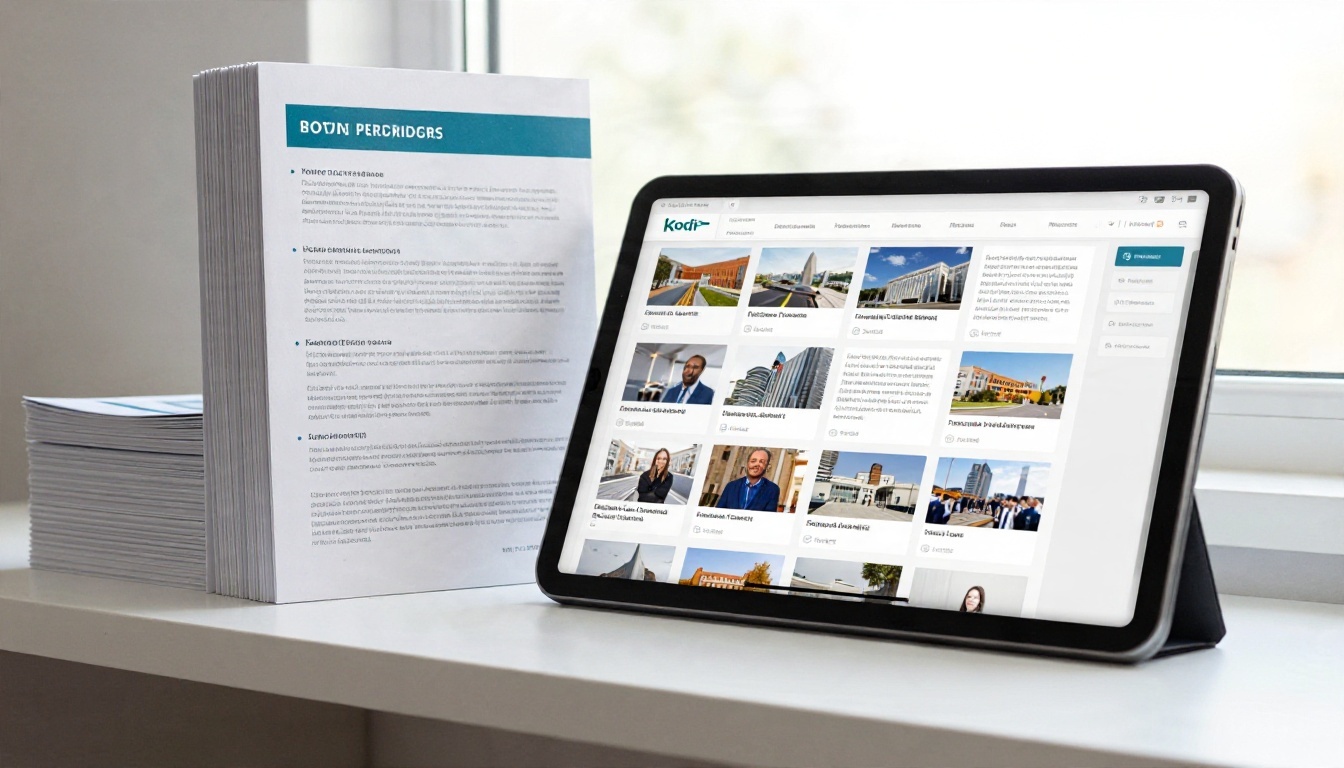
Issuu works well when you want a public home for a magazine or portfolio and you accept its frame around your work. It gets harder to justify when the publication is a business asset that needs your brand, your data and your rules.
A simple rule:
- Want reach inside an existing audience? Start free on Issuu and see what happens.
- Want ownership, private sharing and analytics? Use a branded flipbook.
Ready to create your first flipbook? Get started for free on Flipbooks AI, browse all flipbook tools for your use case, or compare pricing plans to see which tier matches your needs. If you already know you want a paid plan, you can sign in and go straight to pricing.



