Your best products are probably sitting inside a PDF that nobody opens past page two. A flipbook fixes that. It turns the same files into a page-turning experience that loads fast on a phone, looks like a real catalog and tells you exactly what people looked at. With Flipbooks AI, you can go from a PDF to a shareable, branded catalog in a few minutes, and this article shows how that small change adds up to more orders.
We will look at real examples, catalog ideas you can copy this week, what a flipbook costs compared with print, and the numbers worth watching once it is live.
Why Flipbooks Sell Better Than PDFs
The Problem With Static PDFs
A PDF is a file, not an experience. Buyers have to download it, wait for it to open, pinch and zoom on mobile, and then hunt for the page they care about. Many simply close the tab.
Common PDF sales problems:
- Slow downloads on mobile connections, especially for image-heavy catalogs.
- No tracking. You send it and hope for the best.
- Outdated copies floating around in inboxes long after prices change.
- Awkward reading on small screens, with tiny text and endless scrolling.
What a Flipbook Changes
A flipbook keeps the familiar feel of turning pages, but adds things a PDF cannot do. Pages load as the reader moves, the layout adapts to any screen, and you can embed videos, audio and links straight to product pages. You update one link and everyone sees the newest version.
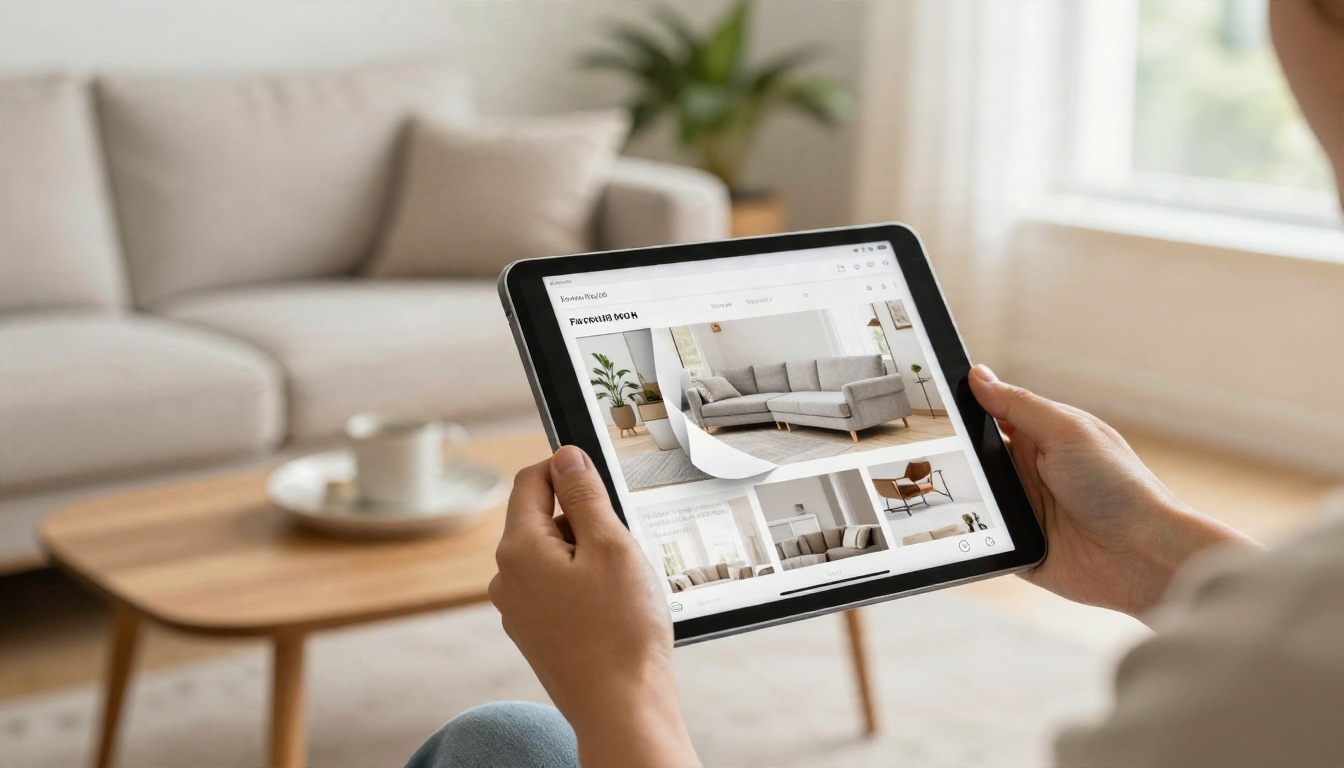
💡 Pro tip: People remember what they flip through. A page turn feels like browsing a shop shelf, and that small bit of motion keeps readers moving from page to page instead of bouncing.
| Feature | Plain PDF | Printed Catalog | Flipbook |
|---|
| Opens instantly on mobile | Sometimes | Not applicable | Yes |
| Clickable product links | Basic | No | Yes |
| Video and audio | No | No | Yes |
| Reader tracking | No | No | Yes (Professional plan) |
| Update after sending | No | No | Yes |
| Cost per extra reader | Free | High | Free |
Real Examples That Drive Orders
The pattern is the same across industries. The flipbook removes friction between "that looks nice" and "I want that."
Furniture and Home Decor
Furniture is a considered purchase. Shoppers want to see fabrics, dimensions and room settings before they commit. A furniture store can publish a seasonal flipbook with room scenes on the left page and a product breakdown on the right, with each item linking to its product page. The Furniture Catalog Maker is built for exactly this layout.
A sales rep can send one link after a showroom visit, and the customer reopens it on the sofa at home to show a partner. That second viewing is where many furniture sales are decided.
Fashion and Lookbooks
Fashion runs on mood. A lookbook flipbook lets a boutique present outfits in sequence, with tap-through links to sizes and colors. Try the Fashion Catalog Creator or the Interactive Lookbook Designer to build one from your campaign photos.

A small label can share its new collection with wholesale buyers and customers using the same link. Buyers get the full line sheet feel, and shoppers get a pretty browsing experience.
Real Estate Brochures
Agents live and die by first impressions. A property brochure flipbook with floor plans, neighborhood photos and a video walkthrough can be sent before the viewing, so the people who show up are already interested. The Real Estate Brochure Creator gives you a clean starting point.

Restaurant Menus
A digital menu is a sales tool too. Place your highest margin dishes on the first spread, add photos, and link the last page to your booking or delivery page. A Restaurant Menu Creator lets you change prices or specials the same afternoon without reprinting anything.

Catalog Ideas Worth Copying
You do not need a huge range to benefit. Here are three formats that work for small and mid-size sellers alike.
Seasonal Drop Catalogs
Instead of one giant yearly catalog, publish a short flipbook for each season or launch. Ten to twenty pages is plenty. Short catalogs get finished, and a finished catalog is far more likely to produce an order than a 100-page file nobody reaches the end of.
Shoppable Price Lists
Wholesale buyers want speed. A clean price list with product photos, SKUs and direct links to reorder pages beats a spreadsheet every time. Use the Digital Price List Generator to keep it tidy, and update one link when costs change.
Wholesale Order Books
Give distributors a flipbook that opens with your best sellers, then groups products by category. Add a short video from the founder on page two. It adds a human touch that a spreadsheet never will. The Digital Catalog Maker and Product Catalog Generator both suit this format.
✅ Best practice: Put your top five products in the first six pages, add a call to action on every spread, and end with a clear next step such as a contact form or order link.
What a Flipbook Really Costs
Print vs Digital Costs
Print costs scale with every reader. Design stays the same, but each new copy means paper, ink, shipping and storage, and once the prices change, the leftover stock goes in the bin. A flipbook costs the same whether 10 people or 10,000 open it.
The ranges below are rough, illustrative figures, since local print prices vary widely.
| Cost Item | Printed Catalog (500 copies) | Flipbook |
|---|
| Printing | Several hundred to a few thousand dollars | None |
| Shipping and postage | Often as much as printing | None |
| Reprint after price change | Full cost again | Edit and republish |
| Storage | Shelf or warehouse space | None |
| Reach beyond 500 readers | New print run | Same link |
Choosing a Plan
Pick a plan based on how many catalogs you publish and whether you need to see reader data. You can compare options on the pricing page.
| Need | Plan to Look At | Why |
|---|
| One or two catalogs, testing the idea | Entry plan | Low commitment, no watermarks |
| Seasonal drops, many price lists | Standard | Unlimited flipbooks |
| Lead capture and reader data | Professional | Analytics and lead generation |
⚠️ Watch out: Free tools often add a watermark to your catalog. That looks cheap to buyers. Flipbooks AI never adds watermarks, so your brand stays front and center.
Analytics That Show What Sells
Print gives you a guess. A flipbook gives you data. With the Professional plan, you can see how people read your catalog and who is most interested.

Metrics Worth Tracking
| Metric | What It Tells You | Action to Take |
|---|
| Views | How far your link is reaching | Share it in more places |
| Time on page | Which products hold attention | Move them earlier |
| Drop-off page | Where readers lose interest | Shorten or reorder |
| Link clicks | Which items drive intent | Feature them more |
| Leads captured | Who wants a follow-up | Contact within a day |
Turning Data Into Follow-Ups
Say your analytics show that most readers spend 40 seconds on the outdoor furniture spread and leave at page 14. You now know two things: outdoor furniture is your hook, and page 14 loses people. Move outdoor to the front, trim the rest, and add a lead form near the end. Then email the leads who viewed that spread with a targeted offer.
That is a sales process you could never run with a printed catalog.
How to Create a Sales Flipbook with Flipbooks AI
Here is a simple walkthrough. It takes about ten minutes once your PDF is ready.

- Create your account. Go to Flipbooks AI and create an account. Pick a plan on the pricing page if you need analytics or unlimited flipbooks.
- Upload your PDF. Drag your catalog into the PDF to Flipbook Converter. Conversion takes seconds, and every page keeps its sharp images and fonts. Screenshot idea: the upload screen with a progress bar and a thumbnail of page one.
- Add your branding. Set your logo, colors and background, and choose a page-turn effect that suits your style. Screenshot idea: the style panel next to a live preview.
- Add multimedia and links. Embed a product video, add an audio welcome note and link each product photo to its shop page.
- Protect private content. For wholesale price lists, turn on password protection so only approved buyers can open it.
- Share it. Copy the direct link for email and social, or use the Embed Flipbook on Website option to place it on a landing page. Offline downloads are available for trade shows or clients with weak connections.
- Track and improve. On the Professional plan, open the analytics and lead generation tools to see what works, then update the flipbook without changing the link.
💡 Pro tip: Name your links by campaign, such as one for email and one for Instagram. You will see right away which channel brings the best readers.
For ready-made layouts, browse all the flipbook tools, or try the Sales Presentation Flipbook if you pitch face to face.
Mistakes That Kill Conversions
Even a good flipbook can underperform. Watch for these:
- Too many pages. If your catalog needs a table of contents to find anything, split it into several shorter ones.
- No call to action. Every spread should give the reader something to do: click, call, book or buy.
- Weak first page. Lead with your best seller or a strong offer, not a long company history.
- Ignoring mobile. Most readers will open it on a phone. Test your own flipbook on one before sending.
- Never checking the data. If you do not look at analytics, you are guessing again.
| Mistake | Quick Fix |
|---|
| 100-page catalog | Split into seasonal editions |
| Missing links | Add a product link to every photo |
| Out-of-date prices | Update the flipbook, keep the link |
| No lead capture | Add a form on the last page |
Ready to Sell More?
Flipbooks work because they respect how people shop today: on a phone, in short bursts, with a strong preference for pictures over paragraphs. They cost less than print, update in minutes and show you what is working.
Here is your next move:

Your next order could start with a single page turn. Send your first flipbook this week and watch what happens.



