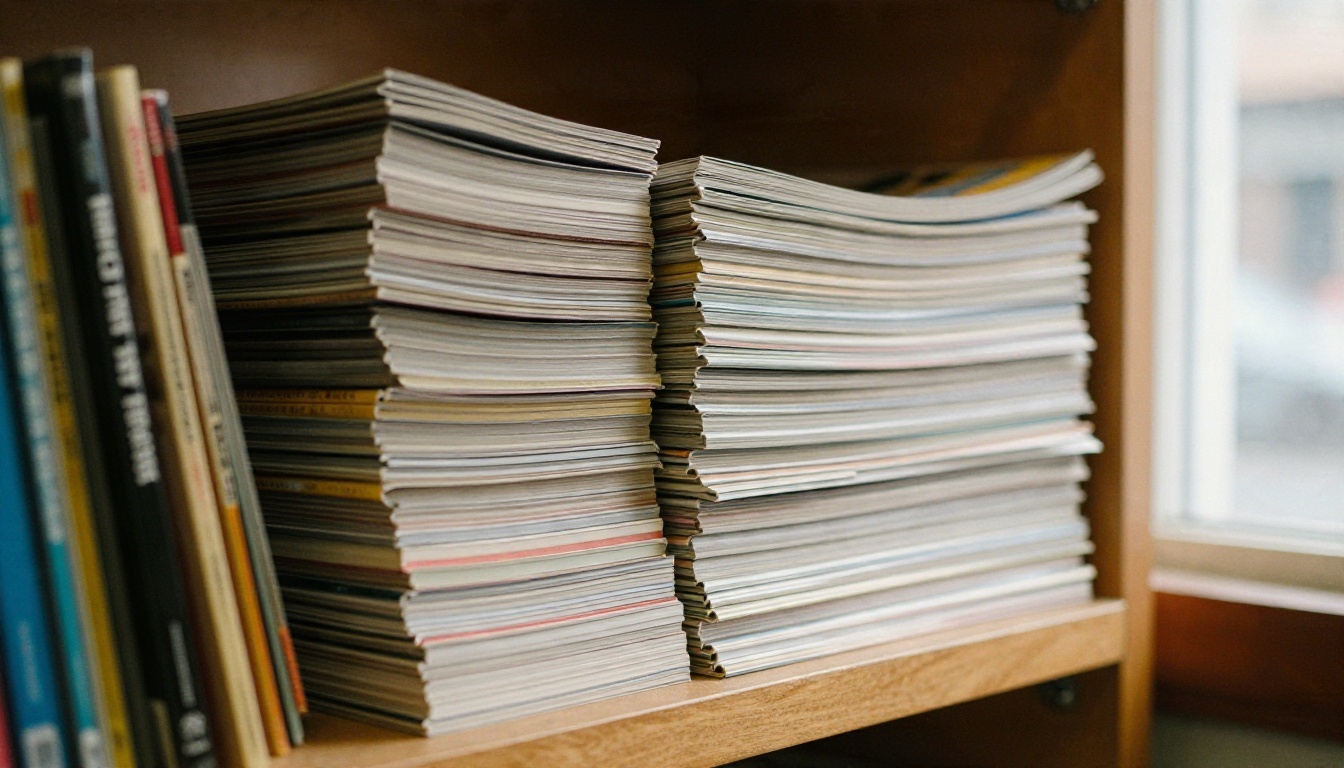
Walk up to any newsstand and you will notice something odd: one magazine feels like a thin pamphlet, the one next to it feels like a paperback novel, and both cost about the same. So what is the real number? Most consumer magazines land between 64 and 120 pages, but the honest answer depends on genre, binding, ad load and whether the issue is printed or published digitally. This article breaks down the averages, explains how spreads and printing math set the total, and shows how a digital edition built with Flipbooks AI follows completely different rules.
The Short Answer: 64 to 120 Pages
If you need one number for a school project, a media kit or a planning meeting, use this: a standard monthly consumer magazine has about 80 to 100 pages. That figure includes the outer wrap, which is the front page, the back page and the inside faces of both.
The range is wide because a "magazine" is not one product. A weekly news title can be lean, a quarterly art journal can be thick, and a September fashion issue can be several times heavier than the same brand's February issue.
Average Page Counts at a Glance
| Magazine Type | Typical Page Count | Common Binding | Frequency |
|---|
| Weekly news or TV listings | 48 to 100 | Saddle stitch | Weekly |
| Monthly lifestyle title | 80 to 120 | Saddle stitch or perfect bound | Monthly |
| Fashion and beauty glossy | 150 to 300+ | Perfect bound | Monthly |
| Trade or B2B publication | 48 to 96 | Saddle stitch | Monthly or bimonthly |
| Independent quarterly | 100 to 200 | Perfect bound | Quarterly |
| Customer or member magazine | 24 to 64 | Saddle stitch | Quarterly |
| Product catalog magazine | 32 to 96 | Saddle stitch | Seasonal |
💡 Quick rule: the less often a magazine is published, the more pages each issue tends to carry. Quarterlies have more room to breathe than weeklies.
Why the Range Is So Wide
Four forces push page counts up or down:
- Advertising volume. Ads pay for paper and postage. A strong ad month often means a bigger issue.
- Seasonal peaks. Fall fashion, holiday gift issues and spring home editions are famously heavy.
- Postage and weight. Many publishers cap weight to stay inside a cheaper mailing bracket.
- Editorial ambition. Independent titles often choose thickness as part of their identity.
Pages, Leaves, and Spreads
People mix these terms up constantly, and the confusion shows up in quotes from printers and in design briefs. Getting them straight makes every other number in this article easier to follow.
What a Spread Actually Is
A spread is two facing pages that you see at the same time when a magazine is open. Designers treat it as a single canvas, which is why a photograph can run across the gutter and still feel like one image.
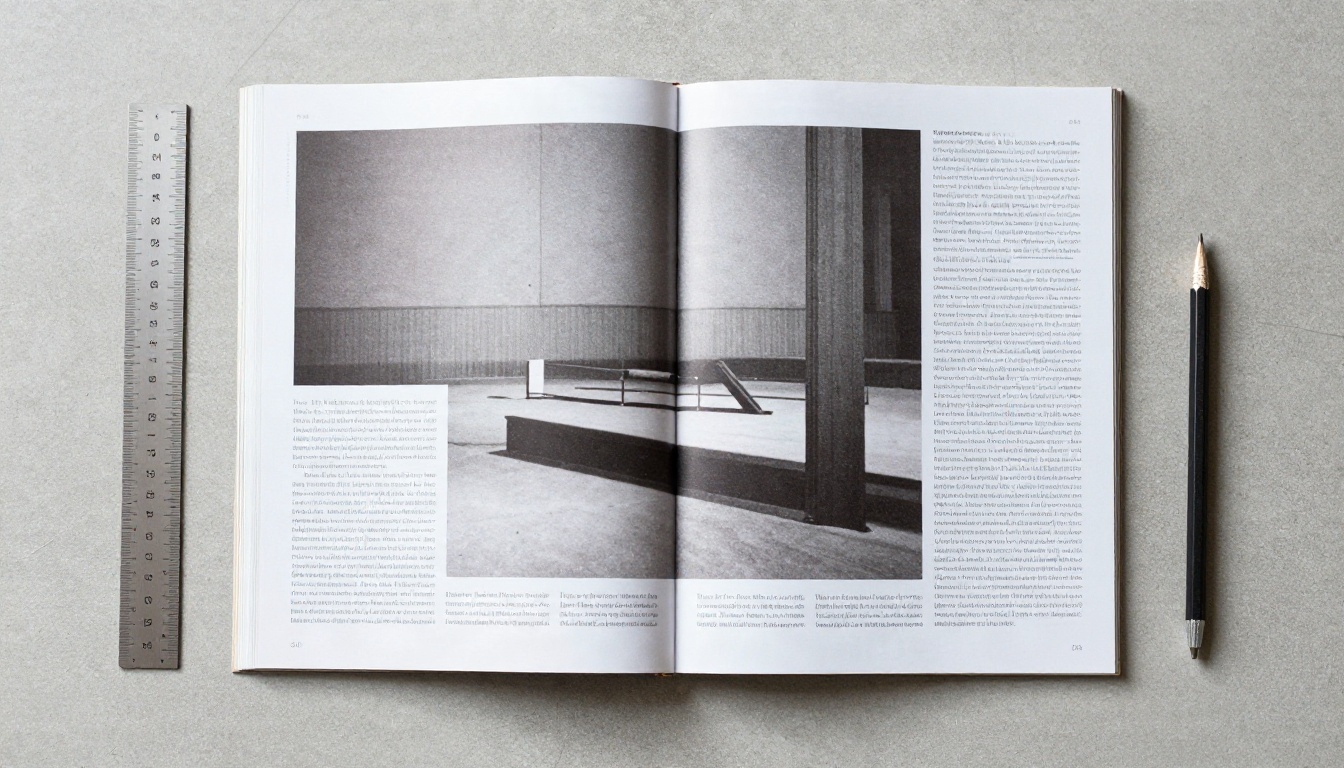
A leaf is one physical sheet of paper, with a page on each side. So a 96 page magazine contains 48 leaves and, when you count the spreads you meet while reading, roughly 48 of them as well.
| Term | Meaning | Example in a 96 Page Issue |
|---|
| Page | One side of a leaf | 96 pages |
| Leaf | One sheet, two pages | 48 leaves |
| Spread | Two facing pages | About 47 interior spreads plus the outer wrap |
| Gutter | Inner margin at the fold | Needs extra safe space for text |
Why Counts Come in Fours
Open an older magazine and look at the spine. The staples sit in the center, which means every sheet is folded in half and nested inside the next one. A single folded sheet makes 4 pages, so any saddle stitched magazine must be a multiple of 4: 48, 52, 64, 80, 96.
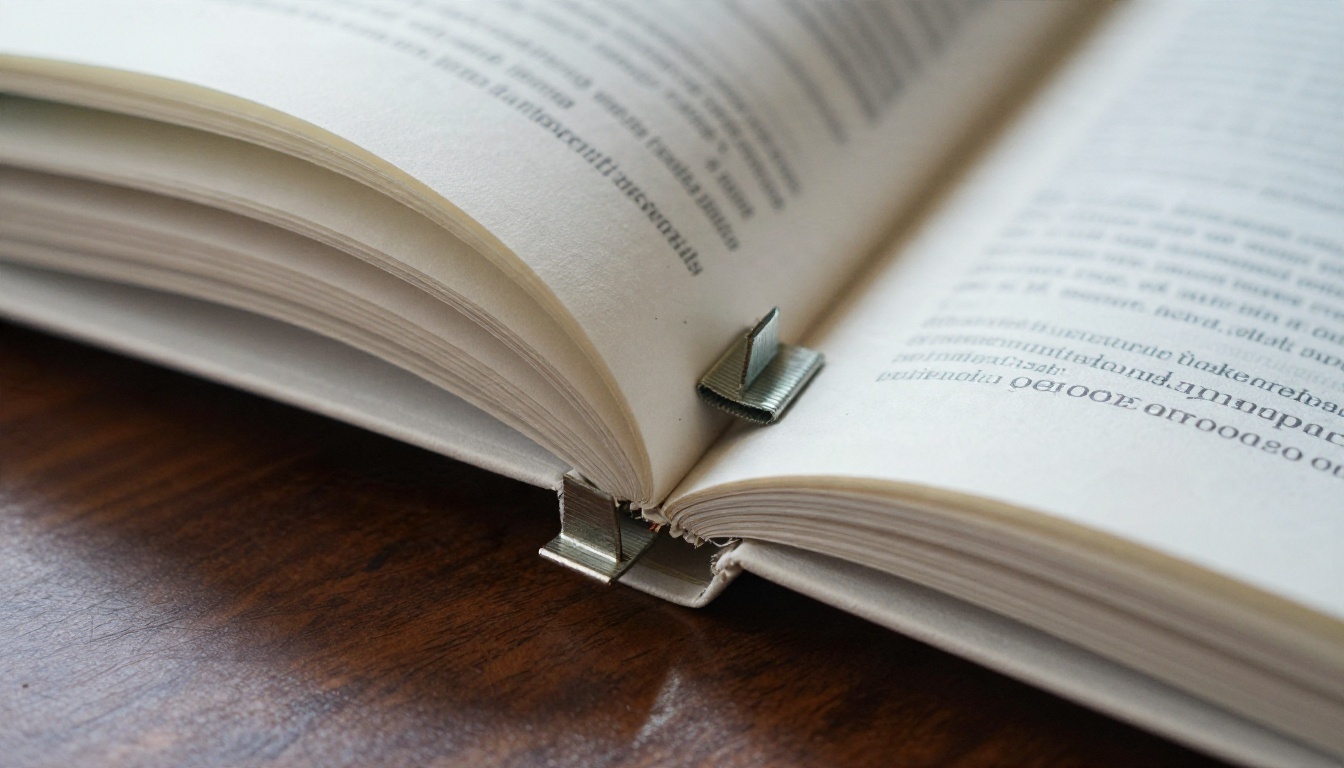
If your editorial team delivers 90 pages, a printer will ask you to add two pages or remove two. That is a real constraint, and it explains why you sometimes see a house ad or a note from the editor filling an odd corner.
How Printing Sets the Final Total
Large presses do not print one page at a time. They print big sheets with many pages laid out on each side, then fold and trim them.
Signatures and Press Sheets
A folded press sheet is called a signature. Common sizes are 8, 16 and 32 pages, depending on the press and paper size. Page counts that line up with signature size are cheaper, because no paper is wasted on half-empty sheets.
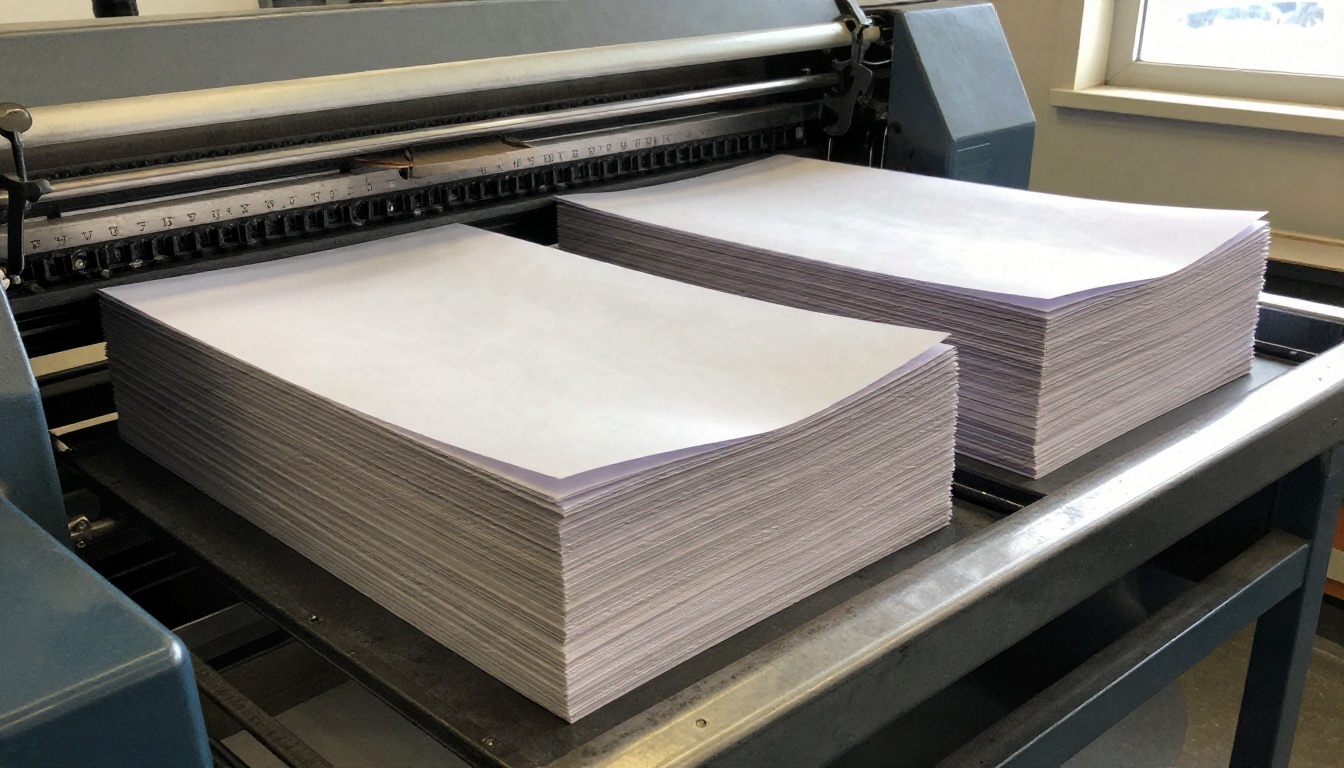
That is why many commercial printers quote the cheapest rate at 64, 96 or 128 pages. A 100 page magazine might cost noticeably more than a 96 page one, even though it only has four extra pages.
Saddle Stitch vs Perfect Bound
| Feature | Saddle Stitch | Perfect Bound |
|---|
| How it is held | Staples through the fold | Glued spine, like a paperback |
| Page count rule | Multiples of 4 | Usually multiples of 8 or 16 |
| Practical range | About 8 to 96 pages | About 60 to 400+ pages |
| Spine text | No | Yes |
| Lies flat | Yes | Less so |
| Cost per copy | Lower | Higher |
| Feels like | A booklet | A premium publication |
⚠️ Watch the thickness limit. Past roughly 80 to 100 pages, staples struggle and the outer pages start to splay. Most printers push you toward perfect binding above that point.
What Editors Do With the Pages
A page count is a budget. Every page is either selling something, informing someone or holding the structure together.
Ad-to-Editorial Ratio
Most print publishers aim for a balance in which editorial content takes up the majority of the issue, often somewhere around 50 to 65 percent, with advertising filling the rest. Subscription-funded titles can run with far fewer ads.
| Issue Size | Sample Ad Pages | Sample Editorial Pages | Notes |
|---|
| 64 pages | 18 | 46 | Lean, often a trade or regional title |
| 96 pages | 30 | 66 | The classic monthly |
| 148 pages | 55 | 93 | Seasonal fashion or home issue |
| 200 pages | 70 | 130 | Special edition or anniversary |
These are illustrative splits, not industry law. Your own mix will depend on how you earn revenue.
Planning a Flatplan
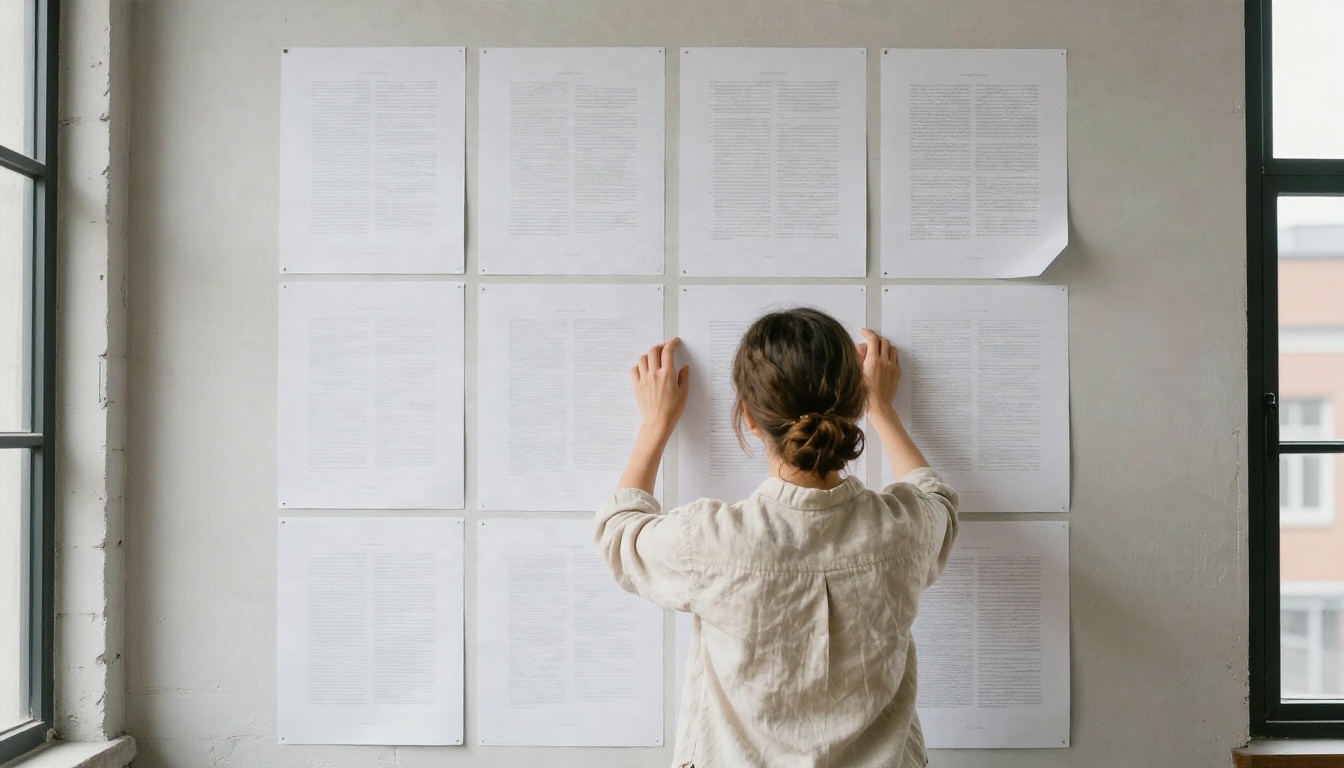
Editors map the whole issue on a flatplan, a grid showing every page in order. Ads are placed first, then features, then short items fill the gaps. A designer pinning sixteen page proofs to a wall is doing exactly this, just in physical form.
A simple flatplan routine:
- List every ad commitment and mark the pages they need.
- Place feature wells, usually 6 to 12 pages each, across the middle of the issue.
- Slot regular columns in the same position every month so readers build habits.
- Fill remaining gaps with short items, photo essays or a reader page.
- Check that the final count matches your binding rule.
Digital Editions Break the Rules
Here is where the numbers change. A digital edition has no spine, no staples, no postage bracket and no press sheet. The page count is simply however many pages are in your PDF.
No Multiple of Four Needed
You can publish a 37 page issue, a 61 page issue or a 118 page issue. Nobody trims extra sheets or reorders ad positions to hit a printing target. Editors gain flexibility, and a quiet month does not need padding.
Single Page vs Spread View
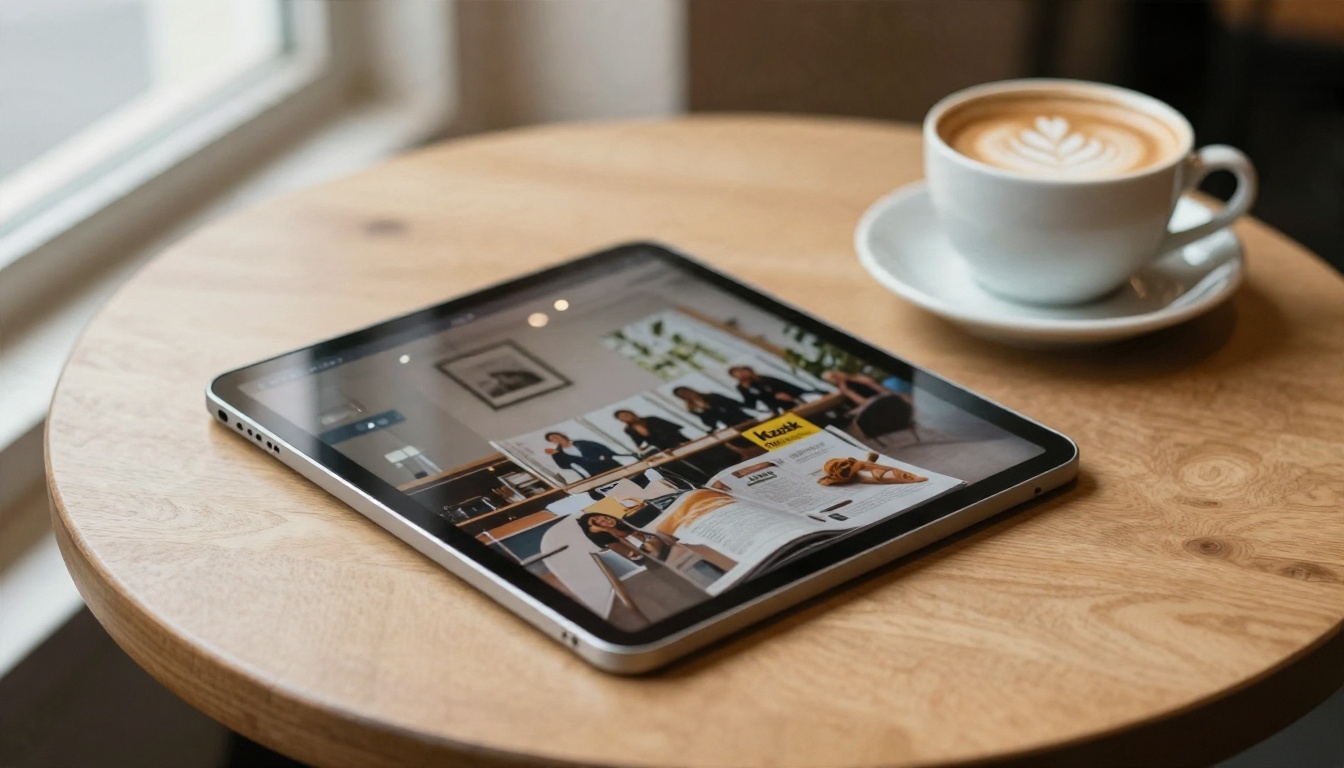
A good flipbook reader shows spreads on a desktop and single pages on a phone. That means your layout should work in both modes, with important text away from the gutter and no tiny caption sitting right on the fold.
| Reading Device | Typical View | Layout Tip |
|---|
| Desktop monitor | Spread | Keep headlines out of the gutter |
| Tablet landscape | Spread | Use readable body text, 9 pt or larger |
| Tablet portrait | Single page | Check that sidebars still make sense |
| Phone | Single page | Avoid tiny captions and dense tables |
Reading on the Move
Phone readers skim differently. They tap, zoom and move on. A 120 page PDF can feel heavy on a small screen, so many publishers keep mobile-first issues shorter or add a clickable contents page that jumps straight to each feature.
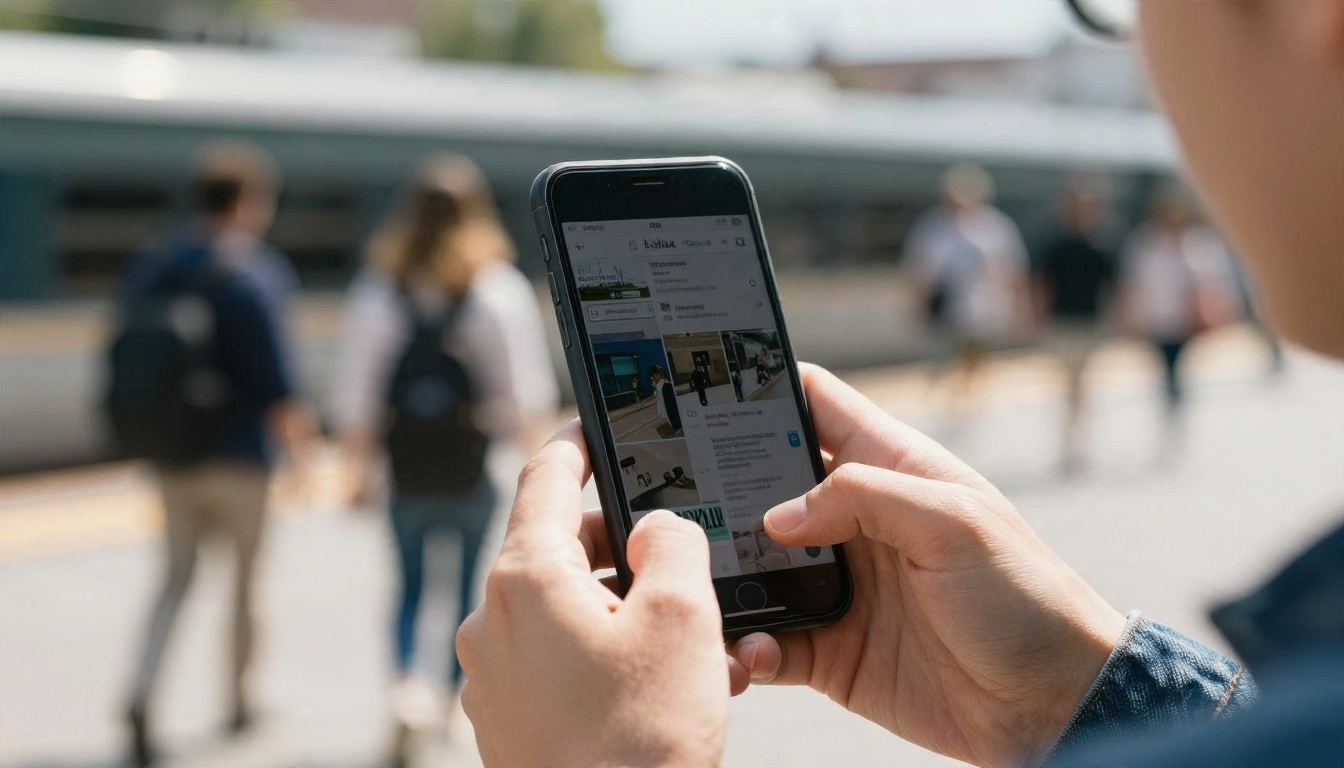
💡 Pro tip: if most of your audience reads on phones, aim for 24 to 60 pages and break longer features into two issues.
How to Create a Digital Magazine with Flipbooks AI
If you already have a print-ready PDF, you are about ten minutes away from a shareable digital edition. The Magazine Flipbook Creator and the E-Magazine Publishing Tool are built for exactly this job.

Step-by-Step Setup
- Open your account. Go to Flipbooks AI and create an account. You can start without a card.
- Export your PDF. Export from InDesign, Affinity or Canva at screen resolution, usually 150 dpi, to keep file size friendly. Use single pages, not printer spreads, so the order stays correct.
- Upload the file. Drag the PDF into the dashboard. The PDF to Flipbook Converter turns every page into a flippable page with a realistic turn effect.
- Check the page order. Confirm that the front page sits alone on the right and that pages 2 and 3 form the first spread.
- Brand the reader. Add your logo, choose background colors and pick the page effect that suits your style. There are no watermarks, ever.
- Add multimedia. Embed video interviews, background audio or links to your shop or website directly on the pages.
- Publish. Copy your direct link or grab the embed code and paste it into your site.
Sharing and Protecting Your Issue
| Sharing Option | Best For | Notes |
|---|
| Direct link | Newsletters, social posts | Fastest route to readers |
| Embed code | Your own website | See the Embed Flipbook on Website tool |
| Password protection | Subscriber or member issues | Keeps private content private |
| Offline download | Readers with poor connections | Lets people keep the issue |
Pro Features Worth Using
Publishers who care about numbers should look at the Professional plan. It adds analytics, so you can see which pages hold attention, plus lead generation, so a reader can leave an email address before turning past a certain page. Standard plans and above include unlimited flipbooks and custom branding.
✅ Best practice: check your analytics after each issue. If readers consistently stop at page 30, your next issue may work better at 28 pages.
Choosing Your Own Page Count
So what should you aim for? It comes down to purpose, audience and channel. A magazine is not better because it is thicker. It is better when every page earns its place.
A Quick Decision Checklist
- Who is reading? Commuters prefer shorter issues. Hobbyists will happily read 150 pages.
- How often do you publish? Monthly titles can stay lean. Quarterly titles should feel substantial.
- Is there a print run? If yes, pick a multiple of 4 or 8 and ask your printer for the cheapest signature fit.
- What is your content pipeline? Do not stretch a thin issue to hit a number.
- Where will it live? Email and social favor shorter. A website archive can hold longer issues.
Suggested Digital Lengths
| Publication Goal | Suggested Pages | Reading Time |
|---|
| Newsletter-style issue | 8 to 24 | 10 to 20 minutes |
| Company or member magazine | 24 to 48 | 20 to 40 minutes |
| Lifestyle monthly | 48 to 100 | 40 to 90 minutes |
| Seasonal or special edition | 100 to 200 | 2 hours or more |

A final thought from the print world: the happiest readers are not counting pages. They are enjoying the pacing. Open with a strong feature, give them breathing room in the middle, and end on something memorable. That holds for 32 pages or 232.
Ready to Publish Your Issue?
Whether you settle on 48 pages or 148, your readers deserve a smooth experience on every screen. Turn your PDF into a flipbook in minutes and share it everywhere.



