A zine can have as few as 4 pages or as many as 60, but the number you will see most often is 8, followed closely by 16. That is not a rule of the zine police. It comes from how paper folds. Once you see why, planning your own booklet gets much easier, and publishing it online through a tool like Flipbooks AI becomes a ten minute job instead of a headache.
This article gives you the straight answer on page counts, the real measurements behind mini zine sizes, fold maps for 8 and 16 page layouts, and free template grids you can copy straight into your notes or design software.
The Short Answer on Page Counts
If you only want the number: most zines have 8, 12, 16 or 24 pages. A one sheet mini zine has exactly 8 pages, counting the front and back outer pages. A stapled booklet zine grows in steps of four.
The Multiple of Four Rule
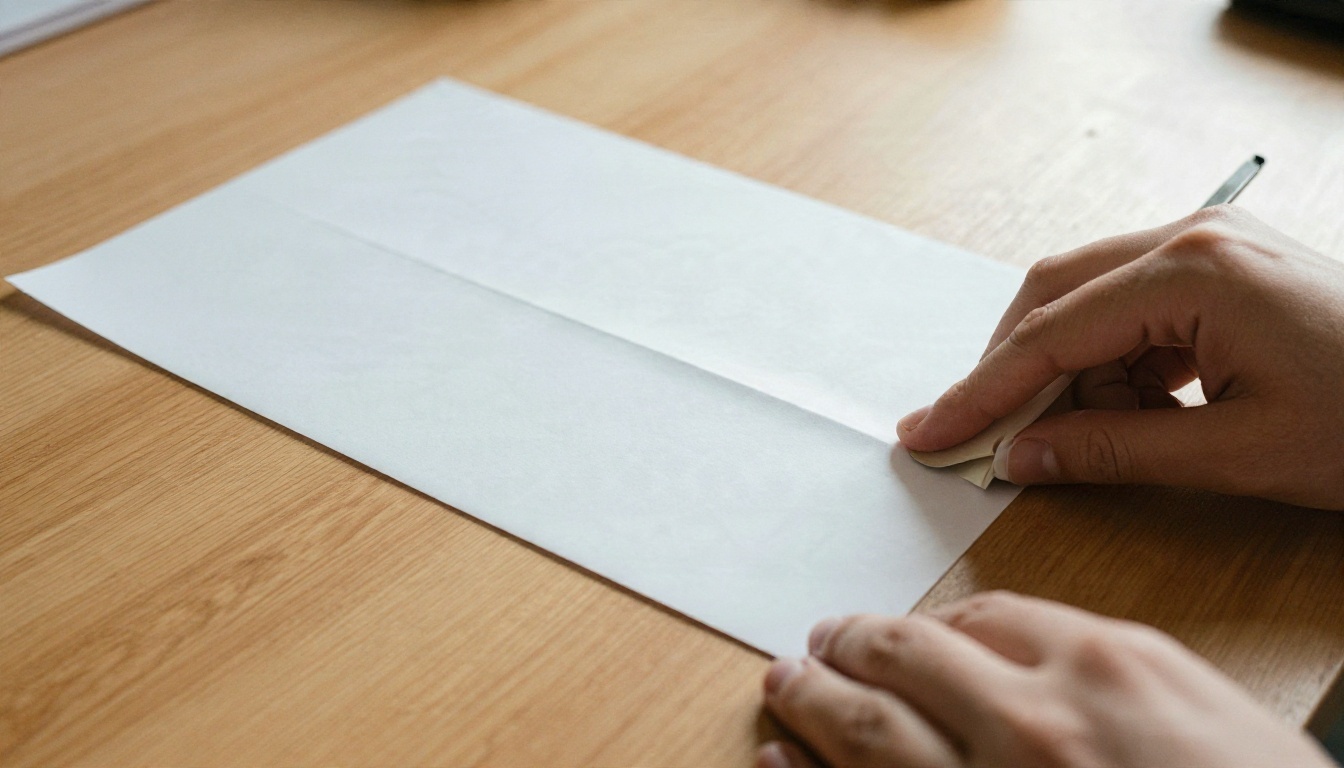
Every sheet of paper folded in half gives you a folded leaf with two sides, and each side holds two pages. So one folded sheet equals 4 pages. Nest two sheets and you have 8. Nest four and you have 16.
That is why a 10 page or 14 page stapled zine always ends with blank pages. The printer does not care how many ideas you had. It only counts sheets.
| Page count | Letter sheets folded in half | Typical use |
|---|
| 4 | 1 | Flyer, tiny poem, invitation |
| 8 | 2 (or 1 sheet cut and folded) | Mini zine, photo story |
| 12 | 3 | Short comic, recipe collection |
| 16 | 4 | Standard personal zine |
| 20 | 5 | Interview or art series |
| 24 | 6 | Long comic, travel journal |
| 32 | 8 | Anthology, thick perzine |
💡 Pro tip: Plan in multiples of four from day one. If your content runs to 13 pages, you have three choices: add three pages, cut nine, or use the spare pages for a contents list, a note to the reader, and a sign off.
Why Eight Is the Sweet Spot
Eight pages fits in your head. You can sketch every page on one sheet of scrap paper, finish it in an evening, and print it on a home printer. It also costs almost nothing to copy at a library or print shop.
Sixteen pages is the next level. You get room for an intro, a few features, and a closing page, and it still staples cleanly with a regular stapler.
Mini Zine Sizes That Work
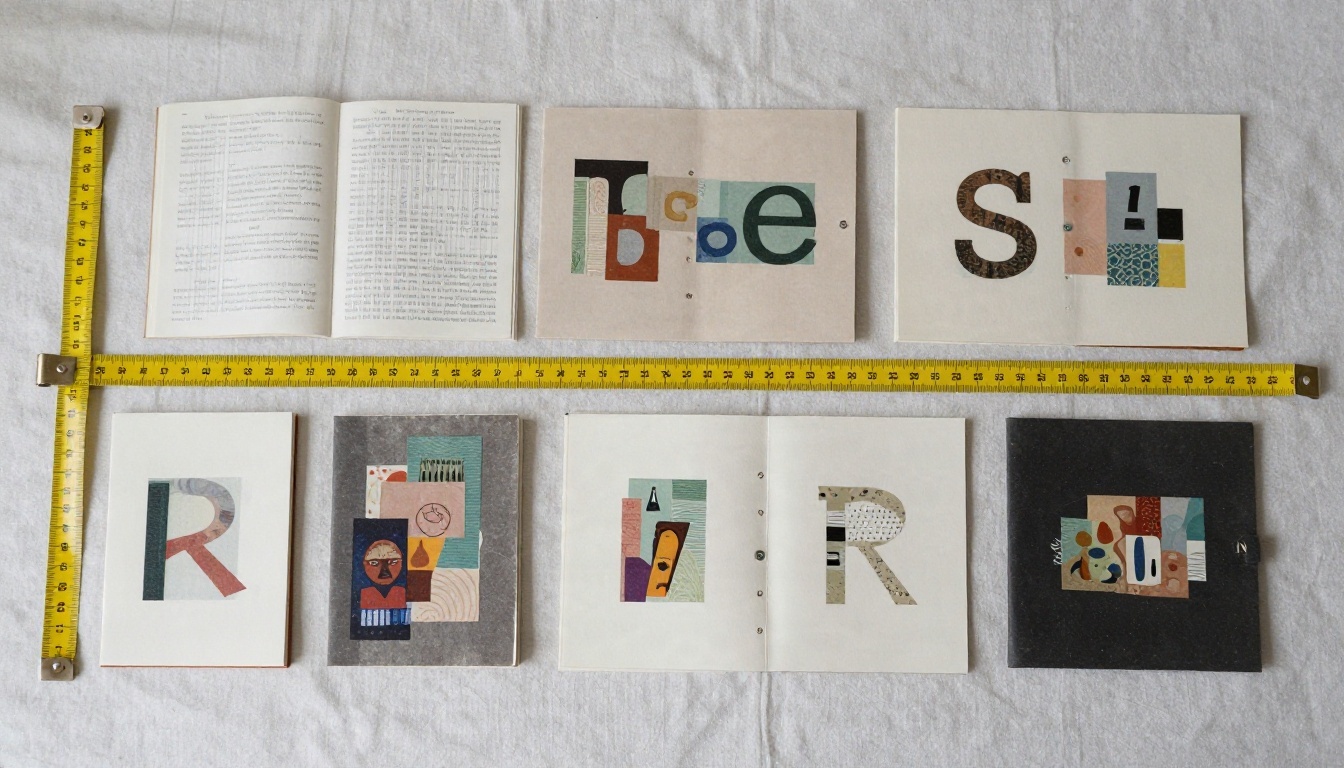
"Mini zine" usually means the one sheet, 8 page folded version. The finished size depends on the sheet you start with.
Common Sizes Compared
| Format | Starting sheet | Finished page size (width x height) | Pages |
|---|
| Mini zine (US) | Letter 8.5 x 11 in | 2.125 x 2.75 in | 8 |
| Mini zine (A4) | A4 210 x 297 mm | 74 x 105 mm | 8 |
| Quarter letter | Letter, folded twice | 4.25 x 5.5 in | 8 to 16 |
| Half letter | Letter, folded once | 5.5 x 8.5 in | 8 to 32 |
| A6 booklet | A4 folded twice | 105 x 148 mm | 8 to 16 |
| A5 booklet | A4 folded once | 148 x 210 mm | 8 to 32 |
| Digest | Tabloid 11 x 17 in folded once | 8.5 x 11 in | 8 to 24 |
The two flavors split by how you fold. Mini zines use one flat sheet and a single scissor cut. Booklet zines use several sheets that nest and get stapled on the spine.
Choosing by Paper and Printer
Standard 20 lb or 80 gsm copy paper folds easily, and it is cheap. Go heavier on the outer pages only if your printer allows it, since thick stock makes small folds bulky. For a mini zine with eight tiny pages, stay with regular copy paper. Anything thicker will fight you at the center cut.
A few practical limits:
- Home inkjet: Leaves a 0.25 in unprintable edge on most models, so keep art inside that margin.
- Laser at a library: Handles double sided printing well, but check the paper tray size.
- Print shop: Can trim for you, so you can bleed art to the edge.
How to Fold an 8 Page Mini Zine
This is the classic. One sheet, one cut, no glue, no staples.
Fold and Cut Steps
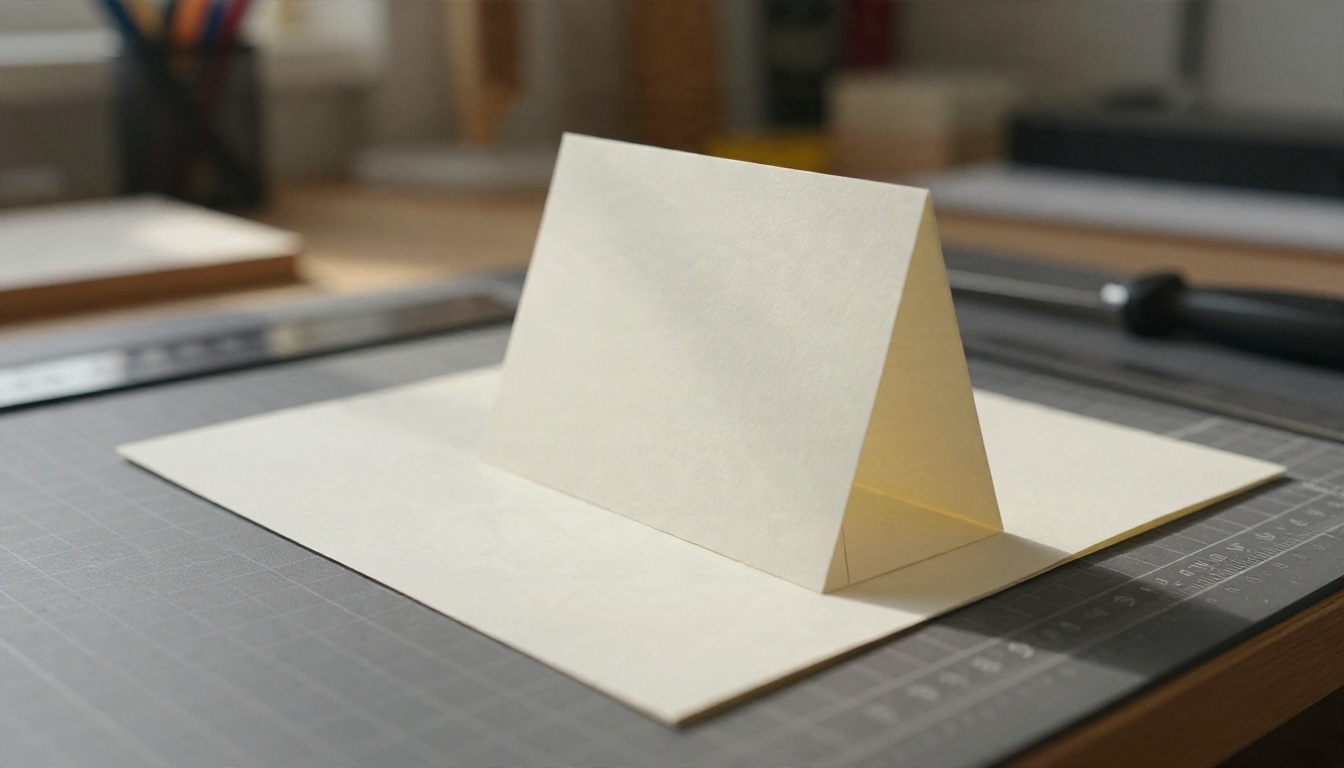
- Fold the sheet in half along the short side (hamburger fold). Crease it hard, then unfold.
- Fold it in half the other way so the long edge meets itself. Crease, then unfold.
- Fold each edge to the center crease so you get eight equal panels when opened (two rows of four).
- Fold it back in half along the short side again, with the panels facing out.
- Cut a slit along the center fold, only through the middle two panels. Stop at the creases that mark those panels.
- Open the sheet and fold it lengthwise so the slit sits at the top. Push the two ends toward each other. A small cross shape pops up.
- Fold the cross shut into a little booklet. Press the spine flat with a bone folder or a ruler edge.
⚠️ Watch out: The pages in the top row are printed upside down. That is correct. They flip over when you fold the booklet. If you draw by hand, rotate the sheet before you start on those four panels.
The Page Order Map
Hold the sheet with the slit side facing you, folded and unfolded as above. Number the panels like this:
| | | |
|---|
| 8 (upside down) | 7 (upside down) | 6 (upside down) | 5 (upside down) |
| 1 (front) | 2 | 3 | 4 |
Page 1 is the front page and page 8 is the back page. Pages 2 through 7 are the inside. Because the booklet is small, each page holds about 15 to 25 words or one simple drawing.
16 Page Layouts That Hold Up
Sixteen pages is where zines start to feel like real publications. It is also where page order gets confusing, because the pages no longer follow a single sheet.

The Nested Sheet Method
Take four sheets of letter paper. Fold each in half. Nest them one inside the other, then staple twice along the spine. You now have a 16 page, half letter booklet at 5.5 x 8.5 in.
If you print from software, the printer needs to place pages on each sheet in a specific sequence so that the folded booklet reads in order. That arrangement is called imposition.
The 16 Page Imposition Map
| Sheet | Side | Left page | Right page |
|---|
| 1 (outermost) | Outer | 16 | 1 |
| 1 | Inner | 2 | 15 |
| 2 | Outer | 14 | 3 |
| 2 | Inner | 4 | 13 |
| 3 | Outer | 12 | 5 |
| 3 | Inner | 6 | 11 |
| 4 (innermost) | Outer | 10 | 7 |
| 4 | Inner | 8 | 9 |
For the 8 page nested version (two sheets), the same logic gives: sheet 1 outer is 8 and 1, inner is 2 and 7. Sheet 2 outer is 6 and 3, inner is 4 and 5.
Dealing With Creep
When you nest many sheets, the inner pages stick out further than the outer ones after folding. This is called creep. With four sheets it is barely visible. With eight or more, you will see the edges stagger and may lose a few millimeters of art on the inside pages.
Two fixes:
- Trim the edges with a paper cutter after stapling.
- Keep important text at least 0.5 in from the outer edge.
✅ Best practice: For 16 pages, a 0.5 in outer margin and a 0.625 in inner margin (the gutter) keep everything readable and survive a small trim.
Free Zine Templates You Can Copy
You do not need special software. A pencil, a ruler, and the grids below will do. Draw them on paper or recreate them as boxes in any design app.
Template One: The 8 Page Grid
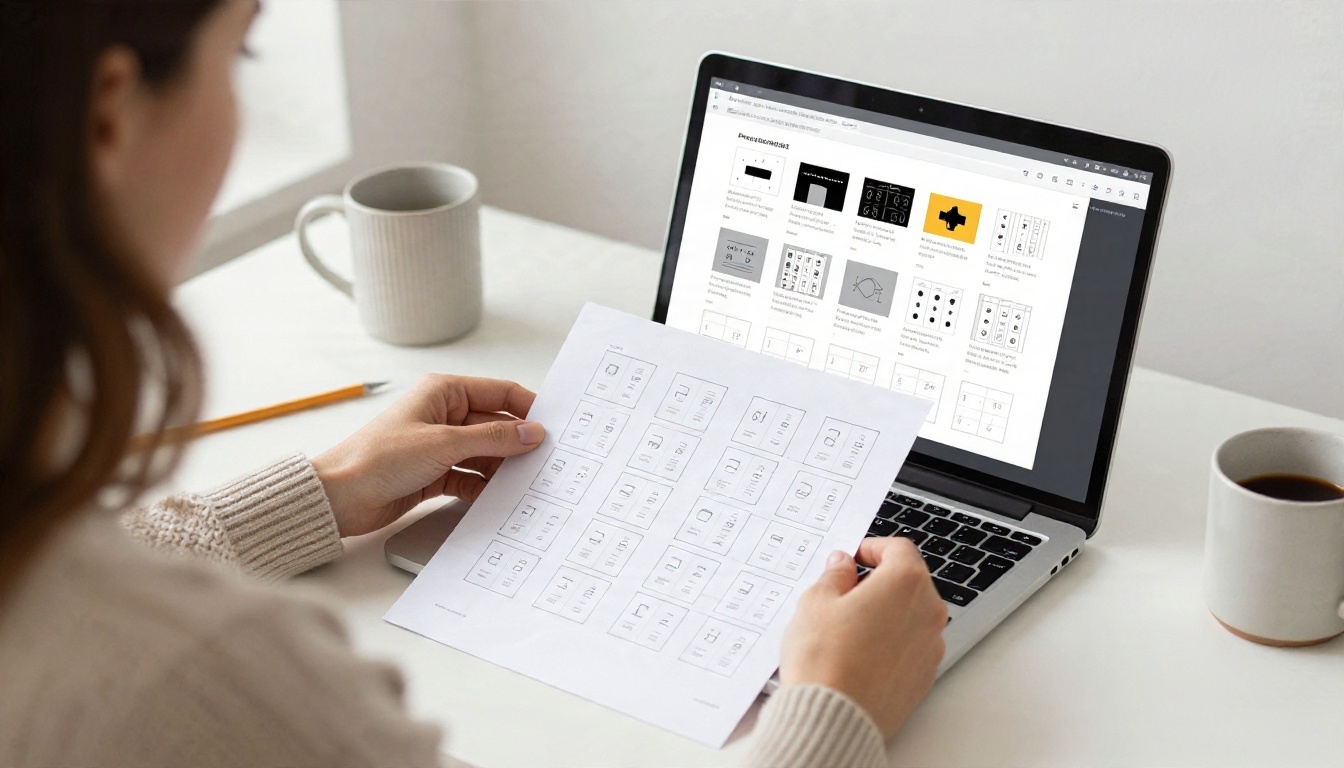
Use the page order map above as your planning grid. Draw a 4 x 2 grid on a sheet of letter paper. Each box measures 2.125 x 2.75 in. Label the boxes in the order shown, mark the top row as upside down, and sketch your content in small thumbnails first.
Template Two: Margins and Safe Area
| Setting | Mini zine (8 page) | Half letter (16 page) |
|---|
| Page size | 2.125 x 2.75 in | 5.5 x 8.5 in |
| Outer margin | 0.2 in | 0.5 in |
| Inner margin (gutter) | 0.2 in | 0.625 in |
| Minimum font size | 9 pt | 10 pt |
| Bleed (print shop only) | 0.125 in | 0.125 in |
Template Three: The Content Planner
Before drawing anything, fill in a simple list:
- Page 1: Title and one image
- Page 2: Short intro or a note from you
- Pages 3 to 6 (or 3 to 14): Your main content, one idea per page
- Page 7 (or 15): Credits, thanks, or a sketch
- Page 8 (or 16): Contact details, social handle, or a closing image

💡 Pro tip: Put one strong image on every spread. Text only pages are fine, but a photo or drawing every two pages keeps readers turning.
Make a Digital Zine With Flipbooks AI
Paper is great, but a link travels further than a stack of photocopies. A digital version lets you share your zine with people who will never reach your local zine fair, and it costs nothing to print.

One important note: do not upload your imposed print file. The imposed version has pages out of order, such as 16 beside 1. For a flipbook, you need a PDF with pages in reading order, 1 through 16.
Step 1: Prepare Your PDF
- Export your zine as a PDF, one page per PDF page, in order.
- Keep the page size consistent, for example 5.5 x 8.5 in for every page.
- Use RGB color for screens and keep the file under a reasonable size by compressing images.
Step 2: Upload and Convert
Go to the PDF to Flipbook Converter or create an account and upload your file. The platform turns each page into a flip page with a realistic turning effect, so your 16 pages behave like a real booklet. For zines that read like short magazines, the Magazine Flipbook Creator is a good starting point. If your zine is mostly artwork, try the Digital Portfolio Creator.
Step 3: Customize the Look
- Branding: Add your own colors and logo, and pick a background that suits your page tones.
- Page effects: Choose the page flip style and sound.
- Multimedia: Embed audio, such as a short soundtrack, or a video clip on a specific page.
- Mobile view: Flipbooks are mobile responsive, so they adapt to phone screens.
Step 4: Share and Protect
| Sharing option | Best for | Notes |
|---|
| Direct link | Social media bios, newsletters | Fast and simple |
| Embed code | Your personal website or blog | See the Embed Flipbook on Website tool |
| Password protection | Subscriber only or private zines | Share the password only with buyers or friends |
| Offline download | Readers without a good connection | Available as a download option |
Flipbooks created on the platform have no watermarks, ever, which matters when your zine is your own artwork. Standard plans and above offer unlimited flipbooks, so you can publish every issue.
Step 5: Track Readers
On the Professional plan, you get analytics and lead generation. You can see which pages get read, and collect email addresses from readers who want the next issue. Check the pricing page to compare plans.
Real Examples From Makers
The Photo Walk Zine
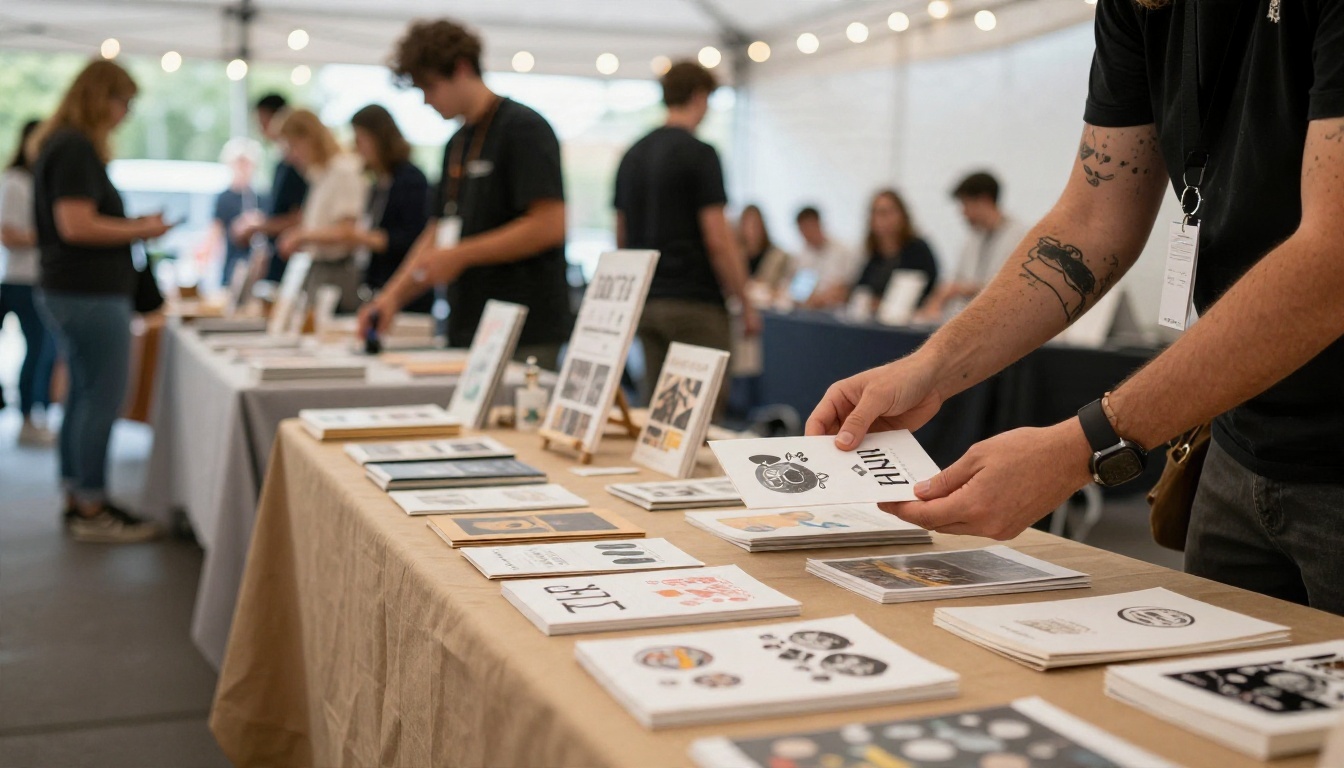
A street photographer prints one 8 page mini zine for each neighborhood walk: a title, six photos, and a closing page with a map sketch. Cost per copy is the price of one sheet of paper. She then posts the PDF as a flipbook so followers can flip through the set on their phones.
The Recipe Zine
A home cook builds a 16 page half letter booklet of weeknight dinners. Each spread has one recipe: ingredients left, method right. The inside back page is a pantry checklist. For a longer collection, the Recipe Book Flipbook tool suits the digital version.
The Band Zine
A small band prints a 24 page zine with lyrics, tour photos, and interviews, then sells it at shows. The digital copy goes out as a free preview through a link on their newsletter, with a password for supporters who get the full issue.
| Project | Pages | Format | Best channel |
|---|
| Photo walk | 8 | One sheet mini | Social link |
| Recipe collection | 16 | Half letter | Print and embed |
| Band zine | 24 | Half letter | Shows plus password link |
| Poetry chapbook | 12 | A6 | Mail and download |
Mistakes That Waste Paper
Skipping a Test Fold
Make a blank dummy from scrap paper before you draw or print anything. Number the pages by hand. It takes three minutes and prevents ruined originals.
Forgetting the Gutter
Text that sits too close to the spine disappears into the fold. Use the inner margin from the table above and test with a ruler.
Mixing Up Print and Screen Files
Keep two exports: one imposed for printing, one in reading order for screens. Name them clearly, such as zine-print.pdf and zine-reading.pdf.
⚠️ Warning: If your digital flipbook looks scrambled, you probably uploaded the print file.
Start Folding Today
The answer to how many pages is a zine comes down to paper: 8 for a one sheet mini, 16 for a classic booklet, and any multiple of four above that. Pick your size, draw your grid, and fold a test copy tonight.
When your pages are ready, get started for free on Flipbooks AI and turn your PDF into a flipbook readers can open with one link. Browse all flipbook tools to find the best fit for your format, or look at the interactive e-book publisher if your zine grows into a longer series. Compare pricing plans when you are ready to publish without limits.



