Most yearbook advisors ask the same question in September: how much is this going to cost, and who is going to pay for it? The honest answer is that a yearbook can cost $0 for a digital edition or $60+ per copy for a premium printed book, and the gap comes down to a handful of choices you control. This article breaks down printing prices, digital options and free software so you can build a realistic budget. If you want to skip printing entirely, Flipbooks AI turns a finished PDF into a page-turning online yearbook in minutes.
What a Yearbook Really Costs
The Quick Answer
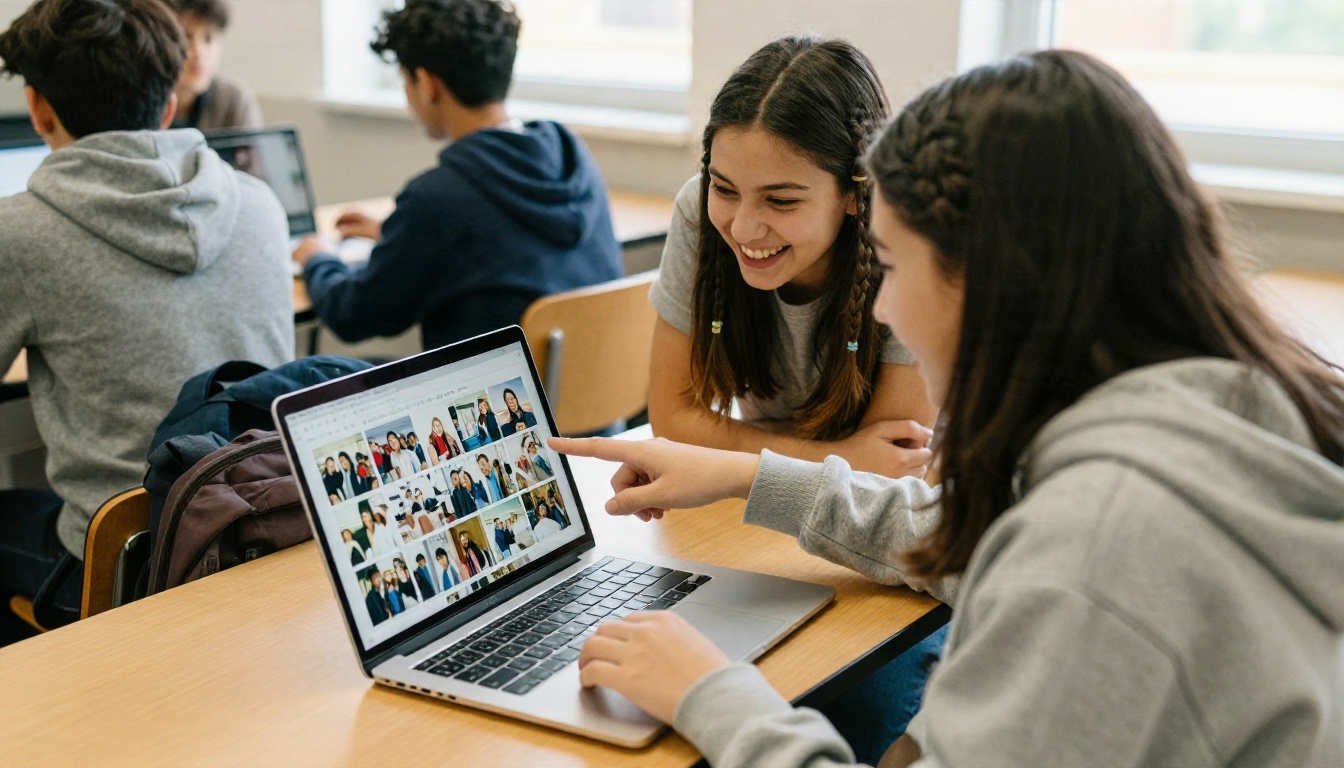
For a typical school, expect these ranges per student in 2026 (estimates based on common print-shop quotes; always get your own):
- Digital-only yearbook: $0 to $3 per student, mostly your time and a hosting plan.
- Softbound printed book (80 to 120 pages): $10 to $22 per copy.
- Hardbound printed book (150 to 250 pages): $25 to $60 per copy.
- Premium extras (foil, embossing, spot gloss, personalization): add $3 to $15 per copy.
Those numbers swing a lot with order size. A school printing 80 copies pays far more per book than one printing 800.
What Drives the Price
Five factors decide almost every quote:
- Page count. Printing happens in signatures of 8 or 16 pages, so adding a few pages can jump you to the next tier.
- Binding. Saddle-stitched (stapled) is cheapest, perfect-bound (glued spine) is mid-range, and sewn hardbound is the most expensive.
- Color vs. black and white. Full color on every page can double the paper-and-ink cost compared with a mixed approach.
- Quantity. Setup costs are fixed, so higher volume lowers the per-copy price.
- Paper weight and finish. Glossy 100 lb stock feels premium but costs more than 80 lb matte.
💡 Pro tip: Ask every printer for quotes at three quantities (for example 100, 250 and 500). The price curve tells you whether ordering extra copies is cheaper than running short.
Printing Prices Per Copy
Softbound vs. Hardbound
A softbound yearbook works well for elementary schools, small programs and clubs. A hardbound book is what most high school seniors expect to keep for decades. Here is how typical quotes compare:
| Format | Pages | 100 copies | 300 copies | 600 copies |
|---|
| Softbound, matte | 80 | $14 to $20 | $10 to $14 | $8 to $11 |
| Softbound, glossy | 120 | $18 to $26 | $13 to $18 | $10 to $14 |
| Hardbound, standard | 160 | $32 to $45 | $24 to $32 | $19 to $26 |
| Hardbound, premium | 240 | $48 to $65 | $36 to $48 | $28 to $38 |
Prices are per copy and approximate. Shipping, tax and design fees are usually separate.
Quantity Discounts
Offset printing has high setup costs and low running costs, which is why 500 copies are not five times the price of 100. Digital print-on-demand sits at the other end: no minimum, but a flat, higher per-copy price. If you are unsure how many students will buy, a hybrid plan is smart: print a base run through offset, then reorder small batches on demand.
Hidden Fees to Watch
The quote is rarely the final bill. Look for these line items:
- Proofing fees for printed hard-copy proofs.
- Shipping and freight, especially for pallets to a school address.
- Rush charges if your files arrive after the deadline.
- Color correction when images are not supplied in the right format.
- Taxes, which some schools can waive with an exemption certificate.
⚠️ Warning: Late files are the most expensive mistake in yearbook production. A missed deadline can add 10 to 25 percent in rush charges, and some printers push you to the back of the queue.
Digital Yearbook Options
Plain PDF Downloads
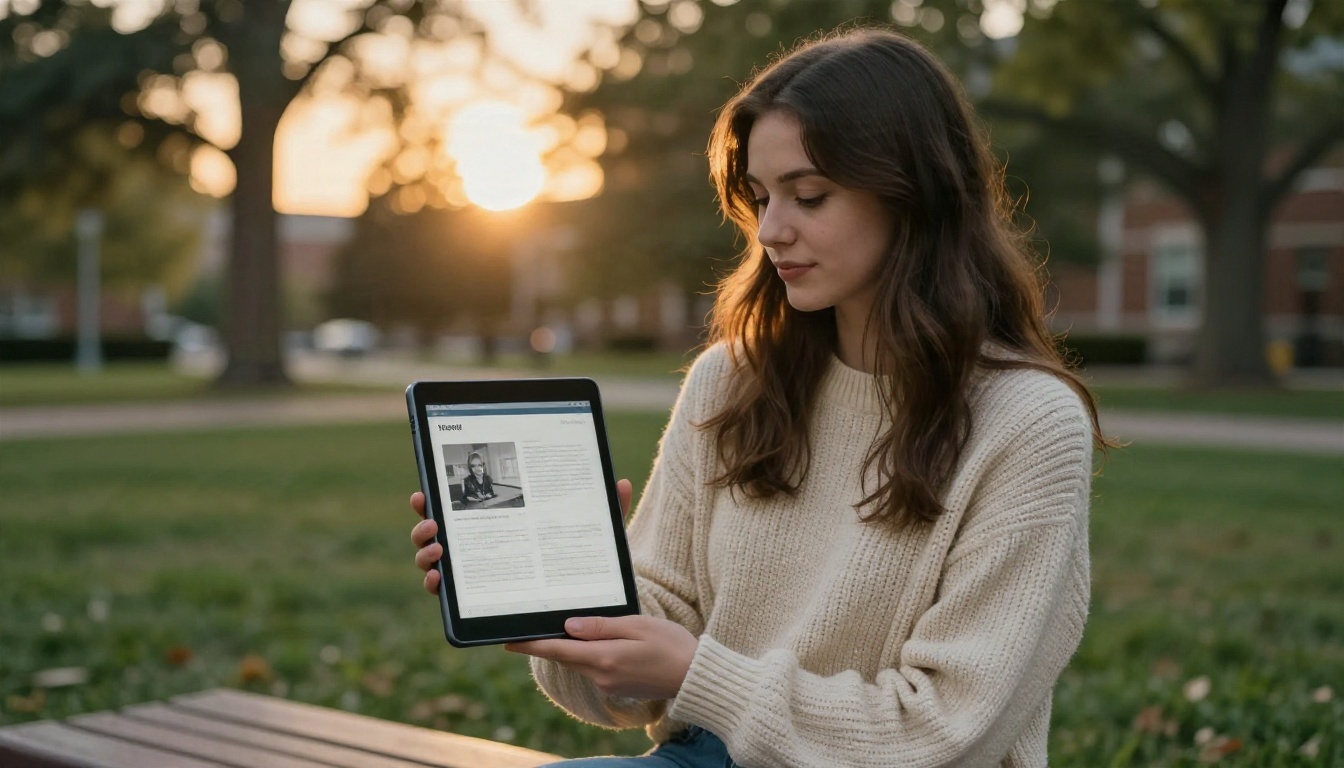
The cheapest digital route is a PDF. It costs nothing to produce and works on every device, but it feels flat. Large files are slow to open on phones, there is no page-turning feel, and you cannot see who actually viewed it.
Interactive Flipbooks
A flipbook keeps the layout of a printed book but adds a realistic page-turn, fast loading on mobile, zoom, search and the ability to embed video clips from graduation or the school play. Parents can open it from a link, and you can protect it with a password so only your school community sees student photos.
Hybrid Print and Digital
Many schools now sell a printed book at a lower print run and give every student free access to the digital edition. That means students who skip the $40 book still get the memories, and you avoid printing hundreds of copies that end up in a closet.
| Option | Cost per student | Interactive | Privacy controls | Best for |
|---|
| PDF download | $0 | No | Weak | Tiny budgets |
| Flipbook only | $0 to $3 | Yes | Password options | Elementary, clubs, alumni archives |
| Print only | $10 to $60 | No | N/A | Traditional senior books |
| Print plus flipbook | $12 to $62 | Yes | Password options | Most high schools |
Free Software for Layout
You do not need a $600 annual design subscription to build a good yearbook. Several free tools handle layout well enough for professional-looking pages.
Canva Free
Canva offers thousands of templates, drag-and-drop photo grids and easy collaboration, so several students can build spreads at once. The free tier is enough for most layouts. You can export print-ready PDFs, though CMYK export and bleed settings may require a paid plan.
Scribus and Google Slides
Scribus is open-source desktop publishing software. It handles bleed, CMYK and master pages, so it is the closest free match to InDesign. The interface takes a few sessions to get used to. Google Slides is surprisingly practical for small yearbooks: set a custom page size, share the file with the whole team and export to PDF.
| Software | Cost | Print-ready PDF | Collaboration | Difficulty |
|---|
| Canva Free | $0 | Yes, RGB | Excellent | Easy |
| Google Slides | $0 | Yes, RGB | Excellent | Easy |
| Scribus | $0 | Yes, CMYK and bleed | Limited | Moderate |
| Affinity or InDesign | Paid | Yes, full control | Varies | Moderate to high |
✅ Best practice: Design in a tool your students already know. A beautiful layout in Canva beats a half-finished layout in professional software nobody has time to learn.
How to Make a Digital Yearbook with Flipbooks AI
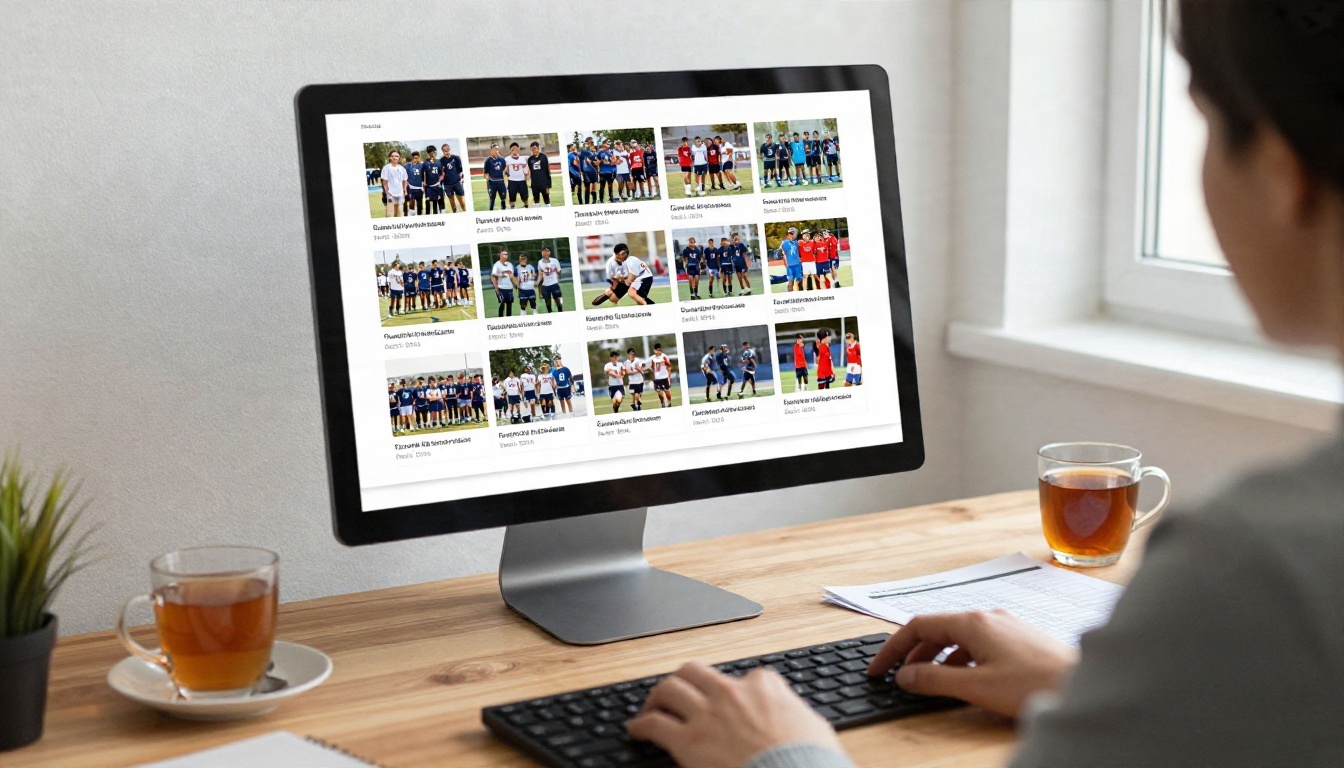
Once your pages are done, you can publish them without paying a printer. The Yearbook Flipbook Maker is built for exactly this job. Here is the process:
- Create your account. Go to Flipbooks AI and sign up. You can try it before choosing a plan.
- Export your pages as a PDF. From Canva, Slides or Scribus, export all spreads in order. Keep the file under a few hundred megabytes for fast conversion.
- Upload the PDF. Use the PDF to Flipbook Converter. Each page becomes a flippable page, and the layout, fonts and photos stay sharp.
- Customize the look. Add your school logo, choose a background color that matches your school colors, pick a page-turn effect and add a table of contents so students can jump to their class or club.
- Add multimedia. Embed videos of the graduation ceremony, sports highlights or an audio message from the principal. This is something a printed book cannot do.
- Share and protect. Copy a direct link, send it to parents, or use the embed option to place the yearbook on your school website. Turn on password protection so only students and families can open it.
- Track results. On the Professional plan, analytics show how many people opened the yearbook and which pages got the most views. You can also enable offline downloads for families with poor internet.
Flipbooks AI never adds watermarks, the flipbooks are mobile-responsive, and the Standard plan and above allow unlimited flipbooks, so you can publish a separate edition for every class or club. See the pricing plans for details.
💡 Pro tip: Create one flipbook per year and keep them together on a school archive page. Alumni love browsing old editions, and it costs nothing to keep them online.
For related projects, the School Newsletter Creator and the Event Program Maker use the same workflow, so your team will already know the steps.
Ways to Cut Your Budget
Sell Ads and Sponsorships
Local businesses and proud families will pay for yearbook space. Typical rates are $50 for a business card-sized ad, $150 to $250 for a quarter page and $400+ for a full page. Ten full-page ads can cover most of a 300-copy print run. Digital editions can carry sponsor logos with clickable links, which makes the placement more valuable.
Pre-Sell Before You Print
Open orders in the fall and close them before you finalize the quantity. Offer an early-bird price, such as $5 off before December. Pre-sales reduce risk, so you only print what you can sell.
Trim the Page Count
Every 16 pages you cut saves roughly 8 to 12 percent on a mid-size run. Fewer pages also mean less layout work. Combine candid photos into collage spreads, shorten the portrait section by using a uniform grid, and move bonus content like event galleries or videos into the digital edition.
Use Student Photographers
Hiring a professional photographer for every event adds up quickly. A trained student photo team with a few borrowed cameras can produce excellent results, and it makes the book feel more authentic.
Sample Budgets by School Type
Real-world numbers help more than ranges, so here are three scenarios.
Elementary school, 200 students: An 80-page softbound book at about $11 per copy costs $2,200 for a print run. Add a flipbook version for $0 to a small monthly fee, and you can sell the printed copy at $15 to cover postage and profit.
High school, 800 students: A 200-page hardbound book at roughly $26 per copy for 500 copies is $13,000. With 20 full-page ads at $300, that is $6,000 in income. Selling copies at $55 covers the rest.
Small private program, 60 students: Offset printing makes little sense here. A digital-only flipbook costs close to nothing, and you can order a few on-demand printed copies for the senior class.
| Scenario | Format | Total cost | Funding plan |
|---|
| Elementary, 200 students | Softbound plus flipbook | $2,200 to $2,500 | Sales at $15, small sponsor page |
| High school, 800 students | Hardbound plus flipbook | $13,000 to $15,000 | Ads, sales at $55, fundraisers |
| Small program, 60 students | Flipbook plus on-demand print | $200 to $700 | Parent contributions |

Ready to Build Yours?
Printing is the largest single line in any yearbook budget, but it is also the one you have the most control over. Collect quotes at several quantities, design in free software, pre-sell copies and add a digital edition so every student gets something even if they skip the printed book.
Here is your next move:
- Create your flipbook on Flipbooks AI and publish your first yearbook for free.
- Compare plans on the pricing page when you need analytics, offline downloads and unlimited flipbooks.
- Browse all flipbook tools for newsletters, portfolios, programs and more.
- Start from the right tool: the Yearbook Flipbook Maker is ready for your PDF today.
Whether you print 800 copies or publish only online, a clear budget and an early deadline will do more for your yearbook than any expensive upgrade.



