A 150 MB PDF that bounces back from a firm's mail server is the quickest way to lose a job interview before it starts. Your drawings might be sharp, your photography might be stunning, but if the file will not open on a recruiter's phone, nobody sees any of it. A digital flipbook fixes that. It keeps the page-by-page rhythm of a printed portfolio, loads fast in a browser, and travels as a single link. In this tutorial you will build one with Flipbooks AI, starting from the PDF you already have, and you will see layout examples you can copy for student, residential and competition work.

Why Architects Are Switching to Flipbooks
Architecture is a visual trade, and the portfolio is the one document that decides whether you get the interview. Yet most architects still send the same oversized PDF they exported at midnight before a deadline. A flipbook is the same content, presented properly.
The Problem With Plain PDFs
PDFs were built for printing, not for browsing. Here is what usually goes wrong:
- File size: high-resolution renders and site photos push exports past email limits.
- Slow loading: mobile viewers download the whole file before the first page appears.
- No page-turn feel: the reader scrolls through a long strip instead of moving through spreads.
- Zero feedback: you never know whether anyone opened it, or where they stopped.
- Version chaos: three different "final" files end up floating around.
What a Flipbook Changes
A flipbook converts each page into a web-optimized image layer and presents the pages as spreads with a realistic page-turn effect. The reader taps or swipes. Pages load progressively, so the first spread appears in seconds. And because it lives at a URL, you can update the file behind the link without resending anything.
💡 Pro tip: Recruiters often review portfolios on a phone between meetings. A mobile-responsive flipbook gives them a smooth first impression even when they are standing in a lift.
PDF vs Flipbook vs Website vs Print
| Format | Load speed | Page-turn feel | Easy to update | Tracks views | Best for |
|---|
| Raw PDF attachment | Slow on mobile | No | No (re-send each time) | No | Formal submissions that demand a file |
| Digital flipbook | Fast | Yes | Yes | Yes (Professional plan) | Job applications, client pitches, competitions |
| Personal website | Fast | Depends on design | Yes | Yes | Long-term online presence |
| Printed portfolio | Instant | Yes | No | No | In-person interviews |
The flipbook sits in a sweet spot: it carries the editorial feel of print with the convenience of a link.
Plan the Portfolio Before You Build
A flipbook maker will not fix a weak sequence. Spend an hour on structure first, and the build will take minutes.
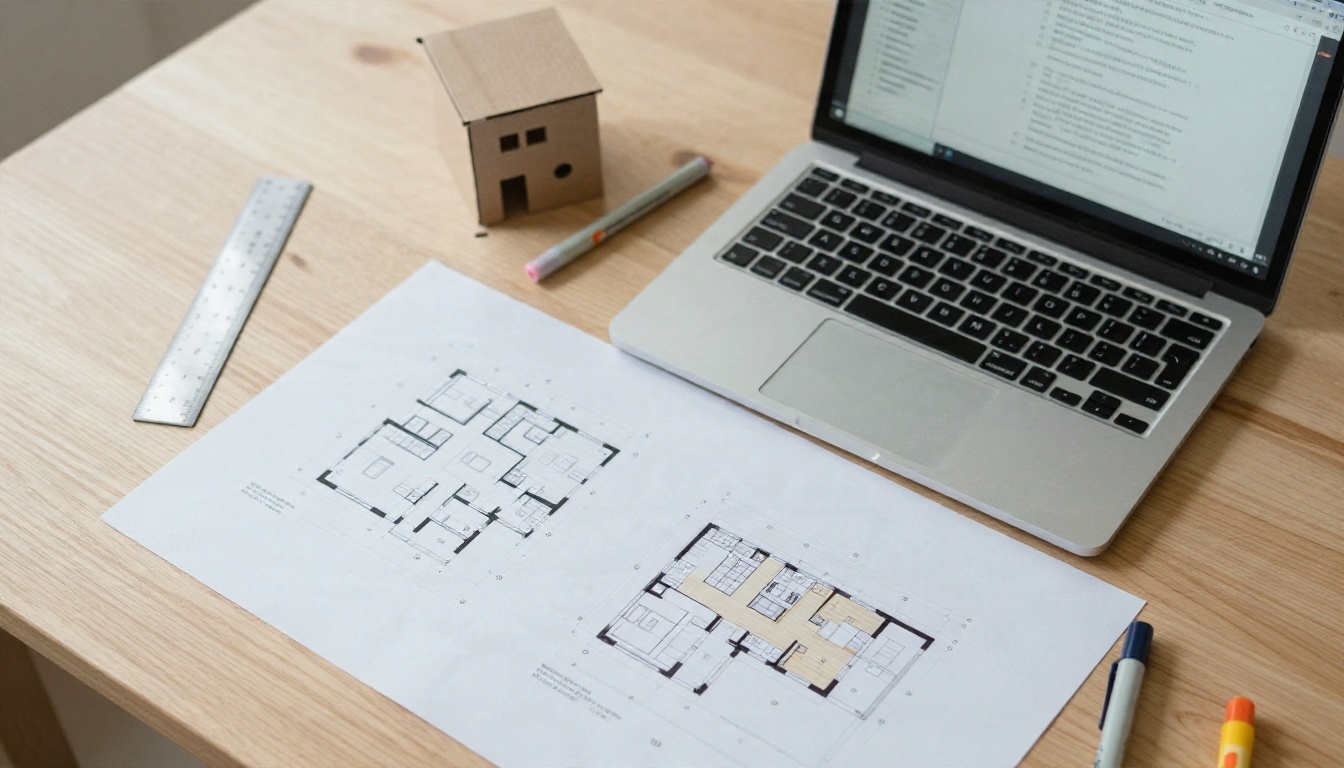
Pick 5 to 8 Projects
Quality beats volume. Hiring teams skim, and a tight selection reads as confident. A reliable mix looks like this:
- One hero project that opens the book and shows your strongest thinking.
- Two or three mid-scale projects that prove you can resolve a full brief.
- One technical project with details, sections and construction logic.
- One experimental or competition piece that shows how you think when the brief is open.
- Optional: a short page of sketches, models or built work.
Sequence Pages Like a Story
Think in spreads, not single pages, because a flipbook shows two pages side by side. Each project should follow a rhythm:
- Opening spread: one large photograph or render, project name, location, year.
- Context spread: site plan, brief and a short paragraph on the idea.
- Process spread: sketches, diagrams, massing studies.
- Resolution spread: plans, sections, elevations at a readable scale.
- Closing spread: finished photography or a final render with a one-line takeaway.
✅ Best practice: Keep text blocks under 60 words. People read portfolios the way they read building facades: glance first, details second.
Set Up Your PDF Correctly
The quality of your flipbook depends on the quality of the file you upload. Use these export settings:
| Setting | Recommended value | Why it matters |
|---|
| Page size | A4 or A3 landscape, or square | Landscape fits screens and spreads naturally |
| Image resolution | 150 to 200 DPI | Sharp on retina screens without bloating the file |
| Colour profile | sRGB | Keeps colours consistent in browsers |
| Fonts | Embedded | Prevents substitution on the reader's device |
| File size | Under 50 MB if possible | Faster upload and conversion |
| Page order | Single pages, not printer spreads | The flipbook builds spreads automatically |
Export from InDesign, Affinity Publisher, Illustrator, Canva or even PowerPoint. The tool does not matter as long as the PDF is clean.
How to Create an Architecture Flipbook with Flipbooks AI
This is the hands-on part. The whole process takes roughly ten minutes once your PDF is ready. If you want a purpose-built starting point, the Digital Portfolio Creator and the Portfolio Flipbook Builder are tuned for creative work like yours.
Step 1: Create Your Free Account
Head to Flipbooks AI and create an account. You can start without paying and check the pricing page later when you want more features. There is no watermark on your pages, ever, which matters when your name is the brand.
Step 2: Upload and Convert Your PDF
Open the dashboard and choose the upload option. Drag in your portfolio PDF, or use the dedicated PDF to Flipbook Converter. The platform reads each page, builds optimized images and assembles the spreads. Large files take a little longer, so keep an eye on the progress bar.
Once conversion finishes, flip through the preview and check:
- Are drawings sharp when zoomed?
- Are page numbers in the right order?
- Do cover and back pages sit correctly as single pages?

Step 3: Customize the Look
Your portfolio should feel like your practice, not a template. Inside the editor you can adjust:
- Background colour: use a neutral grey or off-white so drawings stay the focus.
- Branding: add your logo, studio name or initials.
- Page effects: choose the page-turn style and speed. Subtle works best for architecture.
- Toolbar controls: keep zoom and full screen on, since people want to inspect details.
- Custom domain or link name: a short, memorable URL looks professional on a CV.
💡 Pro tip: Match the background to your portfolio's page colour. When the page edges blend into the viewer, the spreads feel like real paper on a table.
Step 4: Add Multimedia
Static pages are a good start, but architecture comes alive with motion. You can embed videos and audio directly in the flipbook:
- A 20-second walkthrough of a 3D model beside the floor plan.
- A time-lapse of a build site.
- A short voice note where you explain the concept behind your competition entry.
Keep clips short and optional. The flipbook should work even if nobody presses play.
Step 5: Share and Protect It
When you are happy with the result, use the sharing panel. The options are:
| Sharing method | When to use it |
|---|
| Direct link | Job applications, email signatures, LinkedIn |
| Embed code | Your personal website or online CV (see Embed Flipbook on Website) |
| Password protection | Unpublished client work or confidential competition entries |
| QR code | Printed business cards, exhibition boards, poster sessions |
| Offline download | Interview situations with unreliable Wi-Fi |
Step 6: Switch On Professional Features
Once you start sending the portfolio to many firms, the Professional plan becomes worth a look:
- Analytics: see how many people opened the link, which pages they read and how long they stayed.
- Lead generation: ask viewers for an email address before they open the book, which suits freelancers and small studios pitching to clients.
- Unlimited flipbooks (Standard plan and above): make a tailored version for each application.

Free Maker Options Compared
Plenty of tools turn PDFs into flipbooks. The differences show up when you look closely at what a free account lets you do and what lands behind a paywall. Always check the vendor's current plan page, since limits change.
| What to check | Why architects care | What to look for |
|---|
| Watermarks | Your name is the brand | A maker that never stamps its logo on your pages |
| Mobile layout | Recruiters open links on phones | Responsive viewer with pinch zoom |
| Image quality | Thin line drawings blur easily | Zoom that stays crisp at plan scale |
| Embed and link options | You need your own site and CV | Both direct link and embed code |
| Privacy controls | Competition work is often confidential | Password protection |
| Analytics | You want to know if firms opened it | View and page-level data |
| Multimedia | Walkthroughs and animations help | Video and audio embedding |
Free Plan vs Paid Plan: Who Needs What
- Students and recent graduates: a free account is usually enough to build and share one polished portfolio.
- Job seekers applying to many firms: unlimited flipbooks let you create versions for each firm, such as a heritage-focused one and a residential one.
- Freelancers and small studios: analytics and lead capture turn the portfolio into a lightweight sales tool.
Compare plan details on the pricing page before you decide, and browse the full list of flipbook tools to see what else fits your workflow.
Real Examples You Can Copy
Theory is helpful, but layouts are easier to borrow when you see them in practice. These four examples show how different architects can structure their flipbooks.
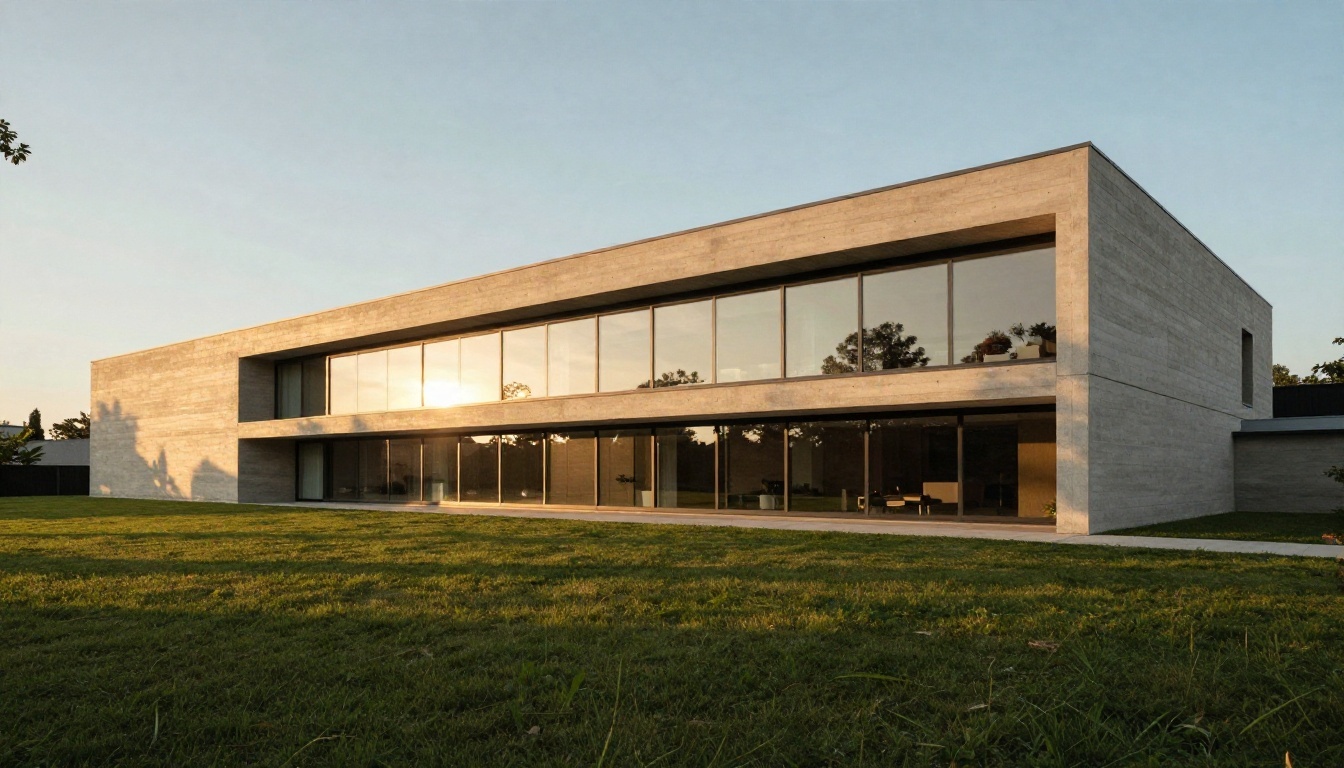
Example 1: The Graduate Portfolio
A recent graduate has limited built work, so the portfolio sells thinking and craft.
- Length: 24 to 32 pages.
- Structure: studio projects first, one technical semester project, one competition.
- Highlight: process spreads with sketches and physical models.
- Flipbook extras: a 30-second video of the final model, and a short bio page with a link to a CV.
Example 2: The Residential Studio
A small studio that designs houses needs to show finished spaces and the story behind them.
- Length: 20 to 40 pages.
- Structure: one house per chapter, each opening with a full-bleed photograph.
- Highlight: before-and-after spreads and material close-ups.
- Flipbook extras: an embedded flipbook on the studio website, plus lead capture so prospective clients leave their email.
Example 3: The Competition Entry
Competition boards and reports often need controlled distribution.
- Length: 12 to 20 pages.
- Structure: concept, masterplan, key views, technical strategy, program table.
- Highlight: bold diagrams and one anchor render per spread.
- Flipbook extras: password protection until the results are announced.

Example 4: The Urban and Landscape Portfolio
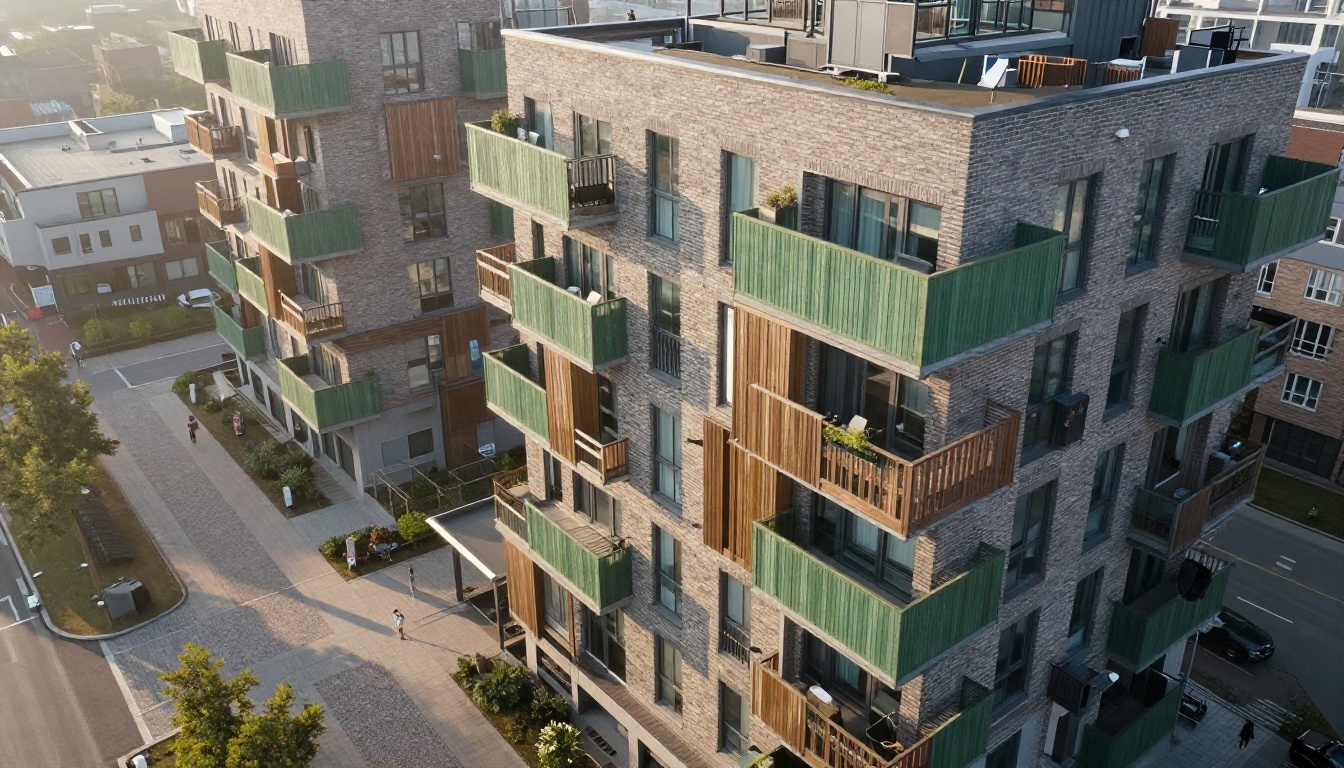
Large-scale work needs room to breathe, and aerial imagery helps.
- Length: 28 to 36 pages.
- Structure: city-scale maps first, then block-scale proposals, then details.
- Highlight: aerial photographs with simple overlays of massing and circulation.
- Flipbook extras: an audio note explaining the planning strategy.
Layout Comparison at a Glance
| Portfolio type | Pages | Opening spread | Best sharing method |
|---|
| Graduate | 24 to 32 | Strongest studio project | Direct link on CV |
| Residential studio | 20 to 40 | Full-bleed finished house | Embed on website |
| Competition | 12 to 20 | Concept diagram and hero view | Password-protected link |
| Urban and landscape | 28 to 36 | Aerial site photograph | Link plus QR code on boards |
If your work leans on photography, the Photography Portfolio tool offers a layout built around large images.
Layout Mistakes to Avoid
Even a good maker cannot rescue a crowded page. Here are the problems that show up most often.
Too Much Text
Paragraphs on drawings tire readers fast. Put long explanations in a short project summary and let the images speak.
Tiny Drawings
A plan at 30 percent of a page looks neat on your monitor and unreadable on a phone. Give plans and sections generous space, and add a scale bar or north arrow so people can read them quickly.
Inconsistent Styling
Switching fonts, line weights and colour palettes between projects makes the book feel like a collage. Choose one typeface family, one accent colour, and one grid.
Forgotten Contact Details
Add your name, email, phone and website on the first and last pages. A beautiful portfolio without contact information is a missed opportunity.
⚠️ Warning: Do not compress your PDF until drawings blur. If thin lines look soft in the flipbook preview, re-export at a higher resolution rather than relying on zoom.
A Quick Checklist Before You Publish
Share and Track Your Portfolio
A published flipbook is only half the job. How you send it matters just as much.
Where to Put the Link
- Email signature: a short line such as "Portfolio" with the link.
- CV and cover letter: place the link beside your name, not buried on page two.
- LinkedIn: add it to your Featured section.
- Instagram bio: ideal if you post model photos or site visits.
- Printed material: add a QR code to business cards and exhibition posters.
Read the Data and Improve
If you use the Professional plan, check the analytics every few days after sending applications. If viewers drop off at page six, the sequence may be weak around that point. If one project gets the longest reading time, move it earlier. Treat each version as an experiment and make changes based on what the numbers show.
Publish Your Portfolio Today
Your best work deserves better than a bounced attachment. Prepare a clean PDF, convert it, adjust the look to match your practice, and send one link that opens on any device.
Here is how to move forward right now:
- Create your free account on Flipbooks AI.
- Upload your PDF with the PDF to Flipbook Converter.
- Refine the layout with the Portfolio Flipbook Builder.
- Compare pricing plans if you need analytics, lead capture or unlimited flipbooks.
- Browse all flipbook tools for brochures, reports and lookbooks that fit your studio.
Start with one project, publish it, and send the link to a single firm this week. You will quickly see how much easier a flipbook makes the whole process.



