A look book is the fastest way to show a collection the way you see it: styled, photographed and sequenced like a story instead of a price list. The good news is that you no longer need a design agency or a print budget to make one. With a handful of strong photos and a tool like Flipbooks AI, you can publish a page-turning look book that opens on any phone in seconds.
This article walks through the whole process: what a look book is, how to plan it, which sizes to pick, which layouts work, which templates and free online options are worth your time, and how to publish the final result.
What a Look Book Actually Is
A look book is a curated set of images that presents a collection, a styling idea or a creative vision. It sells a mood first and a product second. Think of it as a short visual essay: a few outfits, a clear theme, and a rhythm that makes people want to keep turning pages.
Look Book vs Catalog
People mix these two up constantly, and the difference shapes every design decision you make.
| Feature | Look Book | Catalog |
|---|
| Main goal | Inspire and set a mood | Inform and drive orders |
| Photography | Styled, editorial, full-bleed | Clean, product-focused |
| Text | Minimal, captions only | SKUs, sizes, prices, specs |
| Page count | 8 to 32 pages | 20 to 200+ pages |
| Best for | Seasonal drops, brand launches | Wholesale, full product ranges |
If you need prices and order codes, build a catalog with the Fashion Catalog Creator. If you want to sell a feeling, keep reading.
Who Needs One
- Independent designers presenting a new collection to buyers.
- Boutique owners showing how to style pieces from the current rack.
- Stylists and photographers building a portfolio that shows range.
- Wedding and event planners pitching a visual theme.
- Interior and furniture brands showing rooms instead of single products.
💡 Pro tip: A look book does not have to be about clothing. Home decor, jewelry, cosmetics and even restaurant concepts use the same format to sell atmosphere.
Plan the Concept First
Most weak look books fail before the first photo is taken. They have good clothes and no idea. Spend an hour on planning and every later step gets easier.
Pick a Theme and Palette
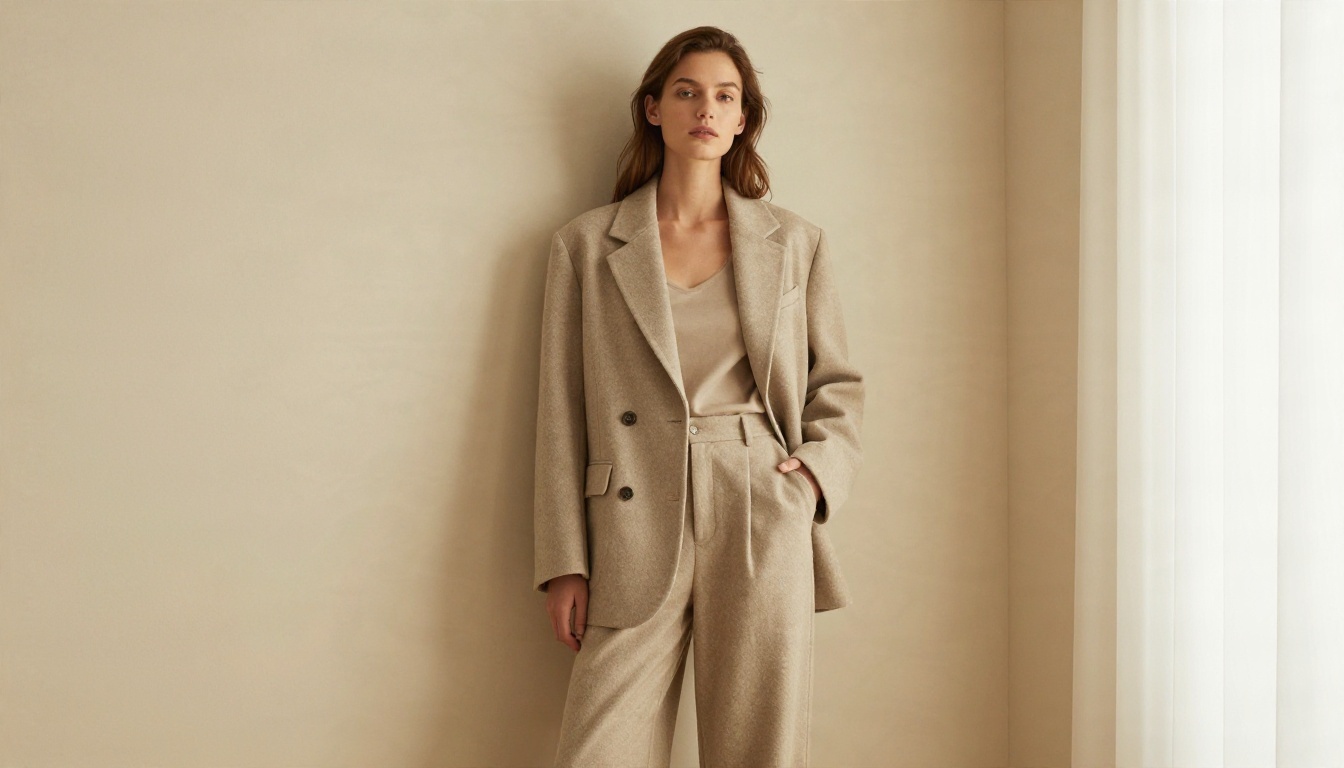
Choose one sentence that describes the whole book. For example: "Quiet neutrals for a city weekend" or "Bright linen for a coastal summer." That sentence decides your locations, your colors and even your font.
Then lock a palette of three to five colors drawn from the clothes themselves. Use the same palette for backgrounds, text blocks and accents so the pages feel related.
Build a Shot List
Write down every look you want to photograph before the shoot day. A simple list should include:
- Outfit name and the pieces in it.
- Location or backdrop for that look.
- Shot type: full length, half length, detail, or movement.
- Hero shot: the one image that will run full page.
A good ratio is one hero image per three supporting images. That mix gives you room to vary the pace later.
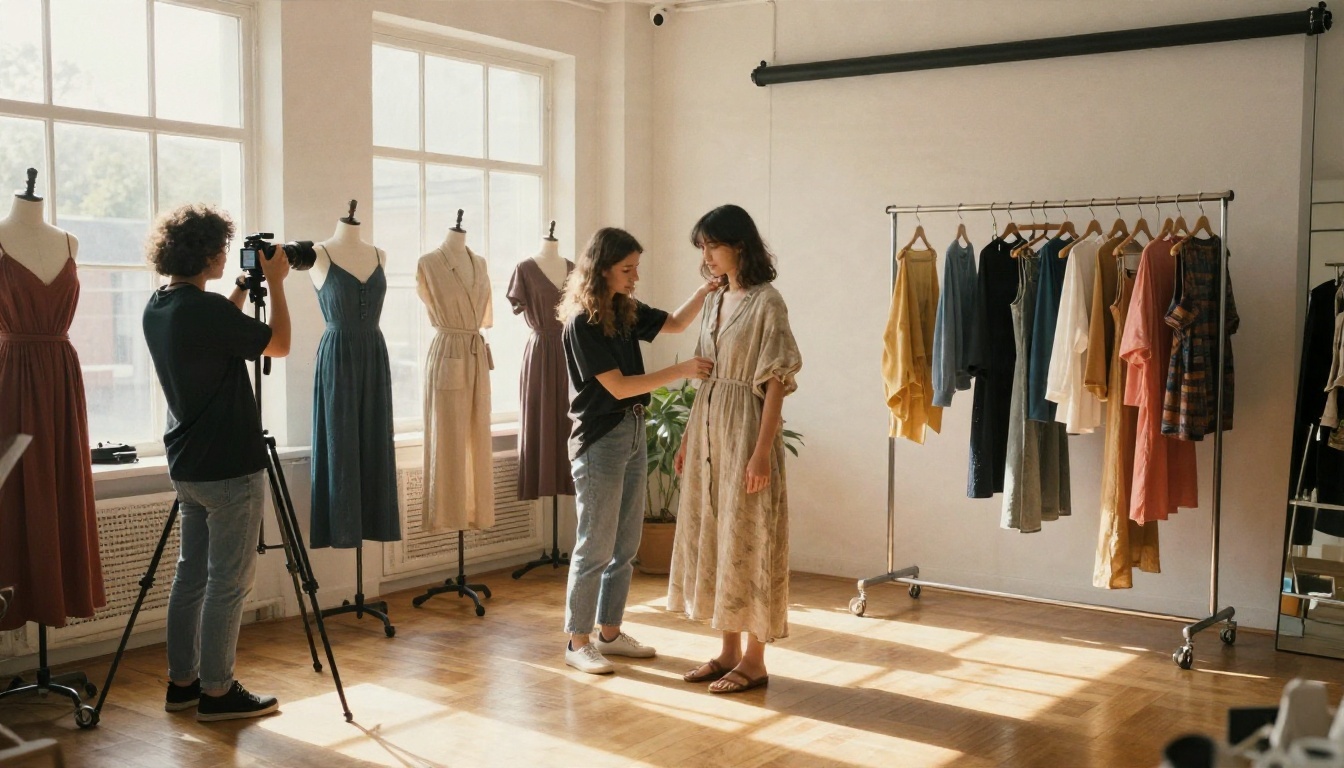
✅ Best practice: Shoot both vertical and horizontal frames of every look. Vertical suits a portrait page, horizontal fills a spread, and you will not know which you need until you start laying out.
Best Look Book Sizes
Size depends on where your look book will live. A book that will be printed and mailed has different limits than one that only opens on a phone.
Print Sizes
| Format | Size (inches) | Size (mm) | Best For |
|---|
| A4 portrait | 8.27 x 11.69 | 210 x 297 | Classic editorial feel |
| US Letter | 8.5 x 11 | 216 x 279 | US printers and mailers |
| Square | 8 x 8 | 203 x 203 | Social-friendly, modern |
| A5 portrait | 5.83 x 8.27 | 148 x 210 | Pocket-size handouts |
| Landscape A4 | 11.69 x 8.27 | 297 x 210 | Wide outfit photography |
For print, always add a 3 mm (0.125 inch) bleed on every side and keep important content at least 5 mm from the trim edge. Export at 300 DPI so skin tones and fabric textures stay sharp.
Digital Sizes
Digital look books are more forgiving, but they still have a sweet spot.
- Portrait 4:5 (1080 x 1350 px): matches Instagram and reads well on phones.
- Landscape 16:9 (1920 x 1080 px): perfect for desktop and presentations.
- Square 1:1 (1200 x 1200 px): flexible across web, email and social.
- A4 PDF at 150 DPI: a good balance of quality and file size for flipbooks.
⚠️ Warning: Keep the PDF under 50 MB where possible. Oversized files load slowly on mobile and lose readers before they reach page two.
Layout Ideas That Work
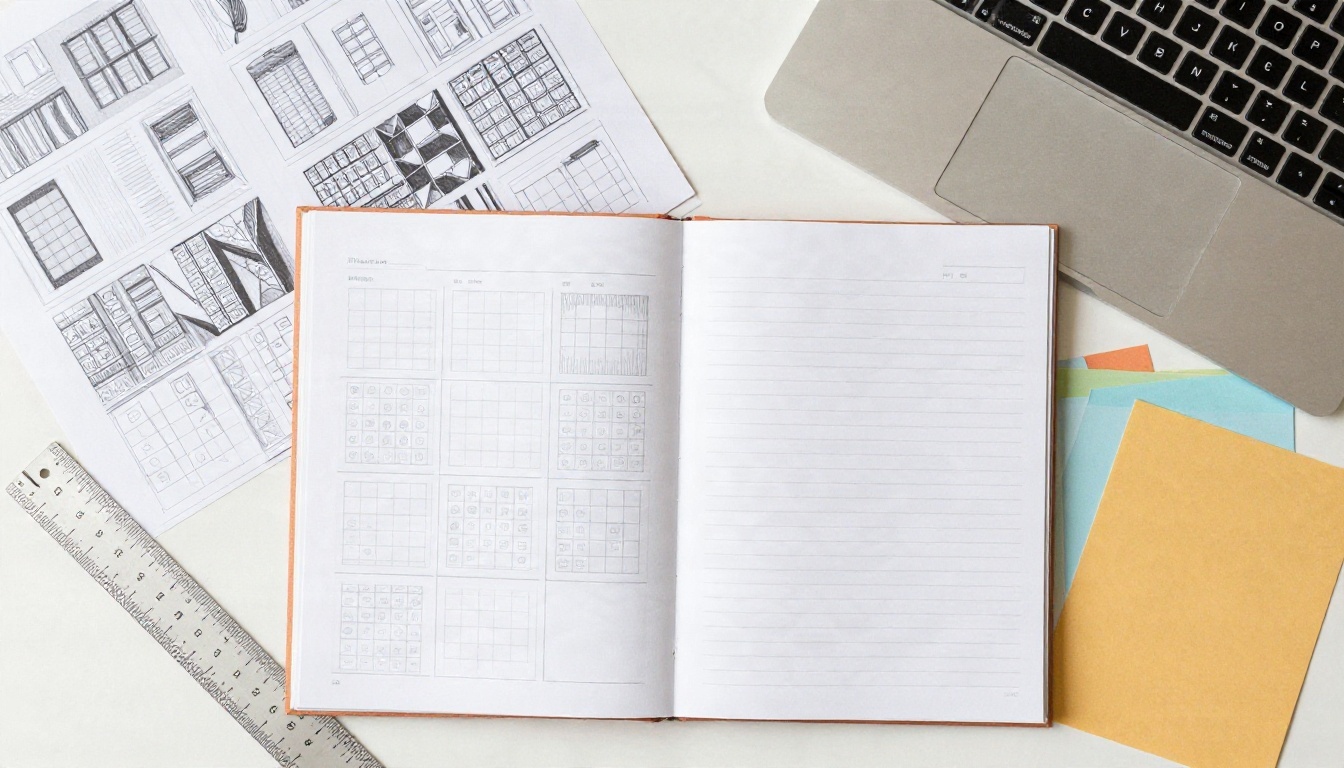
Great layouts follow a simple rule: let the photo breathe. Fashion imagery needs space, and clutter makes even beautiful clothes look cheap.
Grid and Full-Bleed Spreads
Here are the layouts that appear in almost every professional look book:
- Full-bleed hero: one photo fills the whole page, with a tiny caption in a corner.
- Two-up split: two portrait photos side by side on a spread, ideal for before and after styling.
- Three-column strip: three vertical shots in a row to show movement or color variations.
- Detail collage: one large image paired with two or three small close-ups of fabric, buttons or shoes.
- Text-light divider: a plain color page with a single line of text to separate chapters.
Pace Your Spreads
Do not repeat the same layout three times in a row. A reliable rhythm is:
- Full-bleed hero
- Two-up or three-column
- Detail collage
- Breathing page (color block or single quiet image)
- Back to a hero
This pattern keeps the reader slightly surprised on each turn, which is exactly what you want from a book meant to be flipped.
Typography Rules
- Use one serif and one sans-serif font, no more.
- Keep captions to 12 words or fewer.
- Put text over calm areas of a photo, like a wall or sky, never over a face or busy pattern.
- Limit text color to your palette plus black or white.
💡 Pro tip: Name each look with a short, human label, like "Sunday Market" or "Late Train." Names are more memorable than product codes and give your captions personality.
Templates and Free Online Options
You can build from scratch, but templates save hours. The table below compares the most common routes.
| Option | Cost | Page Turn Effect | Best For | Watch Out For |
|---|
| Canva templates | Free tier available | No (PDF export only) | Quick layouts | Needs another tool for publishing |
| Adobe InDesign | Paid subscription | No (PDF export only) | Full design control | Steep curve for beginners |
| Google Slides or PowerPoint | Free or low cost | No | Simple internal decks | Limited typography control |
| Flipbooks AI | Free to try, paid plans from pricing | Yes | Publishing a finished PDF as an interactive book | Needs a finished PDF first |
The smartest workflow combines two tools: design the pages wherever you feel comfortable, then convert the PDF into an interactive publication. That way you get design freedom and a professional reading experience without paying for expensive software.
Template Styles to Consider
| Style | Mood | Typical Page Count | Photo Style |
|---|
| Minimal editorial | Calm, premium | 10 to 16 | Natural light, muted tones |
| Bold color block | Playful, youthful | 12 to 20 | High contrast, saturated |
| Vintage film | Nostalgic, warm | 12 to 24 | Grain, soft highlights |
| Street style | Urban, energetic | 16 to 32 | Candid, movement |
| Resort and swim | Sunny, glamorous | 12 to 20 | Golden hour, beach, poolside |
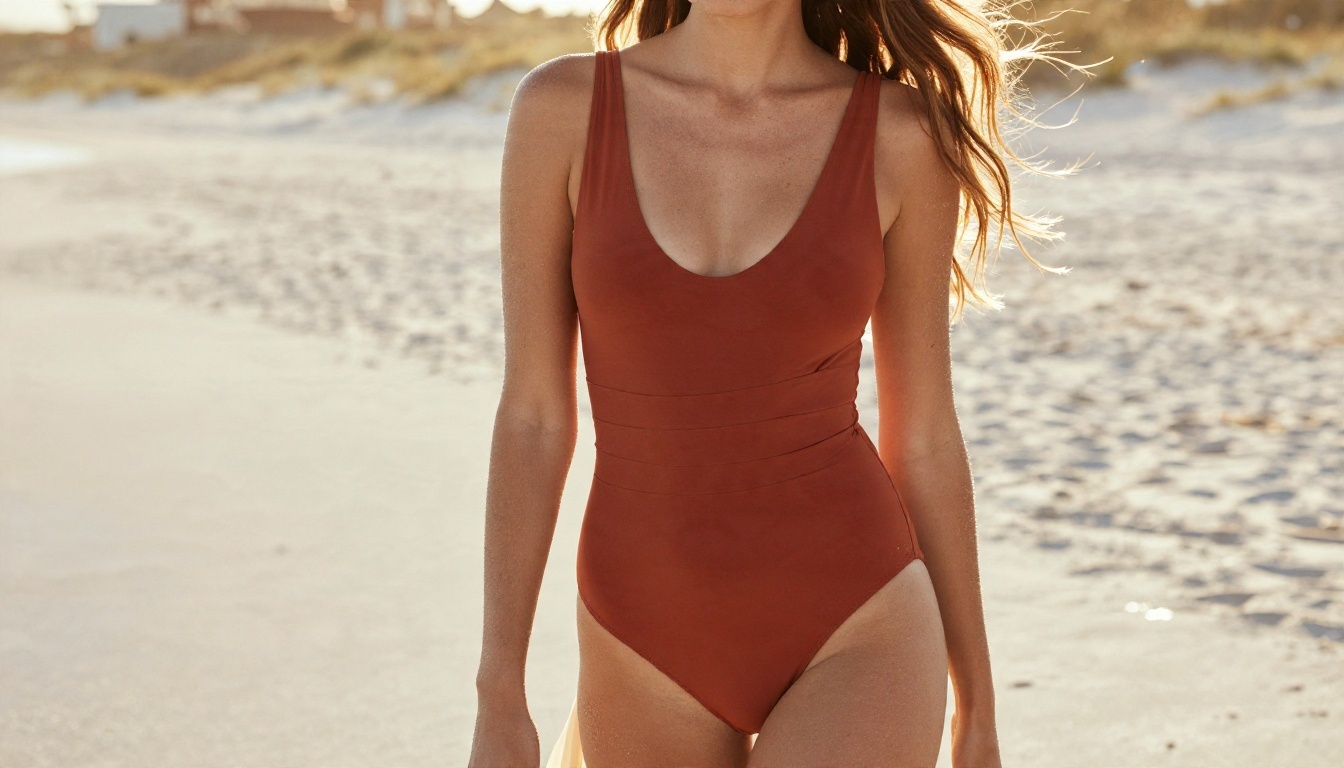
Swimwear and resort collections work especially well because the settings do half of the storytelling. A single golden-hour beach frame can carry an entire page without a line of copy.
How to Create a Look Book with Flipbooks AI
Once your pages are exported as a PDF, turning them into an interactive look book takes only a few minutes. Flipbooks AI offers a dedicated Interactive Lookbook Designer and a Lookbook Flipbook Builder made for exactly this.
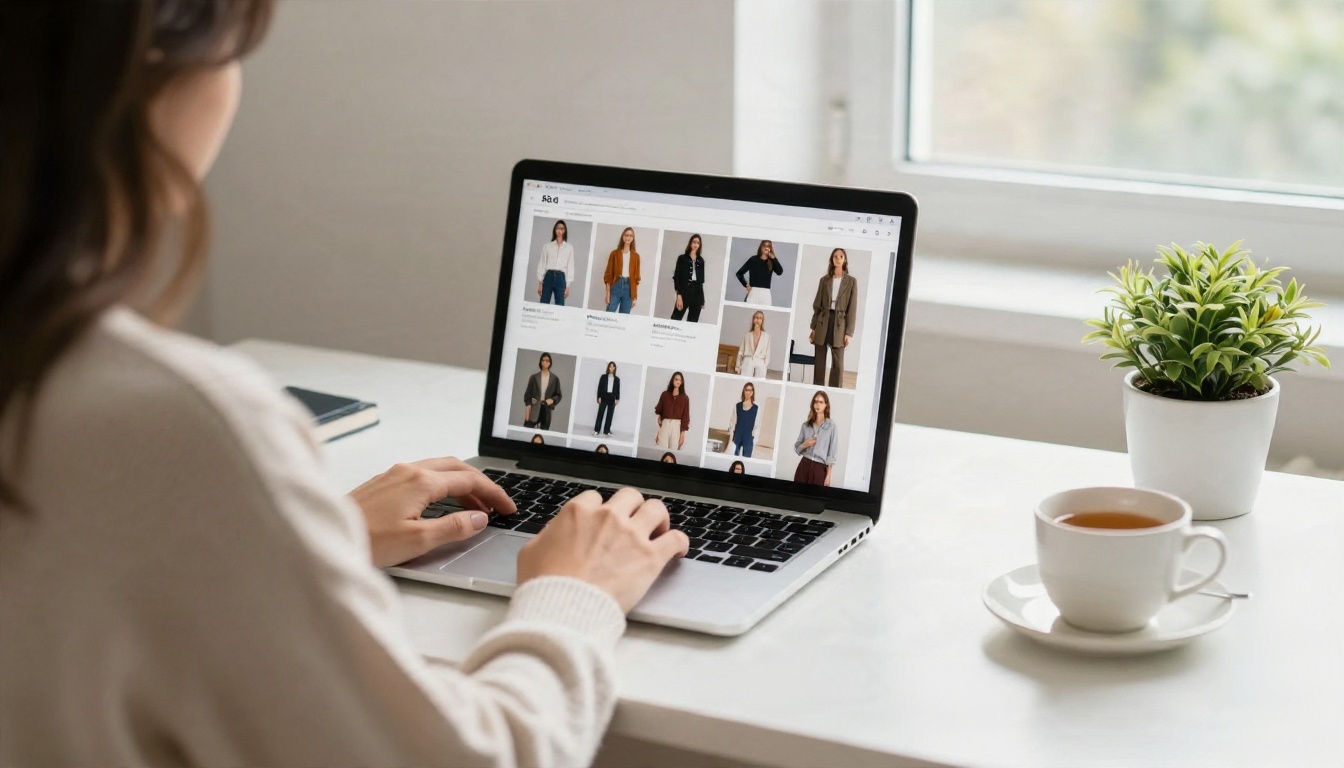
Step 1: Create Your Account
Head to Flipbooks AI and sign up. You can try the platform before choosing a plan, and every flipbook you publish is free of watermarks.
Step 2: Upload the PDF
- Click the upload button on your dashboard.
- Drag in your look book PDF.
- Wait a few seconds while the PDF to Flipbook Converter turns each page into a flippable spread.
Check that your page order looks correct in the preview. If your PDF uses single pages, the viewer will pair them into spreads automatically.
Step 3: Customize the Look
This is where the digital version beats paper:
- Branding: add your logo and choose a background color that matches your palette.
- Page effects: pick a realistic page curl and turn speed.
- Multimedia: embed a short runway clip or a background music track on the pages where they fit.
- Links: make each outfit clickable so it opens the matching product page in your shop.
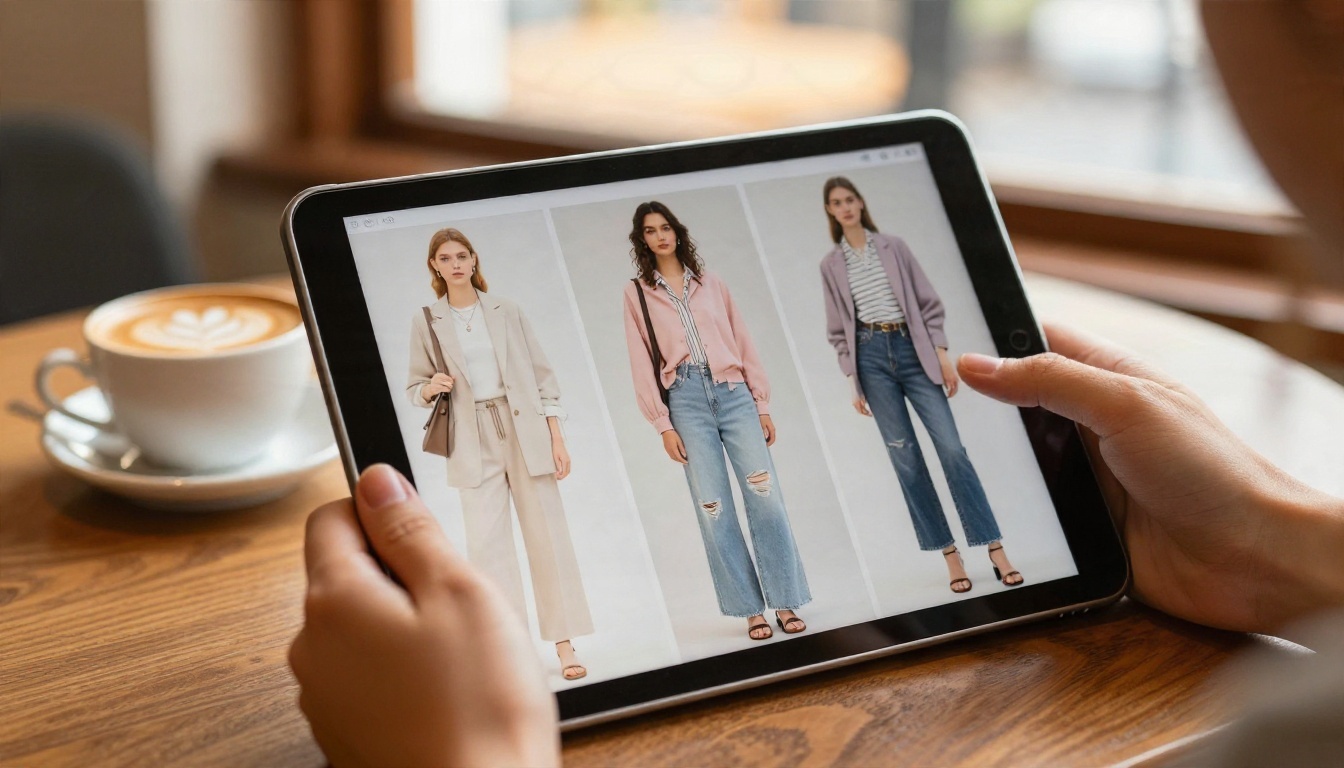
The result is mobile-responsive, so it reads well on a tablet at a cafe table or on a phone while someone is standing in a queue.
Step 4: Share It
| Sharing Method | How It Works | Best Use |
|---|
| Direct link | Send a single URL by email or message | Press, buyers, quick sharing |
| Embed code | Paste a snippet into your site, see Embed Flipbook on Website | Homepage and collection pages |
| Password protection | Require a password to open | Private previews, wholesale buyers |
| Offline download | Let viewers save a copy | Trade shows and travel |
Step 5: Use Pro Features
On the Professional plan, you can add analytics to see which pages people spend time on, and lead generation forms that capture an email before a visitor opens the book. Compare options on the pricing page. Unlimited flipbooks are included from the Standard plan and above, which is useful if you release a look book every season.
✅ Best practice: Use password protection for a wholesale preview, then publish a public version once the collection launches. One PDF, two audiences.
Real-World Examples
- A boutique owner uploads a spring look book, embeds it on the homepage and sends the link in a newsletter. Visitors browse styled outfits instead of a plain product grid.
- A freelance stylist shares a password-protected portfolio with an agency, then checks analytics to see which looks got attention.
- A small swimwear label creates a resort look book and adds a lead form so interested retailers leave their email before viewing.

For a more portfolio-style approach, the Digital Portfolio Creator works the same way, and you can see everything else available in the tools directory.
Mistakes That Hurt a Look Book
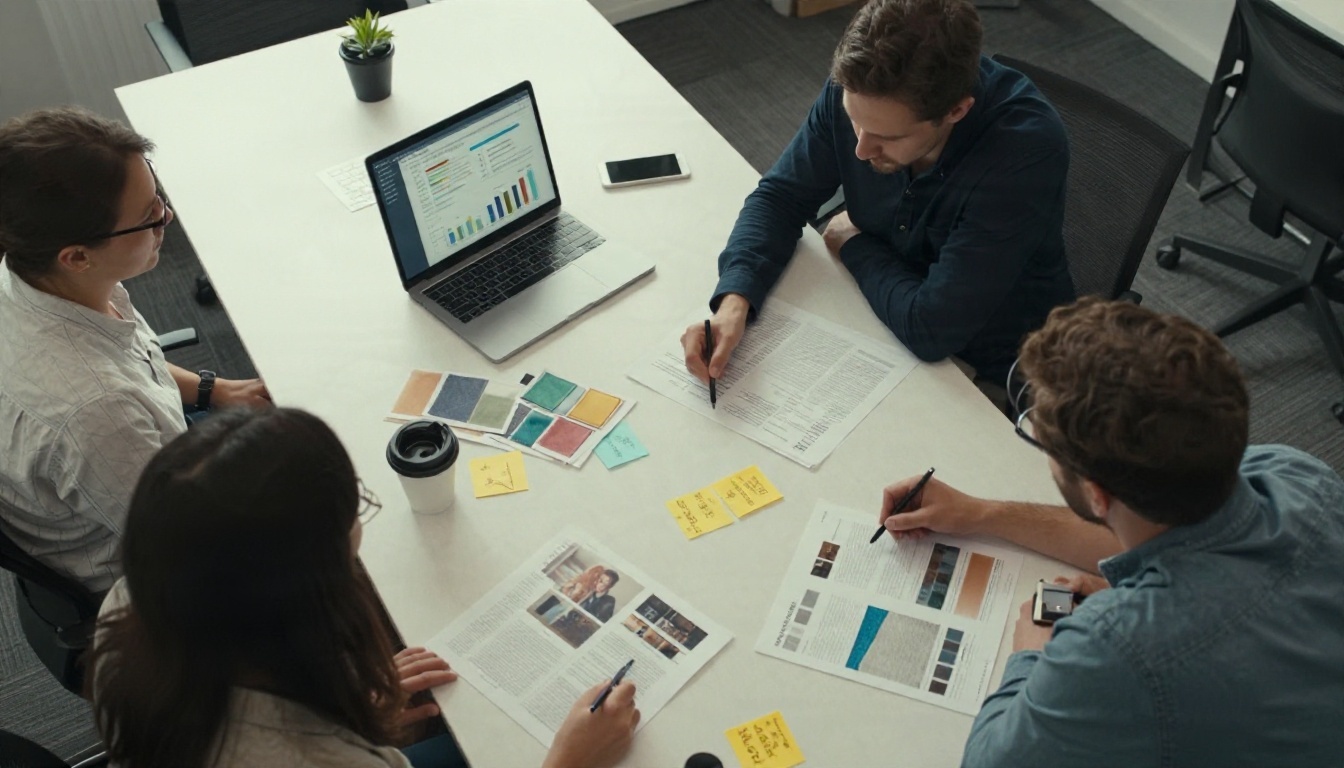
Review your draft with a teammate before you publish. These are the problems that show up most often:
- Too many pages. Twelve strong pages beat thirty uneven ones. Cut anything that repeats a point.
- Inconsistent editing. Mixing warm, cool and black-and-white photos without a reason makes the book look unplanned.
- Tiny text. If a caption is hard to read on a phone, make it bigger or delete it.
- No call to action. Finish with a page that tells readers where to buy, book or contact you.
- Low-resolution images. Blurry fabric ruins the whole premium feel. Use original files, not social media downloads.
- Skipping the mobile check. Open your published link on a phone before you send it to anyone.
Quick Pre-Publish Checklist
- Cover page has a clear title and season, with a strong hero photo.
- Page order follows your planned rhythm.
- Colors and fonts match across all pages.
- Every link and embedded video works.
- File size is small enough to load on mobile data.
- A final page includes contact details and a shop link.
Ready to Publish Yours?
You now have everything needed to go from idea to published look book: a clear concept, the right size, layouts with rhythm, a template route and a simple publishing workflow.
Start by designing your pages in the tool you already use, export a PDF, and then create your first flipbook on Flipbooks AI. Browse all flipbook tools for catalogs, portfolios and brochures that pair well with a look book, or compare pricing plans to choose the one that fits your release schedule. When you are ready for analytics and lead capture, upgrade through your account and start seeing who reads your collection.



