Every event planner knows the feeling: you spend hours designing a beautiful printed program, only to watch guests fold it into their pockets, spill drinks on it, or leave it on their chairs. The shift to digital has changed what attendees expect, and the smartest event teams are already ahead of it. Creating your event program as a digital flipbook means guests get an interactive, shareable, and visually polished experience on any device the moment they arrive. Flipbooks AI makes this process faster and more professional than anything you'd manage with a print shop.
Why Printed Programs Fall Short
The tradition of handing out paper programs at events is decades old, but the problems with print have never gone away. They just became harder to ignore.
The Real Cost of Print
Printing is not free. For a 200-person event, even a basic two-fold program can cost hundreds of dollars once you factor in design, proofing, and last-minute changes. And the moment a speaker drops out or a schedule shifts, every printed copy is outdated. There is no fixing that without reprinting everything.
Beyond cost, there is the environmental argument. Printed programs are single-use paper produced for an event that lasts a few hours. For sustainability-focused organizations, conferences, and couples, this matters more every year.
What Guests Actually Want
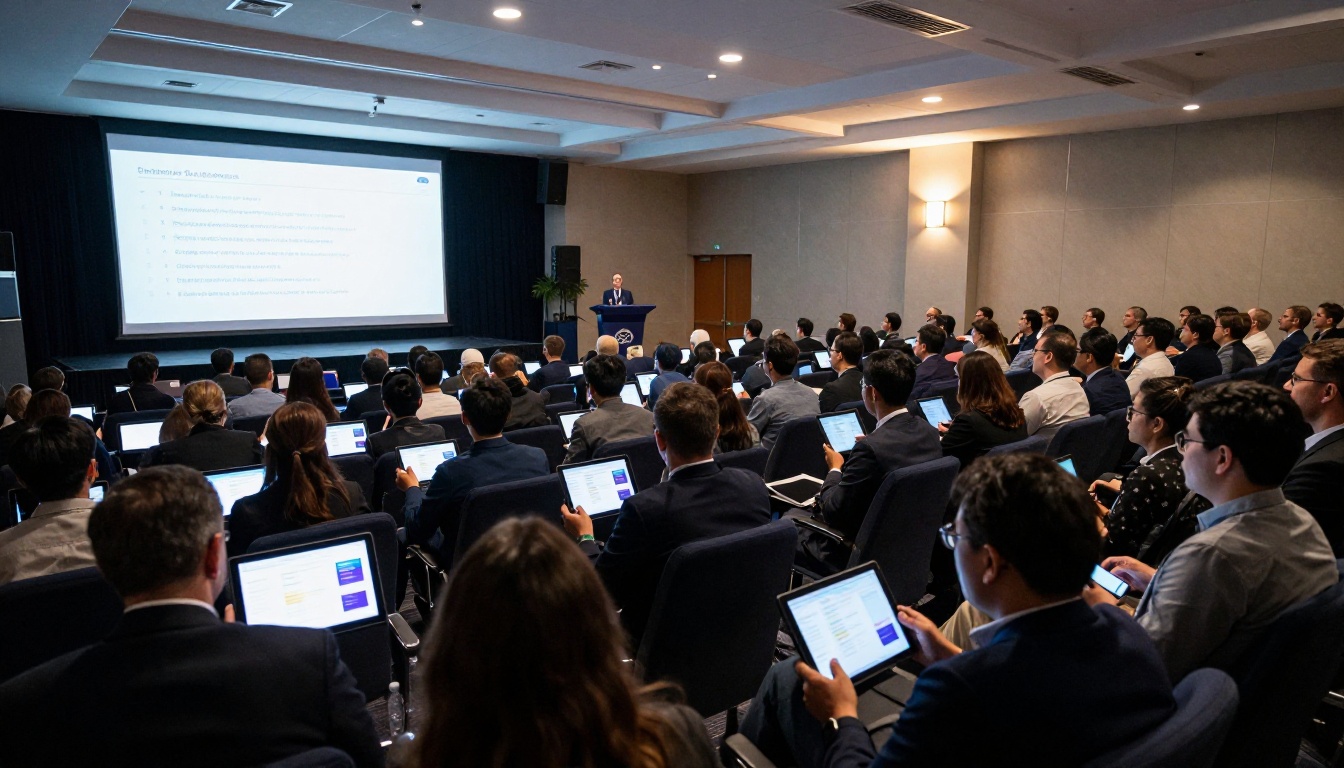
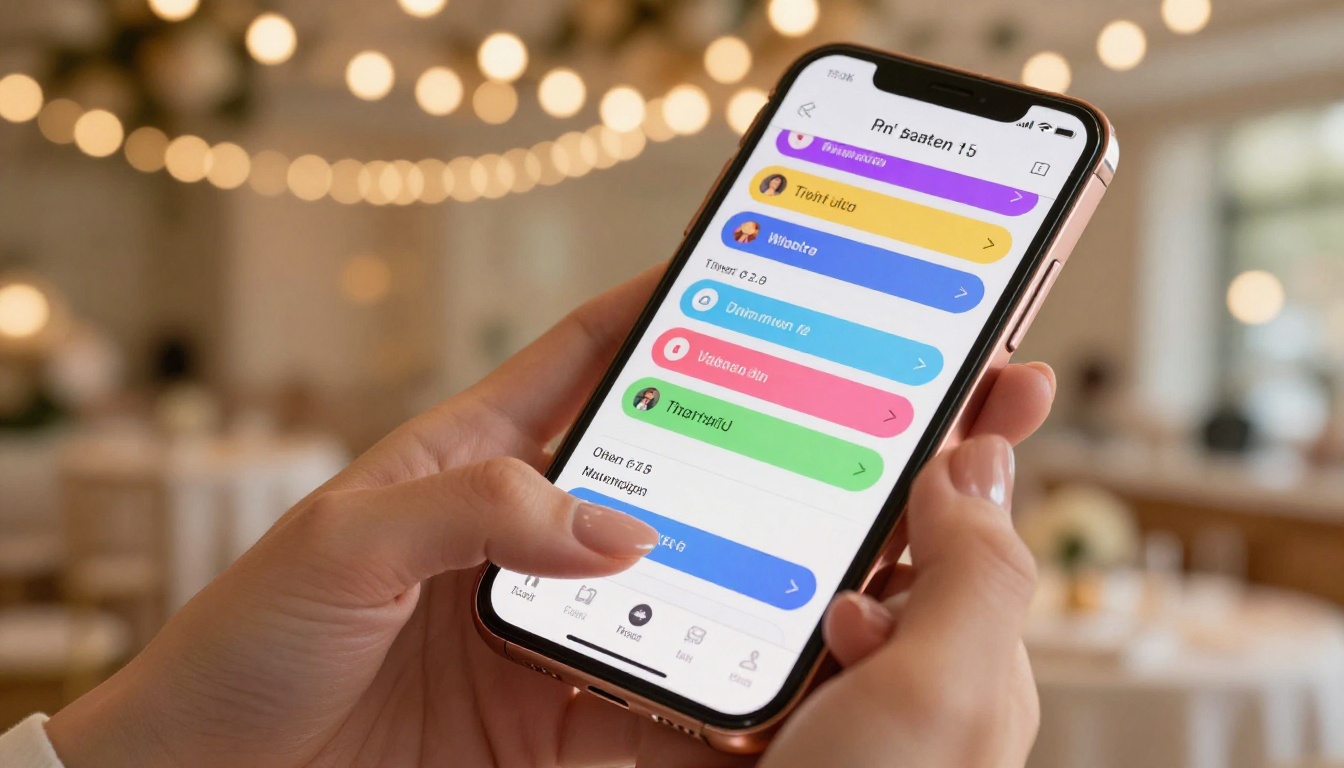
Attendees today arrive with smartphones in their hands and tablets in their bags. They expect to interact with event content digitally. A QR code that opens a beautifully designed digital event program feels current and intentional. A stapled paper booklet handed at the door feels dated.
Digital event programs can be:
- Updated in real time (no reprints when the keynote runs long)
- Searched instantly (find a speaker's name in seconds)
- Shared with people who could not attend
- Bookmarked and reviewed after the event is over

What Goes Into an Event Program
Before you open any software, you need to know what content your program should contain. This varies by event type, but there are core sections that work across almost every occasion.
Must-Have Sections for Any Event
- Welcome message from the host, organizer, or couple
- Schedule or running order with times and locations
- Speaker or participant bios (conferences, award shows)
- Sponsor acknowledgements (corporate and charity events)
- Venue map or floor plan
- Contact or help information
- Social media handles and event hashtags
Content Differences by Event Type
| Event Type | Core Sections | Optional Extras |
|---|
| Wedding | Ceremony order, wedding party, vows | Love story, venue directions, song lyrics |
| Corporate Conference | Session schedule, speaker bios, sponsor logos | Networking map, app links, code of conduct |
| Charity Gala | Dinner menu, auction items, donor recognition | Organization mission, table assignments |
| Music Festival | Stage lineup, set times, map | Artist bios, merchandise info, rules |
| Award Ceremony | Nominee list, presenter names, sponsors | Award criteria, past winners, after-party info |
💡 For events with many moving parts, organize your flipbook with clearly labeled tabs or chapter breaks. Guests can jump to the section they need without scrolling through everything.
How to Design Your Digital Event Program
The visual design of your program sets the tone before a single word is read. A polished layout signals professionalism and care. A cluttered, inconsistent one does the opposite.
Choosing the Right Layout
Start with your event's visual identity: the colors, fonts, and overall aesthetic you are using on invitations, signage, and social media. Your digital program should feel like a natural extension of that, not a completely different design.
For flipbooks specifically, think in page spreads rather than scrollable sections. Each two-page spread is a visual moment. The cover needs to establish the mood immediately. The welcome page should feel warm and personal. The schedule pages need to be scannable in seconds.
Practical layout guidelines:
- Use a maximum of two typefaces (one serif for headings, one sans-serif for body text)
- Maintain consistent margins across all pages
- Leave breathing room (white space is not wasted space)
- Use your event's accent color for section headers and highlights
- Keep critical information in the upper two-thirds of each page, visible without scrolling
Typography and Color That Work
For weddings and elegant galas, soft neutrals, blush tones, and script fonts give an upscale feel. For tech conferences, clean sans-serif fonts and a bold brand color palette communicate authority. For festivals, bold typography and saturated colors energize the page.
⚠️ Avoid using more than three colors in a single page spread. Visual overload makes your program harder to read and undermines the professional look you are aiming for.
How to Create an Event Program as a Digital Flipbook
Once you have your content and design sorted, the actual creation process is straightforward with the right tool. The Event Program Maker on Flipbooks AI is built specifically for this use case and removes the technical complexity entirely.
Step 1: Build Your Program in PDF Format
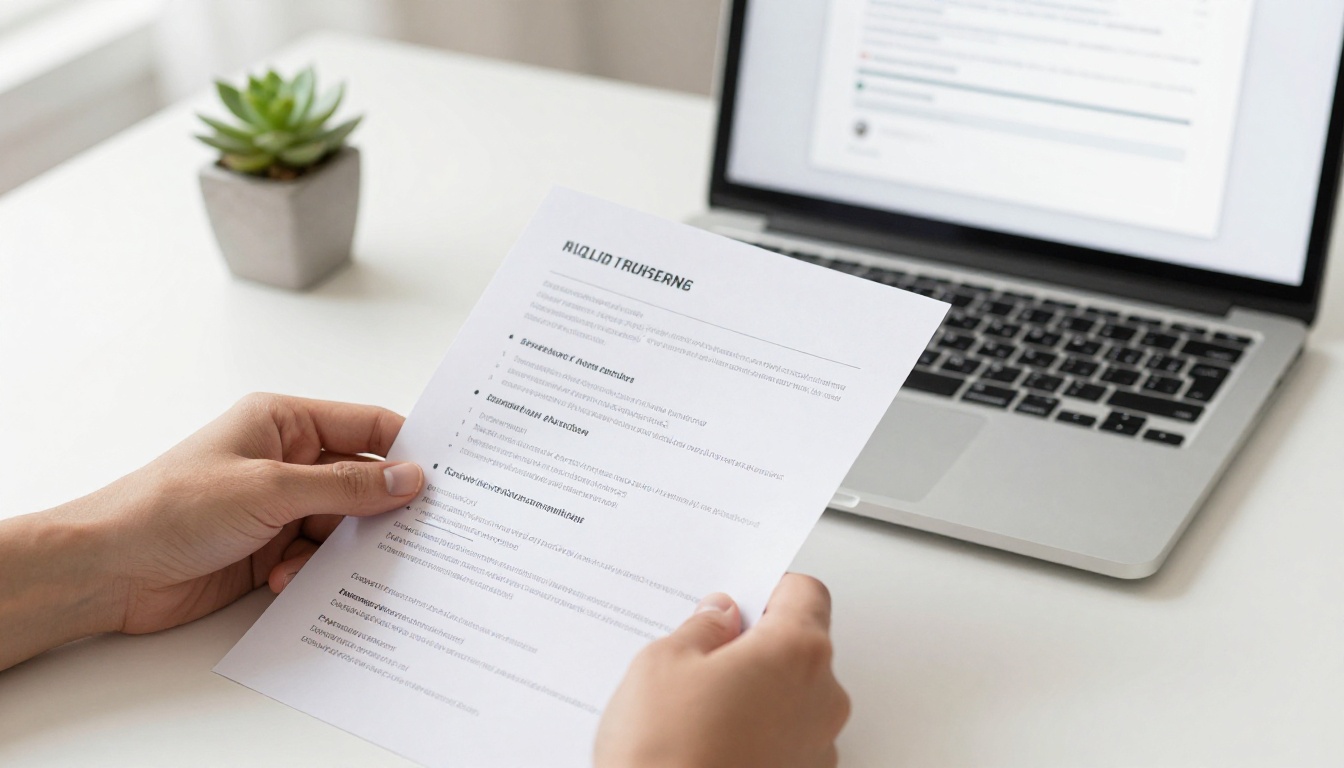
Create your event program in the design software you are comfortable with: Canva, Adobe InDesign, Microsoft Word, or Google Slides all work. Export it as a PDF. This is your source file. It can be as few as 4 pages or as many as 40 depending on the complexity of your event.
✅ Use standard page sizes (A4 or Letter) for predictable results. Avoid non-standard proportions unless your design specifically requires them.
Step 2: Upload to Flipbooks AI
Head to Flipbooks AI and create your account if you have not already. Once inside:
- Click Create Flipbook
- Select your PDF file and upload it
- The PDF to Flipbook Converter processes each page automatically
- Within seconds, your pages appear as a flippable digital booklet with realistic page-turn animation
The conversion preserves all your typography, images, and layout exactly as designed in your original file.
Step 3: Customize the Look and Feel
After upload, you can adjust how the flipbook looks and behaves:
- Custom cover with your event name and a compelling photo
- Brand colors for the toolbar and background
- Page flip animation style (soft, fast, realistic paper turn)
- Background (white, dark, or custom color)
- Custom logo on the viewer for added professionalism
💡 Adding your event's logo to the flipbook viewer creates a seamless branded experience for guests opening the link on their phones.
Step 4: Add Multimedia and Interactivity
This is where digital programs genuinely surpass print. With Flipbooks AI, you can embed:
- Videos: Add a welcome video from the event host directly into the program pages
- Audio: Include ceremony music, speaker introductions, or ambient sound clips
- Hyperlinks: Link to speaker profiles, venue websites, or sponsor pages
- Social feeds: Show live event hashtag content embedded in real time
For conference programs, linking each session title to a detailed speaker bio page or external registration link adds enormous value that print simply cannot provide.
Step 5: Share It Everywhere
Once your flipbook is ready, sharing it takes seconds. Flipbooks AI gives you multiple distribution options:
- Direct link: A clean, shareable URL you can include in event confirmation emails
- QR code: Generate and print on signage, name badges, or table cards
- Embed code: Drop the flipbook directly onto your event website using the Embed Flipbook on Website tool
- Password protection: For private events where you want to control who can access the program
✅ For large conferences, send the program link in the registration confirmation email at least 48 hours before the event. Guests who pre-read the schedule arrive more prepared and ask fewer logistical questions on the day.
Plan Options Worth Knowing
Flipbooks AI offers several plans depending on how many events you run and what features matter most to your setup.
| Feature | Free | Standard | Professional |
|---|
| Number of flipbooks | Limited | Unlimited | Unlimited |
| Watermarks | Yes | No watermarks | No watermarks |
| Password protection | No | Yes | Yes |
| Custom branding | No | Yes | Yes |
| Analytics and tracking | No | No | Yes |
| Lead generation forms | No | No | Yes |
| Offline downloads | No | No | Yes |
| Embedded video and audio | No | Yes | Yes |
| Custom domain | No | No | Yes |
For one-off event planners, the Standard plan covers everything needed to create and share a polished program with no watermarks and full custom branding. For agencies or event companies producing programs regularly, the Professional plan unlocks analytics (see exactly which pages guests read most) and lead generation tools. Check the pricing page to see current plan costs and decide what fits your workflow.
Digital vs Printed Programs at a Glance
| Criteria | Printed Program | Digital Flipbook |
|---|
| Cost per event | High (design, print, shipping) | Low (once per platform subscription) |
| Last-minute updates | Reprint required | Edit and republish in minutes |
| Environmental impact | Paper waste | Near zero |
| Guest accessibility | Physical copy only | Any device, any location |
| Interactivity | None | Video, audio, clickable links |
| Analytics | None | Page views, time spent, clicks |
| Post-event access | Often discarded | Always available via shared link |
| Multilingual support | Separate print run per language | Multiple language tabs in one flipbook |
The math is straightforward for most events. The only scenario where print still wins is one where guests have zero access to a smartphone or tablet, which is increasingly rare across every event category.
Real-World Use Cases
Different events have different program needs. Here is how each category makes the most of the digital flipbook format.
Weddings and Ceremonies
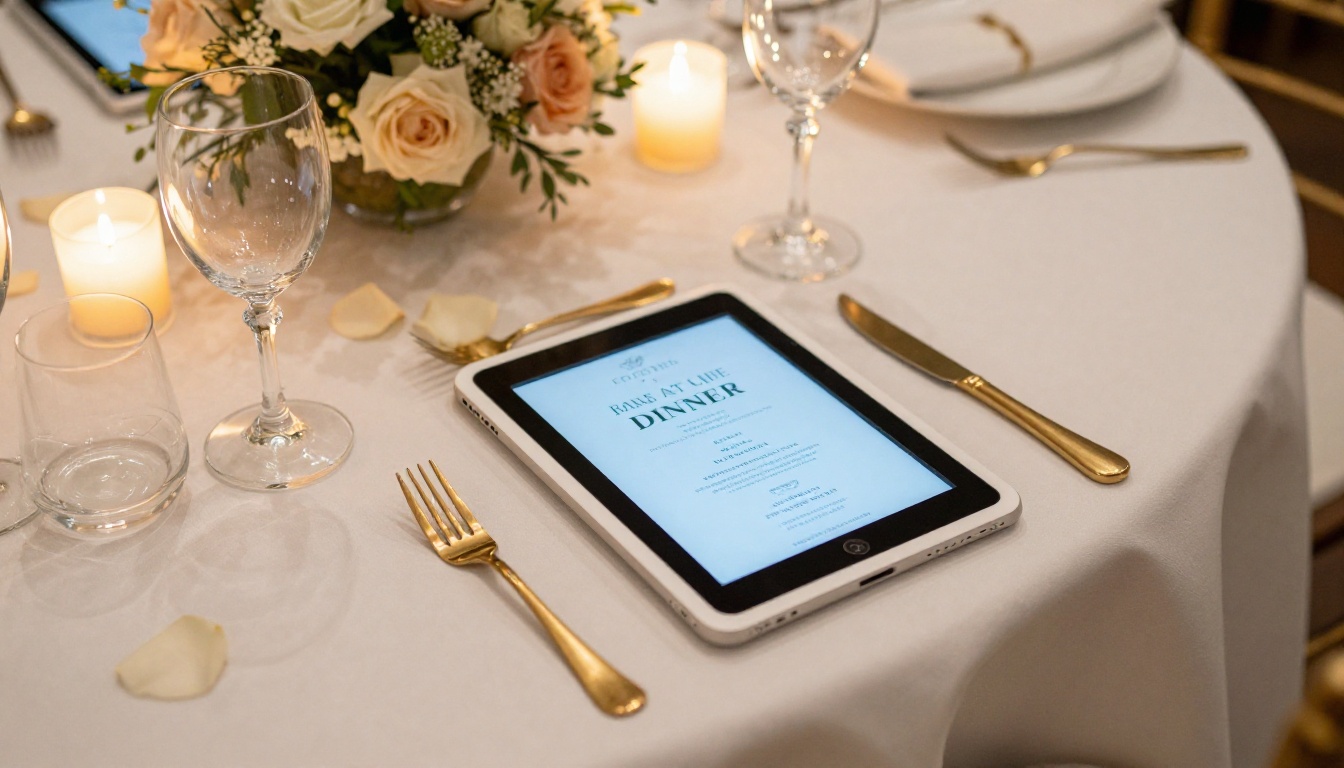
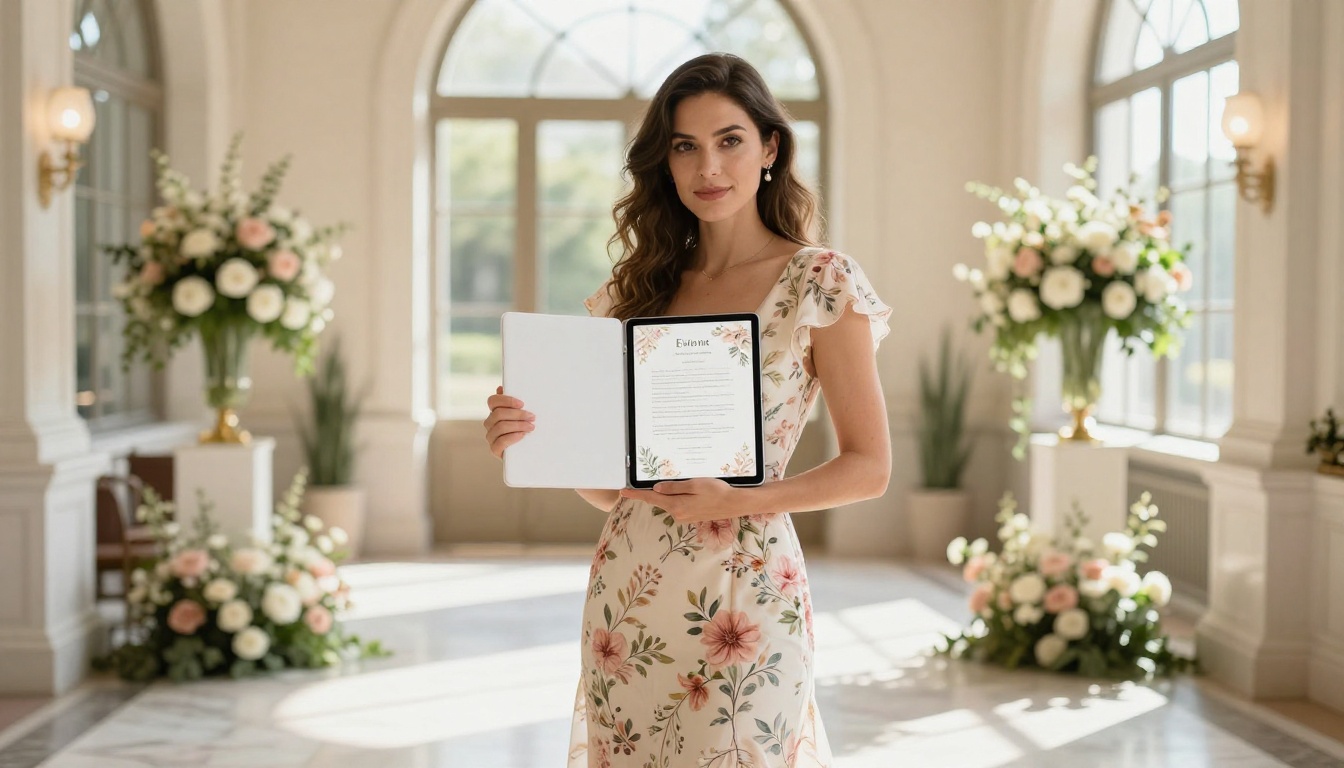
A wedding program is a keepsake. With a digital flipbook, couples can include pages that print simply cannot replicate: an embedded video from when they first met, audio of the ceremony music, a photo gallery of their journey together. Guests receive a link before the ceremony and can access it for years after. The Wedding Album Flipbook tool is also a natural companion for extending the experience post-ceremony into a full digital album.
Corporate Conferences
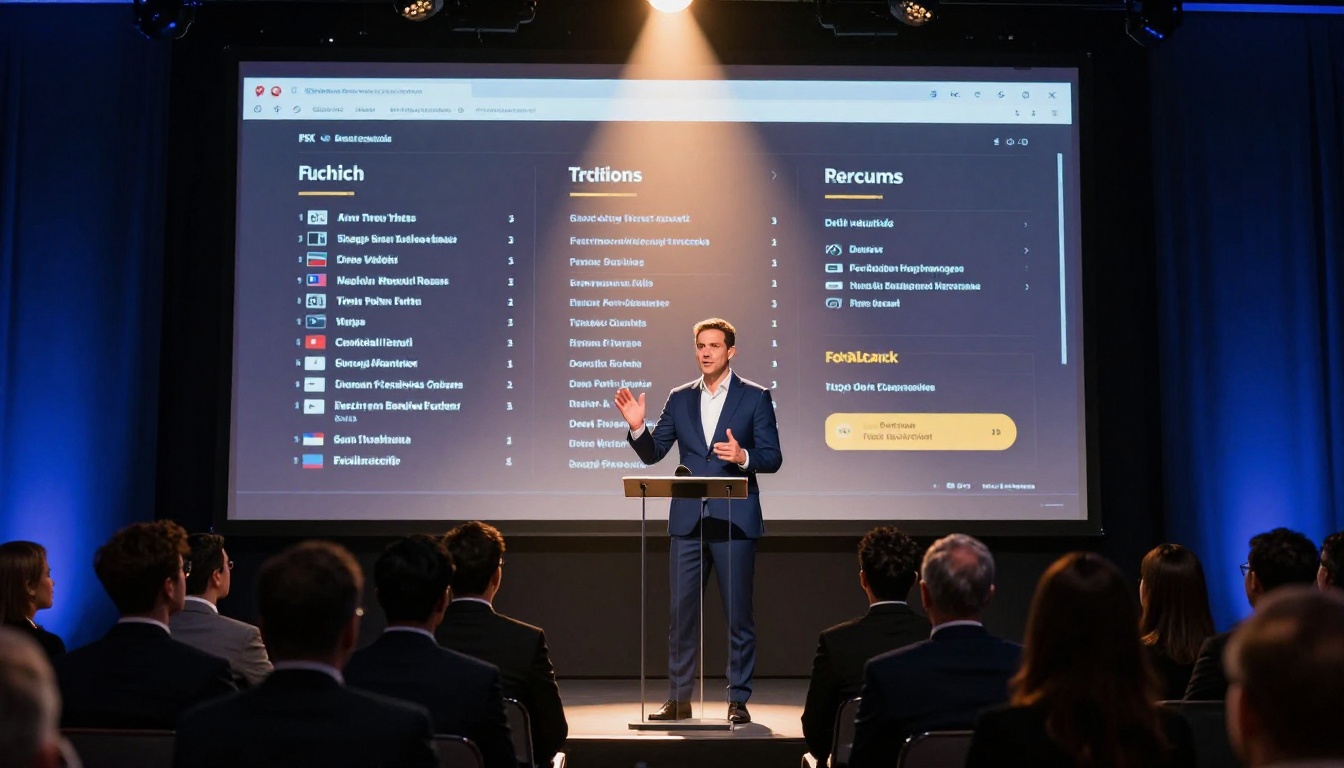
Conference programs change constantly. Speakers drop out, session rooms swap, keynotes overrun. A digital program can be updated right up until the event starts, and attendees always see the latest version through the same link they already saved. Embedding speaker LinkedIn profiles and session summaries makes the program an active research tool rather than just a schedule.
Charity Galas and Award Nights
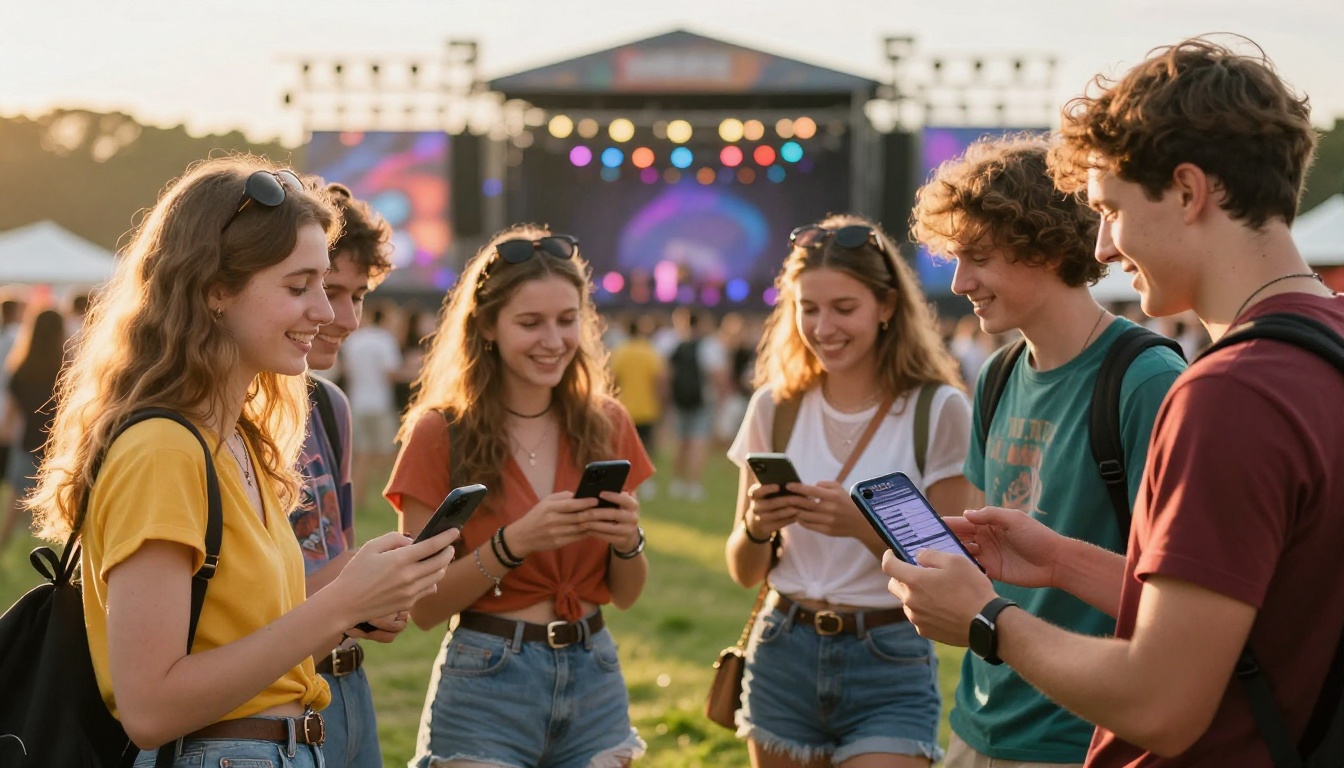
Charity events depend on donor recognition and impact storytelling. A digital gala program can dedicate full spreads to major donors with photos and impact statistics, something a printed program rarely has room for. The auction section can link directly to online bidding, and the program stays accessible to donors after the event as a permanent thank-you record.
Music Festivals and Outdoor Events
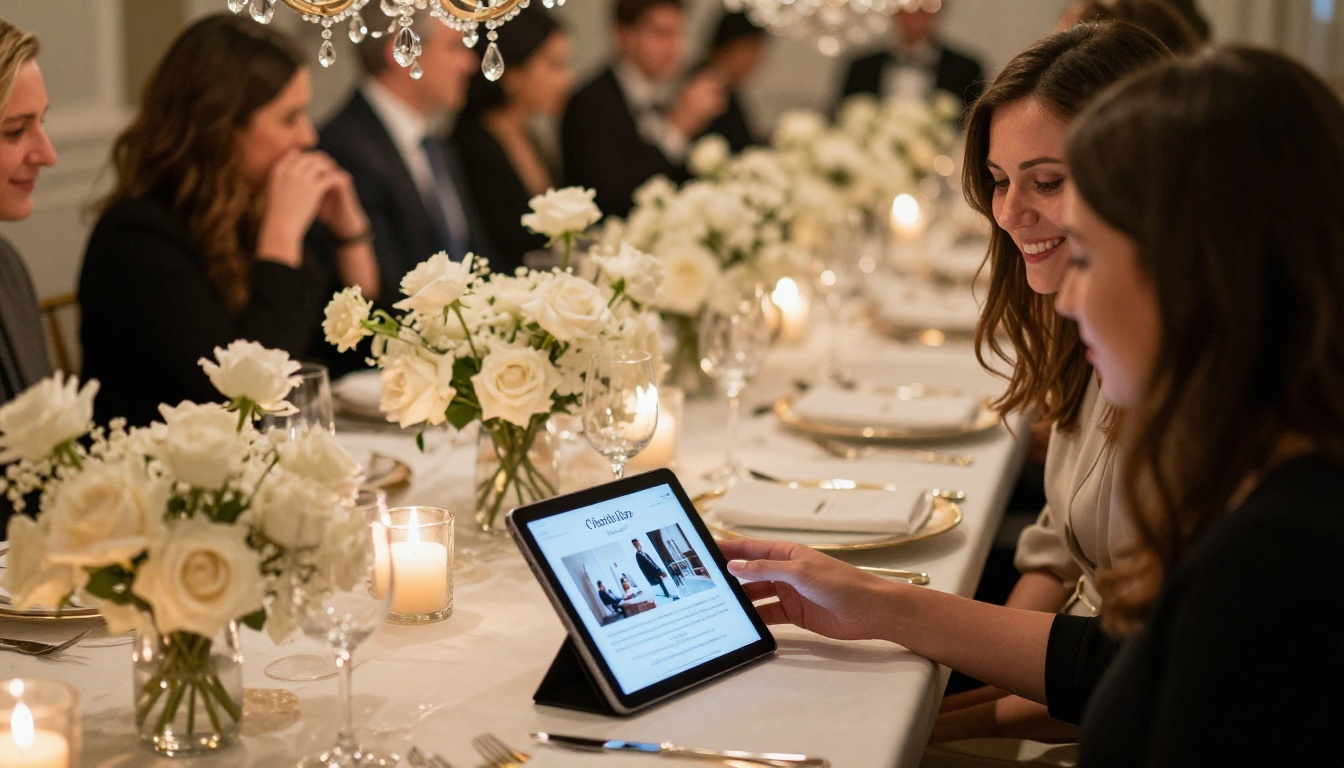
Outdoor events present a practical challenge for print: programs get wet, torn, or blown away. A digital festival lineup on a smartphone is always accessible, especially when it includes a live-updated set times page. For multi-stage festivals, a flipbook with a clickable stage map and hour-by-hour schedule makes navigation genuinely intuitive.
Pro Tips for a Flawless Digital Program
Getting the program live is step one. Making it excellent takes a few deliberate choices.
Before the event:
- Send the link in the event confirmation email alongside the ticket or RSVP confirmation
- Print a QR code on welcome signage at the venue entrance and registration desk
- Test the flipbook on both iPhone and Android before publishing
- Add a backup PDF download option for guests with connectivity issues
Design quality checks:
- Every page should look intentional at both phone and tablet sizes
- Speaker photos should be high resolution (at least 800px wide in the source PDF)
- Check that all hyperlinks in your original PDF carry through after conversion to the flipbook format
- Run through the flipbook on mobile before sharing to catch any text that is too small to read without zooming
Distribution moves that work:
- Use password protection for invite-only events to keep the program exclusive until the right moment
- For corporate events, track page analytics to see which sessions generated the most pre-reading interest before the day
- Share the flipbook link on your event's social media as a teaser preview in the week before the event
- Include the program link in your post-event thank-you email so guests can revisit the content
💡 For recurring events like annual conferences or seasonal galas, duplicate your previous flipbook as a starting template. Update the dates, speakers, and content while keeping the visual brand consistent year after year.
Start Building Your Event Program Today
A digital event program is no longer a novelty. It is the format that fits how people actually attend and engage with events. Whether you are planning an intimate wedding ceremony, a 500-person industry conference, or an annual charity gala, the process is the same: design your content in PDF format, convert it into a flipbook, and share a single link with everyone who matters.
Flipbooks AI handles the conversion, hosting, and sharing so you can stay focused on the event itself. The Event Program Maker is purpose-built for exactly this workflow, with no technical skills required.
Ready to replace your paper programs with something guests will actually keep? Create your account and publish your first digital event program today. If you want to see exactly what is included at each level before committing, compare plans here and pick what works for your next event.



