A product catalog used to mean weeks of back and forth with a designer and a printer. Now a small team, or one person with a laptop, can put together a clean, shareable catalog in a single afternoon. The trick is choosing the right method before you open any software. This article compares free online tools, AI options and templates, then shows how to turn the result into a page-turning digital catalog with Flipbooks AI, so customers can browse it on a phone, a tablet or a desktop without downloading anything.
💡 Short on time? Jump to the comparison table in the next section, pick the method that fits your product count, and follow the numbered steps in the Flipbooks AI section.
Why Speed Matters for Catalogs
What Buyers Expect Now
Shoppers compare products in tabs. If your price list is buried in an email attachment that takes three taps to open, they move on to a competitor whose catalog loads instantly. Wholesale buyers behave the same way: they want a link, a clear layout and current prices.
A fast catalog is not a rushed catalog. It is one built from a repeatable process, where photos, descriptions and prices already live in one tidy place and the layout does the heavy lifting.

The Real Cost of Slow Catalogs
Every week your catalog is late, something concrete happens:
- Sales reps send outdated PDFs with last season's prices.
- Seasonal launches go out without a proper showcase.
- Customers email questions that a clear catalog would have answered.
- You spend evenings fixing layouts instead of sourcing products.
Speed also means being able to update. A catalog that takes ten minutes to refresh is far more valuable than a beautiful one you are afraid to touch.
Pick Your Method First
There are five realistic ways to build a catalog quickly. None is universally best. Your product count, your design confidence and how often prices change should decide.
| Method | Best for | Speed | Typical cost | Main drawback |
|---|
| Design app with templates | 10 to 60 products, visual brands | 2 to 4 hours | Free tier or low monthly fee | Manual edits for every price change |
| Spreadsheet plus mail merge | 100+ SKUs, frequent updates | 3 to 6 hours setup | Free | Plain looking output |
| Word processor or slides | Quick internal price lists | 1 to 3 hours | Free | Hard to make look premium |
| AI layout assistant | Fast first drafts, copy help | 30 to 90 minutes | Free tier or subscription | Needs careful human review |
| PDF converted to flipbook | Any catalog you already have | Under 10 minutes | Free to start | Quality depends on your PDF |
The last row matters more than it looks. Whatever tool you use to design the pages, the delivery step decides how it feels to the reader. A heavy PDF attachment feels like homework. A flipbook link feels like leafing through a magazine.
Free Online Tools Worth Trying
Most small brands start with a free design app. Popular options include Canva, Adobe Express and Google Slides, and all three offer catalog or lookbook style templates on their free tiers. Free plans change often, so check current limits before committing.
What to look for in a free tool:
- Exportable PDF at print quality, since you will need it for conversion.
- Consistent page sizes so spreads line up.
- Reusable styles for headings, prices and product cards.
- Image placeholders that crop photos automatically.
- No forced watermark on the exported file.
If you would rather skip the layout work, the Product Catalog generator on Flipbooks AI is built for exactly this situation.
Where AI Actually Helps
AI is useful, but not everywhere. Here is an honest split between tasks where it saves real time and tasks where you should stay in control.
| Task | AI helps? | Notes |
|---|
| Writing product descriptions from bullet points | Yes | Give it materials, size, use case. Edit tone afterward. |
| Suggesting page structure and category order | Yes | Good for a first outline. |
| Background cleanup on product photos | Yes | Check edges on shiny or transparent items. |
| Generating product specifications | No | Never let AI invent dimensions, certifications or prices. |
| Final price and stock accuracy | No | Always verify against your own data. |
⚠️ Warning: AI tools can produce confident but wrong details. Every measurement, ingredient and price in a catalog must come from your own records, not from a generated paragraph.
Prepare Your Product Data
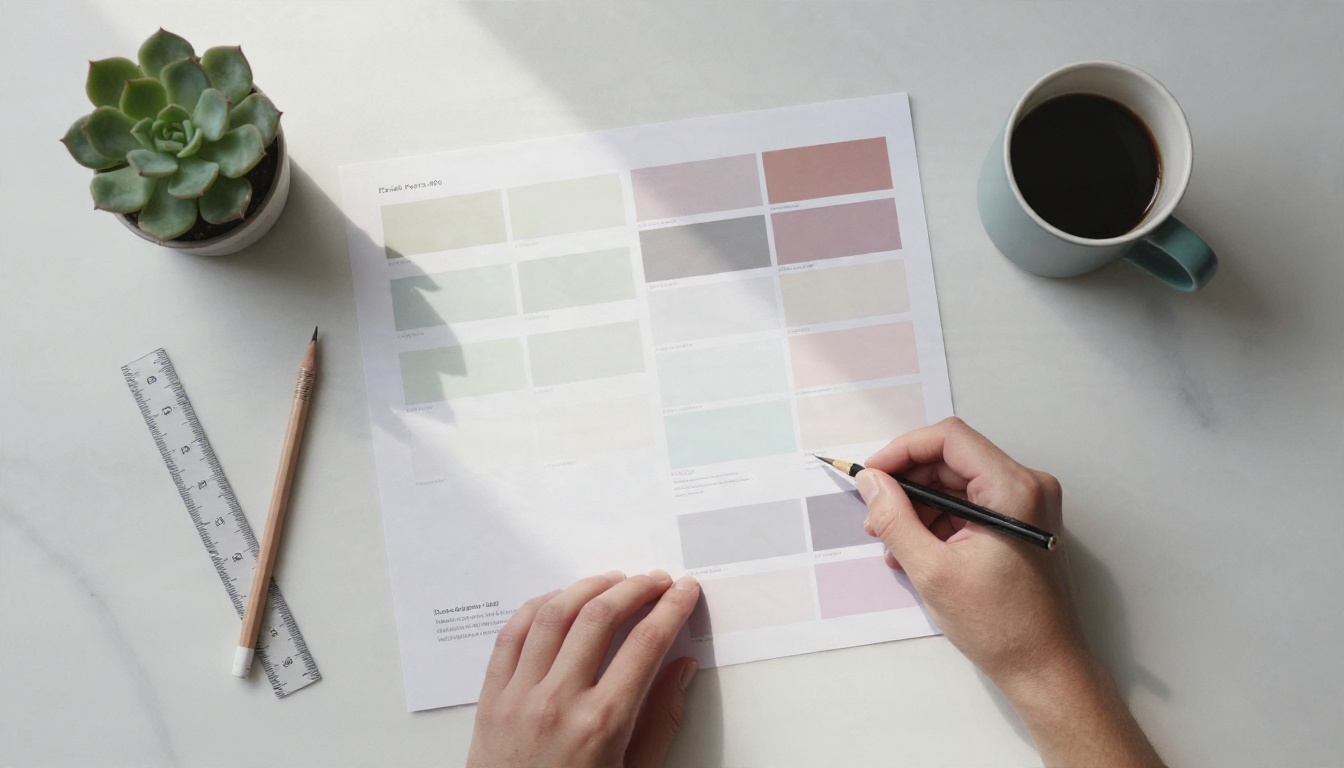
Most catalog delays have nothing to do with design. They come from missing photos, inconsistent names and prices stored in three different places. Fix that first and the layout practically builds itself.
Spreadsheet Setup
Create one row per product. Keep the columns identical for every item, even if some cells stay empty.
| Column | Example | Why it matters |
|---|
| SKU | CND-014 | Lets buyers order without confusion |
| Product name | Cedar and Fig Candle | Consistent naming across pages |
| Category | Home Fragrance | Drives section order |
| Short description | Hand poured soy wax, 40 hour burn | Fits a 2 line card |
| Price | 24.00 | Single source of truth |
| Image file | CND-014-front.jpg | Easy matching later |
Name your image files after the SKU. When you have 80 products, this one habit saves an hour of dragging and guessing.

Photos That Sell
You do not need a studio. You need consistency. Shoot every product against the same backdrop, in the same light, from the same angle. A window, a white foam board and a phone on a stand will outperform a mix of professional and casual shots.
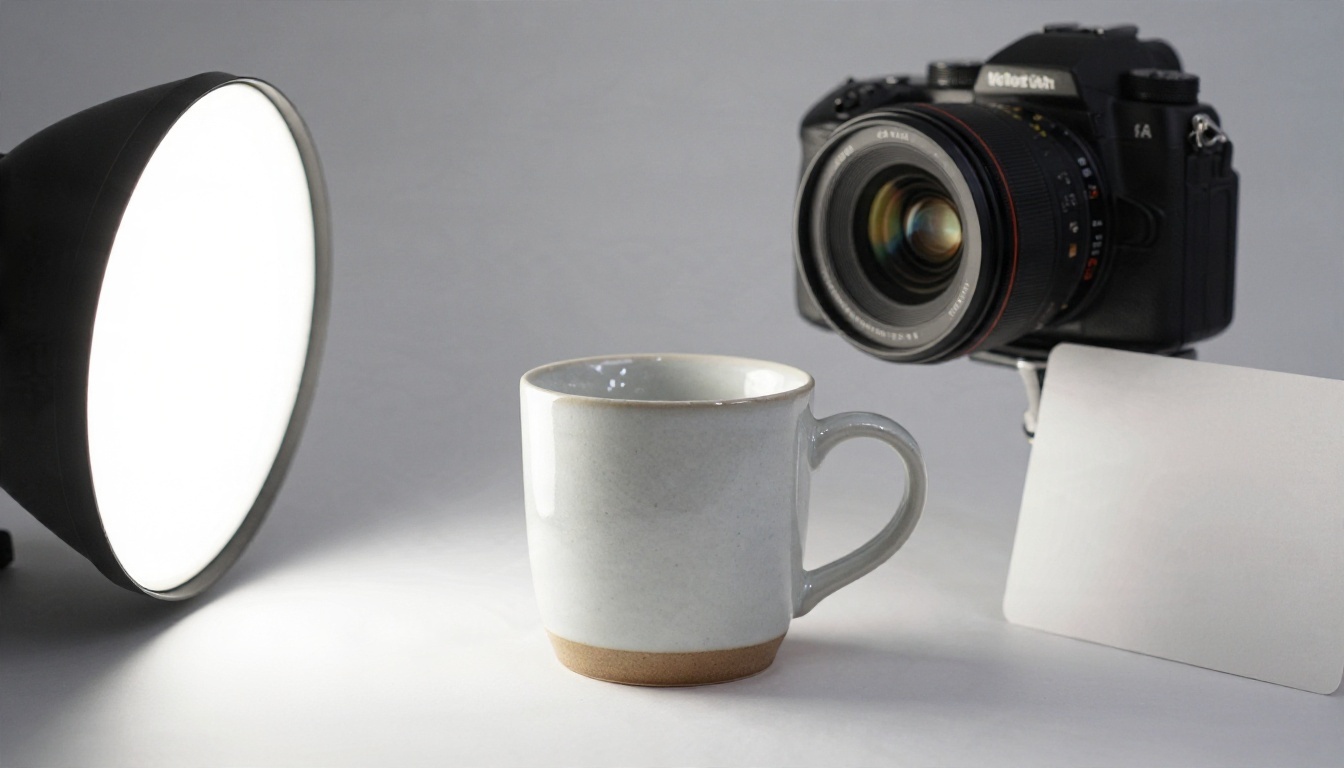
A simple shot list for each product:
- Hero shot: front view, clean background.
- Detail shot: texture, stitching, label or material.
- Scale shot: the item next to a hand or familiar object.
- Lifestyle shot (optional): the product in use, for cover pages and section openers.
✅ Best practice: Export photos at around 1600 pixels on the long edge. That is sharp enough for full page use and keeps your final file small enough to load quickly.
Templates That Save Hours
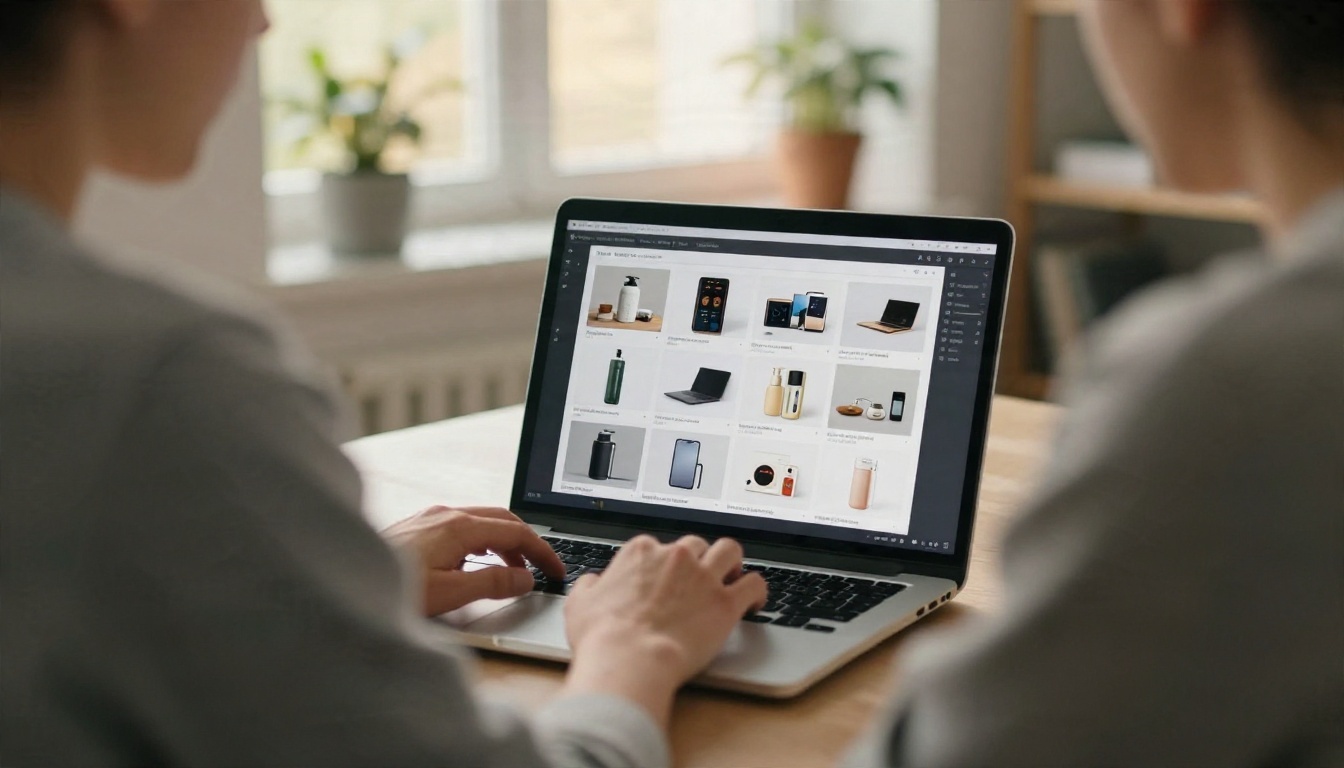
A good template removes dozens of small decisions: margins, fonts, where the price sits, how many products fit on a page. You focus on content, and the design stays consistent.
Layouts by Business Type
Different products need different page rhythms. Use this table to choose a starting layout.
| Business type | Recommended layout | Products per page | Extra tip |
|---|
| Fashion and apparel | Large hero image, size chart strip | 1 to 3 | Try a fashion catalog template |
| Furniture and decor | Room scene plus detail inset | 2 to 4 | Use the furniture catalog maker |
| Food and beverage | Grid with ingredient icons | 4 to 6 | Add allergen notes in small type |
| Industrial and parts | Dense table with spec columns | 8 to 12 | Prioritize searchable SKUs |
| Handmade and craft | Story page plus clean grid | 3 to 6 | Add a maker's note on page two |
3 Common Mistakes
- Cramming too many products per page. White space makes items look more valuable. If you need to cut, cut thumbnails, not margins.
- Mixing fonts and photo styles. Two fonts and one photo style is plenty.
- Forgetting the ordering path. Every spread should make it obvious how to buy: a link, a phone number or an email address.

💡 Pro tip: Print one spread at home before you publish. Typos and cropping problems jump out on paper in a way they rarely do on screen.
How to Create a Catalog with Flipbooks AI
Once your pages exist as a PDF, Flipbooks AI turns them into an interactive catalog with realistic page turning. Here is the full path, start to finish. If you want to see the platform's other options first, browse the tools directory.
Upload and Convert
- Create your account. Head to Flipbooks AI and sign up. You can try it before choosing a plan.
- Start a new flipbook. Choose the PDF to Flipbook Converter or the Digital Catalog Maker.
- Upload your PDF. Drag the file in. The platform converts each page automatically, usually within a minute or two for a typical catalog.
- Check the preview. Flip through every page. Look for blurry images, cut off text and wrong page order.
Customize the Look
Now make it feel like your brand rather than a generic viewer.
- Branding: add your logo and set your brand colors for the viewer background and toolbar.
- Page effects: choose the page turn style and sound, or keep it quiet for a more formal feel.
- Multimedia: embed a short product video or audio note on a featured page. Buyers often watch a 15 second demo before reading a paragraph.
- Mobile display: preview on a phone. The viewer is mobile responsive, so spreads adapt to smaller screens.

Share and Protect
You have several ways to put the catalog in front of customers:
| Sharing option | Use it when | Notes |
|---|
| Direct link | Sending to buyers by email or chat | Fastest option |
| Embed code | Adding the catalog to your site | See the embed flipbook tool |
| Password protection | Wholesale price lists, private lines | Share the password separately |
| Offline download | Trade shows and weak connections | Buyers keep a copy on their device |
Another point in its favor: Flipbooks AI never adds watermarks to your catalog, so it looks like yours from the first page to the last.
Track Results
On the Professional plan you get analytics and lead generation. You can see which pages people spend time on and capture an email address before a buyer opens a private catalog. That feedback tells you which products deserve the first spread next season. Review the pricing plans to see which features come with each tier. Standard and above also include unlimited flipbooks, handy if you publish a separate catalog for each collection or region.
✅ Best practice: Keep the same link when you update. Replace the PDF, and customers who saved the old link always see the latest version.
Real Examples From Small Shops
Theory is useful, but here are three realistic scenarios showing how the pieces fit together.

A Candle Maker With 30 Products
She designs a 16 page template in a free design app, uses AI to draft scent descriptions from her own notes, then edits every line. After exporting to PDF and converting it to a flipbook, she puts the link in her email signature and on her Instagram profile. Updating autumn scents later takes about ten minutes.
A Boutique With Seasonal Drops
The owner builds a lookbook style catalog each season and shows it on a tablet beside the register. Customers flip through while their purchases are wrapped, and a QR code on the receipt lets them keep browsing at home. For this style, an interactive lookbook designer fits well.
A Wholesale Supplier With 400 SKUs
The supplier keeps everything in a spreadsheet, generates pages through mail merge, and publishes a password protected flipbook for approved retailers. A separate price list uses the Digital Price List Generator, so pricing can change without touching the main catalog.
Print or Digital: Pick Both
Digital is faster and cheaper to update, but a printed copy still earns its place at trade shows and in shipped orders. The efficient move is to design once and use the same PDF for both.
| Format | Strengths | Limits |
|---|
| Digital flipbook | Instant updates, trackable, shareable by link | Needs a device |
| Printed catalog | Tactile, memorable, great for events | Outdated the day prices change |
| Both from one PDF | Consistent branding, less work | Print needs higher resolution images |
Slip a short printed catalog into every parcel with a QR code that leads to the full digital version. Customers get the tactile moment, and you get a catalog that stays current.

Your Fast Catalog Checklist
Run through this list before you hit publish:
Ready to Publish Your Catalog?
You already have what you need: a product list, a handful of decent photos and an afternoon. Pick a template, organize your data, and let the platform handle the page turning.
Your customers are already looking for products like yours. Give them a catalog worth opening.



