A catalog with good pictures sells before you say a word. The problem is that most people think they need a designer, a pricey subscription, or a week of free time to build one. You don't. With a phone camera, a few free online tools, and a handful of layout rules, you can produce a catalog that looks like it came from a real brand. And once it's done, a platform like Flipbooks AI can turn it into a page-turning digital version you can share with a single link.
This article walks through the whole process in the order that actually works: plan, photograph, pick a tool, lay out the pages, publish. Along the way you'll find comparison tables, a step-by-step tutorial, and a list of mistakes that quietly kill catalogs.
What a Catalog With Pictures Needs
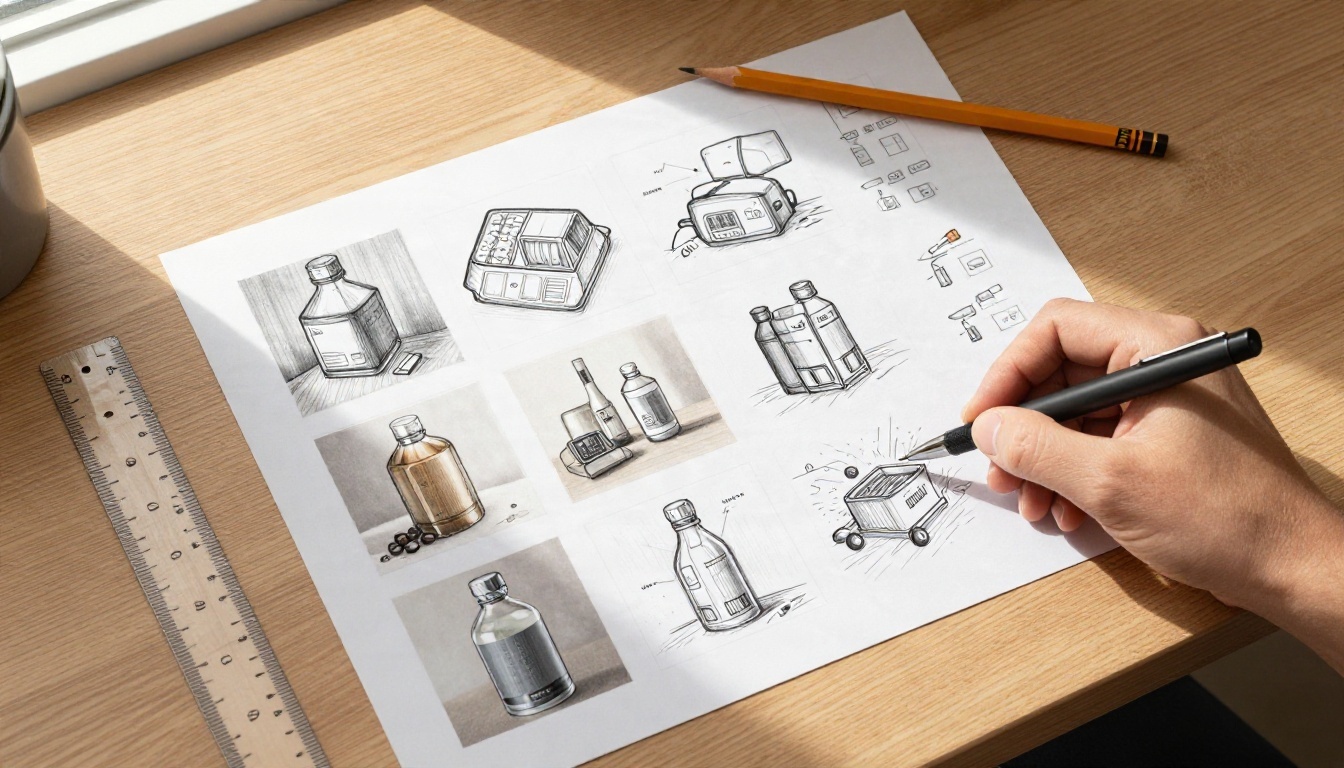
Before you open any software, answer two questions. Who is this for, and what should they do after the last page? A catalog for wholesale buyers needs SKUs, prices, and minimum order quantities. A catalog for walk-in customers needs mood, big photos, and a short list of bestsellers.
Pick Your Goal First
Write one sentence: "After reading this, the customer will ___." Fill in the blank with something measurable, like "request a quote," "visit the shop," or "order the starter set." Every page should push toward that sentence.
Count Products and Pages
Most small catalogs land between 8 and 24 pages. A simple formula keeps you honest:
- Front page: 1 page
- Intro or brand story: 1 page
- Product pages: total products divided by products per page
- Price list or order info: 1 page
- Back page with contact details: 1 page
If you have 30 products and show 4 per page, that's about 8 product pages, so a 12-page catalog. Page counts that are multiples of 4 also print cleanly if you ever want a paper copy.
💡 Pro tip: Start with your 10 best sellers. A tight catalog that sells beats a sprawling one nobody finishes.
Photos First, Software Second
Software can't rescue a bad picture. Spend your first hour on photography and the rest of the project gets easier.

Shoot With Window Light
Place a table next to a large window, ideally one that doesn't get direct sun. Tape white paper or a bedsheet to the wall behind the product. Hold a white foam board opposite the window to bounce light into the shadows. A modern phone camera is enough.
Keep Backgrounds Consistent
Choose one background style and stick to it for the whole catalog. A white sweep, a light wood tabletop, or a plaster wall all work. What matters is that page 3 and page 9 look like they belong to the same family. Consistency reads as professional.

Edit Once, Export Right
Use a free photo editor on your phone or browser to crop, straighten, and brighten. Apply the same adjustments to every shot. Then export at the right size:
| Use | Recommended Width | Format | Notes |
|---|
| Full-page hero photo | 2400 px | JPG | Keep under 1 MB if possible |
| Product grid photo | 1200 px | JPG | Square crops keep grids tidy |
| Logo or icon | 800 px | PNG | Transparent background |
| Lifestyle spread | 3000 px | JPG | Use for double-page layouts |
⚠️ Warning: Don't upload 12 MB originals straight from the camera. Huge files slow down both editors and the finished digital catalog.
You have more free options than you think. They fall into a few families, and each has a sweet spot.
| Tool Type | Best For | Strength | Limitation |
|---|
| Drag-and-drop design apps | Visual brands, fashion, decor | Thousands of ready layouts | Best templates are often locked behind paid tiers |
| Slide software | Quick price lists, B2B decks | Familiar, easy grids | Pages are landscape by default |
| Word processors | Text-heavy parts catalogs | Easy tables and captions | Image placement can shift |
| Spreadsheet plus mail merge | Hundreds of SKUs | Automation | Plain look without extra design |
| PDF to flipbook converters | Publishing and sharing | Page-turn effect, link sharing | Needs a finished PDF first |
Design Apps and Templates
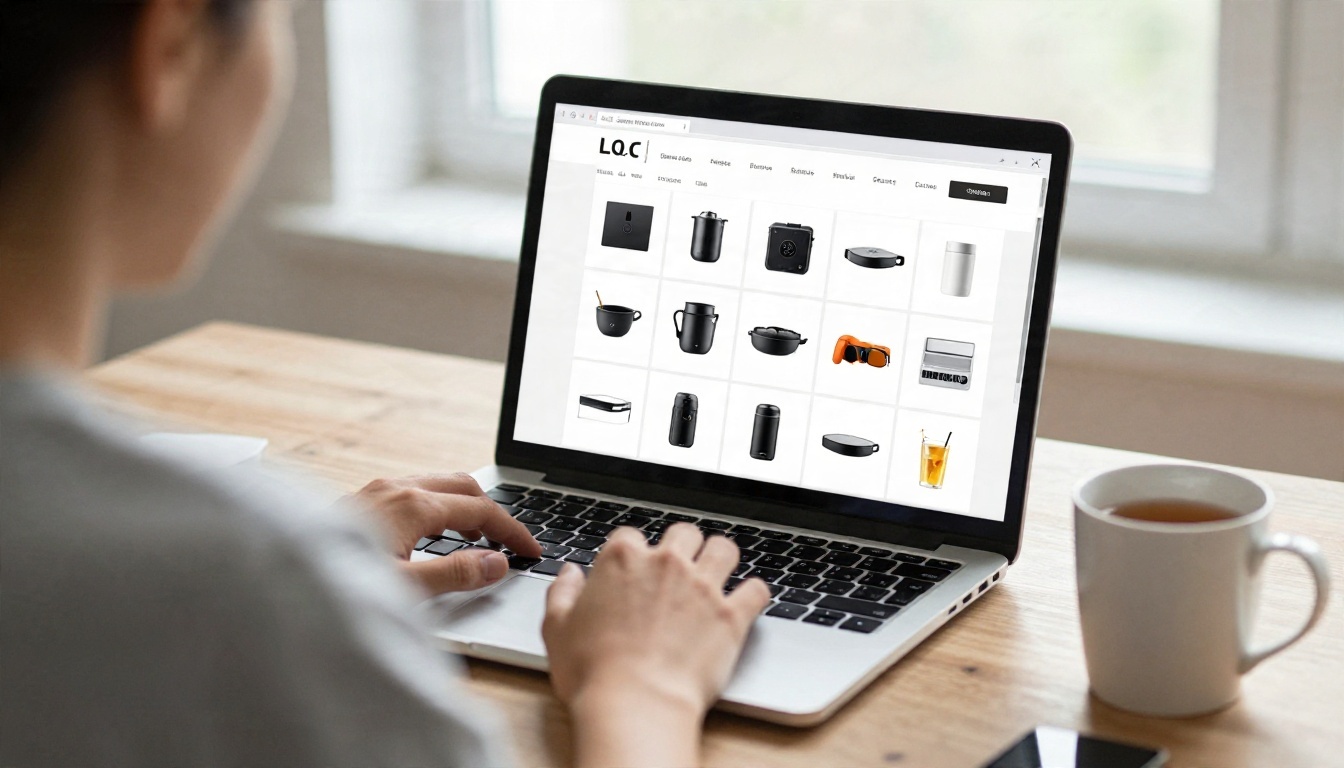
Browser-based design apps are the fastest route for beginners. Search for "catalog," "lookbook," or "product line," pick a template, then swap in your own photos. Set the page size first, because changing it later usually breaks the layout.
Slides and Docs
Slides are underrated for catalogs. Set the slide size to A4 or Letter portrait, drop in a grid of images, and export to PDF. It's free, familiar, and surprisingly flexible for price lists.
Turning PDFs Into Flipbooks
A PDF is fine for email, but it feels flat on a phone. A flipbook adds realistic page turns, fast loading, and a shareable link. The PDF to Flipbook Converter handles this step, and the Digital Catalog Maker is built for exactly this job.
Layout Tips That Sell
Good layout is mostly restraint. You don't need clever effects. You need space, alignment, and a clear order of attention.
Use a Grid
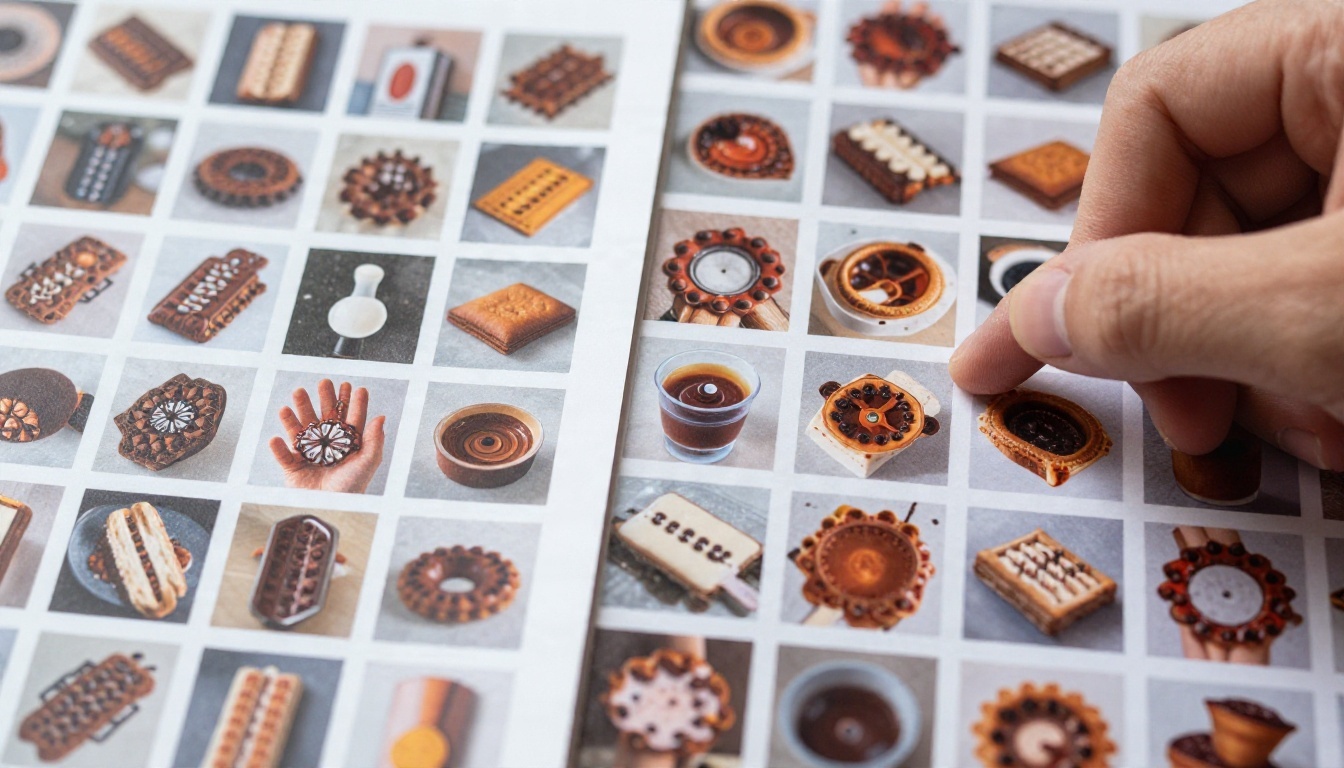
Pick a grid and obey it. Two columns for premium goods, three for mid-range, four for dense price lists. Align every photo edge and caption to the same lines. When elements snap to a grid, the eye relaxes and the products take center stage.
| Products Per Page | Layout | Feels Like | Best For |
|---|
| 1 | Full-bleed photo with short caption | Luxury, editorial | Hero items, furniture |
| 2 | Two large stacked or side by side | Boutique | Jewelry, decor |
| 4 | 2 x 2 grid | Balanced | Apparel, gifts |
| 6 | 2 x 3 grid | Efficient | Accessories, consumables |
| 9 or more | Compact grid | Reference | Parts, wholesale lists |
Limit Fonts and Colors
Two fonts is plenty: one for headings, one for body text. Pick three colors at most, taken from your products or logo. Pull a main shade, a neutral, and one accent for prices or buttons.

Write Short Product Captions
Each product needs a name, a price, and one useful line. "Hand-glazed stoneware mug, 350 ml, dishwasher safe" beats three paragraphs of adjectives. Put the price in the same spot on every page so shoppers can scan.
✅ Best practice: Leave at least 15 percent of every page empty. White space is what makes photos look expensive.
How to Create a Catalog with Flipbooks AI
If you already have a PDF from any of the tools above, you're minutes away from a shareable digital catalog. Here's the process on Flipbooks AI.

Step-by-Step Tutorial
- Open the platform. Go to Flipbooks AI and create an account. You can start without a card.
- Upload your PDF. Drag your exported catalog into the upload area. The platform converts each page into a flipbook spread automatically, usually in a minute or two.
- Check the page order. Flip through the preview. Make sure the front page is first and the contact page is last.
- Customize the look. Add your logo, choose a background color that matches your palette, and adjust page-turn effects. Your branding stays front and center, and there are no watermarks, ever.
- Add multimedia. Embed a short video of a product in use or add audio to a brand story page. Photos carry the catalog, but a 15-second clip on the best seller can lift interest.
- Set sharing options. Copy the direct link, grab an embed code for your website, or add password protection if the catalog is for wholesale partners only. The Embed Flipbook on Website tool shows the options.
- Publish and test on mobile. The design is mobile-responsive, so check it on your own phone before sending it out.
Extra Features Worth Knowing
Once the basics are done, a few extras make the catalog work harder for you:
- Analytics: See which pages people view and how long they stay (Professional plan).
- Lead generation: Capture an email before someone opens the catalog (Professional plan).
- Offline downloads: Let customers save the catalog for later.
- Unlimited flipbooks: Build a separate catalog for each season on the Standard plan and above.
Compare the options on the pricing page to pick what fits your volume.
| Feature | Why It Matters for Catalogs | Where to Find It |
|---|
| No watermarks | Looks like your brand, not ours | All plans |
| Password protection | Keeps wholesale prices private | Sharing settings |
| Embed codes | Puts the catalog on your site | Sharing settings |
| Analytics | Shows your most viewed products | Professional plan |
| Lead capture | Turns readers into contacts | Professional plan |
Template Ideas by Business Type
Different products call for different structures. Here are starting points you can copy.
Fashion and Lookbooks
Lead with a lifestyle image on the front page, then use two-product spreads with sizing information at the bottom. The Fashion Catalog and Interactive Lookbook Designer tools suit this style well.
Furniture and Home Goods
Use one big room-scene photo per spread, with small inset photos showing details like fabric and joinery. List dimensions in a simple table. The Furniture Catalog maker follows this pattern.
Price Lists and Wholesale
Go dense and tidy: a four-column grid, small square photos, and SKU codes. Use the Digital Price List Generator and protect the link with a password.
Mistakes That Hurt Catalogs
Most catalogs fail for the same handful of reasons. Check your draft against this list.

Inconsistent Photos
Mixed lighting, shifting backgrounds, and random crops make the catalog feel like a garage sale. Reshoot the two or three odd ones out.
Too Much Text
If a caption needs more than two lines, move the details to your website and add a link. Customers flip through catalogs, they don't read them like novels.
No Clear Next Step
The last page should say exactly what to do: call, email, scan a code, or visit a URL. Put the same contact block on the back page and, ideally, in a footer.
Skipping the Proofread
Prices and product names are the first things people notice when wrong. Ask someone else to read every page, as in the photo above, before you publish.
⚠️ Warning: If you change a price, update the PDF and re-upload. Old links should always point to the latest version.
Share and Track Your Catalog
A catalog nobody sees is just a hobby. Plan distribution before you hit publish.

Where to Share It
- Email signature: Add a "View our catalog" link.
- Social bios: One link, always current.
- Packaging: Print a small QR code card and slip it into every order.
- Website: Embed the flipbook on a dedicated catalog page.
- Messaging apps: Send the link straight to repeat customers.
What to Measure
Track opens, time on page, and which spreads get the most attention. Then reorder the pages, move your best sellers forward, and retire the ones nobody looks at. Browse the full list of flipbook tools to find a template that matches your next catalog.
Make Your Catalog Today
You already have everything you need: a phone, a window, and a handful of products. Shoot clean pictures, choose a free design tool, keep the grid tight, and publish as a flipbook.
Ready to start? Create your first catalog on Flipbooks AI, try the Catalog Flipbook Creator, or compare pricing plans when you want analytics and lead capture. Your first version doesn't need to be perfect. It just needs to be live, so customers can start flipping through it.



