A fashion look book has about ten seconds to convince a buyer, a stylist or a follower that your collection deserves a second look. Most fail for the same boring reasons: too many photos per page, no story, the wrong page size and a file that is painful to open on a phone. This article shows how to make a fashion look book from the first sketch to a shareable link, with layout ideas that hold attention, exact sizes for print and screen, free templates and tools, and a quick way to publish the result online with Flipbooks AI.
Whether you are a solo designer launching a capsule collection, a boutique owner preparing a seasonal drop or a student building a portfolio, the process is the same. Decide the story, shoot with a plan, lay it out with restraint, export at the right size and put it where people can see it.
What a Look Book Actually Does
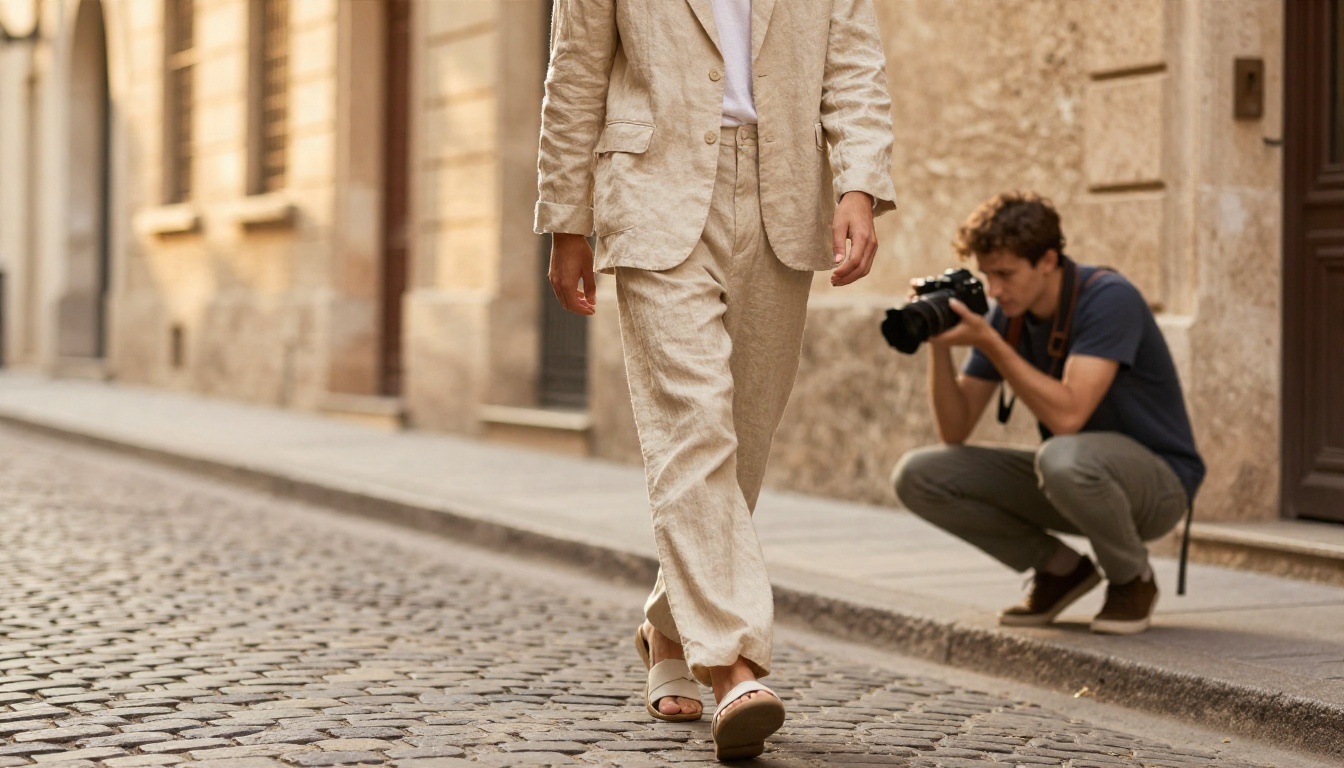
A look book sells a feeling first and a garment second. It shows how pieces work together on a real body, in a real place, with a point of view. A product page tells someone what a coat costs. A look book shows them where they would wear it.
That difference decides everything that follows: how many photos you need, how much text you write and how you sequence pages.
Lookbook vs Catalog
People mix these formats up constantly, and the confusion leads to bloated documents that do neither job well.
| Format | Main purpose | Typical page count | Text level | Best audience |
|---|
| Look book | Mood, styling, brand story | 12 to 32 | Minimal captions | Buyers, press, followers |
| Line sheet | Wholesale ordering | 4 to 20 | SKU, price, sizes | Retail buyers |
| Catalog | Full product range with details | 24 to 100+ | Descriptions and specs | Customers and distributors |
If you need the ordering side as well, a dedicated Fashion Catalog Creator handles product grids and pricing, while the look book stays purely visual.
💡 Pro tip: Send the look book first and the line sheet second. Buyers who fall for the mood will actually open the spreadsheet.
Plan the Story First
Open a design app too early and you will end up decorating pages instead of building a narrative. Start on paper, or in a plain notes file, and settle three things before a single photo is taken.
Pick a Mood and Palette
Write the collection in five words. "Coastal, relaxed, linen, sun-bleached, unhurried" is a better brief than "summer collection." Those words decide your locations, your model casting, your fonts and even your paper choice.
Then pull a palette of three to five colors straight from the garments. Sample them from fabric swatches or from your best photo. Use those colors for text, backgrounds and thin rules so the layout never fights the clothes.
Build a Shot List
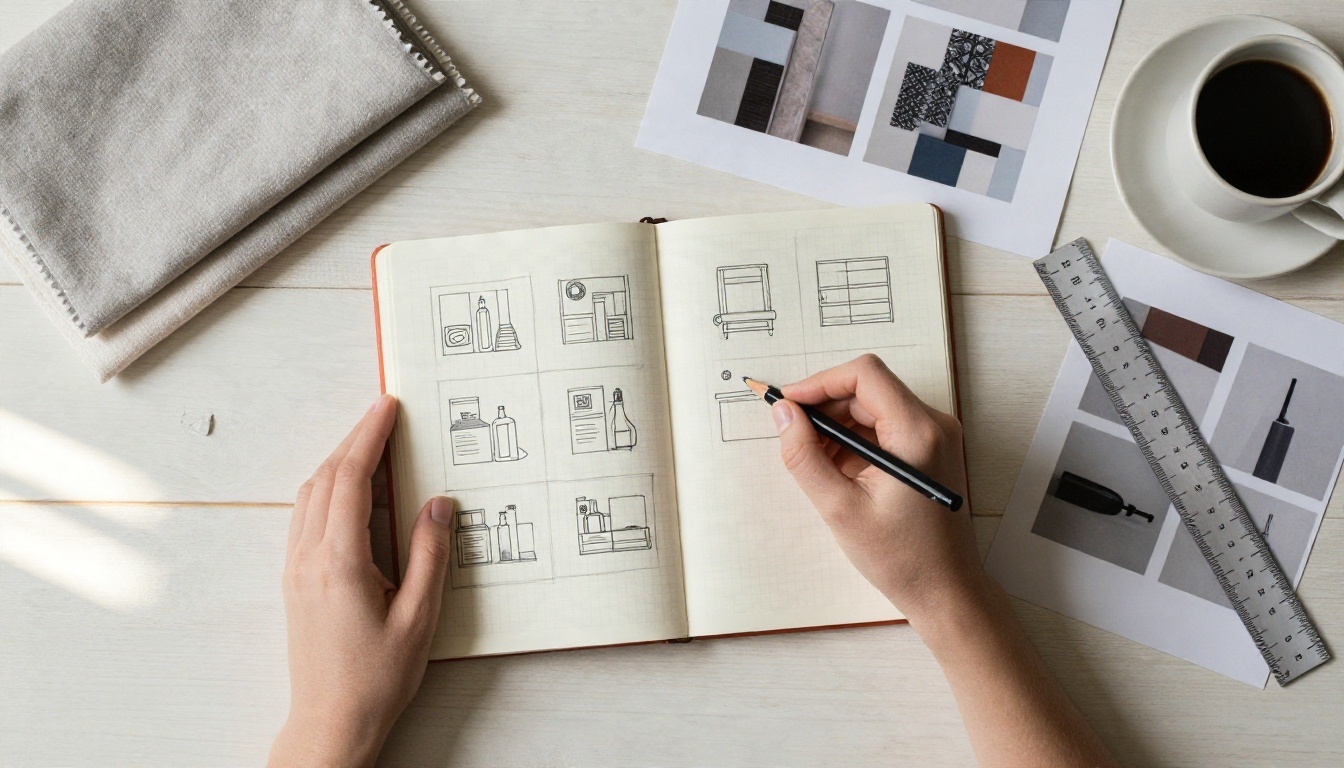
Sketch tiny thumbnails of every spread before the shoot. Each thumbnail is about the size of a stamp, and it tells you which images you must shoot: a wide scene, a half-length portrait, a detail of a seam or a button. A good rule is to shoot three times as many frames as you will use.
A simple shot list looks like this:
- Opening image: the strongest full-length look, shot wide with space around it.
- Outfit sequence: one hero shot per look, plus one alternate crop.
- Detail frames: stitching, hardware, fabric texture, accessories.
- Movement frames: walking, turning, sitting, anything that adds life.
- Closing image: a quiet frame that signals the end, often a back view.
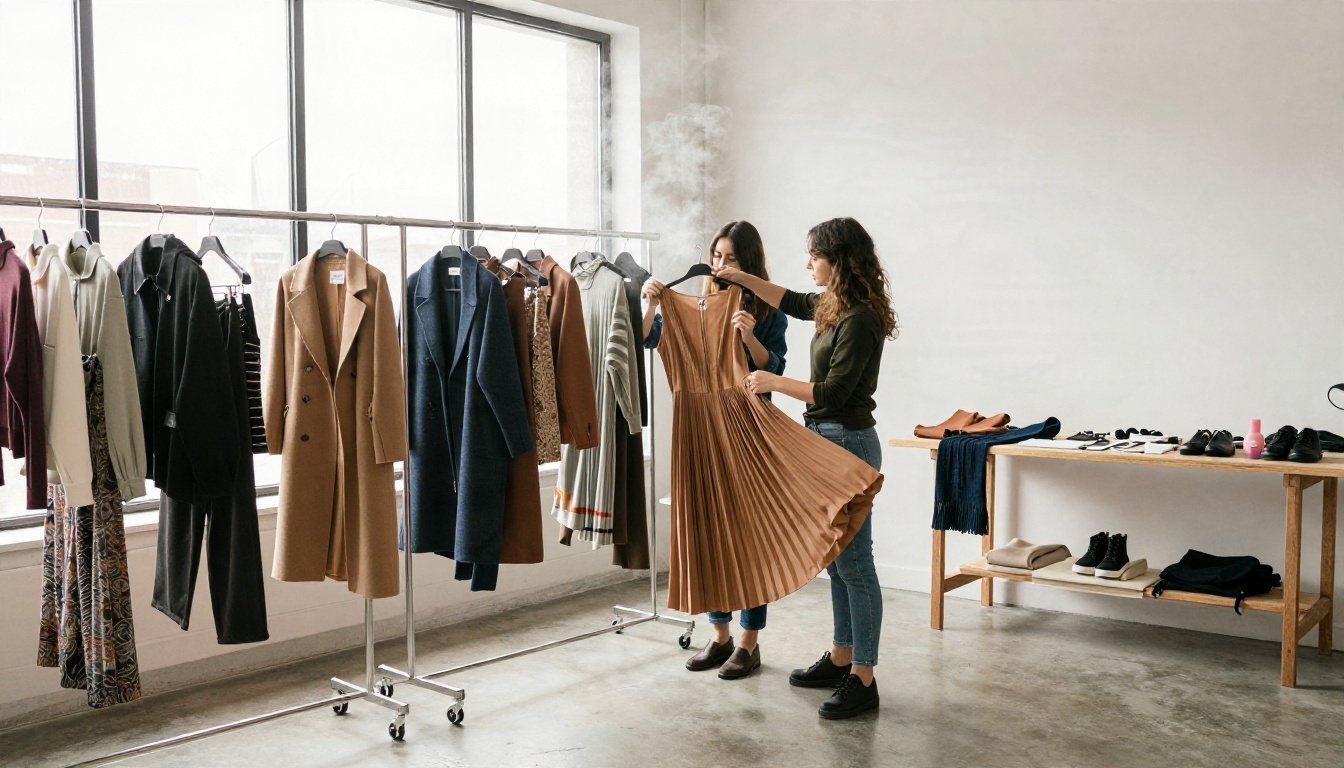
Prepare the rail the day before. Steam every piece, number the looks and pin a printed outfit list to the wall. On set, nothing wastes more money than hunting for the right belt.
✅ Best practice: Shoot in one consistent light across the whole collection. Mixed color temperatures are the fastest way to make a look book feel amateur.
Layout Ideas That Work
Layout is where restraint pays off. The strongest fashion look books use two or three page structures and repeat them with variations, so the reader develops a rhythm.
Full-Bleed Hero Pages
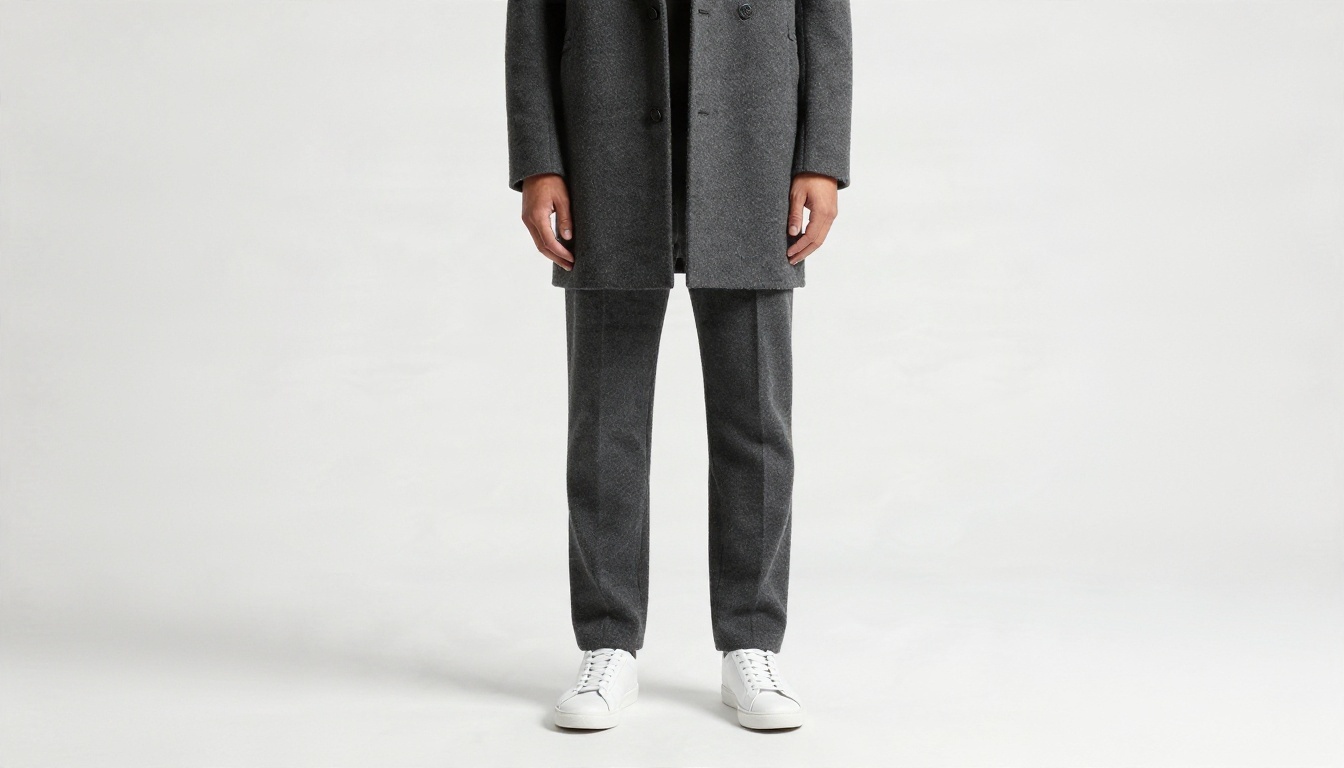
A full-bleed photograph runs to every edge of the page with no border. It is the loudest move you have, so use it for your three or four best images. Put a tiny caption in a corner, or nothing at all. If the subject sits off-center, let the empty space breathe instead of filling it with a logo.
Grid and Collage Spreads
When you have more good photos than pages, a grid saves the day. Try these proven structures:
- Two-up: one tall portrait on the left page, one detail on the right.
- Three-up: a large image with two smaller supporting frames stacked beside it.
- Six-grid: an even three by two layout for a quick look at a full outfit set.
- Offset collage: overlapping images with consistent gaps of 4 to 6 mm.
Keep gutters identical everywhere. Uneven gaps are the tell-tale sign of a rushed layout.
Typography and Captions
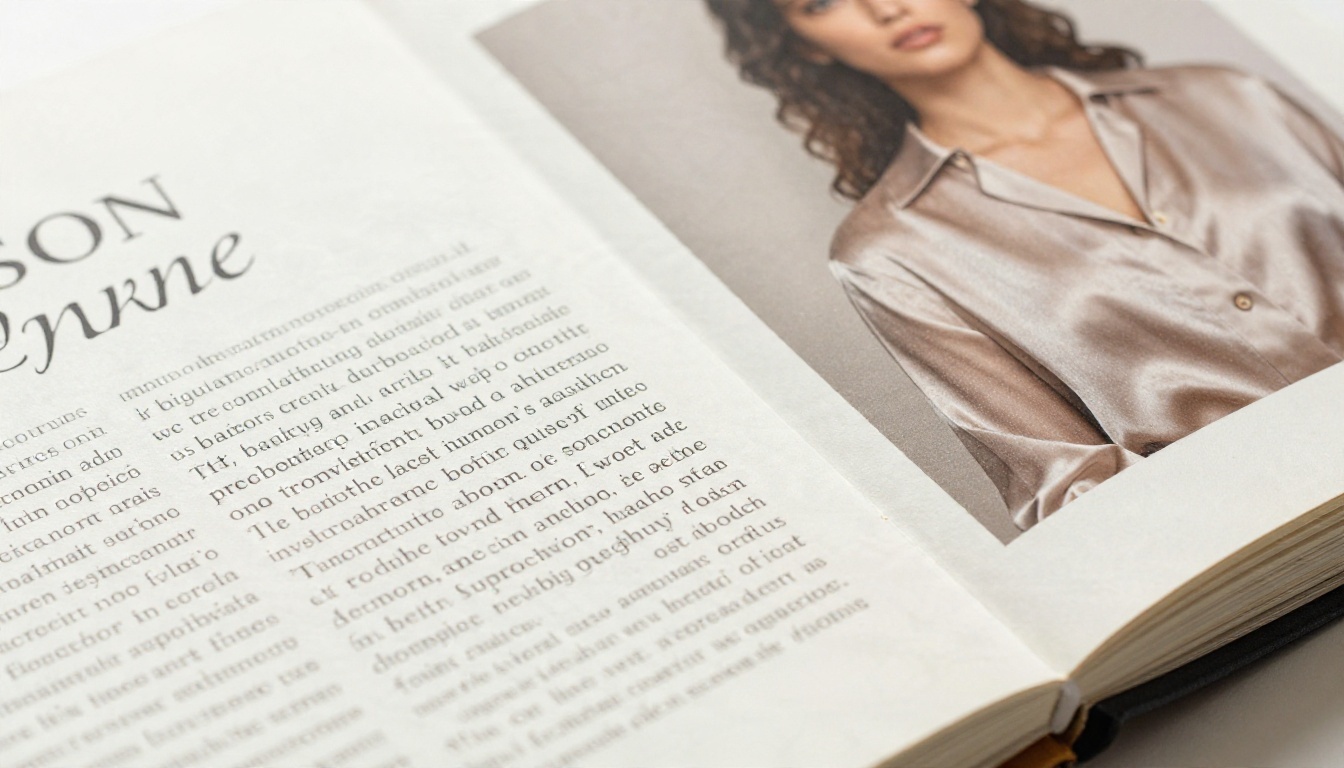
Choose one serif or one sans-serif for headings and one clean sans-serif for captions. That is enough. Set captions small (7 to 9 pt in print), in a single column, aligned to the same baseline across spreads. Typical caption content: look number, garment name, fabric and price if relevant.
Pacing the Spread
Think like an editor. Alternate loud pages and quiet pages: a full-bleed image, then a spread with white space, then a grid, then a detail. A look book where every page shouts is exhausting, and a look book where every page whispers is forgettable.
| Page type | Purpose | How often to use it |
|---|
| Full-bleed hero | Set mood, create impact | Every 4 to 6 pages |
| Two-up spread | Pair a look with a detail | Most common |
| Grid page | Show variety quickly | 2 to 3 times total |
| White-space page | Reset the eye | 1 to 2 times total |
| Closing page | Contact, website, season | Once |
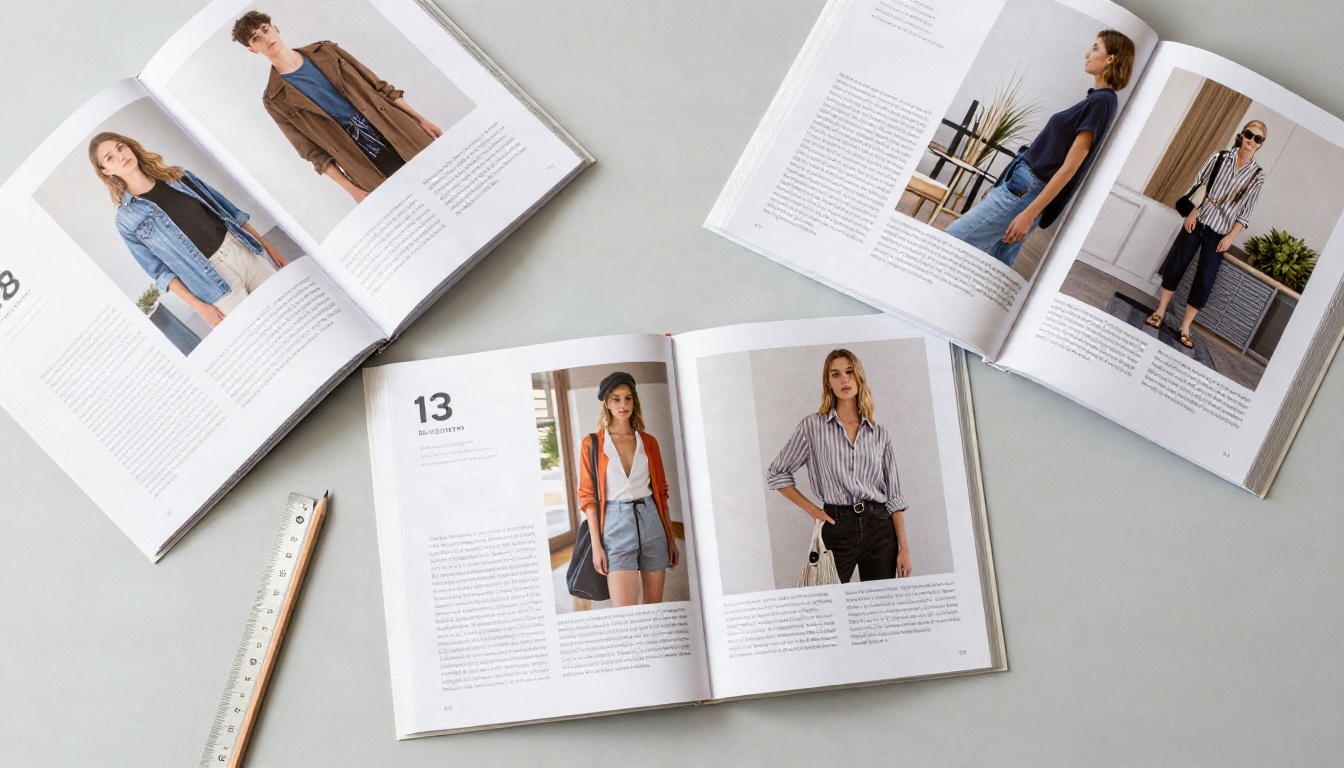
Size is a creative choice and a practical one. Portrait suits full-length garments. Landscape suits scenery and wide editorial frames. Square feels modern and works nicely for both print and social media.
| Format | Dimensions | Orientation | Best for |
|---|
| A4 | 210 x 297 mm (8.27 x 11.69 in) | Portrait | Standard print and PDF |
| US Letter | 8.5 x 11 in | Portrait | US print and email |
| Square | 210 x 210 mm or 8 x 8 in | Square | Boutique brands, social cross-posting |
| Landscape A4 | 297 x 210 mm | Landscape | Scenic, editorial looks |
| Screen 16:9 | 1920 x 1080 px | Landscape | Presentations and web viewing |
| Social portrait | 1080 x 1350 px (4:5) | Portrait | Instagram carousels |
Print Sizes
For anything you plan to print, work at 300 dpi, add 3 mm (0.125 in) of bleed on every side and keep text at least 5 to 10 mm inside the trim edge. Pick a CMYK color profile if your printer asks for it. For 16 to 32 pages, saddle-stitch binding (staples through the fold) is cheap and looks sharp. Always use a page count divisible by four.
Screen Sizes
On screens, pixels matter more than millimeters. Export your PDF with images at roughly 150 dpi and keep the file under 25 MB so it opens fast on mobile data. If most of your buyers will read on a phone, test every page on a small screen and increase caption sizes until they are comfortable to read without zooming.
⚠️ Warning: Do not mix page sizes inside one document. A single landscape page in a portrait file will shrink awkwardly on most viewers and flipbook readers.
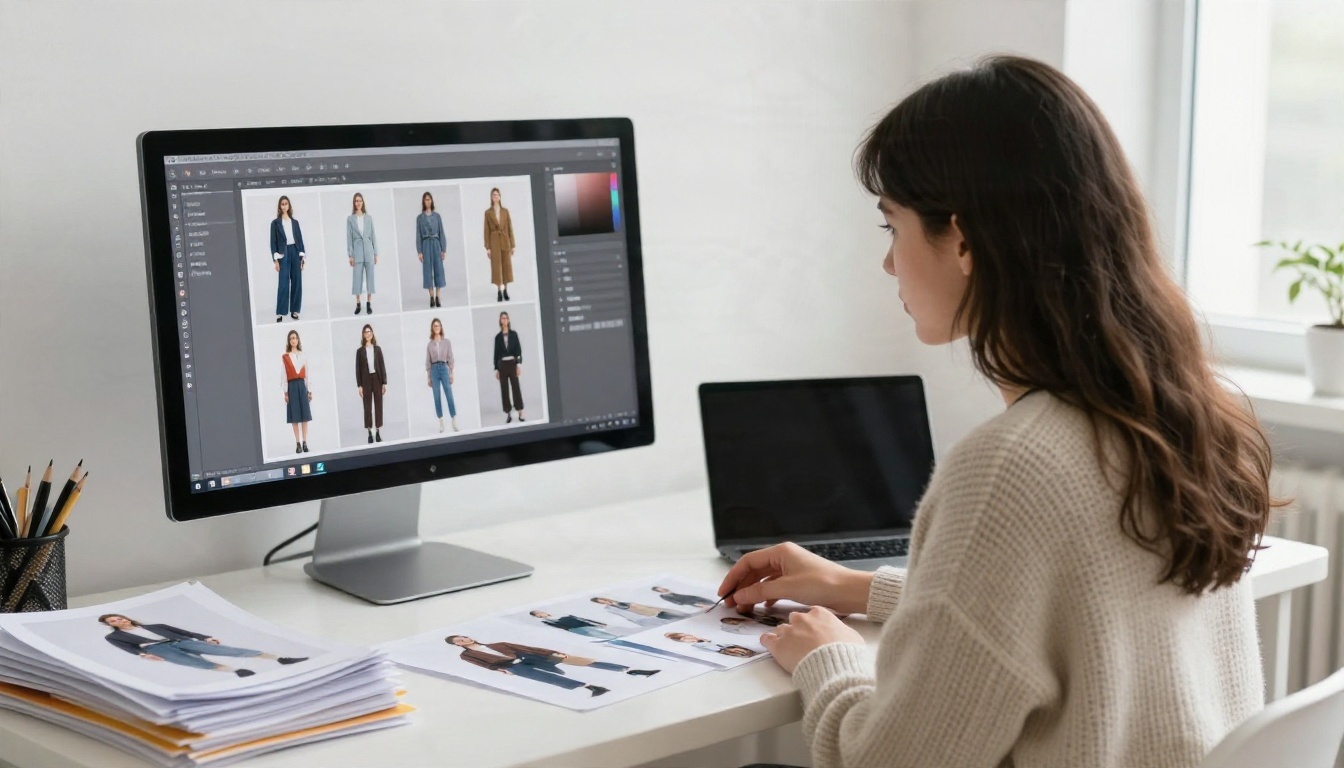
You do not need a paid suite to build something polished. What you do need is a tool that suits your skill level.
Free Design Tools
| Tool | Cost | Skill level | Strength | Weakness |
|---|
| Canva | Free plan available | Beginner | Fashion look book templates, drag and drop | Limited print control on free plan |
| Google Slides | Free | Beginner | Easy collaboration, simple grids | Basic typography |
| Figma | Free starter plan | Intermediate | Precise layout, reusable components | Not built for print bleed |
| Scribus | Free, open source | Intermediate | True print-ready PDF output | Dated interface |
| Adobe InDesign | Paid subscription | Professional | Parent pages, color management, print control | Cost and learning curve |
| Flipbooks AI | See pricing | Beginner | Turns any PDF into an interactive flipbook | Publishes your design, does not replace a layout app |
A practical workflow combines two tools: design the pages in Canva, Figma or InDesign, then publish the finished PDF as a page-turning flipbook so people can read it like a real magazine on any device.
Template Starting Points
Templates save hours, but only if you customize them. Follow this checklist when you open one:
- Replace every placeholder font with your chosen heading and caption fonts.
- Swap template colors for your sampled palette.
- Delete any decorative element that does not come from your own brand.
- Re-crop each photo yourself. Never accept the default crop.
- Remove unused page types so the document stays tight.
If you want a template that is ready for interactive publishing, the Interactive Lookbook Designer and Lookbook Flipbook Builder are built around exactly this use case.
Build a Lookbook with Flipbooks AI
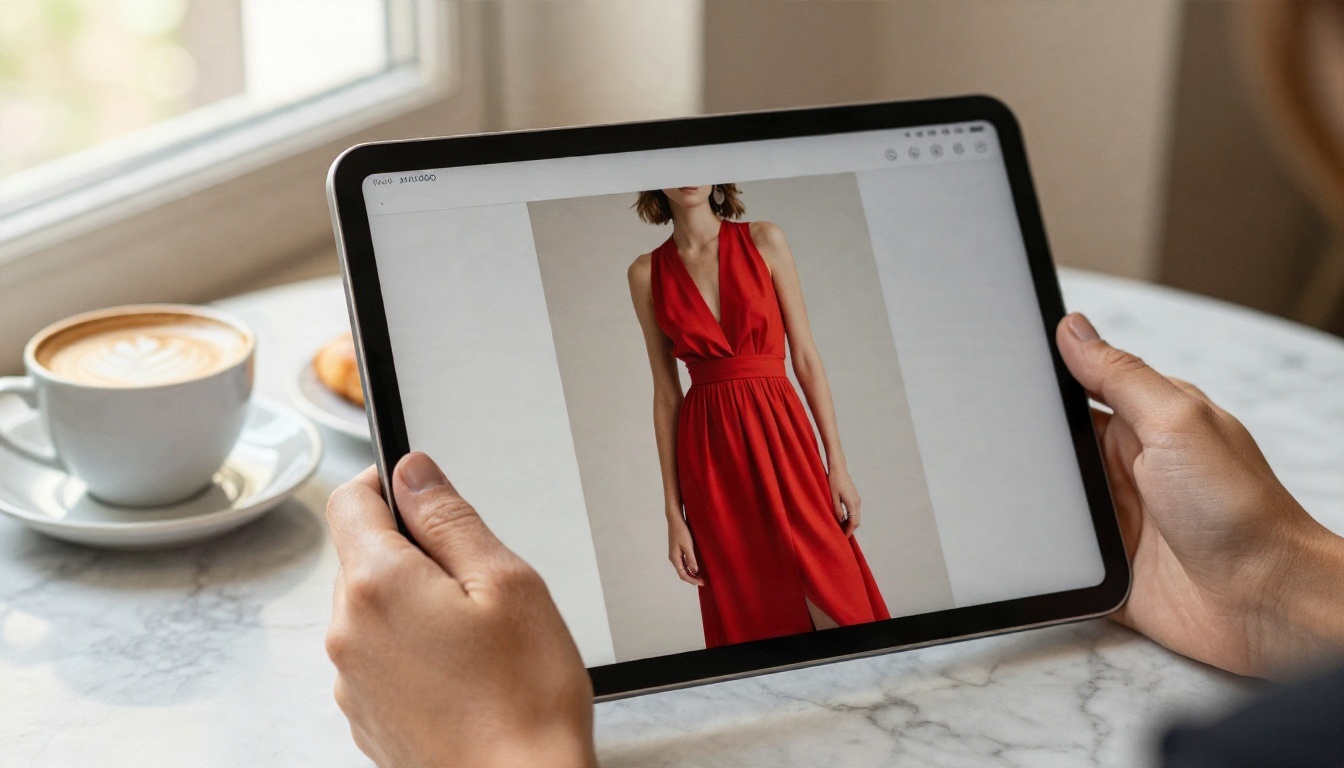
A PDF attached to an email gets skimmed or ignored. A flipbook feels like holding the real thing: pages turn, images load quickly and the link works on every device. Here is how to build a lookbook with Flipbooks AI in a few minutes.
Upload and Convert
- Create your account. Go to Flipbooks AI and sign up. Your first flipbook takes only a few clicks.
- Upload your PDF. Drag the exported look book file into the uploader. The PDF to Flipbook Converter turns every page into a smooth, page-turning layout.
- Check the preview. Flip through each spread. Confirm that images are sharp and captions are readable on a phone-sized view.
- Add multimedia. Embed a short runway clip, a behind-the-scenes video or a background audio track on the pages where they add atmosphere.
Brand and Share
- Apply custom branding. Set your logo, background color and viewer style so the flipbook feels like part of your brand. There are no watermarks, ever.
- Choose page effects. Pick a page-turn style that suits the mood of your collection, whether soft and slow or crisp and quick.
- Share it. Copy the direct link for email and social bios, or use the Embed Flipbook on Website tool to place it on your online store with a short code snippet.
- Protect private drops. Add password protection for pre-season previews that only wholesale buyers should see.
💡 Pro tip: Use one link for the public look book and a separate password-protected flipbook for wholesale. Same pages, different audiences, two clean links.
Pro Features
On the Professional plan, you get analytics showing which pages hold attention longest, lead generation forms that capture buyer emails before they view the collection, and offline downloads for trade-show floors with unreliable Wi-Fi. The Standard plan and above also offers unlimited flipbooks, so you can publish a new look book for every season without counting.
| Feature | Why a fashion brand cares |
|---|
| Mobile-responsive viewer | Most buyers and followers open links on phones |
| Embedded video and audio | Brings runway movement and mood to static pages |
| Password protection | Keeps unreleased collections private |
| Lead generation | Turns viewers into a buyer email list |
| Analytics | Shows which looks get the longest attention |
| Offline download | Works at trade shows and in showrooms |
For a more portfolio-style presentation, the Digital Portfolio Creator is a good fit for stylists, models and photographers, and the Magazine Flipbook Creator suits brands that publish seasonal editorials.
Mistakes That Cost You Sales

After watching enough look books reach showroom tables, the same errors show up again and again.
- Too many looks. Thirty outfits in a row is a catalog, not a look book. Cut it to your best 12 to 20.
- Weak opening page. If the first image is a logo on a blank page, you have spent your best ten seconds on nothing.
- Tiny, unreadable text. Captions under 7 pt disappear in print and become invisible on phones.
- Inconsistent photography. Different lighting and color grades make a collection look like three unrelated brands.
- No next step. End with a clear contact line, a website and a prompt to order or book a showroom visit.
- Huge file size. A 120 MB PDF will not load on a train. Compress images before export.
⚠️ Warning: Always proof the final PDF on a phone and on a printed sheet before sending. Colors and crops that look perfect on a monitor can surprise you elsewhere.
Publish Your Look Book Today
A good fashion look book is not about fancy software. It comes from a clear mood, a deliberate shot list, two or three repeatable page layouts, the right page size and a delivery format people enjoy opening.
Ready to put yours online? Create your free account on Flipbooks AI, upload your PDF and share a page-turning link in minutes. Browse all flipbook tools to find the format that fits your collection, or compare pricing plans when you are ready for analytics, lead generation and unlimited flipbooks.



