Every child has a story they are dying to tell: a dragon who is afraid of fire, a cat who runs a bakery, a robot who wants a pet. The good news is that you no longer need a printing press, an art degree, or a big budget to turn that idea into a real book. With a tablet, a laptop, or even a phone, you can make a story book online in an afternoon, and with a tool like Flipbooks AI you can turn the finished pages into a page-turning book that grandparents, classmates, and friends can open from a simple link.
This article walks through the whole process in plain language. You will find free tools compared side by side, templates you can copy today, story ideas sorted by age, a step by step plan for your first book, and a tutorial for publishing it as a flipbook.
Why Kids Love Making Story Books
Writing a story is fun. Seeing that story look like a "real" book is something else entirely. Kids who normally avoid writing tasks will happily spend an hour choosing a title page color or drawing a villain's cape, because the finished product feels like theirs.
What Kids Actually Gain
A story book project quietly builds several skills at once:
- Writing and spelling, because the words will be read by other people.
- Planning, since a beginning, middle, and end have to fit on a set number of pages.
- Visual thinking, as children decide what each page should show.
- Confidence, which grows fast when a child hears "I read your book!" from a relative.
- Basic digital skills, like saving files, exporting a PDF, and sharing a link safely.
💡 Pro tip: Let your child be the author and art director. Adults can type, resize, and export, but the ideas, the pictures, and the final say belong to the kid.
How Long Should the Book Be?
Short is better. A first book of 8 to 12 pages is enough to feel like a real story without wearing anyone out. Picture books traditionally run 32 pages, but a "mini book" with a title page, 8 story spreads, and an "about the author" page is a perfect first target.
Free Tools to Build Your Story
You can make a story book online with tools you may already have. The right pick depends on the child's age, the device you own, and whether the book is mostly drawings, mostly text, or a mix.

Slide Tools: The Easiest Starting Point
Slide software works like a blank picture book. Each slide is a page, and kids can drag in pictures, type text, and rearrange the order whenever they want. Google Slides, PowerPoint for the web, and Canva all offer free plans that handle this well. Set the slide size to a square or a landscape page, and you have a book in minutes.
Drawing Apps: Best for Young Illustrators
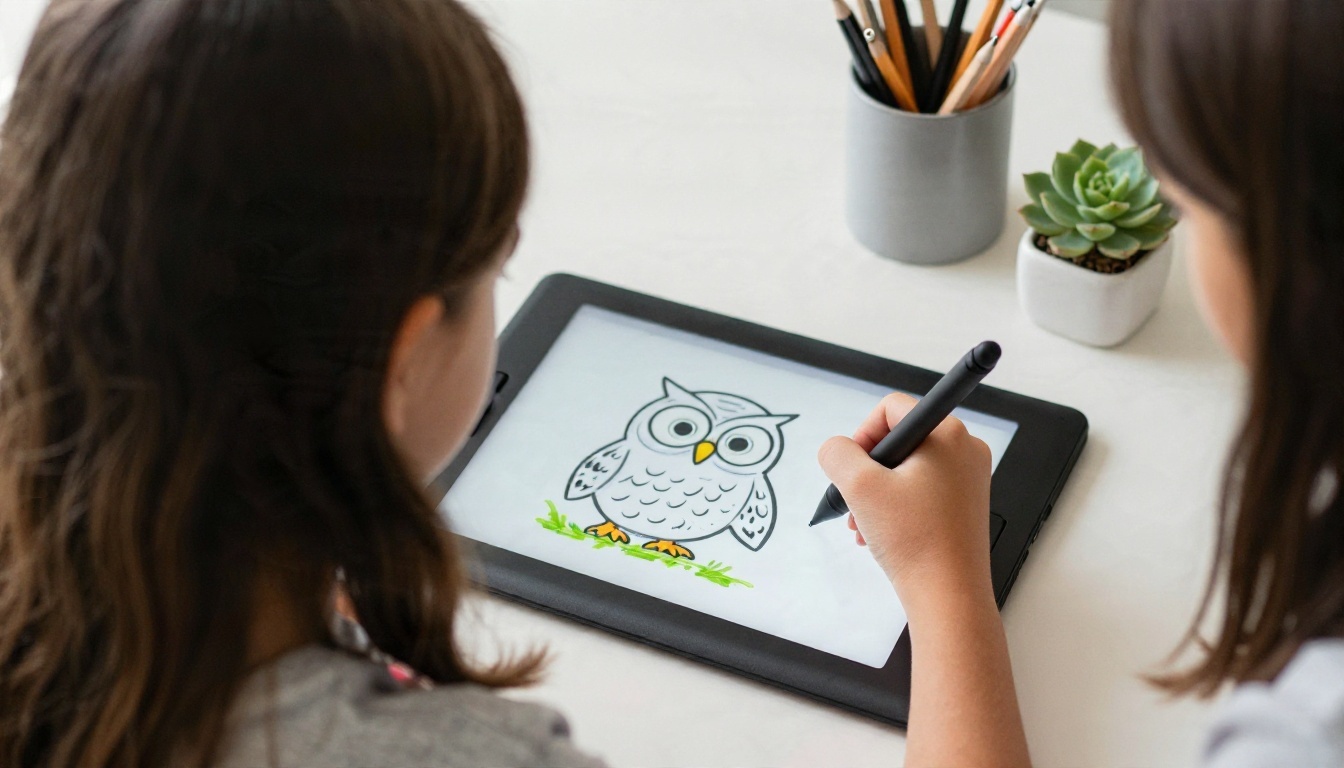
If your child loves to draw, start there. Free apps such as Krita (computer) and Autodesk Sketchbook (tablet and phone) let kids paint characters with a finger or stylus. Export each drawing as an image and place it on a slide or page.
Dedicated Story Book Makers
Some websites are built just for children's books, with page layouts, characters, and backgrounds ready to drag in. Book Creator and StoryJumper are popular with teachers. Free plans usually limit the number of books or the export options, so check the current limits before you start a project you cannot finish.
Here is how the main options compare:
| Tool type | Best for | Skill level | Typical free limits | Export as PDF |
|---|
| Google Slides | Mixed text and pictures | Ages 7 and up | Very generous | Yes |
| Canva | Polished layouts and templates | Ages 8 and up (with help) | Some premium elements | Yes |
| Krita / Sketchbook | Original drawings | Ages 5 and up | Free to use | Image files |
| Book Creator | Classrooms, audio, video | Ages 5 and up | Limited number of books | Often yes |
| StoryJumper | Ready made scenes and props | Ages 5 and up | Limited downloads | Varies |
| Paper plus scanner app | Hand drawn books | Any age | Free | Yes |
⚠️ Watch out: Many kid story sites ask for an email address or push a paid print order. Parents should create the account and read the privacy terms, especially for children under 13.
The Low Tech Hybrid
Do not overlook paper. Kids draw each page by hand, then a parent scans the pages with a free phone app and merges them into one PDF. This keeps the charm of real crayon strokes and still ends up online.
Templates That Save Time
A blank page can freeze a child. A template gives the story a skeleton, and the child brings it to life.
Five Story Skeletons That Work
- The Problem and Solution: A character has a problem, tries three things, and the third one works.
- The Journey: A hero travels from home to a faraway place and comes back changed.
- The Day in the Life: Follow a pet, a toy, or a tiny bug from morning to night.
- The Counting or ABC Book: Each page introduces the next number or letter.
- The "What If" Story: Start with a silly question, like "What if my shadow ran away?"
A Simple 10 Page Layout
| Page | What goes here |
|---|
| 1 | Title and author name |
| 2 | Meet the main character |
| 3 | Show the setting |
| 4 | Introduce the problem |
| 5 to 7 | Three attempts to fix it |
| 8 | The big moment |
| 9 | How things end |
| 10 | About the author, with a drawing |
Print this table or copy it into the first slide of your project, and kids always know what page they are on.
✅ Best practice: Give each page one idea and one picture. Two or three short sentences per page keep early readers focused and make the final book easy to read aloud.
Story Ideas for Every Age
Running out of ideas is the number one reason projects stall. Keep this list handy.

Ages 4 to 6
Little ones tell stories mostly with pictures and short phrases. Try:
- My Pet Is a Superhero: Real pet, wild powers.
- The Hungry Cloud: What does a cloud eat for breakfast?
- A Day at My Grandma's House: Real life, retold with a twist.
- Animal Colors: One animal and one color per page.
An adult can type the words as the child dictates them, which keeps the voice authentic.
Ages 7 to 9
This group can write short paragraphs and enjoys humor and mystery.
- The Missing Sock Detective: Where do lost socks go?
- School for Dragons: Their first day, from the dragon's view.
- The Bakery on the Moon: A baker with unusual customers.
- A Letter From My Future Self: Written as a funny diary (parents may want to skip tomorrow's homework angle).
Ages 10 to 12
Older kids can build multi chapter adventures or write a picture book for a younger sibling.
- Choose Your Path: Branching pages with two options each.
- The Time Traveling Library: Each book opens a different century.
- A True Story, Slightly Exaggerated: A family event retold as an epic.
- A Mini Comic: Panels, speech bubbles, and a cliffhanger.
| Age group | Words per page | Pages | Best format |
|---|
| 4 to 6 | 5 to 15 | 8 to 10 | Big pictures, dictated text |
| 7 to 9 | 20 to 50 | 10 to 16 | Picture book with short paragraphs |
| 10 to 12 | 50 to 120 | 12 to 24 | Illustrated chapters, comics |
Step by Step: Build Your First Book
Here is the process we recommend, from blank page to finished file. It works with any of the free tools above.
Step 1: Pick the Idea and the Hero
Ask three questions: Who is the story about? What do they want? What is stopping them? If your child can answer all three in a sentence each, you have a plot.
Step 2: Sketch a Quick Storyboard
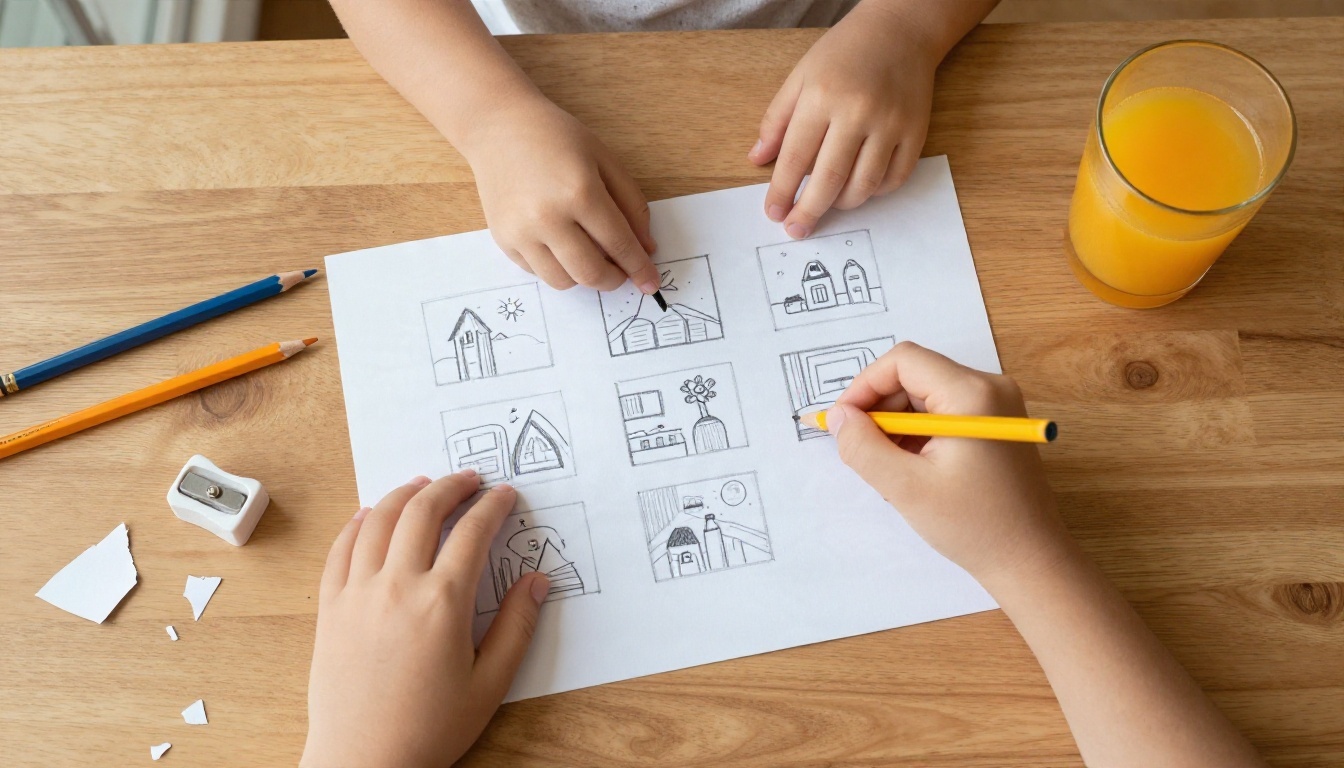
Fold a sheet of paper into 8 boxes and draw tiny stick figure versions of each page. Nobody judges the drawing. The point is to decide the order before spending time on details.
Step 3: Draw and Collect the Pictures
Kids can draw on paper and scan, draw directly in an app, or use free, kid safe photos and clip art that match the story. Keep a consistent style so the main character looks the same on every page.
Step 4: Write the Words
Type the text for each page in a large, easy to read font. Fonts between 24 and 36 points work well on a slide sized page. Read the story out loud once to catch awkward sentences.
Step 5: Add the Finishing Touches
Add a dedication page ("For Grandpa, who laughs at all my jokes"), an author bio, and maybe a short "thank you for reading" line at the end.
Step 6: Export as a PDF
Almost every tool can save or download the project as a PDF. Choose the highest quality option, keep the page order, and name the file after the book. That PDF is the ingredient you need for the next section.
💡 Pro tip: Keep a copy of the original project file too. If a relative asks for a typo fix or a new ending later, you will want the editable version.
How to Create a Story Book Flipbook with Flipbooks AI
A PDF is fine for sending by email, but it feels flat. A flipbook gives your child's story realistic page turns, loads quickly on any phone, and can be shared with a single link. The PDF to Flipbook Converter and the Interactive E-Book Publisher on Flipbooks AI are built for exactly this job, and the E-Book Flipbook Generator is another handy shortcut for picture books.
Create Your Account and Upload
- Go to Flipbooks AI and create an account.
- Click the button to start a new flipbook.
- Upload the PDF you exported from your story book tool. Conversion usually takes less than a minute for a short picture book.
- Preview the result. Each PDF page becomes a page in the flipbook, and spreads show side by side on larger screens.
Customize the Look
Once the pages load, you can adjust the details that make it feel like a real book:
- Background color: Match the story, for example soft blue for an ocean tale.
- Page flip effect and sound: A gentle page turn sound delights younger readers.
- Custom branding: Add a small logo or your family or class name.
- Multimedia: Embed audio so your child can read the story aloud, or add a short video of the author saying hello.
Everything works on phones and tablets because the design is mobile responsive, and there are no watermarks stamped over your child's artwork.
Share It Safely
Decide who should see the book, then choose the right sharing option:
| Sharing option | Best for | Privacy level |
|---|
| Direct link | Texting or emailing relatives | Anyone with the link |
| Password protected link | Classroom or family only | High |
| Embed code | Class blog or school website (see Embed Flipbook on Website) | Depends on the site |
| Offline download | Trips, or places without Wi-Fi | Controlled by you |
⚠️ Watch out: If the story includes a child's full name, school, or photos, use the password option and share the password only with people you trust.
Pro Features Worth Knowing
Teachers, authors, and parents who sell or distribute books can look at the Professional plan on the pricing page. It adds analytics (how many people opened the book and how far they read) and lead generation forms, which are handy for school fundraisers or small publishing projects. The Standard plan and above offer unlimited flipbooks, so a whole class can have its own library.
Classroom and Family Projects
A story book works well beyond the single child at a kitchen table. Here are real situations where it shines.
A Class Anthology
A teacher assigns each student one page of a shared story, or one short story each. The class exports everything into one PDF and publishes it with the Course Material Publisher. Parents receive one link, and the book lives on the class website all year. For end of year memories, the Yearbook Flipbook Maker gives the same idea a bigger scale.
A Family Keepsake
Record a child's stories at ages 5, 7, and 9, and publish each as a flipbook. Years later you will have a digital shelf of how their imagination grew. The Recipe Book Flipbook approach also works for a "family stories" collection where each relative contributes a page.
A Class Newsletter or Showcase
Combine the best pages from several books into a monthly showcase using the School Newsletter Creator. It is a great way to celebrate quieter students who may not raise their hand but write beautifully.
Siblings Writing Together
Older and younger siblings can team up: one writes, one draws. It teaches cooperation, and the argument over who gets to pick the villain's name is a free lesson in negotiation.
Common Mistakes to Avoid
Even simple projects hit snags. These are the most frequent ones:
- Starting with too many pages. Twelve pages finished beats forty pages abandoned.
- Mixing styles. A cartoon hero on one page and a photo on the next looks jarring. Pick one look.
- Tiny fonts. If the text is hard to read on a phone, it is too small.
- Skipping the read aloud. Every awkward line becomes obvious when you say it out loud.
- Forgetting image rights. Use your own drawings, public domain art, or properly licensed free images, never random pictures from a search engine.
- Ignoring privacy. Avoid addresses, school names, and exact birthdays in the story or file name.
✅ Best practice: Celebrate the finished book. Print one page as a poster, read it at dinner, or hold a "book launch" with snacks. The celebration is what makes a child want to write the next one.
Start Your Story Today
You now have everything you need: a free tool for every age, five story skeletons, a 10 page layout, and a way to publish the result so the whole family can read it. Pick one idea from the lists above, set a timer for 30 minutes, and draw the first page together.
When the pages are ready, create your first flipbook on Flipbooks AI and send the link to someone who will love it. If you want to see what else the platform can do, browse the full set of flipbook tools, or compare pricing plans to find the one that suits a family, a classroom, or a whole school. The next great author might be sitting at your kitchen table right now.



