A printed brochure gets a few seconds of attention, and then it lands in a drawer. A video brochure gets played, forwarded, and talked about. The good news: you do not need a production crew, a software license, or a print budget to make one. With a phone, a PDF, and Flipbooks AI, you can build a page-turning brochure with embedded clips and send it to anyone with a single link.
This tutorial walks through the whole process: what a video brochure actually is, how to plan it, how to film clips that look good on a budget, how to build the brochure online for free, and how to share it so people open it on the first tap.
What a Video Brochure Really Is
A video brochure is a brochure that plays video inside its pages. Think of a normal tri-fold or multi-page brochure, but when the reader turns to the "Our Team" page, a 20 second clip of the team starts playing right there. Nothing to download. No separate YouTube tab.
There are two common meanings of the term, and it helps to separate them:
- The hardware version: a physical card with a tiny screen built into it. Expensive, battery powered, and sold in minimum runs of hundreds.
- The digital version: a brochure that lives online, flips like paper, and plays embedded video and audio. This is what most people searching for a free option actually need.
This article focuses on the digital version, because it is the only one you can make today, for free, from your laptop.
Video Brochure vs PDF vs Plain Video
Why not just send a PDF, or just send a video? Because each format does one job well and the other badly.
| Format | Shows detail | Plays video | Easy to share by link | Feels like a brochure |
|---|
| Static PDF | Yes | No | Sometimes (large files) | Partly |
| Plain video file | Limited | Yes | Yes | No |
| Social video post | Limited | Yes | Yes | No |
| Digital video brochure | Yes | Yes | Yes | Yes |
The digital video brochure wins because the reader controls the pace. They can skim pages, stop on the one that matters, and press play only when they want to.
💡 Pro tip: Treat video as the seasoning, not the meal. Three to five short clips inside a ten page brochure usually perform better than a brochure where every page is moving.
Plan the Story Before You Film
Most weak video brochures fail before anyone presses record. The clips are random, the pages are crowded, and nobody knows where to look. Ten minutes of planning fixes most of that.
Pick Three to Five Clips
Ask one question for every page: would a moving picture explain this faster than text? If the answer is yes, that page gets a clip. If not, leave it as a clean image and copy.
Good candidates for video:
- A product in use, not just on a white background
- A short welcome from the owner or founder
- A walkthrough of a space, such as a hotel room, a showroom, or a studio
- A customer saying one sentence about the result they got
- A process that is hard to describe, like how a custom piece is built
Write a Rough Storyboard
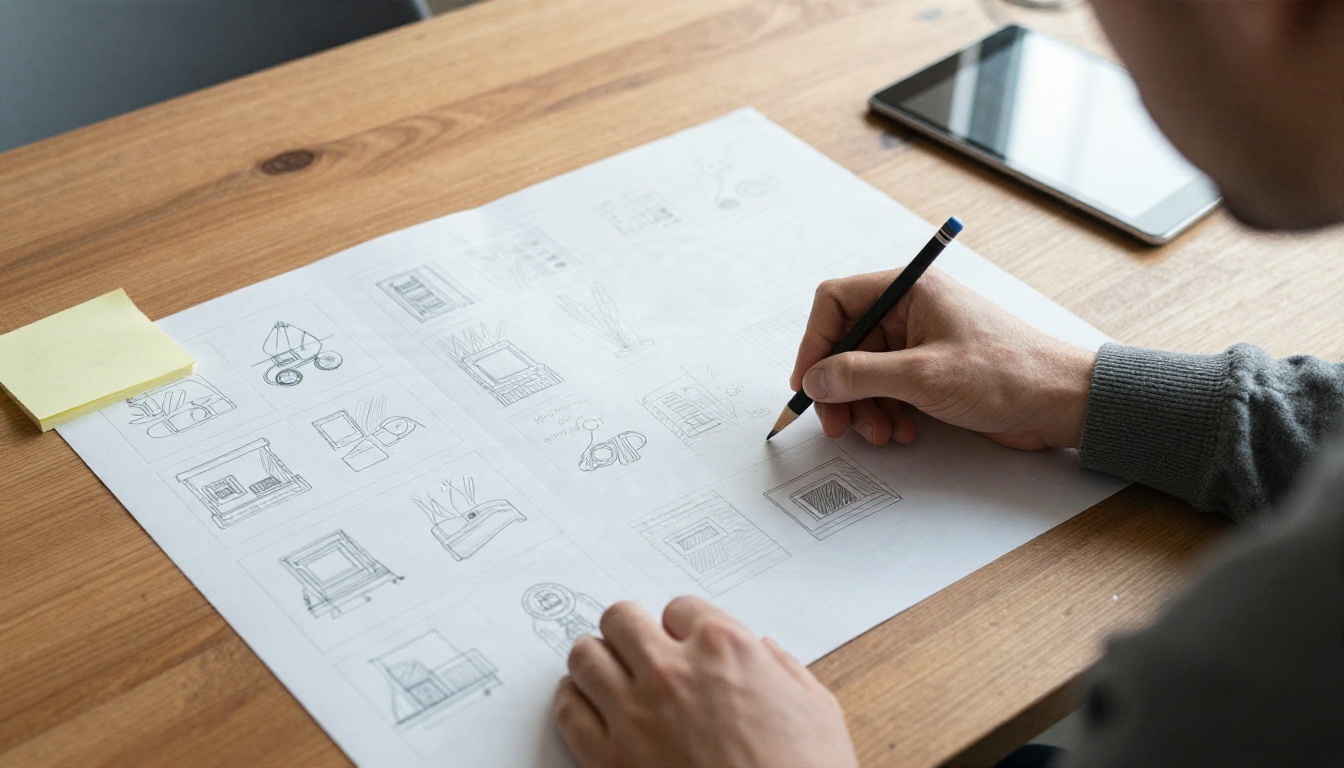
You do not need a script. You need a sheet of paper with one box per brochure page and a one line note in each box. Something like this:
- Cover page: brand name, one strong photo, no video.
- Page 2: 15 second welcome clip.
- Pages 3 and 4: product photos with short captions.
- Page 5: 20 second demonstration clip.
- Page 6: customer quote, optional 10 second testimonial.
- Last page: contact details, map, and a clear next step.
✅ Best practice: Put your strongest clip on page two or three, not on the last page. Most readers never reach the end.
Shoot Clips With Your Phone
Modern phones shoot video that is more than good enough for a brochure. What separates a polished clip from an amateur one is not the camera. It is light, sound, and steadiness.
Light and Sound Basics
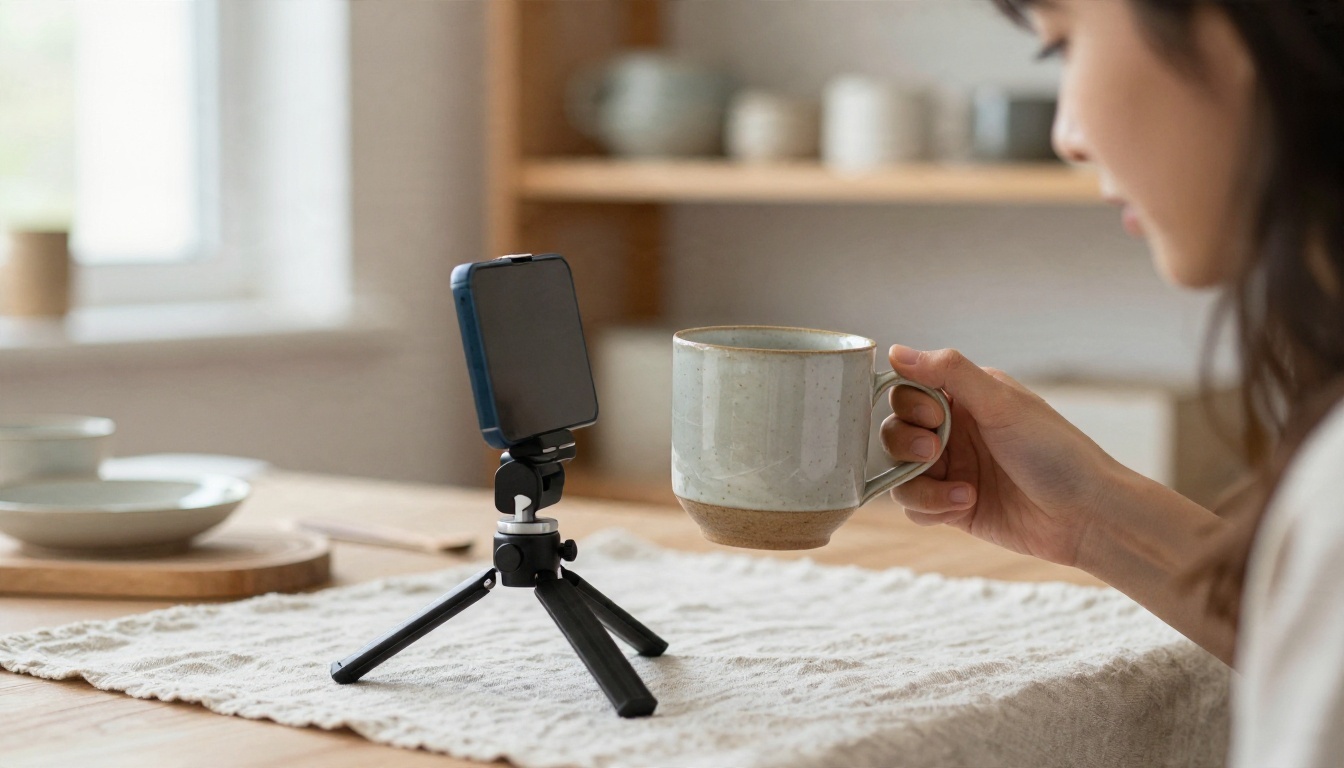
- Face a window. Soft daylight from the side is flattering and free. Avoid mixing daylight with warm indoor bulbs.
- Turn off fans and air conditioning. Brochure clips often play without headphones, but when they do play with sound, background hum is the first thing people notice.
- Use a cheap tripod or a stack of books. A steady frame looks professional even when everything else is simple.
- Clean the lens. A fingerprint smear softens the whole picture. Wipe it with a soft cloth before every session.
Length and Format
Short beats long. Readers are inside a brochure, not a cinema. Here is a quick reference for planning each clip:
| Clip type | Ideal length | Orientation | Sound needed |
|---|
| Welcome message | 10 to 20 seconds | Landscape | Yes, with captions |
| Product demo | 15 to 30 seconds | Landscape | Optional |
| Space walkthrough | 20 to 40 seconds | Landscape | Optional, music works |
| Customer quote | 8 to 15 seconds | Landscape or square | Yes, with captions |
| Process close up | 10 to 20 seconds | Landscape | No |
⚠️ Warning: Large raw video files slow everything down. Export each clip at 1080p, keep it under a minute, and trim the first and last second so playback starts the instant someone presses play.
Build It Free With Flipbooks AI
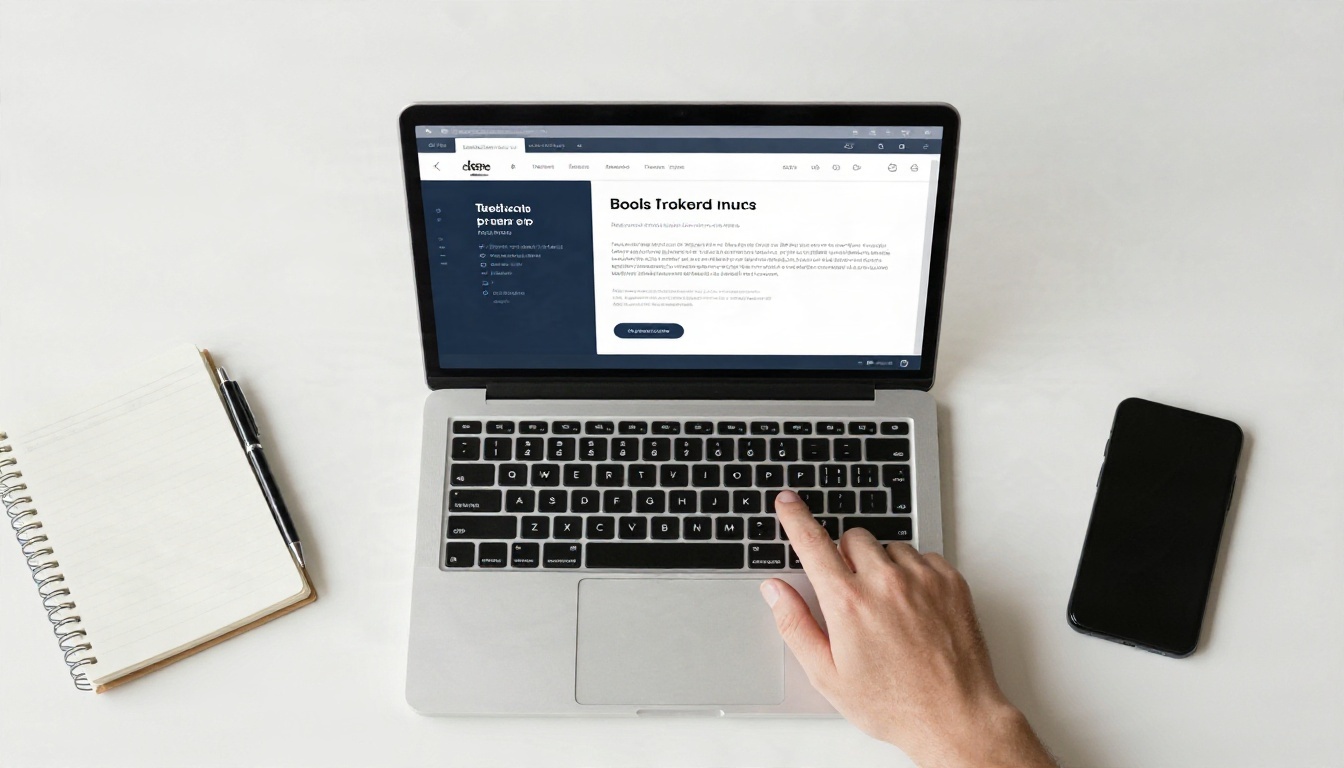
Here is where the pieces come together. You need a brochure document (a PDF exported from Canva, Word, Google Docs, or any design tool) and your short clips. The Brochure Flipbook Maker turns that PDF into a flipbook that turns pages like paper, and the Online Brochure Designer helps if you are starting from a blank page.
How to Create a Video Brochure with Flipbooks AI
Follow these steps in order. The whole process usually takes 20 to 30 minutes once your clips are ready.
- Open the platform. Go to Flipbooks AI and create an account. You can start without paying and see the result before choosing a plan.
- Upload your PDF. Drag the brochure file into the upload area. The PDF to Flipbook Converter processes each page into a flipbook with realistic page turns. Large files can take a minute, so wait for the preview to finish.
- Check the page order. Flip through the preview. If a page is out of order or a photo looks soft, fix the source PDF and upload again. It is faster than patching things later.
- Add your video. Open the editor, choose a page, and place a video on it. You can embed a clip from a file or a link. Resize it so it sits neatly over the photo or empty area you left for it. Repeat for each clip on your storyboard.
- Add audio if you want it. Background music or a voice note can play on a single page. Keep volume low and never autoplay audio on the first page.
- Customize the look. Set your brand colors, add your logo, choose the background behind the flipbook, and pick a page effect that suits your brand. A law firm may want a quiet, firm page turn, while a surf shop can go for something looser.
- Preview on a phone. Open the preview on your own mobile device. Check that videos play, text is readable, and buttons are easy to tap.
- Publish. Save the flipbook and copy the link. That is your finished video brochure.
💡 Pro tip: Name the file clearly before you upload, for example spring-collection-brochure. It keeps your library tidy once you have more than a handful of flipbooks.
What You Get Without Paying
| Feature | Why it matters for a video brochure |
|---|
| No watermarks, ever | Your brochure looks like your brand, not ours |
| Embedded video and audio | The core of a video brochure |
| Mobile responsive design | Most people open links on a phone |
| Custom branding | Logo and colors keep it consistent with print |
| Shareable link | One link works in email, chat, and social bio |
If you plan to publish many brochures, say one per product line or one per property, compare the pricing plans. Unlimited flipbooks start on the Standard plan, and analytics and lead generation sit on the Professional plan.
Share by Link, Embed, or QR
A brochure nobody opens is just a file. How you send it matters as much as how it looks.
Send a Direct Link
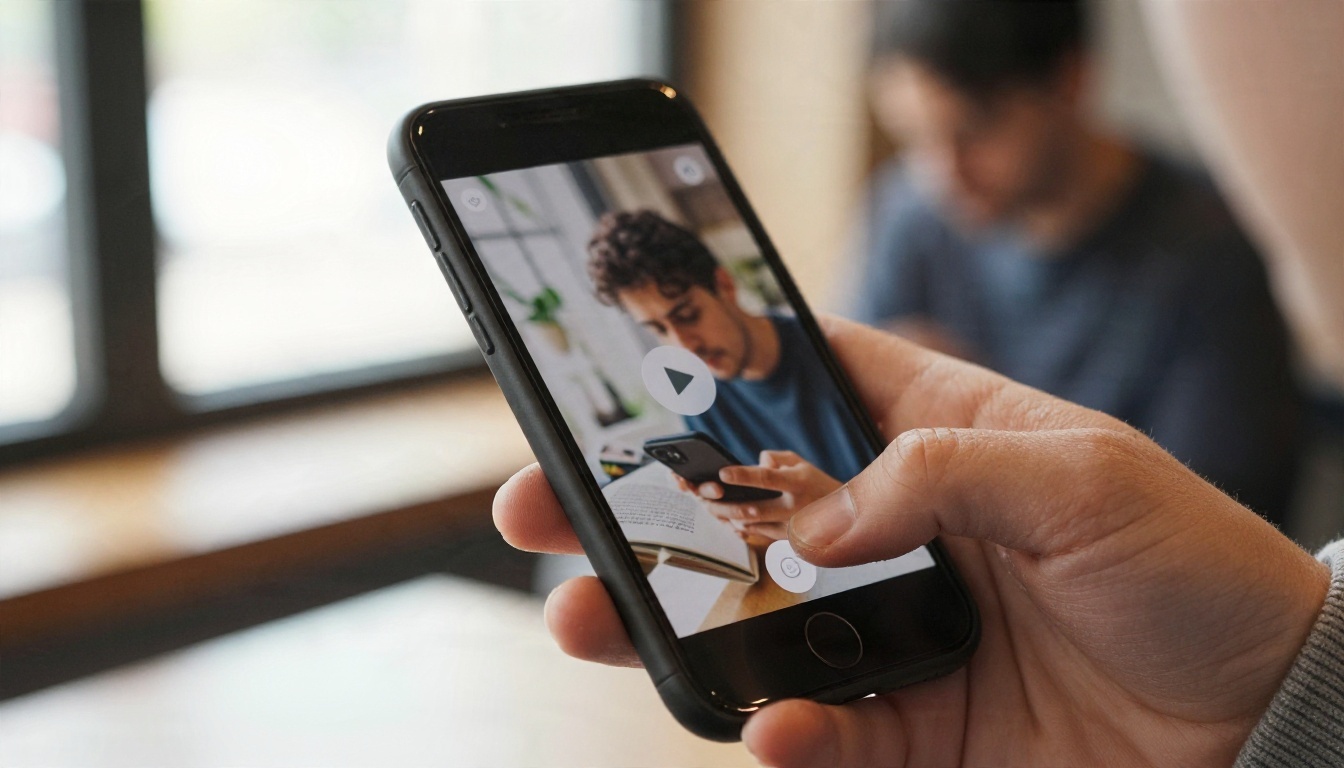
The simplest option and the one most people should use first. Paste the link into an email, a WhatsApp message, a LinkedIn note, or your Instagram bio. The brochure opens in the browser, with nothing to install and no attachment limits to worry about.
Protect It With a Password
Some brochures are not for everyone: a wholesale price sheet, a pitch for investors, a pre-launch collection. Turn on password protection and share the password separately from the link. Only people with both can open it.
Embed It on Your Website
If you have a site, put the brochure where visitors already are. The Embed Flipbook on Website tool gives you a snippet of code you paste into your page. It works on WordPress, Wix, Squarespace, Shopify, and plain HTML pages alike.
Print a QR Code
Already have printed material? Generate a QR code from your flipbook link and place it on a flyer, a shop window, a business card, or a trade show banner. Print becomes the doorway, and the video brochure becomes the room behind it.
Here is how the four sharing options compare:
| Method | Best for | Setup time | Works offline in print |
|---|
| Direct link | Emails, chats, social bios | Under 1 minute | No |
| Password protected link | Private or paid content | 2 minutes | No |
| Website embed | Landing pages, product pages | 5 minutes | No |
| QR code | Flyers, signs, packaging | 5 minutes | Yes |
✅ Best practice: Always test the link in a private browser window before you send it. It shows you exactly what a stranger will see.
Track Who Is Watching
Sending a brochure and hoping for the best is guessing. With the Professional plan, you can see how many people opened your flipbook, which pages they viewed, and how long they stayed. You can also add a lead form so readers leave their email before or during the read. Check the Professional features when you are ready to measure results.
What to Look For in the Numbers
- Drop off page: if most readers stop on page four, that page is too heavy or too slow. Simplify it.
- Pages with long visits: these show what people care about. Make more content like it.
- Opens by day: a spike after you send an email tells you the subject line worked.
- Leads captured: the number that turns a brochure into a sales tool.
You can also allow offline downloads for readers who want to save the brochure for a flight, a site visit, or a meeting with poor signal.
Real Examples by Industry
Seeing how others use the format makes the planning easier. Here are scenarios that work well:
| Industry | Clip idea | Where it sits |
|---|
| Hotel | Room and pool tour | Pages 3 and 5 |
| Real estate | Property walkthrough | Beside each listing |
| Automotive | Interior and engine clip | Model spread |
| Restaurant | Chef plating a dish | Signature dish page |
| Portfolio | Project time lapse | Project opener |
5 Mistakes That Kill Video Brochures
- Too many videos. Ten clips in ten pages feel like a TV wall. Pick the best three to five.
- Clips that are too long. If a clip passes 40 seconds, cut it or split it.
- Tiny text over moving video. Words on top of motion are hard to read, especially on a phone. Leave a calm area for copy.
- No clear next step. The last page should have a button, phone number, or booking link. Never end on a blank page.
- Skipping the phone test. If it works on your laptop but breaks on a phone, most of your readers will have a bad time.
⚠️ Warning: Before you publish, check that you have the right to use every song, image, and clip. Royalty free libraries are the safe choice for music.
Make Yours Today
You have the plan, the shooting tips, and the build steps. All that is left is to pick your first three clips and press record.
Ready to publish? Get started for free on Flipbooks AI, upload your PDF, and add your first video in minutes. Browse all flipbook tools and templates to find the one that fits your industry, and compare pricing plans when you want unlimited flipbooks, analytics, and lead capture.
A brochure that moves, opens with one tap, and tells you who read it is no longer a big project. It is a Tuesday afternoon task.



