A single PDF can sell hundreds of times without you shipping a box, answering a support ticket, or restocking anything. You build it once, upload it once, and the file keeps earning. That is why planners, checklists, templates, and workbooks have become the first product for so many freelancers and small shops. This article shows you how to make and sell PDFs from idea to first sale, including what to create, how to design it, what to charge, and which free tools get you there. Along the way you will see how a platform like Flipbooks AI can turn a flat file into a page-turning experience that looks more valuable than a plain download.
Why Sell PDFs at All
Low Cost, High Margin
A physical product has materials, storage, packaging, and shipping. A PDF has your time and nothing else. Once the file exists, the cost of delivering copy number 1,000 is the same as copy number 1: close to zero. That makes the margin on digital files unusually high, and it lets you test an idea over a weekend instead of ordering a minimum run from a supplier.
There is a trade-off. Because anyone can make a PDF, buyers compare you against a huge pool of options. Your edge is not the format. Your edge is how specific the problem is and how polished the file feels.
Who Buys Digital Files
People pay for PDFs when they save time, remove a decision, or give a quick result. Typical buyers include:
- Busy parents who want meal plans, chore charts, and school planners.
- Small business owners who need contracts, invoice templates, and social media calendars.
- Students and teachers who want study sheets, lesson plans, and printable worksheets.
- Hobbyists who buy patterns, recipe collections, and travel itineraries.
- Professionals who pay for niche reports, checklists, and industry cheat sheets.
💡 Pro tip: Sell to a narrow group. "Budget planner for freelance photographers" beats "budget planner" every time, because the buyer instantly feels the file was made for them.
PDF Product Ideas That Sell
Templates and Planners
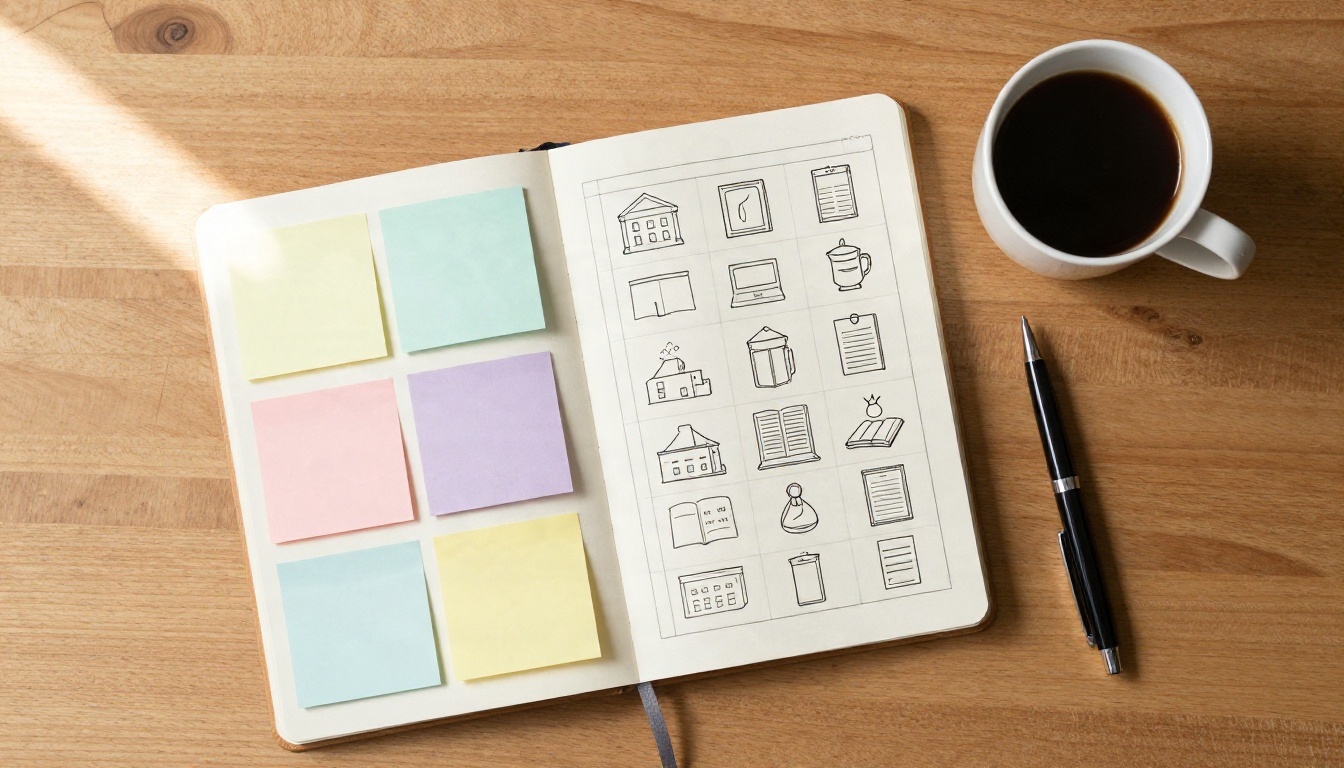
Templates are the easiest entry point. The buyer gets a ready-made structure and only fills in the blanks. Think weekly planners, habit trackers, wedding timelines, content calendars, résumé layouts, and proposal templates. Because they are reused, buyers feel they get lasting value.
Workbooks and Checklists
A workbook takes the reader through a process with exercises. A checklist is shorter and sells on speed. Both work well because they promise a clear outcome: "Plan your first podcast episode in one hour" is easier to buy than a vague book on podcasting.
Catalogs, Menus, and Lookbooks
Not every PDF is a download for a customer. Businesses also sell or give away PDFs as their main product display. A boutique can publish a seasonal lookbook, a furniture studio can present a catalog, and a café can share a menu. Tools such as the Product Catalog Generator, the Interactive Lookbook Designer, and the Restaurant Menu Creator are built for exactly these formats.
Ten Ideas to Test This Month
| Product idea | Best buyer | Typical length | Effort to build |
|---|
| Weekly planner | Students, parents | 10 to 30 pages | Low |
| Budget tracker | Freelancers | 8 to 15 pages | Low |
| Recipe collection | Home cooks | 20 to 60 pages | Medium |
| Travel itinerary pack | Travelers | 15 to 40 pages | Medium |
| Social media calendar | Small businesses | 12 to 24 pages | Low |
| Lesson plan bundle | Teachers | 30 to 100 pages | High |
| Photography presets guide sheet | Photographers | 5 to 12 pages | Low |
| Niche industry report | Professionals | 20 to 50 pages | High |
| Wedding planning workbook | Couples | 25 to 50 pages | Medium |
| Product catalog template | Shop owners | 10 to 40 pages | Medium |
✅ Best practice: Start with one low-effort idea from this table. Your first product is a test of demand, not a masterpiece.
Design a PDF Buyers Trust
Layout and Typography
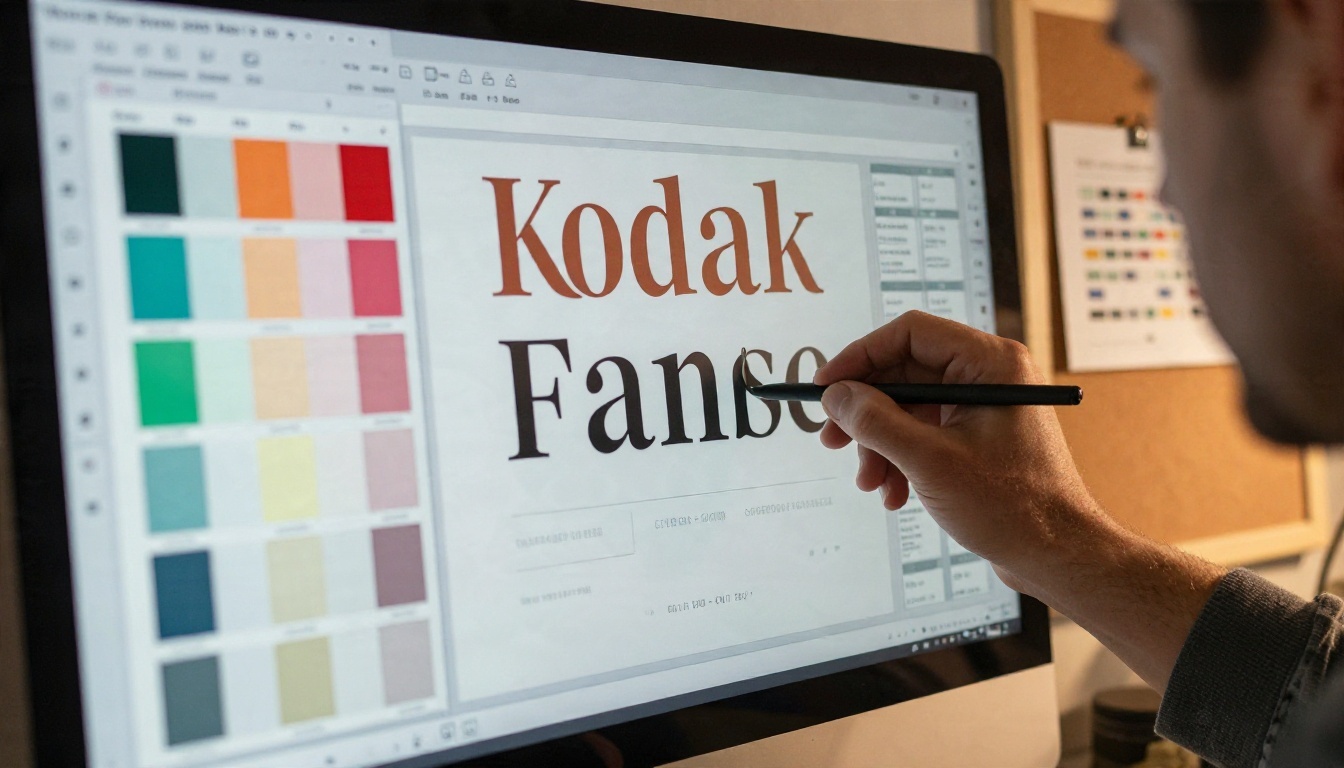
Buyers judge a PDF in about three seconds. If the first page looks cluttered, they assume the rest is too. Stick to a few simple rules:
- Use two fonts at most. One for headings, one for body text. Pick fonts that stay readable at small sizes.
- Keep body text at 10 to 12 points for printable files and larger for screen reading.
- Leave generous margins. White space makes a page feel premium.
- Pick a palette of three to four colors and reuse it on every page.
- Add a clickable table of contents for anything longer than ten pages.
- Design for the format your buyer will use. Printable files need print-safe margins, while screen files can use full-bleed color.
⚠️ Warning: Do not copy images, fonts, or icons from random websites. Use assets with a license that allows commercial resale, and keep a note of where each one came from.
Free Tools to Build Files
You do not need expensive software to begin. Several free options export clean PDFs:
| Tool | Free plan covers | Best for | Learning curve |
|---|
| Canva | Templates, basic export to PDF | Planners, worksheets, lookbooks | Very low |
| Google Docs and Slides | Full editing and PDF export | Workbooks, checklists, reports | Very low |
| LibreOffice Writer | Full desktop editor | Long documents, ebooks | Low |
| Scribus | Professional page layout, open source | Print-ready magazines and catalogs | Medium |
| Figma | Free tier for small projects | Custom layouts, brand systems | Medium |
| Flipbooks AI | Turn finished PDFs into flipbooks | Interactive presentation of any PDF | Very low |
Pick the tool you can already use. Switching software slows you down more than any feature gap will. If you want to check plan limits for the flipbook side of your workflow, the pricing page lists what each tier includes.
Pricing Your PDF Product
Three Pricing Models
Price is part of the product message. Too low and buyers doubt the quality. Too high without proof and they leave. Three models cover most situations:
| Model | How it works | Works best when | Risk |
|---|
| Flat price | One fixed price per file | You sell a clear, single-purpose product | Leaves money on the table if demand is high |
| Tiered bundles | Basic, standard, and bonus packs | You have extras like templates and bonus sheets | More work to explain the differences |
| Pay what you want with a minimum | Buyers choose above a floor price | You are building an audience first | Average price can be unpredictable |
A simple way to set the first price is to estimate the time saved for the buyer. If your checklist saves someone two hours of work, a price equal to a fraction of an hour of their time feels like an easy yes. Then check three similar products and place yours slightly above the average only if your design and specificity clearly beat theirs.
Common Pricing Mistakes
- Pricing by page count. Buyers pay for outcomes, not pages.
- Never raising the price. If you get steady sales, test a small increase.
- Running permanent discounts. A constant sale teaches buyers the real price is lower.
- Ignoring fees. Marketplaces and payment processors take a share, so calculate your take-home amount before you set the number.
- Skipping a bundle. Offering three related files at a combined price often lifts the average order.

💡 Pro tip: Launch at an introductory price for the first 20 buyers, ask each for a short review, and then move to the regular price. Reviews do more selling than any description you write.
Where to Sell Your PDFs
Marketplaces vs Your Own Site
You have two broad paths. A marketplace brings built-in traffic but takes a cut and limits branding. Your own site gives you control and customer emails but needs you to bring the visitors.
| Option | Pros | Cons |
|---|
| Marketplaces such as Etsy | Existing buyers, simple setup | Fees, heavy competition, less brand control |
| Your own store or landing page | Full control, direct customer list | You must drive traffic |
| Social media and newsletter | Free reach, loyal audience | Slow to build, depends on posting |
| Bundles through partners | New audiences, shared promotion | Revenue split, coordination |
Many creators start on a marketplace to prove demand, then move their best sellers to their own site. A free preview helps on either path: share a few sample pages so buyers see the quality before paying.
Protect Files From Piracy
A plain PDF can be forwarded to anyone. You cannot fully stop sharing, but you can make it harder and give legitimate buyers a better experience:
- Add the buyer's name or order number to the footer where practical.
- Keep the paid version separate from your free sample.
- Use password protection for private content such as client reports or member-only material.
- Offer updates to paying customers so the official copy stays the best one.
This is where a flipbook helps. Instead of sending a flat file, you can publish a protected, mobile-responsive version with no watermarks and share it by link.
How to Turn a PDF Into a Flipbook
Once your PDF is finished, you can present it as an interactive, page-turning flipbook. This suits previews, catalogs, lookbooks, and member-only publications. Here is the process with Flipbooks AI.

Upload and Convert
- Open Flipbooks AI and create an account.
- Choose the PDF to Flipbook Converter.
- Drag your PDF into the upload area. You should see a progress bar and then a page-by-page preview.
- Wait a few moments while the file converts. Your pages appear as a realistic book with turning animation.
If you are selling an ebook, the E-Book Flipbook Generator and the Interactive E-Book Publisher are good starting points. For product files, try the Digital Catalog Maker or the Digital Price List Generator.
Customize the Look
- Add custom branding: upload your logo and set your brand colors.
- Pick page effects: choose the page-turn style and background that fit your product.
- Embed multimedia: add videos and audio to bring a workbook or lookbook to life.
- Check the mobile view: the flipbook is mobile-responsive, so test it on a phone before publishing.
✅ Best practice: Use the flipbook as a free preview of the first 8 to 10 pages. Buyers who can browse the real layout are more likely to buy the full file.
Share and Protect
- Copy the direct link and paste it into your shop listing, email, or social bio.
- Use the embed code to place the flipbook on your own site, following the steps on the Embed Flipbook on Website page.
- Turn on password protection for private or paid-only editions.
- Offer offline downloads so customers can keep a copy on their device.
On the Professional plan, you also get analytics to see which pages people read most and lead generation to collect emails from interested readers. The Standard plan and above allow unlimited flipbooks, which is useful when you build a catalog of products.
Launch Checklist for Your First Sale
Use this sequence to go from idea to published product in about a week.
| Day | Task | Result |
|---|
| 1 | Pick a narrow niche and one product idea | Clear target buyer |
| 2 | Outline the content on paper | Page-by-page plan |
| 3 to 4 | Design the file with a free tool | Finished draft PDF |
| 5 | Proofread, test printing, test on mobile | Clean final version |
| 6 | Create a flipbook preview and a listing page | Shareable sample |
| 7 | Publish, announce, and ask for feedback | First sales and reviews |
Real-world scenarios help make this concrete:
- A photographer sells a posing cheat sheet to new portrait clients and shares a preview through the Photography Portfolio tool.
- A teacher bundles worksheets and uses the Course Material Publisher to present a sample unit.
- A home cook collects family dishes into a Recipe Book Flipbook and sells the full printable version.
- A boutique owner replaces a plain price sheet with a Fashion Catalog buyers can flip through on their phones.
Mistakes That Slow First Sales
- Making the product too broad. Narrow it until the buyer says "this is exactly for me."
- Weak first page. Add a clear title, a benefit line, and a clean layout.
- No preview. Always show sample pages.
- Skipping the proofread. Typos kill trust fast.
- Publishing and disappearing. Post about the product for at least two weeks after launch.
Ready to Publish Your First PDF?
Selling PDFs rewards the creators who pick a specific problem, design a clean file, price it with confidence, and present it well. Start small, test one idea, and improve based on what buyers tell you.
When your file is ready, create your account on Flipbooks AI and turn it into an interactive flipbook in minutes. Browse all flipbook tools to find the format that suits your product, and compare pricing plans to choose what works for you. If you are ready to go further, pick a plan after signing in and publish your first product today.



