You made a planner. It has tabs, a monthly view, maybe a habit tracker you are proud of. Now comes the part that decides whether anyone buys it: the Etsy listing. Learning how to sell digital planner files on Etsy is less about design talent and more about four things: a clear niche, a listing that ranks, a price that leaves you profit, and visuals that prove the planner works. This article walks through each one, and shows how a free-flowing page-turn preview built with Flipbooks AI can bring extra buyers from Pinterest, Instagram and your own site.
Why Digital Planners Sell on Etsy
Digital planners are a perfect Etsy product. You build the file once, buyers download it instantly, and you never pay for shipping, storage or packaging. Etsy already has millions of shoppers searching for GoodNotes planner, ADHD planner and student planner every month, so you do not have to create demand from zero.
The catch is competition. Thousands of sellers offer similar files, and most of them lose to a handful of shops that present their planners better. The difference is rarely the planner itself. It is the thumbnail, the preview pages and the clarity of the description.
What Buyers Actually Want
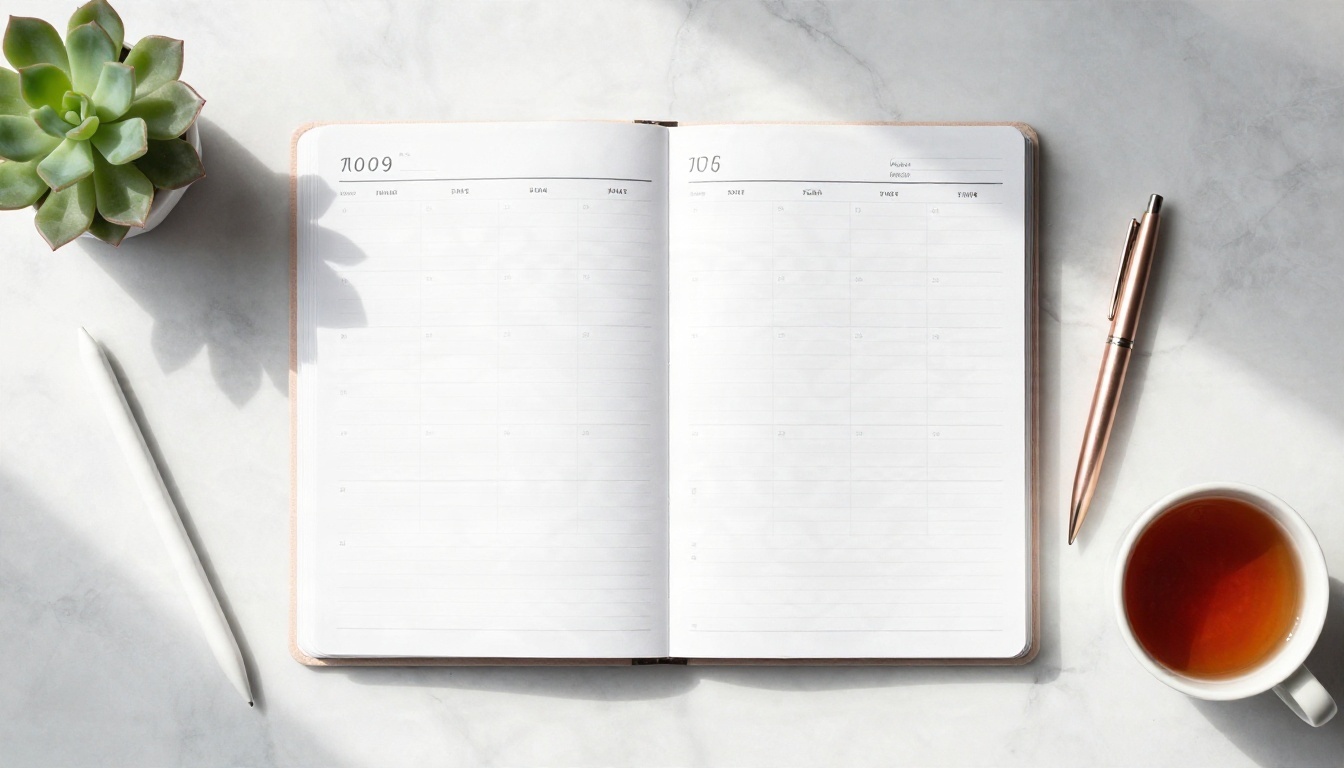
Shoppers are not buying PDF pages. They are buying a feeling of control. Before you design anything, write down the problem your planner solves in one sentence, for example: "A weekly planner that helps nursing students balance shifts, classes and sleep."
Buyers usually look for:
- Instant clarity on which app the file works with
- Hyperlinked tabs so the planner feels like an app, not a PDF
- Undated layouts that work all year, or a dated version for the exact year
- A clean look that matches their personality: minimal, floral, dark mode, neutral
Pick a Niche First
A general "Ultimate Planner" is a hard sell. A narrow planner is easier to rank and easier to describe. Compare a few common niches:
| Niche | Competition | Typical Buyer | Price Range (USD) |
|---|
| Student planner | High | College students | $6 to $14 |
| ADHD daily planner | Medium | Adults who struggle with routines | $9 to $18 |
| Small business planner | Medium | Etsy sellers, freelancers | $12 to $25 |
| Budget and finance planner | High | Couples, new savers | $8 to $16 |
| Fitness and meal planner | Medium | Gym beginners | $7 to $15 |
| Teacher lesson planner | Medium | Primary and high school teachers | $10 to $20 |
💡 Pro tip: Search your niche on Etsy and sort by "Most Recent." If new shops are making sales with fresh designs, there is room for you. If only old bestsellers appear, pick a narrower angle.
Build the Planner Before the Listing
Do not open the listing form until the file is finished and tested on a real tablet. Refunds and bad reviews hurt a new shop far more than a delayed launch.
Choose the Right File Format
Most buyers use an iPad with GoodNotes, Notability or Noteshelf, or an Android tablet with Samsung Notes or Xodo. A hyperlinked PDF is the safest format because it opens everywhere.
| Format | Works With | Pros | Cons |
|---|
| Hyperlinked PDF | GoodNotes, Notability, Noteshelf, Xodo | Universal, easy to deliver | Fewer interactive tricks |
| PDF with stickers (PNG pack) | GoodNotes, Notability | Higher perceived value | More work, larger files |
| Planner for Notion | Notion | Popular with productivity fans | Smaller audience |
| Printable PDF | Home printers | Reaches non-tablet users | Lower price ceiling |
Add Tabs, Links and Instructions
Hyperlinks are the feature buyers remember. Link every monthly tab to its weekly pages, link weekly pages back to the dashboard, and add a home button on every page. Then add a short instructions page near the front that explains how to import the file into the most common apps.

Write a Listing That Ranks
Etsy search rewards listings that match what shoppers type and that earn clicks and sales. You need both relevance and a good thumbnail.
Craft a Title Buyers Search For
Put your strongest phrase first. Etsy allows up to 140 characters, but the first 40 or so are what shoppers see in results. A strong structure is:
Main phrase + app + year or style + audience
For example: Digital Planner for GoodNotes, 2027 Undated Weekly Planner, iPad Planner for Students.
Avoid stuffing the same word five times. Etsy reads natural phrases better, and shoppers distrust spammy titles.
Use All 13 Tags
Etsy gives you 13 tags, and every one counts. Mix short and long phrases, and make each tag different from your title words so you cover more search ground.
- Broad: digital planner, ipad planner
- App-specific: goodnotes planner, notability planner
- Audience: student planner, nurse planner
- Style: minimalist planner, pastel planner
- Use case: budget planner, habit tracker
⚠️ Etsy changes its search rules often. Check the Seller Handbook and your Shop Stats regularly to see which search terms bring visitors.
Write a Description That Answers Questions
Most buyer messages come from unclear descriptions. Answer them before they ask:
- What is included (number of pages, tabs, stickers)
- Which apps and devices it works with
- That it is a digital download and nothing will be shipped
- How to download and import it
- Your refund policy for digital goods
- Whether the planner is for personal use or allows commercial use
Open with the benefit, then list features in short bullet points. Mobile shoppers will skim.
Price It Without Guessing
Underpricing is the most common beginner mistake. A $3 planner signals low quality and forces you to sell hundreds to earn anything. Overpricing with no reviews also stalls sales. Start from your costs, not your fear.
Know Your Fees
Fees change, so check Etsy's current fee page before you decide. The usual structure looks like this:
| Fee Type | Typical Amount | When It Applies |
|---|
| Listing fee | $0.20 per listing | Every listing, renewed every 4 months or on sale |
| Transaction fee | About 6.5% of the price | Each sale |
| Payment processing | About 3% plus a fixed amount | Each sale, varies by country |
| Offsite Ads | 12% to 15% | Only if a sale comes from an Etsy ad |
On a $15 planner, you may keep roughly $13 after fees. That is still excellent for a file that costs nothing to deliver.
Choose a Pricing Strategy
Use one of these approaches and test it for at least a month:
| Strategy | How It Works | Best For |
|---|
| Launch discount | List at $18, run 30% off for the first two weeks | New shops needing first reviews |
| Tiered bundle | Planner + sticker pack + budget add-on | Raising average order value |
| Seasonal pricing | Slight discount for New Year or back to school | Catching peak demand |
| Premium niche | $20 or more for specialized planners | Professionals such as teachers or nurses |
💡 Run a sale with a real "original price" and a real end date. Etsy sales apply automatically, and buyers respond to urgency when it is honest.
Preview Pages Close the Sale
Because buyers cannot hold the product, your photos must do the touching for them. Etsy lets you upload up to 10 photos per listing, and they work together as a visual story.

Plan Your Ten Image Slots
A reliable sequence looks like this:
| Slot | Content | Purpose |
|---|
| 1 | Hero mockup with planner on a tablet | Win the click in search results |
| 2 | "What's included" collage | Set expectations fast |
| 3 | Dashboard and monthly view | Show the structure |
| 4 | Weekly and daily spreads | Prove everyday usability |
| 5 | Hyperlinked tabs close-up | Show the app-like feel |
| 6 | Stickers and extras | Add perceived value |
| 7 | Compatible apps | Reduce pre-sale questions |
| 8 | How it works in three steps | Explain the download |
| 9 | Color or style options | Support personal taste |
| 10 | Review or bonus offer | Add trust |
Keep text on images short and readable on a phone screen. If someone must zoom to read it, rewrite it.
Show Real Pages, Not Just Pretty Frames
Shoppers want to see the actual spreads. Include a filled-in example, such as a weekly plan with sample tasks, so the layout feels alive. An empty page looks beautiful but hard to imagine using. A page filled with plausible entries tells the buyer how they will use it on Monday morning.

Mockups That Look Real
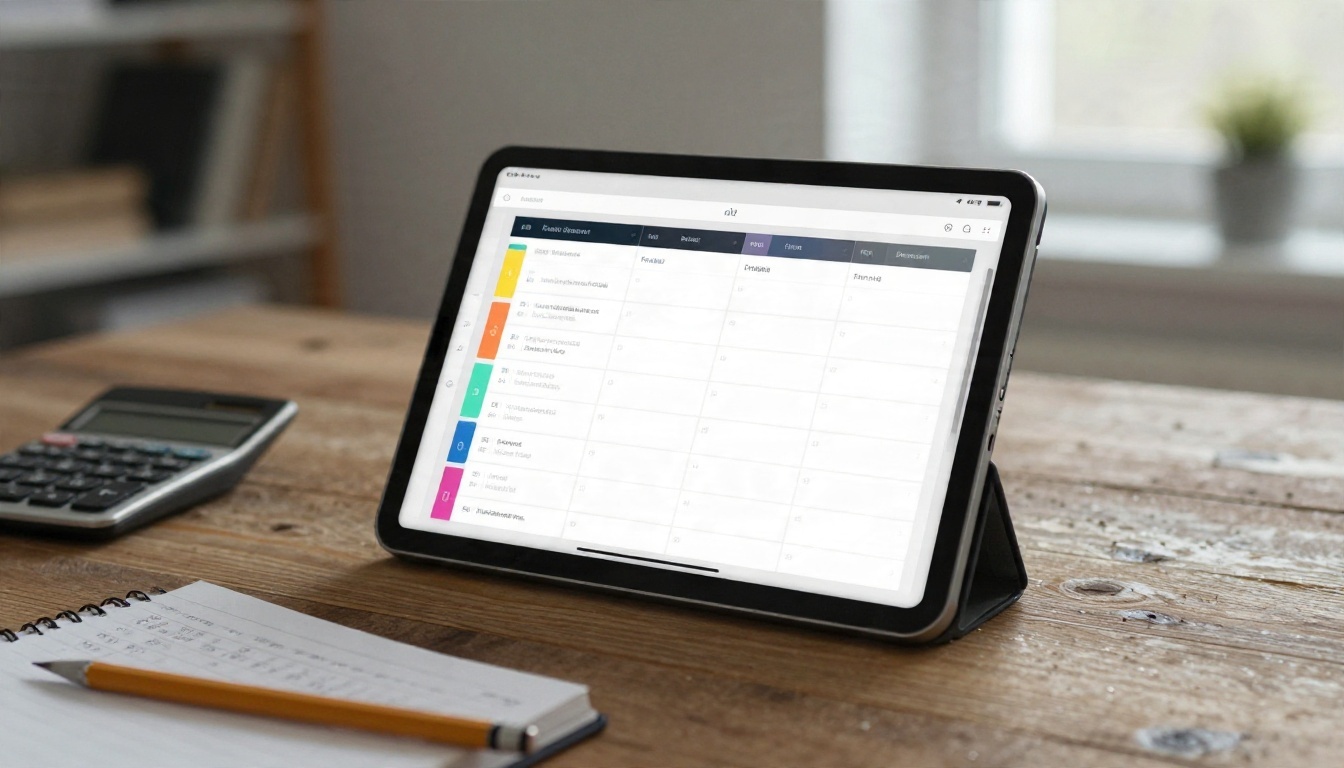
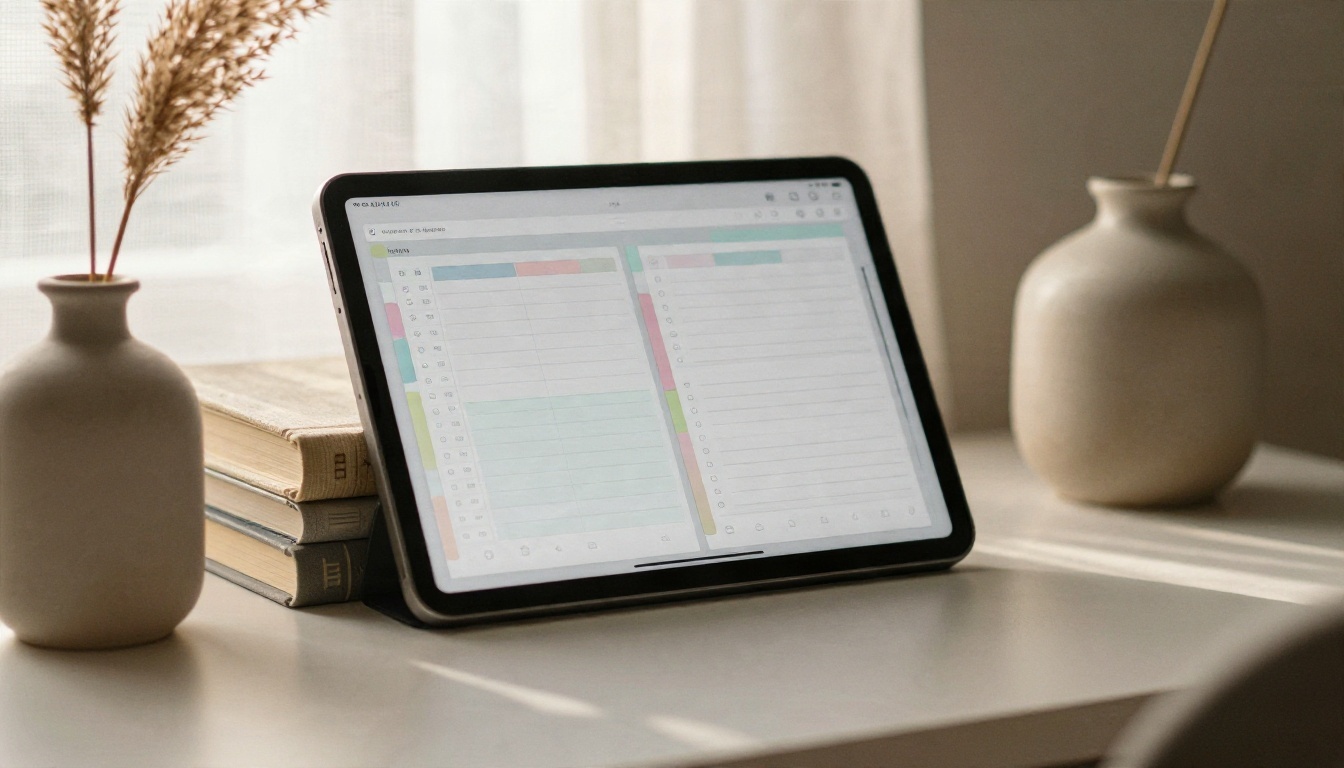
A good mockup places your planner in a believable setting: a tablet on a desk, beside coffee, in soft daylight. It signals quality before anyone reads a word.
Choose a Mockup Style
| Style | Look | Effort | Good For |
|---|
| Device on desk | Tablet, stylus, plant, mug | Low | Hero image |
| Flat lay | Overhead, styled props | Medium | Bundles and collections |
| In-hand lifestyle | Person holding or using the tablet | Higher | Building trust |
| Screenshot grid | Clean pages on a plain background | Low | Feature breakdowns |
Buy a mockup bundle with a commercial license, or shoot your own with a real tablet and natural window light. Whichever route you choose, place your actual planner pages on the screen, not a generic sample, and keep reflections realistic.
Avoid Common Mockup Mistakes
- Overcrowded props that hide the planner
- Wrong tablet size that makes pages look stretched
- Low resolution that blurs text when buyers zoom
- Inconsistent style across the 10 images
- Fake claims, such as showing features the file does not include
✅ Best practice: Keep your color palette, fonts and background style consistent across every listing. A recognizable shop look turns one-time buyers into repeat customers.
How to Create a Planner Preview Flipbook with Flipbooks AI
Etsy photos are static. A page-turn preview lets people flip through the planner the way they would in a real notebook. You cannot embed an interactive viewer inside an Etsy listing, but you can use it everywhere else you drive traffic: your own website, Pinterest pins, Instagram bio links, newsletters, and a bonus page inside the download itself. Follow the steps below.

Step-by-Step Setup
- Start your account. Go to Flipbooks AI and sign up. You can see which plan fits you on the pricing page.
- Export a sample PDF. Take 8 to 12 planner pages (dashboard, monthly, weekly, daily, one extras page). Do not include the full paid file.
- Upload and convert. Use the PDF to Flipbook Converter. Your PDF becomes a page-turning flipbook in seconds, with no watermarks.
- Customize the look. Add your shop logo, match the background color to your planner palette, and choose a page-flip effect. You can also add short audio or video clips, such as a 30-second demo of the hyperlinked tabs.
- Choose sharing options. Copy a direct link, or grab the embed code and place it on your site with the Embed Flipbook on Website tool. For a private bonus preview, turn on password protection.
- Publish and share. Put the link in your Pinterest pins, Instagram bio and welcome email. The flipbook works on phones, so mobile shoppers can flip pages with a thumb.
Analytics and Lead Capture
On the Professional plan, you can see how many people open your flipbook and which pages hold their attention. You can also collect emails before a visitor sees the full preview. That list becomes your launch audience for new planners. Offline downloads are also available, which helps if you want to share a sample at a workshop or market stall.
For related formats, the Interactive E-Book Publisher suits long planners with workbook sections, and the Digital Catalog Maker is ideal for showing your whole shop range in one browsable catalog. You can browse every option in the tools directory.
⚠️ Follow Etsy's rules on off-platform marketing. Use your flipbook to attract visitors on your own channels and point them back to your Etsy listing to buy, rather than selling outside of Etsy.
Launch, Measure and Improve

Your First 30 Days
Treat the first month as a testing window, not a verdict. A simple routine keeps you on track:
- Week 1: Publish, share on Pinterest and Instagram, and send a launch email to friends or your list.
- Week 2: Check Shop Stats for views and favorites. If views are good but sales are slow, fix the thumbnail and price.
- Week 3: Add a second listing with a different niche or a bundle.
- Week 4: Read buyer messages, then update the description to answer their questions.
Fix Weak Listings Fast
| Symptom | Likely Cause | Fix |
|---|
| Few views | Weak keywords or tags | Rewrite title and refresh tags |
| Views but no clicks | Thumbnail not attractive | Test a new hero mockup |
| Clicks but no sales | Price or unclear value | Add a preview, test a launch discount |
| Sales but refunds | Compatibility confusion | Add an app list and instructions page |

Three Mistakes to Skip
- Launching one listing and waiting. Shops grow with a catalog. Aim for at least 10 listings.
- Ignoring customer messages. Fast, friendly replies protect your shop rating.
- Copying bestsellers. Etsy buyers and Etsy itself notice. Add your own angle.
Ready to Publish Your Planner?
You now have the full loop: choose a niche, build a hyperlinked file, write a listing with strong keywords, price with fees in mind, shoot ten photos that tell the story, and promote with a preview buyers can flip through.
Take the next step today. Create your free account on Flipbooks AI, turn your sample pages into a shareable flipbook, and compare pricing plans when you are ready for analytics and lead capture. If you want more ideas for presenting your products, browse all the flipbook tools and pick the format that fits your shop.



