A zine costs almost nothing to make, needs no permission to publish, and can be about literally anything. That is why people keep making them. If you have a folder of photos, a notebook of half-formed thoughts or a hobby you could talk about for hours, you already have enough material. This post gives you fresh ideas for zines, a set of free template layouts you can copy today, and digital zine examples worth borrowing from. You will also see how to turn a finished PDF into a page-turning flipbook with Flipbooks AI, so your zine can travel further than your tote bag.
Why Zines Still Work
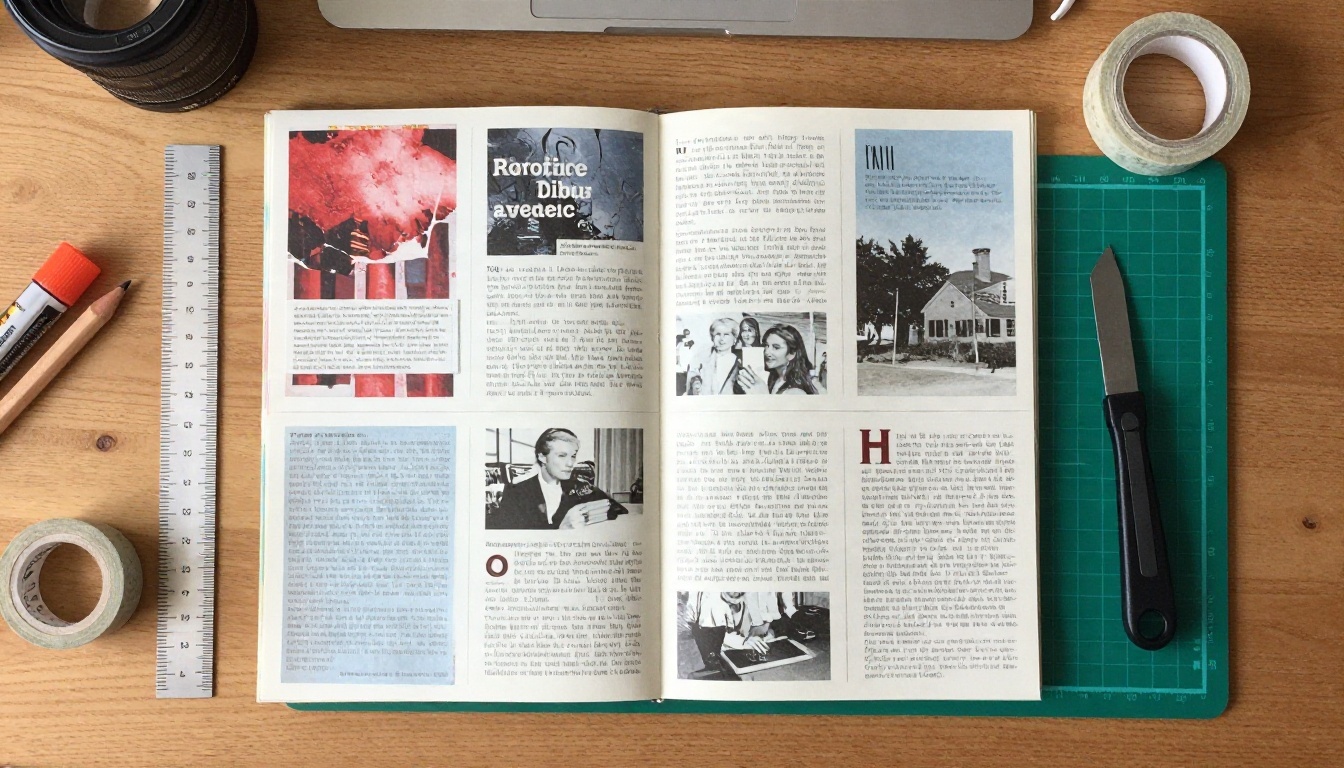
Zines are small, self-published booklets, usually made from a few folded sheets of paper. They grew out of fan culture, punk scenes and photocopier tinkering, and they never really went away. Social feeds move fast and vanish. A zine sits on a shelf, gets passed between friends and holds a point of view in a way a post cannot.
A Format With No Gatekeepers
Nobody approves your zine. There is no editor, no minimum print run and no required length. That freedom is the whole appeal, and it is also the reason many people stall: too many choices. A theme, a page count and a template solve most of that.
Print, PDF or Flipbook?
Most makers now publish in more than one format. Here is how the three common options compare.
| Format | Cost to Produce | Reach | Best For |
|---|
| Printed zine | Low (copies, staples) | Local, in person | Zine fairs, gifts, trades |
| Plain PDF | Free | Anyone with the file | Quick sharing, printing at home |
| Digital flipbook | Free to low | Anyone with a link | Portfolios, social sharing, embeds |
A flipbook keeps the feel of turning pages, which matters for a medium built around paper. It also loads on a phone without pinching and zooming, something a raw PDF rarely manages well.
💡 Pro tip: Design once for print, then export the same file for digital. You get both formats from a single layout.
12 Zine Themes Worth Making
The best zine ideas are narrow. "Travel" is a topic. "Three days of bad weather in Lisbon" is a zine. Use the lists below as starting points, then shrink them until they feel specific.
Personal and Diary Themes
- A week in my life: seven spreads, one per day, mixing photos and short notes.
- Letters I never sent: one letter per page, handwritten or typed.
- Things I collected: ticket stubs, receipts, wrappers, pressed leaves.
- My comfort rituals: the small habits that make a bad day easier.
Visual and Creative Themes
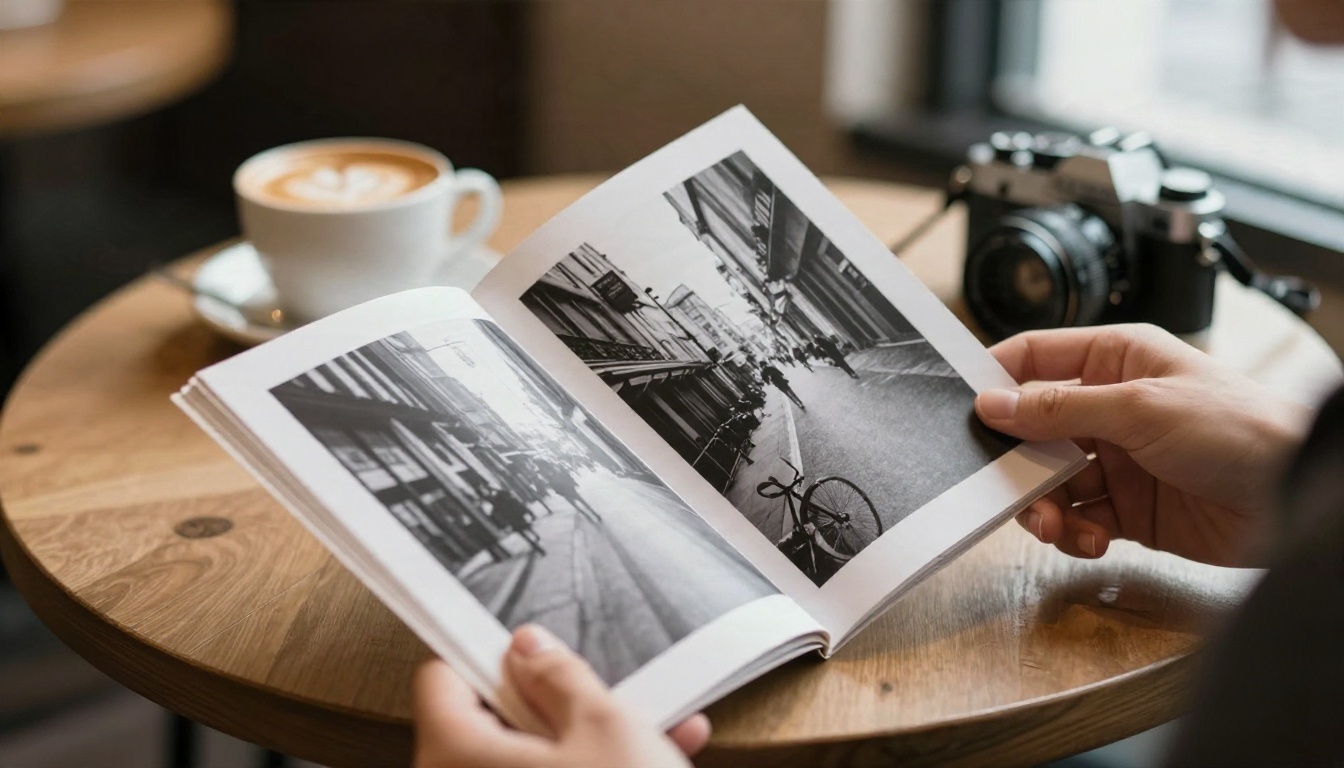
- Street photography series: eight frames with one line of text each.
- Mini comic or strip: a single short story told in panels.
- Color study: every page built around one color found in your city.
- Collage mood board: a visual diary of a season or feeling.
Community and Niche Themes
- Local food map: your favorite bakeries, stalls and late-night spots.
- Fan zine: a band, a show, a game or a sports team you obsess over.
- How-to for one thing: repotting a plant, patching jeans, brewing better coffee.
- Interview zine: short conversations with neighbors, makers or relatives.
Picking the Right One
This table matches each theme type to a sensible size so you do not overbuild.
| Theme Type | Ideal Page Count | Effort | Image Needs |
|---|
| Diary or letters | 8 to 12 | Low | Few, mostly text |
| Photo series | 8 to 16 | Medium | One image per page |
| Mini comic | 8 to 20 | High | Hand-drawn panels |
| Local map or list | 8 to 12 | Medium | Photos and sketches |
| Fan zine | 12 to 24 | Medium | Collage and clippings |
| How-to | 8 | Low | Step photos |
✅ Best practice: Your first zine should be eight pages or fewer. Finishing a small one teaches you more than abandoning a big one.
Free Zine Templates You Can Build
You do not need design software to start. A template is just a plan for where things go. Here are three layouts that cover almost every idea above.
The One Sheet Eight Page Fold
This is the classic. Take one sheet of paper, fold it in half three times, cut a single slit through the center fold and push the ends together. You get an eight-page booklet with no stapling. Page one is the front, page eight is the back, and the pages in between run in a slightly odd order, so sketch a small thumbnail map before you fill anything in.
The A5 Booklet Layout
Choose this when you want a sturdier, more polished piece. Fold sheets of A4 in half, nest them together and staple along the spine. Page counts go in multiples of four: 8, 12, 16, 20 and so on. Leave a generous inner margin of at least 12 mm so text never disappears into the spine.
The Square Digital Zine
If your zine will live online, a square or portrait page works well on phones. Stay at 1080 by 1080 pixels or a similar ratio, keep body text at a comfortable reading size and avoid placing important details within 5 percent of the edges.

| Template | Pages | Tools Needed | Best Output |
|---|
| One sheet fold | 8 | Paper, scissors | Printed, photocopied |
| A5 booklet | 8 to 24 | Printer, stapler | Printed and PDF |
| Square digital | 8 to 30 | Any layout app | PDF to flipbook |
💡 Pro tip: Sketch your template on scrap paper first. Number each page, mark the spine, and fold it. A paper mock-up catches order mistakes before they cost you a print run.
Digital Zine Examples to Borrow
Seeing how others structure a zine makes your own choices easier. These patterns show up again and again in digital zines that get shared widely.
The Travel Notebook
A travel zine works best when it feels like a found object: a pressed flower here, a ticket stub there, a hand-drawn map across a spread. Keep captions short. Let one strong photo anchor each page and use the white space like a pause.

The Photo Essay
One idea, eight to sixteen images, almost no text. This format is easy to finish and looks strong as a flipbook because every page turn reveals a new frame. Photographers often pair it with a photography portfolio flipbook so clients and fans can browse the series in order.
The Hand-Drawn Comic
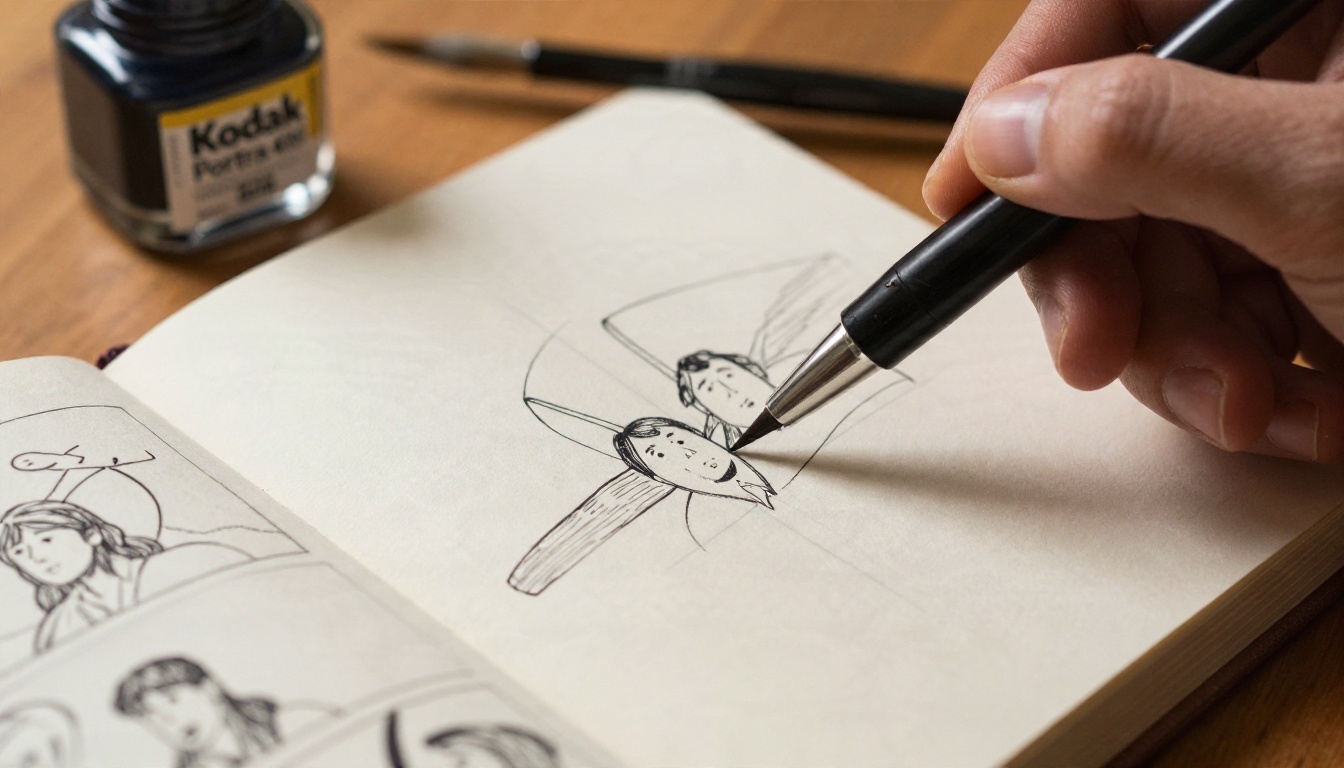
Scan your pages at 300 dpi, clean up the edges and place them in order. Ink texture, pencil guidelines and the odd smudge are part of the charm, so resist the urge to polish everything away.
The Recipe or Hobby Collection
Food, plants, knitting patterns and thrift finds all suit a zine. If yours leans toward food, the Recipe Book Flipbook tool suits that layout well. For a longer personal project, the Interactive E-Book Publisher handles bigger page counts.
How to Make a Zine Step by Step
Here is the shortest reliable path from blank page to finished zine.
Plan Your Spreads
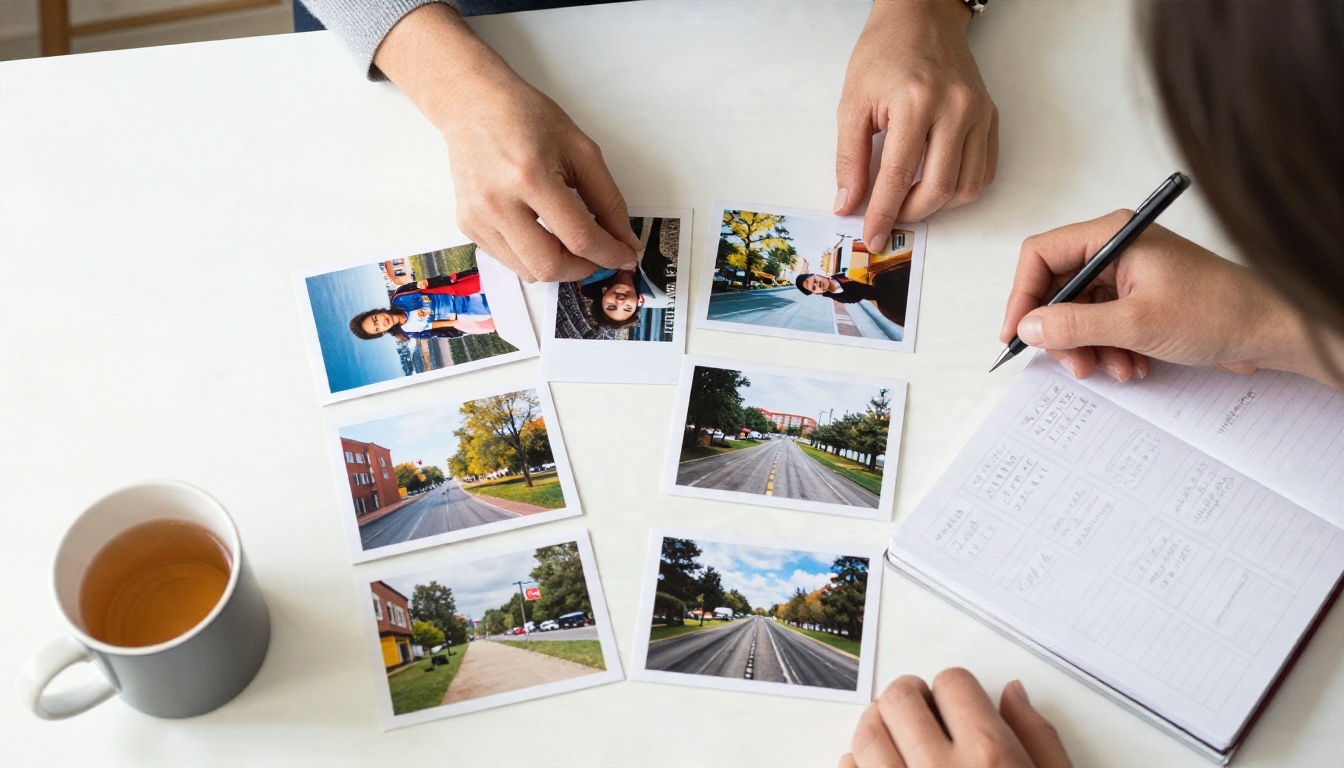
Lay out your material before you design anything. Arrange photos and notes in a grid of eight boxes, one for each page, and move things around until the sequence feels right.
- Pick one idea and write it in a single sentence.
- Choose a template from the table above.
- Number the pages and assign one piece of content to each.
- Draft a front page with a title and one strong image.
- Build the pages in a layout app, or by hand with scissors and glue.
- Proofread every page, then read the whole zine aloud once.
- Export a PDF at print resolution, ideally 300 dpi.
Avoid These Mistakes
⚠️ Watch out: Tiny text, low-resolution images and cramped margins are the three most common reasons a zine looks rough. Zoom to 100 percent before you export.
- Filling every inch of every page. White space gives the eye a rest.
- Mixing six fonts. Two is plenty.
- Skipping a back page. A short bio or contact line gives readers a next step.
How to Create a Digital Zine with Flipbooks AI
Once your PDF is ready, a flipbook turns it into something readers can open on any device, with realistic page-turning, no downloads and no watermarks. Here is the process.
Upload Your PDF
Open Flipbooks AI and create an account. From your dashboard, upload your zine PDF. The PDF to Flipbook Converter processes each page and builds a flipbook in moments. Your fonts, images and layout stay exactly as you designed them.
Customize the Look
Next, adjust the details so the flipbook matches the mood of your zine:
- Background color: pick a shade that flatters your pages, such as warm cream or soft charcoal.
- Page effects: choose a realistic page curl and turning sound if you want the paper feeling.
- Branding: add your name or logo with custom branding options.
- Multimedia: embed video clips or audio, such as a playlist, an interview or a voice note.
- Mobile view: check the preview on a phone, because most readers will open it there.

Share It Anywhere
Every flipbook gets its own link. You can also use an embed code to place the zine inside a blog or portfolio page, and the Embed Flipbook on Website tool explains how. If your zine is personal, add password protection so only the people you choose can read it. Offline downloads let friends keep a copy for a train ride without signal.
Track Who Reads It
On the Professional plan you get analytics and lead generation. You can see how many people opened your zine, how far they got, and where they dropped off. If you sell your zines or run a mailing list, lead capture lets you collect emails before a reader opens the first page. Compare options on the pricing page, and browse the full set of flipbook tools for related formats like a Digital Portfolio Creator.
| Feature | Why It Helps Zine Makers |
|---|
| No watermarks | Your design stays clean and professional |
| Unlimited flipbooks (Standard and above) | Publish a new issue every month |
| Password protection | Share personal zines privately |
| Embed videos and audio | Add soundtracks and interviews |
| Analytics (Professional) | See which pages hold attention |
| Mobile-responsive design | Reads well on any screen |
Printing and Sharing Your Zine
Digital and print support each other. A flipbook link is perfect for a quick preview, and a printed copy is perfect for a trade or a table.
Print Options That Fit Any Budget
- Home printer: cheap and fast, ideal for a first small run of ten to twenty.
- Copy shop: crisp black and white copies at a low cost per sheet, good for zines with photos.
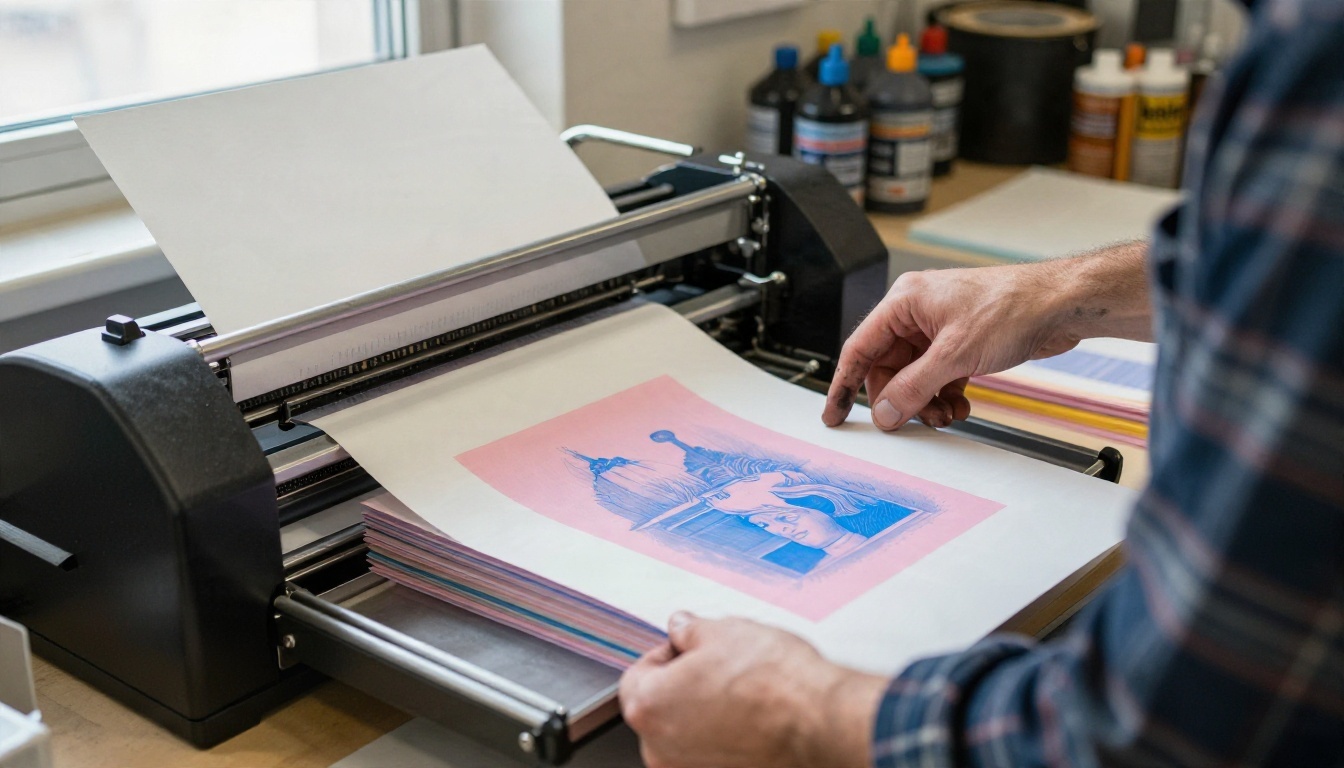
- Risograph print: soft layered ink in limited colors, popular for illustrated zines.
- Print on demand: no stock to store, though each copy costs more.
Find Your Readers
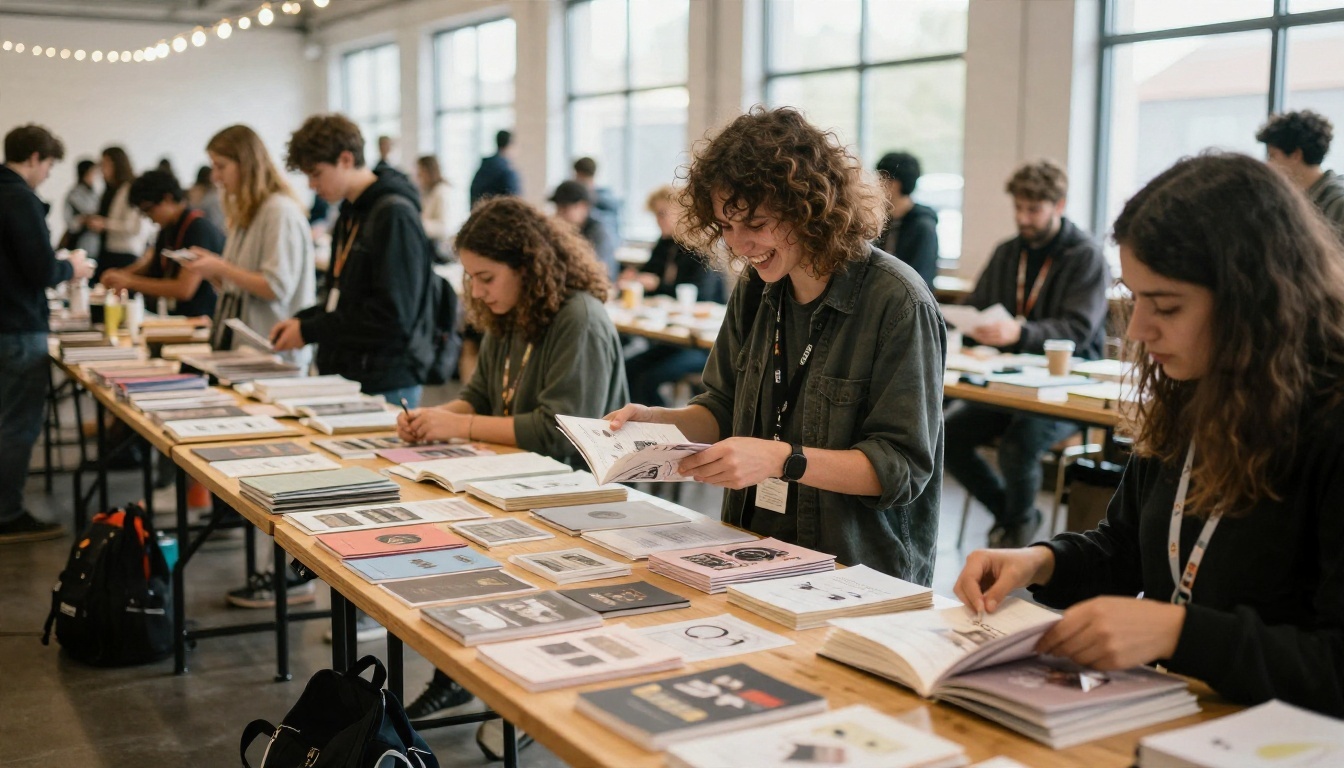
Zine fairs, independent bookshops, record stores and cafes all welcome small stacks on consignment. Add a short link or QR code on the back page that points to your flipbook, so someone who picks up a printed copy can also read the digital issue and send it to a friend.
✅ Best practice: Put the title, your name and the issue number on every flipbook title page. People share what they can name.
Ready to Publish Yours?
You now have themes to choose from, templates to copy and examples to borrow. The only step left is to pick a small idea and make eight pages. Finish it this week, then publish it so someone else can enjoy it.
- Create your first zine flipbook on Flipbooks AI and share it with a single link.
- Browse all tools and templates to find the right layout for your next issue.
- Compare pricing plans when you are ready for analytics, lead capture and unlimited issues.
Your zine does not need to be perfect. It needs to exist.



