Most training documents get opened once, skimmed for ninety seconds, and never touched again. That is not a motivation problem. It is a format problem. A 60-page PDF asks people to scroll, squint and hope something sticks. A flipbook asks them to turn a page, watch a short clip, tap a link and keep going. If you want people to remember what they read, tools like Flipbooks AI give you a format that works with human memory instead of against it.
This article shows how to improve retention with flipbooks in three settings: workplace training, school and course study materials, and self-paced reading. You will see comparison tables, a step-by-step build, real scenarios and a set of tips you can apply today.
Why People Forget What They Read
Before choosing a format, it helps to know what you are fighting. Memory fades fast, and long documents make it fade faster.

The Forgetting Curve Problem
Researchers have shown for over a century that people lose a large share of new information within days unless they review it. Training teams feel this every quarter: a new hire sits through onboarding, and three weeks later cannot find the right procedure. The fix is not more content. It is shorter exposure, repeated more often, with something to react to.
Where Static PDFs Fall Short
A PDF is a perfectly good file for printing. As a study tool, it has real weaknesses:
- No rhythm. Endless scrolling gives readers no natural stopping point.
- No media. Video and audio live in separate files that readers have to hunt for.
- No feedback. You never learn who opened it, or where they quit.
- Poor mobile reading. Pinching and zooming on a phone breaks concentration.
💡 Pro tip: If your team already has a library of PDFs, you do not need to start from scratch. Convert the best ones first and measure the difference before touching the rest.
Why Flipbooks Help Memory Stick
A flipbook keeps the familiar page layout but adds the things a PDF cannot do. Here is how each feature supports recall.
Page Turns Create Natural Chunks
Every page turn is a small decision to continue. That tiny action breaks a long document into bite-sized pieces, which makes it easier to hold one idea at a time. Readers also build a spatial memory of the document: "the checklist was on the right-hand page, about two thirds of the way in." That mental map is surprisingly useful when they need to find something later.
Media Makes Ideas Concrete
Text explains. A 40-second video shows. When a step in a procedure sits next to a short clip of someone doing it, trainees process the idea twice, once in words and once in pictures. With Flipbooks AI you can embed video and audio directly on the page, so nobody has to leave the document.

Mobile Reading Actually Works
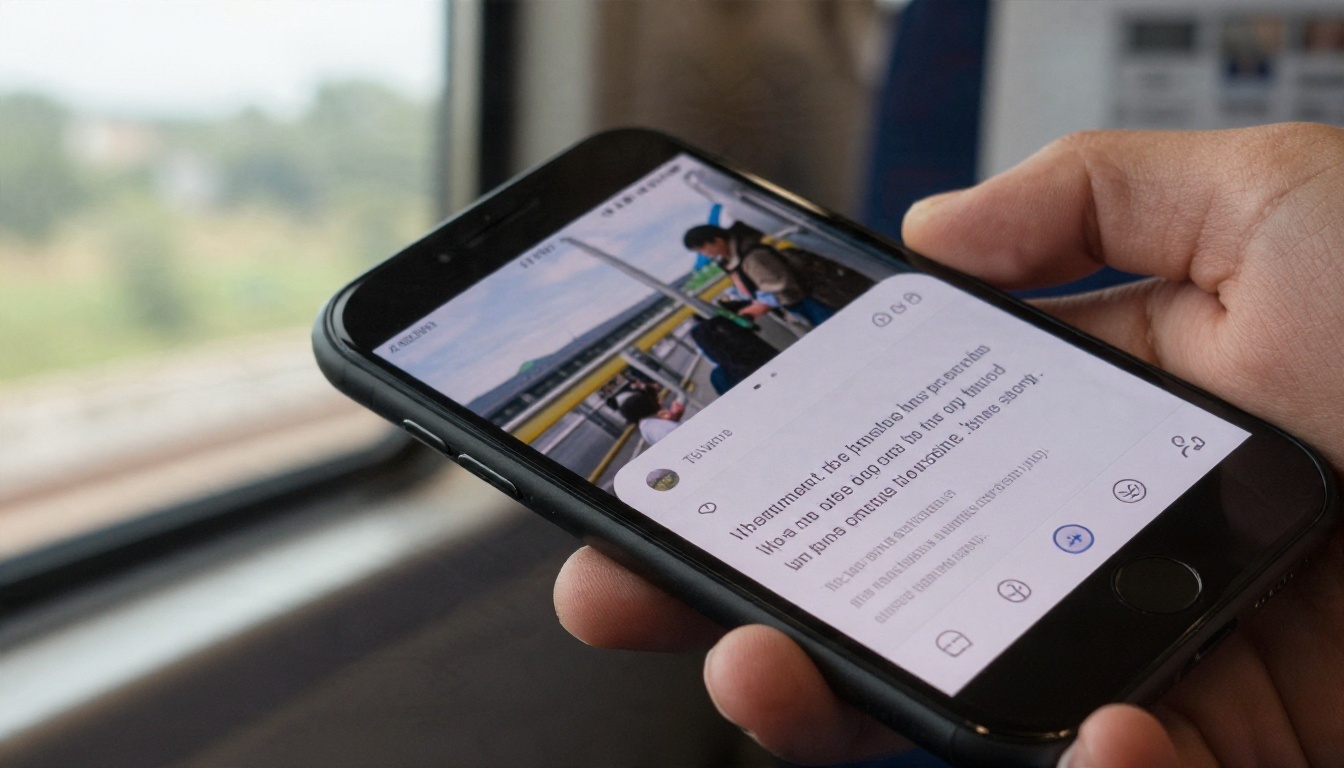
Flipbooks are mobile-responsive, so the same document reads comfortably on a phone during a commute or a shift break. Short sessions on a phone are often the exact review habit that beats the forgetting curve.
| Feature | Static PDF | Flipbook | Effect on Retention |
|---|
| Page-turn rhythm | No | Yes | Smaller chunks, easier recall |
| Embedded video and audio | No | Yes | Two channels of memory |
| Mobile reading | Poor | Responsive | More short review sessions |
| Reader analytics | None | Yes (Professional plan) | Find weak pages and fix them |
| Password protection | Limited | Yes | Right content, right audience |
| Branding | Basic | Full custom | Familiar look builds trust |
Flipbooks for Training Programs
Corporate training is where the format difference shows up fastest, because the cost of forgetting is so visible.

Onboarding That People Finish
A new-hire packet is usually the first document a company hands over, and it often sets the tone. Break it into a flipbook with a welcome page, a "your first week" checklist, short videos from the team and a quick-reference page at the end. The Training Manual Flipbook tool is built for exactly this kind of layout.
A realistic scenario: a regional retailer replaces its 48-page onboarding PDF with a 22-page flipbook. Each department gets a two-page spread with a 30-second intro video from the department lead. New hires open it on their phones during the first week, and managers see which spreads get the most time.
Safety and Frontline Teams
Warehouse, healthcare and field teams rarely sit at desks. They need procedures on a phone or a shared tablet, and they need them fast. A flipbook with one procedure per spread, large photos and a short audio note works well in noisy or busy places.


⚠️ Warning: Do not bury critical safety steps on page 30. Put the three most important rules on page one, then repeat them in the quick-reference spread at the end.
Training Format Comparison
| Training Need | Best Flipbook Layout | Media to Add | Suggested Length |
|---|
| New-hire onboarding | Checklist plus department spreads | Welcome video, team intros | 15 to 25 pages |
| Safety procedures | One procedure per spread | Short demo clips, audio notes | 10 to 20 pages |
| Product knowledge | Product spreads with photos | Feature videos, links to specs | 20 to 40 pages |
| Compliance refreshers | Short chapters with recap pages | Scenario clips | 8 to 15 pages |
| Sales playbooks | Objection and answer spreads | Call recordings | 15 to 30 pages |
Flipbooks for Study Materials
Teachers, tutors and course creators face the same problem from another angle: students have to remember material well enough to use it weeks later.

Course Packs and Lesson Notes
A course pack in flipbook form gives students one link for the syllabus, readings, diagrams and practice questions. The Course Material Publisher is a good fit when you want a consistent look across lessons. Add a recap page at the end of every chapter with three questions students can answer from memory. Retrieving an answer, even a wrong one, helps memory more than rereading does.
School Newsletters and Parent Updates
Retention is not only for students. Parents forget deadlines and events too. A short, photo-rich newsletter built with the School Newsletter Creator gets read far more often than a dense email attachment, and a single link makes it easy to share.
8 Tips to Keep Readers Hooked
These habits matter more than any single feature. Apply them to your next flipbook.
- One idea per page. If a page makes two points, split it.
- Lead with the point. Put the takeaway in the first line, then explain.
- Add a visual to every spread. Photos, diagrams or short clips beat paragraphs of text.
- Keep videos under a minute. Short clips get watched. Long ones get skipped.
- Use recap pages. End each section with three questions or a short checklist.
- Repeat the essentials. Say the critical rule at the start, in the middle and in the quick-reference page.
- Link to the next step. Point to a form, a tool or another flipbook so readers know what to do next.
- Update often. Outdated pages teach people to stop trusting the document.

✅ Best practice: Read your flipbook aloud, start to finish. Wherever you stumble or feel bored, your readers will too. Cut or rewrite that page.
Common Mistakes to Avoid
- Packing entire slide decks into a flipbook without editing.
- Using full-length webinars instead of short clips.
- Skipping the table of contents, which makes review harder.
- Forgetting to test on a phone before sharing.
How to Build a Training Flipbook
Here is a practical walkthrough using Flipbooks AI. The whole process takes less time than writing the first draft of most manuals.
Step 1: Upload and Convert
- Go to Flipbooks AI and create an account.
- Click to start a new flipbook and upload your PDF. The platform converts each page into a flipbook spread automatically. If you want to try a single file first, use the PDF to Flipbook Converter.
- Check the page order and fix anything that looks off.
Step 2: Add Your Branding
Pick your brand colors, upload your logo and choose a page-turn effect. A familiar look helps trainees trust the document. There are no watermarks, ever, so the finished flipbook looks like it belongs to your company.
Step 3: Add Media
Place short videos and audio notes on the pages where they help most. Add links to forms, quizzes or related documents. Screenshot description: the editor shows your page on the left, with a media panel on the right where you paste a video link or upload an audio file.
Step 4: Share It Safely
You have several options, depending on the audience:
- Direct link for email or chat messages.
- Embed code to place the flipbook on an intranet or course page. See the Embed Flipbook on Website tool for details.
- Password protection for private or internal content.
- Offline downloads for teams working without a stable connection.
Step 5: Professional Plan Extras
On the Professional plan, you get analytics and lead generation. See page views, time spent and drop-off points, then fix the weak pages. Review pricing plans to see which tier fits your team. The Standard plan and above include unlimited flipbooks, which is handy when you build one flipbook per course or department.
| Plan Feature | Why It Matters for Retention |
|---|
| Unlimited flipbooks (Standard and above) | One focused flipbook per topic instead of one giant file |
| Password protection | Share internal material safely |
| Embedded video and audio | Show procedures, not just describe them |
| Analytics (Professional) | Spot pages where readers quit |
| Offline downloads | Study without a connection |
| Custom branding | Consistent, trusted look |
Measure What Sticks
Building the flipbook is half the work. The other half is checking whether it works.

Numbers Worth Watching
- Open rate: how many invited people actually opened the flipbook.
- Pages viewed: whether they reached the end or quit halfway.
- Time per page: very short times suggest skimming, very long times suggest confusion.
- Return visits: repeat opens show the document is useful as a reference.
A Simple Review Loop
- Publish the flipbook and invite your first group.
- After a week, check the drop-off point.
- Rewrite or shorten that page.
- Add a recap question to the pages with the most confusion.
- Quiz the group two weeks later and compare scores with the previous version.
💡 Pro tip: Test the same material in two formats with two small groups. Compare quiz scores after two weeks. Real numbers from your own team are more convincing than any general claim.
Ready to Build Yours?
Better retention does not come from pushing more information at people. It comes from giving them smaller pieces, richer media, a format that fits their phone, and numbers that show you what to fix. Flipbooks make all four easier.
Here is a simple plan for this week:
- Pick your most-used PDF.
- Convert it with the PDF to Flipbook Converter.
- Add three short videos and one recap page per section.
- Share it with a small group and watch the results.
Get started for free on Flipbooks AI, browse all flipbook tools, or compare pricing plans to pick the tier that suits your team.



