A buyer opens your email, taps the attachment, waits for a 40 MB PDF to crawl onto their phone, pinches, zooms, scrolls sideways, and gives up. That quiet exit happens thousands of times a day, and nobody sends a complaint. If you want to improve sales with flipbooks, the first move is to stop making buyers fight your documents. Flipbooks AI converts ordinary PDFs into smooth, page-turning publications that load fast, look sharp on any screen, and can be shared with a single link.
This article walks through how flipbooks lift sales, which catalogs and brochures work best, real examples by industry, a step-by-step setup tutorial, and every sharing option worth using.
Why Flipbooks Lift Sales
PDFs Lose Buyers Quietly
PDFs were built for printing, not for selling. On a phone, a page designed for A4 paper becomes a tiny block of unreadable text. Large files stall on weak connections. Links inside the document often break or do nothing. And you get zero feedback: you never know whether the prospect opened page one or page forty.
A flipbook fixes each of those problems at the source:
- Fast loading: pages stream in as the reader turns them.
- Responsive layout: the document adapts to desktop, tablet, and phone.
- Clickable content: product links, buy buttons, and contact forms work as expected.
- Trackable: you can see who opened it and what they looked at (Professional plan).
What Page-Turning Changes
There is a reason people still love browsing a printed catalog. The page-turn gives a sense of progress and rhythm. You see a spread, take it in, flip, and see the next one. A flipbook keeps that physical feel while adding what paper never could: video, audio, links, and instant updates.
💡 Pro tip: Buyers decide quickly whether a document is worth their time. A flipbook that opens in two seconds with a strong first spread gets read. A PDF that makes them wait often does not.
PDF vs Flipbook vs Print
| Feature | Plain PDF | Flipbook | Printed Catalog |
|---|
| Mobile reading | Poor, needs zooming | Excellent, responsive | Not applicable |
| Load speed | Slow for large files | Fast, streams by page | Instant but needs shipping |
| Clickable links and video | Limited | Full support | None |
| Tracking views | Rarely | Yes (Professional plan) | None |
| Update after sending | Resend a new file | Update once, same link | Reprint |
| Cost per recipient | Near zero | Near zero | High |
| Page-turn feel | None | Yes | Yes |
The table makes the trade-off obvious. Print still has a place for trade shows and high-end clients, but for day-to-day selling, a flipbook gives you the feel of print at the cost and speed of email.
Catalogs That Actually Sell
A catalog is the most direct sales tool a product business owns. It answers the question every buyer asks: what do you have, and what does it cost? The flipbook format lets you answer it in a way that feels professional on any device.
Product Catalogs
For general merchandise, wholesale, and B2B suppliers, a clean product catalog should lead with your best sellers, not your full inventory. Put the top 10 items in the first six pages. Add a short product description, a price or "request a quote" button, and a link to the product page or order form.
Tools like the Product Catalog Generator and the Digital Catalog Maker take your existing PDF and make it ready to share in minutes. If you already have a design file, the Catalog Flipbook Creator is the fastest route.
Fashion and Furniture Catalogs
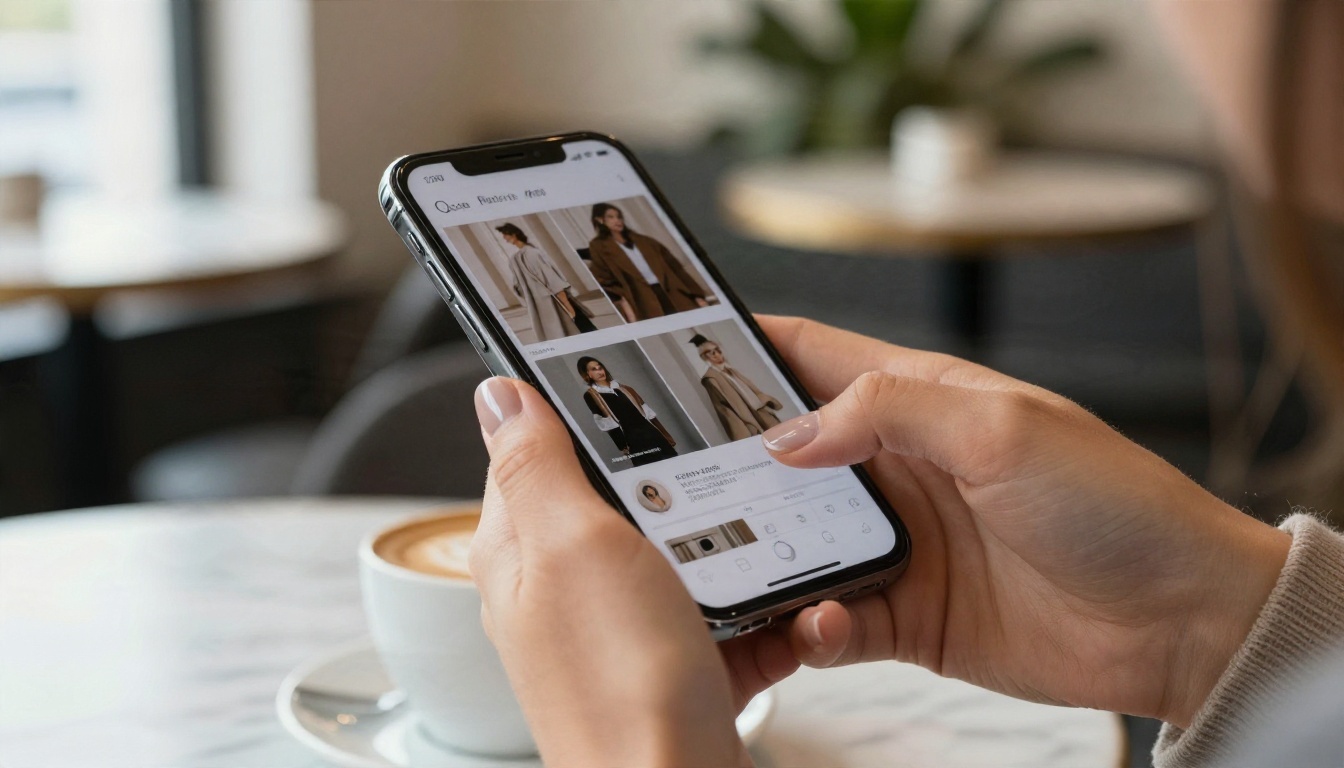
Visual categories benefit the most. A shopper browsing sofas or dresses wants large, beautiful photos, and a flipbook shows them at full width without cropping. For fashion, the Fashion Catalog Creator and the Interactive Lookbook Designer suit seasonal collections. For showrooms, the Furniture Catalog Maker handles large room-scene photography well.

Price Lists Deserve Flipbooks Too
Price lists change often, and nothing hurts credibility like a customer quoting an old price. With a Digital Price List Generator approach, you update the source file, re-upload it, and every shared link shows the new version. Your sales team stops asking "which version did you send?"
Brochures That Close Deals
Catalogs show everything. Brochures focus on one offer, one service, or one property. That narrower scope makes them ideal for the middle of the sales process, after the first conversation and before the proposal.
Real Estate Brochures
An agent can send a property brochure with floor plans, neighborhood details, and a video walkthrough embedded on the right page. Buyers can flip through it on the train, share it with a partner, and come back to it later. The Real Estate Brochure Creator is built for this workflow.

Service and Industry Brochures
Hotels, car dealers, consultants, and manufacturers all rely on brochures. Useful starting points include the Hotel Brochure Designer, the Automotive Brochure Generator, and the general-purpose Brochure Flipbook Maker.
Sales Presentations
Slide decks sent as attachments are often forwarded without context and read out of order. A Sales Presentation flipbook keeps the sequence intact, looks polished on any device, and lets you follow up with confidence because you know when it was opened.
✅ Best practice: Keep brochures to 8 to 12 pages. End with a single, clear next step: book a call, request a sample, or visit a product page.
Real Examples by Industry
Numbers vary by business, but the patterns below show where flipbooks tend to make the biggest difference.
| Industry | What They Share | Why It Works | Suggested Tool |
|---|
| Wholesale supplier | Seasonal product catalog | Retailers browse on phones between meetings | Product Catalog |
| Boutique fashion brand | Lookbook with shoppable links | Photos display at full size | Lookbook Builder |
| Furniture retailer | Room-scene catalog | Showrooms reach customers at home | Furniture Catalog |
| Real estate agency | Property brochure | Video and floor plans in one file | Real Estate Brochure |
| Restaurant | Menu and event packages | Updates in minutes, no reprint | Restaurant Menu Creator |
| B2B agency | Capabilities deck | Consistent, trackable proposals | Sales Presentation |
A Boutique Example
Picture a small fashion label that sells to independent stores. Before, the founder emailed a 60 MB PDF lookbook to each buyer and heard nothing back. After switching to a flipbook, she sent one link, and buyers opened it on their phones during the school run. Because she could see which pages got the most attention, she moved the best-selling dresses to the front of the next season's edition.

A Service Business Example
A consultancy that used to send a long proposal as a PDF replaced it with a 10-page flipbook: one page for the problem, two for the approach, one for pricing, and one for next steps. Prospects stopped asking for a "shorter version," because the format itself made the document feel light.
How to Create a Sales Flipbook with Flipbooks AI
Here is the full process from PDF to shareable link. It takes about ten minutes for a first attempt.
Step 1: Sign Up and Upload
- Go to Flipbooks AI and create an account.
- Click to create a new flipbook and upload your PDF. If you need a quick conversion, the PDF to Flipbook Converter does exactly that.
- Wait a few seconds while each page is converted. You will see a live preview with page-turning already active.
💡 Screenshot description: The upload screen shows a large drop zone in the center. Once the file is accepted, a thumbnail strip of your pages appears along the bottom with the flipbook preview above.
Step 2: Customize the Look
Open the settings panel and adjust the elements that make the flipbook feel like your brand:
- Branding: add your logo and choose brand colors for the toolbar and background.
- Page effects: pick the page-turn style and speed.
- Multimedia: embed videos, audio, and clickable links on any page.
- Layout: choose single-page or double-page spread depending on your design.
There are no watermarks, ever, so the result looks like your own publication from the first view.
Step 3: Add Sales Elements
This step separates a pretty flipbook from one that sells.
- Add a link or button to every product page that has a price or order option.
- Embed a short video (30 to 60 seconds) on the page that needs the most explanation.
- Place a contact or booking link on the last page and on the first.
- Use the table of contents so buyers can jump straight to the category they want.
Step 4: Set Privacy and Share
Choose between a public link and a private one. For wholesale price lists or confidential proposals, turn on password protection. Then copy the link or embed code (more on those below).
Step 5: Use Pro Features
On the Professional plan, you get analytics, lead generation forms, and offline downloads. Analytics show how many people opened your flipbook and which pages they read. Lead capture can ask for a name and email before the flipbook opens. Offline downloads help field teams who work without a stable connection. The Standard plan and above also include unlimited flipbooks, which suits teams with several catalogs and brochures.

Sharing Options That Work
A great flipbook does nothing if nobody opens it. Match the sharing method to where your buyer already spends time.
Direct Links
The simplest choice. Paste the link into an email, a text message, a WhatsApp chat, or a LinkedIn message. A link is short, loads on any device, and always shows the latest version.
Embed on Your Website
Embedding places the flipbook directly inside a page, so visitors read it without leaving your site. It suits product pages, "download our catalog" sections, and landing pages. See the Embed Flipbook on Website tool for the exact steps. The flipbook stays responsive, so it adapts to your layout on mobile as well.
Email and Social Media
For email, link to the flipbook using an image of the cover as the clickable button. For social posts, share a single attractive page along with the link. This gives people a reason to click rather than a bare URL.
Password Protection
For private price lists, partner portals, and early-access catalogs, add a password. Share the password separately from the link. Only the people you choose can open it.
Sharing Methods Compared
| Method | Best For | Setup Effort | Tracking | Privacy |
|---|
| Direct link | Quick sales follow-ups | Very low | Yes (Professional) | Public or private |
| Website embed | Product pages and landing pages | Low, paste a code snippet | Yes (Professional) | Public |
| Email with cover image | Newsletters, outreach | Low | Yes (Professional) | Public or private |
| Social posts | Brand awareness | Low | Yes (Professional) | Public |
| Password protected link | B2B pricing, confidential offers | Low | Yes (Professional) | High |
| Offline download | Trade shows, field teams | Low | No | Controlled by you |
Track What Buyers Do
Metrics Worth Watching
Once your flipbook is live, check these numbers weekly:
- Opens: how many people actually clicked your link.
- Pages viewed: where readers slow down and where they leave.
- Time spent: a longer read usually signals real interest.
- Link clicks: which products or offers draw attention.
- Device type: confirms whether mobile layout matters most for your audience.
Turn Data into Decisions
If readers drop off on page six, that page needs work. If most clicks go to a single product, feature it earlier. If your late pages never get seen, shorten the document. Small changes like these are cheap with a flipbook because you edit once and every shared link updates.
Lead Capture
Add a short form in front of high-value flipbooks such as full price lists or trade catalogs. Ask for name and email only. People who fill it in are warm leads, and your team knows exactly who to call.
⚠️ Warning: Do not gate every flipbook. Gating a basic brochure often turns away casual visitors. Reserve forms for content that clearly justifies the extra step.
Common Mistakes to Avoid
Even a good flipbook can underperform. Watch for these:
- Starting with a long company history. Put products or benefits on page one.
- Too many pages. If your catalog has 200 pages, add a clickable table of contents and category tabs.
- No call to action. Every spread should lead somewhere: a product page, a form, a phone number.
- Ignoring mobile. Check the flipbook on a phone before sending it out.
- Forgetting to update. Old prices and discontinued items erode trust fast.
- Sending without context. A one-line note such as "Page 12 has the new winter range" gets more opens than a bare link.

Start Selling With Flipbooks
Flipbooks work because they remove friction. Buyers open them quickly, read them easily on a phone, click through to buy, and forward them to colleagues. Sales teams gain updates in one place, clean branding, and data about what actually interests prospects.
Here is a simple plan for this week:
- Pick your single most important catalog or brochure.
- Convert it at Flipbooks AI and add links to your top ten products.
- Share it with five existing customers and one new prospect.
- Check which pages they read, then adjust the order.
Ready to try it? Create your free account, browse all the flipbook tools to find the right template for your business, or compare pricing plans to see which tier fits your team. For analytics, lead capture, and unlimited flipbooks, choose a plan and publish your first sales flipbook today.



