Wedding programs are the small piece of paper that quietly eats a budget. A designer quote of a few hundred dollars, a pile of heavy cardstock, a printer that jams at 11 p.m. the night before. It does not have to go that way. With a free template, a smart print plan and a digital option built on a tool like Flipbooks AI, you can hand every guest a beautiful program for a fraction of the usual price, or skip most of the printing altogether.
This article breaks down the real numbers behind inexpensive wedding programs, shows where free templates actually come from, and lays out digital ideas that work for a backyard ceremony of 40 or a hall of 200.
What a Wedding Program Actually Does
Before spending a cent, it helps to decide what job the program has to do. Most couples overspend because they treat it as a keepsake when guests mostly treat it as a fan, a coaster, or a cheat sheet.
The Job It Has to Do
A program answers three questions for a guest: who is who, what happens next, and how long until food. Everything else is decoration.
- Names of the couple, officiant, and wedding party
- Order of ceremony, with readings and music titles
- A short thank-you note or memorial line
- Reception details and any dietary or accessibility notes
What Guests Really Need
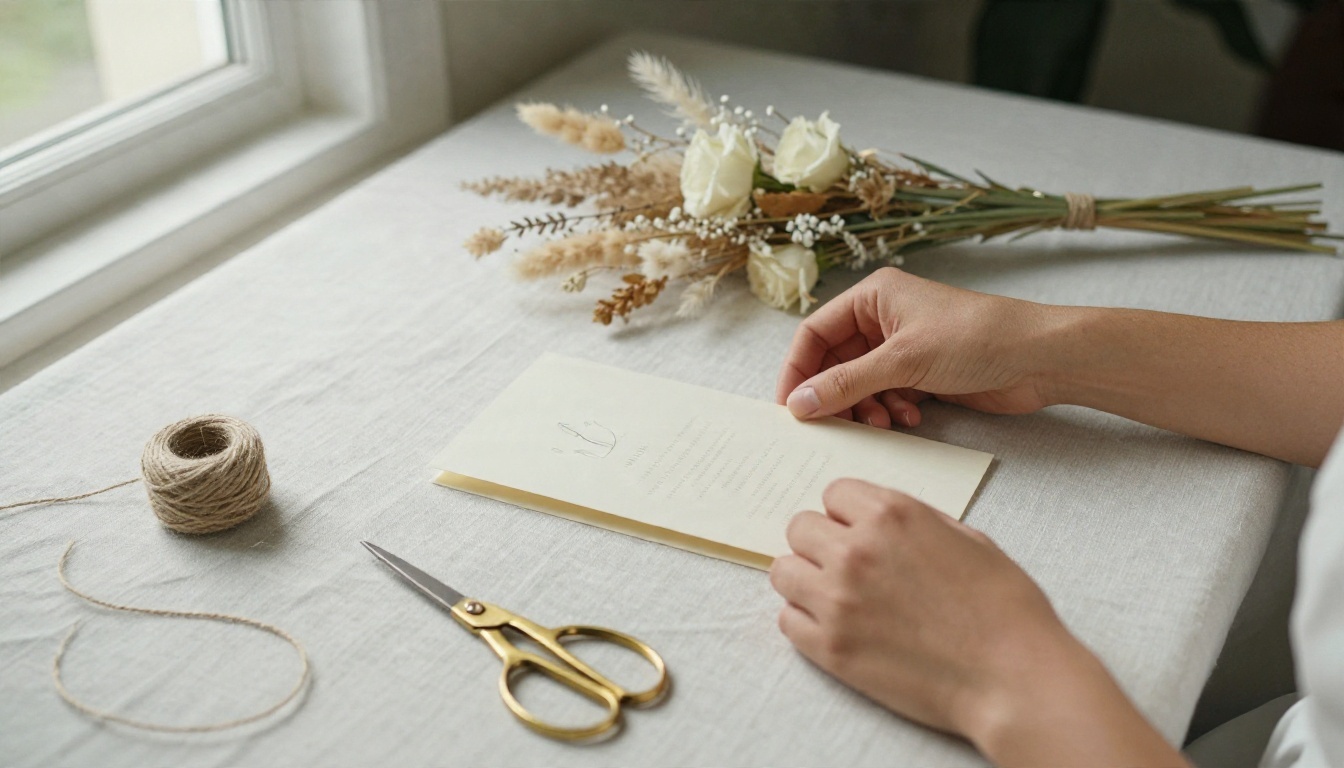
Ask yourself what a cousin in row eight wants. Usually it is the name of the person doing the second reading and whether there is a break before photos. That fits on one side of one sheet. A 12-page booklet is lovely, but it is rarely read past page two.
💡 Pro tip: Write the program content first, then decide the format. If the text fits on a half-sheet, you have just cut your printing bill in half.
The Real Cost of Printing
Prices below are typical ranges for 100 programs in the US. Your local costs will vary, so treat them as a planning baseline and get a quote before you commit.
| Option | Approx. cost per 100 | Effort | Look and feel |
|---|
| Home inkjet on cardstock | $15 to $35 (ink and paper) | High | Good if you trim carefully |
| Local copy shop, single sheet | $20 to $60 | Low | Clean and consistent |
| Copy shop, folded booklet | $50 to $120 | Low | Polished |
| Online printer, flat cards | $40 to $110 | Medium | Premium paper options |
| Designer plus printer | $200 to $500+ | Low | Custom, but costly |
| Digital program (QR or link) | $0 to $15 | Medium | Updates anytime |
Home Printing Math
Home printing looks cheap until you count ink. A color inkjet page can cost 10 to 25 cents in ink alone, and cardstock adds another 10 to 20 cents per sheet. Fold and trim time is the hidden cost. Two people can usually do 100 programs in a single evening, but expect a few misprints.
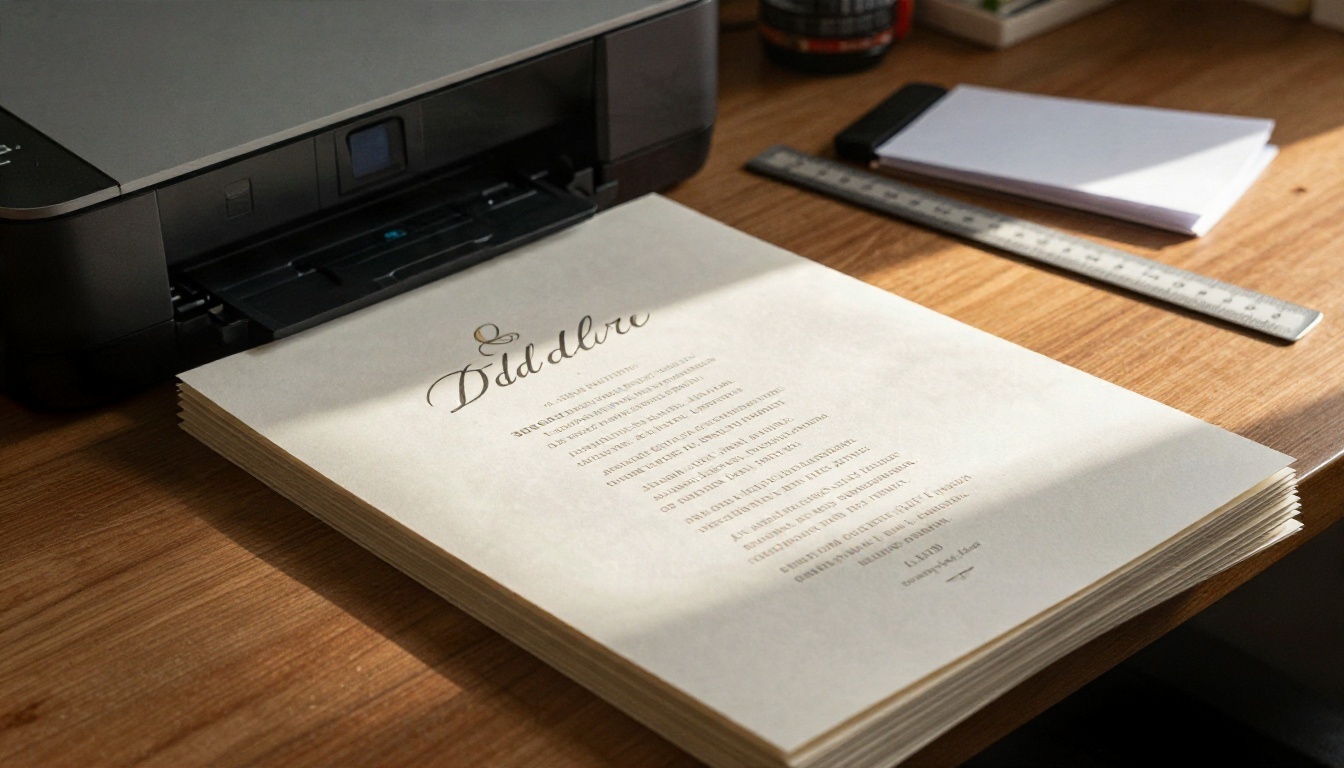
⚠️ Warning: Print one test copy on your actual paper before running the full batch. Ink bleed, wrong margins and off-center folds are the top reasons people throw away half a stack.
Copy Shop Pricing
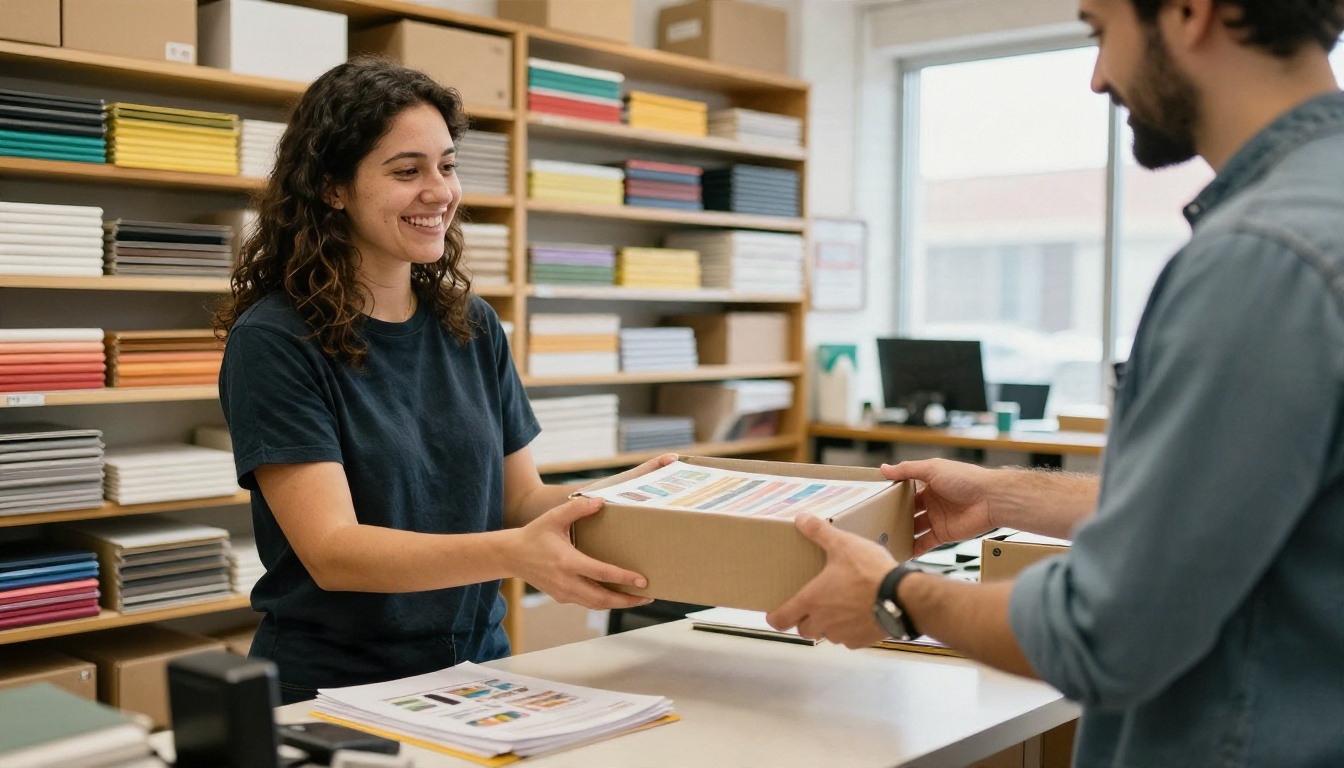
A local copy shop is often the best value for inexpensive wedding programs. Laser printing on a 65 to 80 lb cardstock is typically a few tens of dollars for 100 sheets, and the shop will cut them to size for a small fee. Bring your file as a PDF and ask for a proof first.
Online Printers and Minimums
Online printers shine for specialty paper, rounded corners, or double-sided color. Watch for minimum order quantities and shipping. A box of 50 at a high per-unit price can beat a box of 100 at a lower one if you only need 45. Also order at least two weeks ahead, since rush fees can double the total.
Free Templates That Look Expensive
A template does not have to look like a template. The trick is picking a clean layout and then changing three things: the font pairing, the color, and the paper.
Where to Find Them
Free layouts are everywhere, and you can usually edit them without paying anything.
- Free design editors with wedding template libraries
- Word processors with built-in program layouts you can resize
- Presentation software, which is surprisingly good for half-page layouts
- Event-specific builders such as the Event Program Maker

Fonts and Colors That Work
Stick to two typefaces: one serif or script for names, one clean sans for details. Limit color to your wedding palette, ideally two shades plus black text. Plenty of white space makes cheap paper look deliberate.
| Style | Font pairing idea | Color palette | Best for |
|---|
| Rustic | Soft serif with handwritten accent | Cream, sage, tan | Barns, gardens |
| Modern | Geometric sans with thin serif | White, black, gold | City venues |
| Classic | High-contrast serif, small caps | Ivory, navy | Churches, ballrooms |
| Boho | Light script with plain sans | Blush, terracotta | Outdoor and beach |
A Wording Starter
If you are staring at a blank page, start with this skeleton and edit it:
- Welcome line: one warm sentence from the two of you
- Processional: names of the wedding party
- Readings and music: titles and who delivers them
- Vows and ring exchange
- Closing note: thanks, plus where the reception begins
Digital Ideas That Cost Almost Nothing
The cheapest program is the one you never print. Digital options have moved well beyond a PDF attached to an email, and they solve a problem paper cannot: last-minute changes.
QR Code Cards
Print a small card or sign with a QR code that opens your program online. A guest scans, reads, and keeps the phone in a pocket. Cards cost pennies, and you can change the program the morning of the wedding if the officiant swaps a reading.
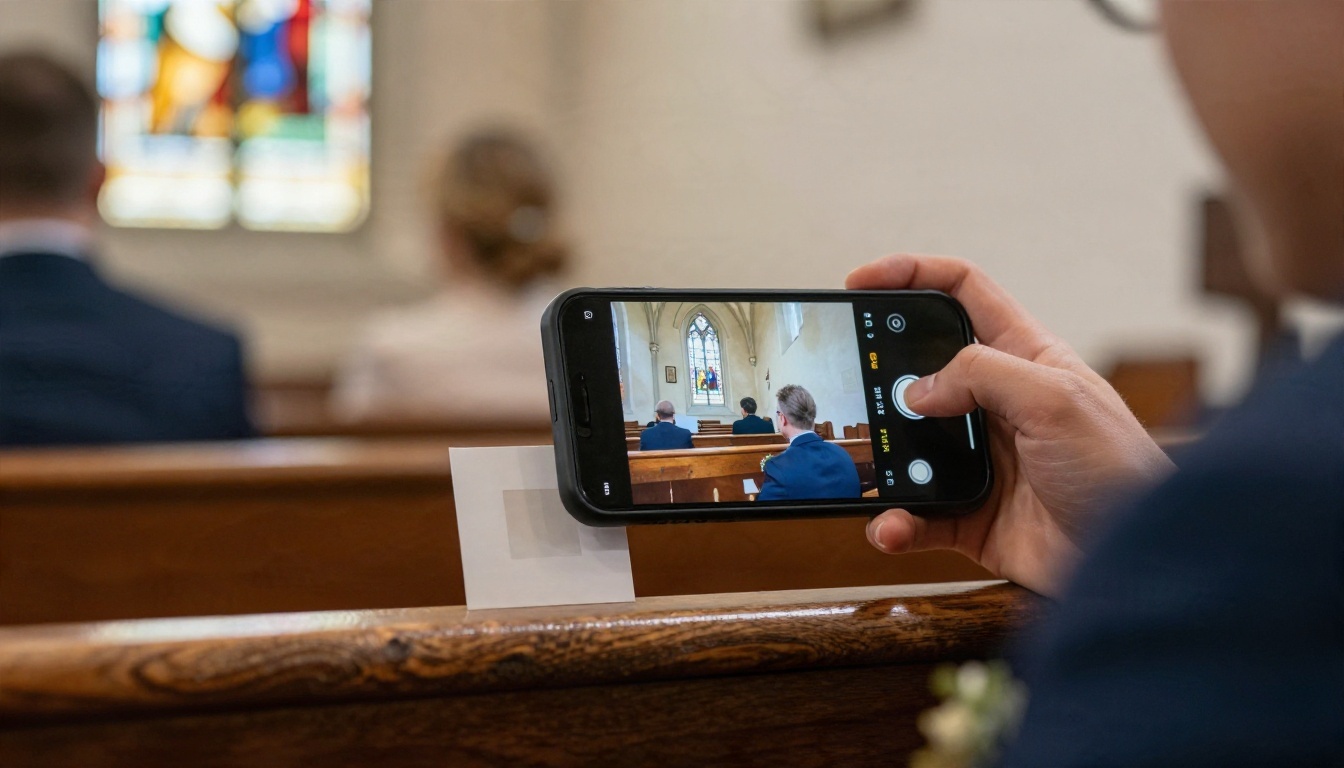
✅ Best practice: Always print a few paper copies too. Older relatives, guests with low battery, and venues with weak signal all exist.
Flipbook Programs
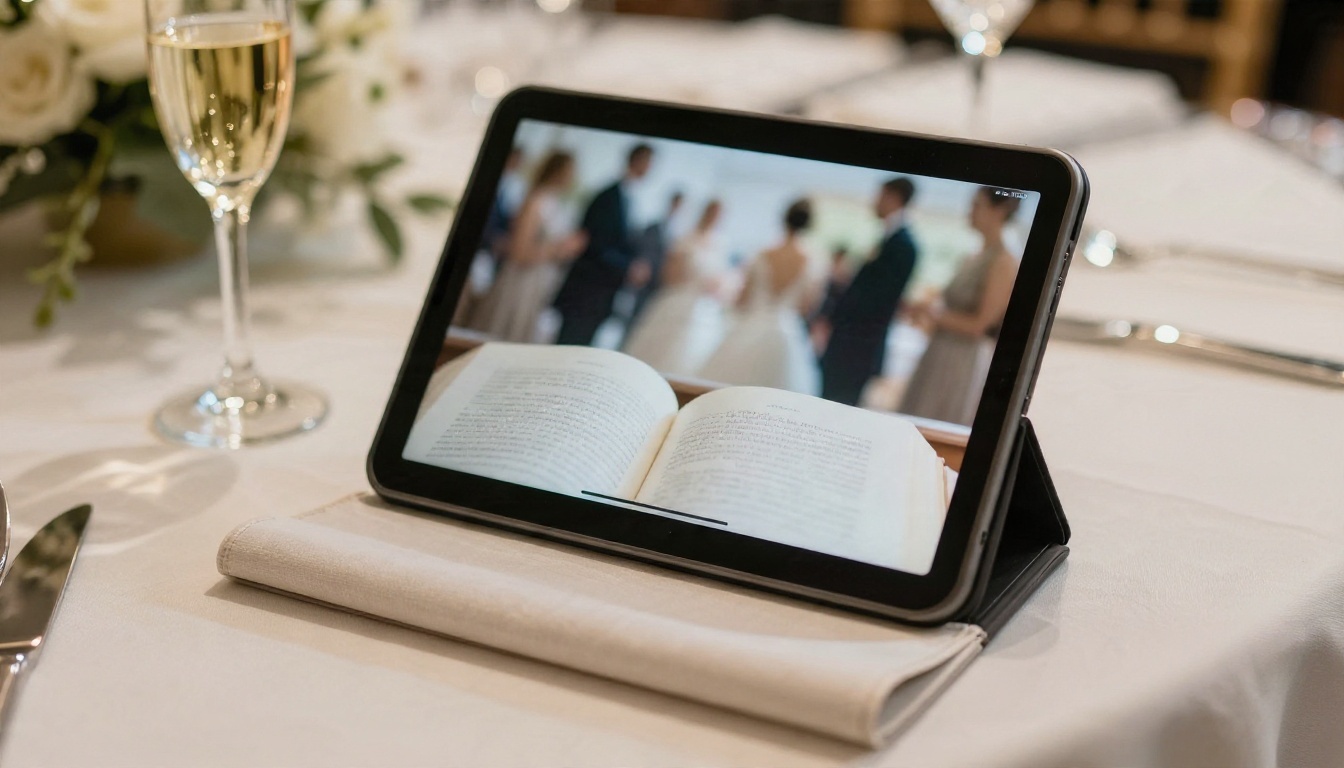
A digital flipbook looks like a real booklet with turning pages, and it works on any phone. You can upload a PDF to Flipbooks AI, and share it as a link, QR code or embed on your wedding website. It is also a great home for the story of the day, since you can include a photo timeline, a map and the menu all in one place.
| Feature | Paper program | PDF email | Digital flipbook |
|---|
| Cost for 150 guests | $60 to $250 | Free | Free to low monthly plan |
| Edit after sharing | No | No | Yes |
| Page-turn feel | Yes | No | Yes |
| Works as keepsake | Yes | Somewhat | Yes, shareable forever |
| Needs a phone | No | Yes | Yes |
| Password option | No | Limited | Yes |
How to Build a Digital Program with Flipbooks AI
Here is the full walkthrough, from blank page to shareable link. It takes roughly 20 minutes once your text is ready.
- Create your file. Design the program in any free editor and export it as a PDF. Landscape half-page or square formats read well on phones.
- Sign up. Create an account on Flipbooks AI. You can compare plans on the pricing page before you pick one.
- Upload and convert. Drag your PDF into the PDF to Flipbook Converter. Pages turn into a flipbook within moments, with no watermarks.
- Customize the look. Set your background color to match the wedding palette, choose a page-turn effect, and add your logo or monogram. You can also embed a short audio clip, such as the processional song, or a video message.
- Share it. Copy the direct link, turn it into a QR code, or use the embed option to place it on your wedding website.
- Protect it if needed. Add a password so only invited guests can read the details of a private ceremony.
- Check on mobile. Open the link on a phone and a tablet. The flipbook is mobile-responsive, but you should still confirm text is readable at arm's length.
- Download for offline. Save an offline copy for the venue, in case the signal is poor.
💡 Pro tip: After the wedding, add your photos to the same flipbook, or build a separate one with the Wedding Album Flipbook tool. Guests already know where the link lives.
Unlimited flipbooks come with the Standard plan and above, so you can make one for the rehearsal dinner, one for the ceremony and one for the reception without paying per project. The Professional plan adds analytics, which tell you how many guests opened the program, handy if you want to know whether the QR sign worked.
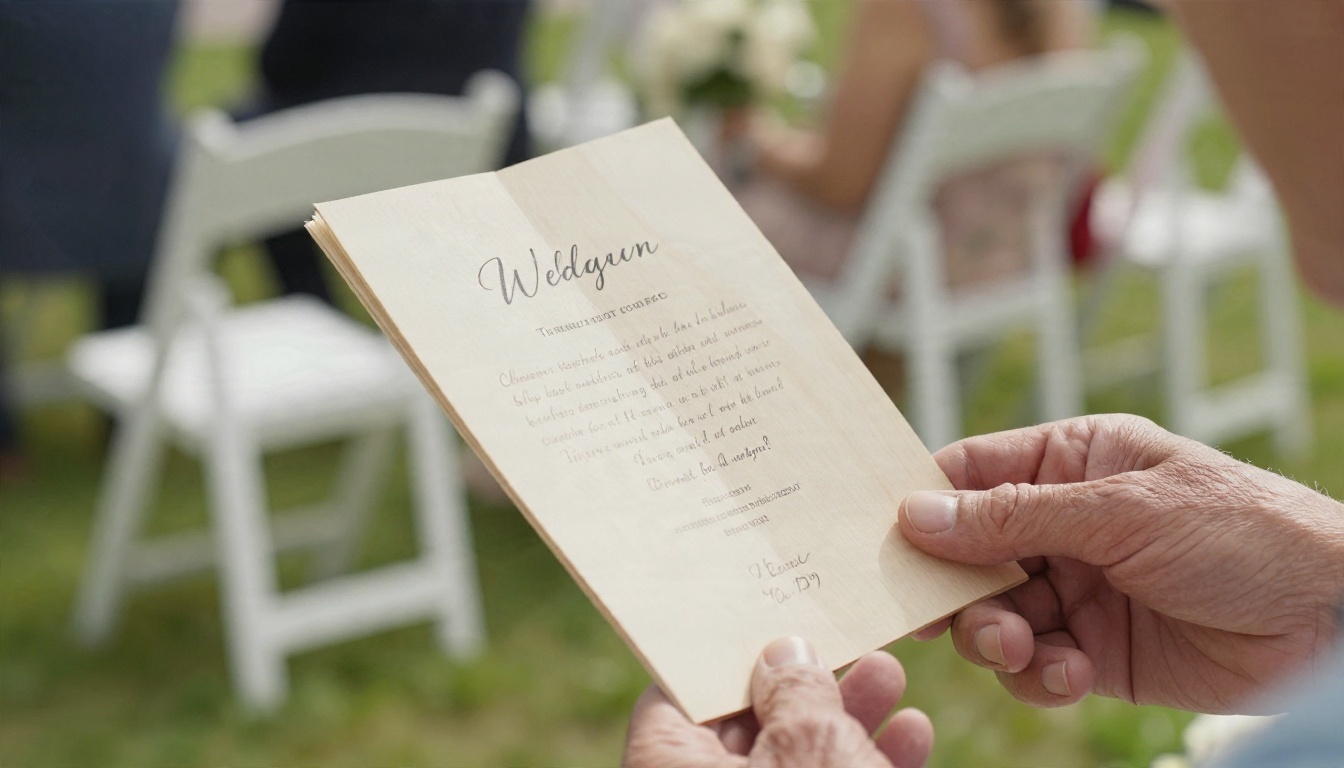
If you still want something in guests' hands, a few formats use less paper and less money than a folded booklet.
| Format | Approx. cost per 100 | Why it works |
|---|
| Single sheet, one side | $15 to $40 | Fits a short ceremony |
| Half-sheet, two sides | $20 to $50 | More room, still one cut |
| Paddle fan | $60 to $150 | Doubles as a cooler in summer |
| Shared table cards | $10 to $30 | One card per 6 to 8 guests |
| Large welcome sign | $20 to $60 | One print for everyone |
The Single Sign Approach
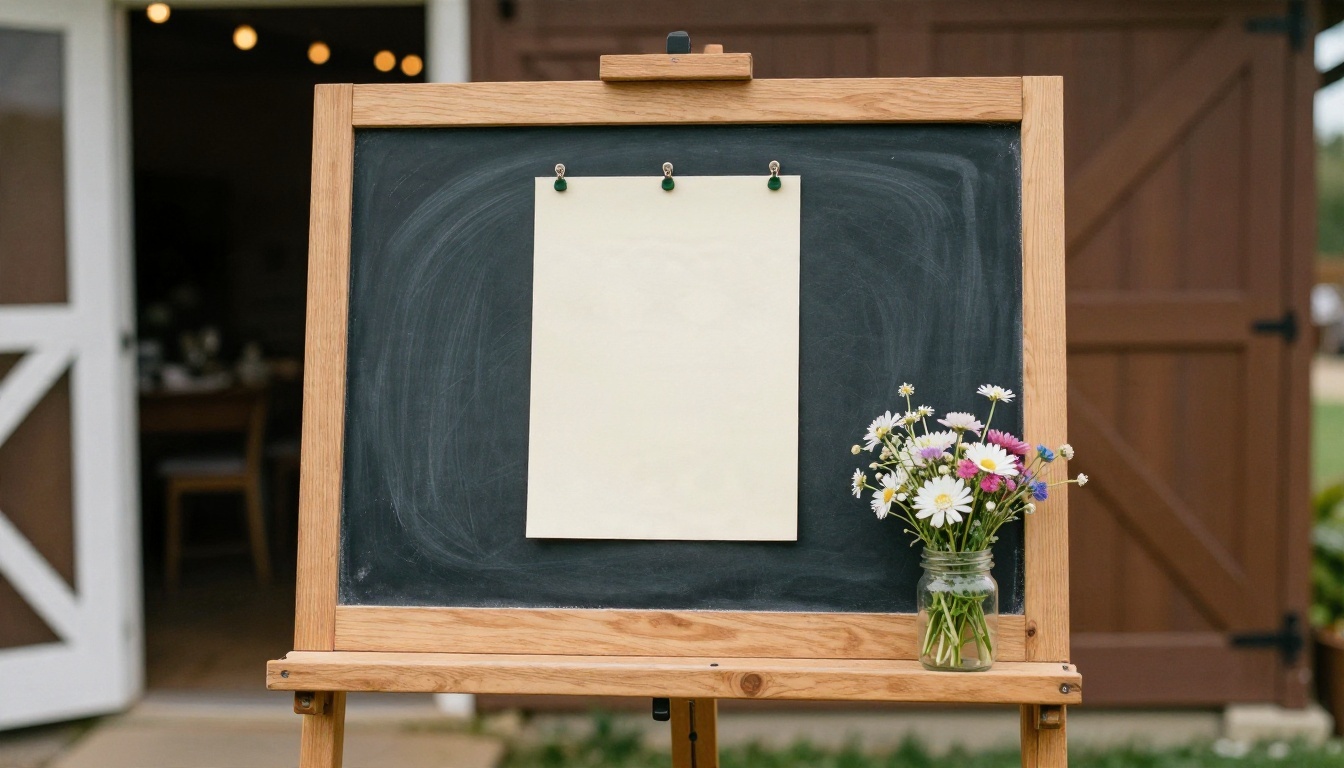
Instead of 100 programs, print one big sign at the ceremony entrance with the order of events and a QR code for the longer story. It costs one poster print and a borrowed easel, and it guarantees nobody misses the schedule.
The Fan Idea for Hot Days
For summer outdoor weddings, a paddle fan program earns its cost. Guests will actually use it, and the paper becomes functional instead of recycling-bin material.
The Hybrid Plan: Print Less, Share More
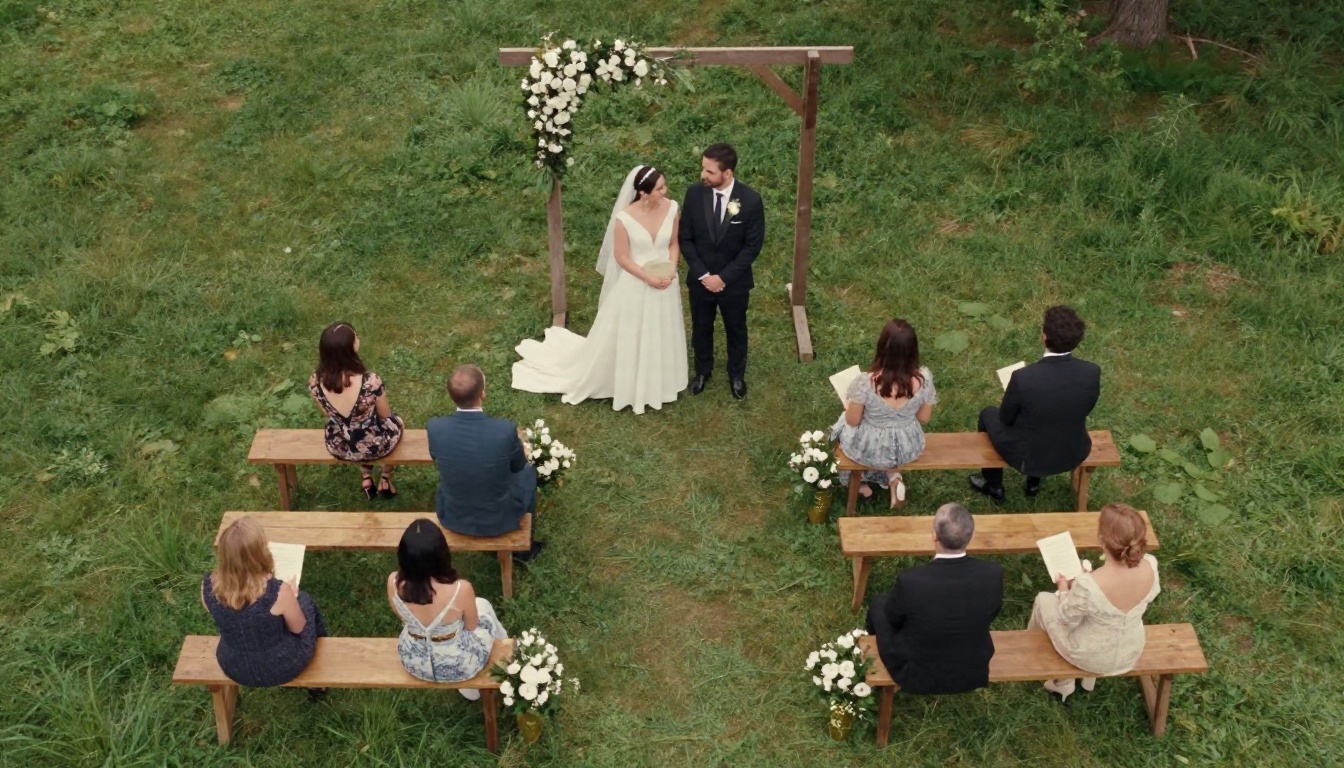
The best budget move is usually a mix. Print for the people who need paper, and send everyone else to the digital version.
Sample Budgets
Here is how three different couples might handle 120 guests.
| Couple | Plan | Estimated total |
|---|
| Backyard DIY | Free template, 40 home-printed sheets, QR flipbook for the rest | $20 to $45 |
| Mid-range | Copy shop half-sheets for 60, digital link on invites | $40 to $90 |
| Traditional | 120 folded booklets from an online printer | $120 to $300 |
| Designer path | Custom layout plus premium printing | $300 to $600+ |
A couple of real examples show how this plays out. A pair marrying in a park printed 30 large-type programs for grandparents and put the rest online through a QR card on each chair. Another couple built a flipbook with a seating chart, a menu, and a thank-you video, then shared one link in the invitation. Neither paid for a designer.
Plan the Timeline
Work backward from the date:
- 8 weeks out: write the text and choose a template
- 6 weeks out: finalize names and spellings with the officiant
- 4 weeks out: print a proof and test the QR code
- 2 weeks out: order or print the final copies
- 1 week out: upload the flipbook and share the link
Mistakes That Waste Money
Even a cheap program can get expensive when something goes wrong. Watch for these.
- Misspelled names. Have two people proofread, then read it aloud once. Reprinting costs more than the proofread.
- Tiny type. Under 10 points is hard to read in dim light. Older guests will notice.
- Skipping a test print. Colors on screen rarely match paper.
- Printing for no-shows. Count households, not individual guests. Couples and families often share one.
- Forgetting the QR test. Scan it from three feet away on two different phones before printing 100 of them.
- Overdesigning. More pages mean more ink, more folding and more things to fix.
⚠️ Warning: If you use a QR code, make sure the link will still work after the wedding. Choose a platform that keeps flipbooks live, and avoid temporary file-sharing links that expire.
Ready to Build Yours?
Inexpensive wedding programs come down to three decisions: keep the content short, choose a free template with plenty of white space, and print only what you need. Add a digital layer and you get edits on demand, a place for photos and a tidy link to send to family far away.
Ready to try it? Create your free account on Flipbooks AI and turn your PDF into a flipbook in minutes. Browse the full set of flipbook tools for menus, albums and event programs, or compare pricing plans to find the one that fits your wedding budget.



