Your Instagram account is probably the most detailed photo diary you own, and it lives on a platform that can change its rules, bury your old posts or lock you out overnight. An Instagram photo book fixes that. It pulls the best of your feed into a single object you can hold, or into a digital edition you can send with one link. This article walks through the whole process: downloading your photos, deciding what to do with captions, comparing free online options, choosing a print format and building a page-turning version with Flipbooks AI.
Whether you want a paper gift for a parent or a private online album for friends, the steps below will save you from the usual mistakes: blurry crops, missing captions and surprise checkout fees.
Why Turn Instagram Into a Book
Scrolling is fast and forgettable. A book slows everything down. You see a trip, a year or a child growing up in a deliberate order, with room for the photos to breathe.
Your Feed Is Rented Space
Every post you made sits on someone else's servers. Accounts get disabled, apps change layouts and old posts sink so deep that nobody ever sees them again. A book, whether printed or digital, is a copy that you control.
Photos Look Better at Page Size
Instagram squeezes pictures into a phone screen. On a page, the same image has detail, texture and a frame around it. Square crops, which Instagram made famous, also happen to suit square photo books very well.
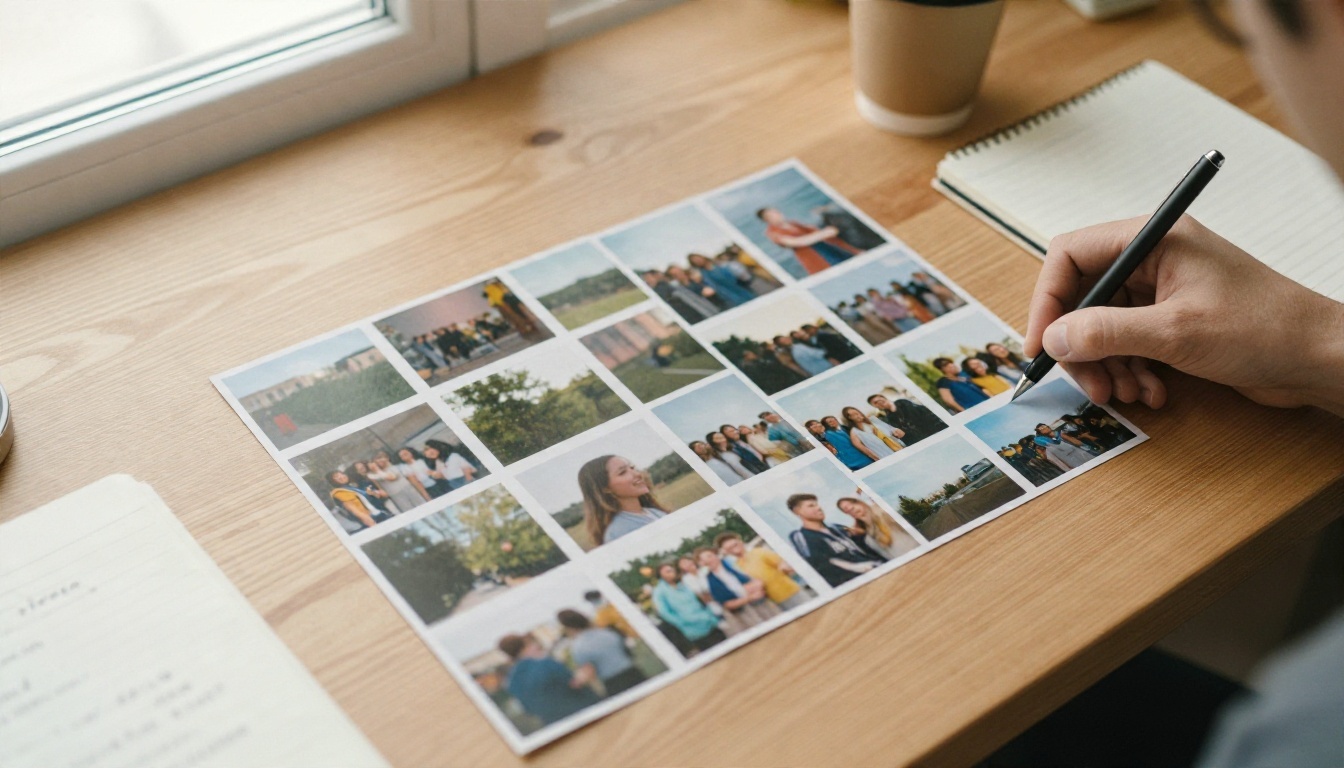
Three Paths, One Source
You can end up with one of three things from the same set of photos:
- A printed book you can gift, shelve and flip through without a battery.
- A digital flipbook with realistic page turns, shareable by link or embed.
- Both, which is what most people end up wanting once they see the first draft.
Pull Your Photos From Instagram
Screenshots look soft in print. Always start from the original files.
Request Your Data Download
Instagram lets you export your own account. The menu names shift from time to time, but the path is usually similar:
- Open Instagram and go to Settings, then the Accounts Center.
- Choose Your information and permissions, then Download your information.
- Select your profile, then pick Export to device.
- Choose the date range and set media quality to the highest option.
- Pick a format. HTML is easier to read, JSON is easier for tools to process.
- Submit the request and wait for the email. It can take anywhere from minutes to a few days.
💡 Pro tip: If you still have the original photos in your phone gallery, use those instead. Exports can be compressed, and your camera roll holds the full resolution file.
⚠️ Photos taken by other people and tagged to you may not be yours to print or share. Ask before putting friends and strangers into a book you plan to distribute.
Pick Forty to Eighty Photos
Most photo books work best between 24 and 80 pages. Pulling every post produces a bloated, repetitive book. Choose with a simple filter:
- Keep the sharpest image from each burst or series.
- Cut near-duplicates, even if you love both.
- Look for a rhythm: wide scenes, close details, people, food, quiet moments.
- Favor posts that tell a story over posts that simply got likes.
| Photo Type | Print Quality Risk | Best Use in the Book |
|---|
| Original camera file | Low | Full page or spread |
| Instagram export, high quality | Low to medium | Full page up to square formats |
| Story screenshot | High | Small inset only |
| Heavily filtered or cropped post | Medium | Single page with white margin |
| Low light phone shot | Medium | Smaller size, grouped in grids |
Captions That Belong in Print
The words beside your photos are what separate a real Instagram book from a generic album. They carry dates, jokes and the mood you were in when you posted.
Decide Which Captions Stay
Not every caption survives the trip to paper. A caption that said "link in bio" or tagged six brands will look odd on a page. Sort yours into three piles:
- Keep as written: short, funny or sentimental lines.
- Trim: long captions with hashtags and mentions stripped out.
- Rewrite: posts where the caption only made sense with the comments.
Caption Styles Compared
| Style | Length | Mood | Works Best For |
|---|
| Original caption | 1 to 3 lines | Authentic, nostalgic | Personal diaries, couples books |
| Date and place only | 3 to 6 words | Clean, editorial | Travel books, portfolios |
| Rewritten story | 2 to 4 sentences | Warm, narrative | Family gifts, anniversaries |
| One-word label | 1 word | Minimal | Photographer showcases |
| No caption | None | Visual first | Landscape and street series |
Placement and Type Choices
Put captions in the same spot on every page, usually under the photo or in the lower outer corner. Use a single readable serif or sans serif, at a size no smaller than about 9 points in print. Leave generous white space around the text. If your caption is longer than four lines, give it its own page facing the photo.
✅ Best practice: Read your caption pages aloud once. If a line sounds odd without the original post's context, edit it.
Free Online Options Compared
"Free" in the photo book world has a specific meaning. Usually the software, templates and layout tools cost nothing, and you pay when you order a printed copy. Digital versions can be genuinely free or low cost, depending on the platform.
What Free Usually Covers
| Option Type | Design Tools | Printed Copy | Digital Copy | Typical Catch |
|---|
| Photo lab web editor | Free | Paid per book | Often a PDF only | Shipping and page fees |
| Instagram-linked print apps | Free | Paid per book | Rarely | Square formats only, limited fonts |
| Free design software | Free | Export to PDF, print elsewhere | PDF | You handle the layout |
| Flipbook platform | Free trial or low-cost plan | None | Interactive flipbook | No printing, digital focus |
Prices and plans change often, so check each provider's current terms before you start.
Hidden Costs to Watch
- Extra pages: base prices usually include a fixed page count.
- Upgraded paper or layflat binding: often an add-on.
- Shipping and tax: only appear at checkout.
- Watermarks: some free digital tools stamp their logo on every page.
- Account lock-in: you may lose access to your project if you stop paying.
⚠️ Before investing hours in a layout, open the checkout page and look at the final total for the size you want. It takes two minutes and avoids a nasty surprise.
If you are going to print, the binding and size shape how the book feels in your hands.
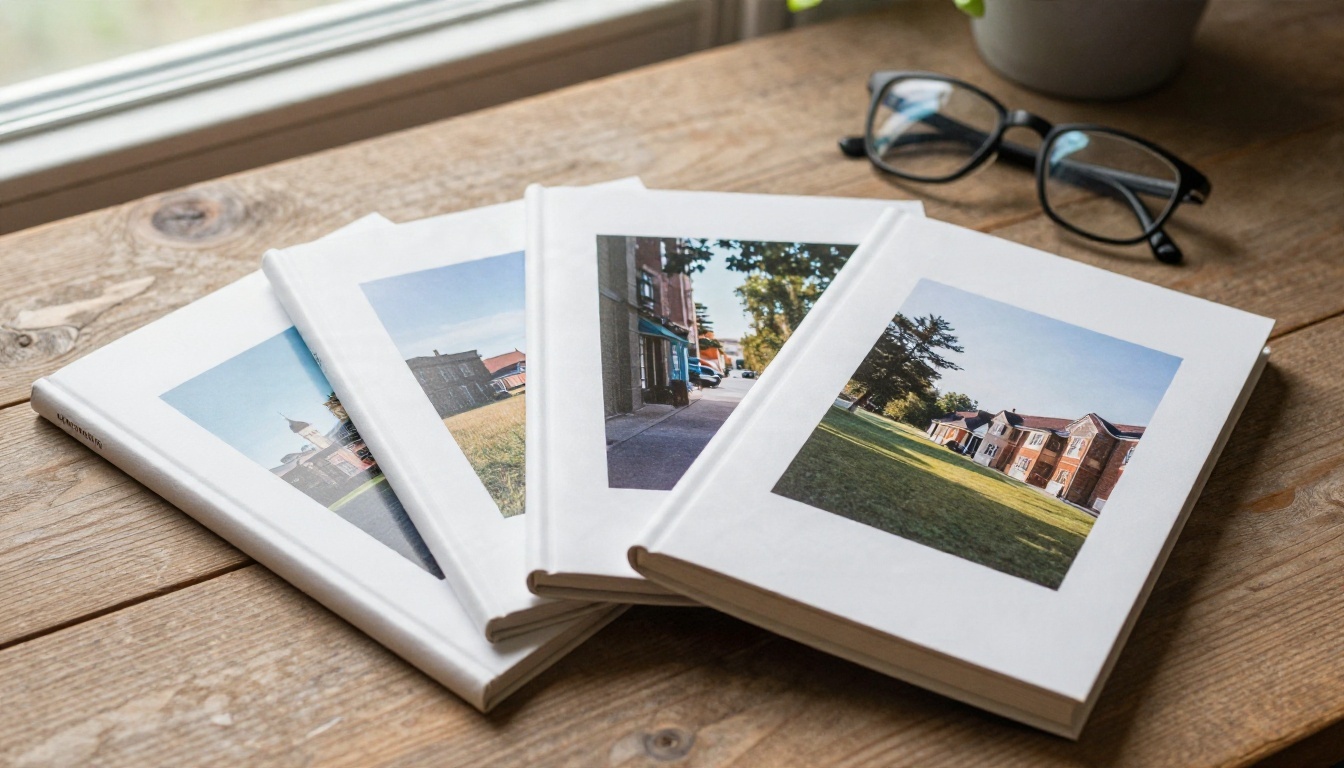
| Format | Feel | Good For | Watch Out For |
|---|
| Softback | Light, flexible | Casual keepsakes, everyday copies | Photos near the spine can curve away |
| Hardback | Sturdy, giftable | Weddings, anniversaries, year in review | Higher cost |
| Layflat | Pages open fully flat | Wide panoramas and spreads | Priciest option |
| Mini square | Pocket-sized | Stocking fillers, party favors | Captions need to be short |
Square books match Instagram's original 1:1 crop, so you lose nothing. If many of your posts are 4:5 portraits, a portrait format will show them closer to full size.
Check Resolution Before Ordering
As a rule of thumb, printing sharply needs roughly 200 to 300 pixels per inch at the final size. Most print editors warn you with a small icon when an image is too small. Take that warning seriously. A photo that looks crisp on a phone can look soft across a full page.
The Digital Flipbook Version
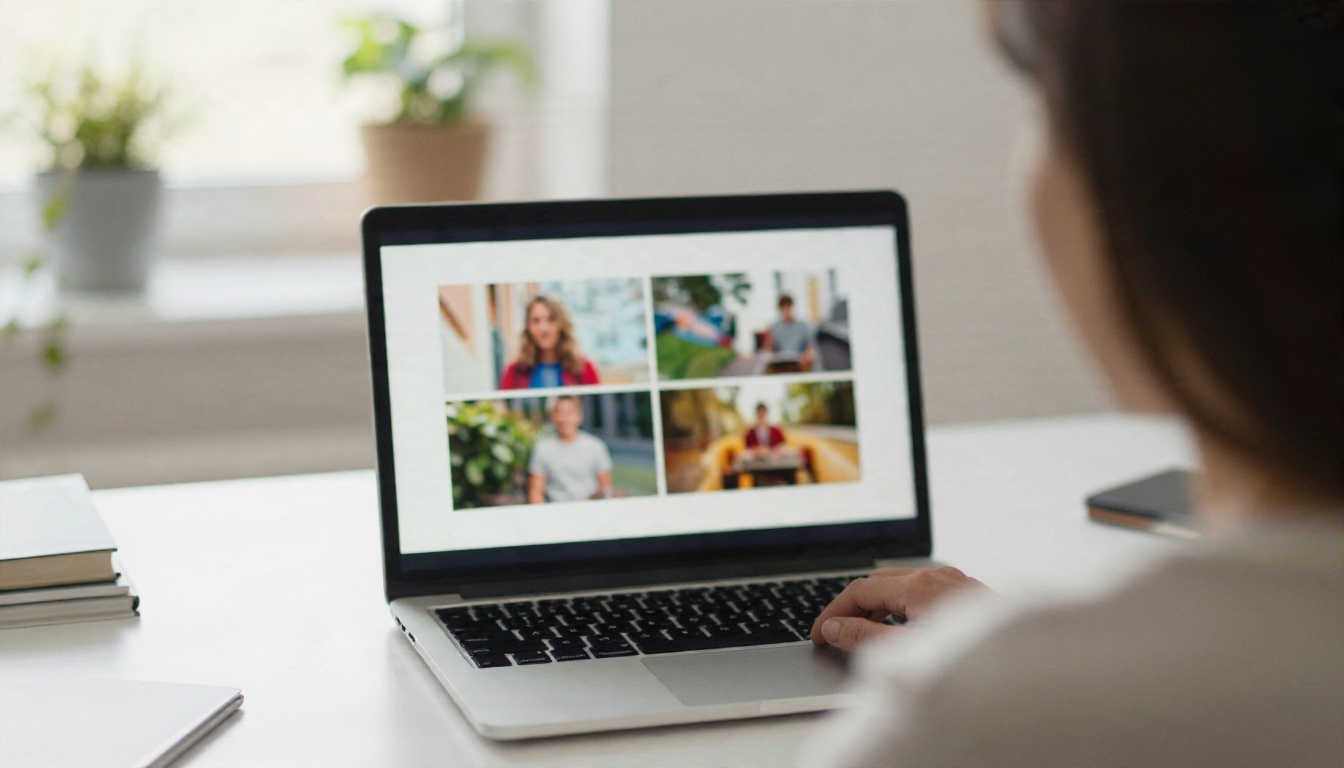
A printed book is wonderful, but it only exists in one place at a time. A digital flipbook can be opened by a cousin in another country the same day you finish it.
Why a Flipbook Beats a PDF
A plain PDF is a flat file. A flipbook keeps the book feeling: pages turn, spreads appear side by side and it works on a phone, tablet or desktop. It also gives you sharing controls that a printed copy never will.
| Feature | Printed Book | PDF | Digital Flipbook |
|---|
| Page-turn feel | Real | None | Realistic effect |
| Instant sharing | No | Yes, as attachment | Yes, by link or embed |
| Works on mobile | Not applicable | Awkward zooming | Responsive |
| Private access | By possession | Easy to forward | Password option |
| Cost per extra copy | Full print price | Free | Free |
Make an Instagram Flipbook, Step by Step
Here is the tutorial for building a flipbook version of your photo book with Flipbooks AI. The process works with any layout you can export to PDF, from a free design tool or from a print editor.
- Build your layout. Place your photos and captions in a free design tool, a photo lab editor or a slide deck. Use a square page size if you want a square book. Export it as a PDF at high quality.
- Create your account. Go to Flipbooks AI and sign up. You can look at pricing plans at any time to see what each level includes.
- Upload the PDF. Drag your file into the uploader. The platform converts each PDF page into a flipbook page. If you want a quick overview of the conversion step, see the PDF to Flipbook Converter.
- Customize the look. Choose a background color that suits your photos, add your logo or initials if you want custom branding, and set the page-turn effect and sound.
- Add extras. Embed a short video clip or an audio track next to a page, such as the song you played on that trip.
- Preview on phone and desktop. Flip through the entire book on both screens. Check that captions are legible and nothing is cropped.
- Publish and share. Copy the direct link, or use the embed code to place the book on a personal site. Setting up a website embed takes only a snippet of code.
💡 Pro tip: Name your PDF clearly before uploading, for example "Italy 2026 Instagram Book". Your future self will thank you when you have five flipbooks in your account.
Sharing Without Oversharing
Photo books are personal. Think about who should see them:
- Public link: good for portfolios and creative projects.
- Password protection: ideal for family albums, weddings and anything with children's faces.
- Embed on a page: useful for a personal blog or an event site.
- Offline download: lets relatives open the book on a plane or in a place with no signal.
Extra Features Worth Knowing
The Professional plan adds analytics and lead generation, which matter if your Instagram book doubles as a portfolio or a small business showcase. You can see how many people opened it and how far they read. Standard plans and above allow unlimited flipbooks, so you can build one per year, per trip or per client. And there are no watermarks, ever, so your photos stay clean.
Real Examples You Can Copy
Here are four scenarios that show how people use Instagram photo books in practice.
The Travel Diary
A traveler posts daily during a three-week trip. Back home, they download the posts, keep the original captions as short lines, and group them by city. A printed hardback goes on the shelf. A password-protected flipbook goes to the friends who followed the trip. For a similar approach with itineraries and maps, look at the Travel Guide Flipbook tool.
The Baby's First Year
Parents post a monthly photo with a caption of the milestone. A square book with one photo per page and one caption per photo makes a lovely gift for grandparents, plus a digital flipbook for relatives overseas.
The Photographer's Portfolio
A photographer curates their best Instagram work, strips the hashtags and builds a clean flipbook with minimal captions. They share it with clients by link and watch the analytics to see which pages get attention. The Photography Portfolio tool and the Digital Portfolio Creator both fit this use.
The Wedding Year
Couples often post engagement photos, the wedding itself and the honeymoon. Turning all of it into one album works well with the Wedding Album Flipbook tool, which keeps the elegant page-turn feel guests love.
| Scenario | Photos | Caption Style | Best Format |
|---|
| Travel diary | 60 to 80 | Short original lines | Hardback plus flipbook |
| Baby's first year | 24 to 36 | Milestone notes | Square hardback |
| Photographer portfolio | 20 to 40 | Minimal | Digital flipbook |
| Wedding year | 50 to 70 | Rewritten story | Layflat plus flipbook |
Layout Tips That Make It Look Professional
Good layout is mostly restraint. A few habits make a big difference.
Keep the Grid Simple
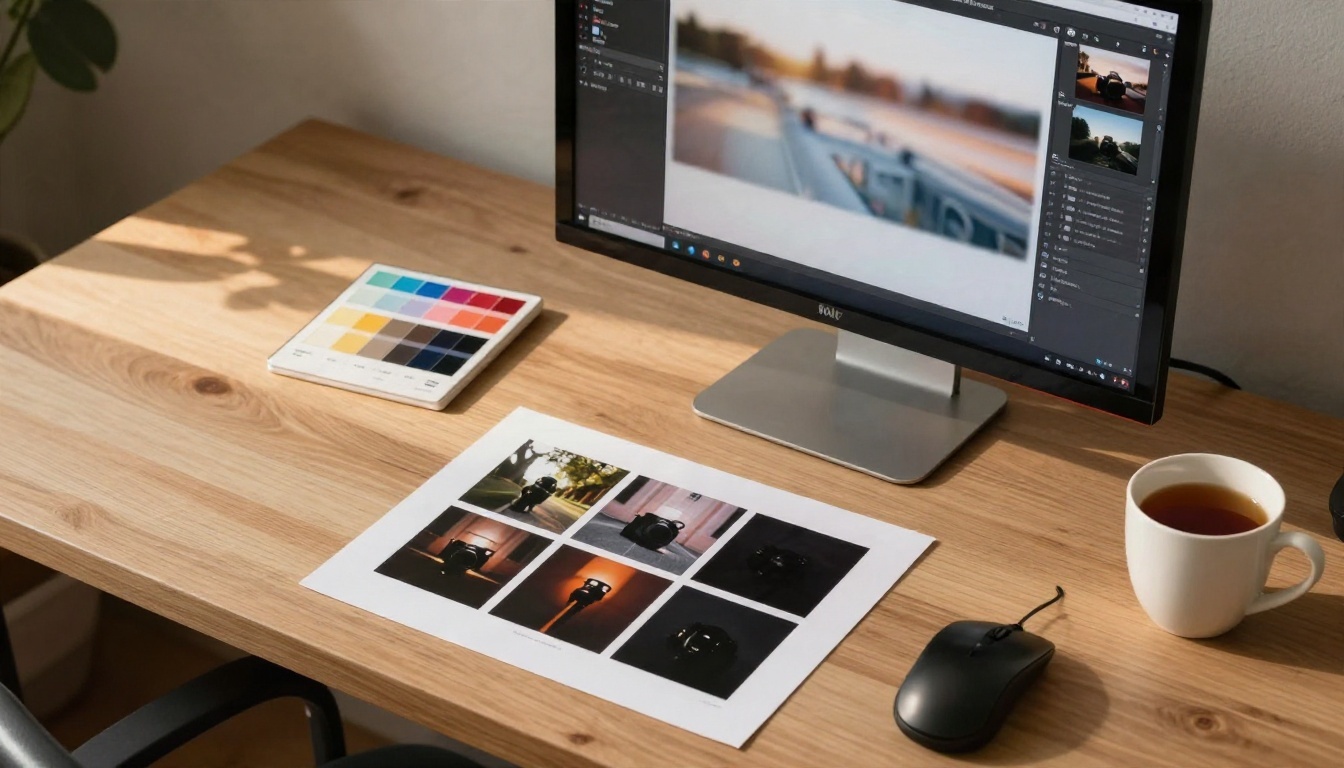
- One large photo per page is almost always better than four small ones.
- Use a grid of four only for series that belong together, such as a food shoot.
- Leave an even margin, at least 10 mm in print, around every image.
Order Photos by Story
Chronological order is the easiest and most natural. If your feed jumps between topics, group by theme or location and add a small divider page with a title. Start with a strong image and finish with a quiet one.
Print a Test Before Committing
For a big order, print a single page at home or order a sample size. Colors on a screen are brighter than on paper, so a test spares you a disappointing batch.
✅ Best practice: Keep a master PDF of the final layout. You can send it to a printer, convert it to a flipbook and archive it, all from the same file.
Ready to Build Yours?
Your Instagram posts already contain the story. All that is left is to download them, choose the best ones, keep the captions that matter and decide where the book will live.
Ready to create your first flipbook? Get started for free and turn your feed into a book you will actually open.



