You wrote the ebook. You exported the PDF. Now it sits in an inbox attachment that nobody opens on a phone. An interactive book creator fixes that by turning flat pages into a book that flips, zooms, plays video and tracks who reads it. Platforms like Flipbooks AI do the conversion in minutes, and plenty of free routes exist if you only need a simple result.
This article compares the free online options, shows which templates fit which kind of ebook, walks through real examples, and gives you a tested tutorial. Pick the section you need or read straight through.
What an Interactive Book Creator Does
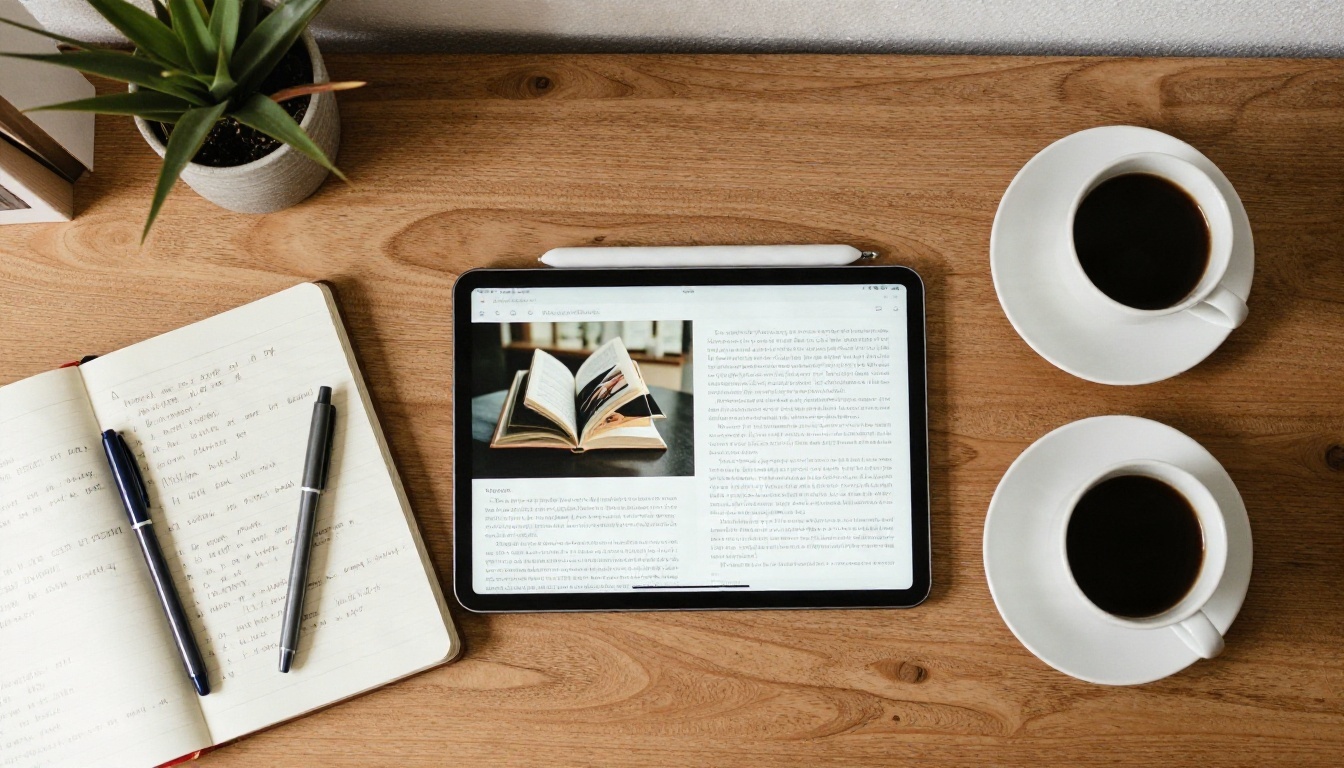
An interactive book creator is an online tool that takes your content, usually a PDF, and publishes it as a digital book with a page-turn effect, clickable links, embedded media and a shareable web address. Readers open it in a browser. No download, no app, no login unless you want one.
Static PDF vs Interactive Ebook
The difference shows up the moment a reader opens the file on a small screen.
| Feature | Plain PDF | Interactive ebook |
|---|
| Page-turn animation | No | Yes |
| Works well on phones | Pinch and scroll | Responsive layout |
| Embedded video and audio | Rarely | Yes |
| Clickable links and buttons | Basic | Yes, with tracking |
| Reader analytics | None | Views, time, clicks |
| Password protection | Limited | Yes |
| Shareable link or embed | Attachment only | Link and embed code |
| Updates after sending | Resend a new file | Edit once, link stays |
💡 Pro tip: That last row saves more time than people expect. When you fix a typo, every reader who holds your link sees the corrected version.
Who Benefits Most
Almost anyone who publishes pages can use one, but a few groups get the biggest lift:
- Authors and course creators who sell or give away ebooks and workbooks
- Small businesses sharing catalogs, price lists and lookbooks
- Teachers handing out reading packs and worksheets
- Travel and food writers whose content depends on photography
- Agencies sending proposals that need to look polished
Free Online Options Compared
Search for a free flipbook or ebook maker and you will find dozens of tools. They fall into a handful of types, and each one has a catch.
What "Free" Really Means
Free usually means one of four things. Knowing which one you are dealing with saves a lot of frustration later.
| Type of free | What you get | Typical catch |
|---|
| Free trial | Full features for 7 to 14 days | Book disappears or locks after the trial |
| Free plan with limits | Permanent access, small quota | 1 to 3 books, page caps, watermark |
| Free editor, paid export | Design tools cost nothing | Publishing or download costs money |
| Open source | No license fee | You host it and fix it yourself |
For a one-off project, a limited free plan is often enough. For a business that publishes monthly, the limits arrive fast, and a low-cost paid plan is usually cheaper than your time spent working around them.
Watermarks and Page Limits
Two limits matter more than anything else on a free tier:
- Watermarks. A logo stamped on every page looks fine for a draft and poor for a client or a customer.
- Page caps. Some free plans stop at 10 or 20 pages, which rules out most real ebooks.
⚠️ Warning: Check whether your link keeps working after a free trial ends. Several tools deactivate shared links, which breaks any ebook you already sent out.
Flipbooks AI publishes with no watermarks, ever, which is why many creators use it even when they only need a single book. You can see what each plan includes on the pricing page.
Templates Worth Starting From
Templates save hours, but only if they match the job. A glossy lookbook layout will not suit a text-heavy workbook.
Ebook Template Categories
Here is how common ebook types map to a layout style and a purpose-built tool.
Picking a Layout
Ask three questions before you choose:
- How much text is there? More text means fewer decorative elements.
- Where will people read it? Phone readers need larger type and shorter paragraphs.
- Will it be printed? If yes, keep a clean margin and avoid dark full-page backgrounds.
✅ Best practice: Design at the page size you plan to publish. Resizing a finished PDF later often breaks the spacing you spent hours on.
You can browse every layout-specific option in the flipbook tools directory.
Real Examples You Can Copy
Theory only goes so far. These four examples show how different creators put an interactive book creator to work.
Recipe Book With Video Steps
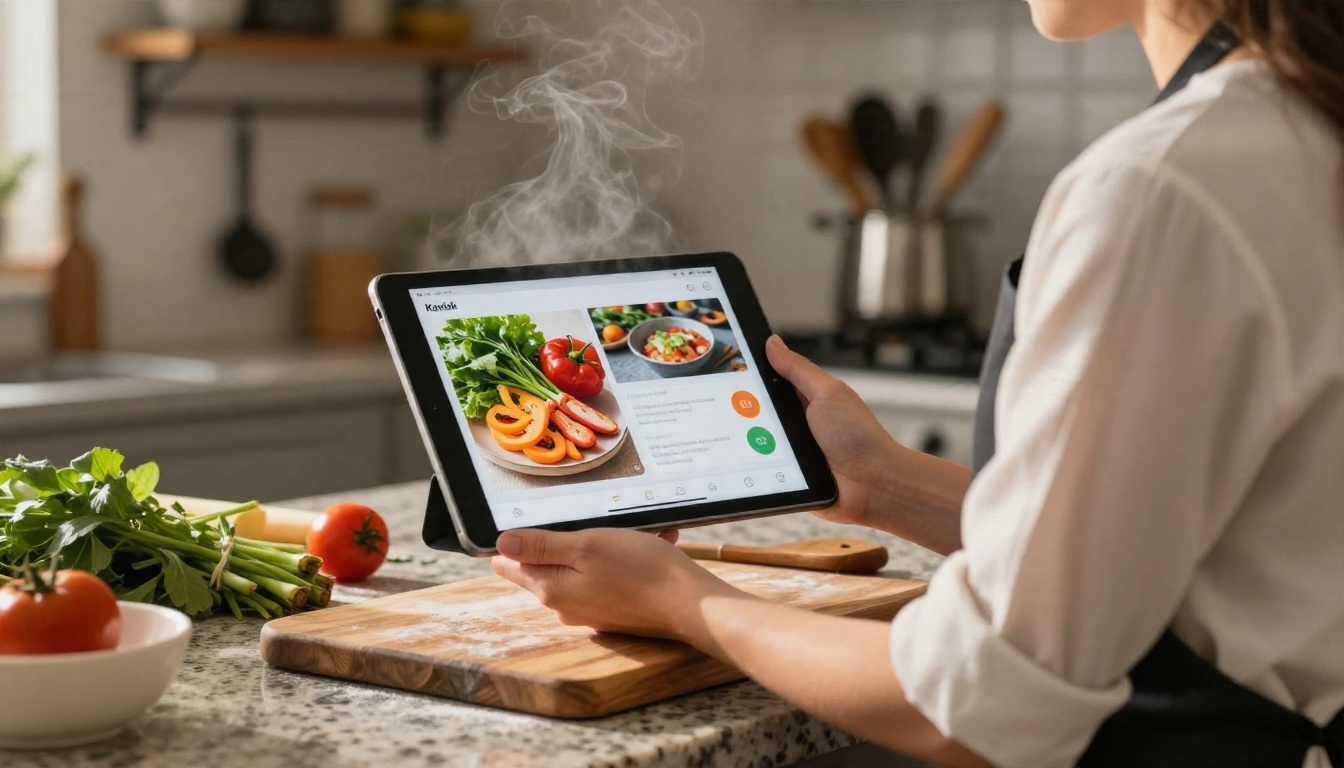
A home cook publishes a 40-page recipe collection. Each recipe page has a hero photo, a short ingredient list and a 30-second embedded clip showing the trickiest step. Readers watch the clip without leaving the page. Because it opens in a browser, she shares one link on social media and in her newsletter.
Travel Ebook With Linked Maps
A travel blogger packages a 25-page itinerary for a coastal town. Each stop links to a map pin, each restaurant links to its booking page, and the closing page links to an affiliate partner. The photography carries the whole thing, so full-bleed images and a minimal layout work best.

Family Memoir With Old Photos
A retired teacher scans family photographs and writes short stories to go with them. Published as an interactive ebook, relatives anywhere in the world can flip through it on a tablet. A password keeps it private to the family. This is one of the most meaningful uses, and it needs nothing more than a PDF and a link.

Course Workbook for Students
A teacher assembles a reading pack with comprehension questions and links to short videos. Students open it on school tablets or at home on any device. Updating a single worksheet takes a minute, and every student sees the new version. The Training Manual Flipbook tool suits corporate teams who do the same thing for onboarding.

Create an Ebook with Flipbooks AI
Here is the full process, from file to shareable book. It takes about five minutes for a typical PDF.
Start With Your PDF
- Open Flipbooks AI and create an account.
- Export your ebook as a PDF from Word, Canva, InDesign or Google Docs. Use the final page size and embed fonts.
- Choose the upload button and select your file. The platform runs the PDF to Flipbook Converter and renders each page as a crisp, flippable spread.
💡 Pro tip: Keep images at 150 to 200 DPI. Higher resolution makes files heavy without a visible gain on screens.
Customize the Look
After conversion, open the settings panel and adjust what readers see:
- Branding: add your logo and choose background colors that match your site
- Page effects: pick the page-turn style and speed
- Multimedia: drop in video, audio and links on any page
- Layout: choose single page or double-page spread view
Everything is mobile-responsive, so the same book works on a phone, tablet or desktop.
Share and Protect
When you are happy, publish and choose how to deliver it:
| Sharing method | Best for | Notes |
|---|
| Direct link | Email, social posts, messaging | Fastest option |
| Embed code | Blogs and landing pages | See Embed Flipbook on Website |
| Password protection | Private or paid content | Readers enter a password to open |
| Offline download | Readers with poor connections | Lets people keep a copy |
Pro Features Worth Using
On the Professional plan you also get analytics and lead generation. Analytics show how many people opened the book, which pages held attention and where readers dropped off. Lead generation can ask for an email address before the first page loads, which turns an ebook into a list builder. Compare plans on the pricing page.

Plans and Pricing Compared
Free tools are a good way to test the idea. Once you publish regularly, the plan structure matters. This table summarizes how a typical setup looks across tiers.
| Need | Free tools | Standard plan | Professional plan |
|---|
| No watermark | Rare | Yes | Yes |
| Unlimited flipbooks | No | Yes | Yes |
| Custom branding | Limited | Yes | Yes |
| Password protection | Sometimes | Yes | Yes |
| Embedded video and audio | Limited | Yes | Yes |
| Offline downloads | No | Yes | Yes |
| Analytics | No | Basic | Full |
| Lead generation | No | No | Yes |
If you are unsure, start on the lowest tier and move up when you need reader data. You can check the current plans before you decide.

Mistakes That Hurt Ebooks
Most weak interactive ebooks fail for the same few reasons. Avoid these and you are already ahead.
- Tiny text. Body copy under 11 points is hard to read on a phone. Go bigger than feels necessary.
- No call to action. Every ebook should end with one clear next step: a link, a booking page or a signup form.
- Heavy images. A 90 MB file loads slowly and readers leave. Compress photos before you export.
- Links that look like text. Style buttons and links so they obviously invite a click.
- Skipping the phone test. Open the finished book on your own phone before you share it.
⚠️ Warning: Do not embed autoplay audio. Readers in public places will close the book immediately.
✅ Best practice: Send the link to one friend first. Ask where they got stuck, then fix it. Five minutes of feedback beats an hour of guessing.
Ready to Publish Yours?
An interactive book creator turns a forgotten PDF into something people open, flip through and share. Free options work for a first test. When you need no watermark, unlimited books, branding and reader data, a dedicated platform is worth the small monthly cost.
Here is what to do next:
Your ebook is already written. Give it pages that turn.



