A paper brochure gets folded, stuffed in a bag and forgotten. An interactive e brochure gets opened on a phone, flipped page by page, clicked, forwarded and measured. That is the whole reason people are switching, and it is why tools like Flipbooks AI turn a plain PDF into a page-turning brochure in a few minutes.
This article walks through what an interactive e brochure actually is, shows real examples by industry, lists templates worth starting from, compares free online makers honestly, and finishes with every practical way to share the result.
What Is an Interactive E Brochure?
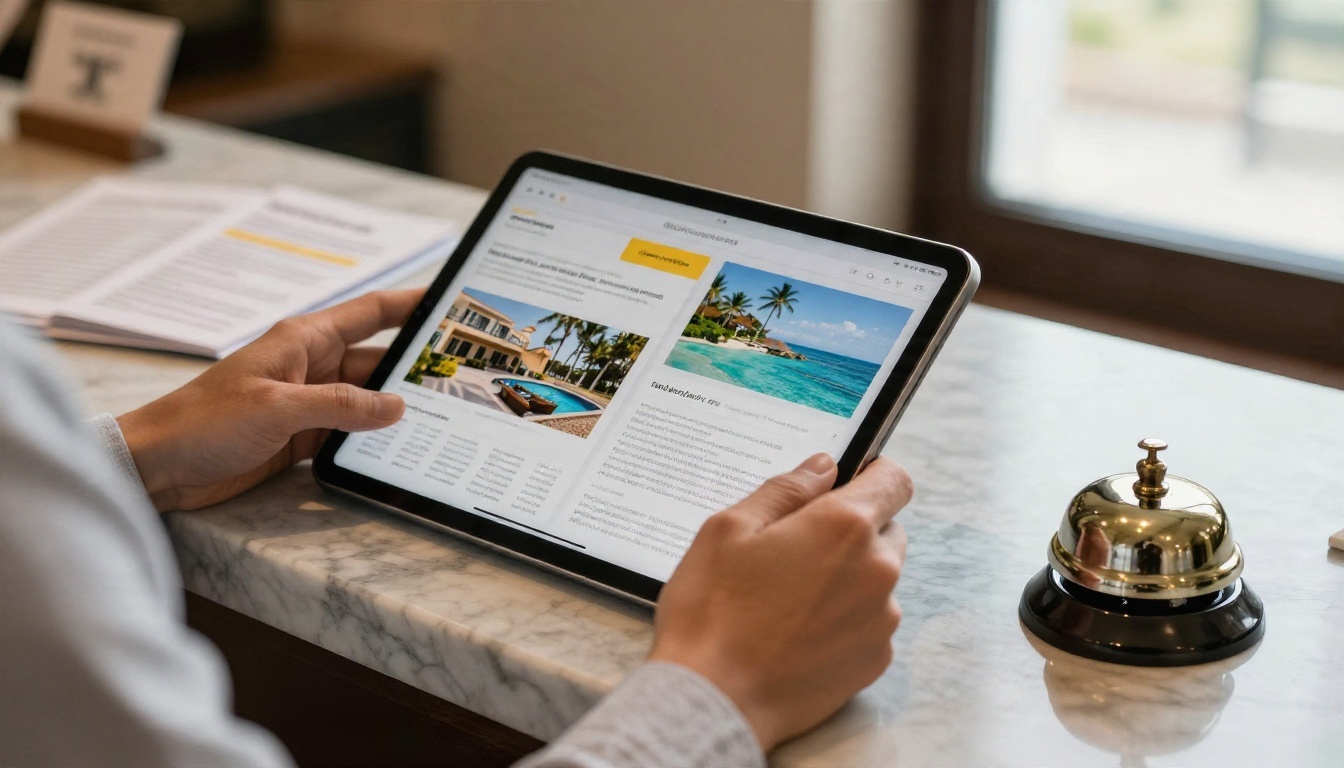
An interactive e brochure is a digital brochure that readers can flip, zoom, click and share instead of just scrolling through a static file. Think of it as a printed tri-fold or multi-page brochure that lives at a URL.
Most include some mix of these elements:
- Page-turning animation that feels like a real brochure
- Clickable links to booking pages, product pages or contact forms
- Embedded video and audio for tours, demos and testimonials
- Zoom and full-screen mode so small details stay readable
- Mobile-responsive layout that works on any screen
- Tracking so you know who opened it and what they looked at
E Brochure vs PDF vs Print
A PDF is a file. An e brochure is an experience. A printed brochure is a physical object. Each has a place, but they behave very differently once you send them out.
| Feature | Printed Brochure | Plain PDF | Interactive E Brochure |
|---|
| Cost per copy | Medium to high | Free | Free after setup |
| Updates after sharing | Impossible | Resend a new file | Edit once, link stays the same |
| Clickable links | No | Sometimes | Yes |
| Video and audio | No | Rarely | Yes |
| View tracking | No | No | Yes (with analytics) |
| Works on mobile | N/A | Pinch and scroll | Built for it |
| Page-turn feel | Real | None | Realistic animation |
💡 Pro tip: You do not have to choose. Many brands print a small run for events and send the interactive version everywhere else, with a QR code on the printed piece pointing to the digital one.
Interactive E Brochure Examples That Work
Abstract benefits are easy to write and hard to picture. These are the formats that actually get built and used.
Hotels and Resorts
A boutique hotel can publish a brochure with room categories, spa treatments, dining hours and a short video of the pool at sunset. Each room page links directly to the booking engine. Guests browsing on a phone go from "nice photo" to "check availability" in one tap. A dedicated Hotel Brochure Designer gives you a layout built around exactly this flow.
Real Estate Listings
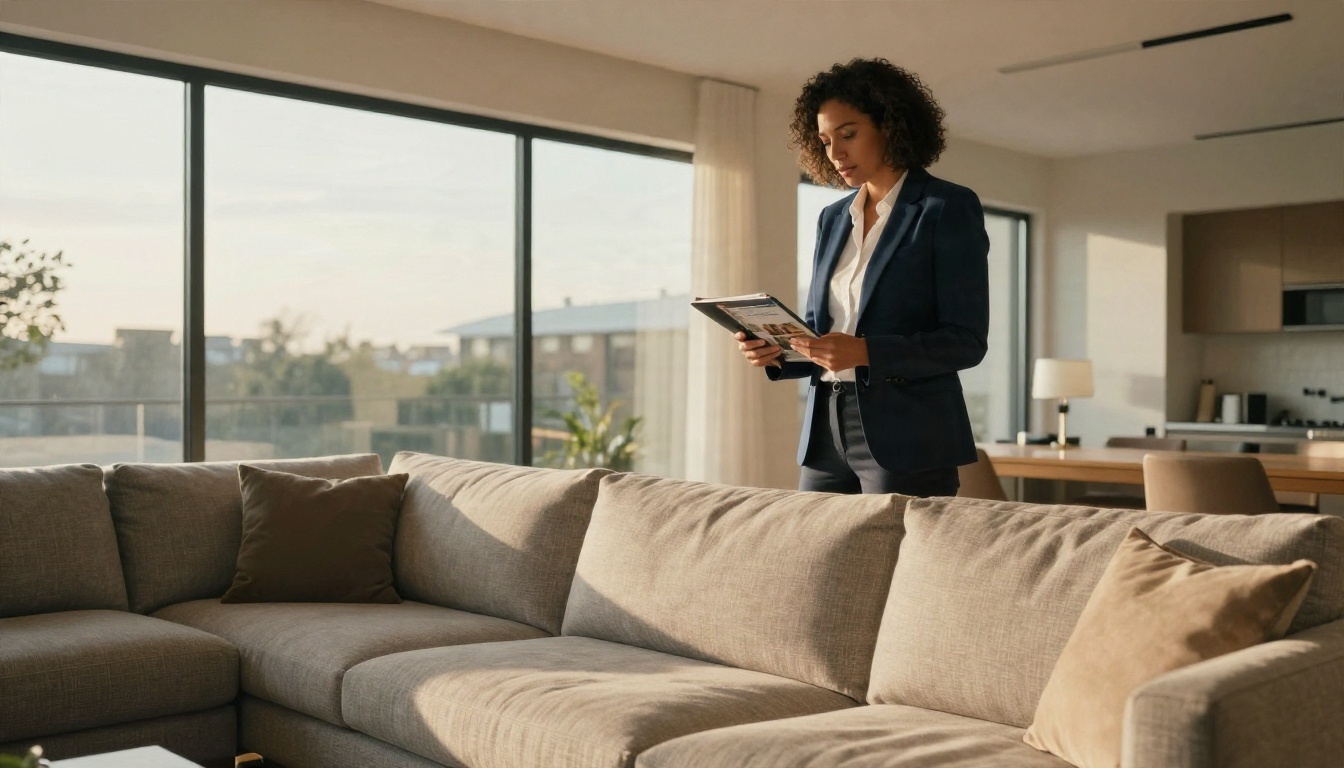
Agents benefit most from brochures that mix floor plans, neighbourhood information and a walkthrough clip. Instead of mailing a heavy printed pack, the agent sends one link. The buyer opens it on the sofa, flips through, and replies with questions about a specific page. Try the Real Estate Brochure Creator for this use.
Restaurants and Cafes
Menus are brochures in disguise. A restaurant can publish a seasonal menu with dish photos, allergen notes and a wine list, then print a QR code for each table. When the menu changes, nobody reprints anything. The Restaurant Menu Creator and Menu Flipbook Designer are built for that.
Product Catalogs and Lookbooks
A furniture maker or fashion label wants buyers to see every product without downloading a 40 MB file. A flipbook loads fast, keeps the page order intact and lets each product photo link to its order page. See the Product Catalog Generator or the Interactive Lookbook Designer.
Travel, Events and Education
Tour operators publish itineraries with maps and clips. Event organisers share programmes that update when a speaker changes. Schools send prospectuses that parents can read on the bus. The Travel Guide Flipbook and Event Program Maker show how flexible the format is.
| Industry | Best Content to Include | Main Goal |
|---|
| Hotels | Room photos, spa menu, booking links | Direct bookings |
| Real estate | Floor plans, tour video, agent contact | Viewing requests |
| Restaurants | Dishes, allergens, QR access | Faster ordering |
| Retail and fashion | Product pages with shop links | Online sales |
| Travel | Itineraries, maps, short clips | Tour enquiries |
| Education | Programmes, fees, campus photos | Applications |
Templates Worth Starting From
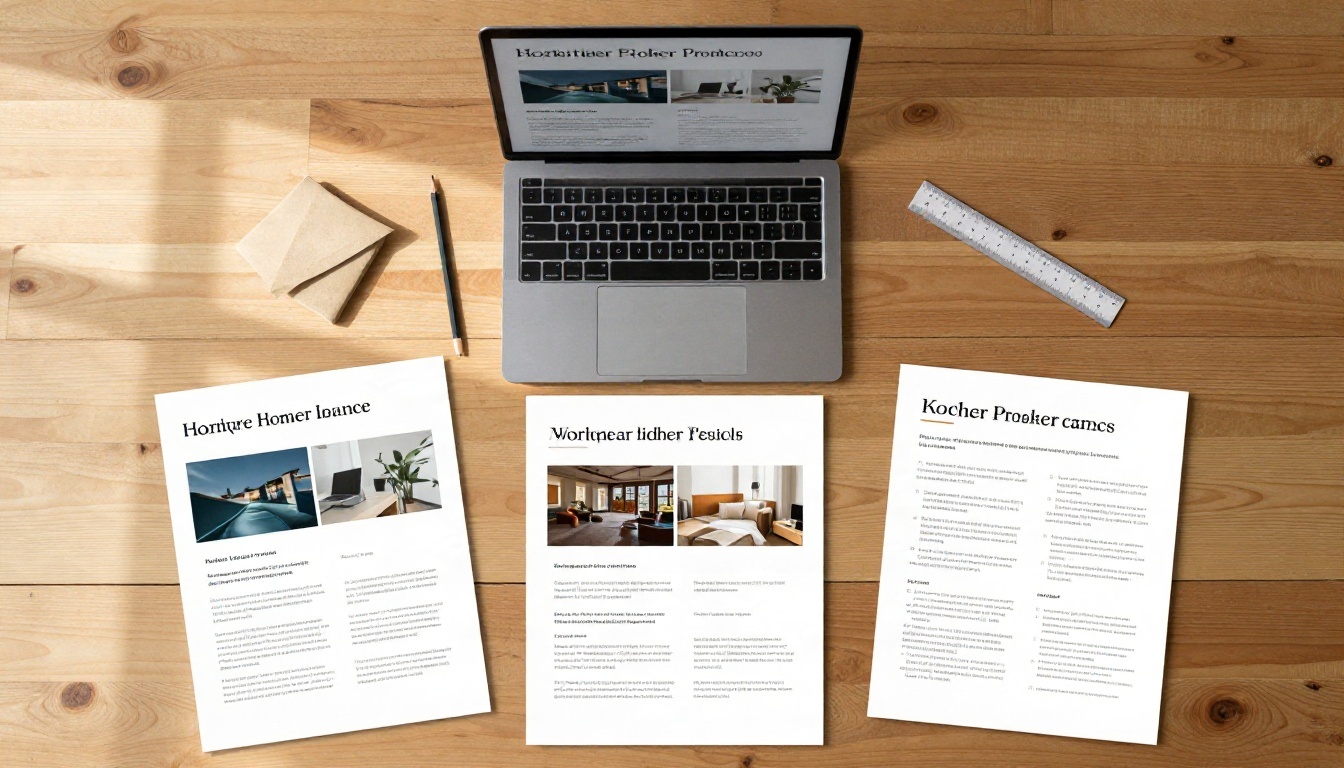
A blank page is the slowest way to make a brochure. Good templates solve the layout problem so you can spend your time on the message.
Layouts That Convert
Look for a template with these traits:
- A strong first page. One image, one promise, one clear next step.
- Plenty of white space. Crowded pages are hard to read on a phone.
- Consistent grid. Photos and text blocks align from page to page.
- A closing page with one action. Book, call, buy or reply. Not four.
Matching Template to Purpose
✅ Best practice: Design at the page size you plan to publish. Landscape spreads suit desktop readers, while portrait pages feel natural on phones. If most of your audience is mobile, lean portrait.
Free Online Makers Compared
Plenty of tools promise a free brochure. The catch is usually hidden in the details: watermarks, page limits, expiring links or locked sharing. Here is what to check before you commit.
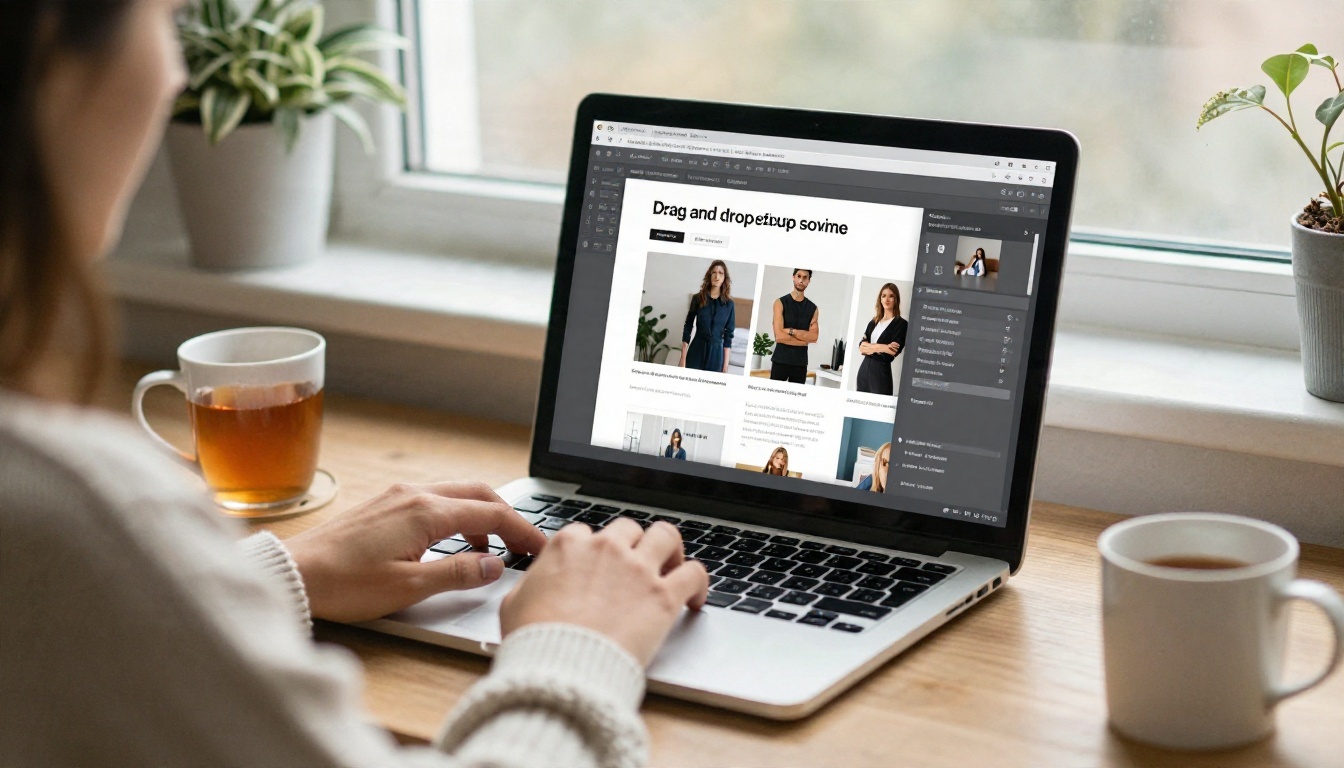
What "Free" Often Means
- Watermarks stamped on every page
- Page caps of 10 or fewer pages
- Public-only links with no password option
- Export blocked until you upgrade
- Links that expire after a trial period
Maker Types Side by Side
| Maker Type | Typical Free Limit | Strength | Weak Spot |
|---|
| Template design suites | Watermark or locked export | Beautiful layouts | Often static, not page-turning |
| Basic PDF viewers | Unlimited viewing | Simple | No branding, no tracking |
| Flipbook converters | Page or file limits | Real page-turn effect | Free tier can be small |
| Flipbooks AI | Start free, upgrade when needed | No watermarks, ever, plus embed and password options | Advanced tracking sits on the Professional plan |
If your brochure already exists as a PDF, the quickest route is the PDF to Flipbook Converter. If you want to design from scratch, build the pages in any design app, export a PDF and convert.
⚠️ Watch out: A watermark on a brochure sent to a client looks careless. Check the free tier for branding before you invest time in a long document.
How to Create an Interactive E Brochure with Flipbooks AI
Here is the full process, from file to finished link. It takes about ten minutes for a short brochure.

Step 1: Create Your Account
Head to Flipbooks AI and create an account. You can compare pricing plans later, once you have seen the result.
Step 2: Upload Your PDF
- Export your brochure from your design tool as a PDF. Keep images at a sensible resolution so the file stays light.
- Upload the PDF on the dashboard.
- Wait for conversion. Each PDF page becomes a flipbook page with a realistic turn animation.
Not sure which format suits you? Browse all flipbook tools and pick the one closest to your brochure type, such as the Brochure Flipbook Maker.
Step 3: Customise the Look
- Branding: Add your logo and set colours that match your identity. No watermark is ever added.
- Page effects: Choose the page-turn style and sound.
- Multimedia: Add video and audio to the pages where they help most, such as a hotel tour or a founder message.
- Links: Turn buttons and images into clickable links to booking, shop or contact pages.
Step 4: Set Sharing Rules
- Copy the direct link for emails and messaging apps.
- Grab the embed code to place the brochure on your website. The Embed Flipbook on Website page explains the options.
- Add password protection if the brochure is for clients only.
- Enable offline downloads if readers need the brochure without a connection.
Step 5: Track Results
On the Professional plan, you get analytics and lead generation. See how many people opened the brochure, how far they read and which pages held attention. Lead forms can ask for an email before the brochure opens, which suits gated offers.
💡 Pro tip: Put your most important page in the first three spreads. Analytics often show that readers drop off quickly after that.
Sharing Options That Get Opened
A beautiful brochure that nobody opens is wasted effort. Match the channel to the reader.
Direct Link
The simplest option. Paste it in an email, a chat message or a social bio. It opens instantly with no download, which matters for people on mobile data.
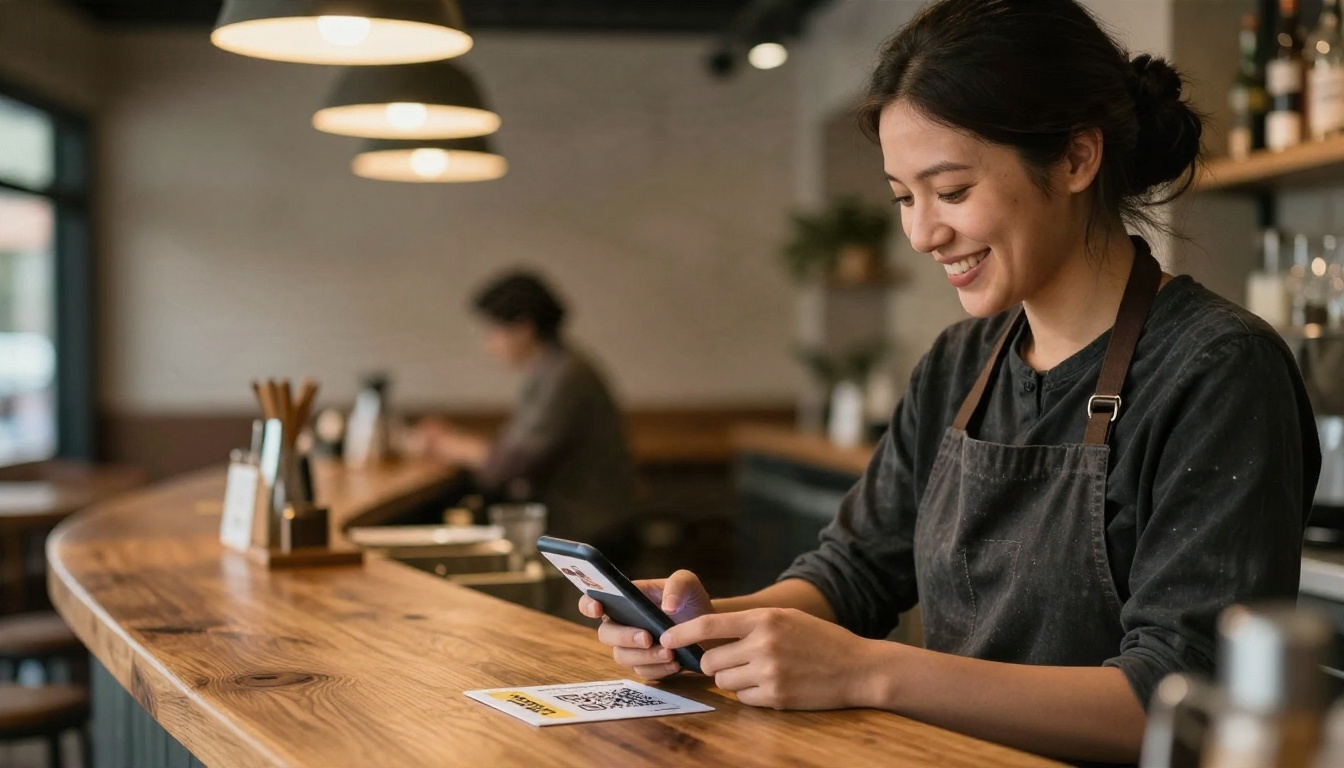
QR Codes
A QR code bridges print and digital. Put it on a table card, a shop window, a business card or a poster. The restaurant example earlier is the classic case: the code stays the same while the menu behind it changes.
Website Embed
Embedding keeps visitors on your site instead of sending them to a download. Paste the embed code into a page on your site builder and the flipbook appears inline, sized to fit your layout.
Email and Messaging
Rather than attaching a heavy file, send a short message with a link and a one-line reason to click. Subject lines that name the benefit ("Our spring rooms and rates") outperform generic ones ("Brochure attached").
Private Sharing
For proposals, investor decks or price lists meant for specific buyers, use a password and share it separately. This keeps the document out of search results and away from competitors.
| Sharing Method | Best For | Reader Effort | Trackable |
|---|
| Direct link | Email, chat, social bios | One click | Yes |
| QR code | Print, events, shop windows | One scan | Yes |
| Website embed | Landing pages, product pages | None | Yes |
| Password-protected link | Clients, investors, partners | Link plus password | Yes |
| Offline download | Travel, poor connectivity | One extra step | Limited |
Mistakes That Hurt Results
Even good tools cannot rescue a brochure that ignores how people read on screens. Watch for these.
Too Much Text
Dense paragraphs that work in print become a wall on a 6-inch screen. Cut each page to one idea. Move detail into a linked page.
No Next Step
Every brochure should end with a clear action. A phone number buried in small print is not one. Use a button-style link and repeat it on the last page.
Oversized Files
Images at print resolution can make a brochure slow on mobile. Compress photos before exporting your PDF, and keep videos hosted or short.
Never Testing on a Phone
Open your finished brochure on at least one phone and one laptop before sending it. Check link taps, video playback and text size.
⚠️ Warning: Do not publish a brochure with broken links. A dead booking button costs more than a missing page.
Ready to Publish Yours?
You now have the pieces: examples to borrow from, templates to start with, a clear view of what "free" really includes, and a sharing plan that matches your audience.
The fastest next step is to create your first flipbook and upload a PDF you already have. If you want to compare options first, review the pricing plans, or create an account and pick a plan when you are ready for analytics and lead capture. For more ideas by industry, browse the full list of tools and templates and choose the one that fits your brochure.



