A PDF sits in a downloads folder and gets forgotten. A flipbook gets opened, flipped through, and forwarded to a colleague. That gap is exactly why so many people now search for an interactive flip book maker: they want brochures, catalogs and magazines that feel like paper but behave like a website. Platforms such as Flipbooks AI turn a plain PDF into a page-turning experience that works on every screen, and you can try one without opening your wallet.
This article breaks down what free plans really include, which features deserve your money, how pricing tiers usually work, and what real online examples look like in different industries. By the end you will know which type of maker fits your project and how to publish your first flipbook in a few minutes.
What an Interactive Flip Book Maker Does
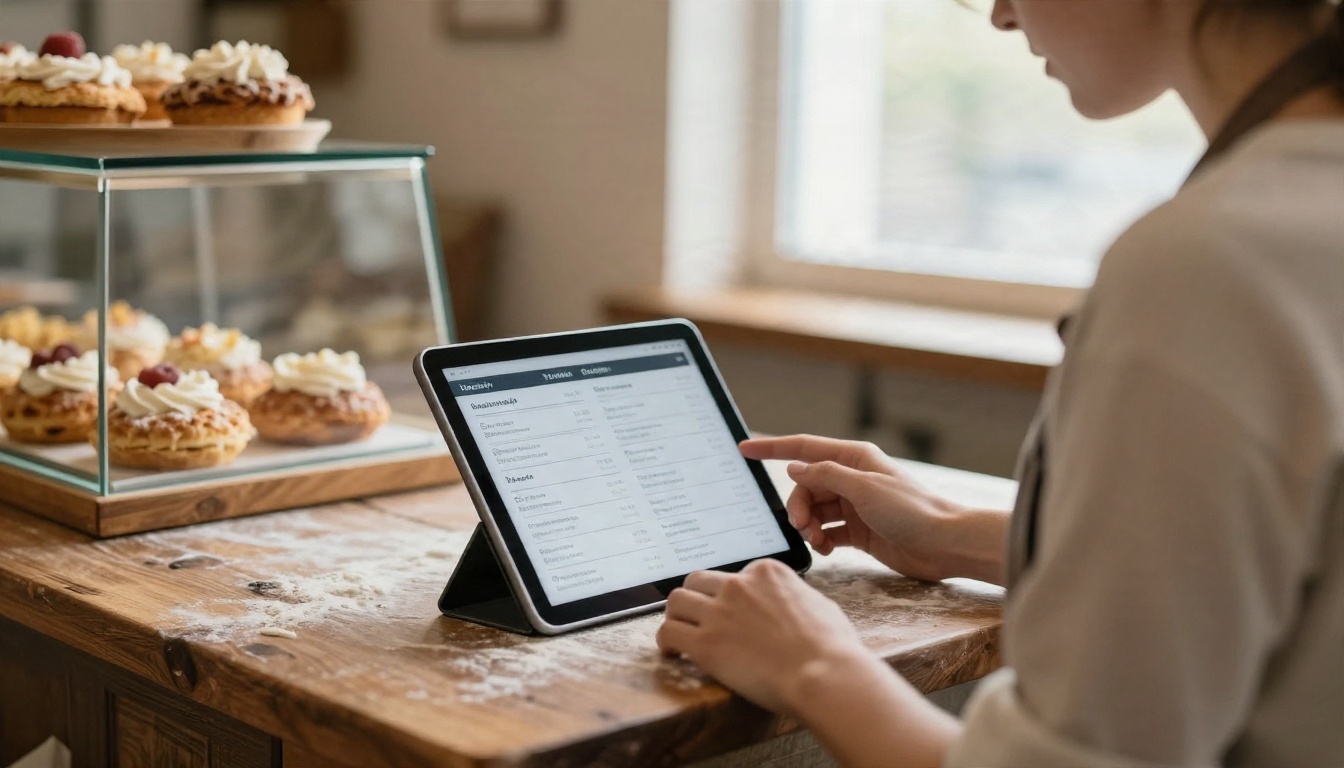
At its simplest, a flip book maker takes a static document and wraps it in a viewer with realistic page curls, zoom, search and sharing. The interactive part is what separates a modern tool from a basic PDF viewer. Readers can click links, play embedded video, listen to audio, jump to a chapter from a table of contents, and sometimes fill in a form without leaving the page.
Flipbook vs PDF: The Real Difference
A PDF is a file. A flipbook is a destination. You send a link, the reader opens it in a browser, and nothing needs to be downloaded or installed. That small shift changes how people behave with your content.
| Feature | Standard PDF | Interactive Flipbook |
|---|
| Opens in browser | Sometimes, with clunky controls | Always, with page-turn animation |
| Embedded video and audio | Rarely works | Plays inline |
| Mobile experience | Pinch and scroll | Responsive layout |
| Reading data | None | Views, time on page, clicks |
| Access control | File can be forwarded freely | Password and link control |
| Branding | Fixed | Custom colors, logo, background |
Who Actually Uses One
The audience is wider than most people expect. A small bakery publishes a seasonal menu. A real estate agent sends a property brochure before a viewing. A teacher shares a course booklet. A photographer presents a portfolio to a magazine editor. If your content already lives in a PDF, you are a candidate.
💡 Pro tip: If you can export it as a PDF from Canva, InDesign, Word or Google Docs, you can turn it into a flipbook. You do not need to redesign anything.
Free Options and Their Limits

Free is attractive, and in this category it is usually real, but it comes with trade-offs. Before you commit hours to a project, check what the free tier takes away.
What Free Plans Usually Include
Most free flipbook makers let you upload a PDF, get a shareable link and view your finished result in a browser. Some add basic page-turn effects and a simple table of contents. For a one-off document, such as a menu you update twice a year, that may be all you need.
Where Free Plans Fall Short
The limits tend to cluster in the same places:
- Watermarks stamped on every page or in the viewer corner
- Page caps that block longer catalogs and reports
- Limited number of flipbooks per account
- No custom branding, so your colors and logo are missing
- No analytics, so you never learn who opened your document
- Ads or promotional banners shown to your readers
Watermarks are the biggest issue for professional use. A branded sales brochure with another company's logo on it sends the wrong message. This is why Flipbooks AI has a firm rule of no watermarks, ever, and you can check what is included in each plan on the pricing page.
Free vs Paid at a Glance
| Need | Typical Free Plan | Paid Plan |
|---|
| Share a single document | Yes | Yes |
| Remove watermarks | No | Yes |
| Unlimited flipbooks | No | Yes, on higher tiers |
| Custom branding | Limited | Full |
| Password protection | Rare | Common |
| Analytics and lead capture | No | Pro tier |
| Offline download | No | Yes |
⚠️ Warning: Always test the free version with your real PDF, not a sample. Image-heavy files expose page caps and compression limits much faster than a two-page demo.
Features Worth Paying For

Not every feature is equal. Some look impressive in a demo and rarely get used. Others quietly decide whether your flipbook looks professional or amateur.
Must-Have Features
- Mobile-responsive design. More than half of readers will open your link on a phone. The flipbook should adapt to a single-page view automatically.
- Custom branding. Your logo, your colors and your background should frame the content, not the vendor's.
- Embedded multimedia. Video and audio turn a product page into a short demo.
- Clickable links and a table of contents. Readers should reach what they want in two taps.
- Fast loading. A beautiful flipbook that takes ten seconds to open loses readers before the first page turn.
- Password protection. Essential for price lists, internal training manuals and client proposals.
Nice-to-Have Features
- Sound effects for page turns
- Search inside the document
- Social sharing buttons
- Offline downloads for field teams without reliable internet
- Embed codes for your own website, which you can set up with the Embed Flipbook on Website tool
Features for Business Users
If the flipbook exists to generate revenue, look at analytics and lead capture. Knowing that a prospect spent four minutes on your pricing page is far more useful than a raw download count. On Flipbooks AI, analytics and lead generation sit in the Professional plan.
| Feature | Casual Use | Business Use |
|---|
| No watermark | Nice | Required |
| Mobile-responsive | Required | Required |
| Custom branding | Nice | Required |
| Password protection | Optional | Important |
| Analytics | Optional | Required |
| Lead generation forms | Not needed | Valuable |
| Offline download | Optional | Helpful |
Pricing: What You Actually Pay
Flipbook pricing looks confusing because vendors measure value differently. Some charge by the number of flipbooks, others by pages, storage or monthly views. The simplest way to compare is to match plan tiers to what you need.
How Pricing Tiers Usually Work
| Tier | Best For | What You Typically Get |
|---|
| Free | Testing and one-off sharing | Basic viewer, limits on pages or projects |
| Standard | Freelancers and small teams | Unlimited flipbooks, no watermark, custom branding |
| Professional | Marketing and sales teams | Analytics, lead generation, offline downloads |
Exact prices change, so check the current numbers on the Flipbooks AI pricing page instead of relying on a screenshot from a review site.
Hidden Costs to Watch
- Per-flipbook fees that punish you for publishing more often
- Storage overage charges on image-heavy catalogs
- View limits that lock your flipbook when a campaign succeeds
- Export fees for offline copies
- Annual-only billing that hides a higher real monthly cost
✅ Best practice: Calculate the cost per published flipbook over twelve months. A cheap plan with a three-flipbook cap can cost more than an unlimited plan if you publish monthly newsletters.
Is It Worth Paying?
Ask one question: will anyone outside my team judge this document? If clients, customers or investors will see it, a watermark-free, branded flipbook pays for itself quickly. If it is a private draft for two friends, stay on a free plan.
Online Examples by Industry

Seeing real use cases makes the feature list concrete. Here are scenarios where a flipbook beats a PDF attachment.
Real Estate and Hospitality
An agent can send a listing brochure with embedded walkthrough video and a clickable floor plan before the first viewing. Hotels use the same approach for room guides and event packages. Try the Real Estate Brochure or Hotel Brochure tools if that sounds like your workflow.
Food, Retail and Fashion
A restaurant menu that changes weekly is a perfect flipbook, because you update the PDF and the link stays the same. Boutiques can publish a seasonal lookbook that customers flip through on their phones in the fitting room.
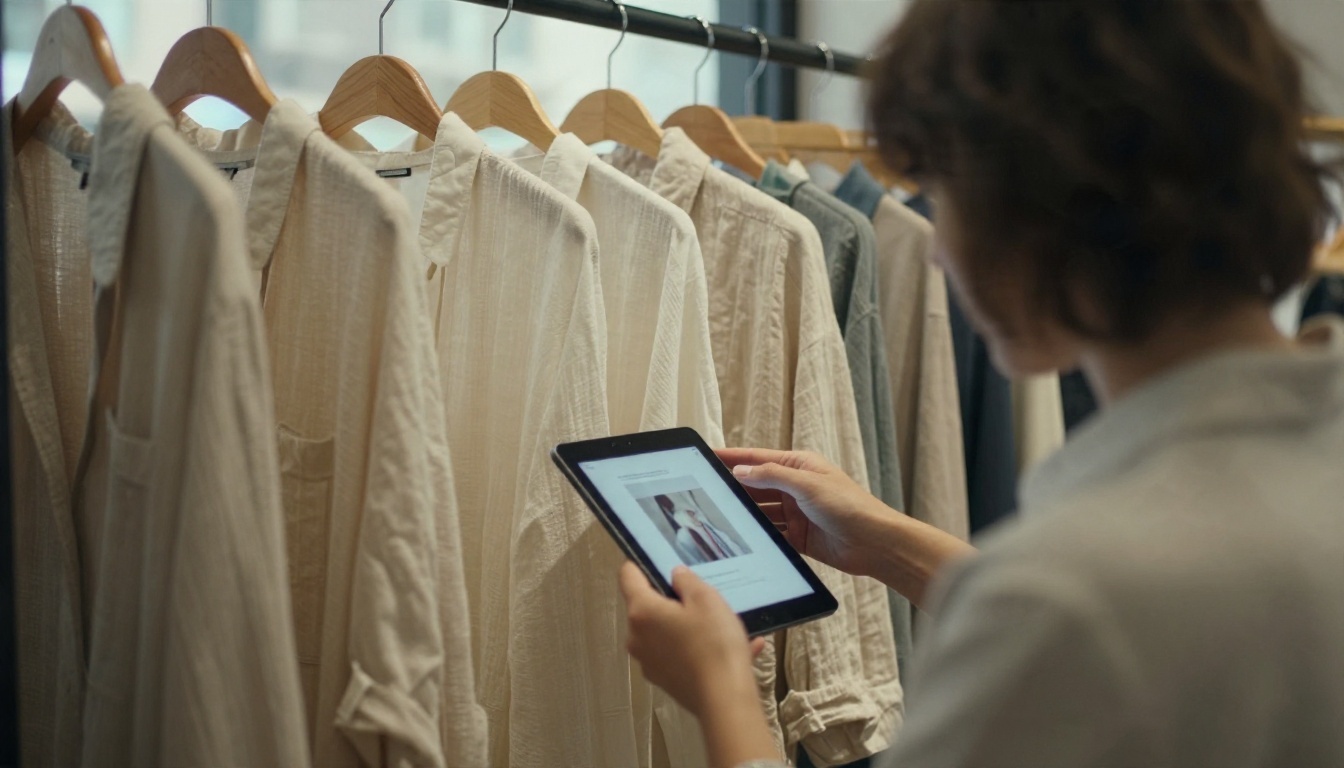
Relevant tools include the Restaurant Menu Creator, the Interactive Lookbook Designer and the Product Catalog Generator.
Creative Portfolios

Photographers and designers need their work to look polished without handing over a heavy file. A flipbook portfolio loads quickly, keeps images sharp and gives you a single link to place in an email signature. See the Photography Portfolio and Digital Portfolio Creator options.
Education and Training

Schools publish newsletters and yearbooks. Companies publish onboarding manuals that new hires can open on the first day. The Course Material Publisher and Training Manual Flipbook tools are built for this.
Example Summary
| Industry | Typical Document | Feature That Matters Most |
|---|
| Real estate | Listing brochure | Embedded video |
| Restaurants | Menu | Easy updates, same link |
| Fashion | Lookbook | Visual quality on mobile |
| Photography | Portfolio | Image sharpness |
| Education | Course booklet | Password protection |
| B2B sales | Presentation | Analytics and leads |
How to Create a Flipbook with Flipbooks AI

The whole process takes only a few minutes once your PDF is ready. Here is the exact path.
Step-by-Step Tutorial
- Open the platform. Go to Flipbooks AI and create an account. Signing up is quick and you can start with the basics.
- Upload your PDF. Drag your file into the upload area, or use the PDF to Flipbook Converter. Conversion runs automatically, and every page becomes a flippable spread.
- Customize the look. Add your logo, pick brand colors, set a background and choose the page-turn effect. Keep it subtle: a soft curl looks more professional than a dramatic flourish.
- Add multimedia. Place video, audio and links directly on the pages where they belong. A product demo clip beside the product photo works far better than a link at the end.
- Set access rules. Turn on password protection for private content such as price lists or client proposals.
- Share it. Copy the direct link, or grab the embed code and paste it into your website page. A responsive viewer adjusts to phones, tablets and desktops.
- Track results. On the Professional plan, use analytics and lead generation forms to see who reads what, and for how long.
💡 Pro tip: Name your file clearly before uploading. A PDF called spring-catalog-2027.pdf is far easier to manage later than final_v7_new.pdf.
Customization Checklist
- Logo placed in the top corner, not over page content
- Two brand colors maximum for the viewer interface
- Background that contrasts with page edges
- Table of contents linked to every major section
- Mobile preview checked before sharing
Sharing Options Compared
| Method | Best For | Notes |
|---|
| Direct link | Email, chat, social posts | Fastest to publish |
| Embed code | Website pages and landing pages | Keeps visitors on your site |
| Password-protected link | Internal or paid content | Share the password separately |
| Offline download | Trade shows, field staff | Professional plan |
Mistakes That Hurt Your Flipbook

A good tool will not rescue a careless document. These errors show up again and again.
Uploading Oversized Files
A 200 MB PDF with uncompressed photos loads slowly on mobile. Compress images to a sensible resolution before uploading. Readers will not notice the difference, but they will notice the speed.
Ignoring the Mobile View
Tiny text that looks fine on a laptop becomes unreadable on a phone. Use body text of at least 11 pt in the source file and check the preview on a real device.
Skipping Analytics
Publishing without measurement is guessing. If a catalog gets 400 views but nobody reaches page 12, you know where to rebuild the layout. That is the value of the Professional plan.
Choosing on Price Alone
The cheapest option can cost the most when it adds watermarks, page caps and forced upgrades after you have already shared the link. Check the limits first, then the number.
Pick Your Maker and Publish Today
An interactive flip book maker earns its place when it saves you time and makes your documents look better than a plain attachment. Start by listing what you need: watermark-free output, custom branding, mobile responsiveness, and analytics if the flipbook supports sales. Then match that list to a plan instead of the other way around.
Ready to create your first flipbook? Get started for free on Flipbooks AI, browse all flipbook tools to find the template that matches your project, and compare pricing plans when you are ready for unlimited flipbooks, analytics and lead generation. If you want to go straight to the point, upload a PDF and see the plans that fit it.



