You exported a beautiful PDF, emailed it to a client, and then watched it land in a downloads folder, unopened. That is the problem an interactive flipbook solves. It takes the same file and turns it into a page-turning experience that opens in a browser, loads fast on a phone, and can hold links, video and audio. The question most people ask next is simple: can you do it for free? With Flipbooks AI and a handful of other online makers, the answer is yes, with some limits worth knowing before you publish anything public. This article shows how free flipbook makers work, how to upload a PDF, what real examples look like, and where the free ride usually ends.
What an Interactive Flipbook Really Is
A flipbook is a digital publication that mimics a printed book or magazine. Pages turn with a curl animation, readers zoom in, and the whole thing lives at a web address you can share. The word interactive means the pages do more than sit there. A reader can click a product, play an embedded clip, jump to a chapter from the table of contents, or fill in a contact form.
Page Turns, Media and Links
Three things separate a flipbook from a stack of images:
- Page-turn animation that feels familiar, on desktop and touch screens alike
- Clickable links inside the pages, so a catalog entry can open a product page
- Embedded media such as video, audio and image galleries
- Search and zoom, so small print stays readable on a phone
💡 Pro tip: If your PDF already has working hyperlinks, a good converter keeps them. Check this before you rebuild anything by hand.
Flipbook vs Plain PDF
Plenty of teams keep sending PDFs because it is easy. Here is how the two formats behave in practice.
| Feature | Plain PDF | Interactive Flipbook |
|---|
| Opens in browser without download | Sometimes | Yes |
| Page-turn animation | No | Yes |
| Video and audio inside pages | Rarely works | Yes |
| Mobile reading experience | Pinch and scroll | Responsive layout |
| Track who opened it | No | Possible with analytics |
| Update after sharing | Resend the file | Replace once, same link |
| Password protection | Limited | Built in on most platforms |
The last row matters more than it looks. When a price changes, you replace the source file and the shared link stays the same. Nobody is stuck with last quarter's catalog.
Is a Free Flipbook Maker Really Free?
Mostly, yes, but "free" covers a range. Some tools give you a permanent free tier. Others offer a trial that expires. A few let you build for free and charge when you want to publish or remove branding. Read the plan page before you invest an afternoon in design.
Where Free Plans Usually Stop
Across the online flipbook market, these are the limits that appear most often on free tiers. Exact numbers vary by provider, so treat this as a checklist rather than a promise.
| Limit | What to expect on many free plans | Why it matters |
|---|
| Number of flipbooks | A small cap, often one to a few | Fine for a test, tight for a catalog library |
| Page count per file | Capped, sometimes at a few dozen pages | Long reports may not fit |
| File size | A maximum upload in megabytes | Image-heavy PDFs hit it fast |
| Watermark | Provider logo on every page or on the viewer | Looks unprofessional to clients |
| Custom domain | Usually paid | Your link carries the provider name |
| Analytics | Basic or none | Hard to see who read what |
| Password protection | Often paid | Private files may be exposed |
| Offline download | Often paid | No copy for events without wifi |
⚠️ Warning: A free tier that stamps a logo on every page is not always a dealbreaker for internal use. For anything customer-facing, it usually is.
Watermarks and Why They Matter
A watermark is the most visible price of "free". It tells every reader that you used a cheap tool, and it pushes traffic to a competitor's brand. Flipbooks AI takes a firm position here: no watermarks, ever. Check the pricing page for what each plan includes, such as unlimited flipbooks on Standard and above, and analytics and lead generation on Professional.
How to Create a Flipbook from PDF for Free
Here is the full process, from file to shareable link. It takes around five minutes for a short document. If you want a dedicated page for this step, the PDF to Flipbook Converter does exactly that.
Step 1: Open an Account and Upload
- Go to Flipbooks AI and create an account.
- Click the button to start a new flipbook.
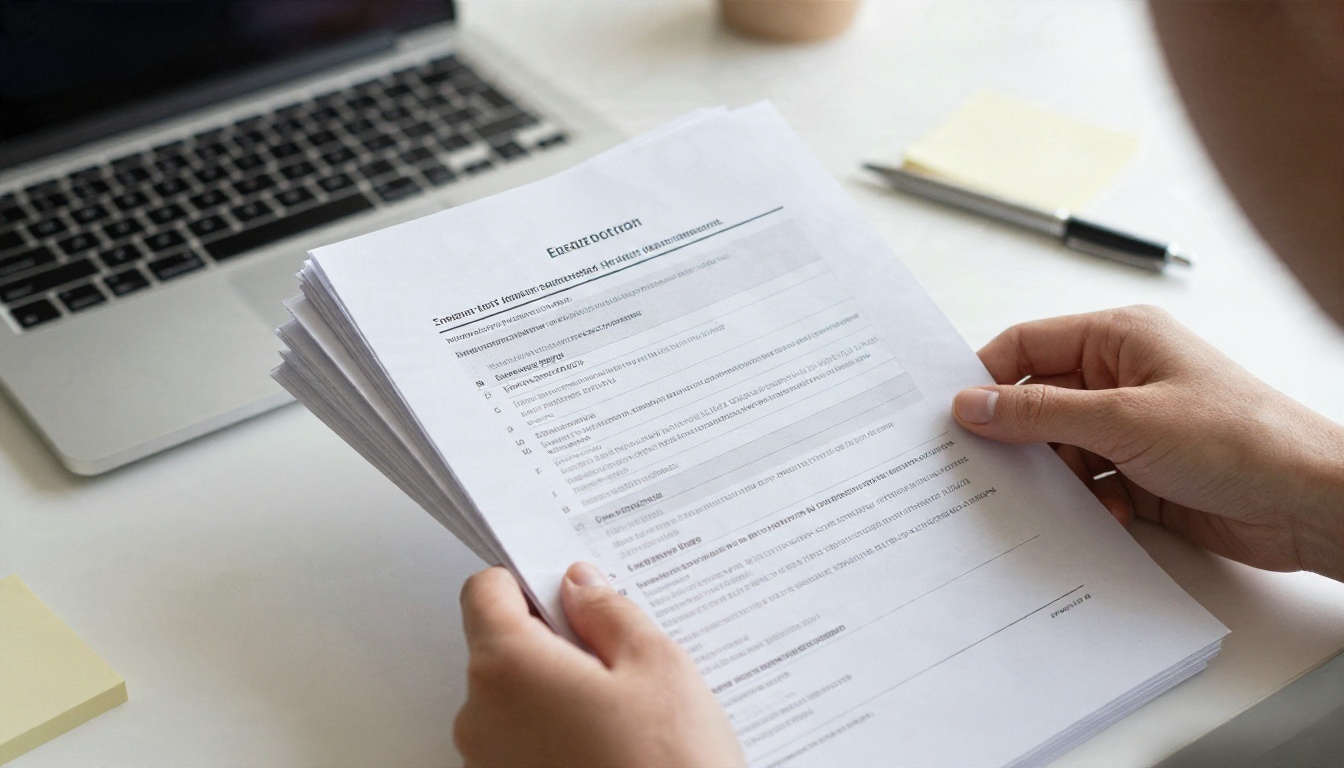
- Drag your PDF into the upload area, or pick it from your computer.
- Wait for the conversion. The system splits each page into a crisp image and keeps text and links intact.
💡 Pro tip: Export your PDF at 150 DPI or higher, in RGB. CMYK files meant for print can look dull on screen.
Step 2: Customize the Look
Once the pages load, you will see the editor. The usual options are:
- Custom branding: upload a logo and set the viewer's accent color
- Background: a solid color, gradient or image behind the book
- Page effects: choose the page-turn style and speed
- Multimedia: drop in video, audio or an image gallery on any page
- Table of contents: link chapters so readers can jump around
Keep the design restrained. A neutral background lets the pages do the work, and a single accent color that matches your brand looks more polished than five.
Step 3: Share and Protect
When the flipbook looks right, choose how to publish it:
- Direct link: paste it into an email, chat or social post
- Embed code: place the flipbook inside a page on your site (the Embed Flipbook on Website tool shows how)
- Password protection: limit access for client proposals or internal manuals
- Offline download: give people a copy for events or poor connections
Step 4: Track What Readers Do
On the Professional plan you get analytics and lead generation. You can see how many people opened the flipbook, which pages held their attention, and collect email addresses before a reader gets past a certain page. Read the plan comparison to see which tier fits your volume.
Interactive Flipbook Examples That Work
Abstract features are fine, but the real test is what people actually publish. These are the formats that perform best, with tools that fit each one.

Restaurant Menus and Price Lists
A cafe can post a menu flipbook on its site and print a QR code for each table. When the lunch special changes, the owner swaps the PDF once and every QR code shows the new version. The Restaurant Menu Creator and the Digital Price List Generator are built for this.
Catalogs and Lookbooks
A furniture shop can turn a seasonal catalog into a flipbook where each sofa links to its product page. A fashion label can show a lookbook with short video loops on key pages. Try the Digital Catalog Maker or the Interactive Lookbook Designer.
Reports, Manuals and Portfolios
Real estate agents send property brochures that open instantly on a phone. Photographers show a portfolio that feels like a printed book. Teams share training manuals that update without a new email. The Real Estate Brochure, Photography Portfolio and Training Manual Flipbook tools match these cases.
Limits to Check Before You Publish
Free tools hide their limits in small print. Spend ten minutes on these before you build anything you plan to keep.
File Size and Page Count
If your PDF is 200 MB because of uncompressed photos, a free plan may reject it. Compress images to around 1500 pixels wide before export. Most readers will not notice, and the file loads much faster.
Branding and Embeds
Ask three questions:
- Does the viewer show the provider's logo?
- Does the embedded version carry a banner or link back?
- Can you use your own colors and logo?
Privacy and Downloads
A public link is public. If the file contains prices, contracts or personal data, use password protection and keep the link out of search results. Also decide whether readers may download the PDF. Some tools allow downloads by default, which is great for brochures and bad for drafts.
✅ Best practice: Treat a free flipbook like a public web page. If you would not post it on your homepage, protect it.
Free vs Paid: Which One Fits?
This table gives a quick way to decide. It describes typical situations, not a promise from any single provider.
| Situation | Free plan enough? | Why |
|---|
| Testing the format with one document | Yes | Low risk, fast result |
| Personal portfolio or hobby zine | Usually | Small audience, low stakes |
| Client proposals | Rarely | Branding and privacy matter |
| Product catalogs with frequent updates | No | You need many flipbooks and clean branding |
| Lead capture and reporting | No | Needs analytics, usually a Professional feature |
| Events with weak wifi | No | Needs offline downloads |
The pattern is clear. Free is ideal for proving the idea. Paid plans win when a flipbook becomes part of how your business sells or reports. Compare options on the pricing page when you are ready.
3 Common Mistakes With Free Flipbooks
- Uploading a print-ready file without checking it on a phone. Tiny type that works on A4 paper is unreadable on a five-inch screen. Increase body text to at least 11 points.
- Ignoring the share link. The link is the product. Test it in a private browser window, on mobile data, and on a friend's device before you send it to a client.
- Forgetting to plan updates. If the content changes monthly, choose a tool that lets you replace the file and keep the same link.
⚠️ Warning: Do not rely on a free account to host the only copy of a document. Keep the source PDF in your own storage.
Questions People Ask Most
Can I make an interactive flipbook free without a watermark?
It depends on the provider. Some always stamp their logo on free output. Check the plan page and a sample flipbook before you commit.
Does a flipbook work on phones?
A responsive flipbook adapts to the screen, so pages stay readable on a phone, tablet or desktop.
Can I embed a flipbook on my own website?
Yes. Most platforms provide an embed code you paste into a page. Free plans sometimes add a banner to embeds.
What file types can I upload?
PDF is the standard. Export from Canva, InDesign, Word, PowerPoint or Google Docs and upload the result.
Is a flipbook good for search traffic?
The flipbook page itself can rank if it has a clear title, a short description and text around it. Add an intro paragraph on the page where you embed it.
Start Your First Flipbook Today
You already have the hard part: a finished PDF. The rest takes a few minutes. Create your free account on Flipbooks AI, upload the file, style it with your colors, and share the link. Browse the full list of flipbook tools if you want a template built for menus, catalogs, portfolios or reports. When your project grows and you need analytics, password protection or unlimited flipbooks, compare plans and upgrade without rebuilding anything.



