Your menu is the most-read page your restaurant owns, and for most places it is either a laminated sheet that smells of last Friday's fryer or a PDF that diners pinch and zoom on a phone until they give up. An interactive flipbook restaurant menu fixes both problems. It keeps the look of a real printed menu, adds a realistic page turn, opens from a QR code on the table, and drops into your website with a single snippet. If you want to see how fast it can work, Flipbooks AI turns the PDF you already have into a flipbook in a few minutes.
This article walks through what the format is, which templates suit which venues, how to build one step by step, and how to get it in front of diners through QR codes and your site.
The Hidden Reprint Bill
Every price change, seasonal dish or sold-out special means a reprint. A single-page laminated menu is cheap. A 12-page bound menu with photos is not, and most owners reprint more often than they admit. Add the staff time spent wiping, replacing and re-sorting menus and the true cost climbs fast.
A flipbook has no reprint cost. You edit the source file, upload it again, and the same link and QR code show the new version. The table card on table 14 never changes.
What Diners Expect Now
Guests already scan codes at restaurants, so they expect the menu to open fast, read well on a small screen and not ask them to download anything. A flat PDF fails the second test. Tiny text, sideways scrolling and slow loads are the top complaints, and they hit hardest in the exact moment a guest decides what to order.
💡 Pro tip: Check your current menu on a mid-range phone over mobile data, not office Wi-Fi. If you have to zoom to read the prices, your guests are zooming too.
A flipbook menu is a digital publication built from your menu pages. Diners swipe or click to turn pages, and each page curls the way paper does. It is responsive, so it fits a phone, tablet or desktop without a separate design for each.
How 3D Page Flip Works
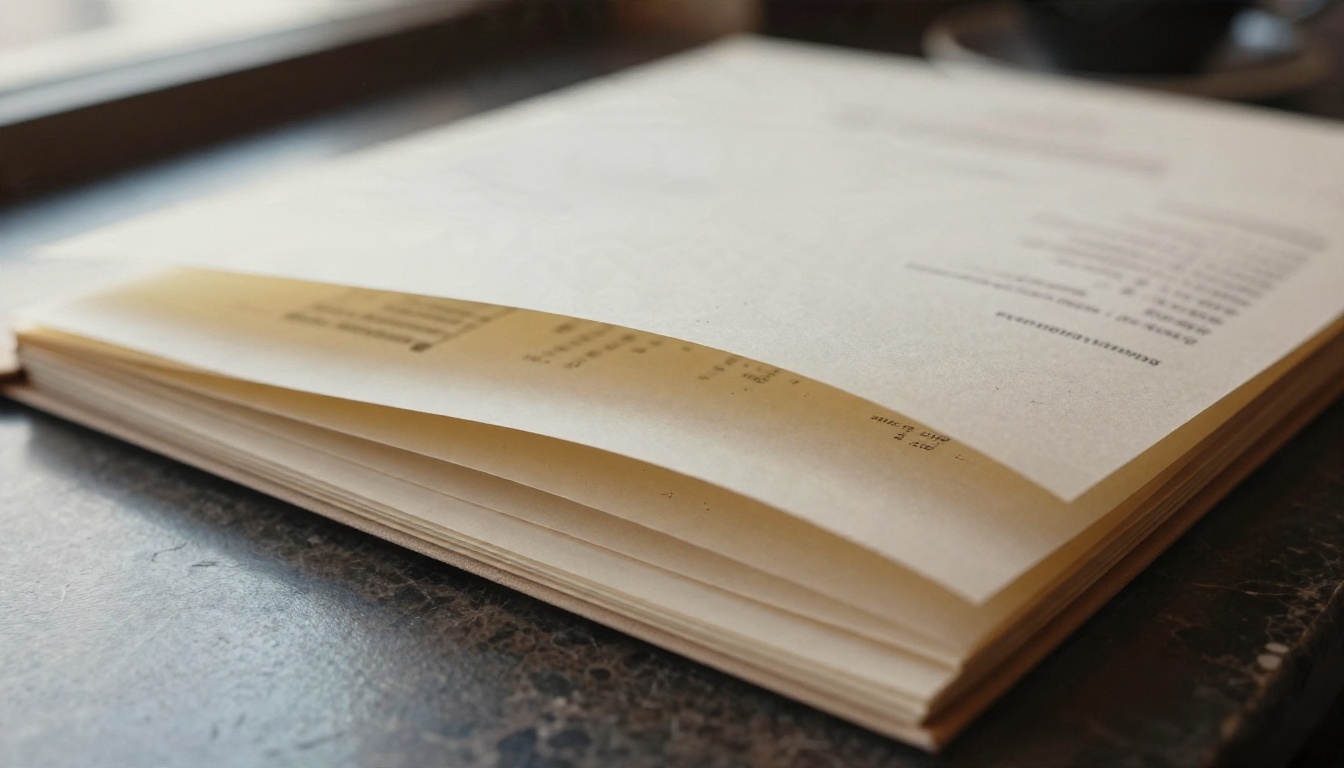
The 3D page flip is a visual effect that renders each page as a surface that bends, casts a soft shadow and reveals the next spread underneath. It is not just decoration. The motion tells diners what to do without instructions: grab a corner, pull, and the next course appears. People who would never scroll a 10-page PDF will happily flip through a menu that feels like a book.
Flipbook vs PDF vs Menu App
Not every format fits every restaurant. Here is how they compare in daily use.
| Feature | Flat PDF | Menu App or Ordering Platform | Interactive Flipbook |
|---|
| Looks like a real menu | Rarely | No | Yes, with page curl |
| Works on any phone, no download | Yes | Often needs account | Yes |
| Edit without reprinting | Yes, but poor layout | Yes | Yes, same link |
| Embed on your website | Awkward | Limited | One snippet |
| Links, video and audio inside | Basic links | Varies | Yes |
| Monthly cost for small venues | Free | Often high plus fees | Low, no per-order fees |
| Setup time | Minutes | Days or weeks | Minutes |
The short version: a flipbook gives you the brand feel of a designed menu with the speed of a PDF, without the commissions that ordering platforms attach.
Templates That Fit Your Venue
A template saves you from staring at a blank page. Start from a layout that already handles columns, dish photos, price alignment and allergen icons, then swap in your own text and brand colors. The Restaurant Menu Creator is built for exactly this, and the Menu Flipbook Designer is the better fit if you already have a finished design to bring in.
Fine Dining and Bistros
Think generous white space, serif type and a single hero photo or none at all. A tasting menu works well as a short flipbook of 4 to 6 pages: welcome, courses, pairings, desserts, a closing page with your story. Keep prices small and the descriptions short.
Cafes and Bakeries
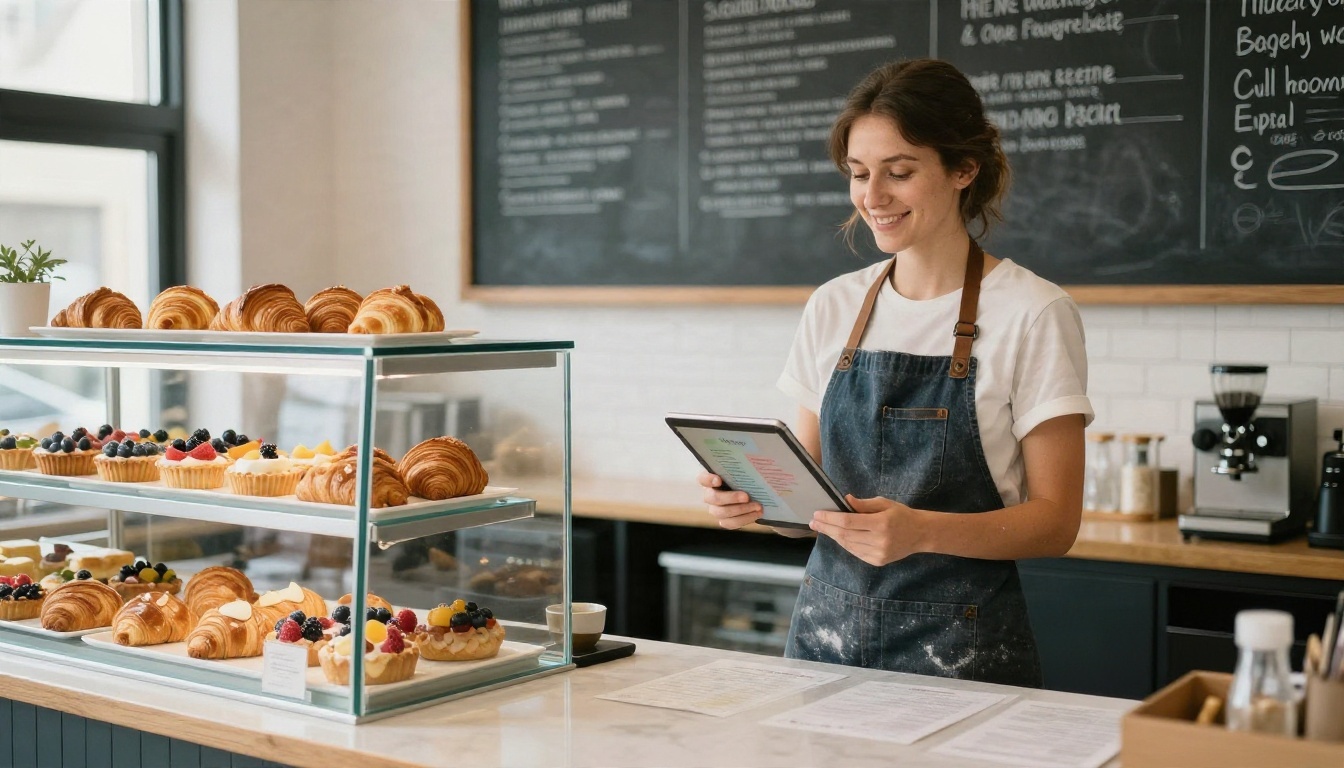
Cafes need speed. Use a bright layout with large item names, a photo grid for pastries and a dedicated page for plant-based and gluten-free options. A cafe owner can update the daily bake list every morning and the QR code on the counter never changes.
Bars, Hotels and Spas
Bars lean on cocktail pages with tasting notes and happy hour times. Hotels need room service, restaurant and bar menus in one flipbook. If you run a spa on the same property, the Spa & Wellness Menu tool handles treatment lists and pricing in the same format.
| Venue Type | Best Page Count | Layout Style | Must-Have Page |
|---|
| Fine dining | 4 to 6 | Minimal, serif type | Chef's story |
| Casual restaurant | 8 to 12 | Photo plus text | Kids and allergens |
| Cafe or bakery | 4 to 8 | Bright, photo grid | Daily specials |
| Bar or pub | 6 to 10 | Dark, bold type | Cocktail list |
| Hotel dining | 10 to 16 | Sectioned | Room service hours |
How to Create One Step by Step
You do not need a designer or a developer. If you have a PDF of your menu, even one exported from Canva or Word, you are most of the way there. Here is the process with Flipbooks AI.
Upload Your PDF
- Create an account at Flipbooks AI and open your dashboard.
- Click to add a new flipbook and upload your menu PDF. The PDF to Flipbook Converter turns each page into a flippable spread.
- Wait a moment while the pages convert. Check that fonts, prices and photos look sharp.
⚠️ Warning: Export your PDF at a high resolution and set page size to portrait or square before uploading. A blurry source file gives a blurry flipbook.
Customize Look and Feel
Once the pages are in, set the experience around them:
- Custom branding: add your logo, pick a background color that matches your walls or signage.
- Page effects: keep the 3D page flip on, choose a soft shadow and a realistic page sound if you like.
- Layout: single page view on phones, double spread on larger screens. Responsive design is built in.
- No watermarks: your menu carries your brand only, never ours.
Add Links, Video and Audio
This is where a flipbook beats a PDF. Add a link on each dish to a reservation page, a wine producer's website or a gift voucher. Embed a short video of the chef plating the signature dish or an audio clip of the sommelier's pairing notes. Flipbooks AI supports video and audio inside pages, so the menu does more than list food.
| Step | Time Needed | Result |
|---|
| Upload PDF | 1 to 2 minutes | Pages converted |
| Branding and effects | 5 minutes | Menu matches your venue |
| Add links and media | 10 minutes | Dishes link to bookings, video, audio |
| Publish and test | 5 minutes | Shareable link ready |
QR Codes for Tables and Windows
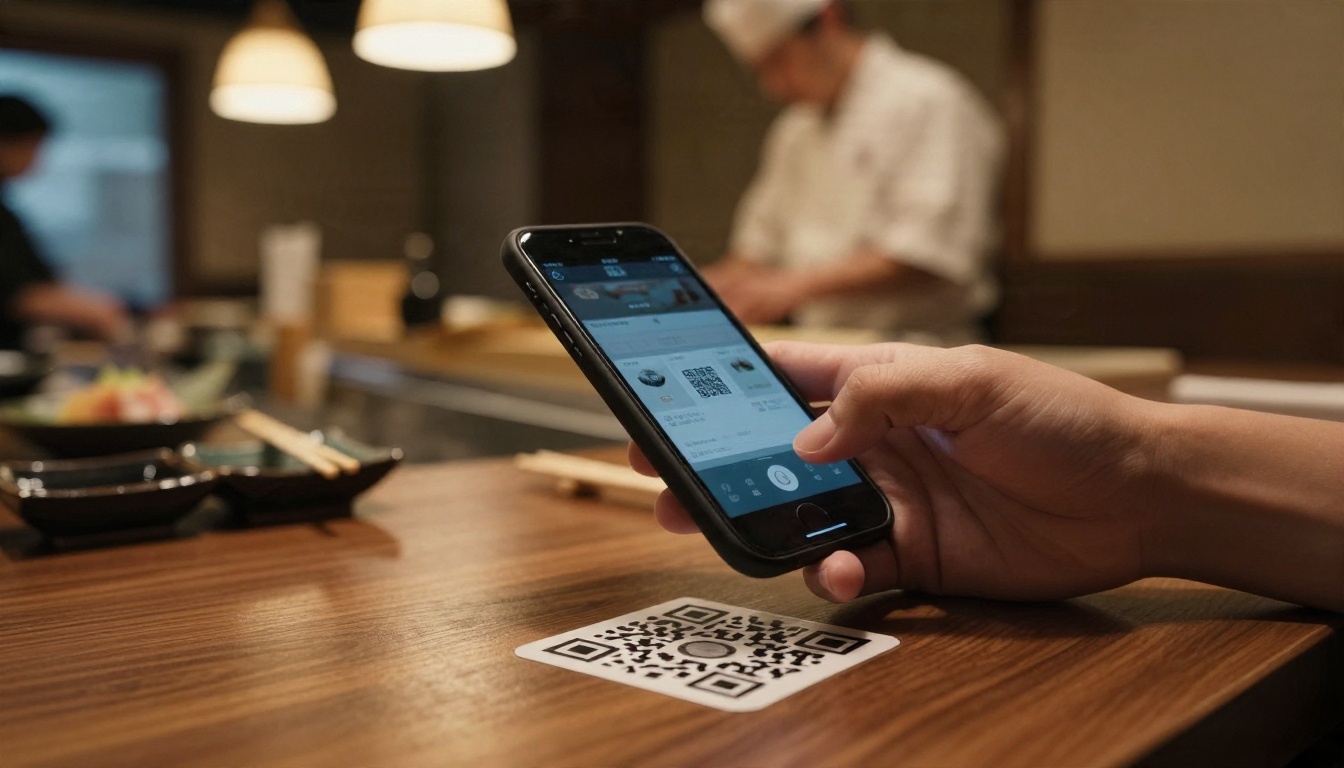
A flipbook only works if guests can reach it in one tap. A QR code is the shortcut. The link to your flipbook is permanent, so you print the code once and update the menu behind it as often as you like.
Placement That Gets Scans
Where you put the code matters as much as the code itself.
- On the table: a tent card or a small engraved plate at eye level beside the salt and pepper.
- On the window or door: passers-by can read the menu before they walk in, which helps walk-in traffic.
- On receipts and takeaway bags: repeat customers reorder from the same menu.
- On the bar: drinkers often order the second round from their phone.
Add a short line next to every code, such as "Scan for the menu". Without it, some guests will not know what the square is for.
Static or Updatable Codes
| Option | How It Works | Best For |
|---|
| Static link QR | Code points to your flipbook link directly | Single venue, stable link |
| Short link QR | Code points to a short redirect you control | Printed signage that must never change |
| Multiple codes, one per menu | Lunch, dinner, drinks, kids | Large venues with separate menus |
✅ Best practice: Test every printed code on both an iPhone and an Android phone before you order 200 tent cards. Print the code at least 2 cm wide and keep strong contrast between the code and its background.
Website Embed Without Developer Help
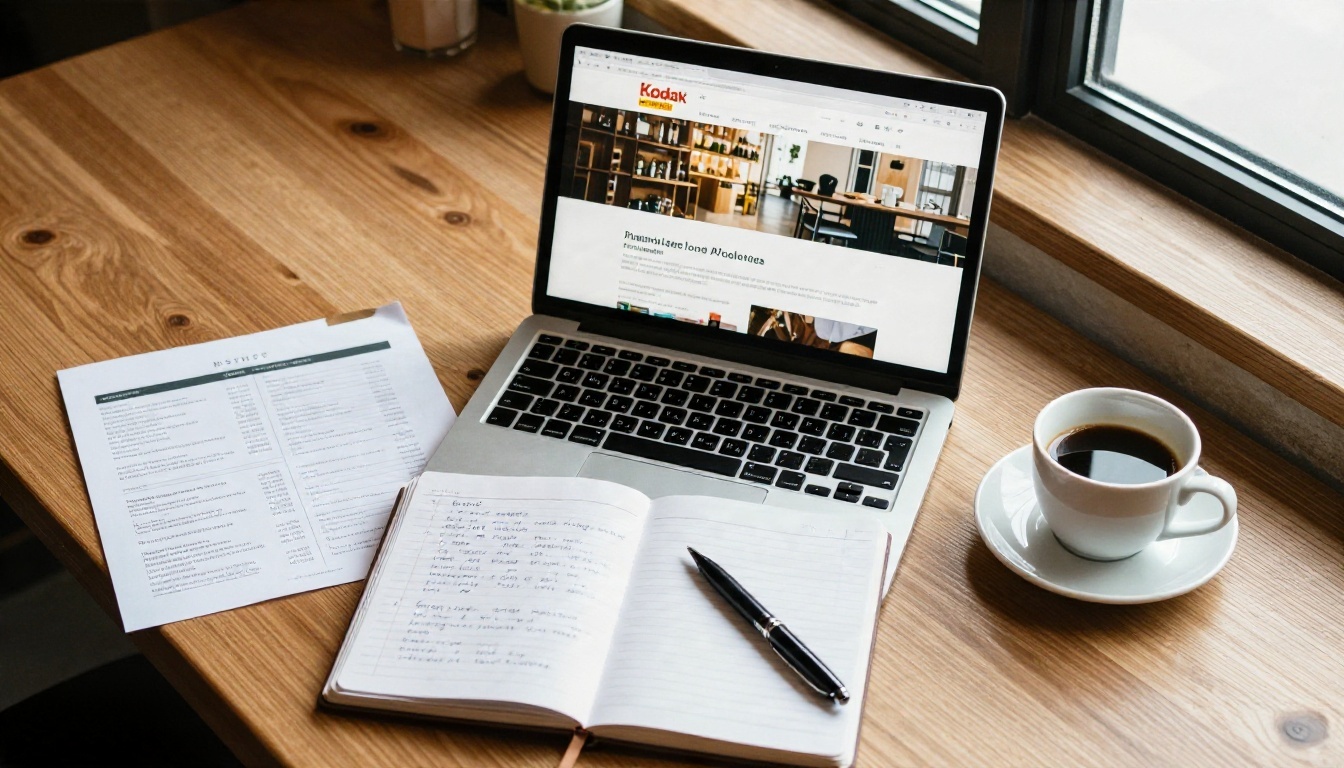
Your website should show the menu on the page, not send people to download a file. With an embed, the flipbook sits inside your page and diners flip it without leaving your site.
Copy and Paste the Embed Code
- Open your published flipbook and choose the share option.
- Copy the embed code.
- Paste it into a custom HTML block in WordPress, Wix, Squarespace, Webflow or any site builder.
- Preview on mobile, then publish.
The Embed Flipbook on Website tool explains the options for width, height and full-screen mode. Because the flipbook is responsive, it resizes with the page.
Link It Everywhere Else
Not every guest starts on your site. Add the direct link to:
- Your Google Business Profile menu field
- Your Instagram and TikTok bio
- Email signatures and booking confirmations
- Delivery platform descriptions where links are allowed
If you want a lock on a private menu, such as a chef's table or a corporate event menu, use password protection so only invited guests can open it.
Track Scans and Collect Leads
A paper menu tells you nothing. A flipbook can tell you what people open, how long they stay and which pages get skipped. The Professional plan adds analytics and lead generation, so you can see views and capture contact details.
What Analytics Show
- Views and unique readers per day and per week
- Time spent per page, so you know whether your wine list is being read
- Device split between phone, tablet and desktop
- Top referrers, so you can tell whether the table QR code or your website brings more traffic
A bistro owner might see that the dessert page is skipped by 70 percent of readers. The fix is simple: move desserts up, add a photo and a link to the dessert wine.
Capture Emails Without Being Pushy
Place a lead form near the end of the flipbook with a clear offer: a free coffee on your next visit, a birthday dessert or early access to seasonal menus. Because the diner is already engaged with your food, the form feels natural.
| Plan Feature | Standard | Professional |
|---|
| Unlimited flipbooks | Yes | Yes |
| No watermarks | Yes | Yes |
| Custom branding | Yes | Yes |
| Password protection | Yes | Yes |
| Offline downloads | Yes | Yes |
| Analytics | Basic view data | Full analytics |
| Lead generation forms | No | Yes |
See the current details on the pricing page before you pick a plan.
💡 Pro tip: Offline downloads let you give guests a copy of the menu for places with weak signal, such as basement bars or rural lodges.
Mistakes to Avoid Before Launch
Most flipbook menus that underperform share the same few problems.
- Too many pages. Ten pages is plenty. If your menu runs to 30, split it into food, drinks and desserts.
- Photos that do not match the plate. Guests notice. Use real photos of real dishes.
- No allergen information. Add a clear page or icons and keep them current.
- A QR code that is too small or too low. Print at a readable size and test it in dim light.
- Forgetting to update. Set a reminder. An old menu with old prices damages trust faster than a paper one because guests expect digital to be current.
A short real-world example: a family trattoria with 14 tables replaced its laminated menus with a 6-page flipbook, a tent card QR code on each table and an embed on its homepage. Seasonal changes now take a single upload instead of a print order, and the owners send the same link to their delivery listings.
An interactive flipbook restaurant menu gives you a designed look, a satisfying 3D page flip, a QR code that never needs reprinting and an embed that keeps visitors on your website. You can build one in an afternoon with the PDF you already have.
Your guests are already holding the phone. Give them a menu worth opening.



